In a previous article titled “RT-Thread Wild Step Debugging Method,” an example of step debugging on Ubuntu was demonstrated. The article did not specify which type of Link was used. This article will discuss the three most common Links (JLink, STLink, CMSIS-DAP Link) and how to use them on Ubuntu.
Let the Video Speak
Tools for This Article
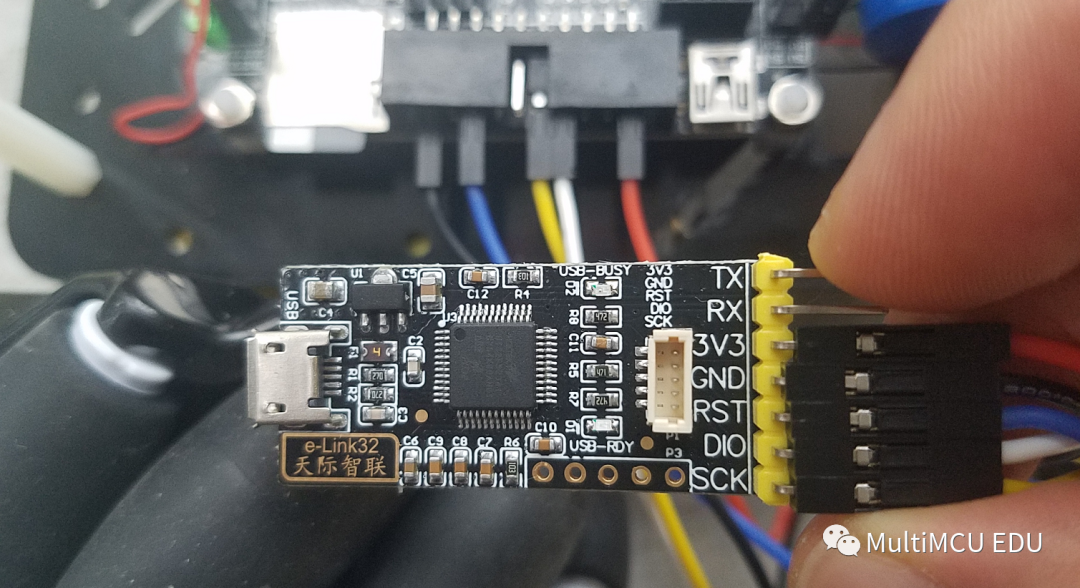
1. elink32 from Xiao Ma Ge
This elink32 from Xiao Ma Ge is of very high quality. When Sugar received it, it also came with a few very high-quality ultra-soft DuPont wires.
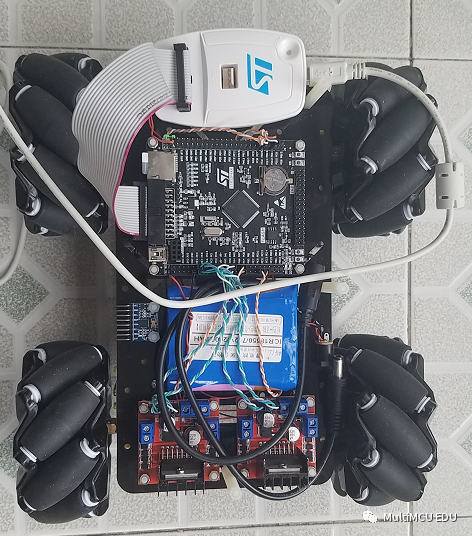
2. STLink
This is a classic STLink that many people have used.
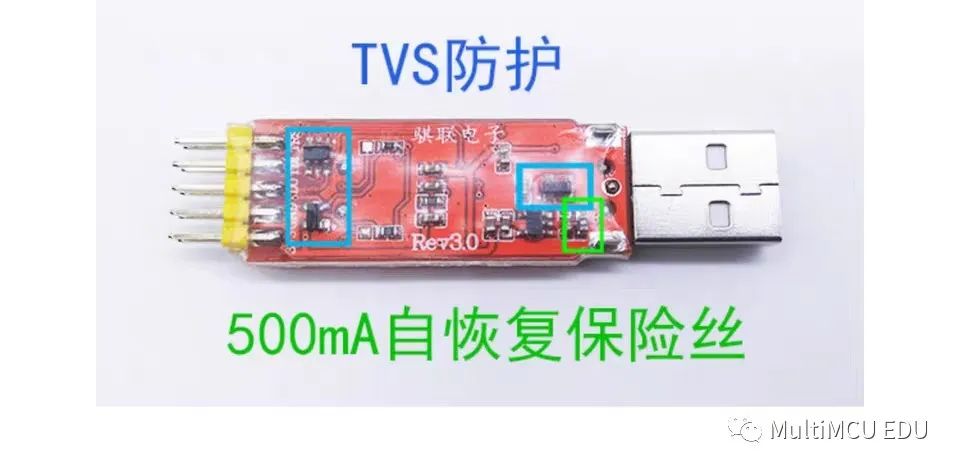
3. JLink
Connections
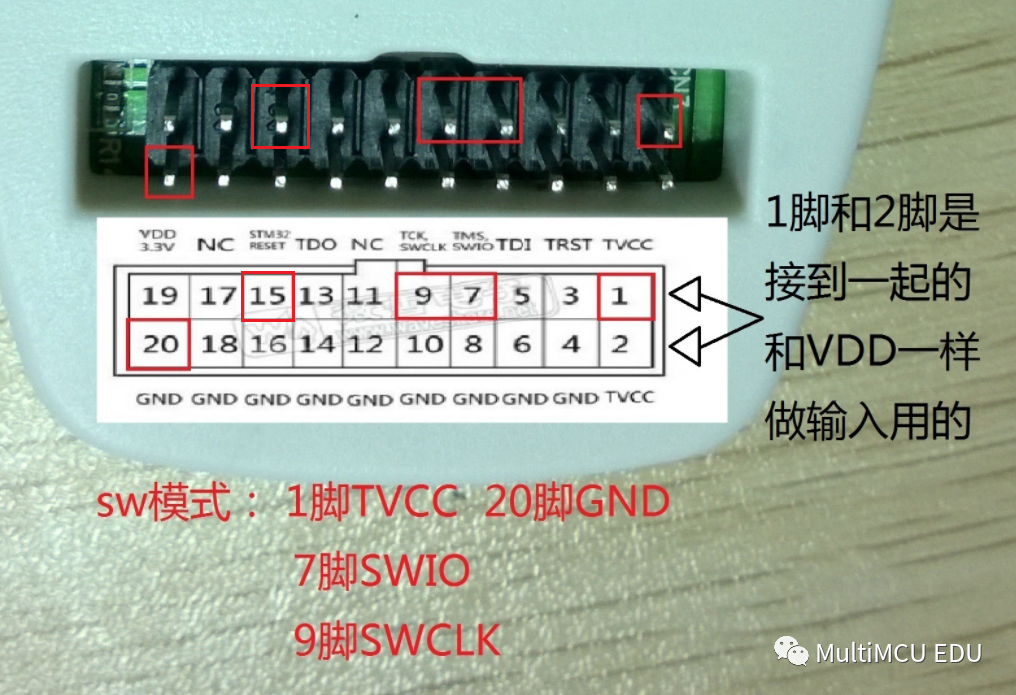
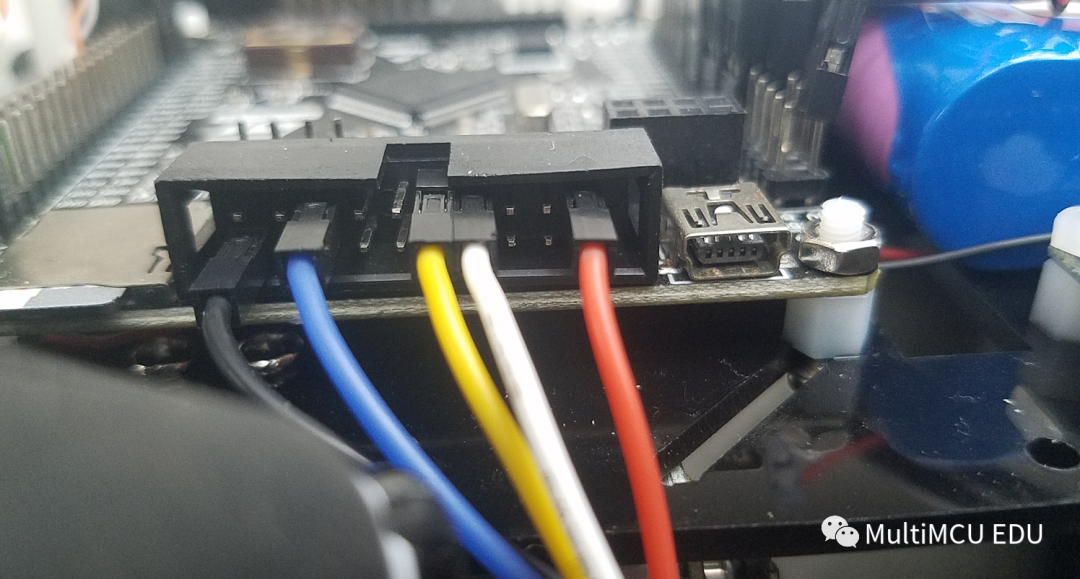
Except for the STLink interface that matches perfectly, the others require pin selection. Refer to the image below.
Software Configuration
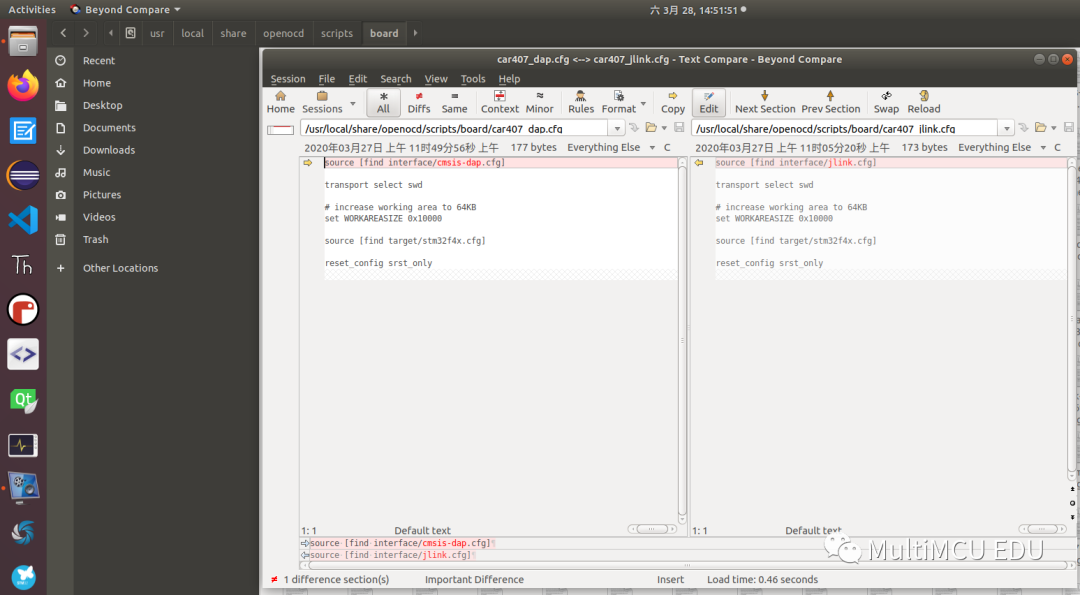
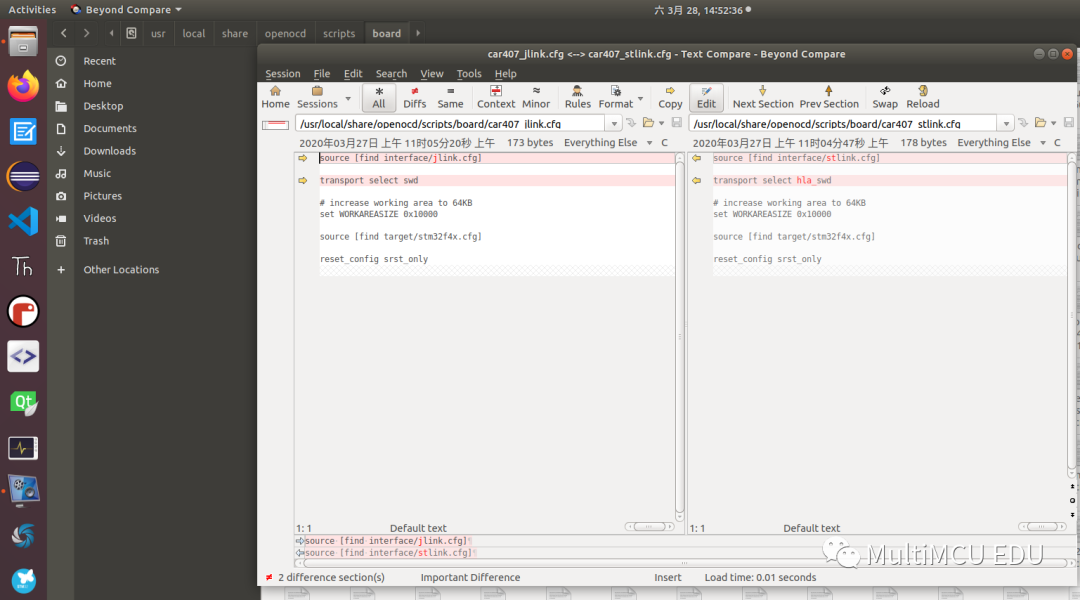
In the article “RT-Thread Wild Step Debugging Method,” the usage of the configuration file was provided. This article will present the content of the configuration file.
1. What are the differences between JLink, STLink, and DAP?
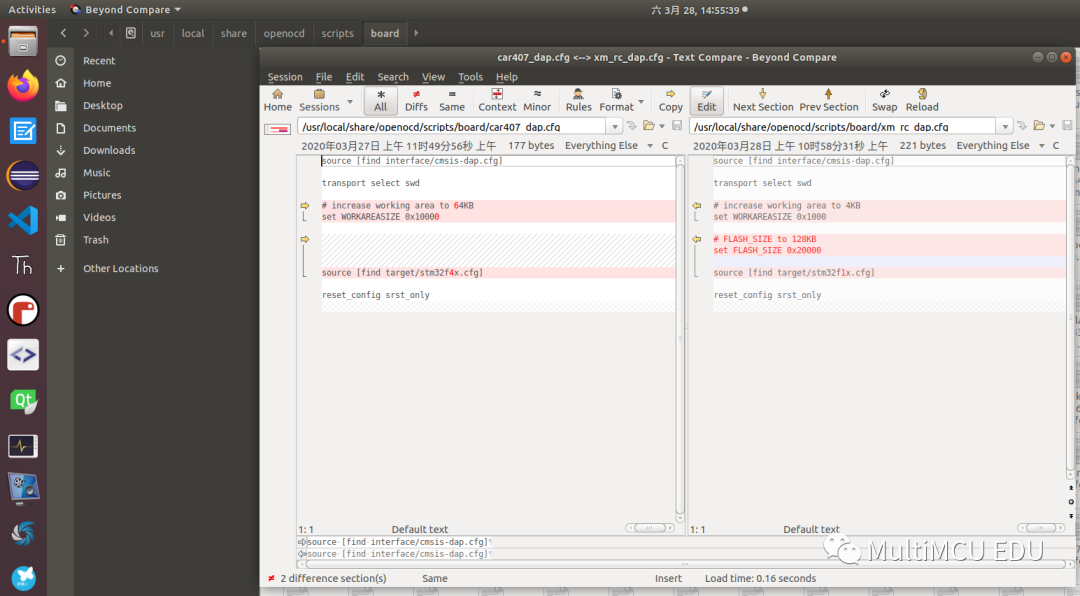
2. How to change the Flash size parameter like in stm32f103c8t6?
3. Where to place the configuration file?
PS
The above introduction to the configuration file only provided comparison images without text, as Sugar shared the configuration file via Tianyi Cloud Disk. Reply code in the public account backend to get the cloud disk link. Open the link to download openocd_board.zip and place it in the directory found in the above video. Sugar provided configuration files for Xiao Ma Ge stm32f103 remote control and stm32f407. For other MCU models, you can refer to similar files in the configuration file path for modifications.
Follow the Author
Feel free to scan the QR code to follow my public account MultiMCU EDU.