JLink Usage Tips: Merging Programming Files
Introduction
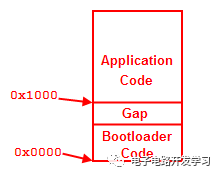
IAP (In-Application Programming) allows firmware to be upgraded conveniently over the network without disassembling the device after product release. The firmware in an IAP system generally consists of two parts: the BootLoader Code and the Application Code, stored in different starting address spaces:
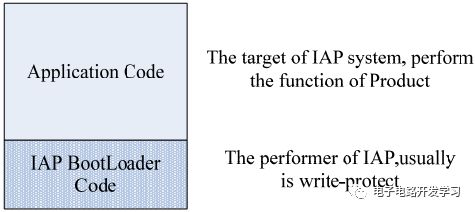
During system operation, the Bootloader program runs first to check the status and determine whether to execute the application program or upgrade the firmware. In actual development, these two programs are generally written separately, generating two Bin files. To facilitate the downloading process, these two files can be merged into one file, saving a lot of time. This article will introduce how to use JFlash to merge two Bin files or two Hex files.
Preparation
-
File to merge 1: bootloader.hex, starting address: 0x8000000
-
File to merge 2: app.hex, starting address: 0x20001000. If it is a Bin file, ensure the starting address is determined first.
-
JFlash software
Creating a Project
As with previous downloads, you first need to create a new project.
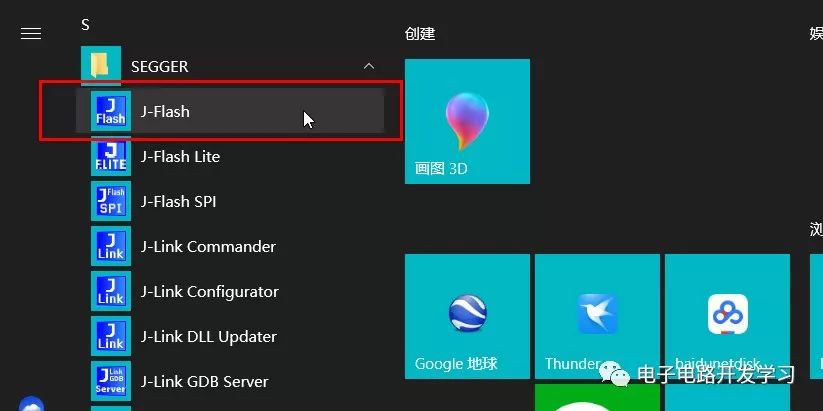
1. Open JFlash
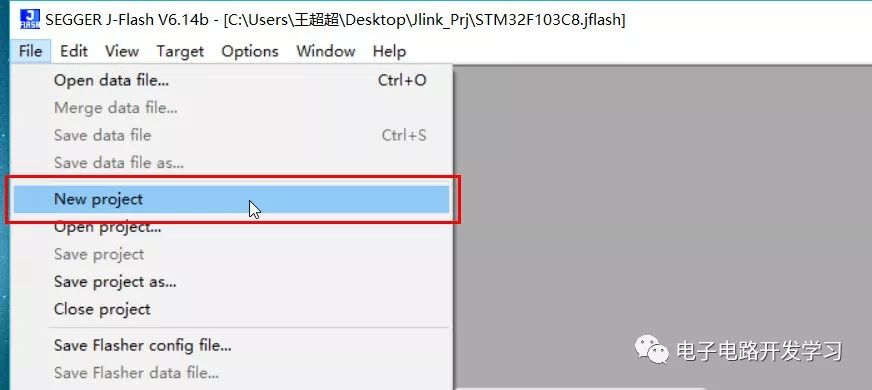
2. Create a New Project
Click File->New Project
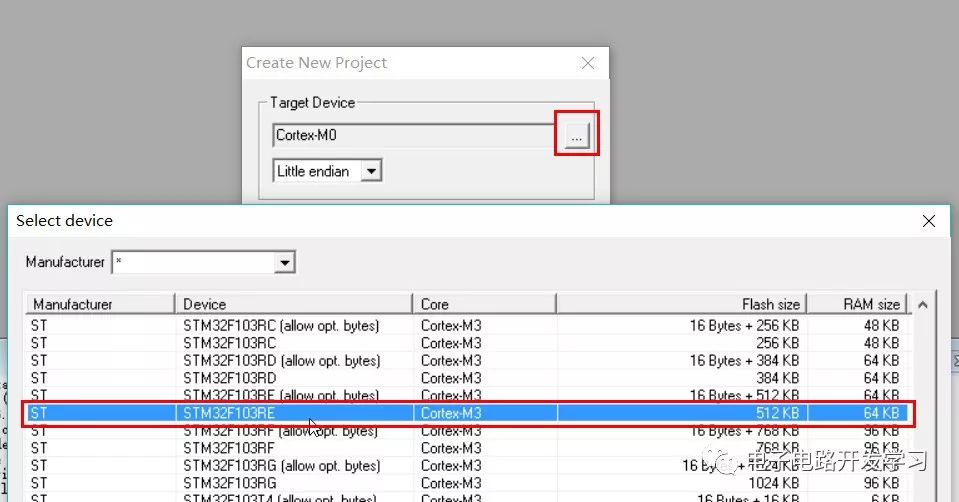
3. Select the Chip Model
This supports many ARM Cortex core chips. Select the corresponding chip; I am selecting the STM32F103RE series.
4. Open the Program File to Merge 1: bootloader.hex
Click File -> Open data file to open the bootloader program.
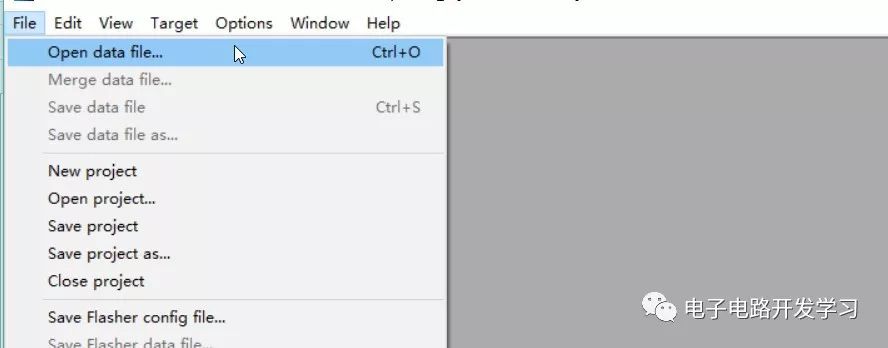
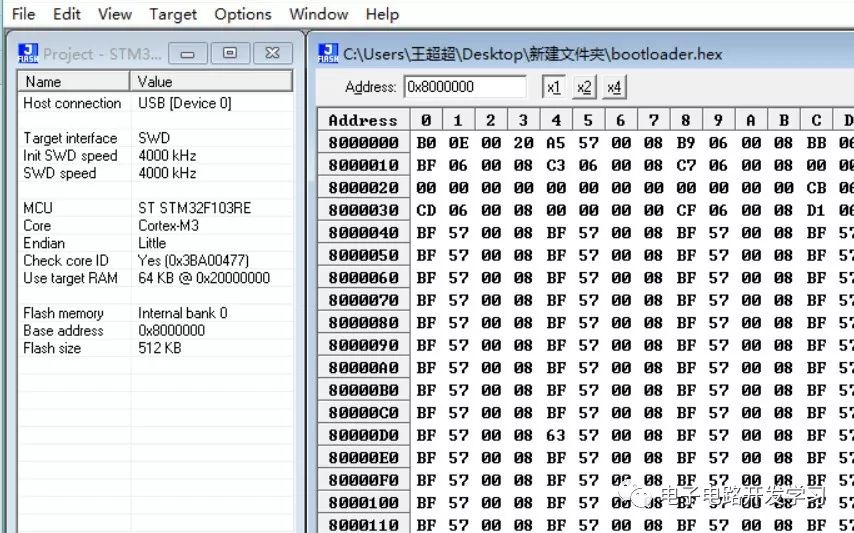
5. Open the Program File to Merge 2: app.hex
Click File -> Merge data file to open the app program.
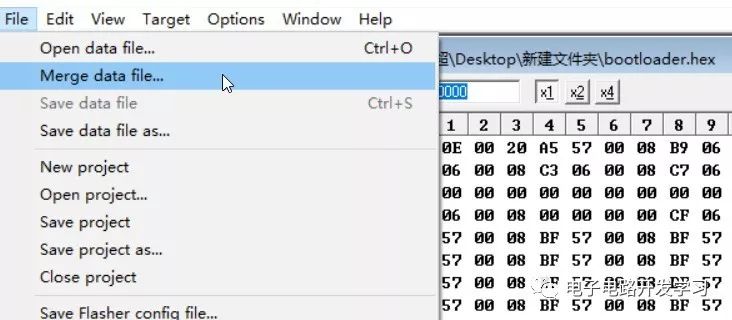
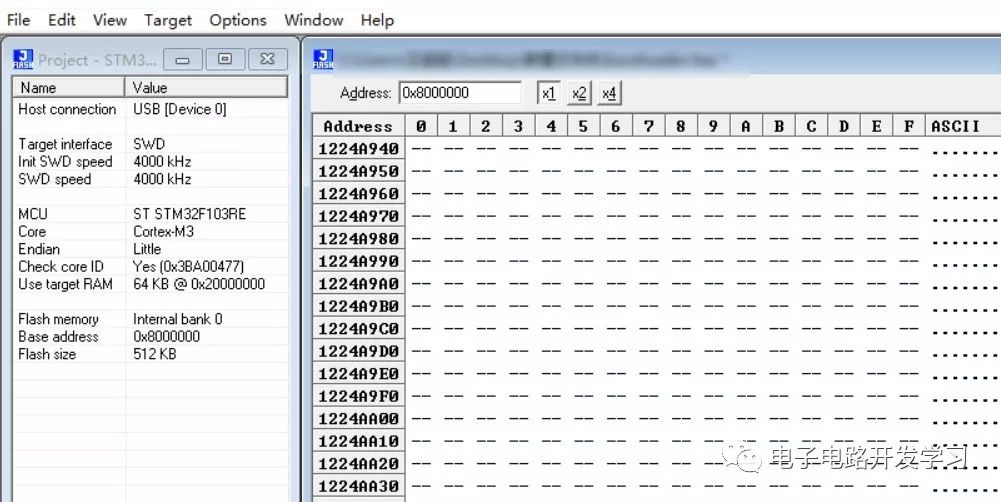
Ensure that the bootloader program’s starting address + bootloader code size does not exceed the app program’s starting address, as shown in the figure below:
6. Save the Merged File
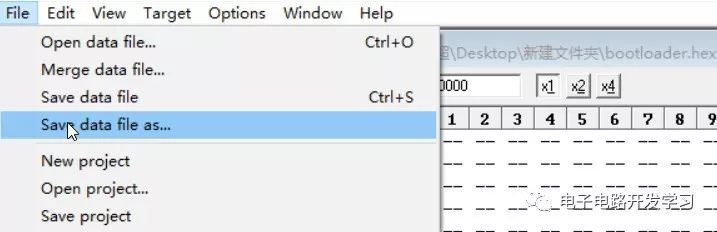
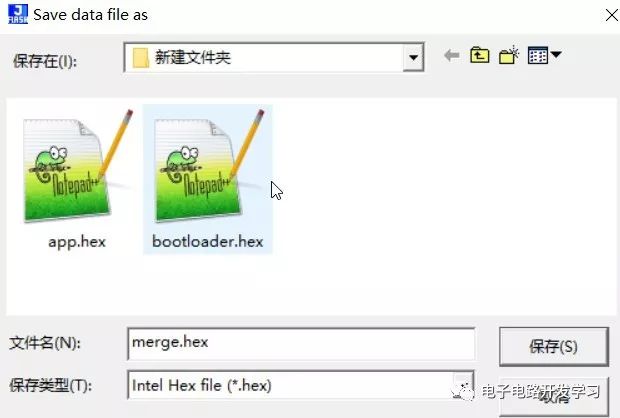
Click File->Save data file as to save the merged file. You can choose the file type you want to save based on your needs.
Note
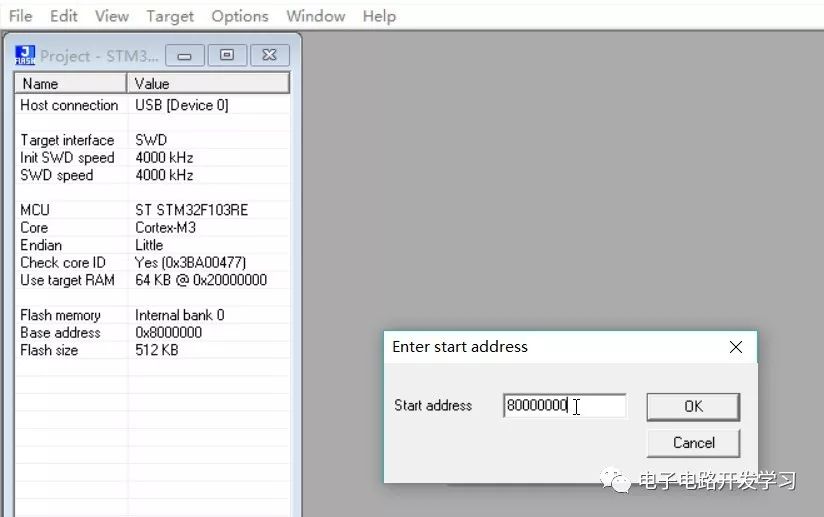
If the files to be merged are bin files, they do not carry address information, so you will need to specify the address. Be careful not to overlap addresses. Therefore, it is best to save various files in a format that includes address information, such as hex. For more on the differences between Hex files and Bin files, refer to the article: What Are the Differences Between BIN, HEX, AXF, and ELF File Formats?
Downloading JLink Software
JLink Windows V614b download link: Reply “JLINK” to the public account backend to obtain the download link for JLinkWindowsV614b.exe
JLink usage tips series articles:
-
JLink Usage Tips for Programming SPI Flash Memory
-
JLink Usage Tips for Virtual Serial Port Functionality
-
JLink Usage Tips for Reading Internal Programs of STM32
-
JLink Usage Tips for J-Scope Virtual Oscilloscope Functionality
-
JLink Usage Tips for Downloading HEX Files to Microcontrollers
Welcome everyone to follow my personal blog
or scan the QR code to follow my public account