When we write programs, we usually use JLINK to complete the operation. It must be said that JLINK is one of the most important tools in the embedded microcontroller industry.
However, we sometimes encounter situations where programming fails. Not long ago, I faced a situation where programming could not be completed. The specific situation is as follows.
A simple circuit, with the only important parts being the minimum system of the STM32F103 microcontroller and the JLINK programming port.
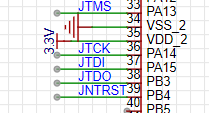
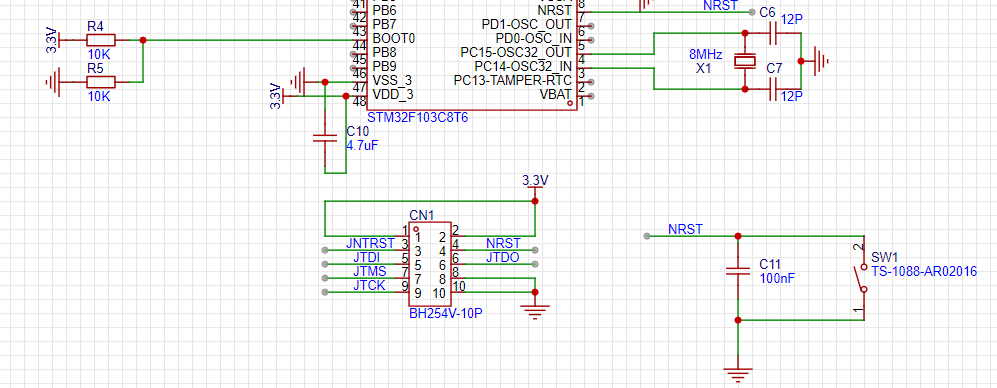
The basic circuit is shown in the above images.
JLINK is used for regular programming and has never been damaged.
Additionally, since my board uses a 10Pin port, I found a corresponding adapter board online.
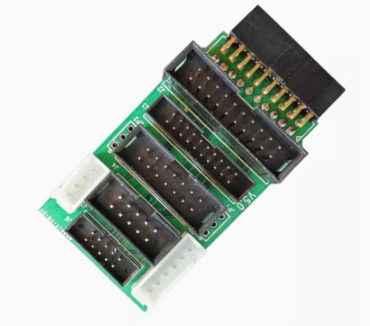
This board is very useful, so the board’s interface is directly drawn according to its pin correspondence. I connected JLINK to this board using a ribbon cable, making programming very convenient.
However, a strange thing happened; an error occurred during the programming process.
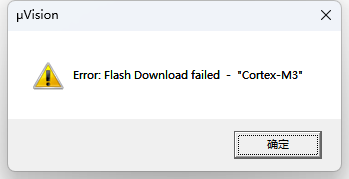
I checked the Debug tab, and the chip ID was recognized in the JTAG options.
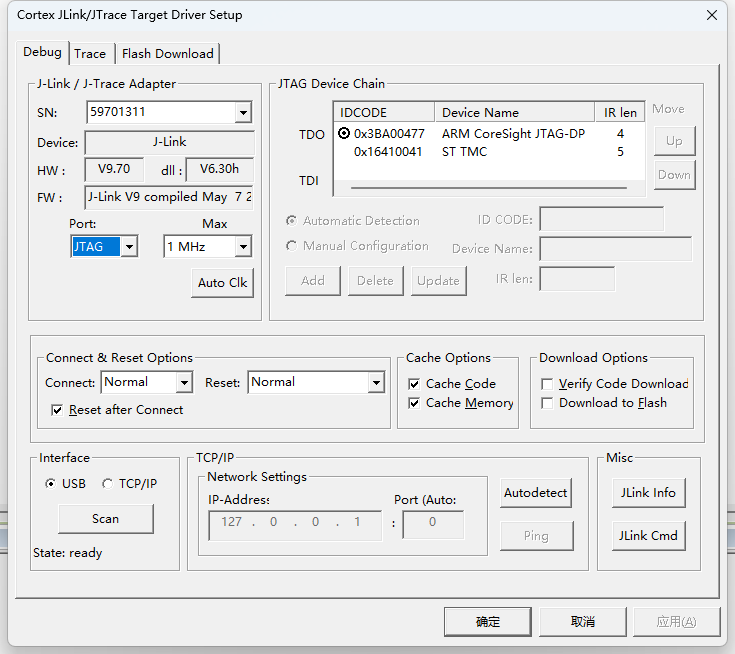
But no matter how many times I tried programming, the same error kept appearing.
So I changed my approach and decided to try the SWD method. However, things remained inexplicable; the chip ID was recognized successfully, but programming still did not work properly.
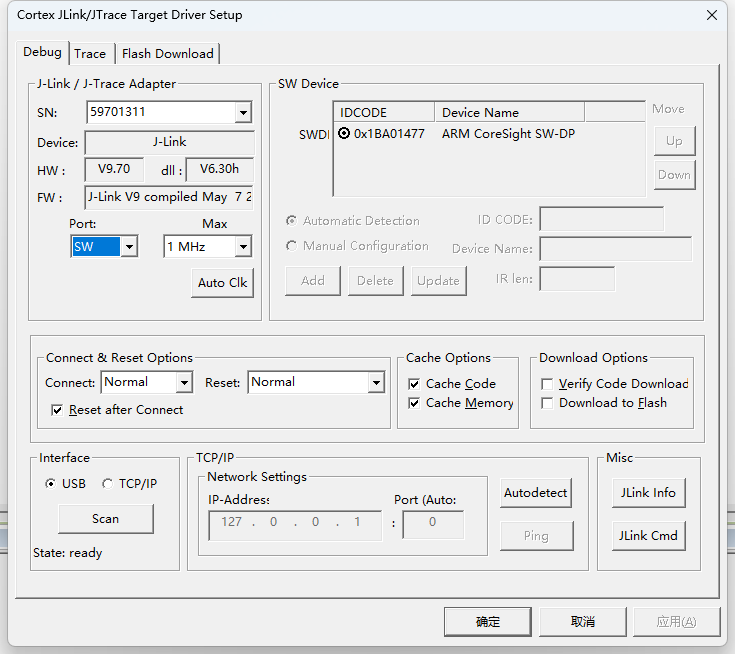

What is going on here?????
At this point, I wondered if the pins were incorrect. I measured the pins from the adapter board to the circuit board again, and there were no issues; they matched one by one. Moreover, during the programming process, I could see the programming progress bar, indicating that the pins were correct.
With no other options, I was fortunate to have an OB ARM emulator downloader, but it only supports SWD mode. So, I connected the wires one by one to the circuit board, and magically, it was able to program!
How could the powerful JLINK’s SWD fail to program while the OB ARM emulator downloader’s SWD could????
To verify whether there was a problem with JLINK, I thought of another method. I have an STM32 development board, which has a 20PIN interface, and I directly connected it to JLINK using a ribbon cable. I nervously clicked to program, and it worked! This indicates that the problem was not with JLINK, but likely with that adapter board.
After looking around, I couldn’t find anything unusual, as the adapter board had been validated and should not have such a problem.
Suddenly, I thought of another possibility: voltage! So, I reconnected the wires and measured the voltage on the circuit board, which was 1.9V! This was completely wrong; it should be 3.3V. Very strange. Upon rechecking the adapter board, I found that the 3.3V from the adapter board and the 3.3V from JLINK were disconnected. They could be connected using a 3-pin header with a jumper cap.
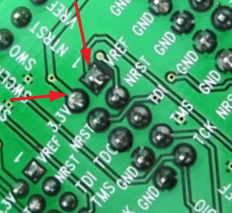
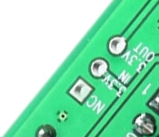
As shown, 3.3V IN is the 3.3V from JLINK, and 3.3V OUT is the output 3.3V from the adapter board. My board’s 3.3V and VREF are connected together, and when there was no jumper, it was as if JLINK’s VREF was powering the circuit board.
After soldering the header, I used a jumper cap to connect 3.3V IN and 3.3V OUT together, set up the board, connected the wires, and started programming.

As shown, the program was successfully programmed.
It seems that the issue was with the power supply of the circuit board. The insufficient power supply for JLINK’s VREF could be a problem with the JLINK circuit board or indeed a lack of power supply current. Therefore, for issues with programming the microcontroller, it is essential to first verify the power supply. If you encounter similar problems, you can refer to this article.