Today, while using MDK to program, a warning appeared. Initially, I didn’t pay attention to this issue because during actual testing, the program could be programmed normally and also debugged. However, later a colleague encountered this warning repeatedly during debugging, which affected normal testing, so I decided to investigate!

**JLink Warning: Mis-aligned memory write: Address: 0x20000000, NumBytes: 2, Alignment: 2 (Halfword-aligned)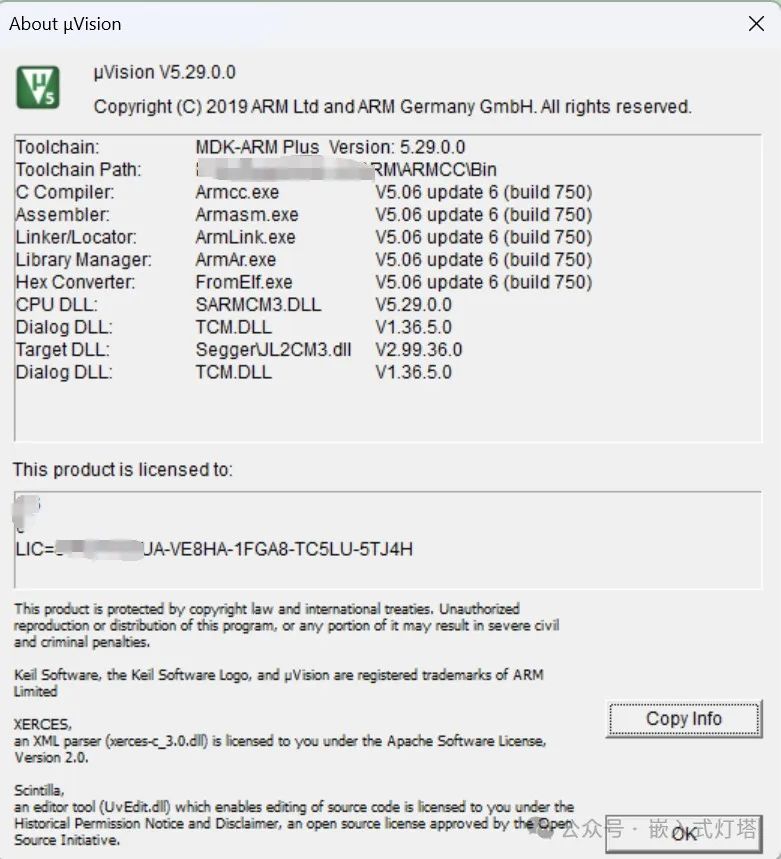
Cause Analysis:Since both my colleague and I have newly replaced WIN11 system computers and used the same installation package, there are two possibilities: one is system or version compatibility issues, and the other is an installation problem. This includes but is not limited to issues such as version cracking, antivirus interference, missing installations, conflicts with other software, etc. Let’s continue investigating!


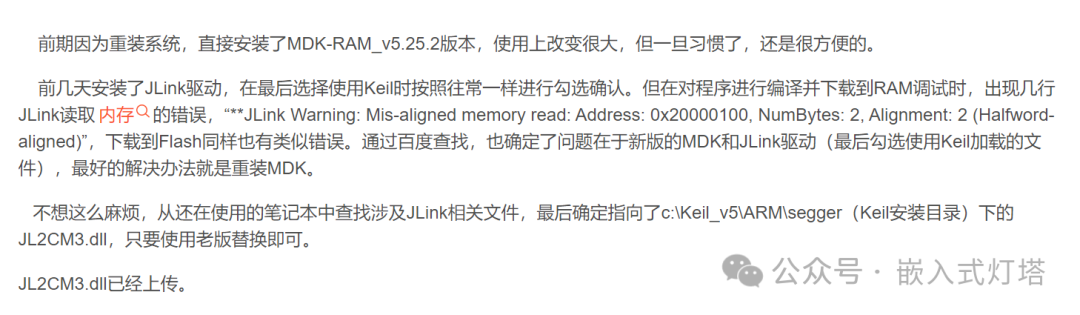

After trying various methods without success, it seems I can only resort to: reinstalling MDK!
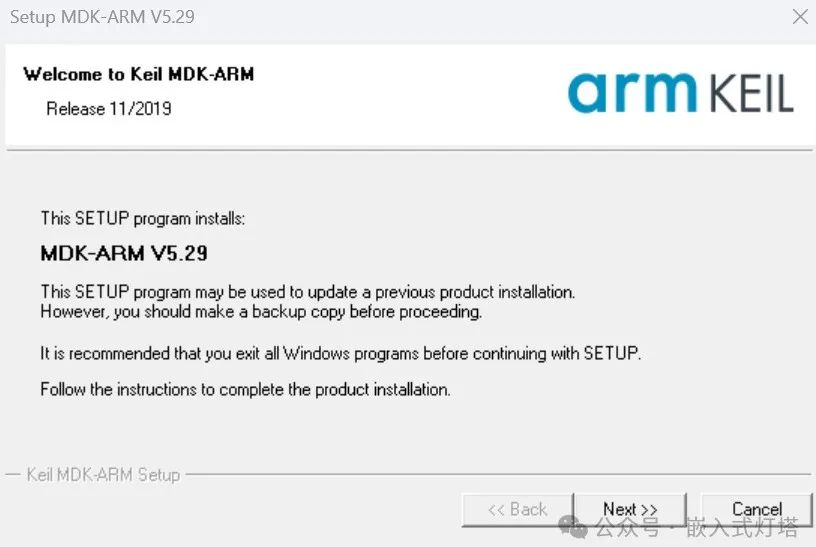
Alright, this installation was completed quickly, and I didn’t even need to crack it. Huh, why wasn’t there a driver installation prompt? When we installed KEIL, we suddenly realized that during the first installation, there was a prompt to install the JLINK driver, and we had clicked ‘OK’ at that time… Let’s try it out, and indeed, that warning has disappeared now. We were troubled by such a small operation for so long…
Could it have been due to clicking that prompt? I searched online, but surprisingly, there were no conclusions, and I couldn’t find a screenshot of that page, nor could I replicate the operation. So I can only conclude that this time the MDK warning was due to clicking the installation of the JLINK driver during the installation of KEIL…