
Source: CSDN
Compiled by: Technology Makes Dreams Greater | Li Xiaoyao
The factory uses the j-flash tool for programming but finds that the programmed data does not match the released hex file data. After in-depth comparison and analysis, it is initially determined that the error was caused by editing the programmed data on the j-flash interface.
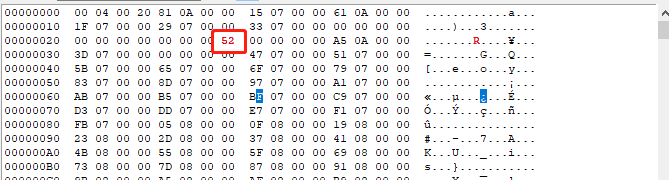
On the j-flash interface, the data was modified but not saved, and there was a red warning. However, during programming, the edited data was used, which does not correspond to the released hex data. To avoid this phenomenon, we need to find a way to hide this editing area:
1. Minimize the data editing area (some versions do not support minimization; the current version 6.82c does not support minimization).
2. Lock the editing area (currently no corresponding option has been found).
Next, are there any better methods????
So I thought of two: is there an official solution???? Or should I create one myself????
Method One:
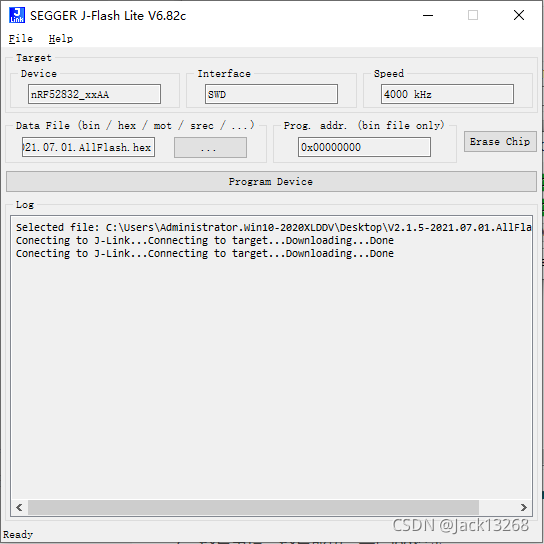
There is a software called J-Flash Lite available in the Segger list.
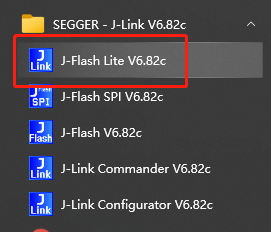
1. Open the software and select the corresponding target chip type.
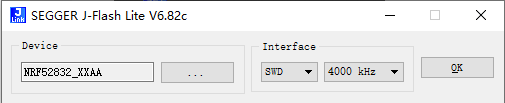
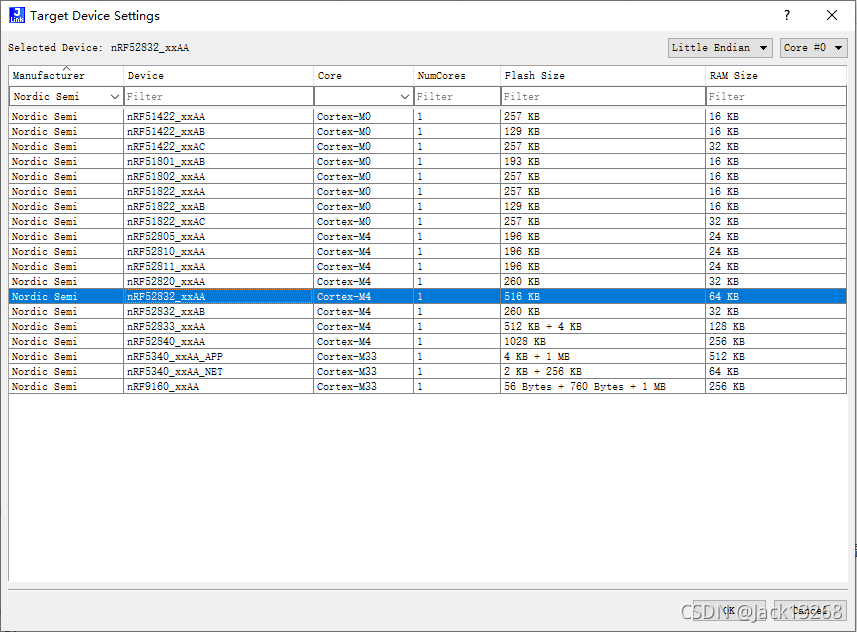
2. Select the download interface type and download speed.
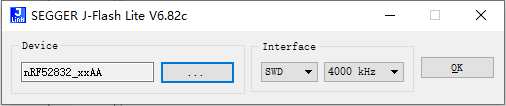
3. After configuration, click the OK button to enter the main interface.
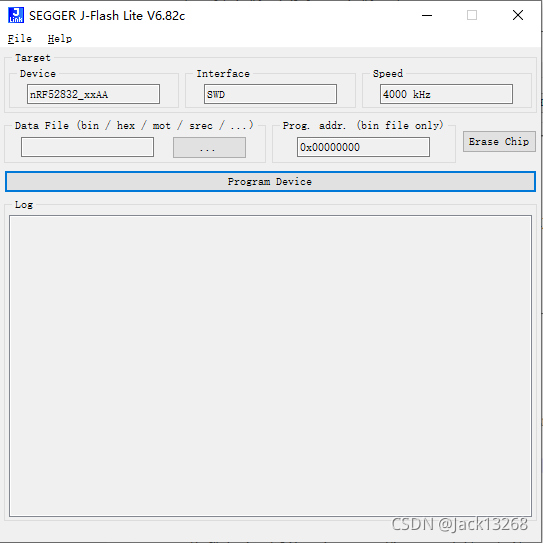
4. Select the corresponding programming file.
5. Click the Program Device button to start programming. If there are multiple jlink programmers connected to the computer, it will prompt you to select one.
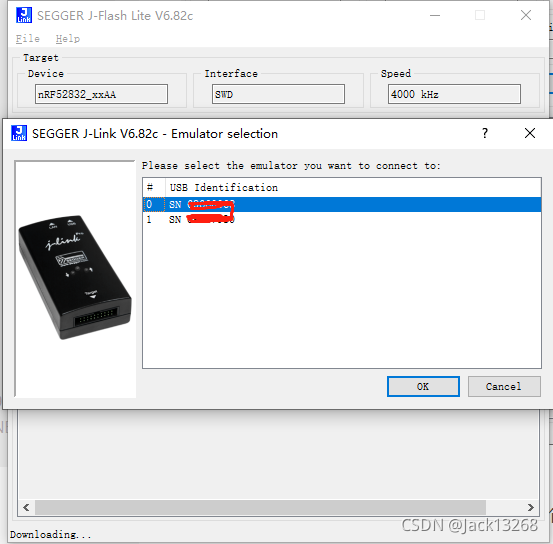 6. After selecting the corresponding downloader, programming will begin.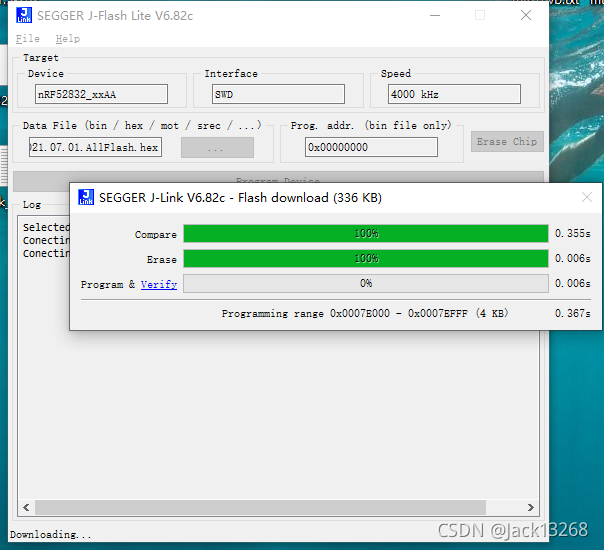
7. The log will indicate whether the programming was successful or if there were errors.
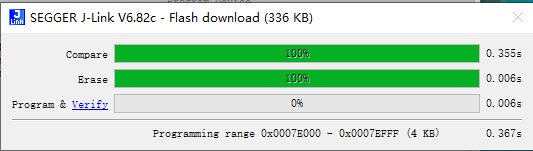
During the programming process, there will be a corresponding progress display interface.
Method Two:
The first method is relatively cumbersome for factory production, as most operators are not clear about the target programming chip model. Can we fix it or have a corresponding mapping???
Thus, I thought about using the j-link tool to operate via command line, and I conducted an experiment:
1. Write a programming script and create a text document.
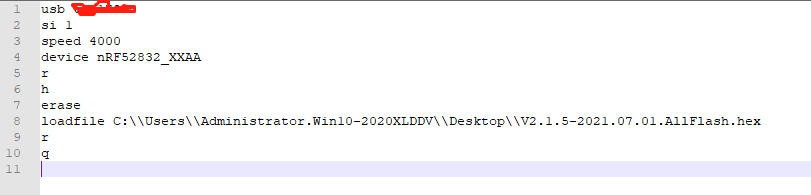
Since I have two j-link programmers connected to my computer, the first line in the image specifies a particular programmer’s serial number. If there is only one, the first line can be omitted.
If omitted and multiple programmers are present, a prompt will appear for selection.
To check the jlink programmer’s serial number:
A. Some programmers have a label with the serial number printed on it.
B. If there is no label or the label does not have the serial number printed, you can use a command to retrieve it.
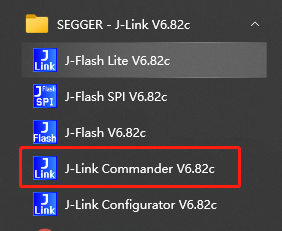
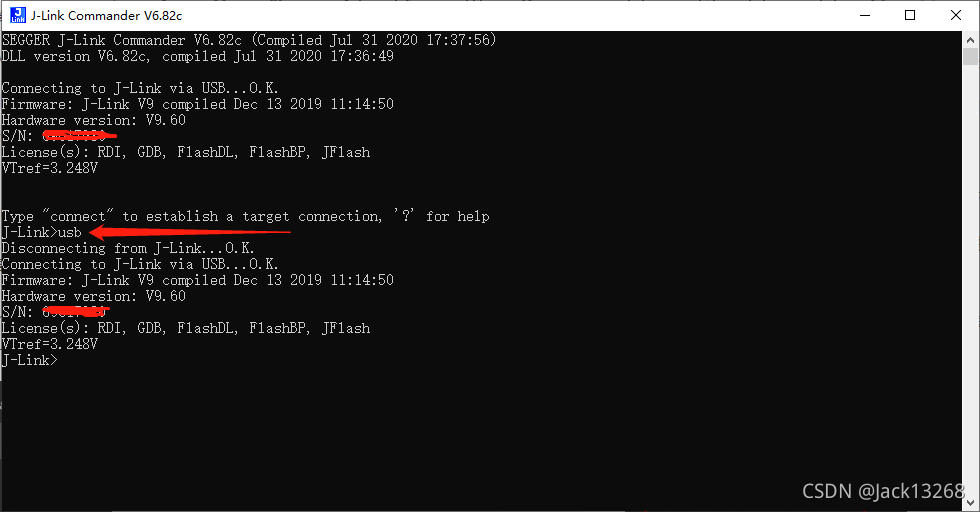
Start the command window to read the serial number, or you can enter a USB command to retrieve it.
2. Open the CMD command window on your computer and enter the following command.
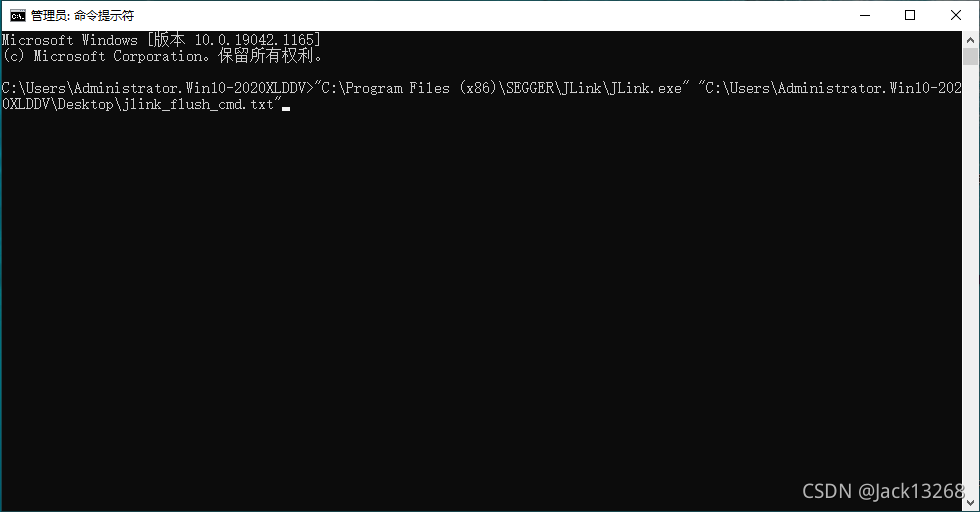
3. After entering the command, press Enter to start the programming.
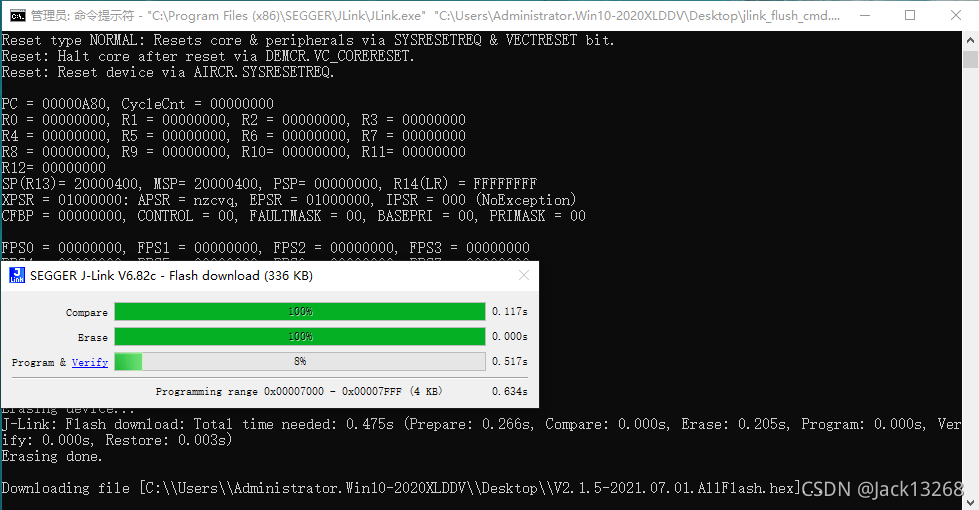
4. After programming is complete, it will prompt that the programming was successful and running.
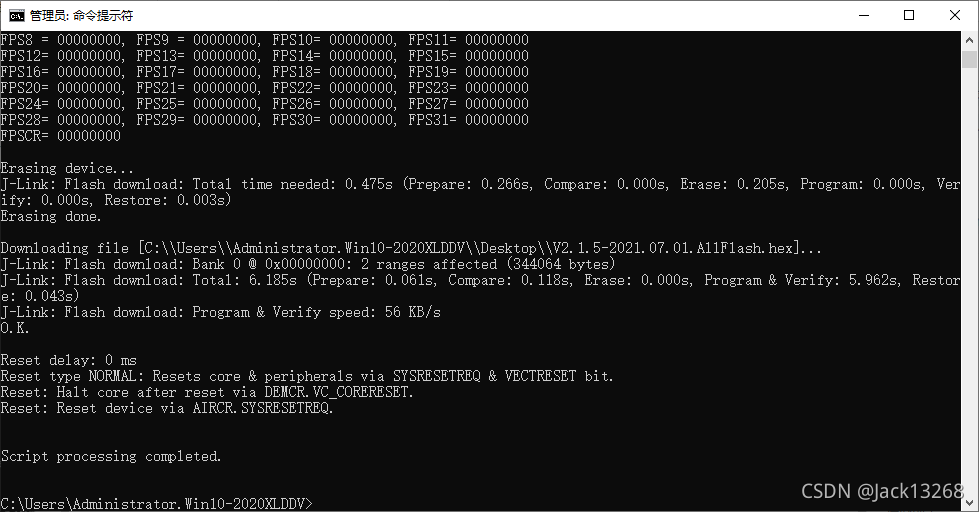
5. If there is an error during programming, there will be corresponding log prompts.
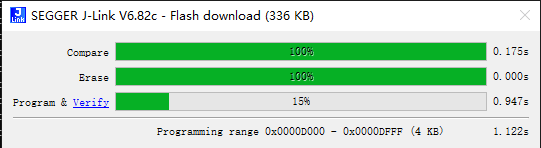
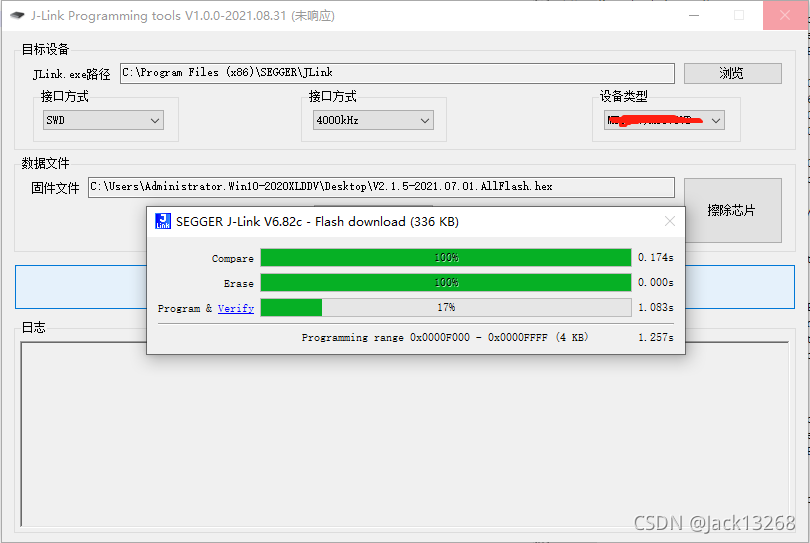
During the programming process, there will be a corresponding operation progress prompt window.
In Conclusion:
For batch programming, it can be cumbersome to input commands each time. A script can be written to call operations, saving the trouble of errors caused by typing commands each time.
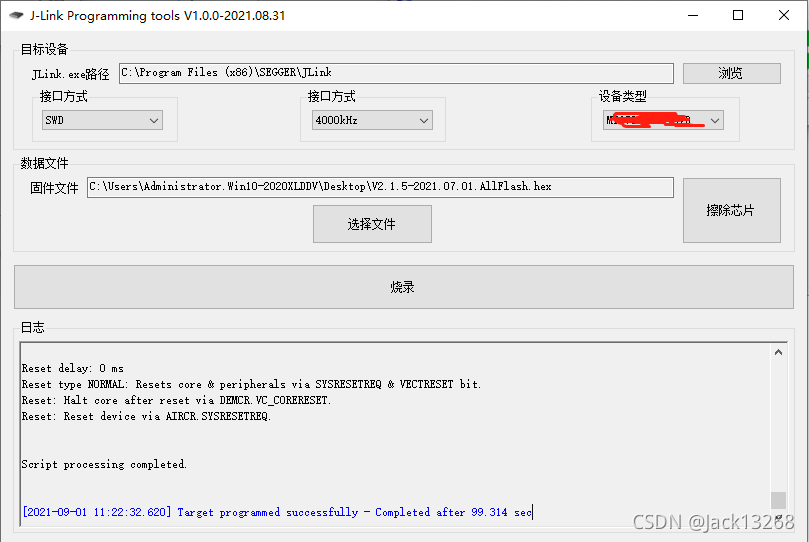
Given that typing commands and running scripts are not intuitive, and the jlink command operations are cumbersome, I created an interface for management, which looks much better.
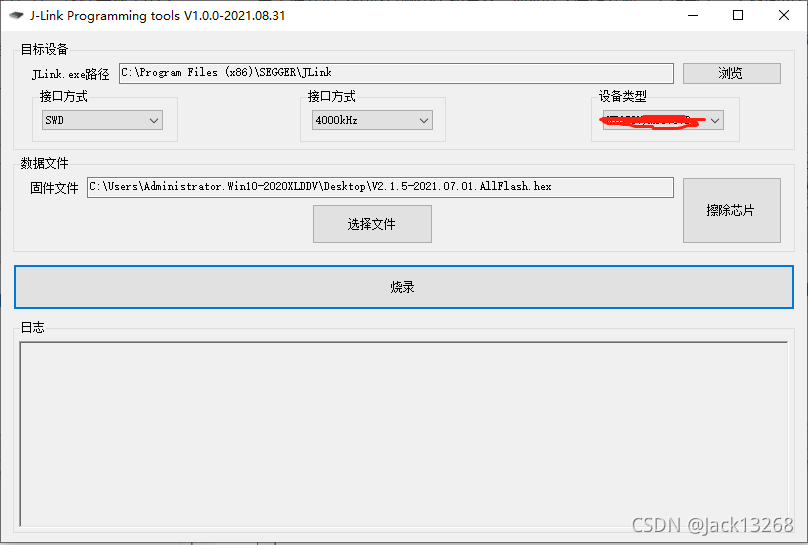
The device type is converted to the corresponding project code on the interface. For the factory, it is straightforward to select based on the project code/type on the work order, with clear mapping to the chip model in the software code.
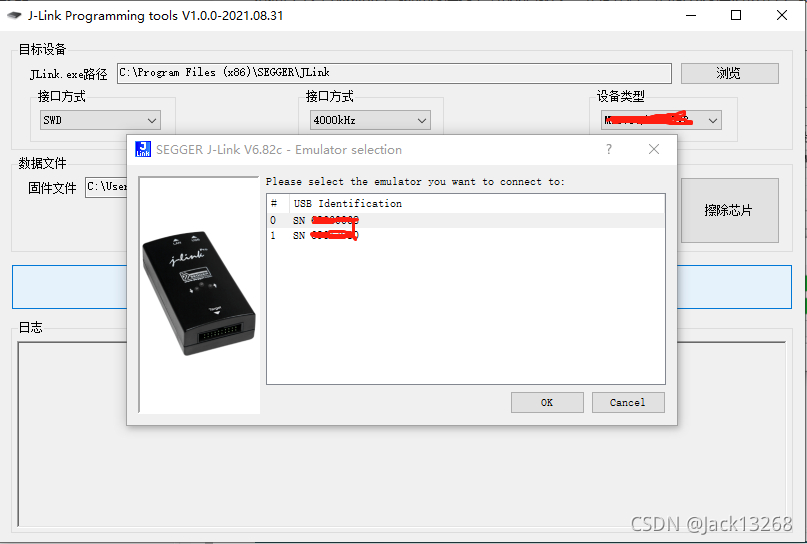
The interface does not include a selection option for the jlink programmer, so when starting programming, it will prompt for the corresponding programmer selection.
Copyright Statement:This article is sourced from the internet, sharing knowledge for free, and the copyright belongs to the original author. If there are copyright issues, please contact me for deletion.
‧‧‧‧‧‧‧‧‧‧‧‧‧‧‧‧ END ‧‧‧‧‧‧‧‧‧‧‧‧‧‧‧
Follow my public WeChat account and reply "join group" to join the technical exchange group according to the rules.Click "Read the original text" for more shares. Feel free to share, collect, like, and view.