⭐️ResourcesPlease feel free to use at the end of the article⭐️
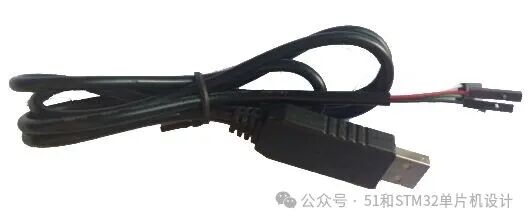
1.First, ensure that the “CH340driver is correctly installed on your computer, and confirm that you have aCH340 downloader.
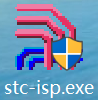
2.Once you have the CH340 downloader and the driver is correctly installed, you can proceed to download the program. First, double-click to open the “stc-isp.exe software.
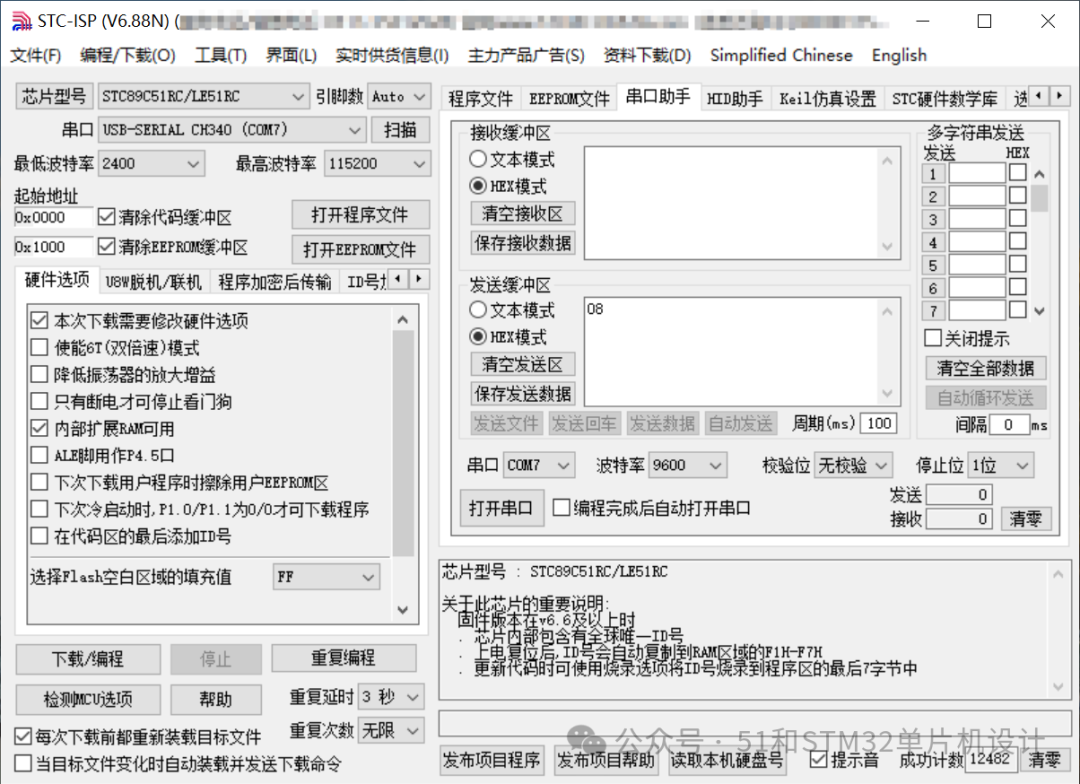
3.If the CH340 driver is installed and the device is connected to the computer, the COM port number will be displayed automatically. If it does not display automatically and shows “COM port does not exist“, it is likely that theCH340 is not connected to the computer or theCH340 driver is not installed. At this point, you need to check which step was not done correctly, and after fixing it, reopen the downloader software to continue with the tutorial.
4.Set up the software according to the diagram below.
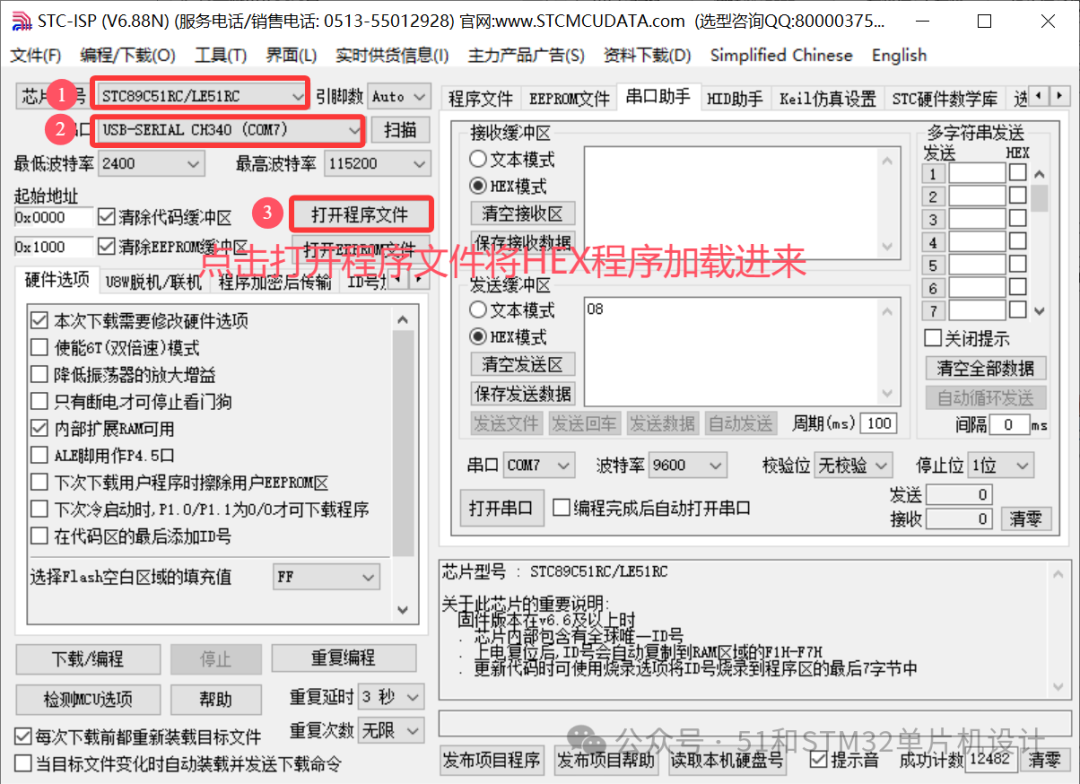
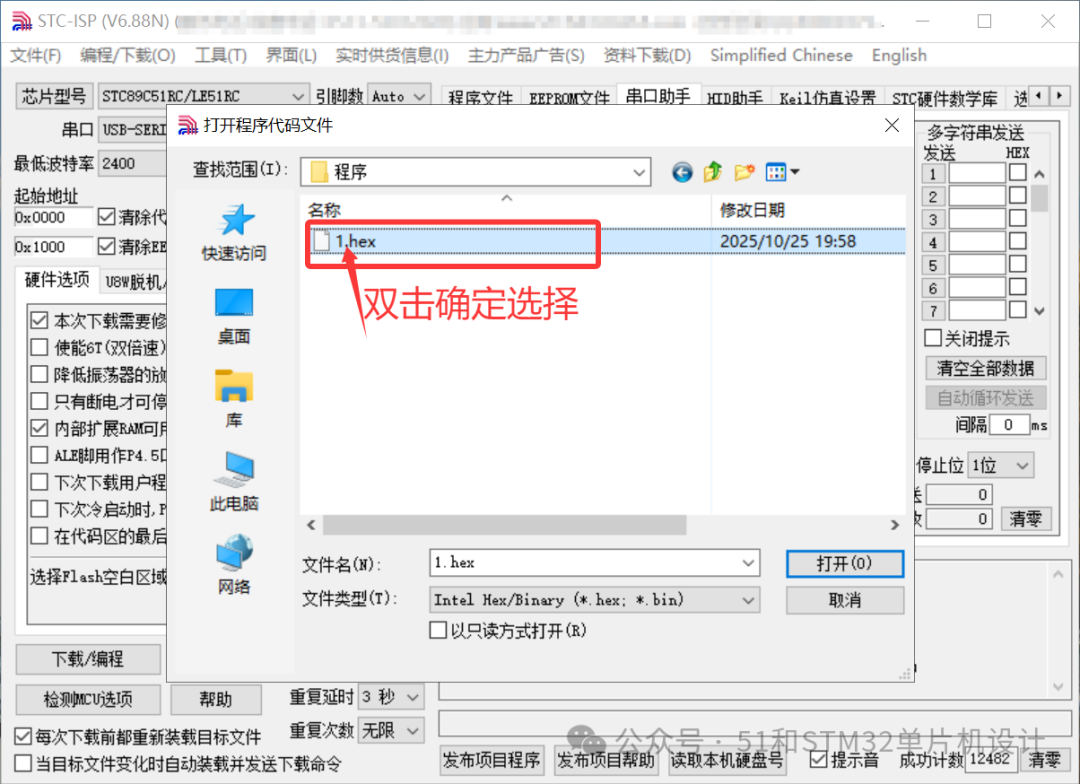
5.Click “Open Program File“, then find the folder where the program to be downloaded is located, and select the “.HEX file.
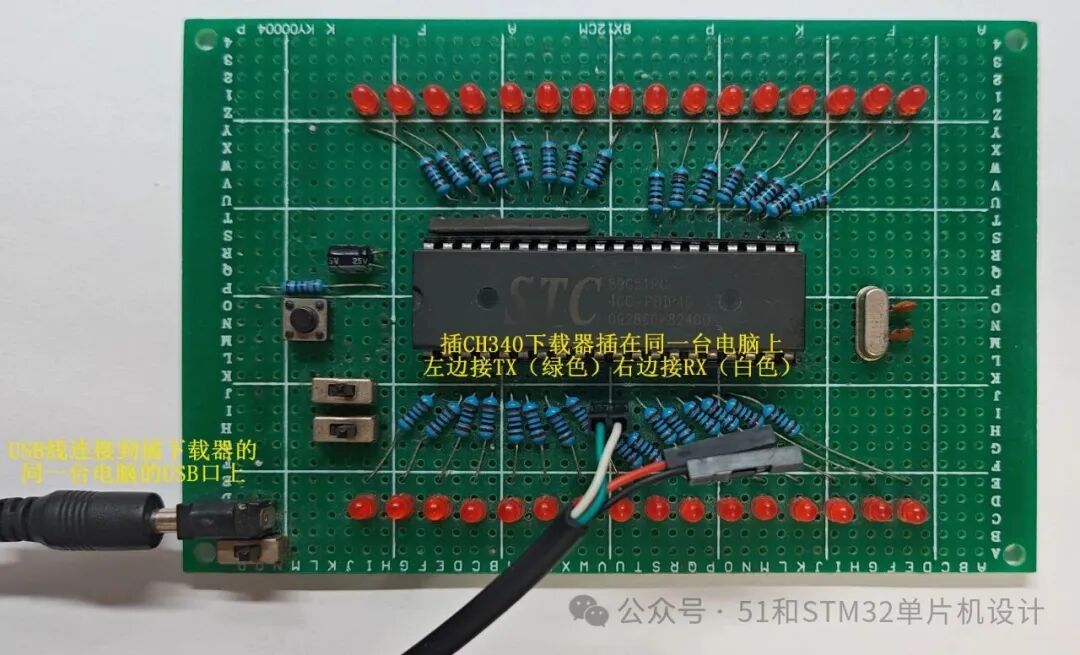
6.Connect the board to the CH340 downloader (green wire on the left, white wire on the right), and connect the power supply. First, turn off the board’s power (switch to the right). (Note: The power line and theCH340 must be connected to the same USB port on the computer.)
Important: If any of the following devices are connected to the microcontroller’s serial port pins: fingerprint module, GSM module, WIFI module, Bluetooth module, formaldehyde module, etc., you need to disconnect this module before downloading, and reconnect it after the download is complete.
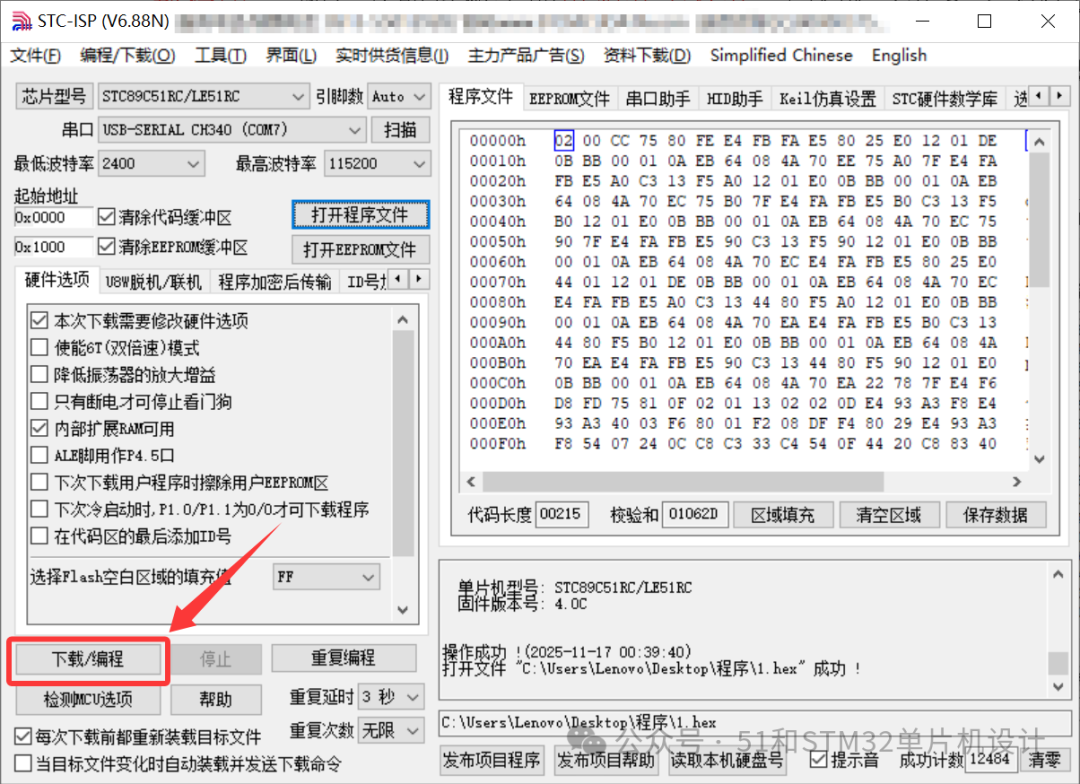
7.After the hardware is connected and the software is set up, return to “stc-isp.exe” and click “Download Program“. Then immediately turn on the board’s power switch. (This is why the power was turned off in step 6, but you can also turn it off and then back on immediately. This is because theSTC chip requires a cold start for downloading).
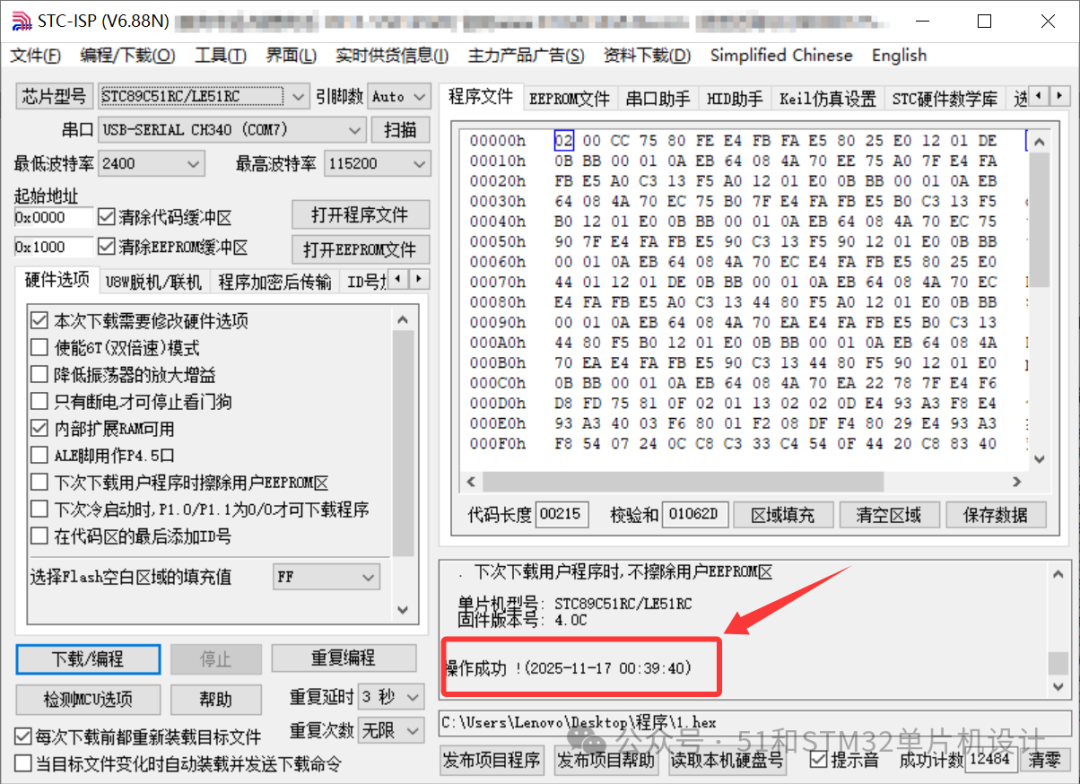
 8. If the following interface appears, it indicates that the program has been downloaded successfully.
 Baidu Cloud link:https://pan.baidu.com/s/1vmpTPjIcbez4ubutVI6_1A You can also long-press to recognize the QR code to open the link directly.
 ☆ If you find this useful, don’t forget to like it! ☆