Resolving The Connected J-Link Is Defective Warning, Proper Operation Cannot Be Guaranteed…
1. Problem
The warning ‘The connected J-Link is defective, Proper operation cannot be guaranteed…’ often pops up after repeatedly flashing the program or when the simulation frequently hangs.
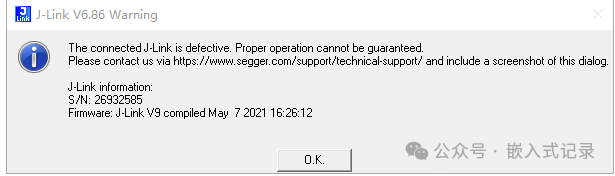
2. Cause
The issue arises because the J-Link driver for Keil 5 is the latest version, while the J-Link firmware we have is not the latest. This means that the J-Link is not compatible with Keil’s driver. Most J-Link devices are purchased from online marketplaces and are often counterfeit. Updating the J-Link firmware to the latest version has a high probability of bricking your J-Link, so we will solve the problem by downgrading the J-Link driver version in Keil.
3. Solution
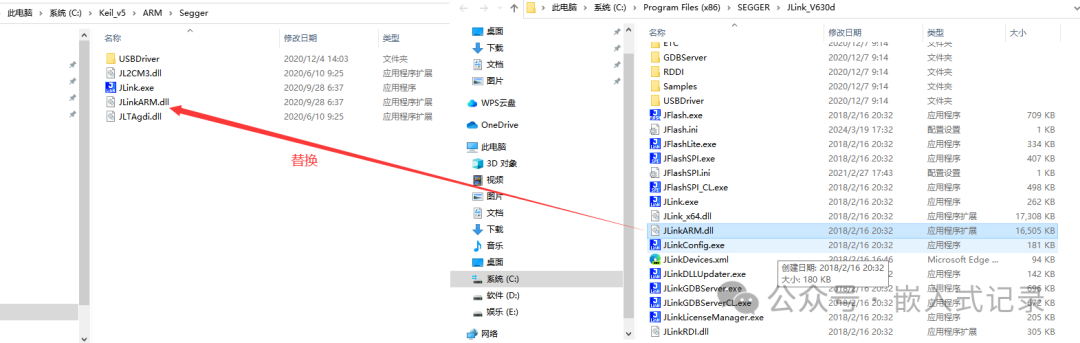
Locate the default installation directory of Keil (C:\Keil_v5\ARM\Segger).

Find the default installation directory of J-Link (C:\Program Files (x86)\SEGGER\JLink_V630d).
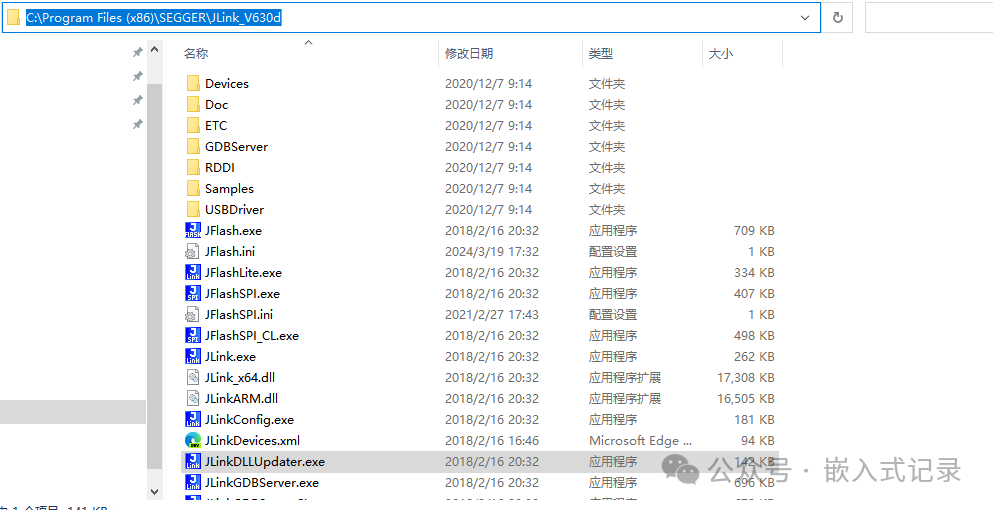
The J-Link drivers must have been installed before use. We just need to replace the files in the Keil folder with the ones from this driver folder. The paths have been provided above. If the installation path is not the default, just find the installation location; the file formats are the same. After this, find JLinkDLLUpdater.exe in the J-Link default installation directory. Double-click to run it. If the driver files were successfully replaced, a new DLL driver file will be displayed in the dialog box, and this file’s version is the one we replaced in Keil.
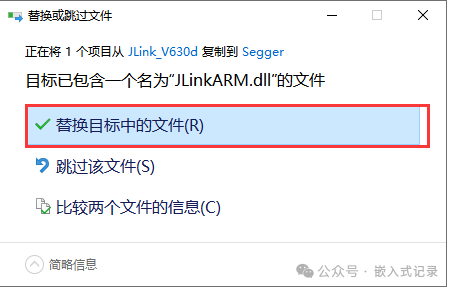
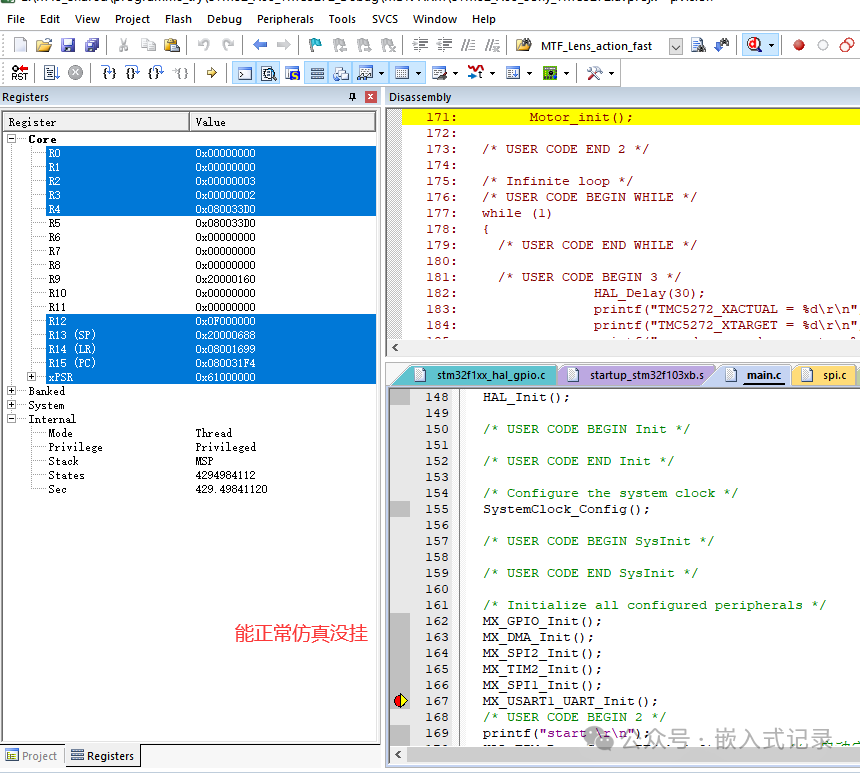
Open the project for testing. Now, when we open Keil, it will not prompt a connection fault warning, and it will not automatically stop running during simulation.
4. Conclusion
This article mainly records a small issue I encountered while using J-Link, based on online searches and my practical experience, serving as a small problem record.
Just a casual write-up for you to casually read!
The end!!!