Click the above “Beginner Learning Visuals”, choose to add “star” or “top”
Heavyweight content delivered first time
How does C++ transform code into games?
Well.
It’s simple.
Since you asked about C++, let me ask you, now, I have a<span>Student</span> class. How does C++ create an object of the student class?
// Well, I can! There are two ways:
Student s;
Student *s2 = new Student("Zhang San");
Okay, now this student has behaviors: eating, sleeping, attending online classes. Now you execute the behavior of attending an online class, how do you do it?
// Simple
s2->upNetworkClass();
Just call the member function through the object, right?
Yeah, the above code has been written in school, right? Having this foundation is enough.
So what is a game? It’s just a stack of graphics, just replace the<span>Student</span> class with a form class, replace it with a control class, replace it with different element classes in the game, and then combine them, right?
Now, let me tell you, there is a form class called<span>QWidget</span>, which has a behavior called<span>show</span>, which can display the form. Generate a form and display it for me. Just follow the example:
QWidget *w = new QWidget();
w->show();
Let’s see the effect:
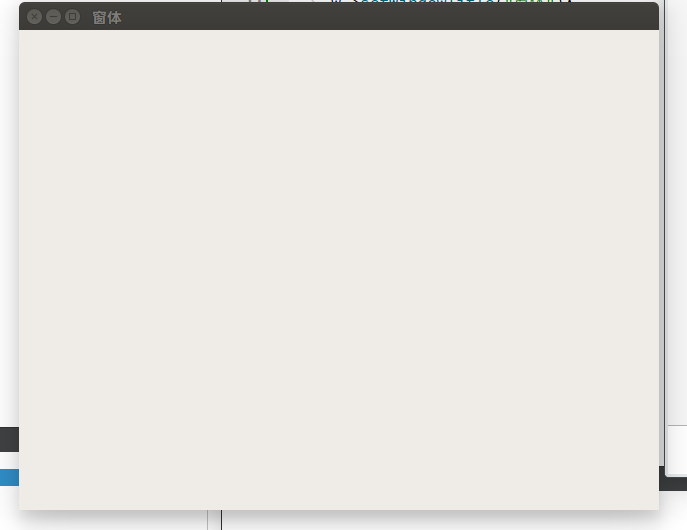
Wow, this is interesting, huh? But this is far from a game. Your form is too ugly.
No worries, the form being ugly doesn’t matter, let’s beautify it!
TDWidget * w = new TDWidget(":/img/welcome.png");
w->show();
<span>QWidget</span> was replaced with <span>TDWidget</span>, and a picture was passed in the constructor, not too advanced, right? Let’s look at the effect:
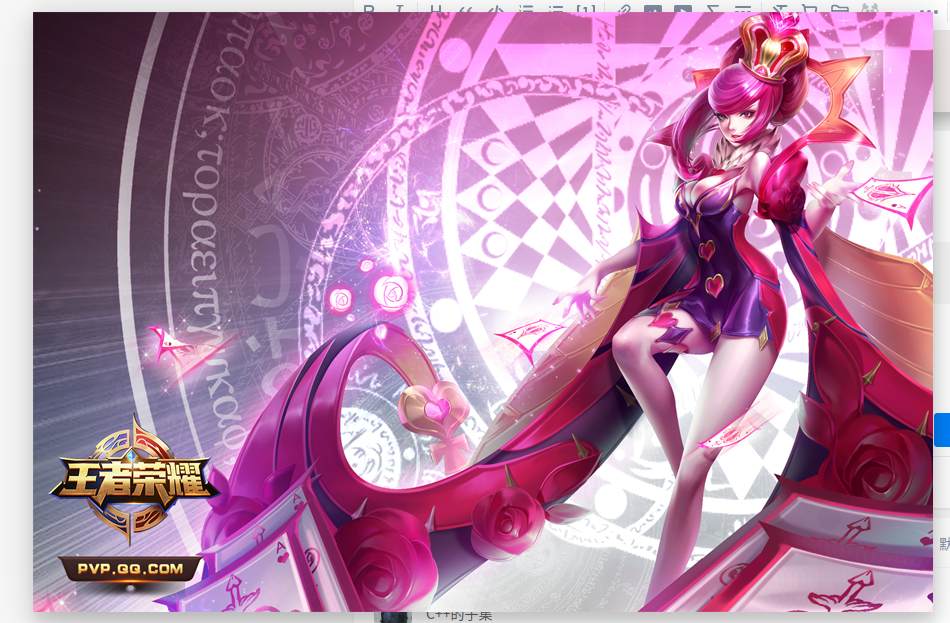
Hey? Things seem to be getting interesting?
But still not enough, this is a game, it needs to be interactive! What can this dead image do?
Interaction! Just add a button, right? I’ll give you a button class, this class has a move() behavior that can move itself anywhere on the screen. Do you know how to create the button you want?
QPushButton * btn = new QPushButton("Button",w); // The second parameter indicates which form it belongs to; if not written, it will appear on the screen instead of inside the form.
bt->move(330,450);
Look:
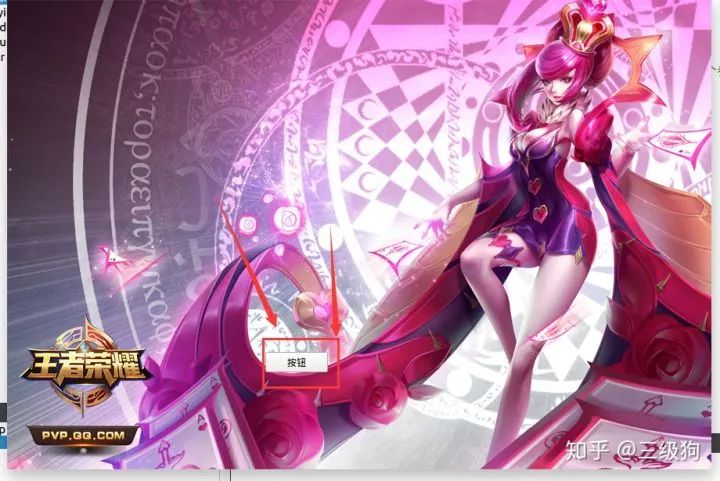
Em……. You have a button, but the style is a bit abrupt.
No worries, let’s beautify it again:
TDPushButton *btn = new TDPushButton(
   ":/img/begin_normal.png", // Normal image
   ":/img/begin_hover.png", // Image when mouse hovers
   ":/img/begin_press.png", // Image when mouse is pressed
   w);    // Parent control
btn->move(330,450);
Effect:
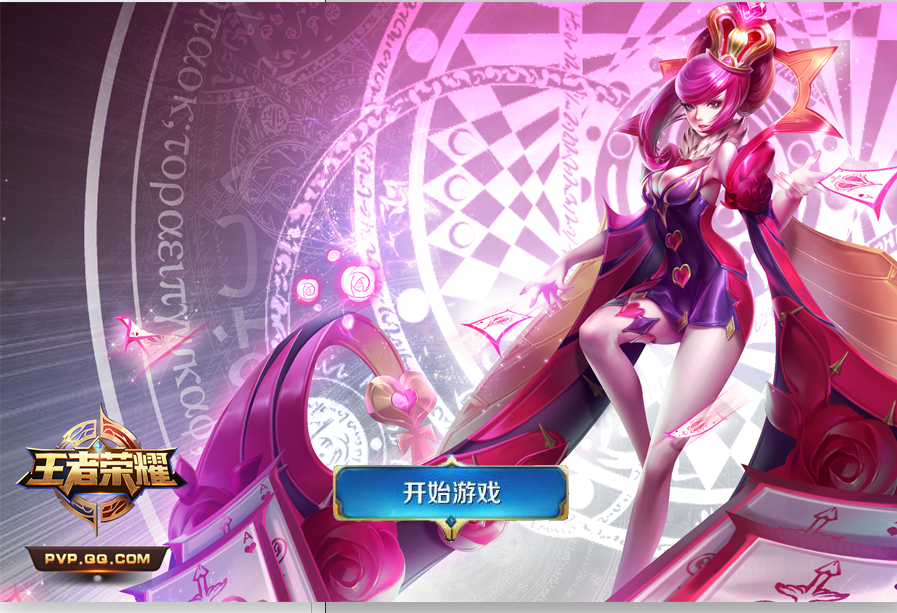
Wow, this is good. Quick, then, click to start the game and enter the game interface! How do we do this?
Well….. actually you already know how to switch interfaces.
This interface is just a form; if you want to switch interfaces….. just close this form and open a new one with a new image as the background.
The new form uses a new image as the background, and I’ll also add four buttons. I won’t paste the code, just copy and paste the above code and change the coordinates and images:
Next is the main part of the game, which is also super simple, just need images:
TDMenuButton *btn1 = new TDMenuButton(":/img/1_normal.png",":/img/1_hover.png",":/img/1_selected.png",this);
btn1->move(100,100);
TDMenuButton *btn2 = new TDMenuButton(":/img/1_normal.png",":/img/1_hover.png",":/img/1_selected.png",this);
btn2->move(165,100);
TDMenuButton *btn3 = new TDMenuButton(":/img/1_normal.png",":/img/1_hover.png",":/img/1_selected.png",this);
btn3->move(100,165);
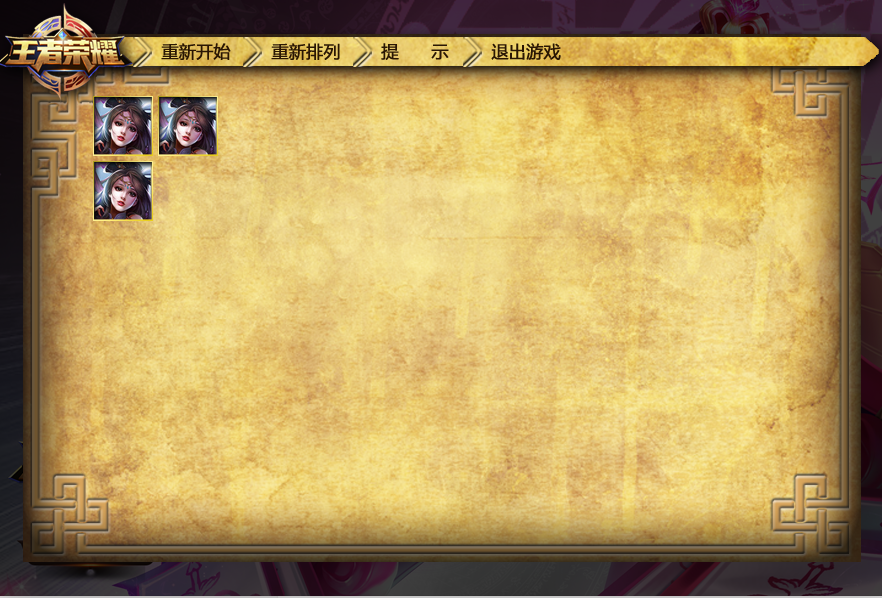
Three buttons, no different from the previous TDPushButton, just changed to TDMenuButton, right? No advanced stuff, right?
As long as your images are beautiful, you can generate something like this:
One button can be written, three buttons can also be written, since you learned a bit of C++, you want to make a game, you can write loops, right?
 for(int i = 0; i < 11 ; i++)
 {
  for(int j = 0; j < 6; j++)
  {
   TDMenuButton * btn = new TDMenuButton(":/img/1_normal.png",":/img/1_hover.png",":/img/1_selected.png",this);
   btn->move(100+i*65,100+j*65);
  }
 }
Effect: (benefit for those with social anxiety)
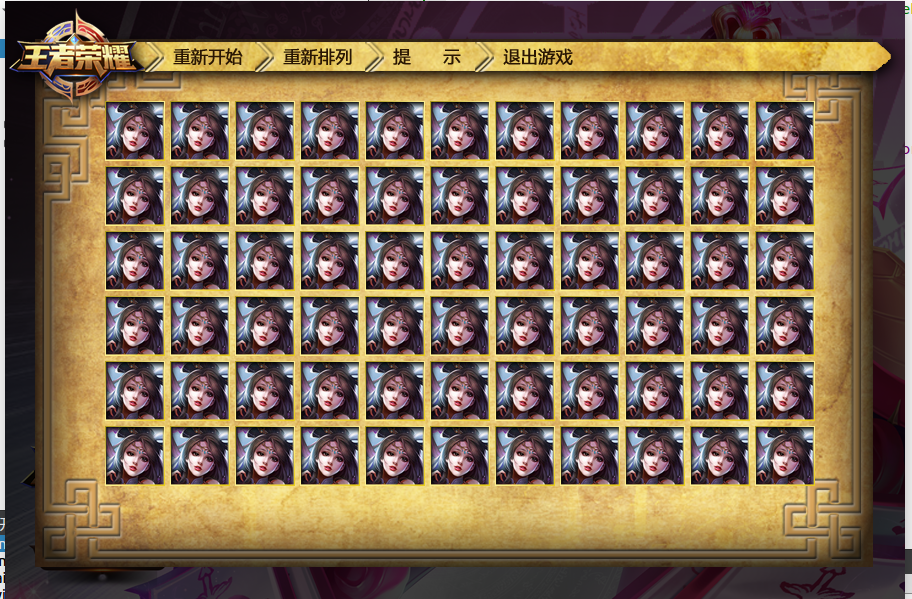
This….. how come it’s a bit hard to describe……
Can you write loops? Can you write random numbers? Can you generate random avatars?
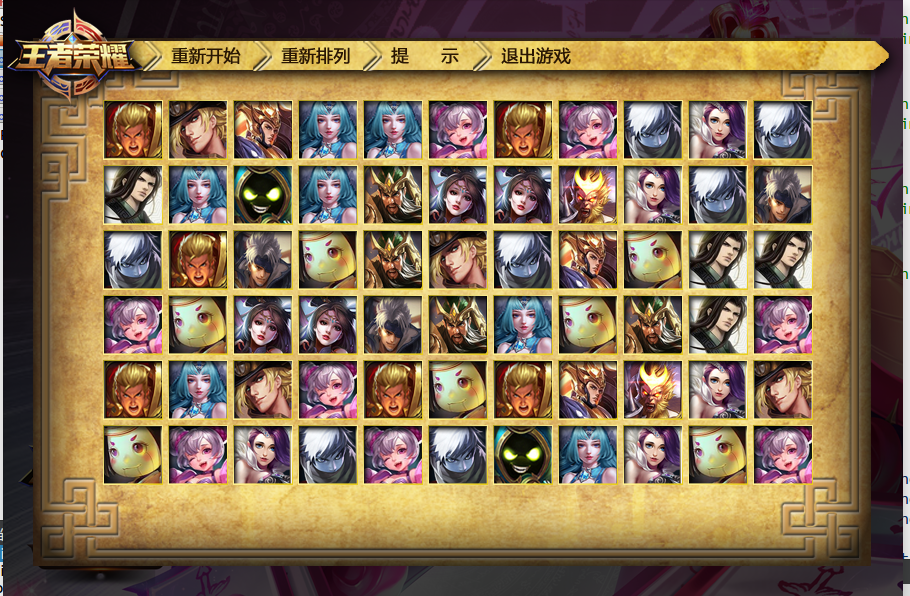
Well…… now it finally looks somewhat like it.
Finally, let’s add a bit of core logic: clicking two identical images, checking if they can connect; if they can connect, directly delete those two buttons, the effect is like this:
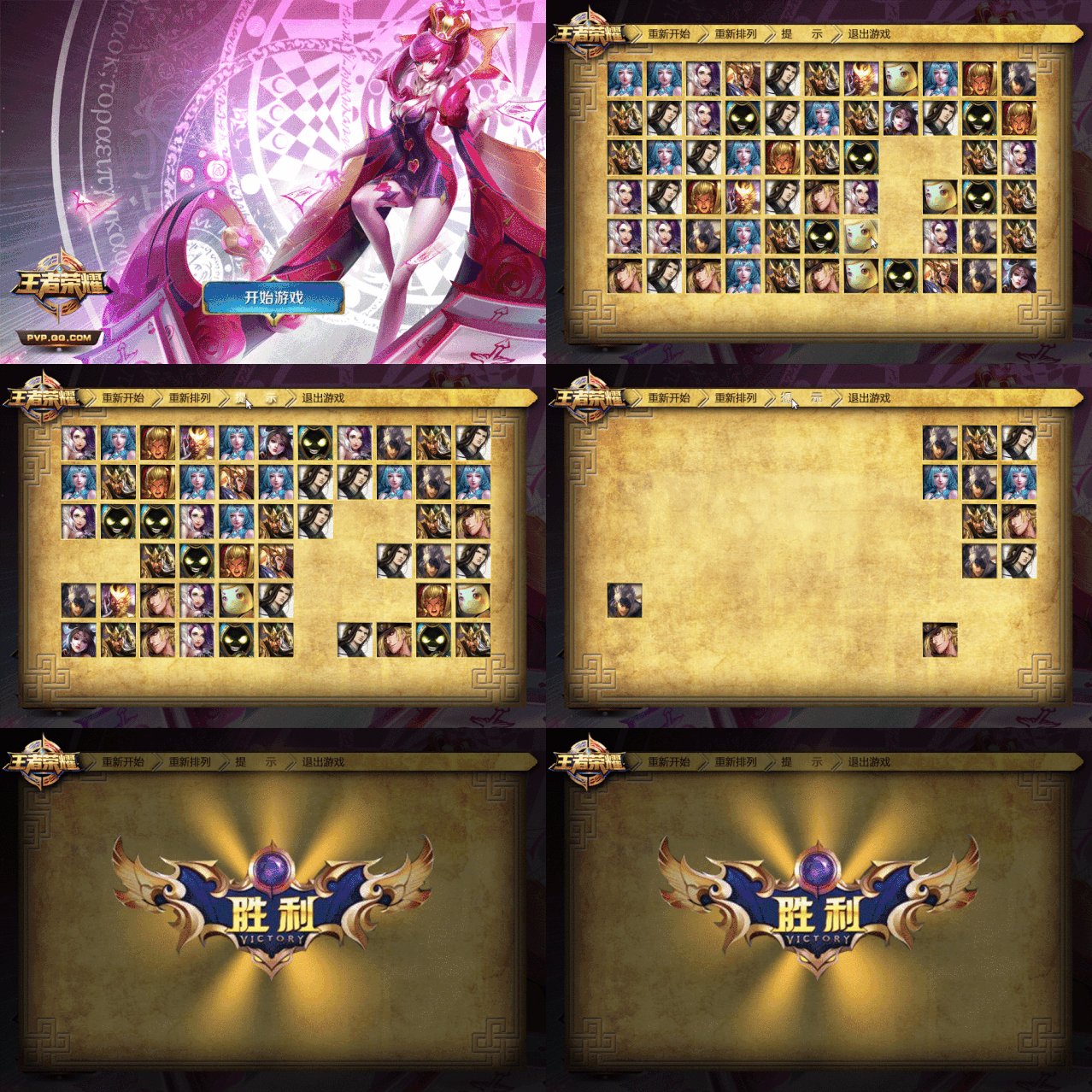
This is it, from the basic syntax of C++ you have learned, combined with existing framework controls, you can create such a simple connect game.
Of course, to ignite your desire to learn mentioned in the title, I deliberately avoided some parts that you might not understand with your current knowledge, and some logic that is more complicated. For example:
Avoided the callback registration of the button,
Avoided the algorithm to ensure paired images when randomly generating images,
Avoided associating these buttons with data,
Avoided how to calculate if two points can connect through data,
and so on
But that doesn’t matter, it doesn’t hinder you from simply experiencing how C++ transforms code into games.
Separator
From the image materials, you can see that this code is from two or three years ago, when I was still a tutor in a training institution, the students loved to play games and didn’t study well, so I made this to guide them to write:
https://github.com/TheThreeDog/PictureMatching
Because I don’t play Honor of Kings, I don’t recognize any of the avatars inside; they were all made to entice students to study well, and many of the avatars in the game should have been updated several times since then.
This thing was written in Qt C++. Because I don’t have any requirements for frame rates, it’s fine to base it on Qt. If you want to play some real games (where the visuals need frame-rate level updates), you must use a game engine. Something like cocos2d or unity3d.
Of course, when I said games are just a stack of graphics, I was just simplifying the explanation; real game development is very complex and vast.
This small project indeed used a lot of controls starting with TD as mentioned above. This comes from my open-source framework called<span>TD-Framework</span>
http://www.threedog.top/
Because my name is Three Dog, the controls generally start with TD. Qt itself does not provide a method to directly construct controls using images, so I created some myself.
I wrote it when I had just graduated in my senior year, and at that time, I still called this thing a framework; now… I think it’s more appropriate to call it a toy: cross-platform compilation doesn’t work, function pointer casting has issues, and the code is all messy….
Download 1: Chinese Tutorial for OpenCV-Contrib Extension Modules
Reply with: Extension Module Chinese Tutorial in the backend of the “Beginner Learning Visuals” public account to download the first Chinese version of the OpenCV extension module tutorial, covering over twenty chapters including installation of extension modules, SFM algorithms, stereo vision, target tracking, biological vision, super-resolution processing, etc.Download 2: 52 Lectures on Practical Python Vision ProjectsReply with: Python Vision Practical Projects in the backend of the “Beginner Learning Visuals” public account to download 31 practical vision projects including image segmentation, mask detection, lane line detection, vehicle counting, adding eyeliner, license plate recognition, character recognition, emotion detection, text content extraction, face recognition, etc., to help quickly learn computer vision.Download 3: 20 Lectures on Practical OpenCV ProjectsReply with: OpenCV Practical Projects 20 Lectures in the backend of the “Beginner Learning Visuals” public account to download 20 practical projects based on OpenCV to achieve advanced learning of OpenCV.
Group Chat
Welcome to join the reader group of the public account to exchange with peers; currently, we have WeChat groups for SLAM, three-dimensional vision, sensors, autonomous driving, computational photography, detection, segmentation, recognition, medical imaging, GAN, algorithm competitions (which will gradually be subdivided later), please scan the WeChat number below to join the group, with the note: “nickname + school/company + research direction”, for example: “Zhang San + Shanghai Jiao Tong University + Visual SLAM”. Please follow the format for notes, otherwise it will not be approved. After successfully adding, you will be invited to join the relevant WeChat groups based on your research direction. Please do not send advertisements in the group, otherwise you will be removed from the group, thank you for your understanding~