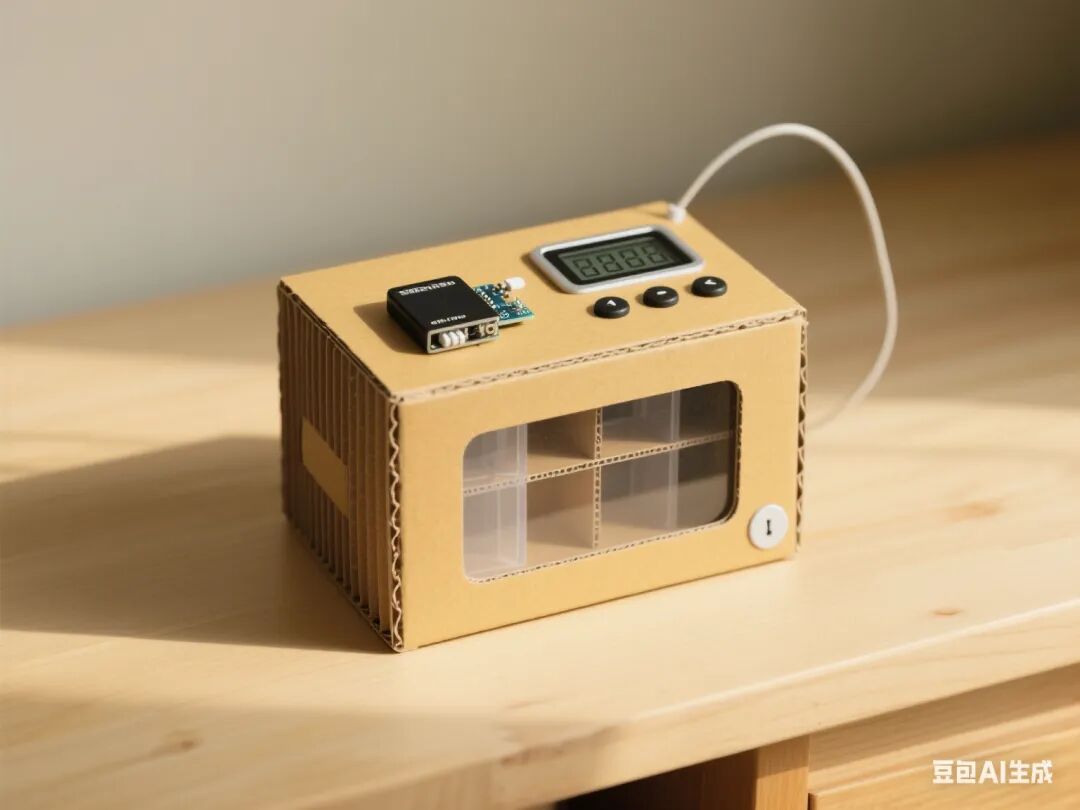
1. Project Overview
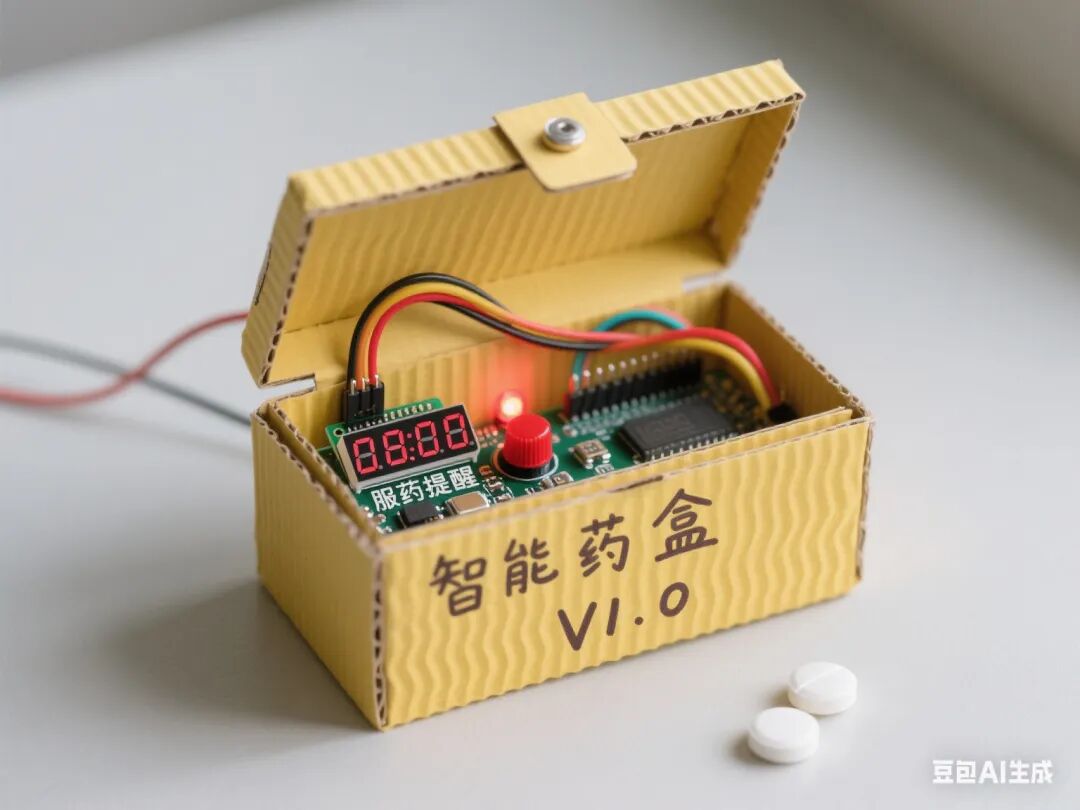
This project focuses on creating a pillbox with intelligent reminder functions as the core task. Students will comprehensively utilize Mind+ graphical programming, the Arduino hardware platform, and various sensor/actuator modules to achieve functions such as time display, reminder settings, buzzer alarms, and servo lid opening through phased tasks. The project covers technologies such as digital/analog signal processing, human-computer interaction design, and multi-module collaborative control, cultivating students’ interdisciplinary engineering practice abilities and innovative thinking.
2. Overall Project Goals
1. Knowledge and Skills Goals
◦ Master the I2C communication protocol and text display methods for OLED screens
◦ Understand the principles of analog signal acquisition and analog-to-digital conversion for potentiometers
◦ Learn servo angle control and PWM signal output
◦ Master buzzer tone control and alarm logic design
2. Process and Method Goals
◦ Cultivate systematic thinking through the engineering process of “demand analysis – prototype design – testing iteration”
◦ Learn to use the serial monitor for debugging and data visualization
3. Emotional Attitude and Values Goals
◦ Appreciate the application value of intelligent devices in health management
◦ Cultivate a rigorous engineering attitude and team collaboration spirit
3. Required Hardware
1. Arduino Nano + expansion board
2. 0.96-inch OLED screen (I2C interface)
3. 9g servo (with angle code)
4. Active buzzer
5. Potentiometer (10kΩ)
6. Tactile button module (two: A/B)
7. Corrugated cardboard box and auxiliary materials (wood sticks, zip ties, etc.)
8. Battery holder (4 AA batteries)
9. Dupont wires, hot glue gun, and other tools
4. Class Schedule and Lesson Design
First Lesson: OLED Time Display System
1. Learning Objectives
◦ Master the I2C communication configuration for OLED screens
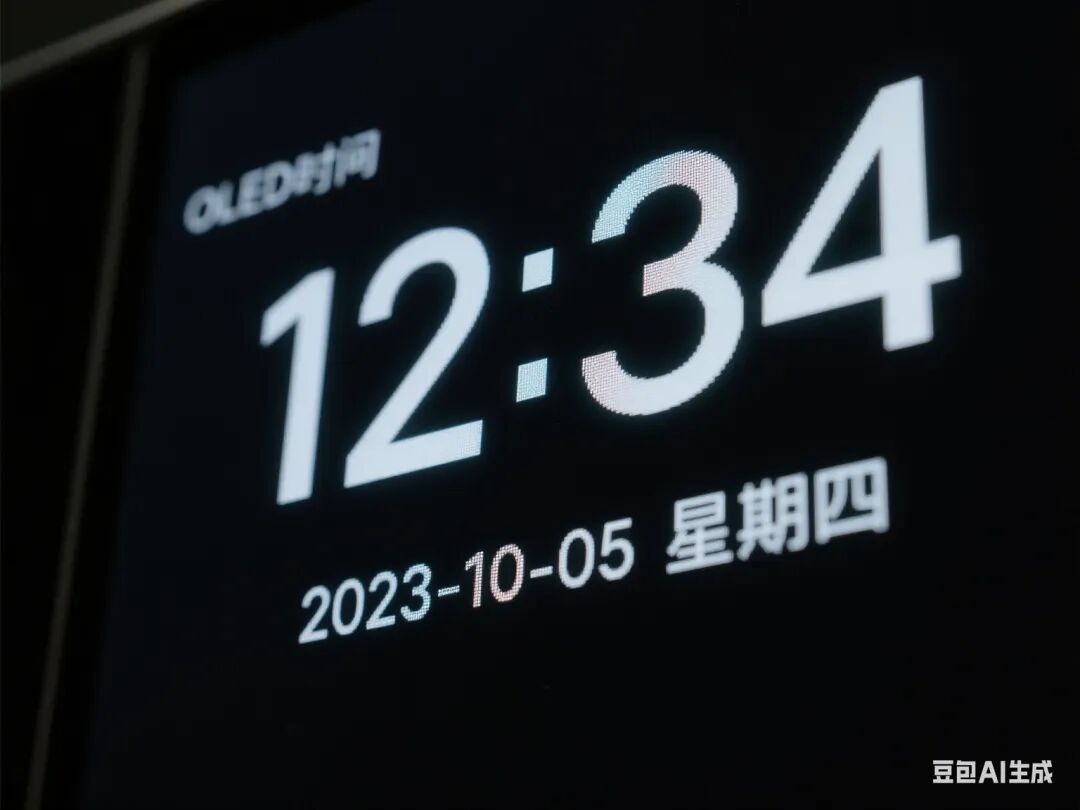
◦ Realize real-time time display and interface layout
2. Teaching Key Points
◦ Key: Importing OLED library files and coordinate positioning
◦ Difficulty: Initialization of the RTC real-time clock module
3. Teaching Steps
◦ Introduction (5 minutes): Showcase the functions of commercially available smart pillboxes, leading to the need for time display
◦ Knowledge Explanation (15 minutes):
◦ Basics of I2C communication protocol (address, data transmission)
◦ Using the OLED expansion library in Mind+
◦ Hardware Practice (20 minutes):
◦ Connect OLED to the expansion board SDA/SCL pins
◦ Write code: Display current time (HH:MM:SS)
◦ Interface Optimization (10 minutes):
◦ Add date display and placeholder for medication name
◦ Adjust font size and display position
◦ Summary (10 minutes): Organize screen display parameters, emphasize coordinate positioning skills
Second Lesson: Knob Button Interaction System
1. Learning Objectives
◦ Master mixed processing of analog and digital inputs
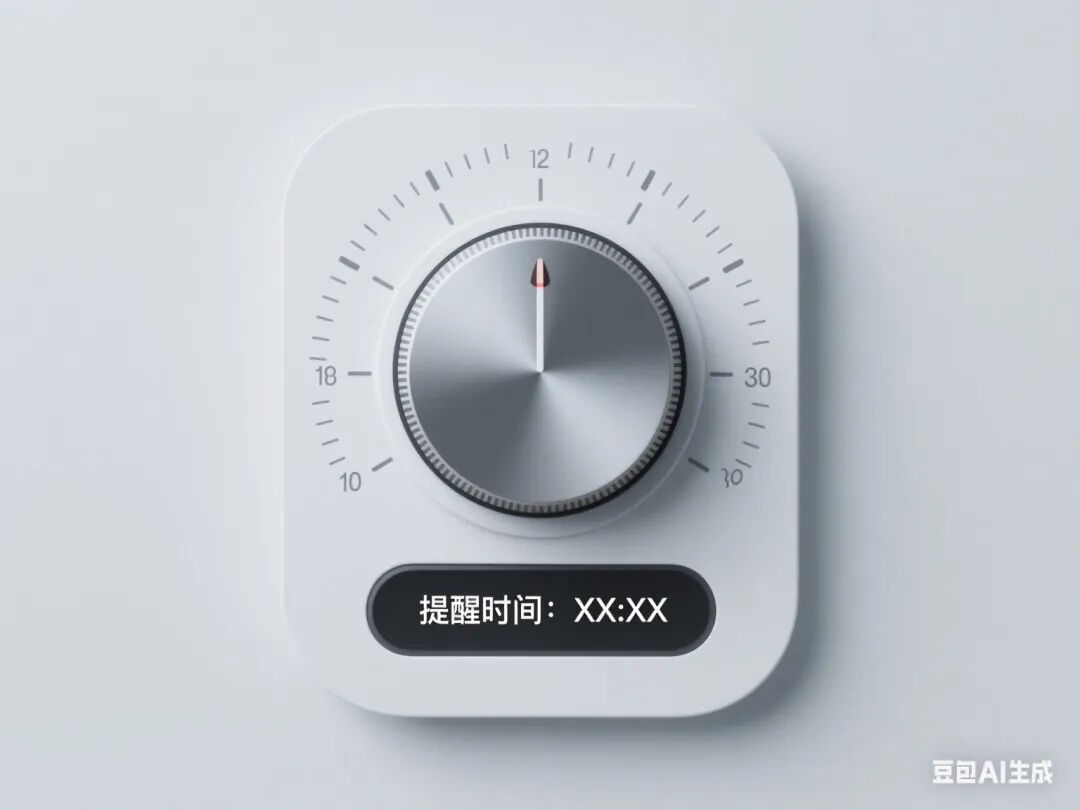
◦ Realize human-computer interaction logic for time setting
2. Teaching Key Points
◦ Key: Analog-to-digital conversion and value mapping of the potentiometer
◦ Difficulty: Button debounce handling and state machine design
 3. Teaching Steps
◦ Review Introduction (5 minutes): Review screen display function, leading to the need for time setting
◦ Knowledge Explanation (15 minutes):
◦ Knob signal acquisition (analogRead) and mapping (map function)
◦ Two methods for button debounce (delay/state detection)
◦ Hardware Practice (20 minutes):
◦ Connect the knob to pin A0, buttons to D4/D5
◦ Write code: Rotate the knob to adjust hours/minutes/seconds (A button to switch)
◦ Logic Optimization (10 minutes):
◦ Add adjustment range limits (0-23 hours, 0-59 minutes)
◦ Implement B button to confirm save
◦ Summary (10 minutes): Organize interaction logic flowchart, emphasize the use of state variables
Third Lesson: Buzzer Reminder System
1. Learning Objectives
◦ Master PWM signal control of buzzer tone
◦ Realize multi-mode alarm logic
2. Teaching Key Points
◦ Key: Buzzer driving circuit construction and frequency setting
◦ Difficulty: Coordination of alarm modes and time triggers
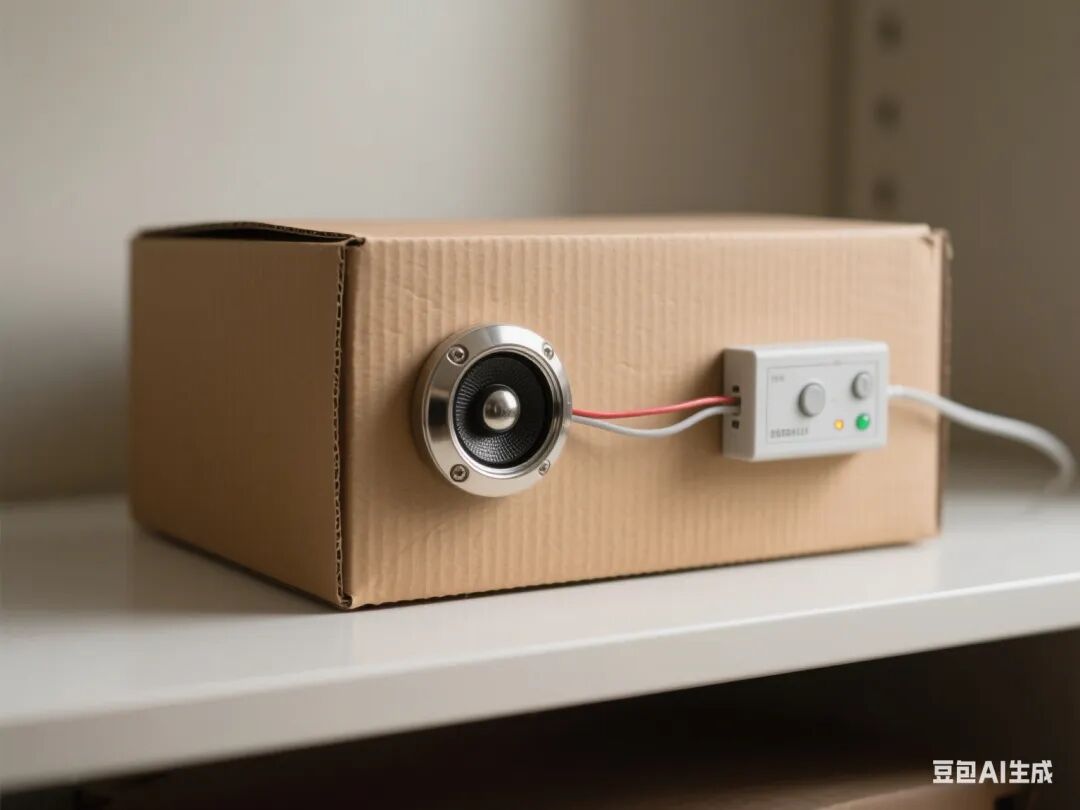
3. Teaching Steps
◦ Problem Introduction (5 minutes): Discuss the diversity of reminder methods, leading to sound alarms
◦ Knowledge Explanation (15 minutes):
◦ Differences between active and passive buzzers
◦ Hardware Practice (20 minutes):
◦ Connect the buzzer to pin D6
◦ Write code: Hourly chime (3 short beeps) and medication reminder (long beep + short beep)
◦ Mode Design (10 minutes):
◦ Add alarm duration control (automatically stop after 10 seconds)
◦ Implement B button to mute during alarm
◦ Summary (10 minutes): Organize tone frequency comparison table, emphasize resource release
Fourth Lesson: Servo Lid Opening System
1. Learning Objectives
◦ Master servo angle control and timing coordination
◦ Realize the linkage of lid opening action and reminders
2. Teaching Key Points
◦ Key: Servo initialization and angle adjustment
◦ Difficulty: Timing synchronization of lid opening action and reminders
3. Teaching Steps
◦ Task Introduction (5 minutes): Show a schematic diagram of the mechanical lid opening structure, clarify action requirements
◦ Knowledge Explanation (15 minutes):
◦ Working principle of the servo and control signal (50Hz PWM)
◦ Using the servo library in Mind+
◦ Hardware Practice (20 minutes):
◦ Connect the servo to pin D9
◦ Write code: Rotate the servo 90° (open lid) when the alarm is triggered
◦ Mechanical Integration (10 minutes):
◦ Use wooden sticks to create the linkage structure of the pillbox
◦ Adjust servo torque and rotation speed
◦ Summary (10 minutes): Organize angle calibration methods, emphasize mechanical structure stability
Fifth Lesson: System Function Integration Testing
1. Learning Objectives
◦ Realize programming logic for multi-module collaborative work
◦ Master basic methods for system debugging
2. Teaching Key Points
◦ Key: Time triggers and multi-task processing
◦ Difficulty: Implementation of non-blocking delays
3. Teaching Steps
◦ Task Introduction (5 minutes): Clarify complete functional requirements (reminder → alarm → open lid → reset)
◦ Programming Practice (30 minutes):
◦ Integrate time display, reminder settings, alarm, and lid opening code
◦ Add medication status memory (Eeprom library)
◦ Debugging Optimization (15 minutes):
◦ Test reminder response at different time intervals
◦ Adjust alarm volume and lid opening angle
◦ Troubleshooting (10 minutes):
◦ Address common issues (servo blockage, time desynchronization)
◦ Learn to use serial logs for debugging assistance
◦ Summary (10 minutes): Organize system state transition diagram, emphasize the importance of modular testing
Sixth Lesson: Structural Optimization and Project Presentation
1. Learning Objectives
◦ Complete the mechanical structure building and beautification of the pillbox
◦ Enhance the aesthetics and practicality of engineering design
2. Teaching Key Points
◦ Key: Servo fixation and pillbox opening/closing structure design
◦ Difficulty: Achieving a balance between structural stability and smooth operation
3. Teaching Steps
◦ Design Introduction (5 minutes): Showcase excellent structural design cases, emphasize human-computer interaction needs
◦ Structure Building (30 minutes):
◦ Use corrugated cardboard to make the main body and lid of the pillbox
◦ Install servo linkage device and battery holder
◦ Beautification (20 minutes):
◦ Draw medication classification labels and operation guides
◦ Add handles, non-slip bases, and other practical structures
◦ Final Testing (15 minutes):
◦ Simulate a 7-day medication cycle test
◦ Record issues such as lid sticking and false alarms
◦ Summary (10 minutes): Reflect on the strengths and weaknesses of structural design, propose improvement plans
5. Assessment Methods
1. Process Evaluation (40%)
◦ Norms of hardware connections (10%)
◦ Reasonableness of code logic (15%)
◦ Problem-solving ability (15%)
2. Summative Evaluation (60%)
◦ Completeness of functional implementation (30%)
◦ Innovation in structural design (20%)
◦ Presentation of the project (10%)
6. Safety Tips
1. Ensure correct connection of battery holder’s positive and negative terminals to avoid short circuits
2. Ensure no mechanical blockage during servo operation
3. Exercise caution with high temperatures when using a hot glue gun
7. Teaching Resources
1. Mind+ software and expansion libraries
2. Technical documentation for each module
3. Engineering log templates
4. Reference cases of excellent projects