Software Overview:
Multisim is a simulation tool developed by National Instruments (NI) based on Windows, suitable for the design work of both analog and digital circuit boards. It includes graphical input for circuit schematics and hardware description language input methods, with rich simulation analysis capabilities. The new version, Multisim 14.0, adds new features such as parameter analysis, integration with new embedded hardware, and simplified design through user-defined templates. (For educational and communication purposes only)
Installation Prerequisites:
1. The entire installation process must disconnect the computer from the network, otherwise the installation will fail;
2. Multisim 14.0 is compatible with WIN7/8/10 (64-bit) systems; please install other versions for 32-bit and XP;
Multisim 14.0 64-bit Installation Steps:
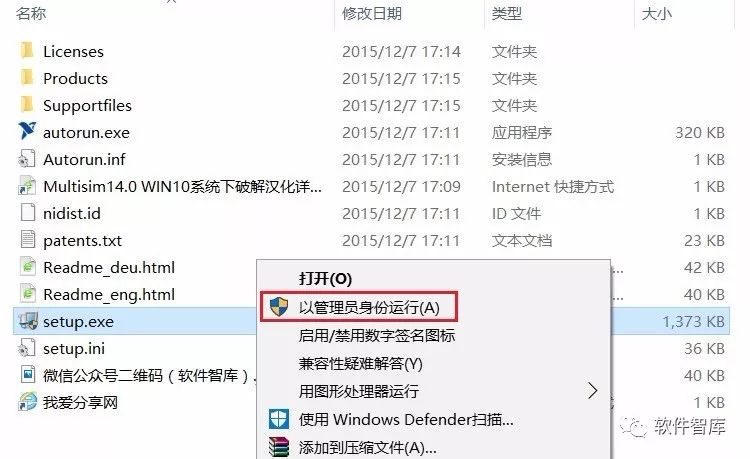
1. Use the “Baidu Cloud client” to download the Multisim 14.0 software installation package and crack files to your computer’s disk, unzip them, and before installation, disconnect the network. Then, find setup.exe in the folder, right-click and select “Run as administrator”.
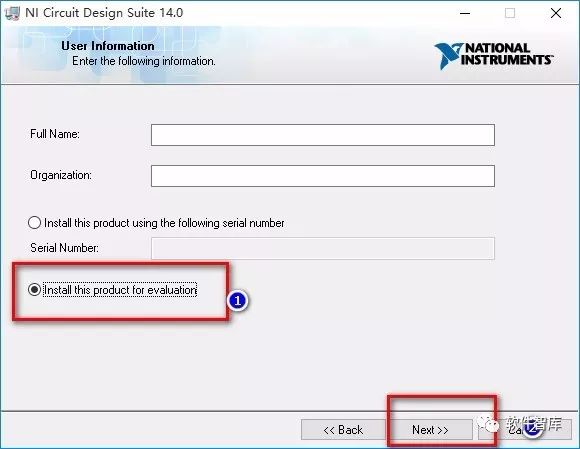
2. Fill in any Full Name and Organization, then check the second line “Install this product for evaluation” (do not input a serial number), and click “Next”.
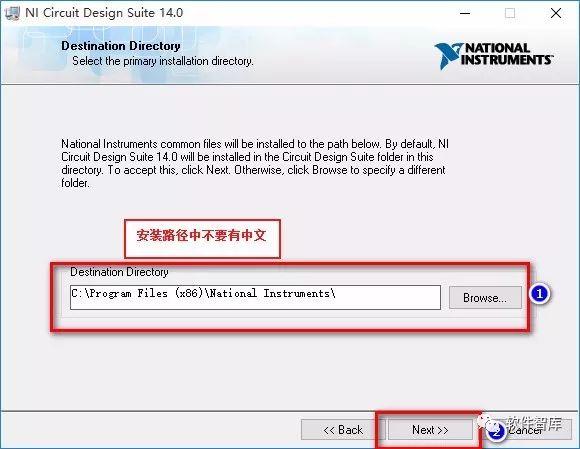
3. Choose the software installation path; the default installation is on drive C. You can click “Browse” to change the installation location. Note: The folder name in the installation path cannot contain Chinese characters! I will default to the installation and click “Next”.
4. By default, click “Next”.
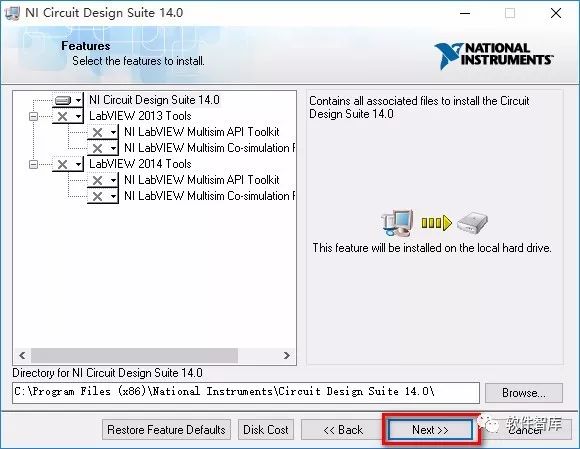
5. Click “Next”.
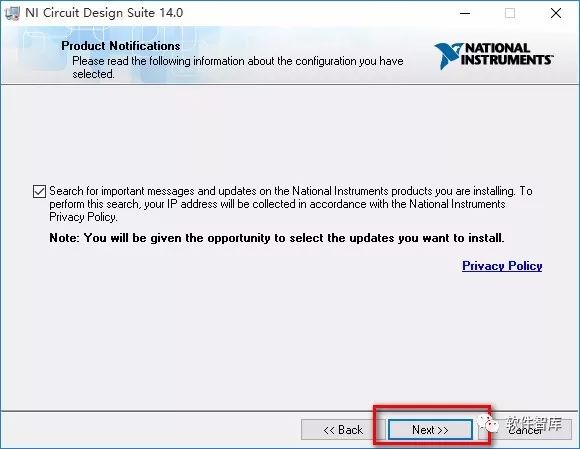
6. Checking the installation environment; this process will take some time, please be patient…
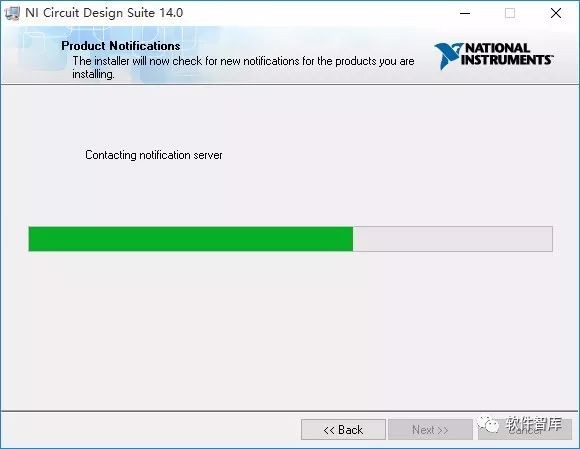
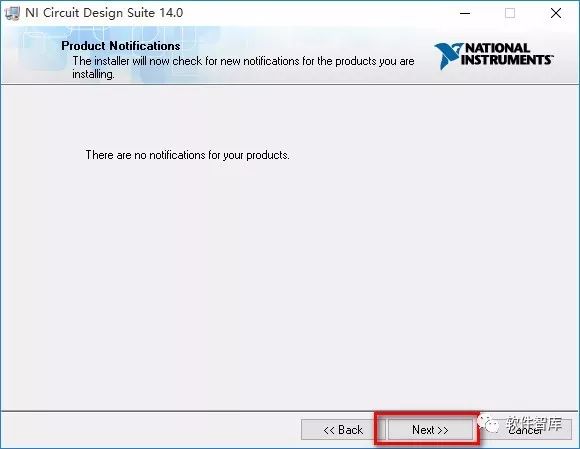
7. Continue clicking “Next”.
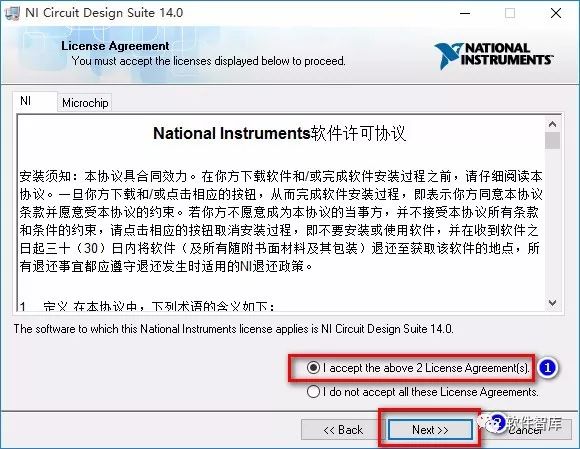
8. License agreement; select “I accept the…”, then click “Next”.
9. Click “Next”.
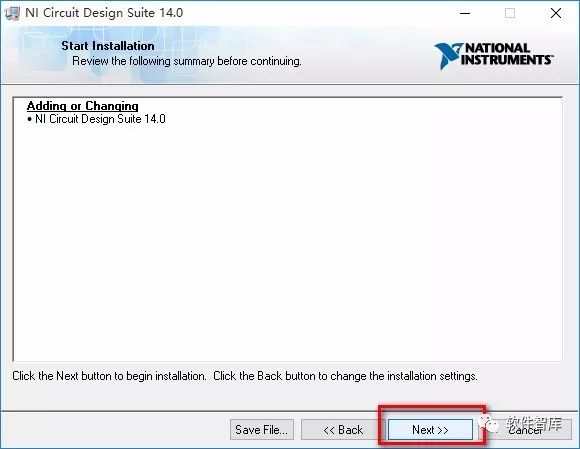
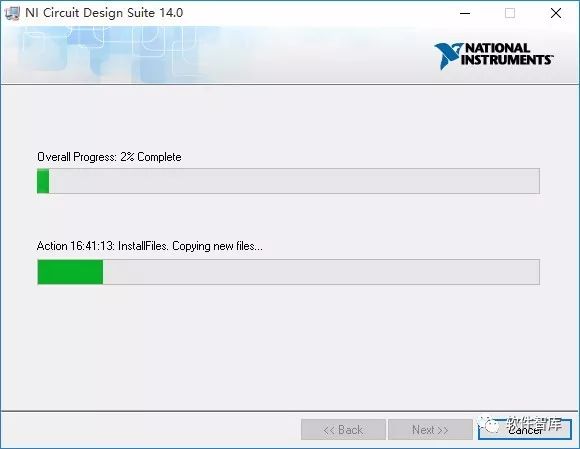
10. Installing the main program; this process will take some time, please be patient…
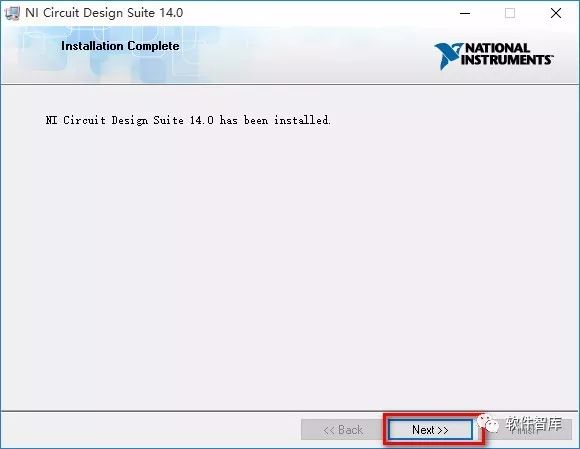
11. Installation complete, click “Next”.
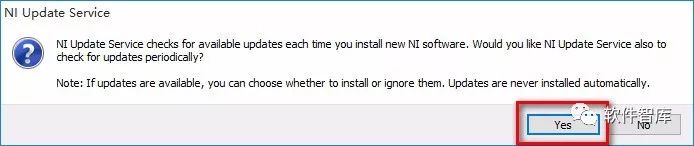
12. A window will pop up, click “Yes”.
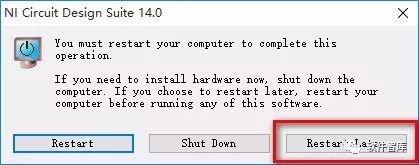
13. It prompts to restart the computer; here we click the last option “Restart Later”, do not restart yet.
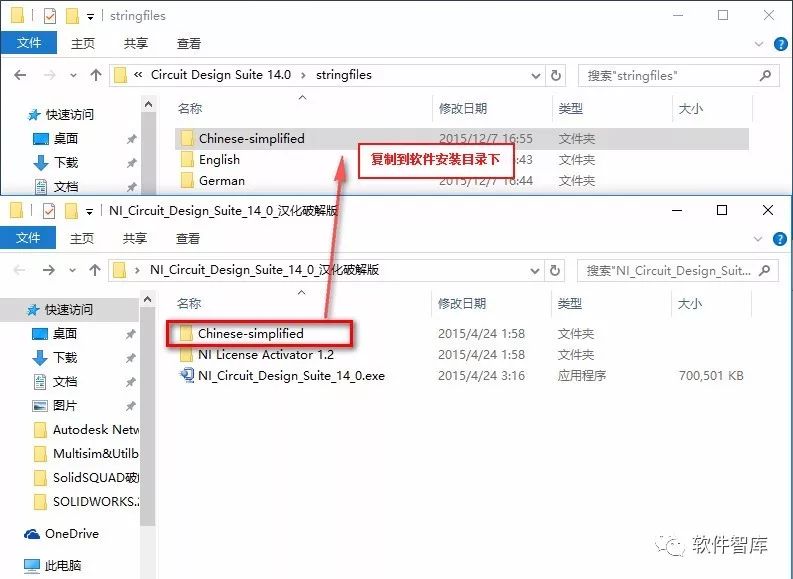
14. Next, localize the software; return to the installation package, copy the “Chinese-simplified” folder from the localization patch files to the software installation directory under the stringfiles folder. The default software installation directory is C:\Program Files(x86)\National Instruments\Circuit Design Suite 14.0\stringfiles.
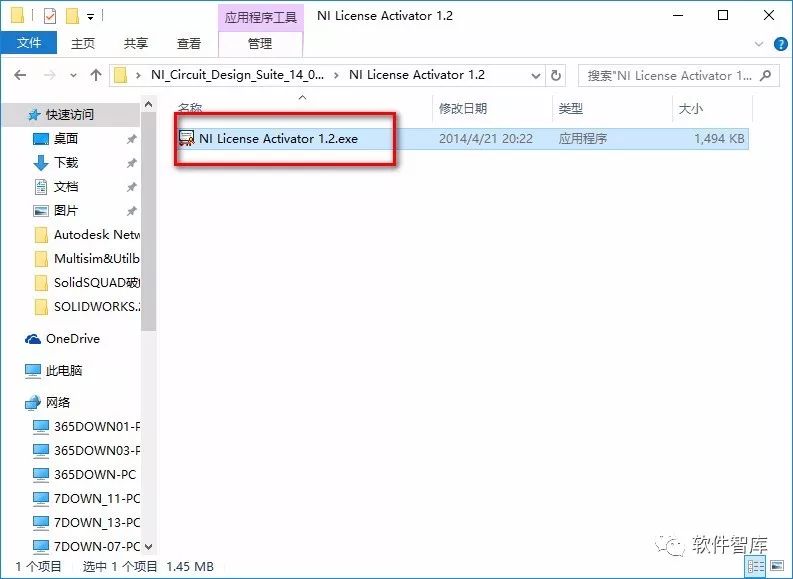
15. The software localization is complete; do not open the software yet. Next, crack the software; find NILicense Activator 1.2.exe in the crack folder, right-click and select “Run as administrator”.
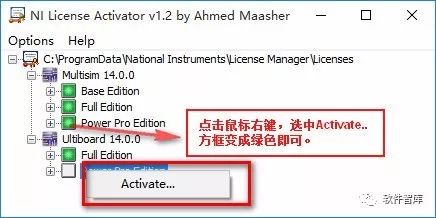
16. A window will pop up, right-click and select “Activate”, and turn the five boxes from gray to green.
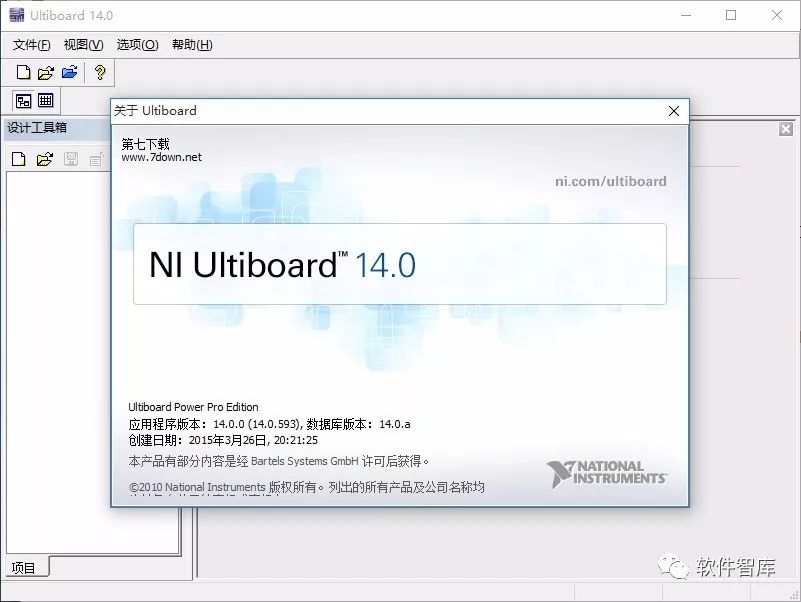
17. Cracking is complete; open the Multisim 14.0 software, the interface is shown in the following image:
END
If you find it useful, feel free to share it with your friends!

Software Knowledge Base
Installation · Learning · Technology · Innovation

·↑ Long press this QR code to follow ↑·
WeChat ID: rjzkgzh