Download Link for Multisim 14.0 (32/64-bit):
Link:pan.baidu.com/s/11foFCKs2LqTkZP6_RUVlsw
Password: 82qw
If you encounter any issues during installation, consult Partner Shen WeChat: cityhbs
Software Overview:
Multisim 14.0 Chinese version is a leading SPICE simulation standard environment in the industry, available in both professional and educational versions. It has gained widespread recognition from educators, researchers, and engineers both domestically and internationally, becoming a top-tier advanced SPICE simulation standard environment. Multisim features many unique characteristics, such as a WYSIWYG design environment, interactive simulation interface, dynamic component display, 3D effect simulation circuits, virtual instruments, analysis functions, and graphical display windows.
Installation Steps:
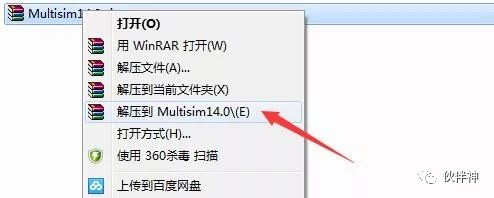
1. Select the downloaded installation package and right-click to extract it.
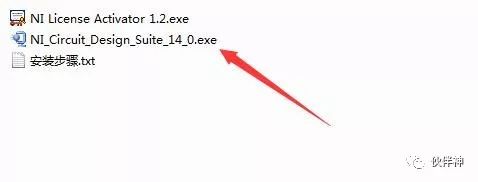
2. Double-click to run the EXE installation program.
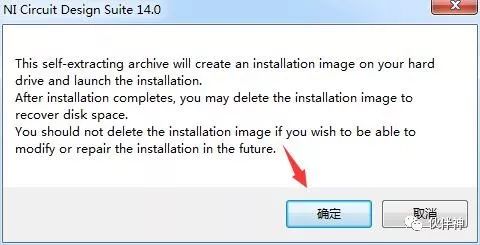
3. Click OK.
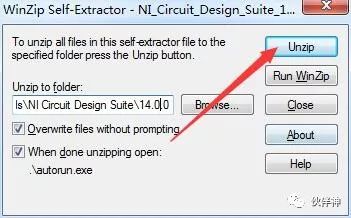
4. Click Unzip.
5. Click OK.
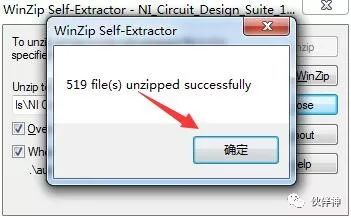
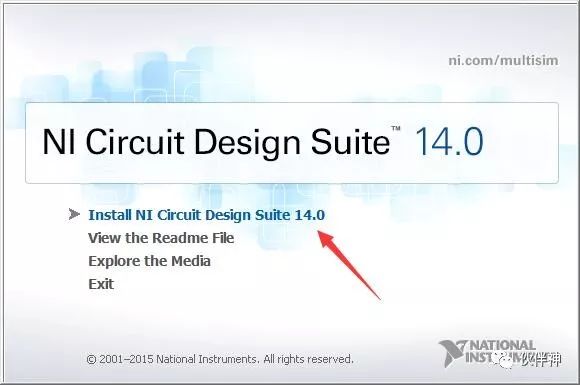
6. Click Install Ni Circuit Design Suite 14.0.
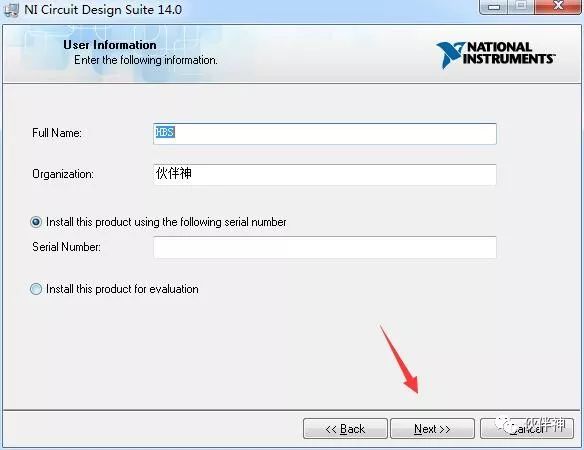
7. Fill in any information and click Next.
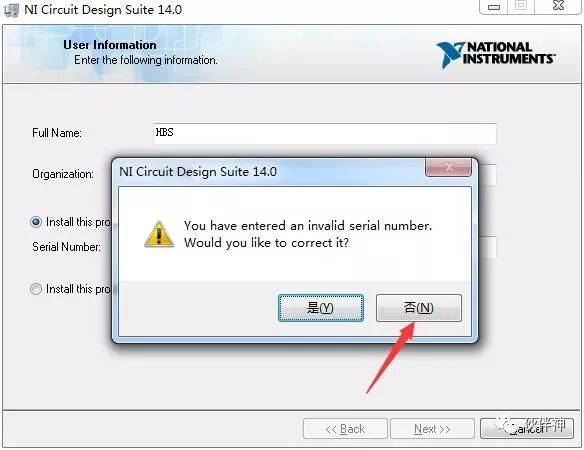
8. Click No.
9. Choose the installation path and click Next.
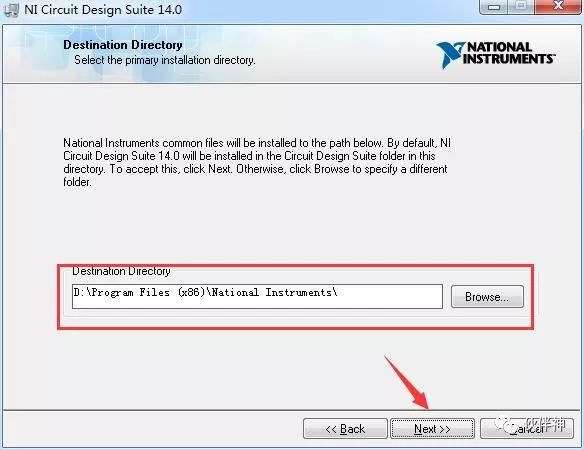
10. Click Next.
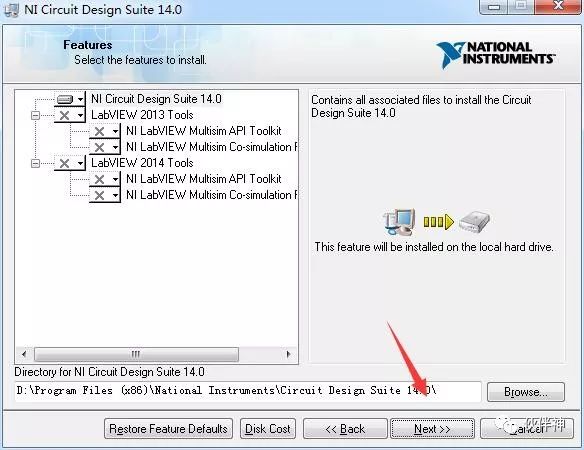
11. Click Next.
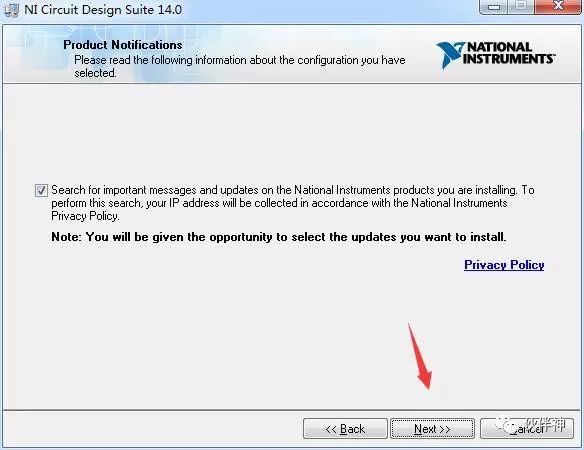
12. Click Next.
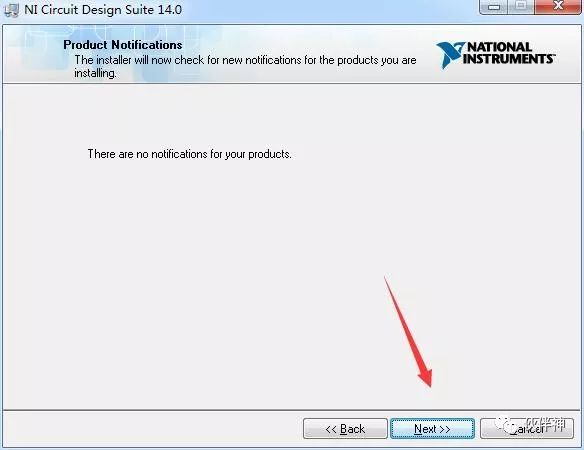
13. Select “I accept…” and click Next.
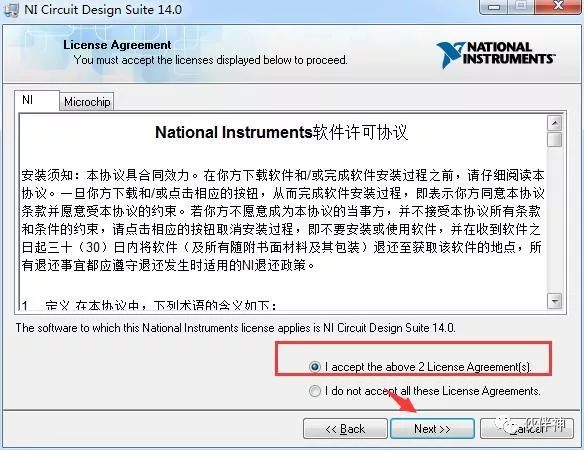
14. Click Next.
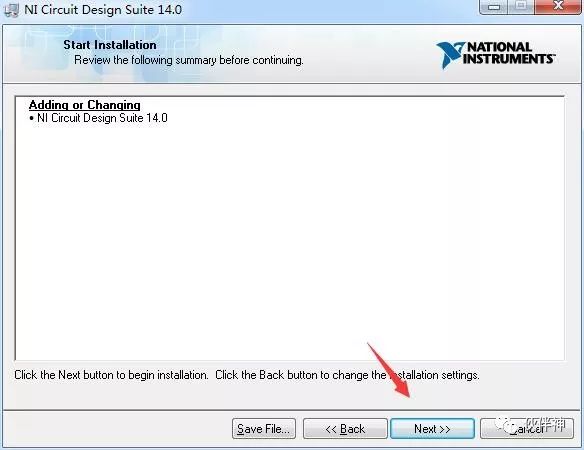
15. Installation in progress… wait for it to complete.
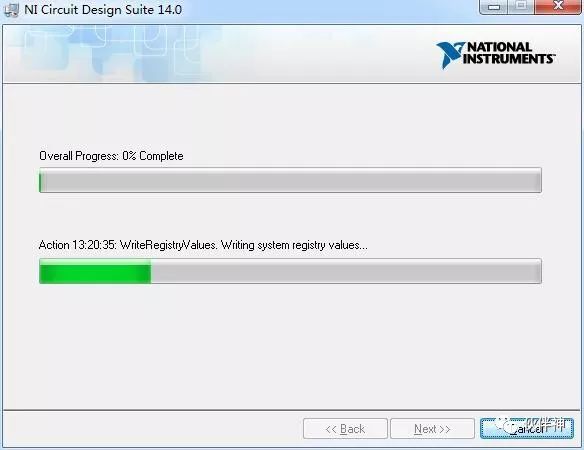
16. Click Next.
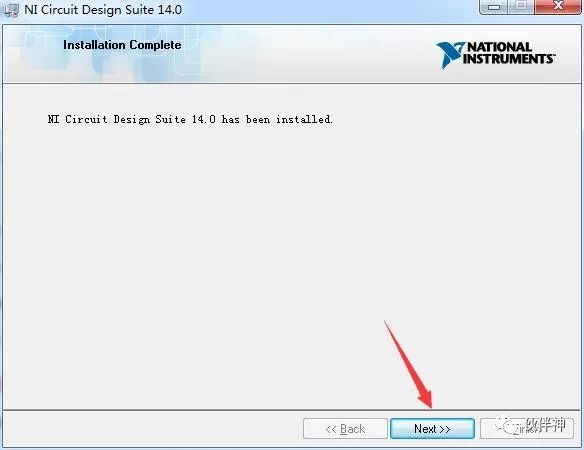
17. Click NO.
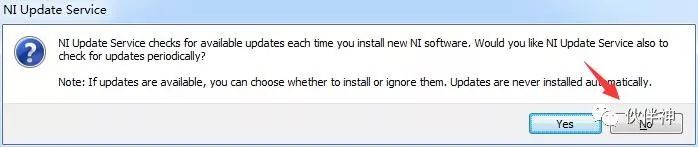
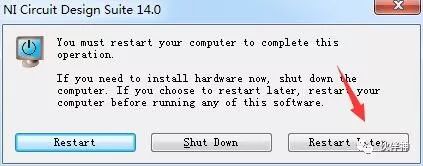
18. Click Restart Later.
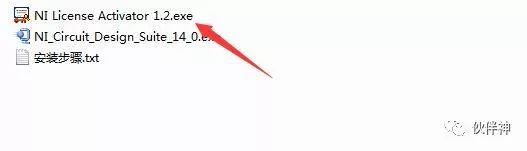
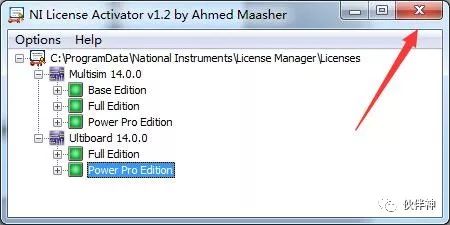
19. Return to the installation package and run NI License Activator 1.2.exe.
20. Right-click in the indicated area and select Activate.
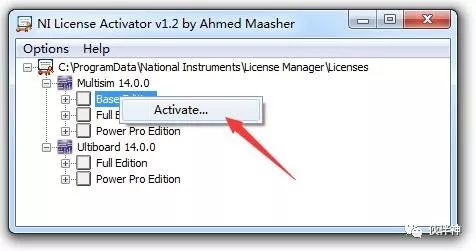
21. All activated with green display, exit the window.
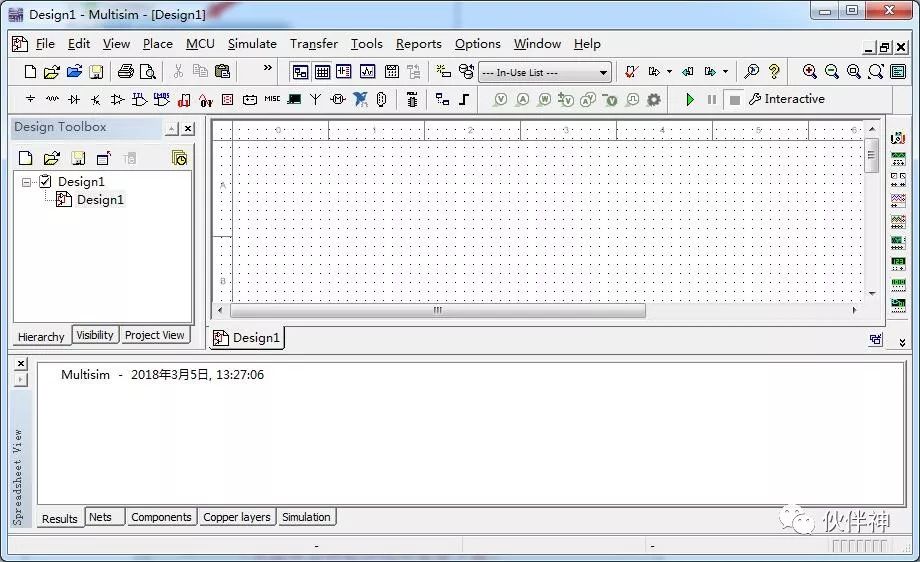
22. Find the software in the system start menu; the interface is as follows.
23. The installation is complete; welcome to follow our WeChat public account Partner Shen for free downloads of various software.


Partner Shen Software Installation
A public account focused on software installation

Long press the QR code to follow us.