Click the blue text above to follow me for more resources!

1
Software Introduction
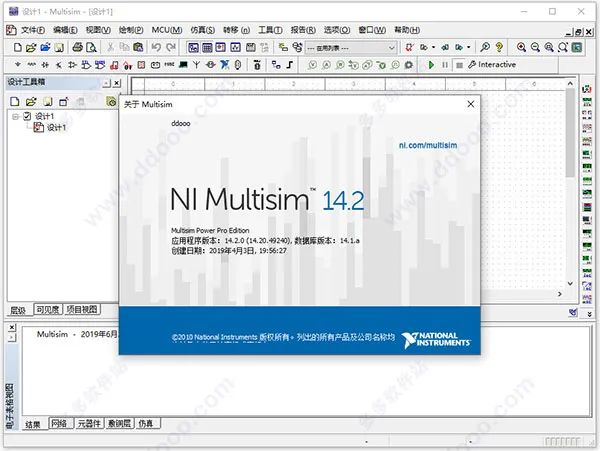
Multisim 14.2 is a newer version of the NI Multisim series software and is currently a professional simulation and circuit design software available on the internet. It is also known as the NI Circuit Design Suite. With this software, users can combine intuitive schematic building with powerful simulation capabilities, helping users to design and validate circuits quickly, easily, and efficiently. Currently, Multisim 14.2 integrates industry-standard SPICE simulation and an interactive circuit diagram environment, allowing for instant visualization and analysis of electronic circuit behavior. Its intuitive interface helps educators reinforce students’ understanding of circuit theory and efficiently memorize engineering course theories. Additionally, researchers and designers can use Multisim 14.2 to reduce PCB prototype iterations and add powerful circuit simulation and analysis to the design process, saving development costs, applicable to teaching and research in the fields of analog, digital, and power electronics.PS: Here I bring you the Chinese version of Multisim 14.2, along with the crack files and language patch that can perfectly activate the software. The detailed installation guide can be found below, and it has been tested and is usable. Don’t worry, it’s not clickbait; feel free to download and use it.
2
Installation Guide
1. Download and unzip to get the NI Multisim 14.2 original program, crack files, and language patch;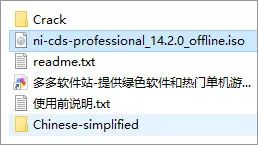 2. Load the NI-CDS-Professional_14.2.0_offline.iso image file using a virtual machine or extract it with WinRAR. For Windows 10, you can right-click to open with Windows Explorer and double-click “install.exe” to start the installation and accept the terms;
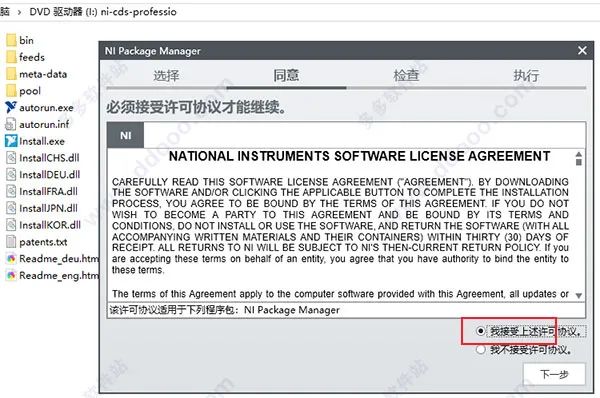 3. Install the NI Package Manager;
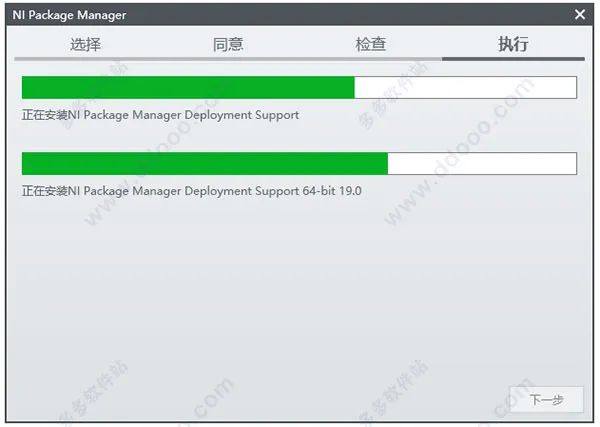 4. Officially install the Multisim 14.2 software, agree to the terms again;
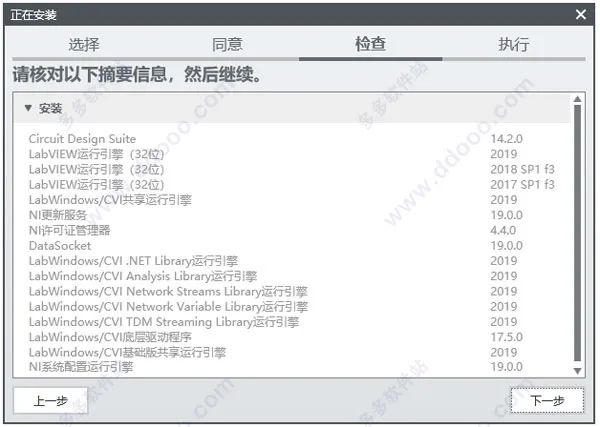
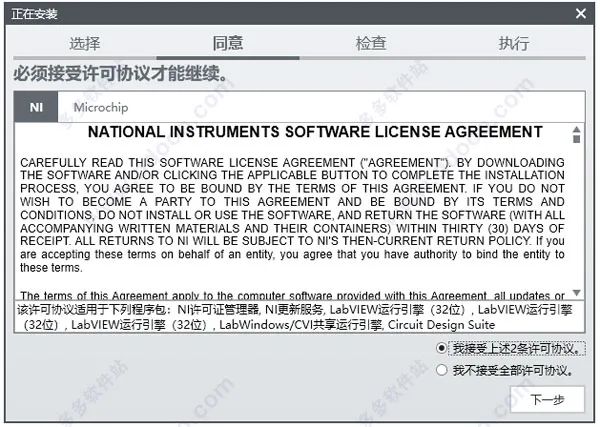 5. Check the installed components and continue the installation;
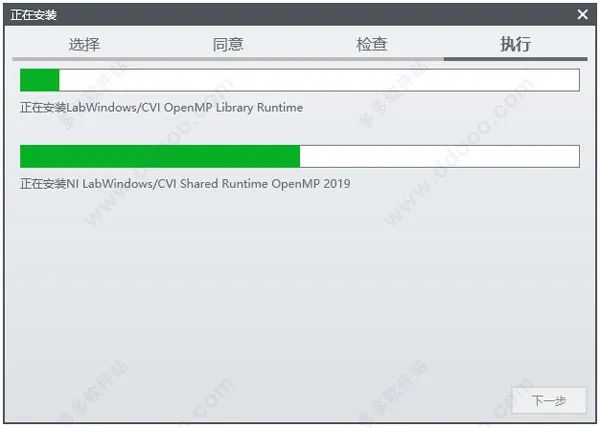
 6. Wait for the software installation to complete;
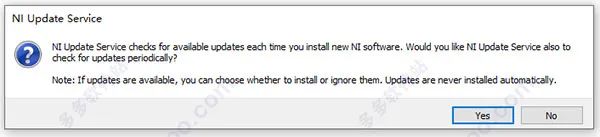
 7. After installation is complete, the window will prompt the following interface; select “Yes”
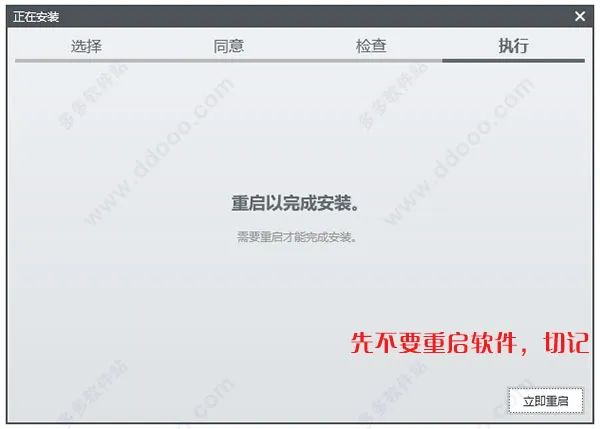
 8. Continue to retry the installation, directly complete it, but do not restart the software; just close it from the upper right corner;
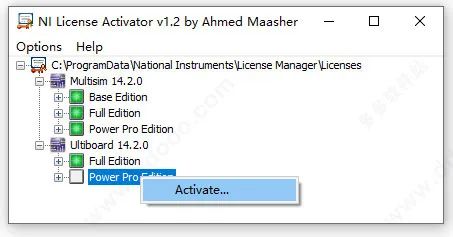
 9. Open the crack folder again, double-click “NI License Activator 1.2.exe” and right-click to select Activate; all boxes will turn from gray to green.
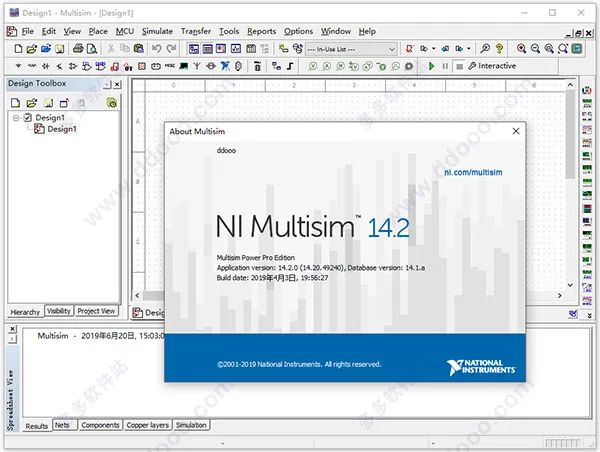
 10. At this point, the software is successfully activated;
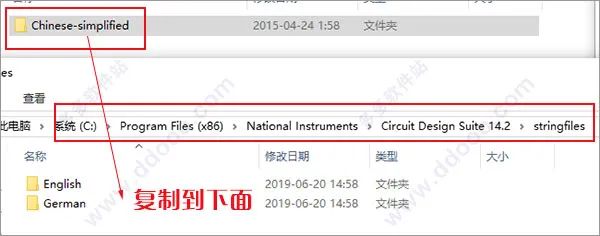
 11. If you need to localize it, copy the language patch “Chinese-simplified” into the stringfiles folder under the software directory, the default directory is 【C:\Program Files (x86)\National Instruments\Circuit Design Suite 14.2\stringfiles】
 12. Open the software again, and it will now be in Chinese interface. This is the detailed installation tutorial for the NI Multisim 14.2 Chinese cracked version.

3
Download AddressSend150 or Multisim to get it
THE END