Multisim 11 Download Address:
Click on the Read Original at the bottom of the article + Password: k9n4
Software Overview
NI Multisim software combines intuitive capture and powerful simulation, allowing for quick, easy, and efficient design and verification of circuits. With NI Multisim, you can instantly create circuit diagrams with a complete component library and use the industry-standard SPICE simulator to mimic circuit behavior. With advanced SPICE analysis and virtual instruments, you can quickly validate circuit designs early in the design process, shortening the modeling cycle. The integration with NI LabVIEW and SignalExpress software enhances the design process with powerful technology, enabling comparison of simulation data with actual measurement results.
Installation Steps:
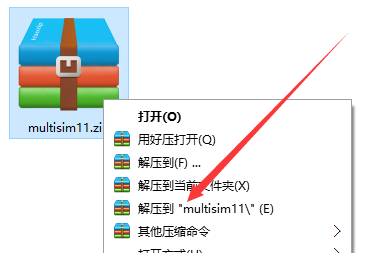
1. Select the downloaded software zip file, right-click and choose to extract to “multisim11(E)”.
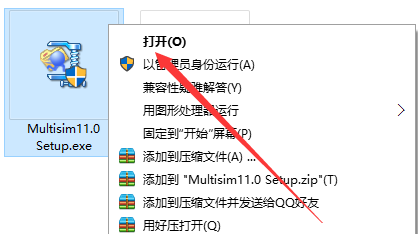
2. In the extracted folder, find Multisim11.0Setup.exe, right-click and select open.
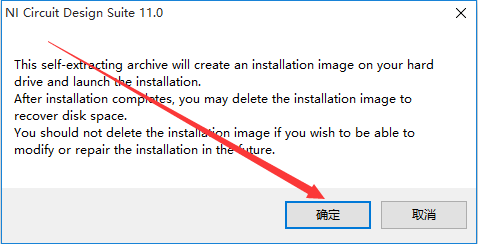
3. Click OK.
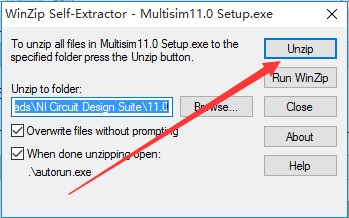
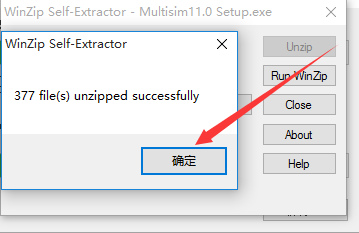
4. Click Unzip.
5. Click OK.
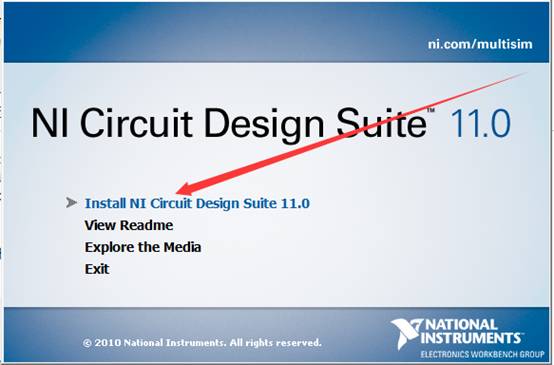
6. Click Install NI Circuit Design Suite 11.0.
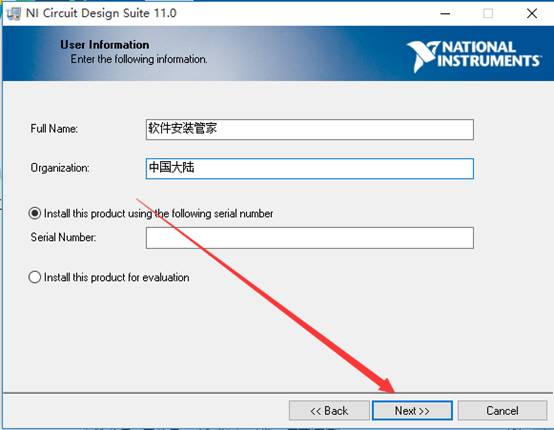
7. Enter a name of your choice, then click Next.
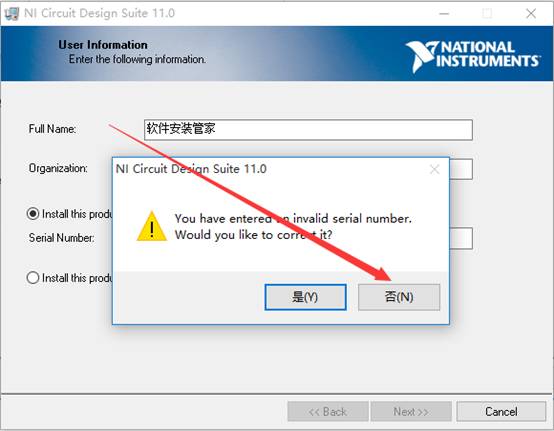
8. Click No.
9. Click Browse to change the installation path, it is recommended to install on a disk other than C, you can create a multisim11.0 folder on D or another disk. Then click Next.
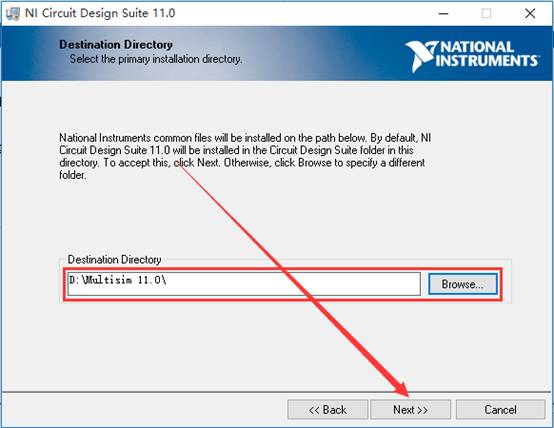
10. Click Next.
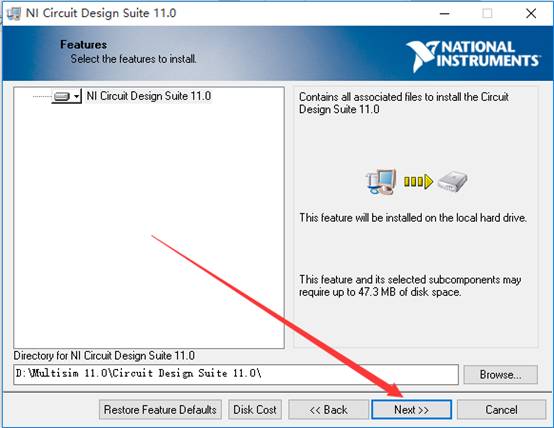
11. Click Next.
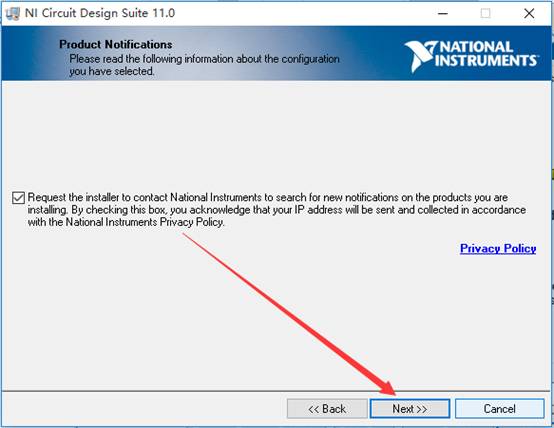
12. The software is installing (approximately 3 minutes needed).
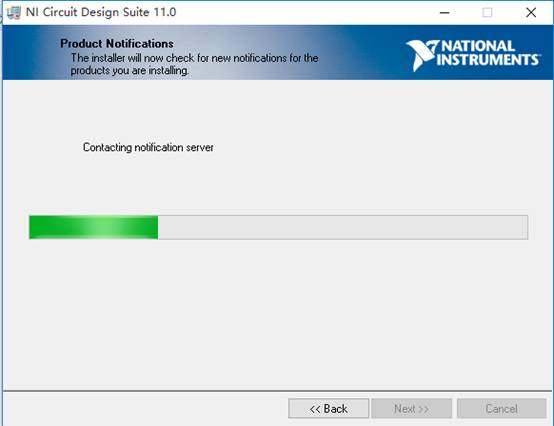
13. Click Next.
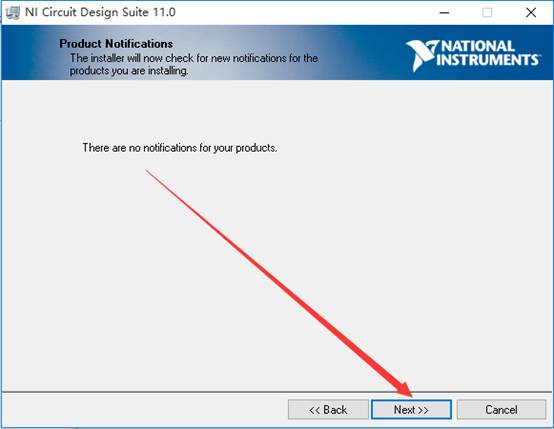
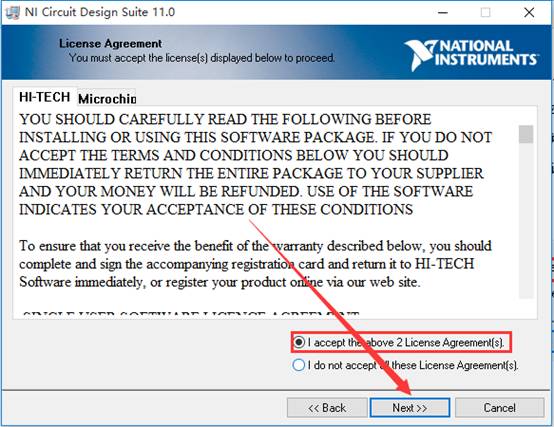
14. Select I accept the above 2 License Agreement option, then click Next.
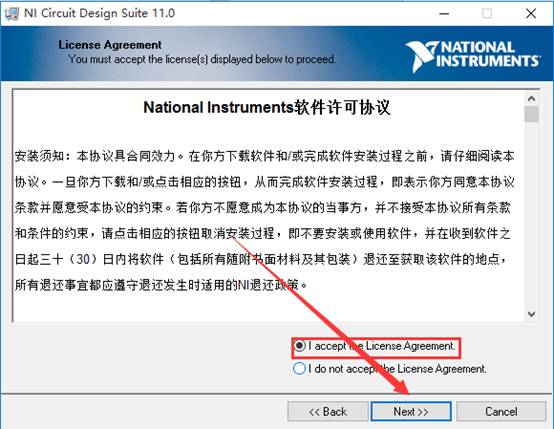
15. Select I accept the above 2 License Agreement option, then click Next.
16. Click Next.
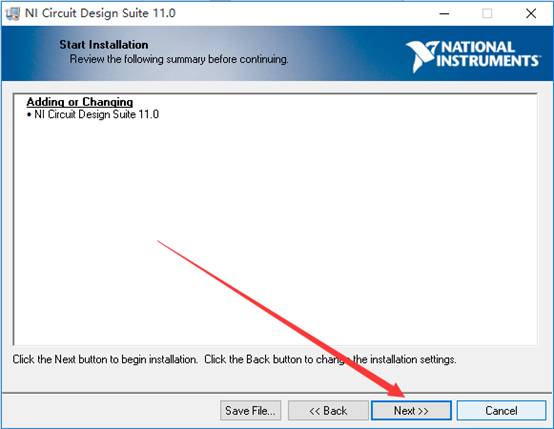
17. The software is installing (approximately 10 minutes needed).
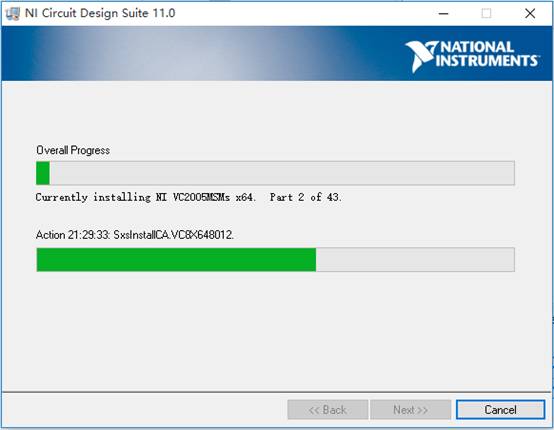
18. Click Next.
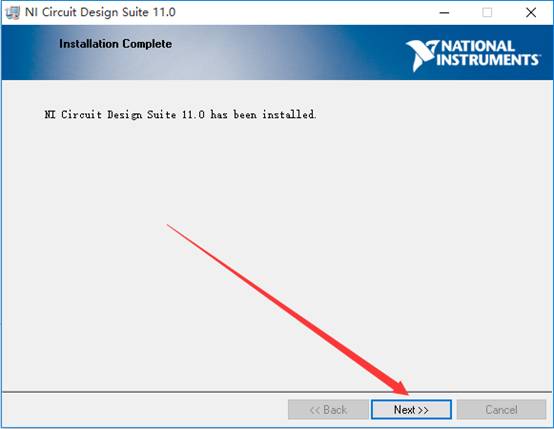
19. Click Restart Later.
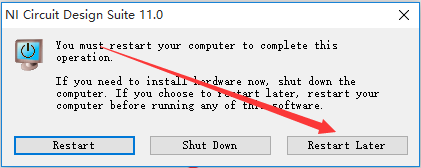
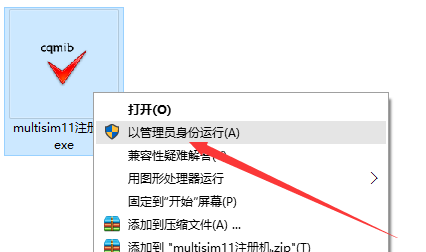
20. Go back to the installation package folder, find multisim11 registration machine.exe in the Mulitisim13.0 folder, right-click and select run as administrator.
21. Click Create license file…
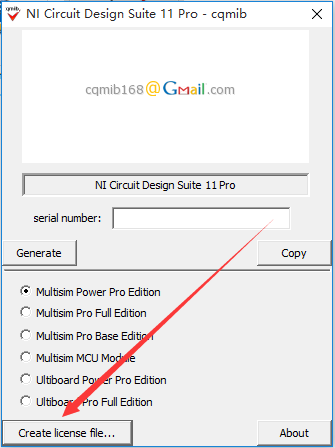
22. In the pop-up interface, open the multisim11 folder (refer to the path in step nine), enter key in the file name, and click save.
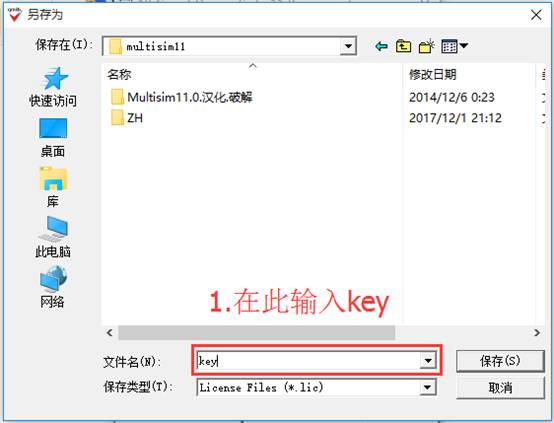
23. Click OK.
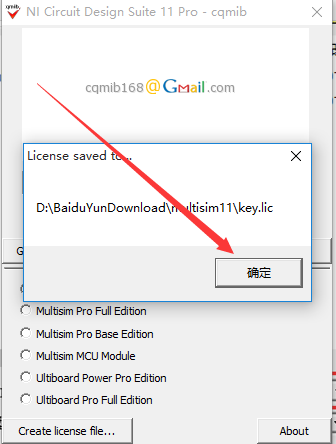
24. Click the start menu, click all programs. Find NI License Manager and open it.
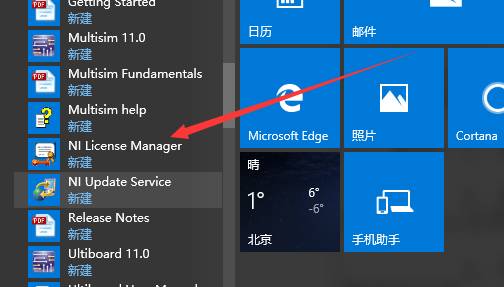
25. Click OK.
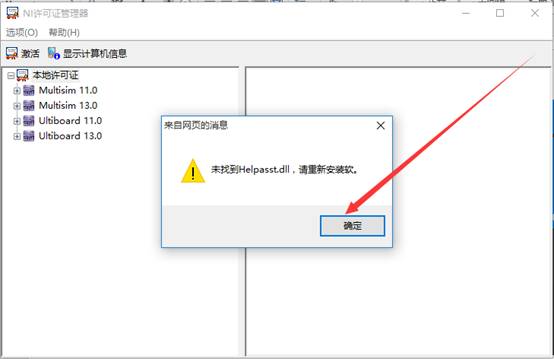
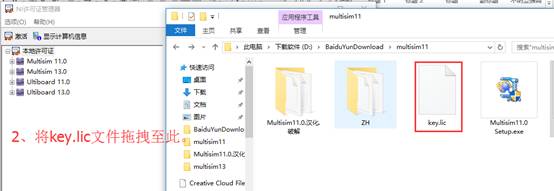
26. Drag the key.lic file from the Mulitisim11 folder into the NI License Manager.
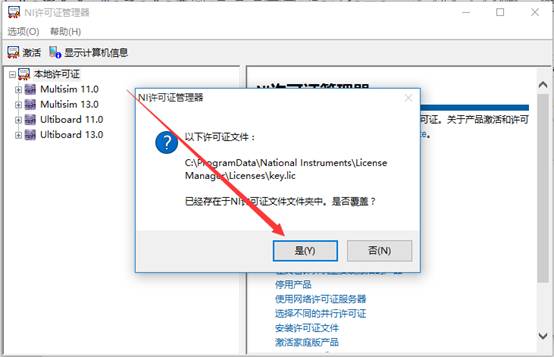
27. Click Yes.
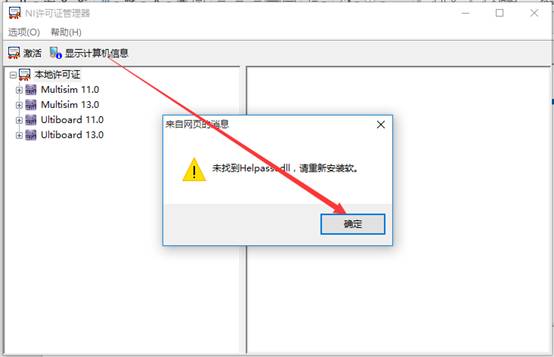
28. Click OK to close this software.
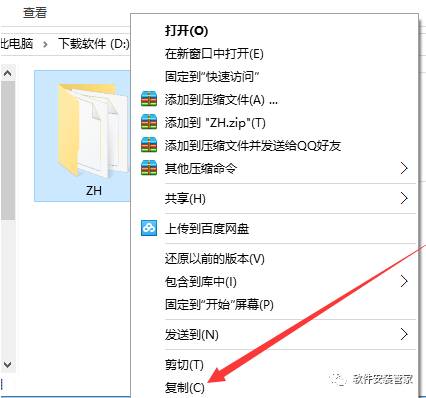
29. Select the ZH folder in the Mulitisim11 folder, right-click and copy.
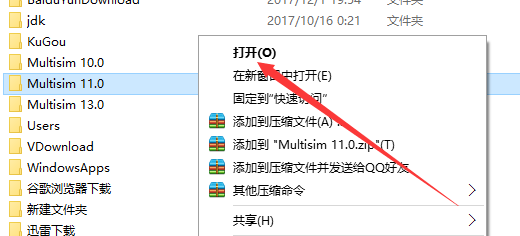
30. Find the Mulitisim11.0 folder in the software installation path (refer to the path in step nine), right-click and select open.
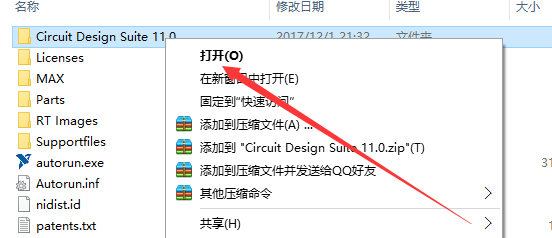
31. Find the Circuit Design Suite 11.0 folder, right-click and select open.
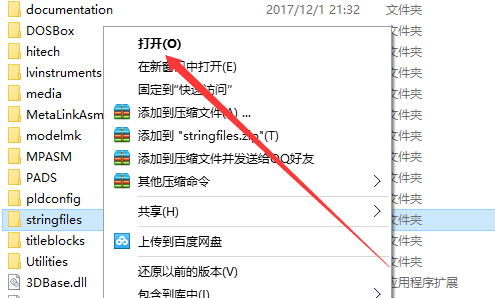
32. Find the stringfile folder, right-click and select open.
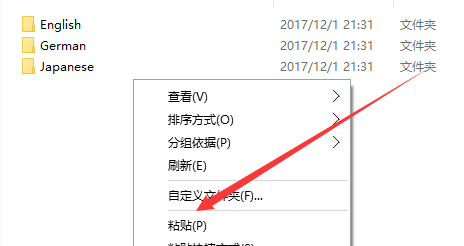
33. Right-click in the blank space and click paste.
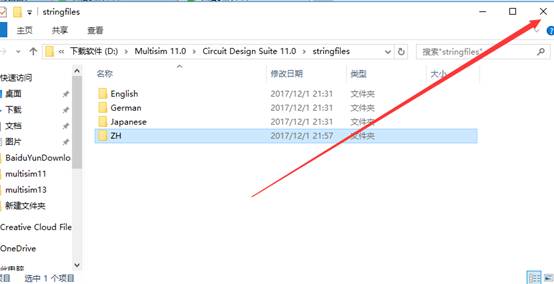
34. Close this interface.
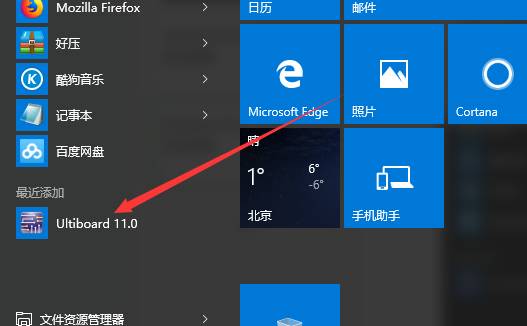
35. Click the start menu, find Ultiboard 11.0 and open it.
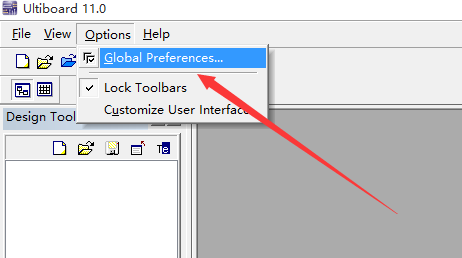
36. Find Options, click, and then click Global Preferences.
37. Click Language, select ZH, then click OK.
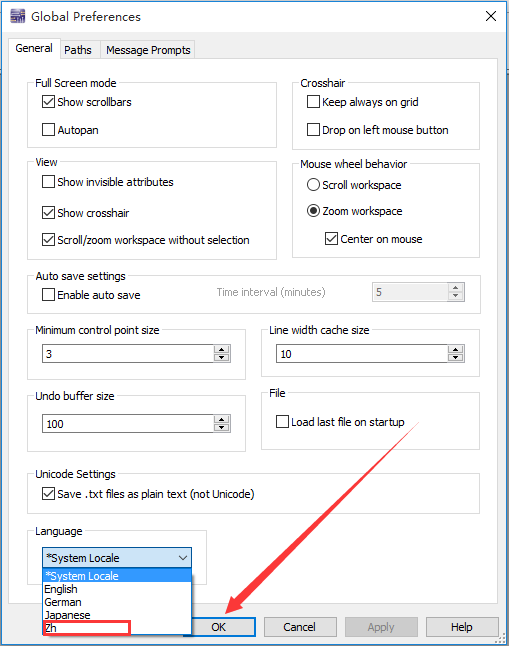
38. Click OK.

39. Click the start menu, find Ultiboard 11.0 and open it.
40. Installation complete.
Not just your world Only as your shoulder
○
Resource Box for Beginners


Please Leave the Warmth of Your Fingertips
Long Press Fingerprint One-Click Follow
Remember this is a public account with warmth