
Click the blue text to follow the software installation home
Understanding the Software
Multisim is a Windows-based simulation tool launched by National Instruments (NI), suitable for the design work of board-level analog/digital circuit boards. It includes graphical input for circuit schematics, hardware description language input methods, and has rich simulation analysis capabilities. Through Multisim and virtual instrumentation technology, PCB design engineers and electronics educators can complete a comprehensive design process from theory to schematic capture and simulation to prototype design and testing.
Main Functions
Build simulation circuits
Simulation circuit environment
Multi MCU (Microcontroller Simulation)
FPGA, PLD, CPLD simulation, etc.
Modules for communication system analysis and design
Automatic wiring module
―PCB design module: Intuitive, 32-layer boards, fast automatic wiring, forced vector, and density histogram
Download Link
Multisim 14.0 – 64 & 32-bit download link:
Link:
https://pan.baidu.com/s/1qADyvgLU3IKe-0KSJxfvqA&shfl=sharepset
Extraction Code: 57g8
Software Size: 685.51M
If installation issues occur, contact QQ: 1328229137
Installation Steps
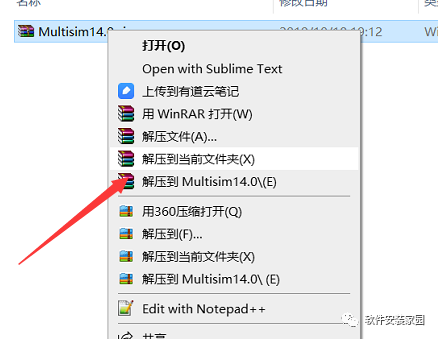
Step 1: After downloading the software, right-click to extract
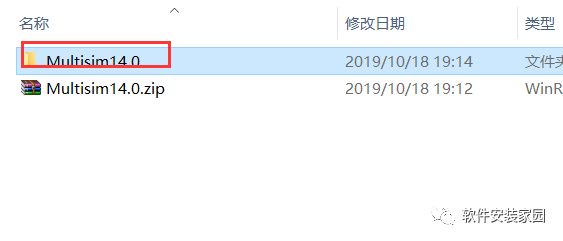
Step 2: Open the extracted Multisim 14.0 folder
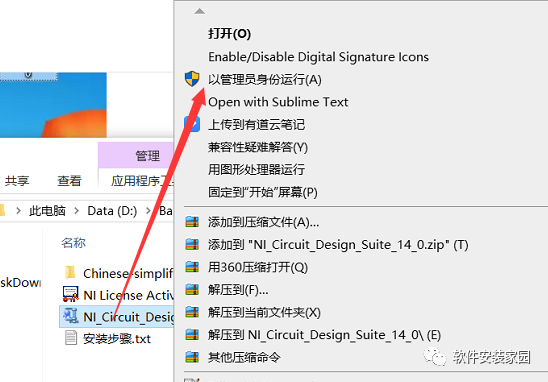
Step 3: Right-click NI_Circuit_Design_Suite_14_0.exe and run as administrator
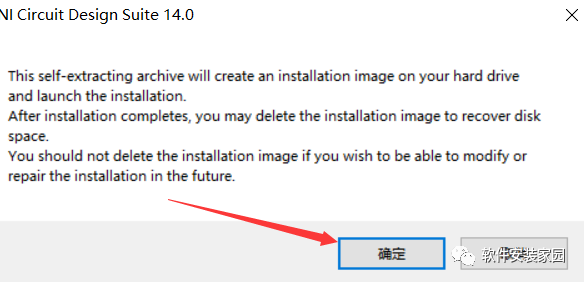
Step 4: Confirm
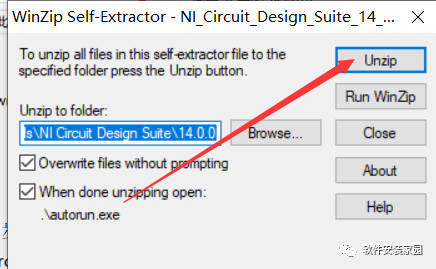
Step 5: Click Unzip
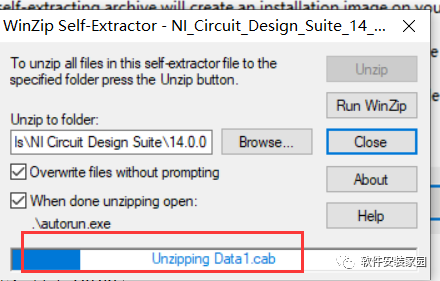
Wait for completion
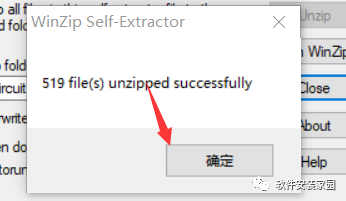
Step 6: Confirm
Step 7: Confirm
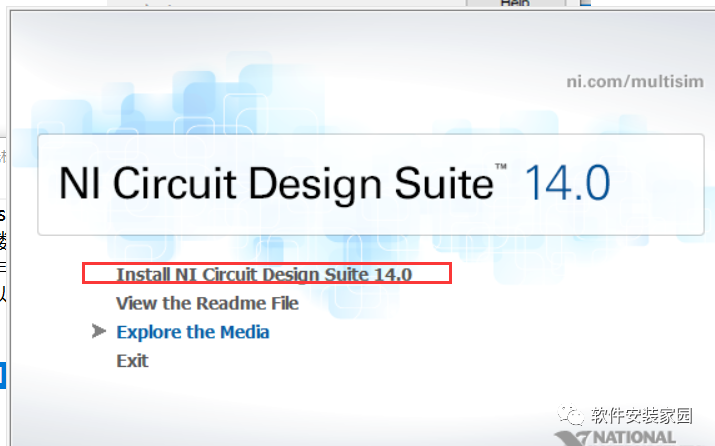
Step 8: Click Install NI Circuit Design Suite 14.0
Step 9: Customize and click Next
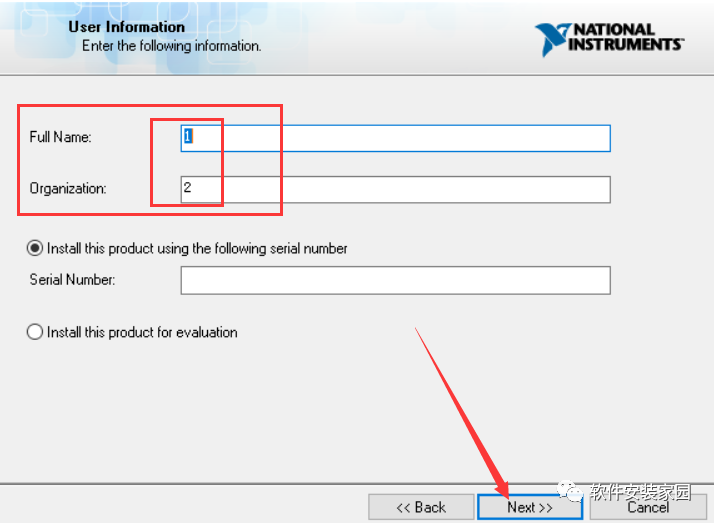
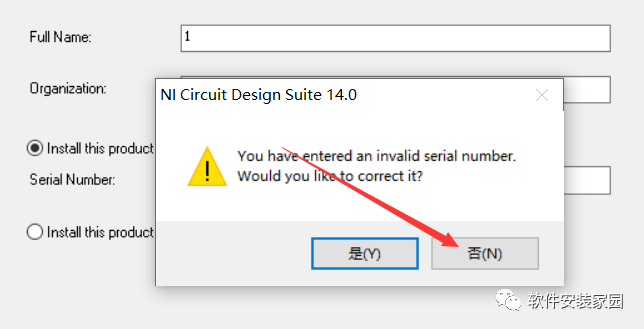
Step 10: Click No
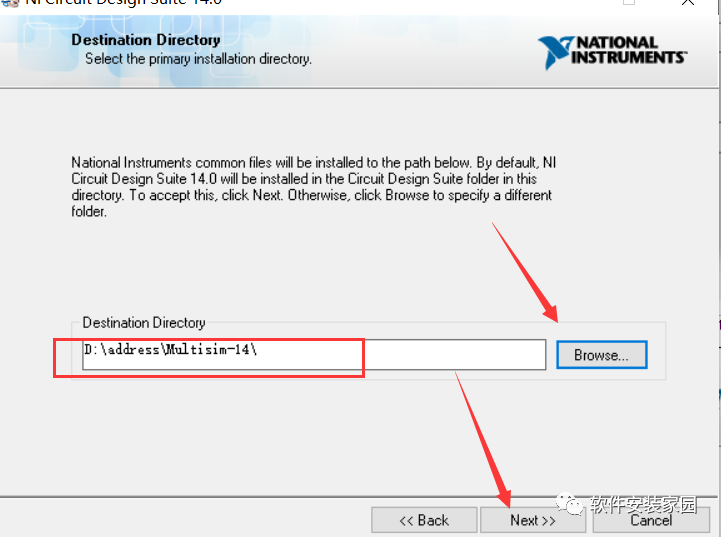
Step 11: Click Browse… to change the installation path. The editor installs it on drive D, click Next
Step 12: Click Next
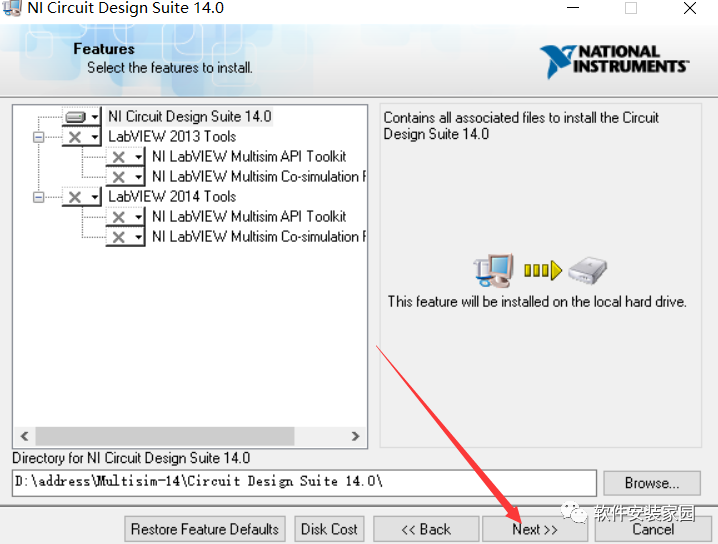
Step 13: Click Next
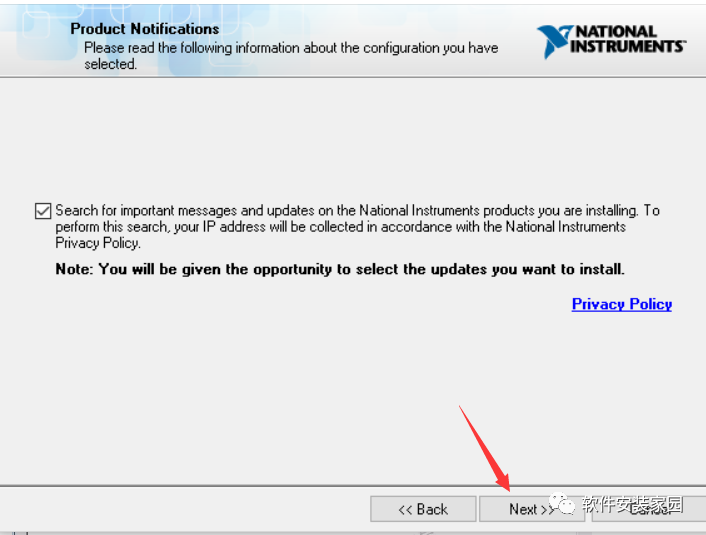
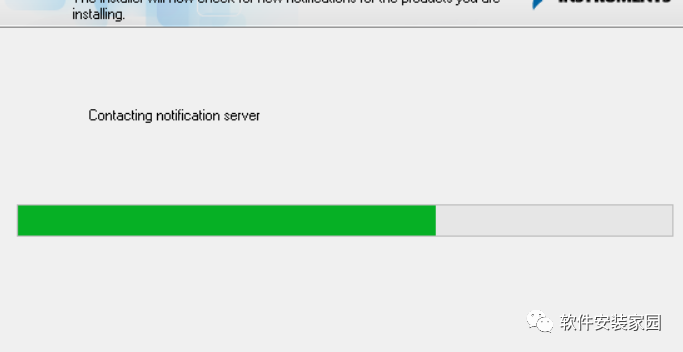
Wait for installation
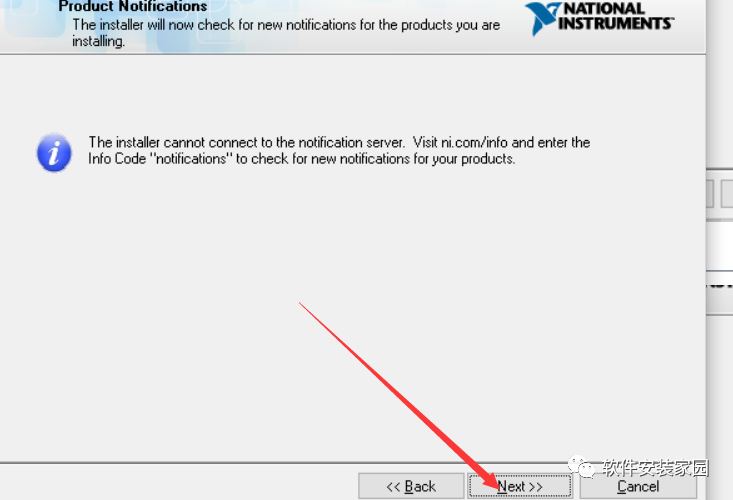
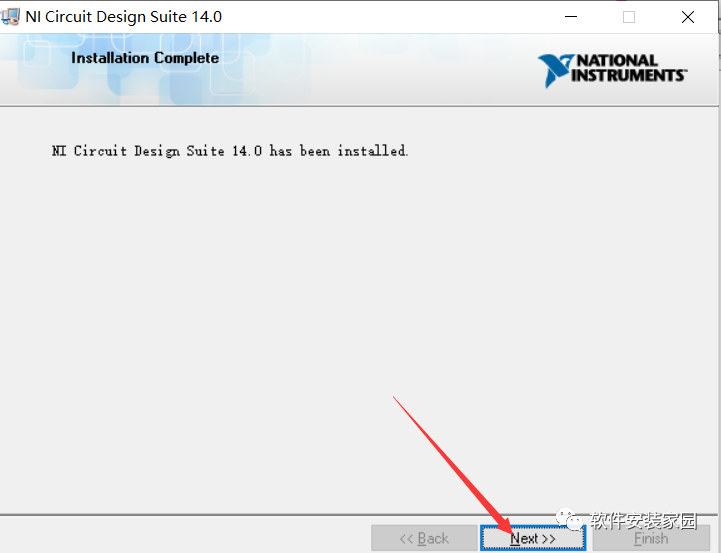
Step 14: Click Next
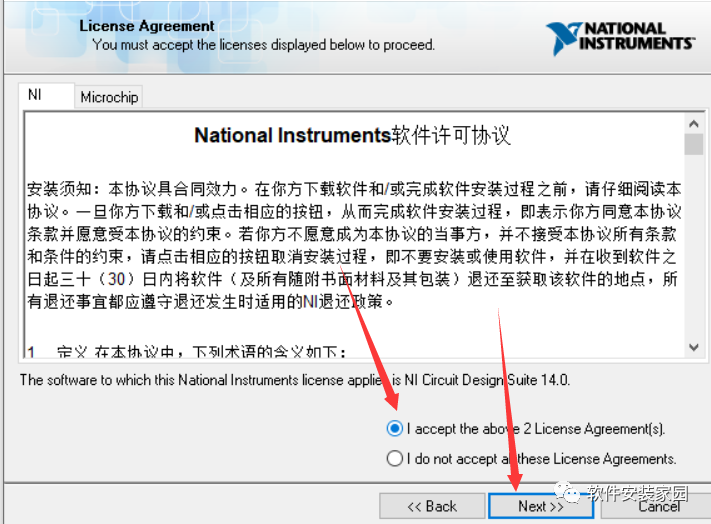
Step 15: Agree to the agreement and click Next
Step 16: Click Next
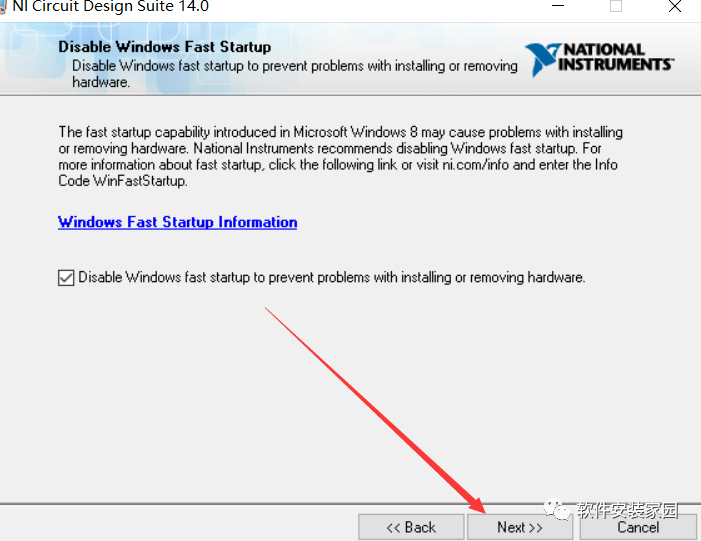
Step 17: Click Next
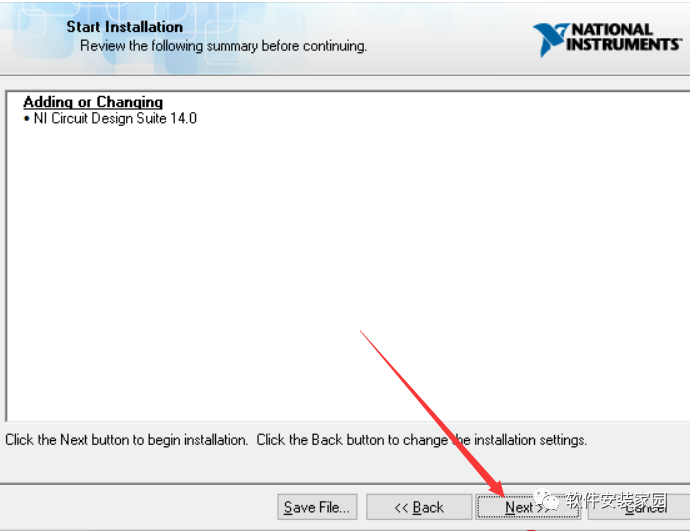
Step 18: Click Next
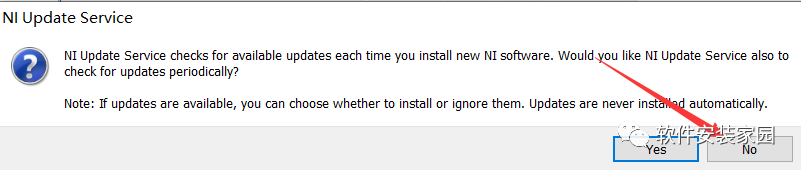
Step 19: Click NO
 Step 20: Click Restart Later
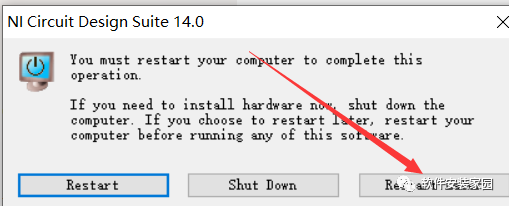
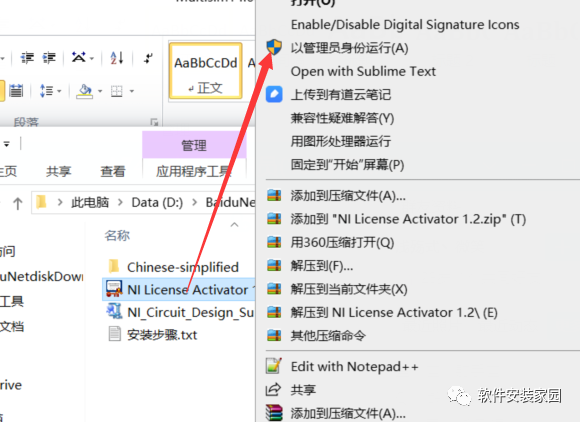
Step 21: In the previously extracted folder, select NILicense Activator 1.2.exe and run as administrator
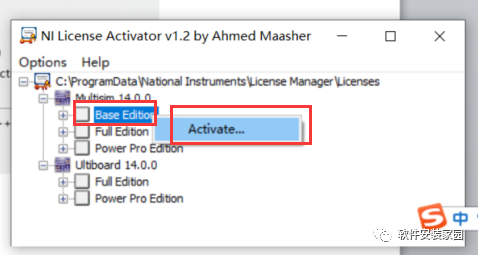
Step 22: Right-click Base Edition and click Activate
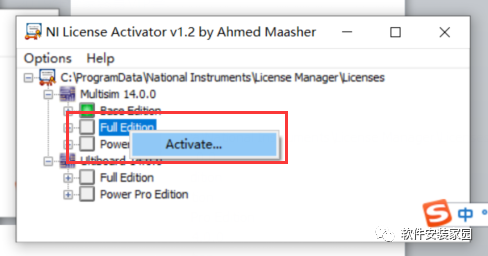
Step 23: Right-click Full Edition and click Activate
Step 24: Right-click Power Pro Edition and click Activate
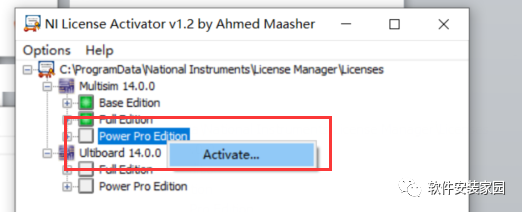
Step 25: Right-click Full Edition and left-click Activate.
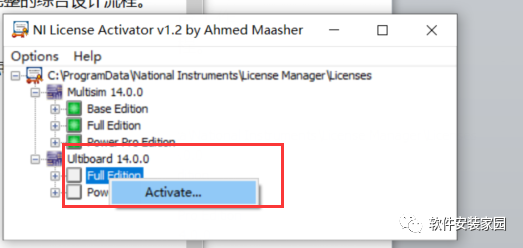
Step 26: Right-click Power Pro Edition and left-click Activate
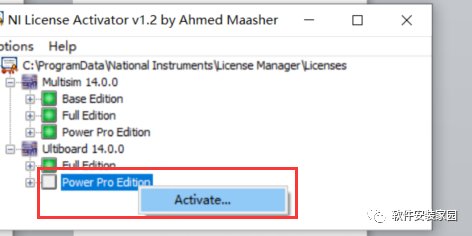
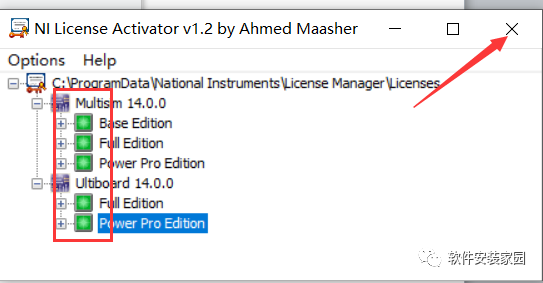
Step 27: These five are green, then click close
Step 28: Copy the folder
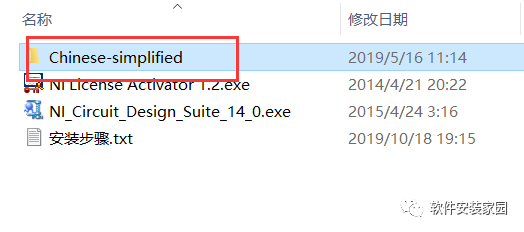
Step 29: Open the software from the start menu and drag it to the desktop to create a shortcut
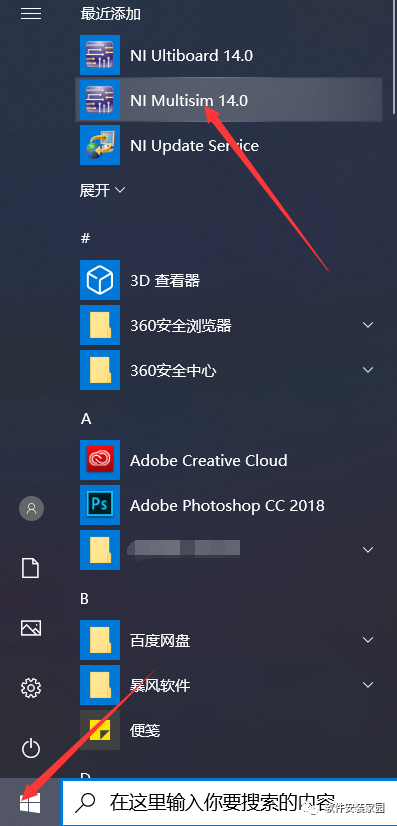
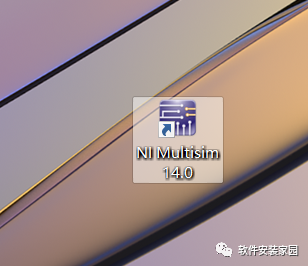
Create a desktop shortcut
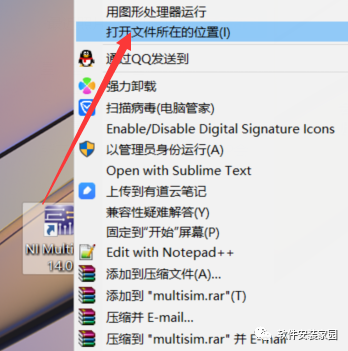
Step 30: Right-click the software on the desktop to open the file location
Step 31: Find the stringfiles folder and double-click to open
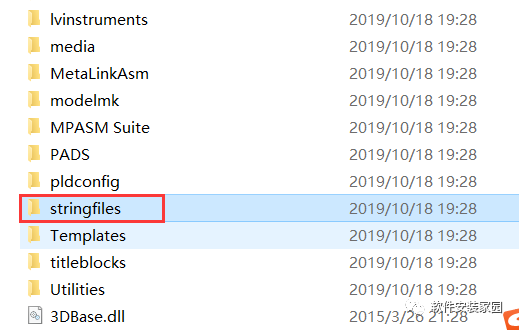
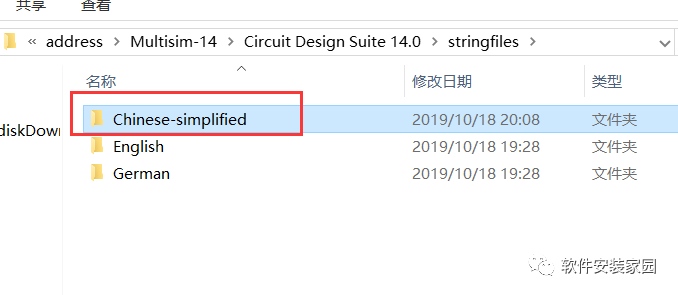
Step 32: Paste the previously copied Chinese-simplified folder
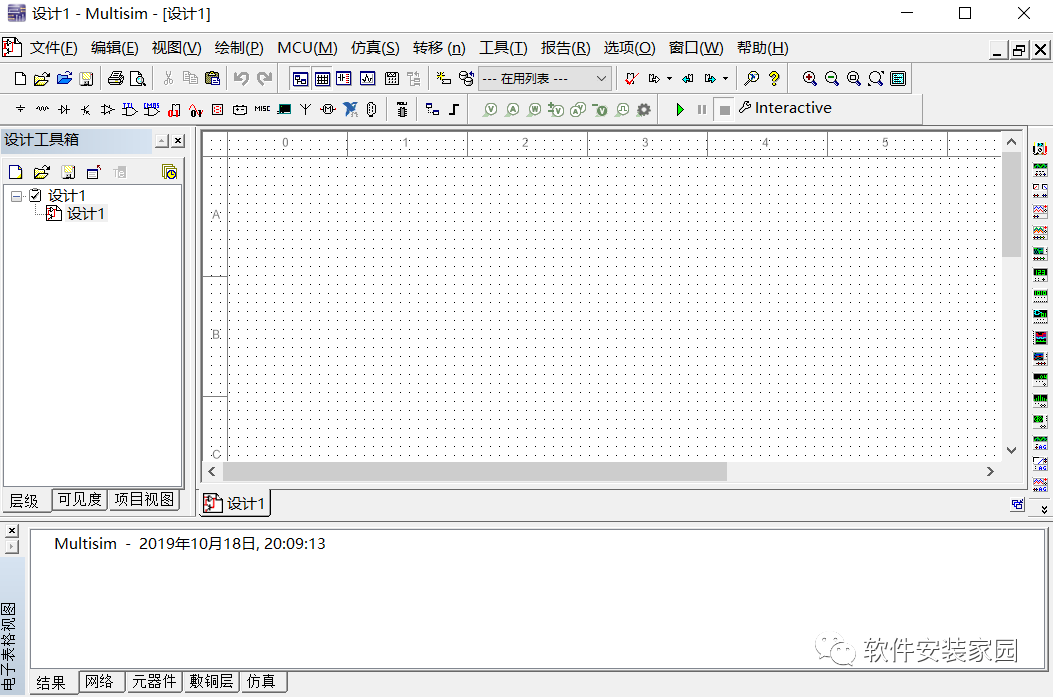
Step 33: Double-click to open the software on the desktop. The software installation is complete.
Follow the Software Installation Home public account
We provide various software installation packages and tutorials for free

Long press the QR code to follow the Software Installation Home