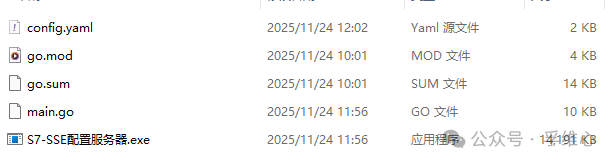
Continuing from yesterday’s draft, batch reading data blocks from multiple Siemens PLCs (or the V area of S7-200 smart, unidirectionally sending to N clients)Yesterday’s Go project (or compiled exe) can directly read variables from S7-200 smart, obtaining runtime data even without the counterpart program (see GitHub: s7-200smart-v-binary-viewer)New project: S7-SSE-gateway, also open-sourced on GitHub, everyone is welcome to modify and share results. I actually also prepared a bidirectional gateway for S7-OPC UA and S7-BACnet, but it is not as safe and reliable as unidirectional data transmission, not sharing for now~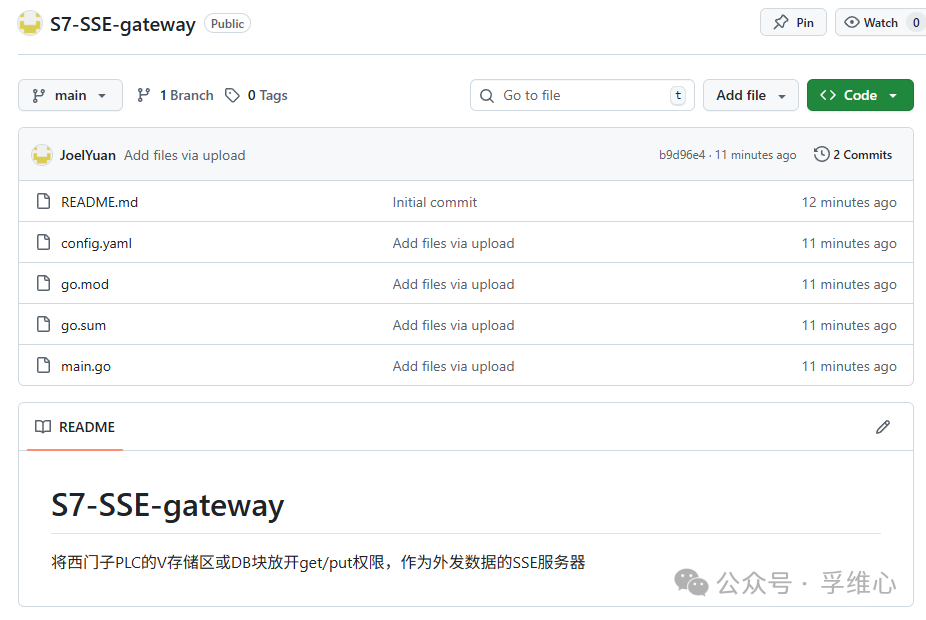 The compiled exe is less than 15MB
 Modify the configuration file config.yaml
# Modify the configuration file, I set the time to 500ms
interval_ms: 500
# ========= Part 1: Batch Reading Areas (I wrote three areas for batch read/write) =========
areas:
  - name: Runtime Data Area
    plc: Main Station
    db: 1
    start: 100
    size: 20
  - name: Recipe Area
    plc: Main Station
    db: 1
    start: 220
    size: 20
  - name: Status Area
    plc: Main Station
    db: 1
    start: 300
    size: 100
# ========= Part 2: PLC Connection Information, no more than 8 PLCs as per manual =========
plcs:
  Main Station:
    ip: 192.168.1.11
    rack: 0
    slot: 1
  Sub Station:
    ip: 192.168.1.12
    rack: 0
    slot: 1
# ========= Part 3: Variable Table (including name, type, unit) =========
tags:
  - name: Main Motor Speed
    area: Runtime Data Area
    byte: 10
    type: real
    unit: rpm
    scale: 1.0
    decimals: 0
    alarm_hi: 1500
  - name: Conveyor Speed
    area: Runtime Data Area
    byte: 8
    type: real
    unit: m/min
    decimals: 1
    alarm_hi: 65
  - name: Device Operating Status
    area: Status Area
    byte: 0
    type: int  # Change to int type
    # If hexadecimal display is needed, it can be processed on the front end
  - name: Emergency Stop Pressed
    area: Status Area
    byte: 10
    bit: 0
    type: bool
    true_text: "Emergency Stop"
    false_text: "Normal"
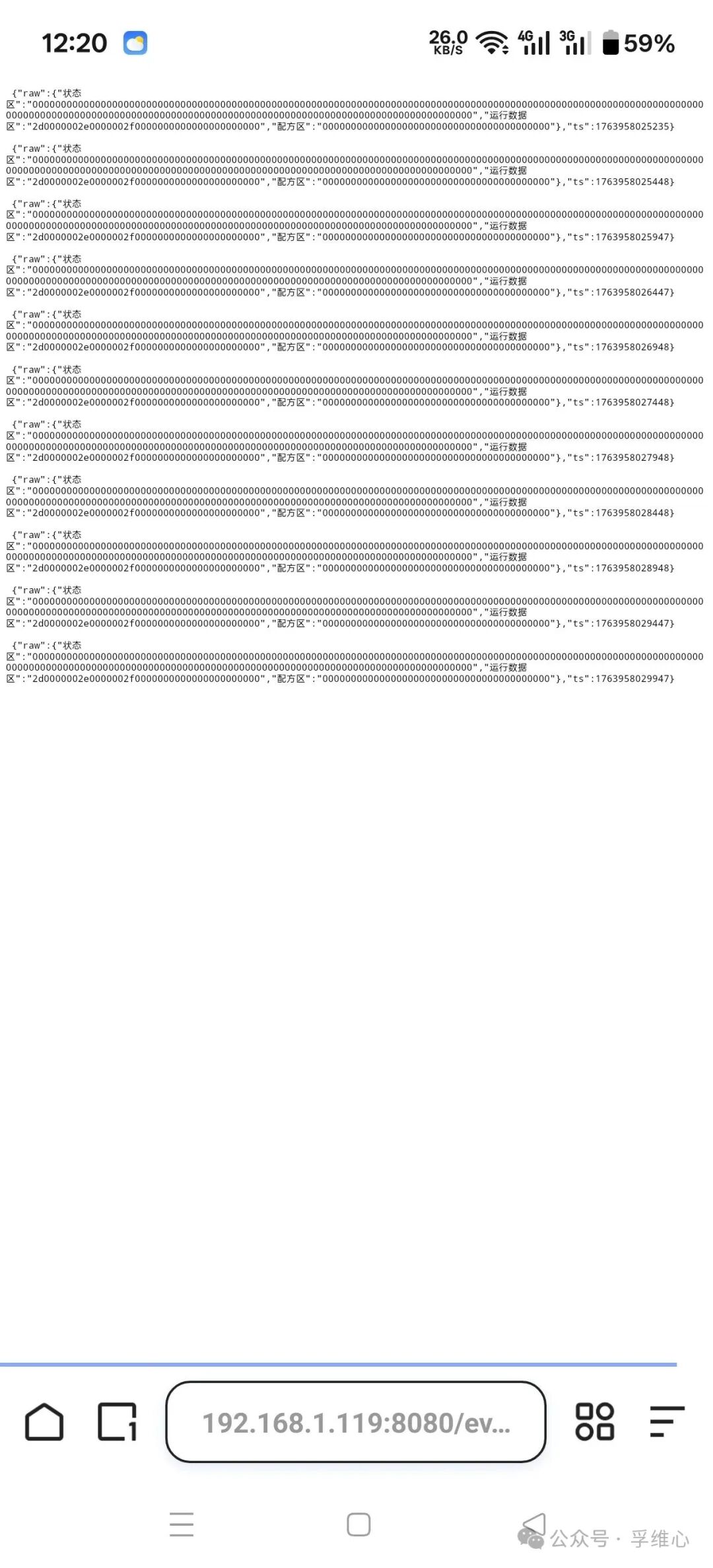
The results of batch read/write can be viewed through the link to the original array, in hexadecimal JSON format, the link is your PC’s IP in the LAN, which other devices can access: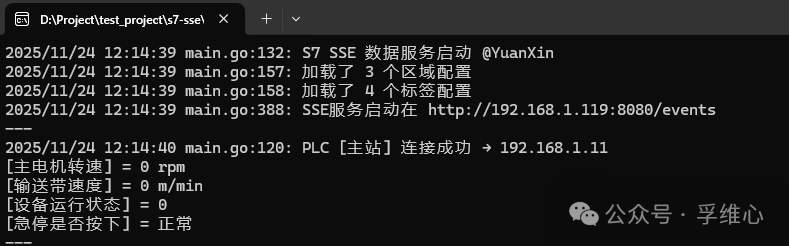 Clearly, it read the three areas defined in the configuration table:
{"raw":{"Status Area":"00000000000000000000000000000000000000000000000000000000000000000000000000000000000000000000000000000000000000000000000000000000000000000000000000000000000000000000000000000000000000000000000000000000","Runtime Data Area":"2d0000002e0000002f0000000000000000000000","Recipe Area":"0000000000000000000000000000000000000000"},"ts":1763957681637}As long as you parse this raw data, you can select the variables we defined from it based on the configuration file and display the results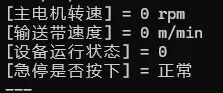 How it looks when accessed via mobile browser: