A Comprehensive Guide: Five Steps to Master PLCs
PLC (Programmable Logic Controller) is the “brain” of industrial automation. Mastering it relies on a solid theoretical foundation, practical application, and project-driven learning, rather than merely memorizing commands or programming. Below is an industry-validated efficient learning path suitable for beginners or those looking to enhance their skills.
Step 1: Build a Solid Theoretical Foundation and Understand the “Underlying Logic”
Jumping straight into programming without a foundation can lead to the dilemma of “knowing what but not why.” Focus on mastering three core concepts:
1. Basic principles of PLC: Understand the signal flow of inputs (sensors, buttons), CPU (processing core), and outputs (motors, indicator lights). Grasp that the “scan cycle” is the core mechanism of PLC operation (analogous to “repeatedly checking a task list and executing”).
2. Core instructions and programming rules: Start with the most basic “bit logic instructions” (normally open X, normally closed X, coil Y), then progress to timers (T), counters (C), and shift registers. Prioritize mastering the instruction sets of Mitsubishi FX series or Siemens S7-200 SMART (the most commonly used in industry), and avoid learning multiple brands simultaneously.
3. Knowledge of electrical control: It is essential to understand relay control circuits (e.g., motor forward/reverse, star-delta starting), as PLC programming essentially replaces hardware relays with software. Being able to read electrical schematics is a prerequisite for programming.
Step 2: Choose the Right Tools, Transitioning from “Simulation” to “Physical”
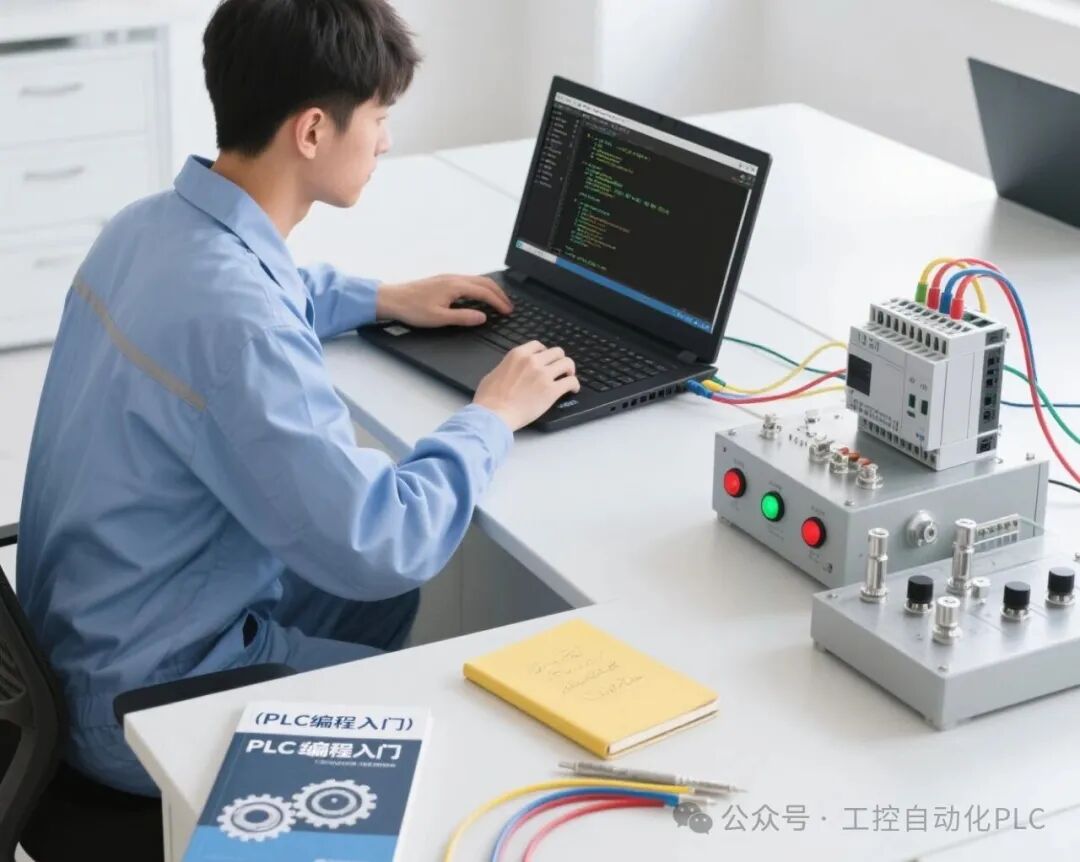
Beginners do not need to purchase expensive PLC hardware right away; instead, use tools to lower the barrier in stages:
• Entry stage (1-2 months): Practice with simulation software. Use Mitsubishi’s GX Works2/3 or Siemens’ STEP 7-MicroWIN SMART, focusing on “ladder diagram programming” (the most common and intuitive in industrial settings), for example, creating a small case where “pressing a button makes the motor run for 5 seconds before stopping automatically.”
• Advanced stage (2-3 months): Acquire an entry-level physical PLC. If on a budget, consider a second-hand Mitsubishi FX3U or Siemens S7-200 SMART (full set including power supply and input/output modules costs about 500-1000 yuan), connect actual buttons, indicator lights, and small relays to experience the feedback of “the device really moves after the program is written”—a sense of achievement that simulation cannot replace.
Step 3: Focus on “Small Cases” and Avoid “High Eyes, Low Hands”
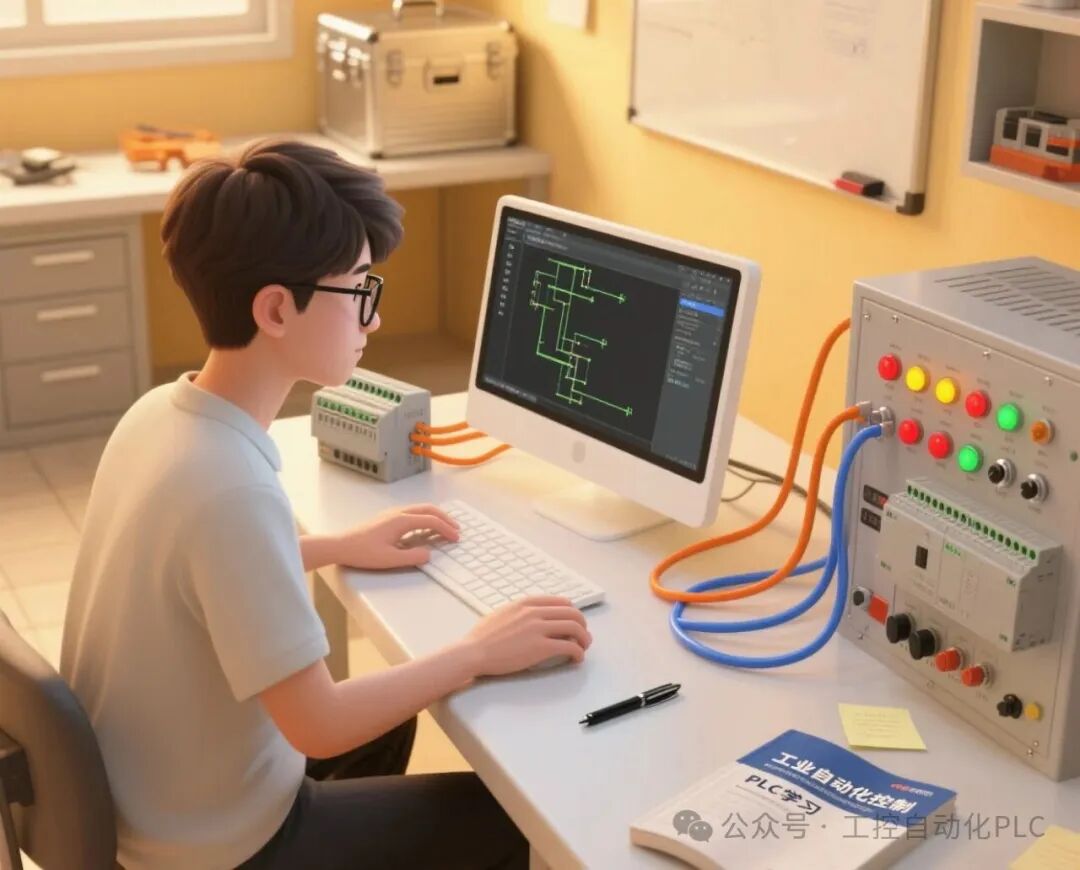
The key to learning PLCs is to “complete one project at a time,” starting with simple functions to build programming thinking:
• Basic cases (practice instructions): Single button start/stop, two-location control of a light, timer loop control (e.g., traffic lights), counter for product quantity.
• Advanced cases (practice logic): Motor forward/reverse (with interlocking to prevent short circuits), sequential starting of conveyor belts (the first belt must start before the second), automatic feeding system (using sensors to detect materials, stopping when full).
After completing each case, try to optimize: for example, “How can I make the program more concise?” “If the sensor fails, how can I add an alarm function?”—this is the “fault-tolerant thinking” needed in industrial settings.

Step 4: Master the “Process” to Make the Program “Grounded”
There is no “universal PLC program” in industry, only “process-adapted programs.” Many can program without issues, but get stuck on-site due to a lack of understanding of the process:
• First ask about the “process” before writing the program: for example, when creating an “automatic filling machine,” first understand the complete process of “empty bottle in place → sensor detection → valve opens to fill → weight meets standard → valve closes → bottle is sent away,” then design the input/output points and write the logic accordingly.
• Learn industry-specific processes: If you want to enter manufacturing, focus on “sequential control” on production lines; if you want to enter building automation, pay attention to “discrete and analog signals” (e.g., air conditioning temperature control); if you want to work with machine tools, understand the “coordination between PLC and servo motors” (pulse control).
Look for process documents and equipment manuals from factories, or even observe equipment operation in workshops—this is ten times more useful than just reading books.
Step 5: Review Projects to Solve “Practical Problems”
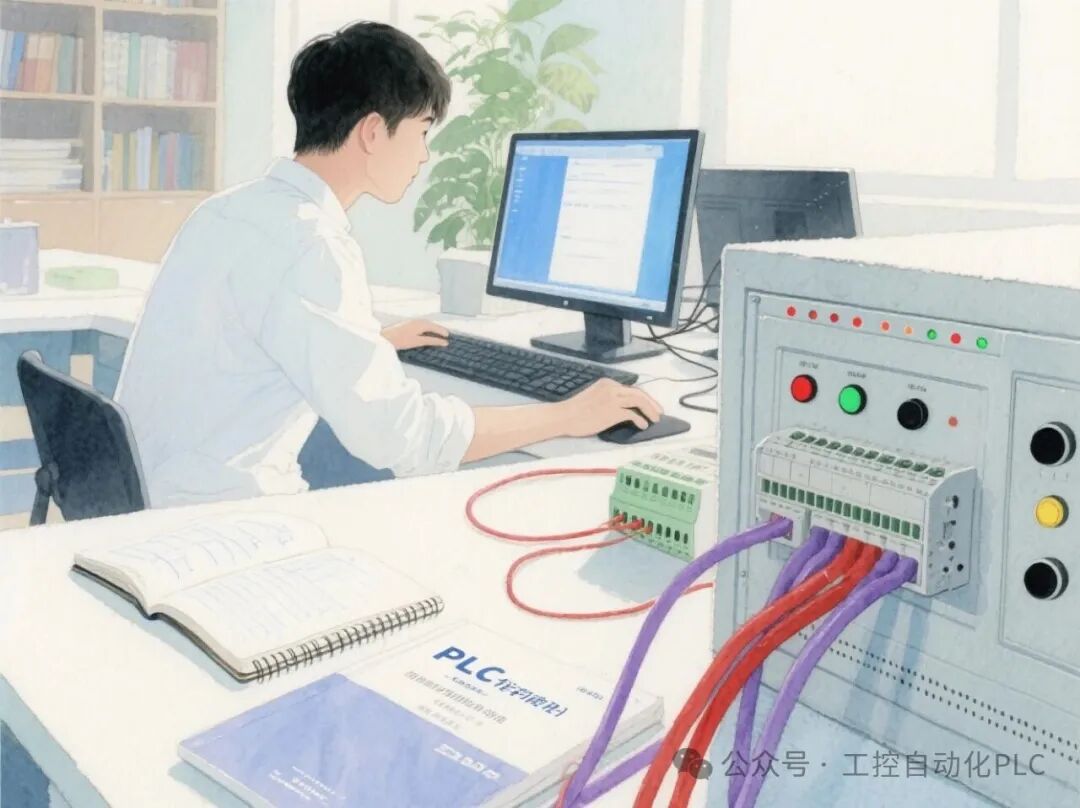
The final step is the transition from “knowing how to program” to “being able to work,” with the core being “working on projects with problems”:
1. Find real projects to practice: for example, help a small factory convert a manual device to automatic (e.g., changing manual feeding to sensor-based automatic feeding), or find open-source projects online (like PLC-controlled automated parking systems) and try to independently complete the entire process from “IO allocation table → electrical diagram → program writing → debugging.”
2. Record “pitfalls” for review: If you encounter “the program runs normally but the device does not move” during debugging, is it due to incorrect wiring? Or did the sensor signal not come through? Or is the timer parameter set too low? Write down these issues and solutions so that you can respond quickly next time you encounter similar situations.
3. Learn a bit of advanced functionality: for example, communication between PLC and touch screens (HMI) (Kunlun Tongtai, Weichuang), or interaction between PLC and frequency converters (Modbus protocol)—these are essential skills on-site, and mastering them will allow you to take on more complex projects.
Key Reminders: Avoid Three Common Pitfalls
1. Don’t get lost in “instruction manuals”: The commonly used instructions in industrial settings do not exceed 30; mastering the basic instructions is more useful than memorizing all instructions.
2. Don’t just learn “software”: Wiring, troubleshooting, and understanding electrical diagrams are fundamental skills; otherwise, no matter how well you write the program, if the wiring is wrong on-site, it amounts to nothing.
3. Don’t fear “debugging errors”: PLC is a “trial-and-error” skill; it is normal for the first debugging to fail; the key is to find the reason—this is the process of accumulating experience.
There is no shortcut to mastering PLCs, but as long as you follow the path of “foundation → tools → cases → process → projects,” you can acquire entry-level practical skills in 2-3 months. After accumulating enough project experience in 1-2 years, you will be highly sought after in the field of industrial automation.