
Click the blue text
Follow us
How to connect M2Wear to your phone
Connecting the M2Wear smartwatch to your phone is actually very simple. Just follow the steps below. First, please ensure that you have installed the corresponding M2Wear application on your phone and that the Bluetooth function is turned on. Also, make sure the smartwatch has sufficient battery and is in a discoverable state.
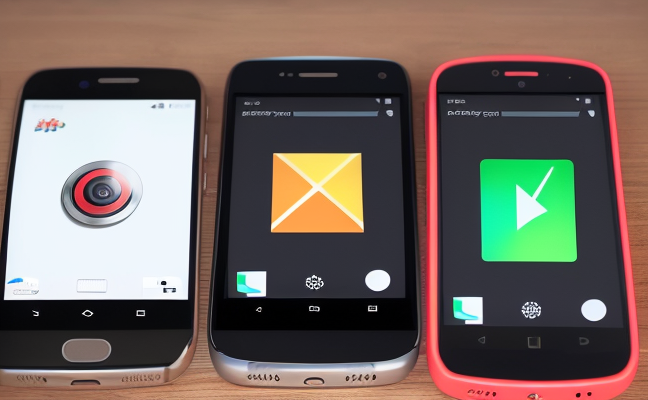
Step 1: Open the M2Wear application on your phone. If this is your first time using it, you may need to register and log in. Follow the prompts in the application to complete these basic settings. If you have already registered, just log in with your account.
Step 2: On the main interface of the application, you will see an option like “Add Device”. Click on it, and the application will automatically start searching for nearby Bluetooth devices. Please ensure that your smartwatch has Bluetooth enabled and is in discoverable mode. After a moment, you should see your M2Wear smartwatch in the search list.
Step 3: Click on the name of the detected smartwatch device to pair it. During the connection process, the application may request some permissions, such as access to your phone’s contacts and location information. These are necessary for the smartwatch to function properly, so please authorize them and then click confirm to connect.
Step 4: Wait for the phone and smartwatch to complete pairing and connection. Once connected successfully, you can see detailed information about the smartwatch in the application, such as battery level and installed applications. At this point, you can also test some basic functions of the smartwatch, such as receiving call notifications and message alerts, to ensure everything is working correctly. If there are any issues, check that both the smartwatch and phone have Bluetooth turned on and are in a connectable state. You can also try restarting both the smartwatch and phone, then attempt to connect again.
Disclaimer: The image and text portions were generated with AI assistance. The information in this article is for reference only, and the author and platform are not responsible for any consequences arising from it.