Mini PCs are currently all the rage, and the reasons are obvious. They indeed provide impressive performance while offering the convenience of space-saving experiences—I myself have switched to a mini PC. However, despite the excellence of mini PCs, I still prefer tower PCs for the following reasons:
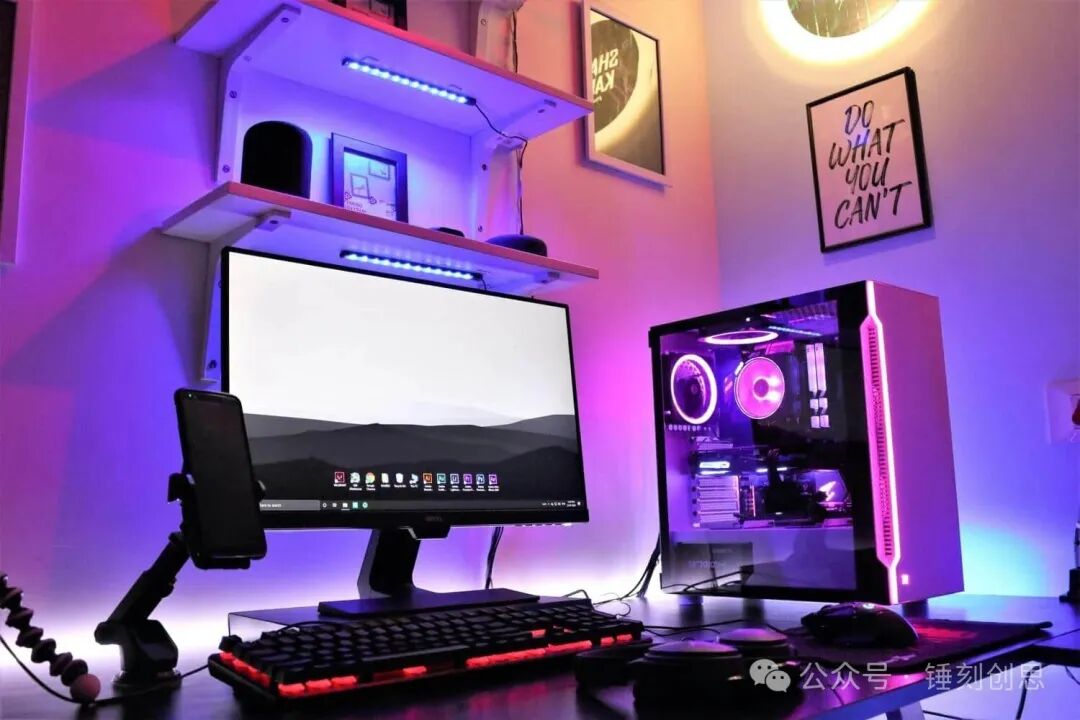
Tower PCs Offer Superior Performance
Unfortunately, the 3D rendering capabilities of mini PCs are often inferior to those of tower PCs.AMD and Nvidia‘s dedicated graphics cards are now quite large, and even if they can fit into a compact case, it is nearly impossible to install them in a mini host. Most mini PCs use laptop-grade graphics cards, which perform far below desktop versions. Worse still, some even rely on integrated graphics, which can only handle basic office tasks and the lightest gaming.
If a mini PC is equipped with a Thunderbolt interface, it might connect to a dedicated graphics card dock. However, the additional costs and the size of the equipment may leave you regretting why you didn’t just choose a tower PC from the start.
Tower PCs Have Greater Upgrade Potential
To pursue a compact design, mini PCs adopt a laptop-style integrated architecture, which results in some components being directly soldered onto the motherboard, meaning you cannot upgrade all hardware.
Because of this, you must lock in configurations that meet long-term needs when purchasing and be prepared for eventual obsolescence. Of course, there are exceptions—some mini PCs support limited upgrades, so be sure to research carefully before buying. However, even upgradable models typically only allow for memory and storage upgrades. In contrast, tower PCs allow for upgrades to almost all core components, from memory, storage, processor, motherboard, graphics card to power supply—nearly all core components can be freely upgraded.
Larger Size Provides Cooling Advantages
The cooling bottleneck of mini PCs is often overlooked. High-performance graphics cards generate significant heat when running at full load, and mini PCs can only rely on tiny fans and limited airflow for cooling, which leads to a performance ceiling for their graphics cards. In contrast, tower PCs have ample space to optimize airflow and often come equipped with advanced cooling systems.
More importantly, with powerful upgrade capabilities, users can also enhance the cooling configuration themselves. This allows tower PCs to unleash performance potential far beyond that of mini PCs.
Performance Advantages Justify the Lack of Portability
While many choose mini PCs to save desktop space, theoretically they can also be used as mobile devices, but practical operation is fraught with difficulties: you need to carry an external monitor, keyboard, mouse, and power adapter. This hassle may not yield a performance experience that surpasses that of a laptop, and the convenience is far inferior to that of a laptop.
Similarly, while tower PCs lack portability, they have never claimed to be portable. They are neither laptops nor do they offer the same convenience, but they provide significant performance improvements—this performance benefit is well worth sacrificing portability.
More Abundant Interface Options
Although the number of interfaces on modern mini PCs has increased, tower PCs still hold a significant advantage in total interface count. This directly determines the number of peripherals that can be connected simultaneously.
For example, my mini PC can only connect a keyboard, mouse, and one external hard drive, while a tower PC can accommodate these devices and additionally connect headphones, USB drives, and smartphones, completely eliminating the hassle of repeatedly plugging and unplugging devices.