Unboxing:
Upon opening the NVIDIA Jetson AGX Thor Development Kit box, you will find:
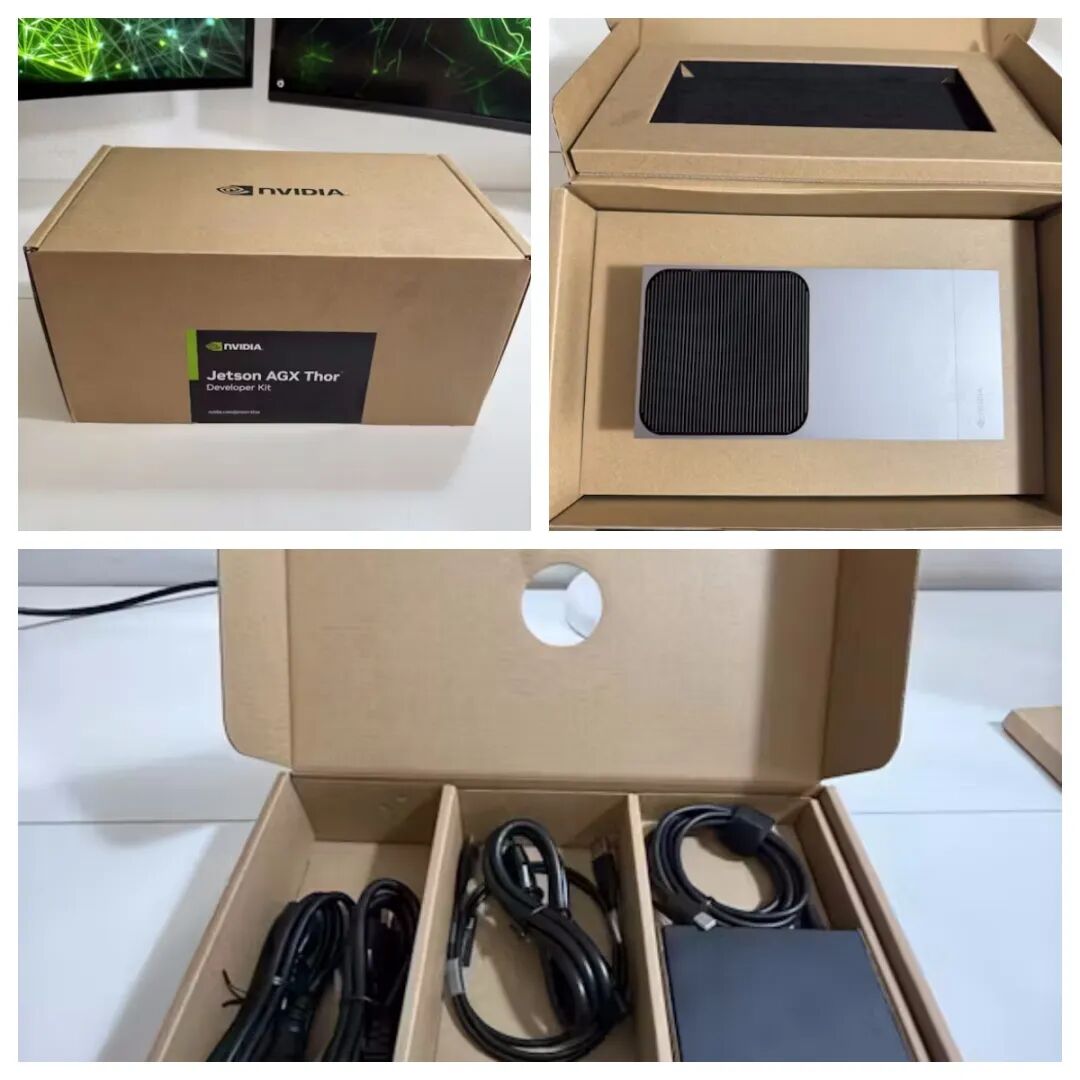
– Jetson AGX Thor Development Kit
– Power supply (with adapter and regional plug)
– USB-C and USB-A cables
– Quick start documentation
As you pick it up, the Jetson AGX Thor showcases a robust feel and exquisite craftsmanship. This device condenses workstation-level powerful performance into an extremely compact and portable form, ensuring professional computing power requirements while achieving efficient deployment in mobile scenarios.
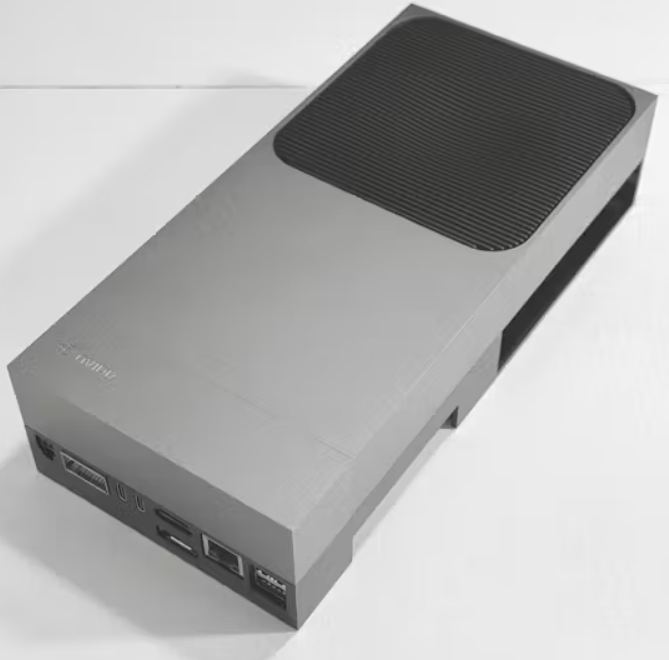
Compared to the Jetson AGX Orin development kit, the NVIDIA Jetson AGX Thor achieves a dual leap in architecture and performance. Orin is based on the Ampere architecture, featuring 2048 CUDA cores, 64 Tensor Cores, and a 12-core ARM Cortex-A78AE CPU; whereas Thor fully transitions to the next-generation Blackwell architecture, integrating 2560 CUDA cores, 96 fifth-generation Tensor Cores, and a 14-core Arm Neoverse-V3AE CPU, with CPU speeds approximately 2.6 times faster than Orin. This upgrade not only significantly enhances parallel computing and AI inference capabilities but also achieves a breakthrough in energy efficiency through architectural innovation—while maintaining a compact design, Thor redefines the performance benchmark for edge computing devices with a stronger computing power density.
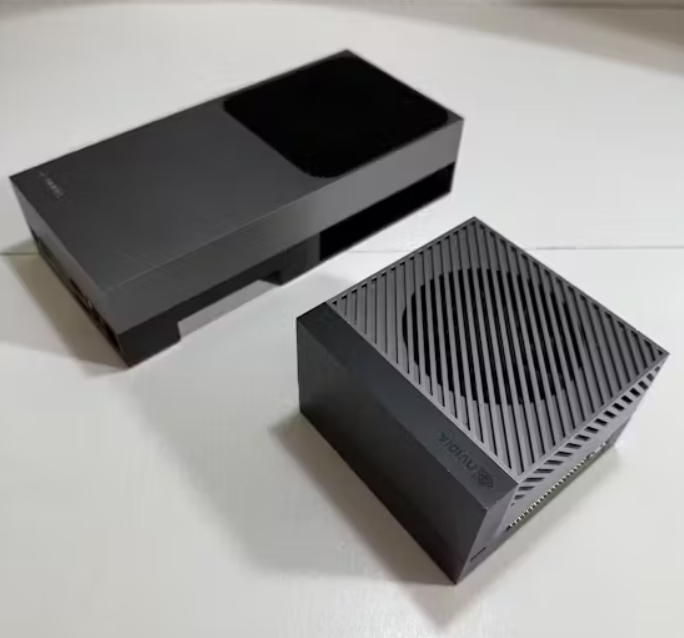
Compared to the Jetson AGX Orin, Thor achieves an exponential breakthrough in AI computing power. Orin can provide approximately 200-275 INT8 TOPS of computing power, which is comparable to the early FP8 format throughput; while Thor, through the Blackwell architecture innovation, pushes FP8 performance to about 1000 TOPS, and FP4 performance reaches 2000 TOPS—under sparse mode, it can even achieve a peak computing power of 2070 FP4 TFLOPS. This leap in performance stems from the Blackwell architecture’s pioneering support for FP6/FP4 data formats: compared to FP8, the throughput of FP4 format doubles; and compared to FP16, both energy efficiency and computing density achieve a twofold increase. By introducing lower precision and higher efficiency computing formats, Thor pushes the energy efficiency ceiling of edge AI devices to a new height—its power density per watt has increased by over 400% compared to the previous generation, truly realizing a “small but powerful” computing revolution.
Preparing Jetpack Image with Balena Etcher
To install Ubuntu on the Jetson, we will use NVIDIA’s Jetson Thor installer to create a bootable USB stick.
- Download JetPack 7 ISO from the Jetson download center.
- Insert the USB drive into your computer.
- Use Balena Etcher to flash the Jetson Thor installation image onto the USB drive.
- Select the downloaded image.
- Select your USB drive.
- Click Flash.
Here is a summary of the setup process:
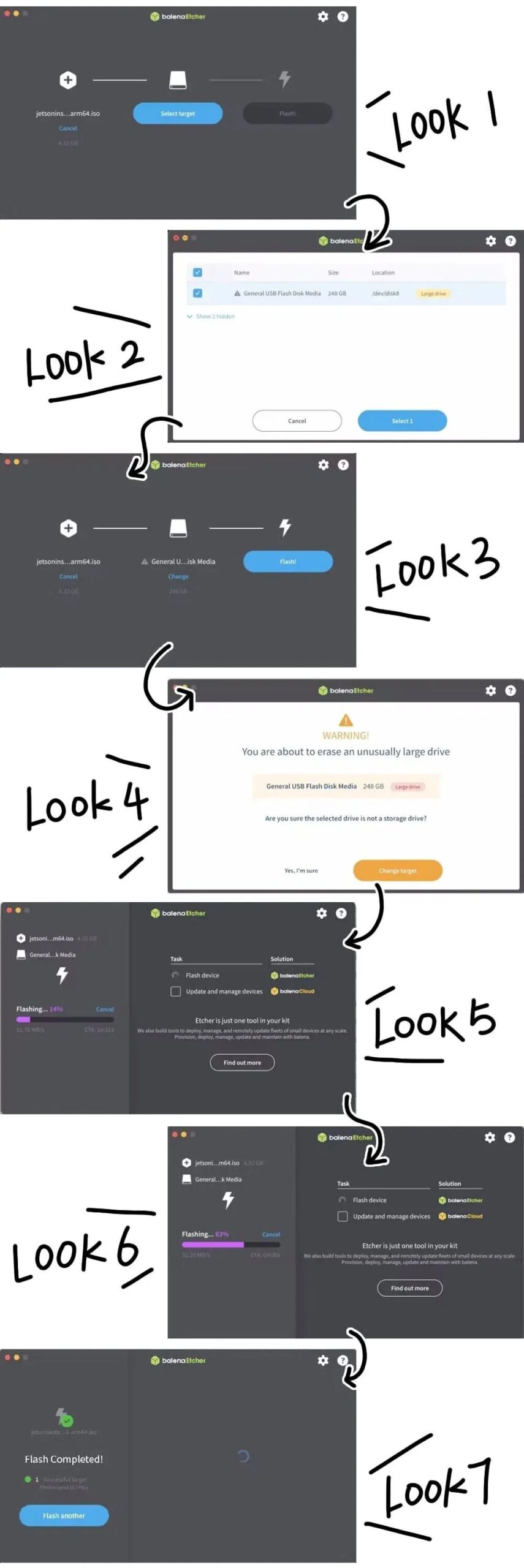 Once completed, safely eject the USB drive and insert it into the Jetson AGX Thor.Flashing from USB
Now comes the critical step of flashing the Jetson Thor itself.
- Power on the Jetson AGX Thor, then boot from the USB drive.
- In the installer, select the Jetson Thor option.
- Select Flash Jetson Thor AGX Development Kit on NVMe.
- Select version 0.2.0-r38.1 (the latest version supported at the time of writing).
The flashing process will take some time as the image is written to the NVMe drive.
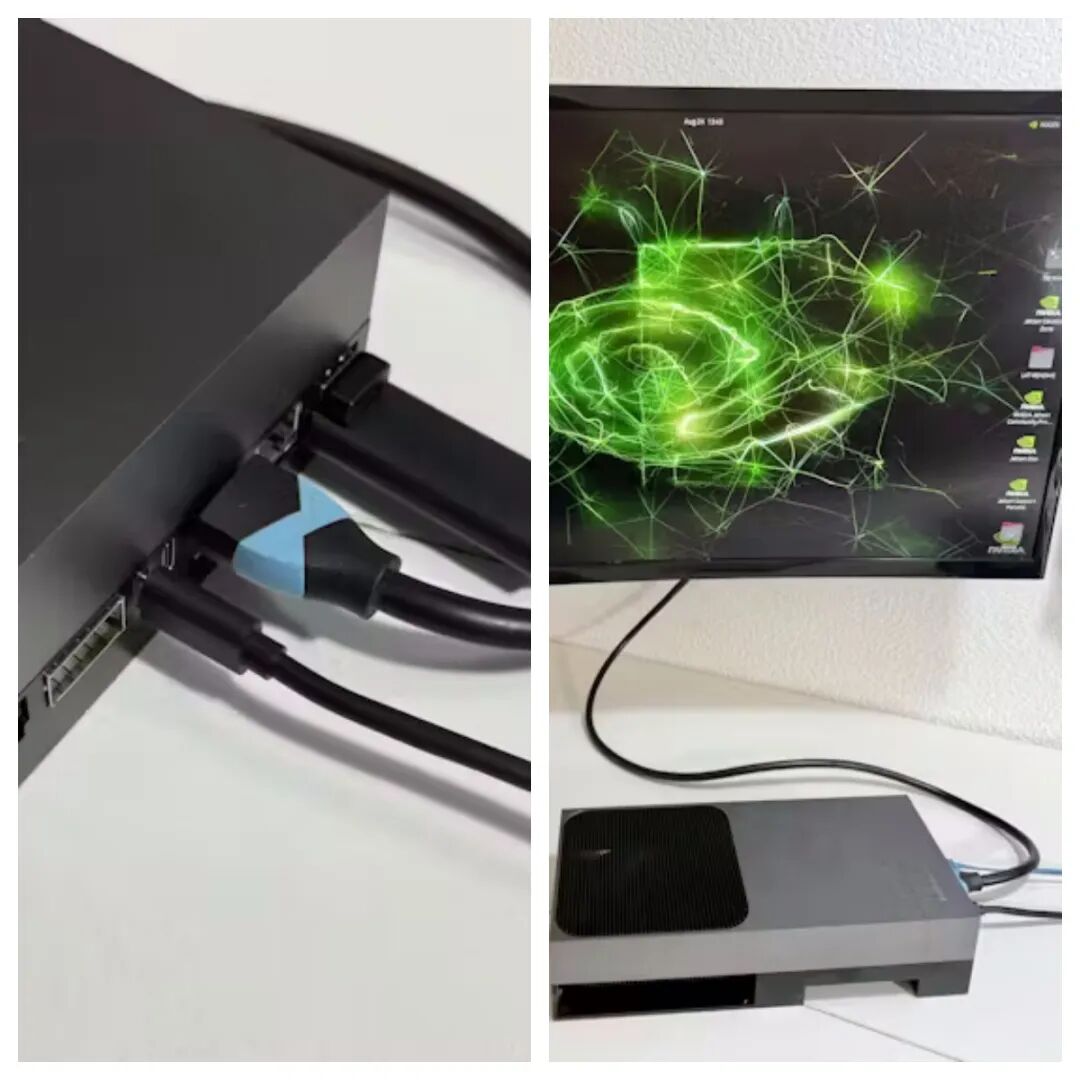
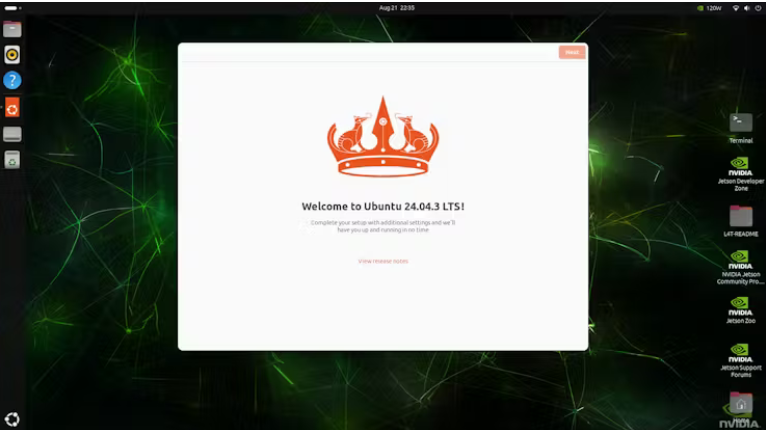
First Display: Welcome to Ubuntu 24.04.3 LTS
Once the flashing is complete, safely remove the USB drive and restart. From here, you can proceed through the standard Ubuntu setup wizard:
- Select your language and region.
- Set your username and password.
- Configure the network.
 After the initial setup, it is essential to update the software to ensure you have the latest features and bug fixes.
sudo apt update
sudo apt install nvidia-jetpack
Depending on the available updates, this process may take some time.
I will also set the Jetson Thor power mode to maximum CPU clock speed so that the following installation steps can run faster.
Change the power mode of the NVIDIA Jetson AGX Thor to optimal performance.
sudo nvpmodel -m 0Check which mode is being used:
sudo nvpmodel -q
NV Power Mode: MAXN
Then run the following command:
sudo jetson_clocks
Enabled Legacy persistence mode for GPU 00000000:01:00.0.
All done.
Enabling <strong><span><span>jetson_clocks</span></span></strong> will ensure that all CPU and GPU cores run at their maximum clock frequencies.
The NVIDIA Jetson AGX Thor Development Kit is ready for use. You can immediately leverage NVIDIA’s resources to start developing generative AI projects.
Summary
NVIDIA has introduced a revolutionary 4-bit floating-point format (FP4) for the Blackwell GPU architecture, optimized for ultra-low precision inference scenarios, achieving extreme energy efficiency while retaining maximum model accuracy—through dynamic precision calibration technology, FP4 can enhance the computational efficiency of traditional FP16 format by four times while maintaining inference result accuracy. Although native support for FP4 models in mainstream AI frameworks like SGLang and vLM is not yet fully developed on the Jetson AGX Thor, NVIDIA has clearly stated that it will quickly complete this functionality through future firmware updates, with related technical white papers to be released soon.
The Jetson AGX Thor developer kit, equipped with the Blackwell architecture, provides developers with an unprecedented AI computing power platform: its peak computing power of 2070 FP4 TFLOPS can easily handle cutting-edge scenarios such as robotic autonomous navigation, multimodal AI interaction, and generative AI content creation. From real-time semantic understanding to high-precision 3D reconstruction, from complex path planning to generative art creation, Thor redefines the boundaries of what edge computing devices can achieve with industrial-grade reliability and ultra-portable form—now, you can hold this “pocket AI workstation” and turn your ideas into real-world applications that change the world.
Stay tuned for our latest live events.

More