01
Let me ask you a straightforward question: Have you ever had a moment where you were so focused on the PLC screen that you didn’t dare to blink?
I have, and I just experienced it.
That feeling is akin to a secret agent holding a bomb disposal tool; if you cut the wrong wire, the entire production line could go down. The PLC screen is filled with variables jumping around like a beehive, spindle speed, current, voltage, air pressure, grating, encoder feedback values, each more tense and exciting than the last, and the alarm information is so vague that it makes you question your life.
What is the problem? — “Positioning failure”.
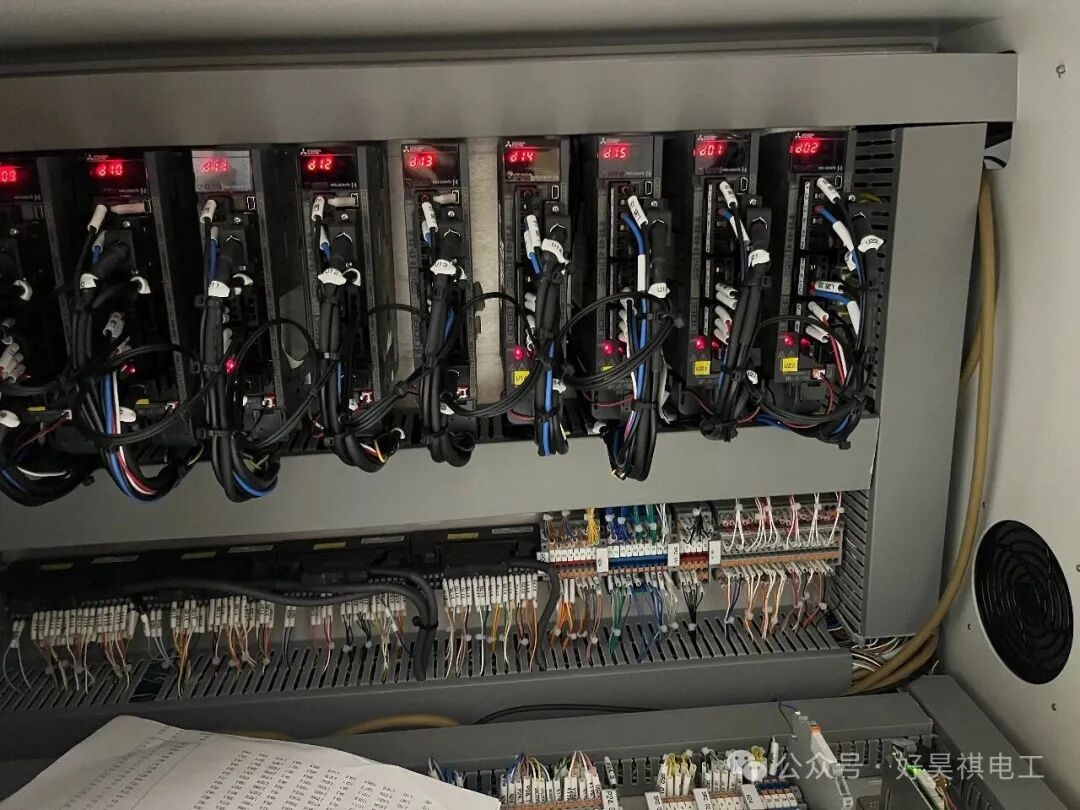
When the PLC displayed those four words, I felt like I had fallen into an ice cave. Because this usually indicates three possibilities:
Servo lost step
Sensor anomaly
Control logic deviation
Each of these could be fatal.
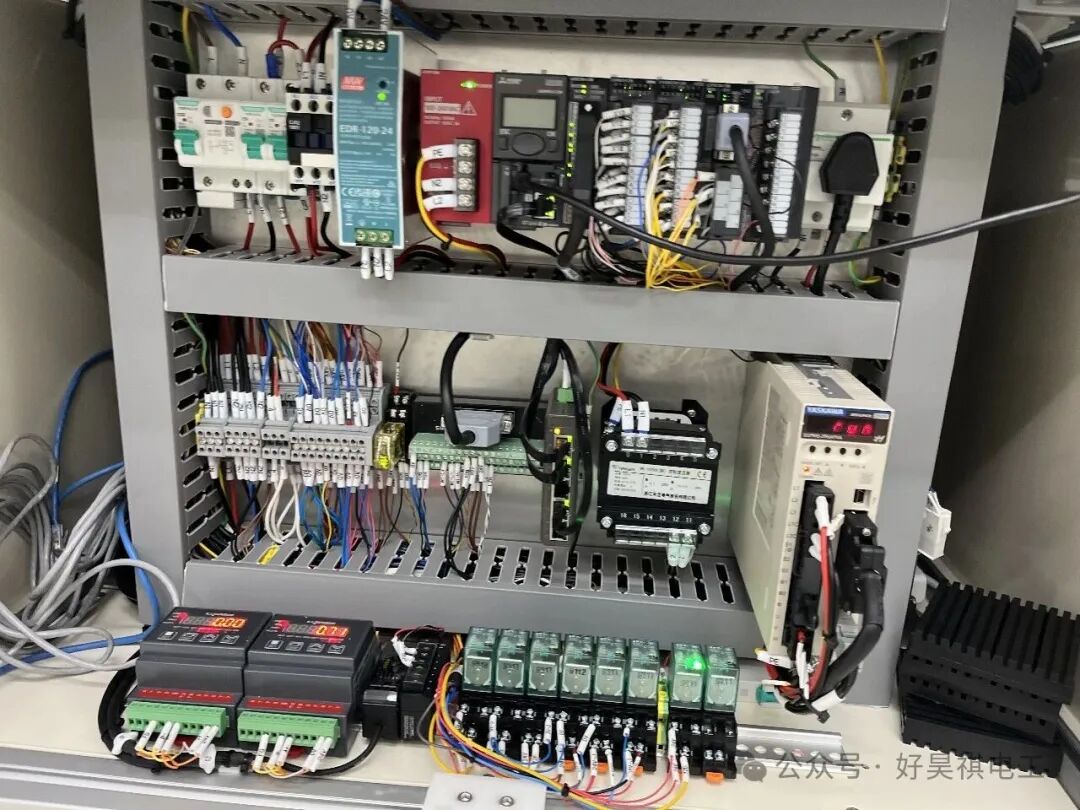
My mind raced through the logic chain, from electrical circuits, control logic, position feedback, to IO mapping, limit switches, interference noise, and even checking if the power supply voltage was stable.
For thirty minutes, I didn’t dare to press any switch on the PLC.
It wasn’t fear; it was too much fear.
02
Until I walked around to the back of the device and took a look at the mechanical body.
In an instant, I wanted to curse.
— It turned out that the sliding table and the feeding structure were interfering, the mechanism was stuck, and it wasn’t a control issue at all; even the servo was fine, it was just that the mechanical limit was fundamentally unreasonable.
The entire servo driver was still gritting its teeth, “precisely positioning,” while the PLC was desperately sending position commands to the target point, but the mechanical part had already been “physically sealed”.
The most embarrassing part was:I almost changed all the parameters of the servo driver.
This is the most insidious trap in PLC fault diagnosis — you think it’s a “program error,” but in fact, it’s a “structural design issue”.
At the moment the device alarms, your attention instinctively focuses on the logic chain because that is your familiar territory. But the real culprit is often those “silent” hardware components.
03
I reflected for a long time, and this incident taught me at least three things:
First, don’t be fooled by the PLC.
The PLC is not the judge of faults; it is merely a mover. It tells you “something went wrong,” but it won’t tell you “what went wrong.” The alarm content is often just the “result,” not the “cause.”
Positioning failure? It doesn’t mean the servo is broken. Grating signal incorrect? It doesn’t mean the encoder is broken. Emergency stop triggered? It doesn’t mean someone pressed the emergency stop.
You must think like a detective and work backward.
Second, start troubleshooting from the physical layer.
This is an ironclad rule.
When the device alarms, don’t open the PLC, don’t check the program; the first step is always:Physically check the mechanical structure.
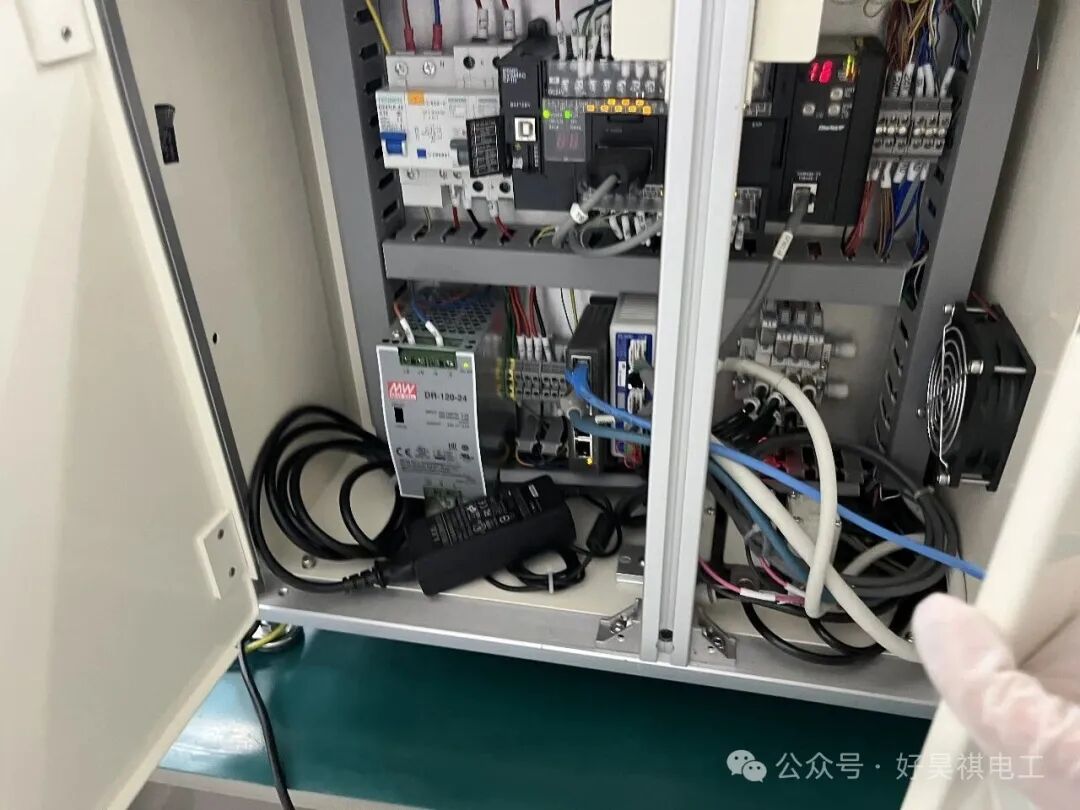
Is there any looseness? Is there any interference? Is the screw stuck? Is the limit block moving? Is the cable disconnected? Is the sensor distance appropriate?
In short:No matter how good the program is, it can’t move a stuck sliding table.
Third, don’t underestimate “empiricism”.
I used to look down on the old technicians who could “see the problem at a glance,” thinking it was not “systematic” and too reliant on “intuition”.
Now I understand, that is not intuition; it is a database.
They have countless devices, countless faults, and countless records of “solving problems by feel” in their minds; they judge probabilities based on experience, and their efficiency is a thousand times better than your rigid logic diagrams.
When you are unfamiliar with a device, the more “the program is correct but the device alarms,” the more you should look for “basic errors”.
If you think it can’t be that, it probably is.
04
I know you might also be working with PLCs, so let me give you a piece of advice:
Don’t trust the program blindly; the program is always just the tip of the iceberg.
After working in automation for a long time, you will find that what really tortures you is never programming, but:Mechanics, pneumatics, sensors, installation, debugging, communication, power supply, ground interference, customer on-site operations…
You can never imagine how many ways a device can fail.
So every time there is a fault, don’t rush to change the program.Every time you change the program, the device moves one step further from stability.
Device tuning relies on logic, while device stability relies on understanding.
Understanding whom? — Understanding the entire system, understanding the whole site, understanding what logic is in various people’s heads, understanding what seems “reasonable” but is actually not, understanding how “inhuman” the problems can be.
Ultimately:
PLC debugging is a technical job, but problem-solving requires “human brains + a global perspective”.
Learn to look at the device like a doctor, not like a programmer looking at the PLC.
Is it worth staring at the PLC for half an hour without daring to blink? Yes.
But know this:If you’re staring in the wrong direction, it won’t help no matter how long you look.
Don’t let a mechanical interference make you doubt the entire control system. When a device has a problem, don’t be afraid; if you don’t check it physically, you’ll never see the truth.