





S7-1200 PLC
Programming Instructions
The programming instructions for the S7-1200 PLC are used in the Siemens TIA Portal environment, covering functions from basic to advanced. Below are the key instructions and considerations organized in a structured manner.
1. Basic Instructions
1. Bit Logic Instructions
Normally open contact (I0.0), normally closed contact (NOT I0.1), coil output (Q0.0).
Set (SET)/ Reset (RESET): Maintains output state until reversed.
2. Timers and Counters
Timer:
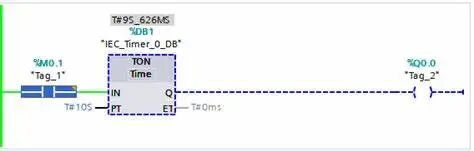
TON (On Delay): Delayed output after input is activated.
TOF (Off Delay): Delayed output after input is deactivated.
TONR (Retentive): Accumulates time, needs to be reset with RESET.
Time format: Use S5T5S to represent 5 seconds (automatically converted to milliseconds).
Counter:
CTU (Up Counter): Outputs after reaching preset value.
CTD (Down Counter): Outputs when reduced to 0.
CTUD (Up/Down Counter): Bidirectional counting.
3. Comparison Instructions
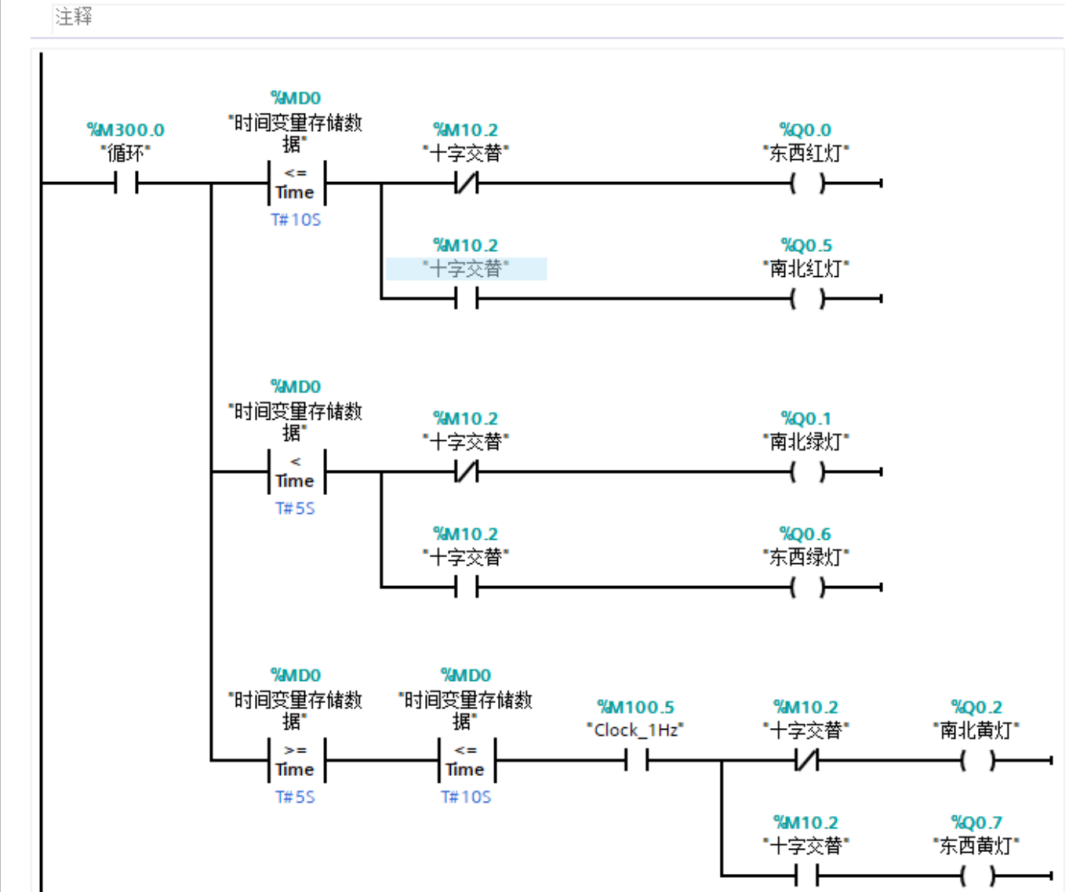
Supported data types: Integer (INT), Double Integer (DINT), Real (REAL).
Operators:== (equal),<> (not equal),>,< etc., such as CMP>MW10,100.
4. Mathematical Operations
Basic Instructions:ADD (addition),SUB (subtraction),MUL (multiplication),DIV (division).
Advanced Functions:SQRT (square root),EXP (exponential), etc.
5. Move Instructions
MOVE: Transfer data (automatically handles compatible types), such as MOVE MW10, MW20.
Type conversion: Requires explicit instruction (such as CONVERT_INT_TO_REAL).
6. Program Control
Jump (JMP/LABEL), Subroutine Call (CALL), Return (RET).
Note: S7-1200 does not directly support MCR instructions, use logical structure control instead.
2. Advanced Instructions
1. Shifting and Rotating
SHL/SHR (left/right shift), ROL/ROR (rotate).
2. Data Conversion and Processing
Conversion Instructions: such as INT_TO_DINT.
Block Operations: FILL_BLK (fill), MOVE_BLK (copy).
3. String Processing
Instructions: CONCAT (concatenate), LEFT/RIGHT (substring), FIND (find substring).
4. Communication Instructions
S7 Protocol: PUT/GET (access data from other PLCs).
Open Communication: TSEND/TRCV (TCP/UDP).
5. Process Instructions
High-speed Counter (HSC), Pulse Output (PTO/PWM).
PID Control: Use PID_Compact function block (requires configuration of process objects).
6. Diagnostics and Interrupts
Diagnostics: GET_DIAG to read error information.
Interrupts: Handled through organization blocks (OB) (such as time interrupt OB10, hardware interrupt OB40).

3. Programming Environment
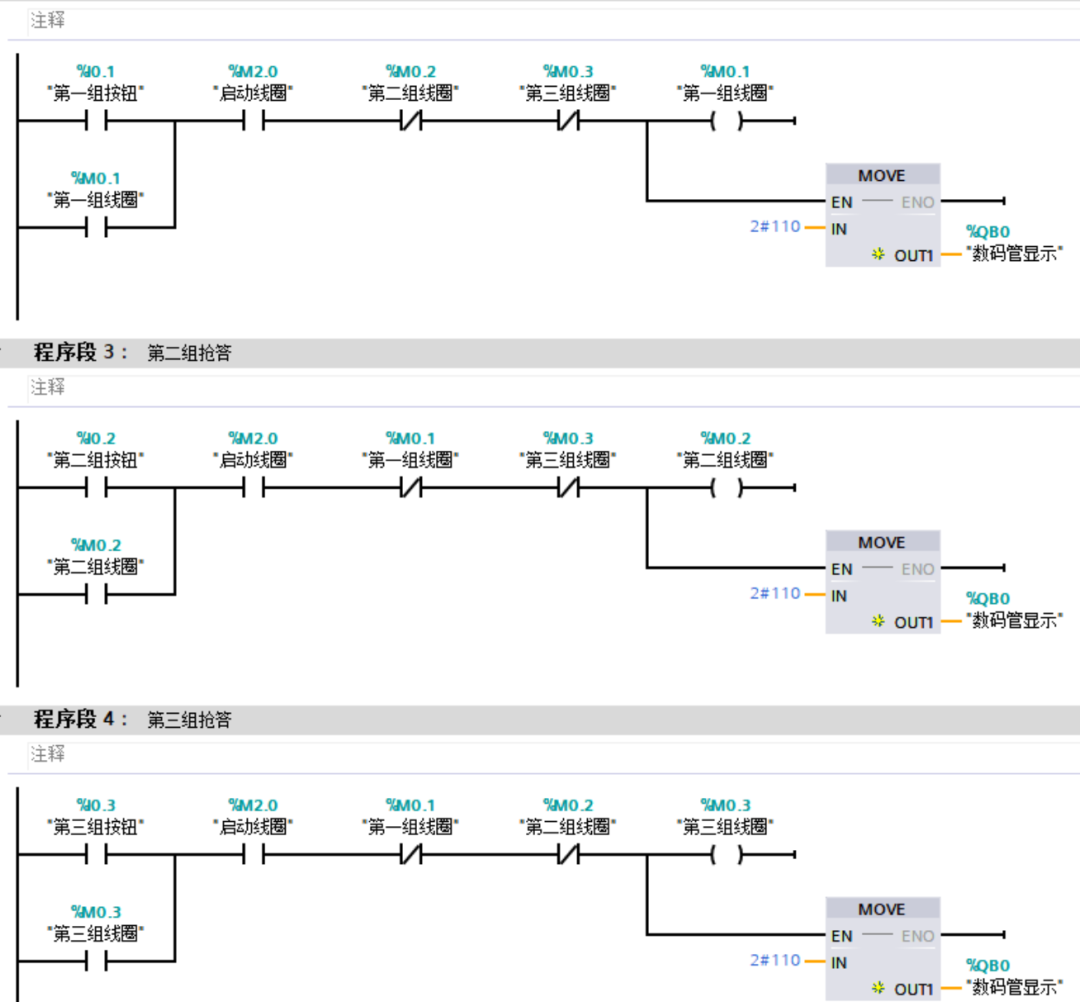
Supported Languages: Ladder Diagram (LAD), Function Block Diagram (FBD), Structured Text (SCL).
Note: S7-1200 is not compatible with STL (Statement List), use SCL for advanced text programming.
4. Common Programming Instructions
1. Start-Stop Circuit (LAD)
Start (I0.0), Stop (I0.1 normally closed), Q0.0 self-locking.
2. Timer Application
I0.2 triggers the timer, after 5 seconds Q0.1 is activated.
3. Comparison Instructions (SCL)
5. Considerations
Data Type Matching: Operand types must be consistent to avoid implicit conversion errors.
Timer Units: Use S5T format (such as S5T5S) instead of direct millisecond values.
Communication Configuration: Connection parameters (IP address, port, etc.) must be preset in TIA Portal.
PID Debugging: Configure parameters through the process object view for real-time adjustments.
In-depth understanding of details can be achieved through the official manual and instruction help in TIA Portal, ensuring programming accuracy and efficiency.
END