Recently, a project owner required MODBUS TCP/IP, with hardware consisting of S7-1200 and KTP1200 panel. The owner was unable to provide the IP subnet during the project implementation phase, thus a solution was needed to modify the PLC and panel IPs on-site:This can be divided into three steps: modifying the PLC IP, modifying the connection IP between the PLC and the panel, and modifying the panel IP.Modifying the PLC IP:a1. Enter the system menu of the panel.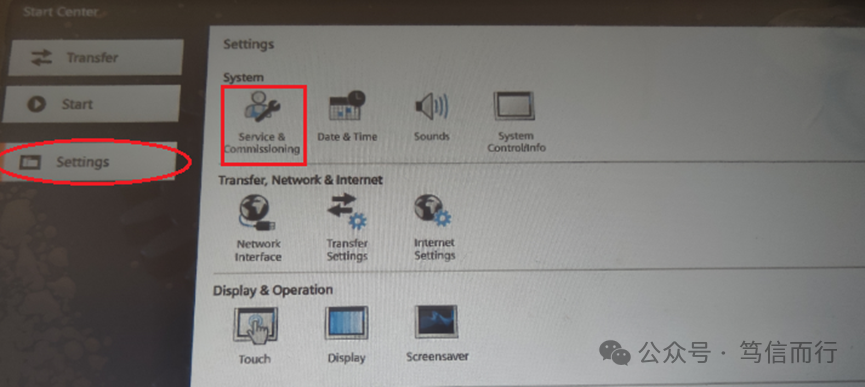 a2. Slowly modify the PLC IP as prompted.
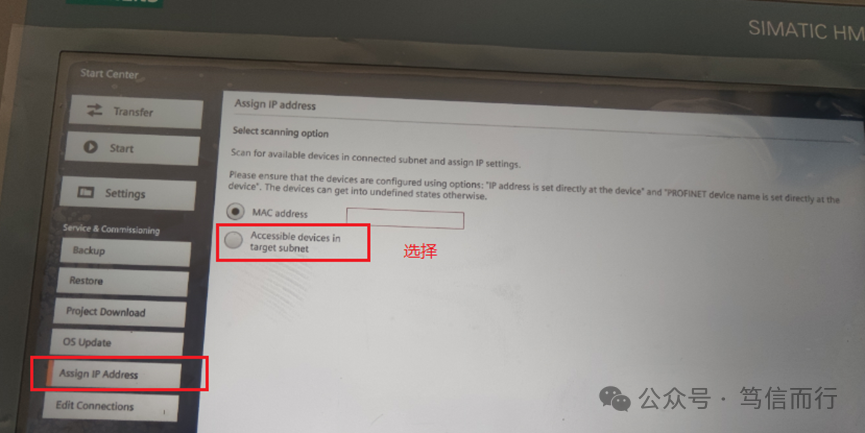 a3. After modification, (during testing, use TIA Portal software to search for verification, on-site you can use CMD–PING the corresponding IP)Modify the connection IP between the PLC and the panel.Modifying the connection IP between the PLC and the panelb1. Enter the system menu of the panel (under the submenu of a2).
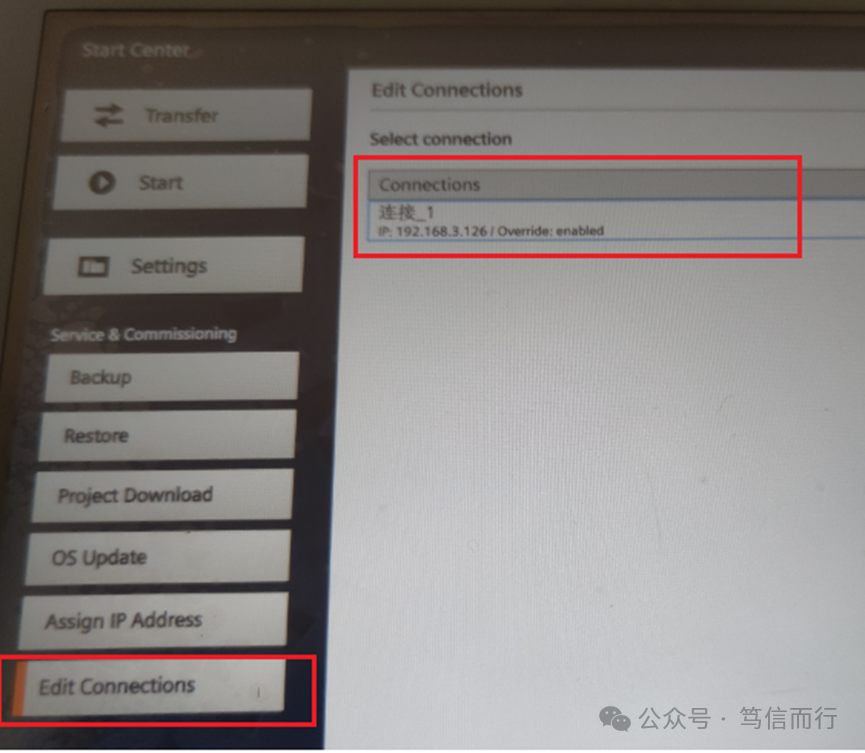 b2. Select the corresponding HMI connection.
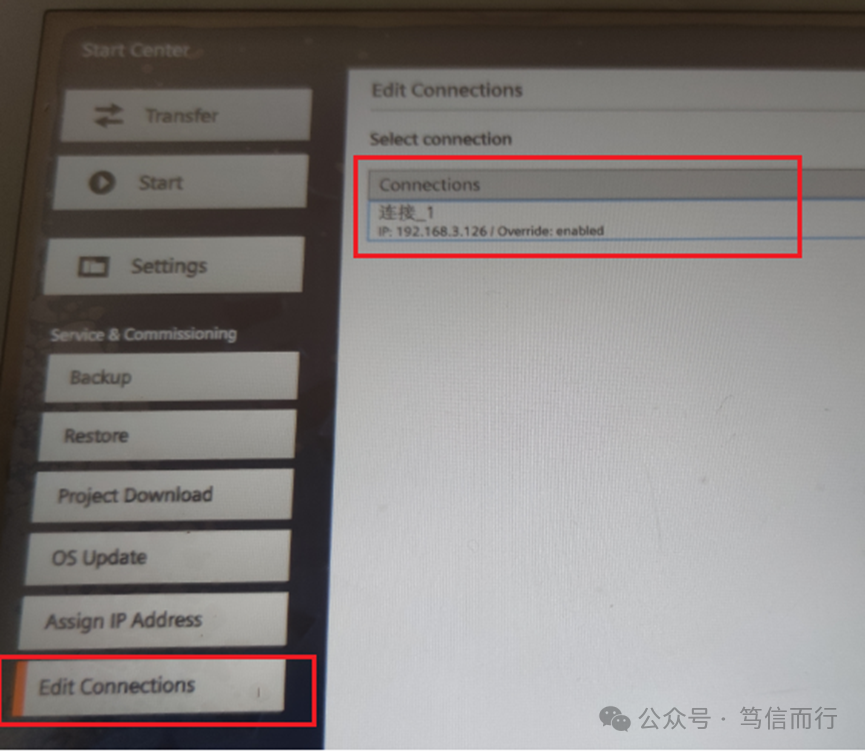 b3. Modify the IP, select ON here.
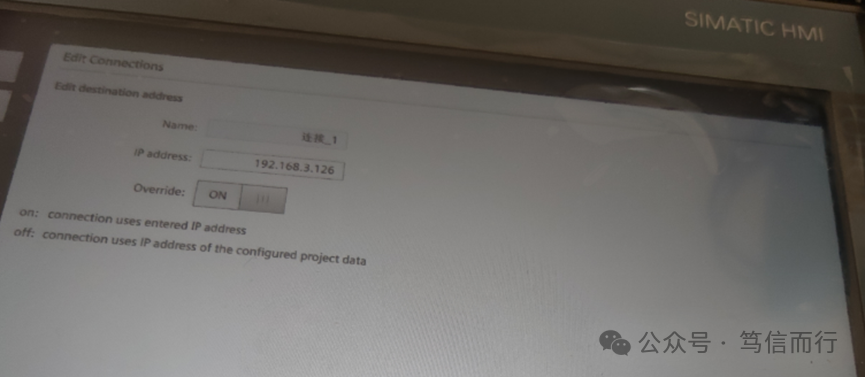 b4. Follow the prompts to proceed until modification is complete.Modifying the panel IPc1. Panel menu, select the corresponding item.
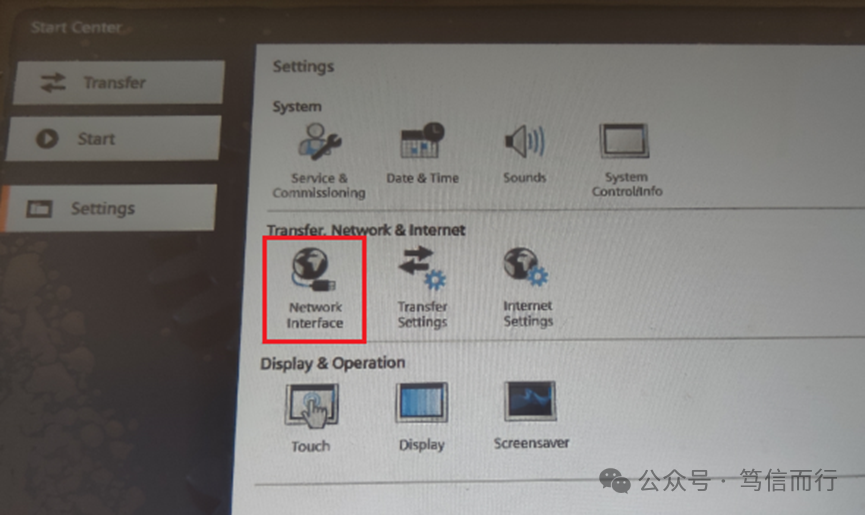 c2. Modify the panel IP.
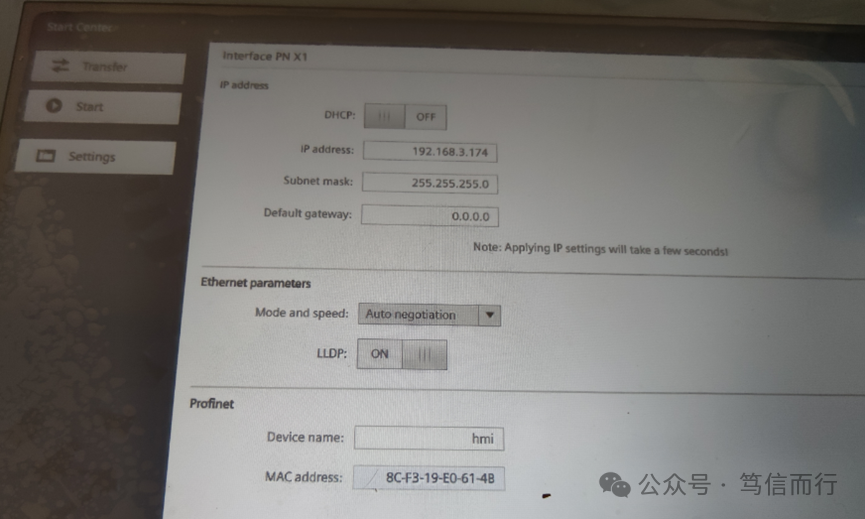 Then, the owner can proceed with the MODBUS TCP/IP configuration.