“What is the 90% cause of CANopen disconnection?”—— I asked a newcomer at the company“Is the driver broken?”—— The newcomer“No, it’s because your heartbeat has stopped.”—— Bald engineer
CANopen disconnection is one of the most common, life-questioning, and easily blamed failures on site.
But in reality:
-
It is not the driver that is broken
-
It is not the master controller that has crashed
-
It is not a broken wire
-
It is not even a problem with the code you wrote
Instead, it is:
The heartbeat has stopped, and the node thinks you are dead, so it lies down first.
Today, we will thoroughly explain the most easily overlooked yet core mechanism of CANopen: Heartbeat, Node Guarding, disconnection detection, heartbeat timeout.
🟧 1. What is Heartbeat?
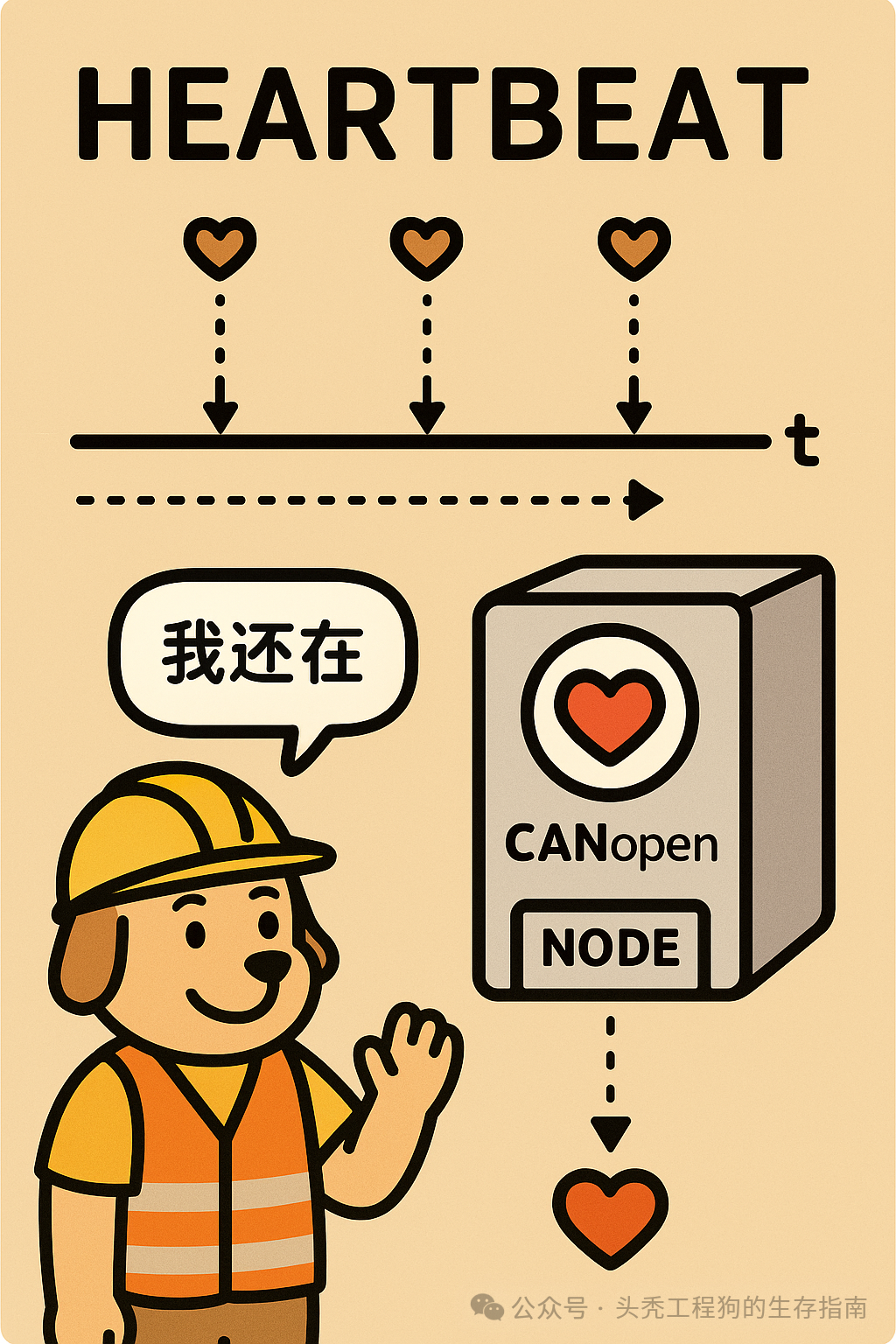
In a nutshell:
Heartbeat = A broadcast sent by a CANopen node at fixed intervals to say “I am still alive.”
Just like you sending a message in a WeChat group:
“I am still here, I am not dead.”
The master station will determine based on this frequency:
-
Whether the node is online
-
Whether the driver is functioning normally
-
Whether the wiring is normal
-
Whether synchronization is normal
-
Whether the entire system is “alive”
If the heartbeat stops, it will:
-
The master station determines the node is disconnected
-
The driver automatically protects itself
-
The communication process is interrupted
AGVs, robotic arms, and servo machines will all be paralyzed.
🟦 Who sends the heartbeat?
-
Slave sends → “Heartbeat Producer”
-
Master listens → “Heartbeat Consumer”
Standard Object Dictionary:
| Object | Function |
|---|---|
| 0x1017 | Heartbeat time (sent periodically by the slave) |
| 0x1016 | Heartbeat consumption table (master listens to these nodes) |
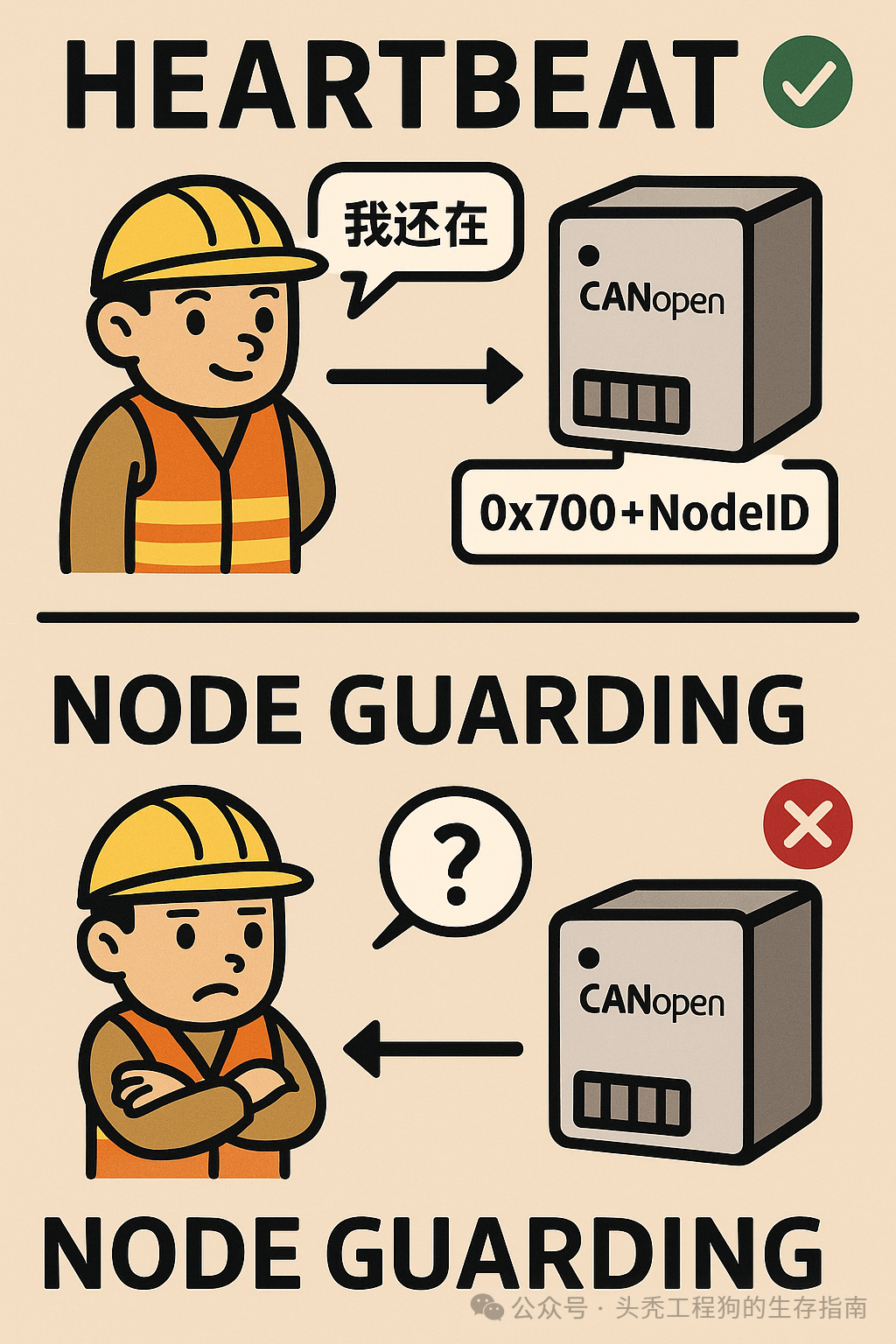
🟧 2. What does a Heartbeat message look like?
Typical CAN ID:
0x700 + NodeID
Data:
[Node State]
For example:
CAN ID = 0x708
Data = 05   (Operational)
Each node sends once every T ms (e.g., 500ms).
🟧 3. Why is it necessary to configure Heartbeat?
The most common disasters on site:
-
The motor suddenly stops while running
-
The AGV gets stuck halfway
-
The driver suddenly drops out of the state machine
-
Multi-axis synchronization suddenly collapses
-
The master station reports “Node lost”
The root cause is consistent:
The heartbeat has stopped / The master station is not listening to the heartbeat / Timeout misjudged as disconnection.
🟧 4. What should the heartbeat time be set to?
The most realistic advice from engineers:
| Scenario | Heartbeat Time |
|---|---|
| Single-axis simple scenario | 500ms (default) |
| Multi-axis robots/robotic arms | 200ms |
| High-speed synchronous control | 100ms |
| Safety-level monitoring | 10ms ~ 50ms (depending on the situation) |
| AGV | 100ms (most recommended) |
Note:
-
The shorter the heartbeat, the faster the disconnection is detected
-
The longer the heartbeat, the later the disconnection is detected
-
Too short may cause bus congestion and misjudgment
100~200ms is the most stable compromise, but the premise is still based on the bus load situation.
🟧 5. How does the master station listen to Heartbeat?
Write the heartbeat consumer (object 0x1016):
Example: The master listens to node 8, timeout = 300ms:
Write:
0x1016 sub1 = 0x012C0008
Parsing:
-
High 16 bits: 012C → Timeout 300ms
-
Low 16 bits: 0008 → NodeID=8
The master monitoring logic:
If 0x708 is not received within 300ms, the node is considered disconnected.
🟥 6. Typical manifestations of Heartbeat disconnection (most common on-site for engineers)
❌ 1. The motor suddenly stops without alarming
Reason: The master station thinks the node is “dead” and automatically stops.
❌ 2. The motor can be enabled, but stops after a few seconds
Reason: Heartbeat occasionally drops packets → judged as disconnection → node enters Pre-Operational.
❌ 3. Continuous NMT operation failures
Reason: Heartbeat conflict or incorrect master station heartbeat listening configuration.
❌ 4. Multi-axis synchronization suddenly collapses
Reason: A certain node’s heartbeat is lost → the master station stops all slaves.
❌ 5. AGV steering wheel stops halfway
Reason: “Heartbeat disconnection protection” triggers quickly.
🟧 7. What are the fundamental causes of Heartbeat disconnection?
Engineers summarize:
✔ 1) Physical layer issues (70% of cases)
-
Incorrect terminal resistance
-
Wires too long/branch lines too long
-
Differential imbalance
-
Non-twisted pair wiring
-
Star topology
-
Local short circuit
-
Local poor contact
-
Power fluctuations causing the driver to restart
✔ 2) Heartbeat time too short (10~20ms)
Causing misjudgment.
✔ 3) The master station’s heartbeat Consumer is not aligned with the Producer
For example:
-
Producer=500ms
-
Consumer=300ms
→ One is sure to disconnect.
✔ 4) Node restart, NMT switching, communication reset
Will lose 1~2 heartbeats → master station misjudges disconnection.
✔ 5) System busy causing delays (master or slave CPU busy)
Heartbeat is delayed → timeout judged.
🟧 8. The difference between Heartbeat and Node Guarding
Newcomers often confuse:
| Mechanism | Direction | Function |
|---|---|---|
| Node Guarding (old mechanism) | Master polls → Slave responds | Check if the node is online |
| Heartbeat (new mechanism) | Slave actively broadcasts | Much simpler, higher performance, less bandwidth usage |
Modern devices basically all use Heartbeat.Node Guarding is outdated.
🟧 9. Engineer’s on-site recommendations: Best practices for Heartbeat
✔ 1) All nodes must enable Heartbeat Producer (0x1017)
Recommended 100~200ms.
✔ 2) All nodes’ Heartbeat Consumer (0x1016) must be configured
The master station listens to each node.
✔ 3) Consumer timeout must be greater than Producer
For example:
-
Producer = 100ms
-
Consumer = 300ms (×3 is classic experience)
✔ 4) Regularly read TPDO status word to assist in judging disconnection
✔ 5) If AGV: If the system shows heartbeat fluctuations, prioritize checking the physical layer
Don’t blame CANopen; it’s fundamentally a physical layer issue.
🟦 Engineer’s summary (ensuring easy understanding)
Heartbeat is the “heartbeat detector” of CANopen. If it stops, the entire system considers it dead. To reduce disconnections: Manage your resistors, your topology, and your Producer/Consumer times. Ninety percent of disconnections are not due to the driver, but to your wiring issues.
🟧 Next article preview (Part 9)
Top Ten Real-World Cases of CANopen Disconnection (Engineer’s Personal Experience)