Google「Nano–Banana」Image Generation / Editing Model Explained: What can it do, where can it be used, and how to create 3D figurines?
Nano-Banana has been trending for over half a month, but due to various reasons including health, I haven’t released related videos and articles. Today, I will cover everything at once. After reading, you will be able to theoretically use this very powerful image generation model indefinitely.
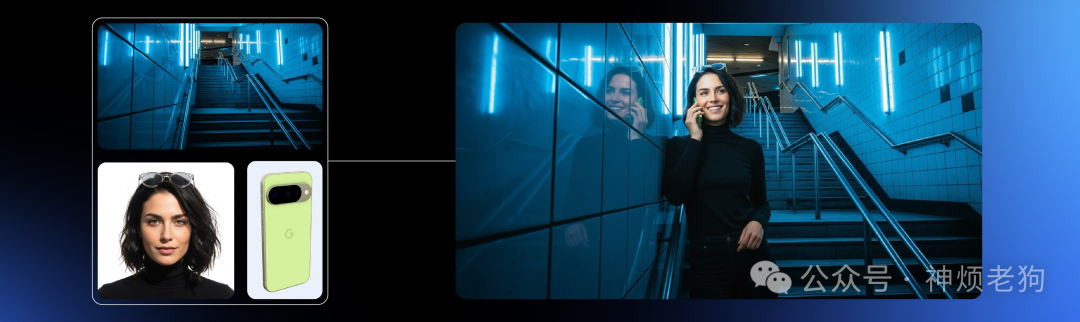
nano-banana
1. What is Nano-Banana?
Google officially launched Gemini 2.5 Flash Image in its update on August 2025, referring to the image generation and editing model as “nano-banana”: it supports text-to-image generation, image + text editing, multi-image blending/style transfer, and conversational local modifications. 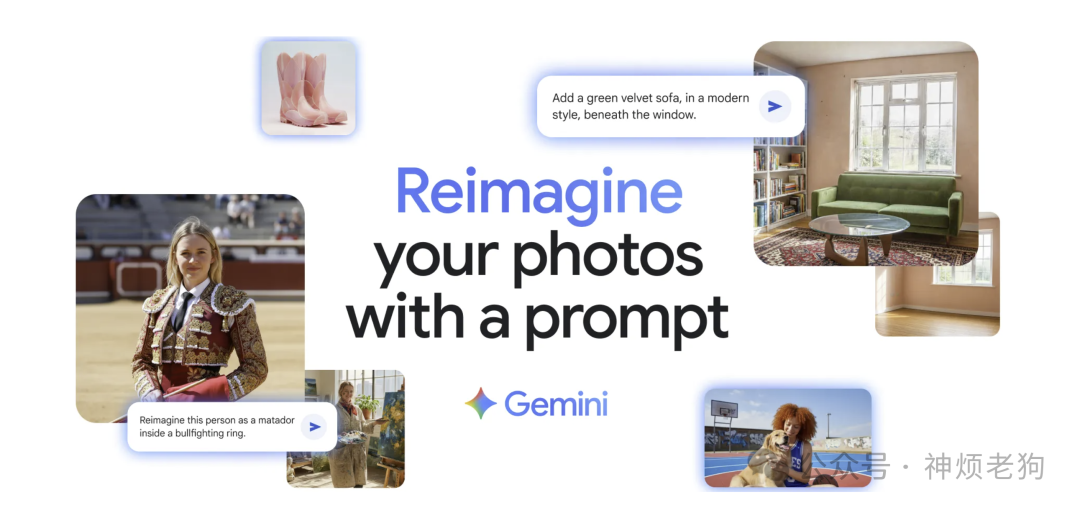
- Release and capability overview: Developers Blog; Gemini Product Blog (emphasizing character/pet consistency, clothing changes, blending, style application, and other scenarios).
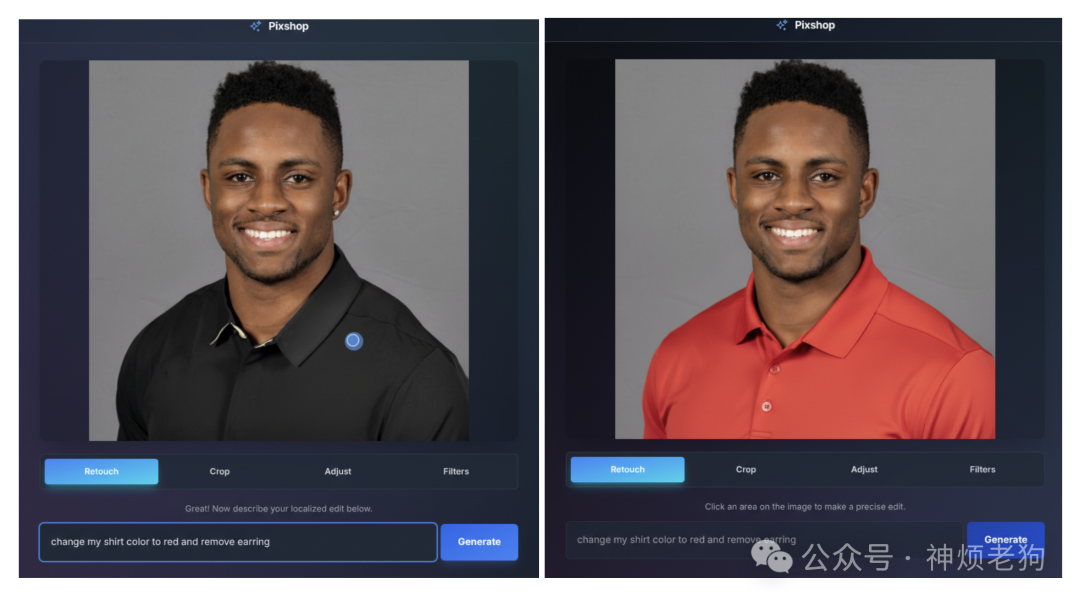
Community Popularity: Google executives disclosed that after integrating Nano-Banana, the Gemini App gained over 10 million new users and over 200 million edits; “turning characters/pets into 3D figurines” has become a viral trend.

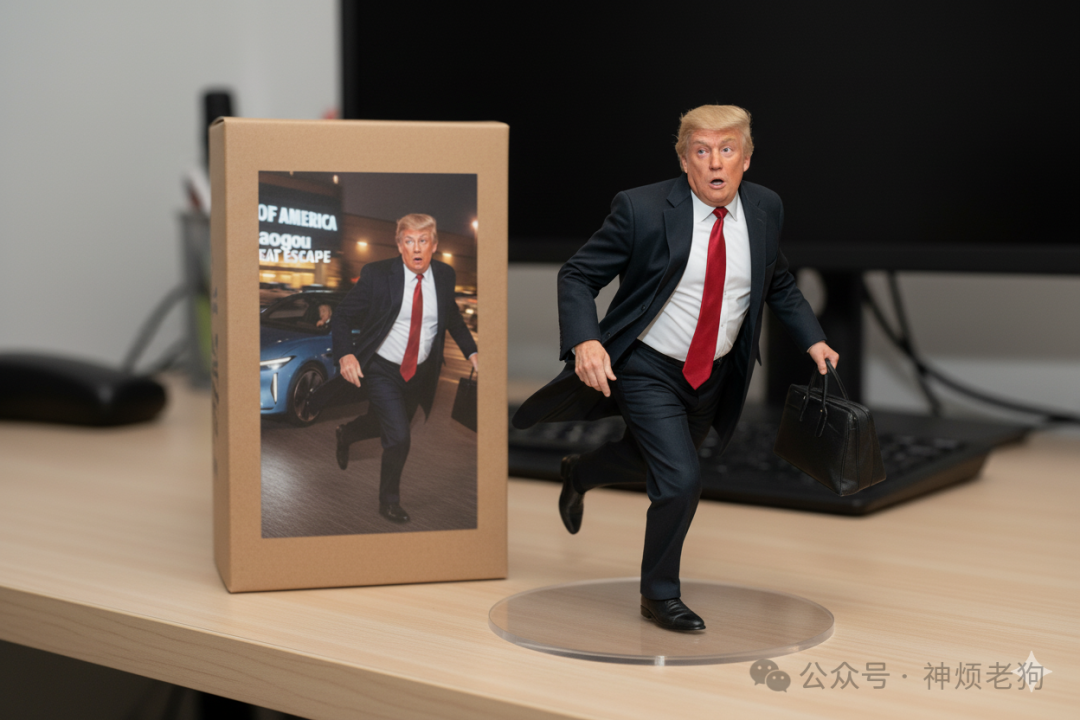
2. What are its strengths (core advantages)
- Continuous editing & character consistency: Even after multiple modifications, it can maintain facial/features consistency, avoiding the issue of “the more you edit, the less it resembles the original”.
- Conversational control: Directly use natural language to “add/remove objects, change materials/lights/poses”, and also leverage the model’s world knowledge to assist in generation and editing.
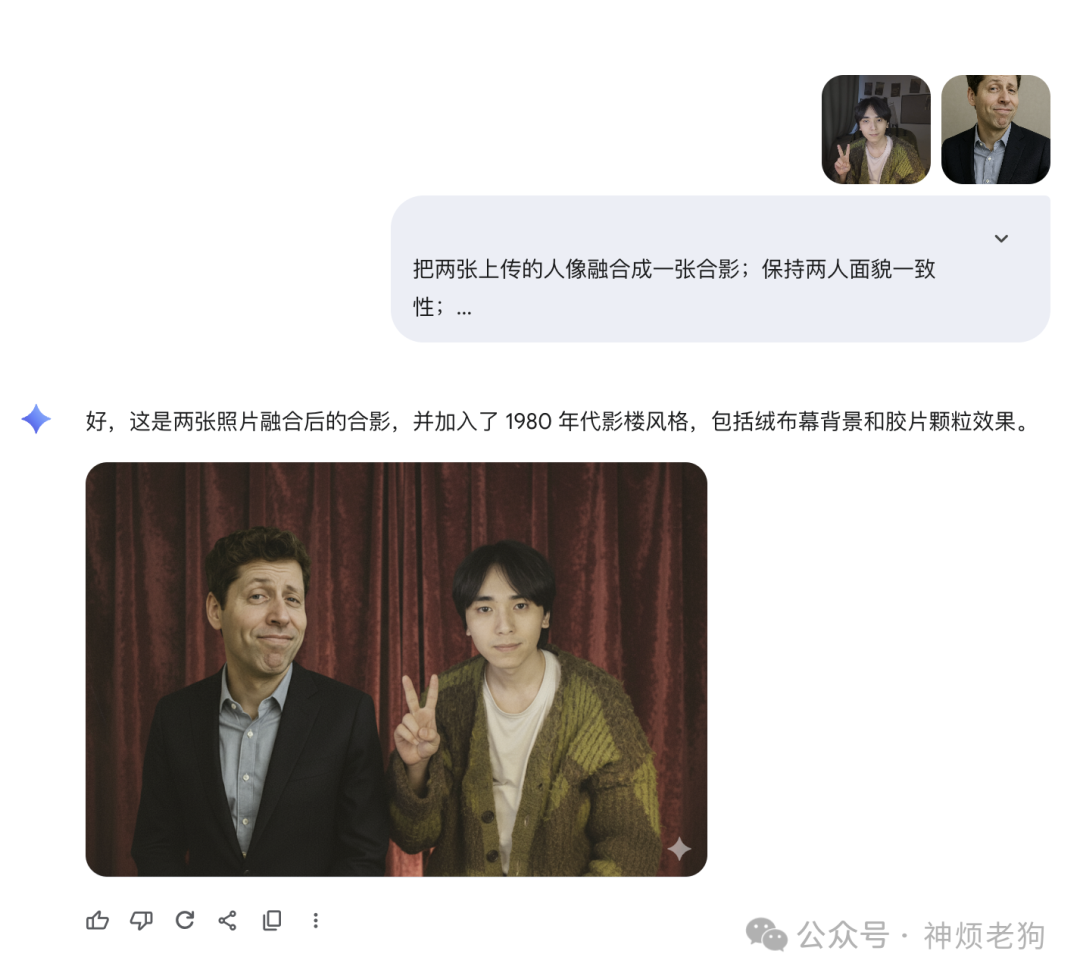
- Multi-image to image (Blend): Blend multiple input images into a unified scene, or transfer the style of image A to image B.
- Text rendering readability: Chinese/English titles and fonts are more stable, suitable for posters and UI screens.
- Traceability and compliance: By default, it embeds a SynthID digital watermark (invisible), which helps platforms label “AI generated”.
The key point here is the first one—character consistency. If it were other capabilities, we are familiar with GPT-4o which can easily achieve them, even faster, but in terms of consistency, so far Nano-Banana remains unique.
3. Where can it be used (official/mainstream access | recommended to bookmark)
-
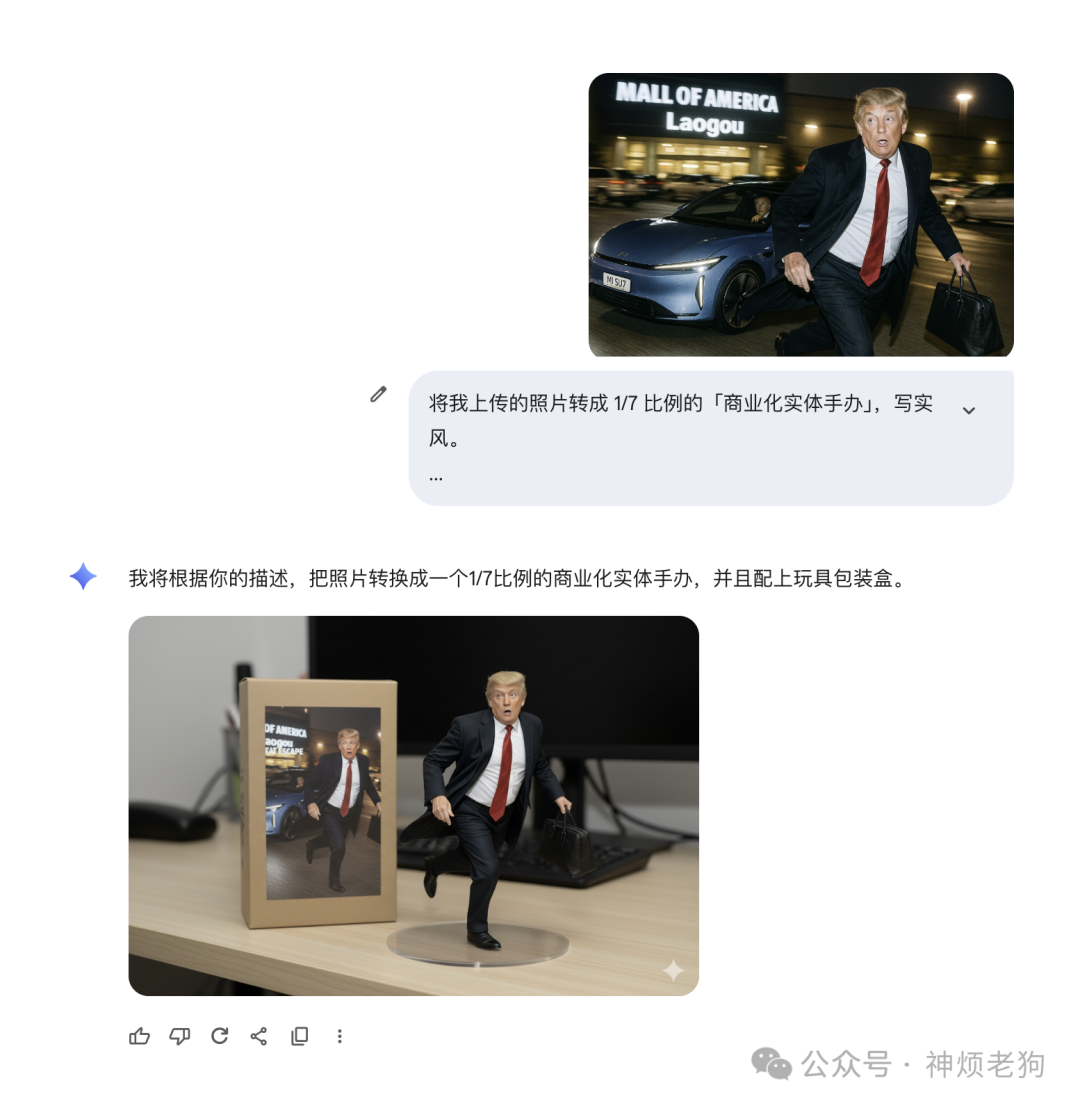
Gemini Web Version (direct experience): https://gemini.google.com (select 2.5 Flash, you can upload reference images or write prompts directly)
-
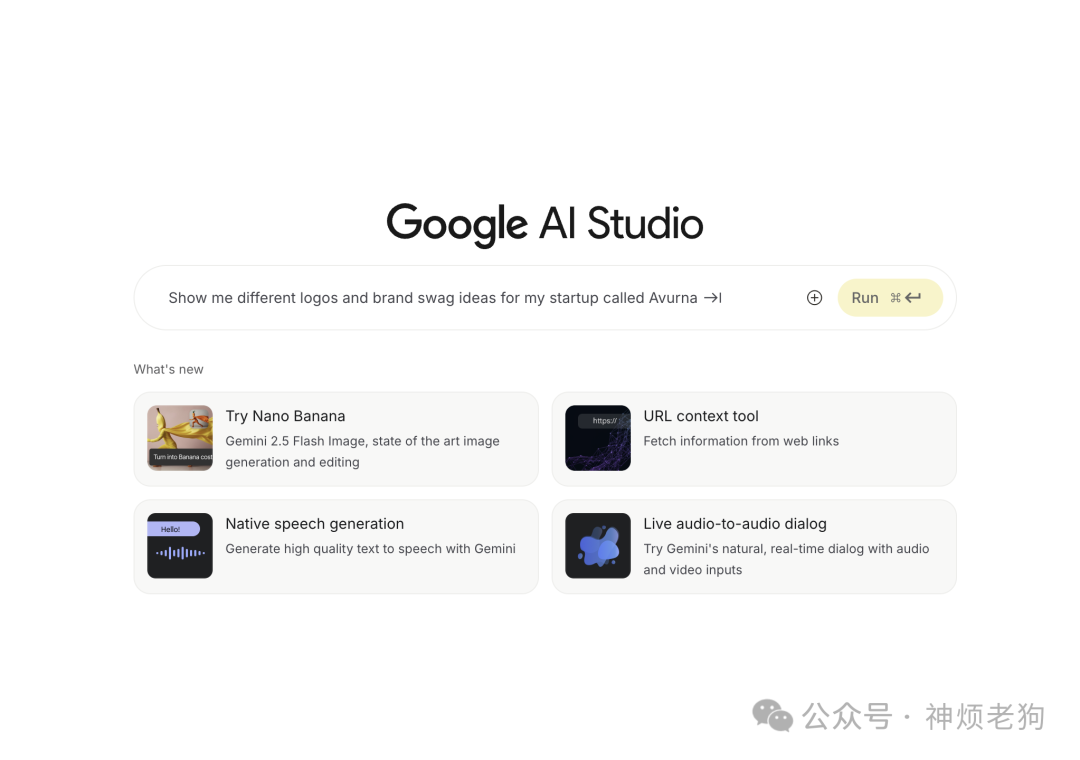
Google AI Studio (Playground): https://aistudio.google.com (select Gemini 2.5 Flash Image / Nano-Banana in the upper right corner; supports “one-click generate API code”)
-
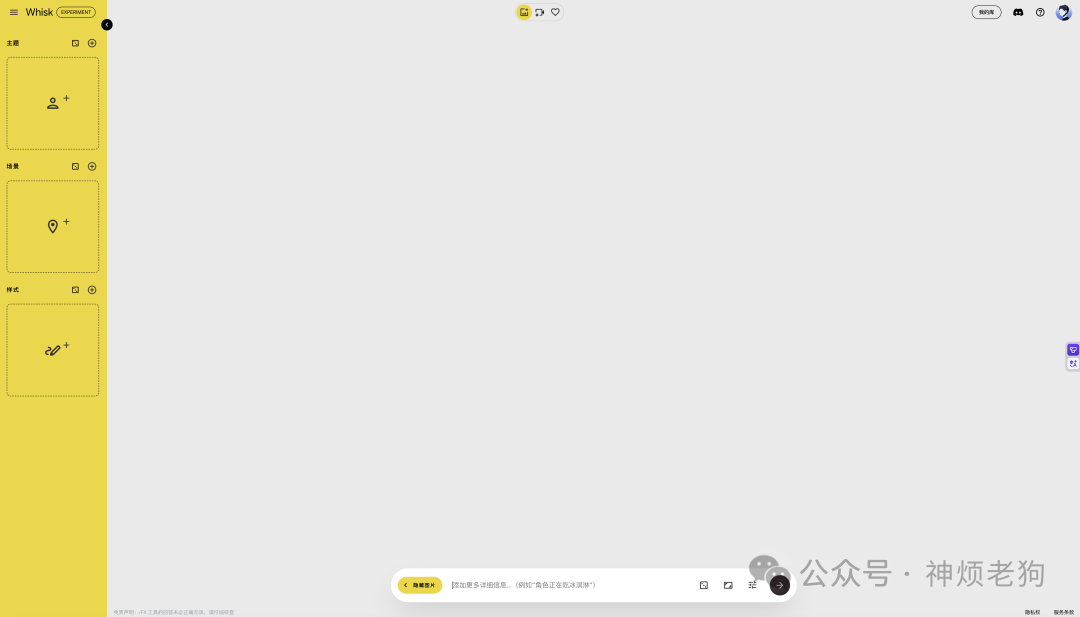
Google AI Lab Unlimited Use (Image generation with Gemini / Nano-Banana): https://labs.google/fx/zh/tools/whisk
4. Viral Gameplay: Turning People/Pets into 3D Figurines
Gameplay idea: Upload a clear half-body photo of a person/pet → set “1/7 scale figurine + transparent base + packaging box + desktop scene + shallow depth of field”; Nano-Banana has stable effects in facial consistency and material texture.
Chinese prompt (copy to use)
|
English prompt (community tone)
|
Extended style keywords (replace for different styles): <span>Funko Pop / Nendoroid / Q-style / clay / LEGO / wool felt / diorama / resin kit / garage kit</span>
5. More Highly Discussed Prompt Templates (copy to use)
1) Poster
|
This model has optimized text readability for English, suitable for designs with English titles.
2) Multi-image blending + style transfer
|
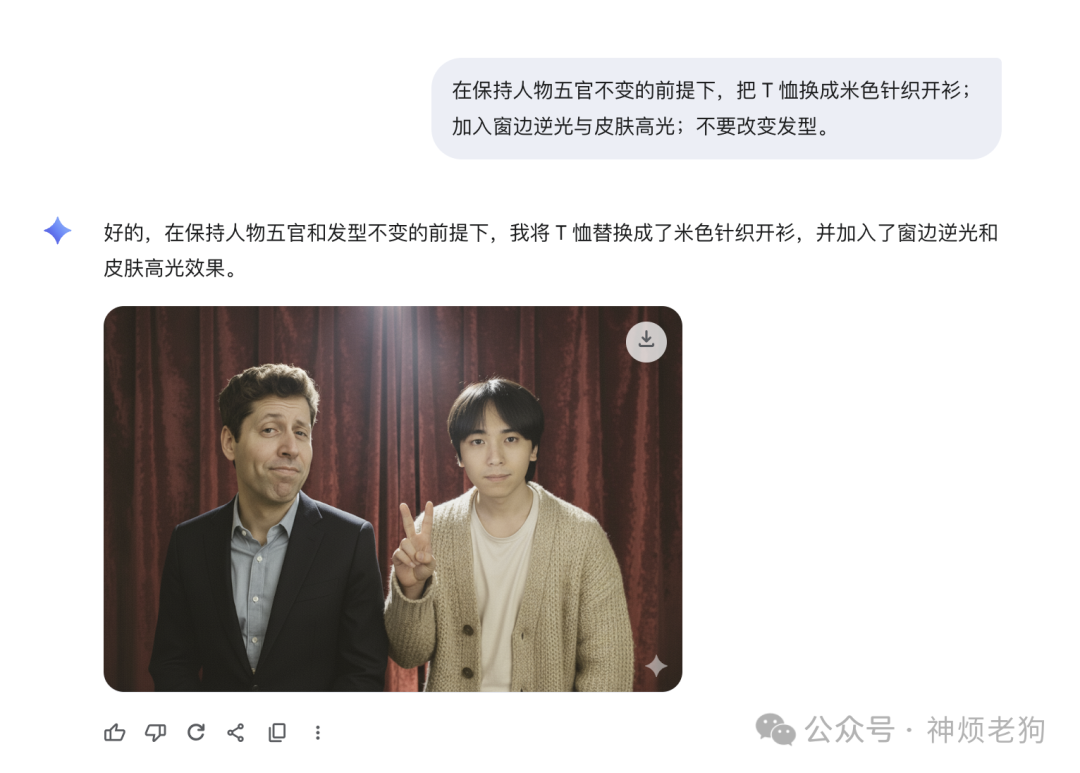
3) Image modification (local replacement)
|
6. Important Notes (must read)
- Copyright/Portrait/Trademark: For commercial materials, please ensure you have the corresponding authorization; “BANDAI style box” can serve as a style reference, but do not directly use others’ photos. Of course, the image of Sam I used above is just for demonstration purposes 🐶.
- Watermark labeling: Images generated/edited by Gemini will embed a SynthID; some interfaces will also add visible watermarks.
- Usability/Network: When the domestic network is unstable, it is recommended to use AI Studio first (or switch networks/DNS).
References and Further Reading
https://developers.googleblog.com/en/introducing-gemini-2-5-flash-image/
https://aistudio.google.com/models/gemini-2-5-flash-image
https://ai.google.dev/gemini-api/docs/image-generation
https://gemini.google/overview/image-generation/