Hello everyone, this is K姐.
A woman who helps you track the latest AI applications.
Last month, Google’s image generation model Nano Banana was released, capable of following complex instructions, maintaining consistency, and preserving contextual details. Many people exclaimed that this completed the last piece of the AI painting puzzle, and Gemini is truly invincible…
However, friends who have played with it for a while know that it has a significant flaw—its understanding of Chinese is average, and it often renders Chinese text with various garbled characters…
Yesterday, ByteDance officially launched Seedream 4.0, a model that implements text-to-image generation, multi-image reference, and group image generation, directly competing with Nano Banana.
Especially in terms of semantic understanding of Chinese, it completely surpasses Google’s Nano Banana model. Here is the most comprehensive guide to using Nano Banana (including 4 free methods).
After playing with it for a day, I have organized 10 typical and practical use cases. Let’s take a look together.

How to Use Seedream 4.0
This time, I mainly used Jimeng~ in image generation mode, selecting the image 4.0 model.
Official website: https://jimeng.jianying.com
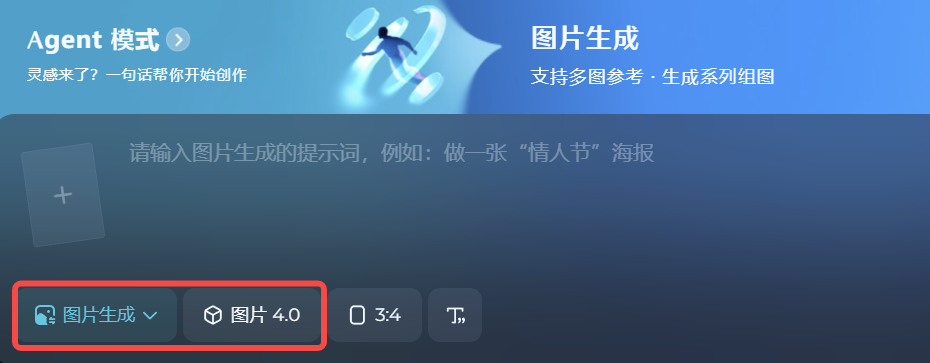
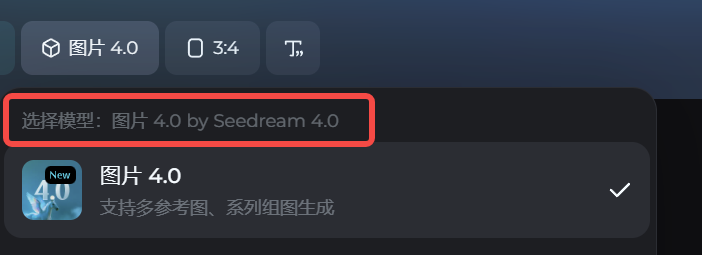
What we are using here is the Seedream 4.0 model.
In the intelligent reference function of Jimeng, it supports selecting an editing area, allowing for very precise local modifications.
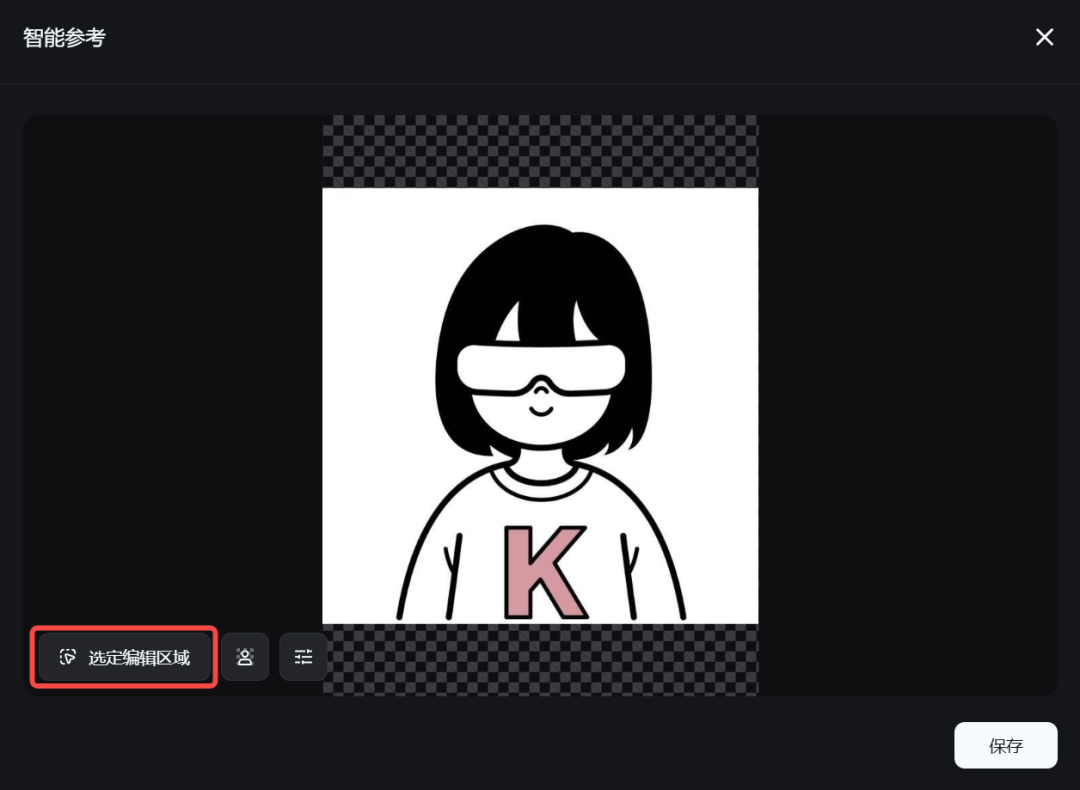

Mastering Pixel-Level Editing
-
One-Click Generation of Figurines
One of the most popular features of Nano Banana is the one-click generation of figurines. Let’s see how Seedream 4.0 performs in this area.
Upload a photo and enter the following prompt:
Prompt: Create a commercial figurine of the character in the image at a 1/7 scale, in a realistic style, in a real environment. The figurine is placed on a computer desk, with a round transparent acrylic base. The content on the computer screen shows the C4D modeling process of the figurine, and next to the computer screen is a plastic toy packaging box in BANDAI style with the original artwork, ensuring all elements are consistent with the reference image.
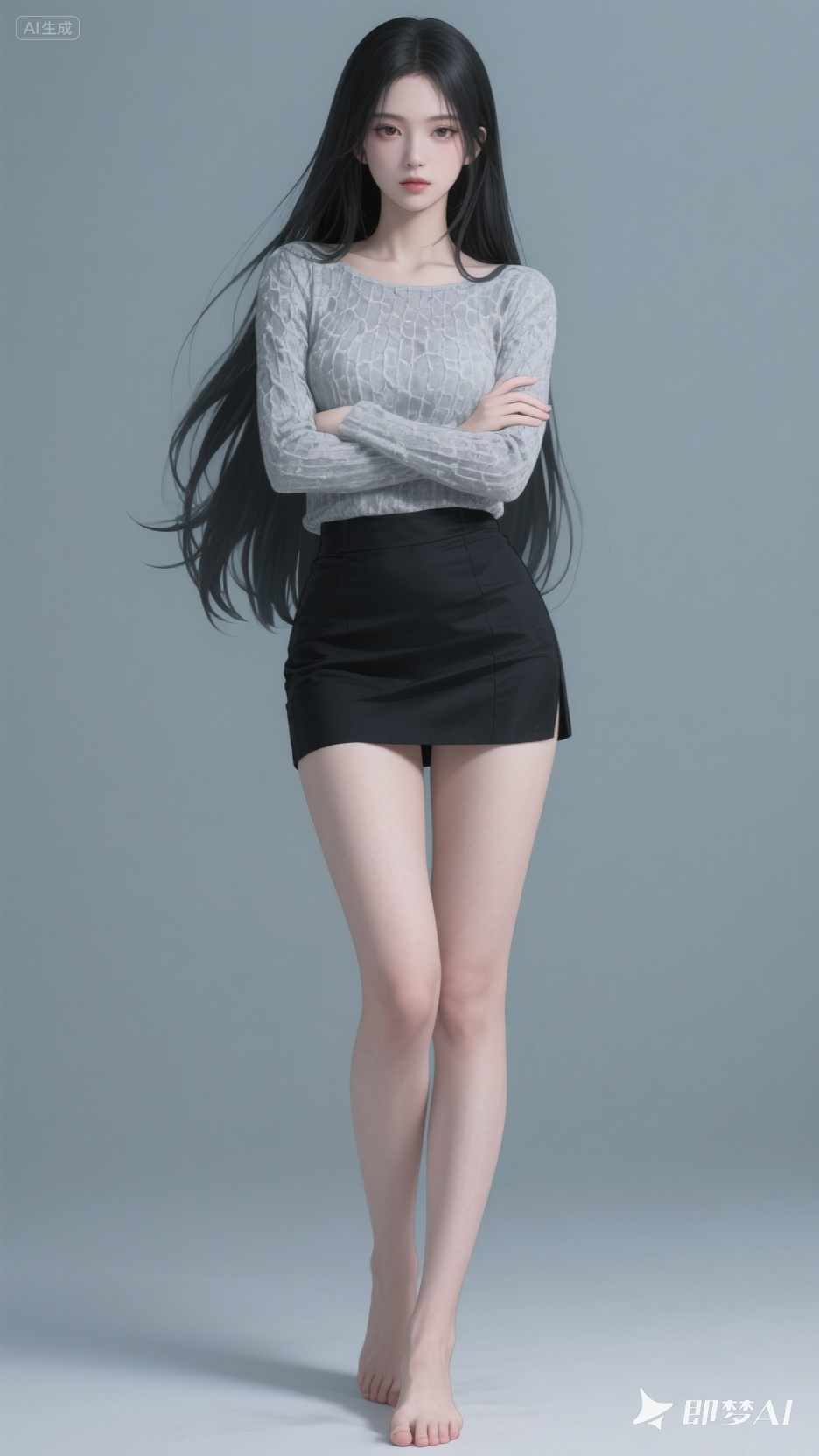
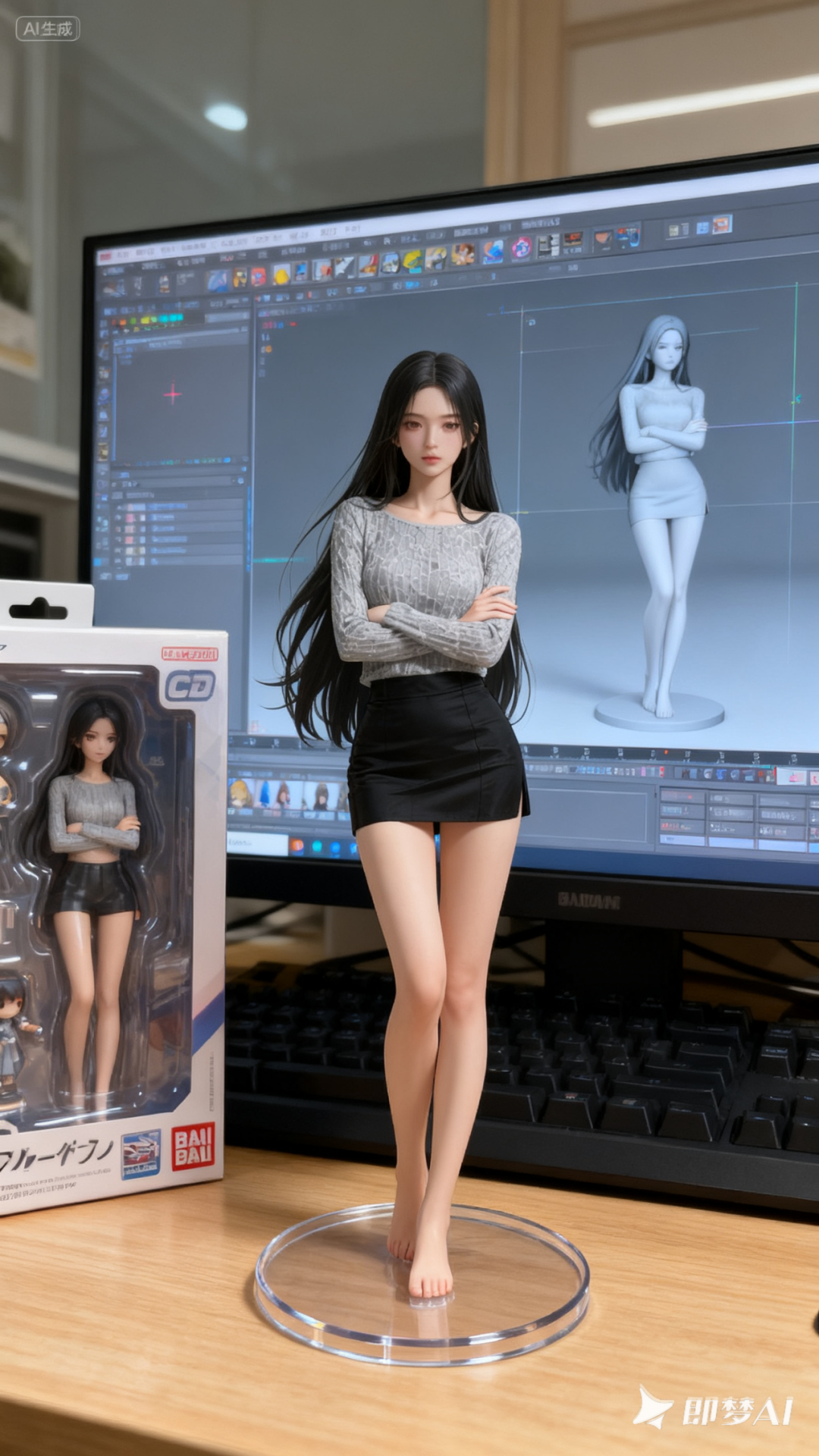
The generated figurine image is very realistic, with details such as character posture, facial features, expressions, clothing, and shooting angles all consistent with the original image.
I have tried various styles, including realistic and anime styles~ and I can even arrange for pets.
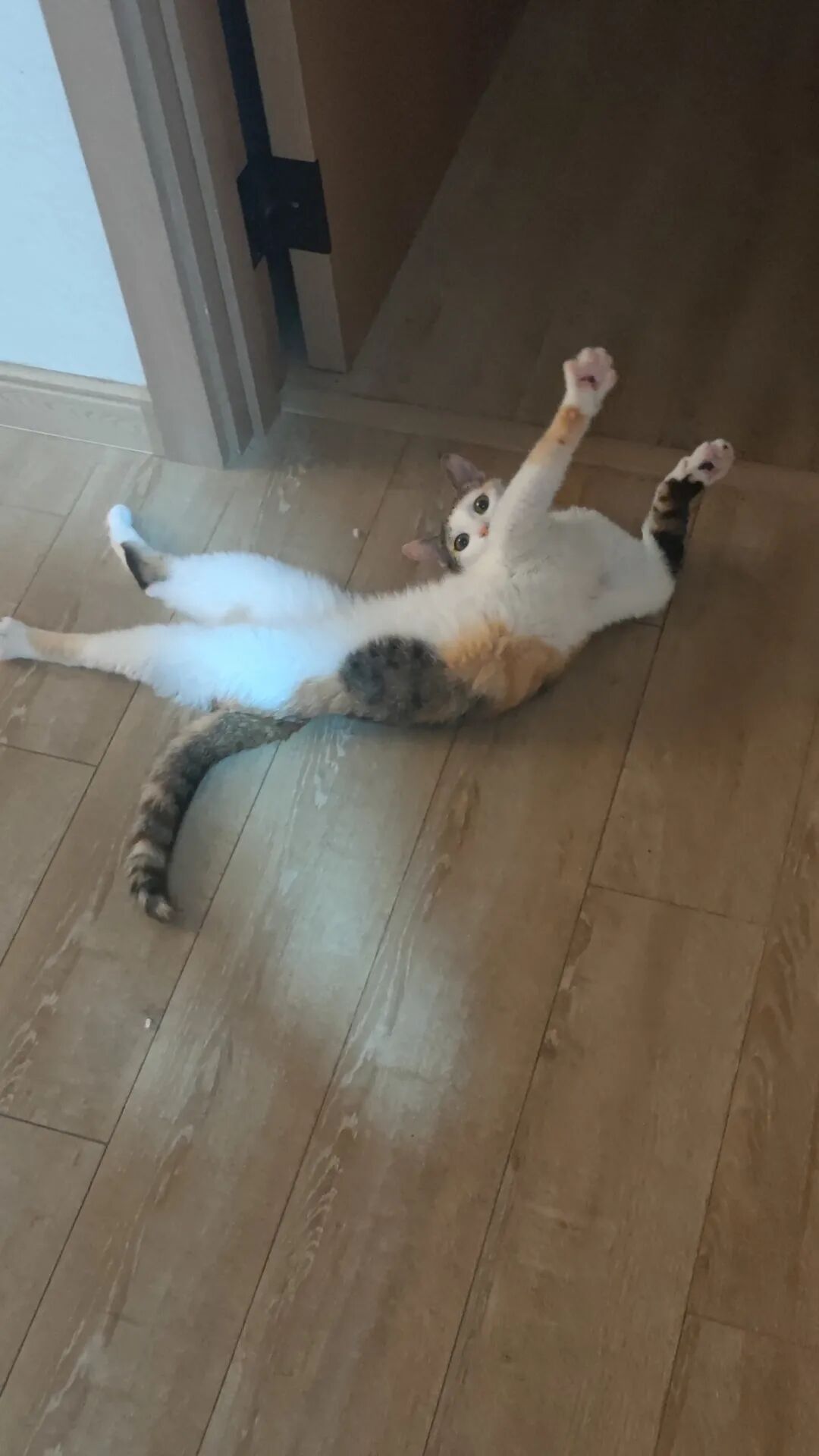
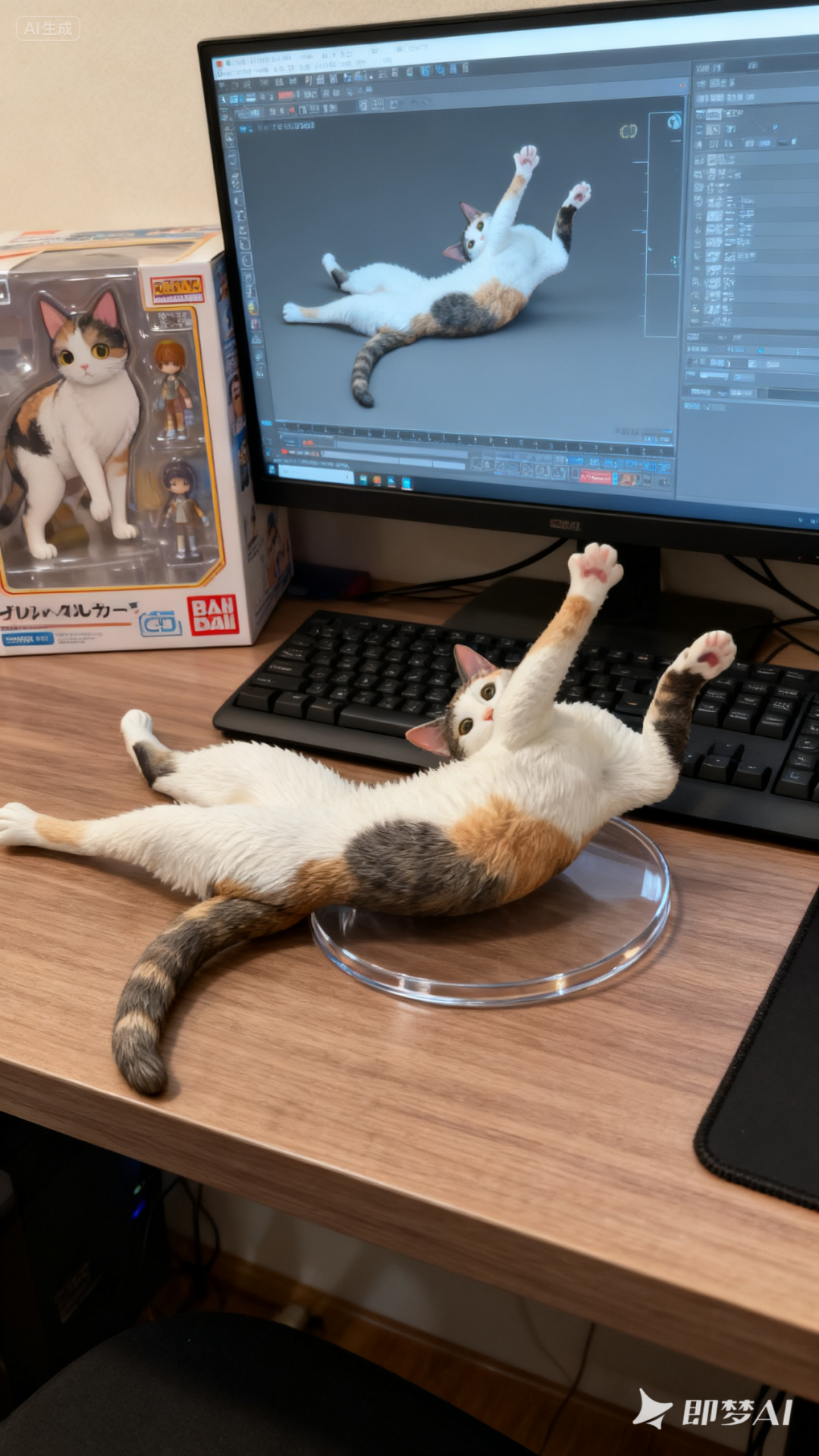
-
Model Try-On
Using the same model, we can generate various clothing try-on effects with just one sentence.
Prompt: Change the outfit of the girl in image 1 to the outfit in image 2 (below).
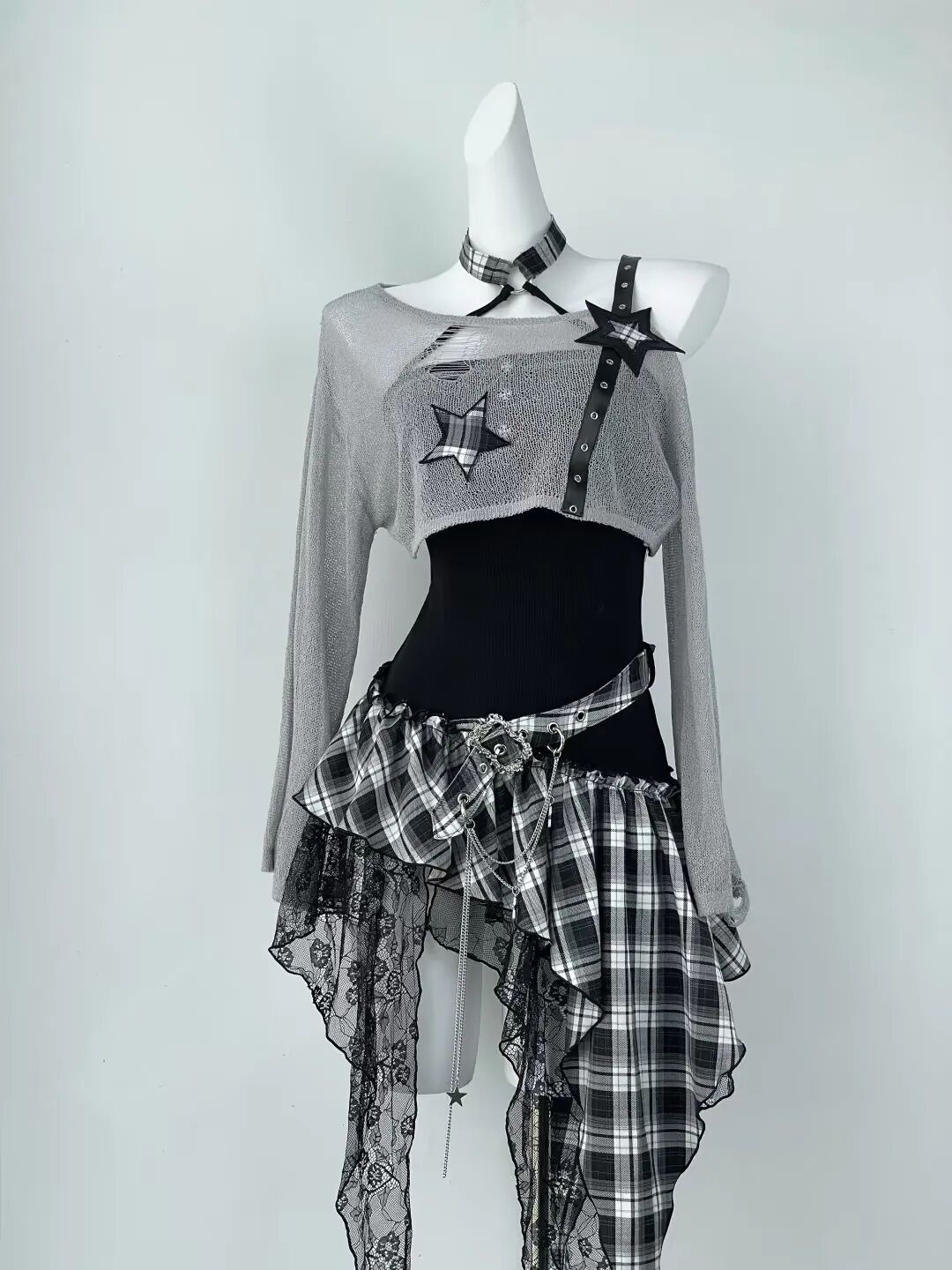
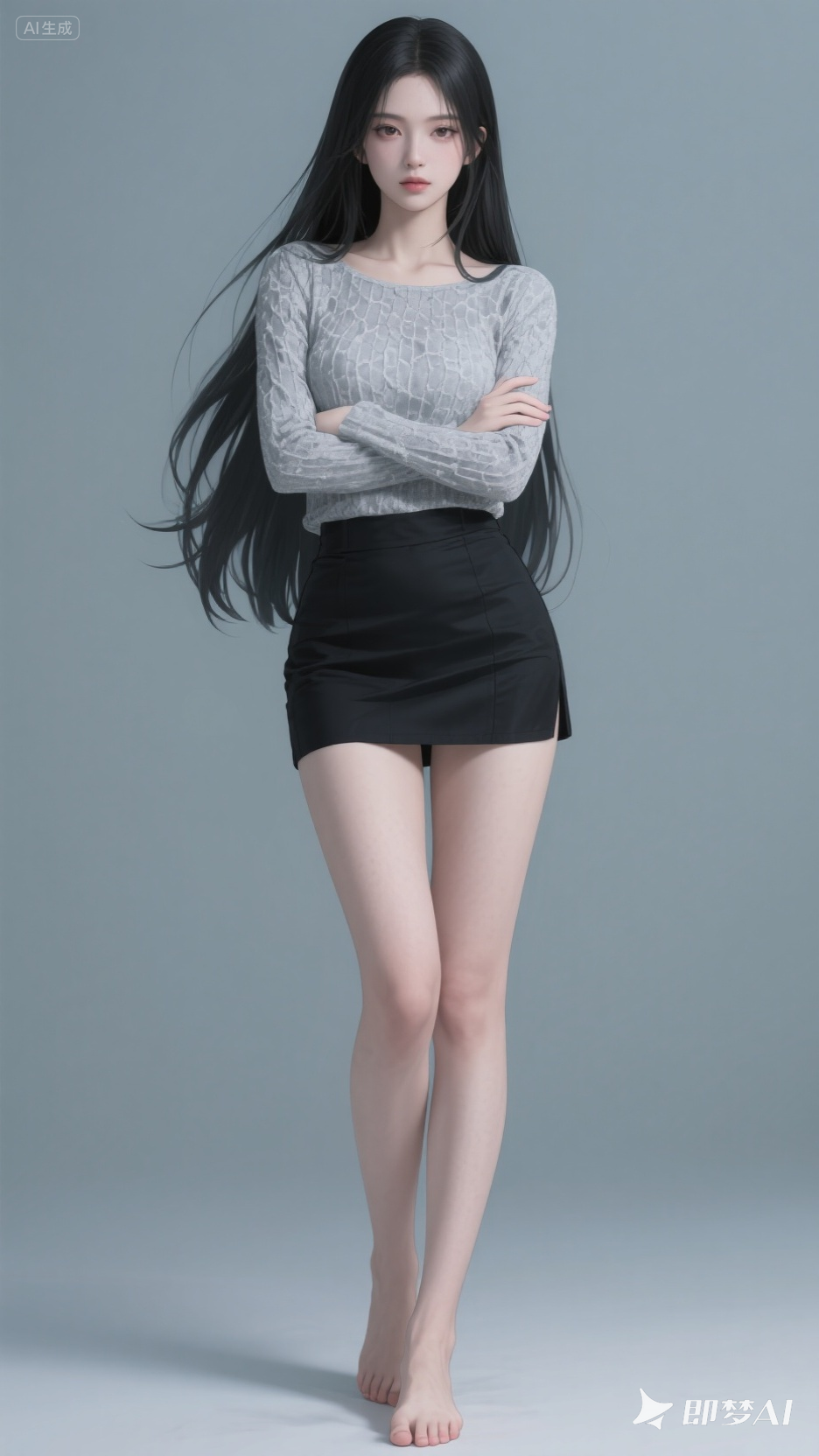
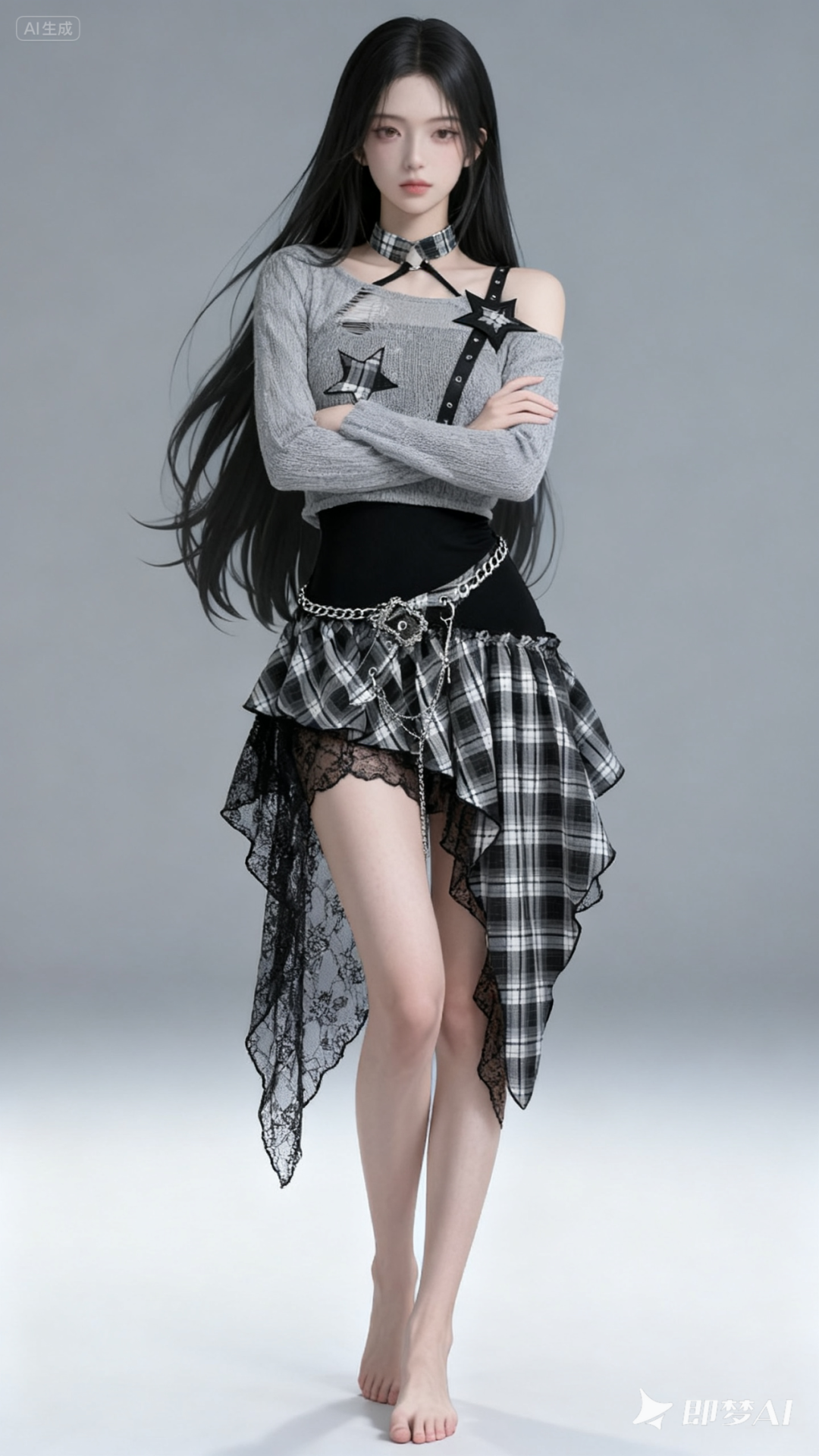
Using the same method, we can have her change shoes, bags, and accessories.
Prompt:
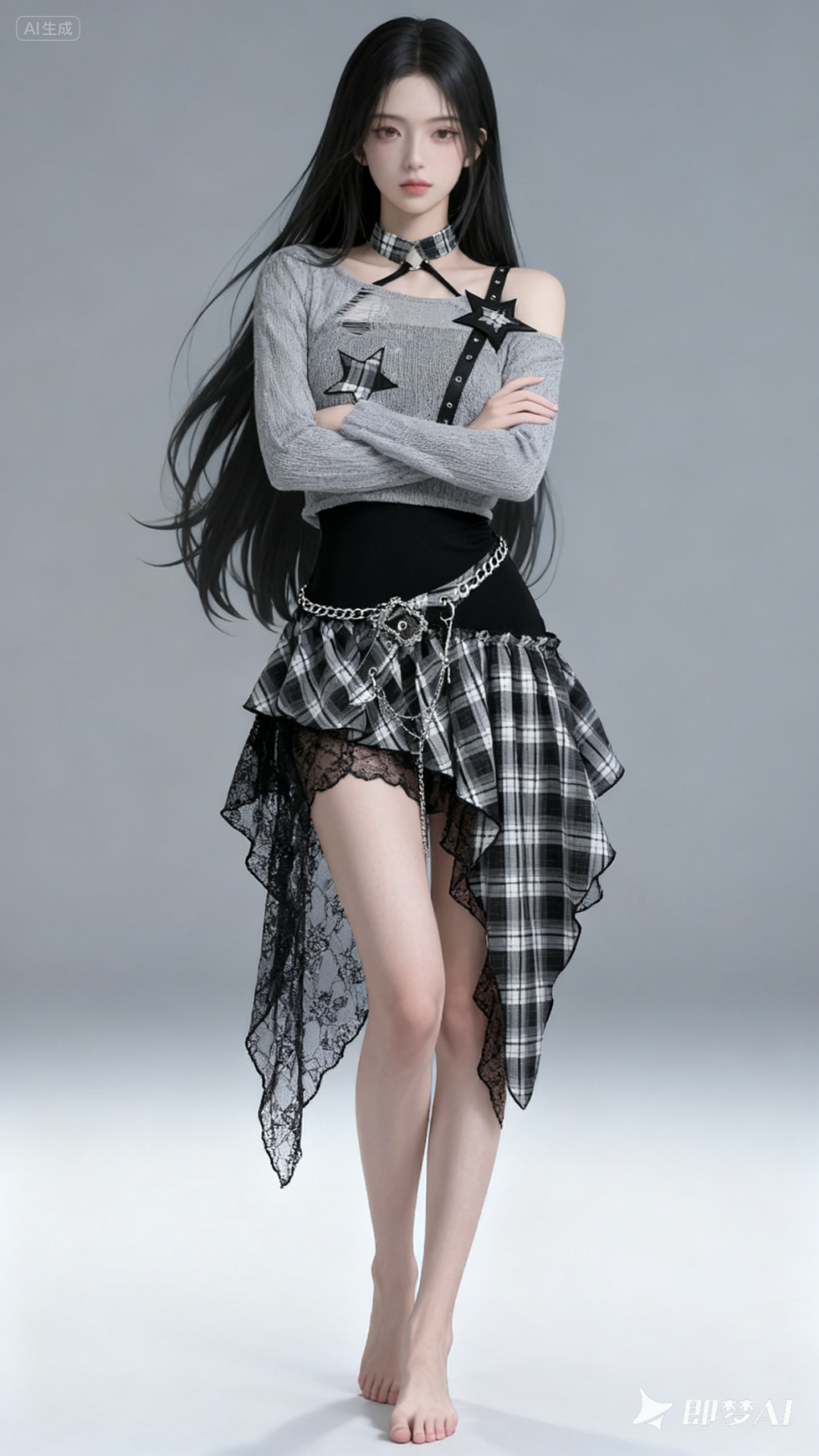
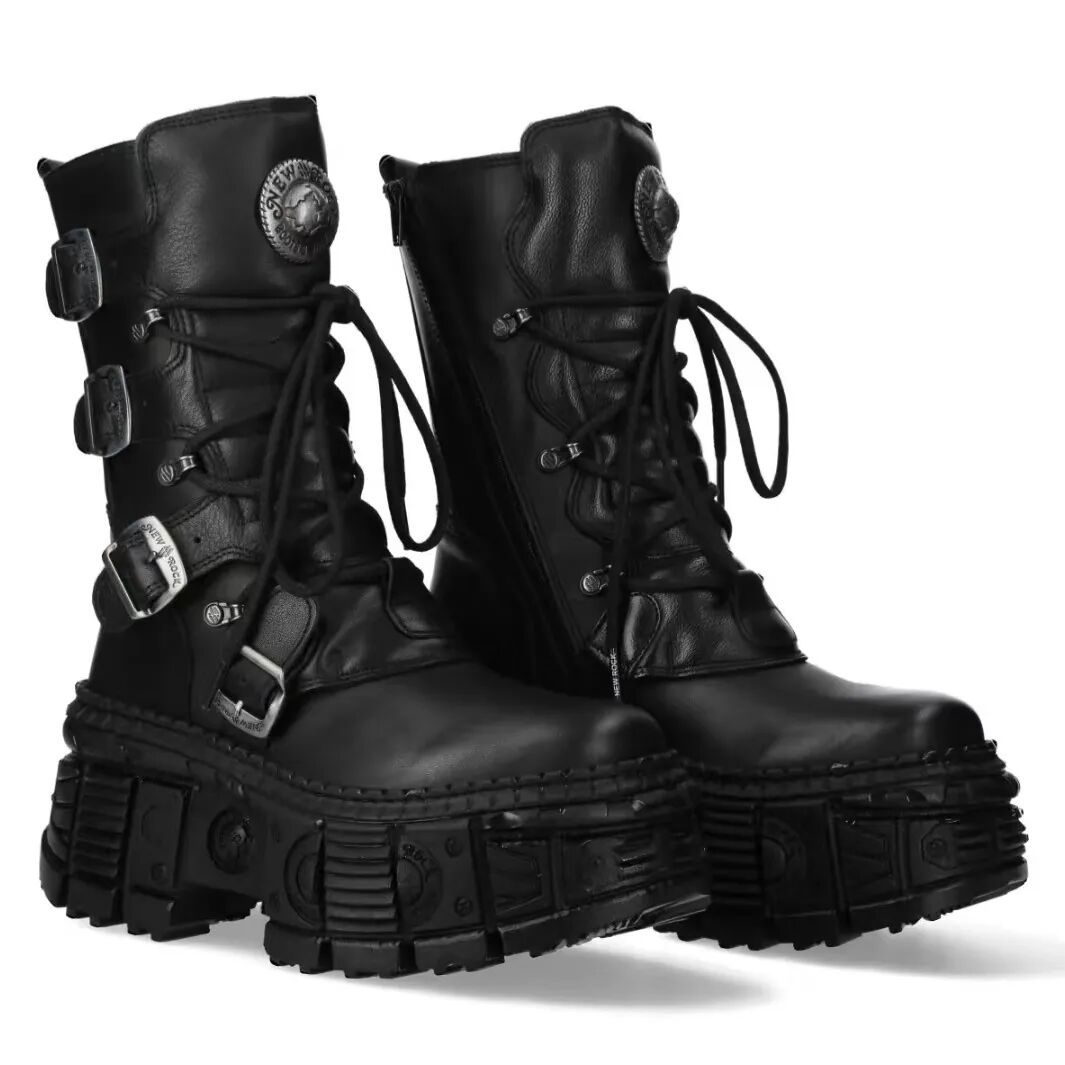
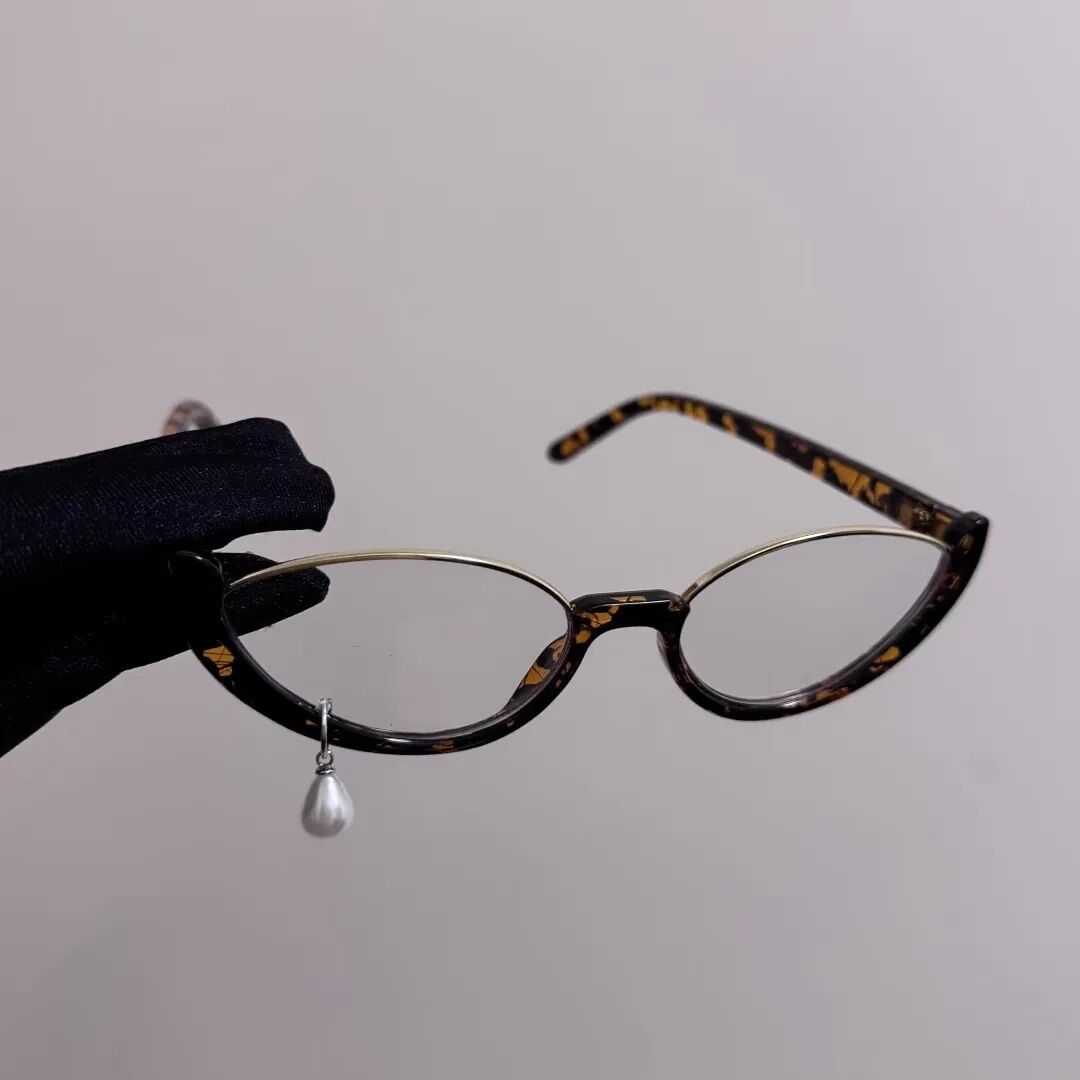
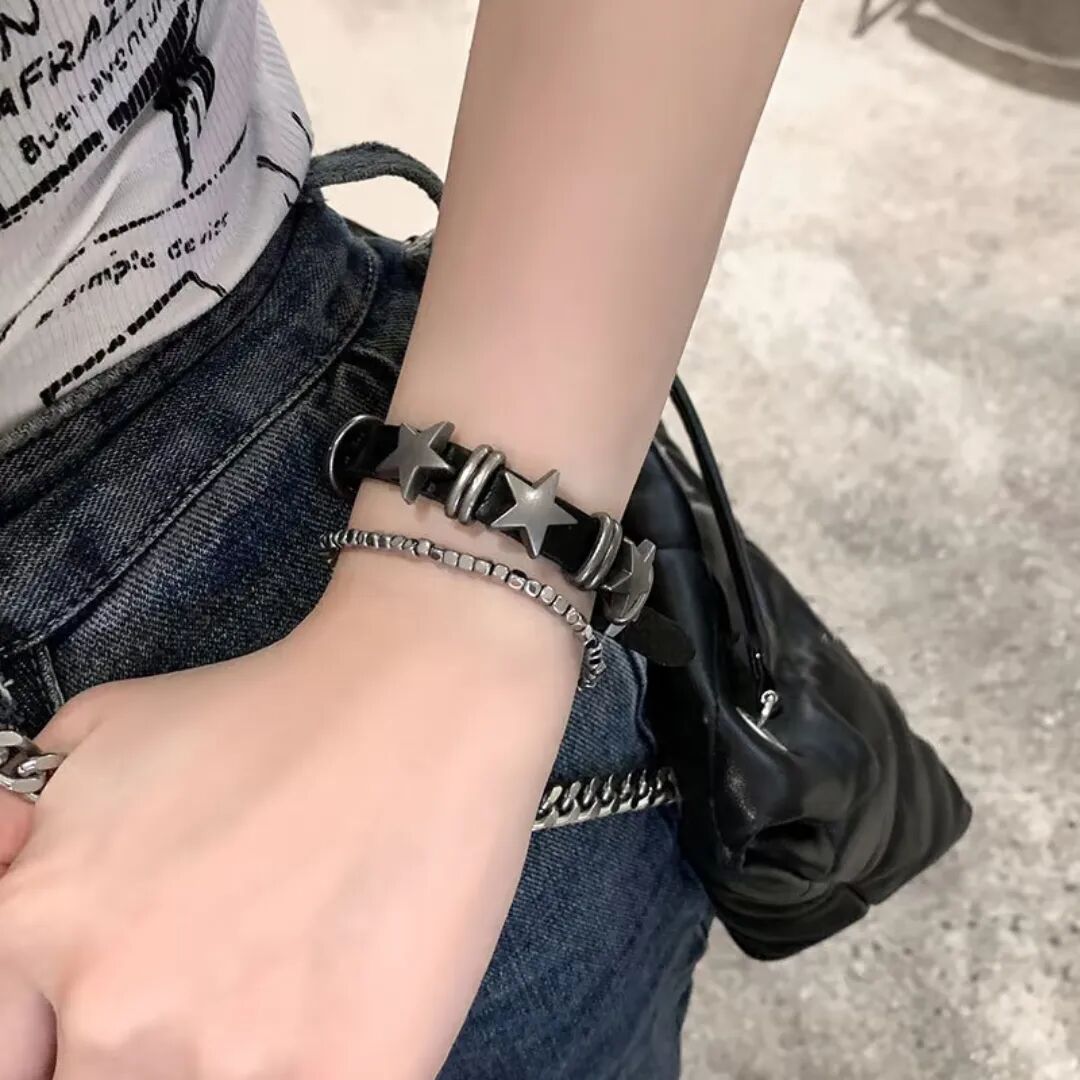
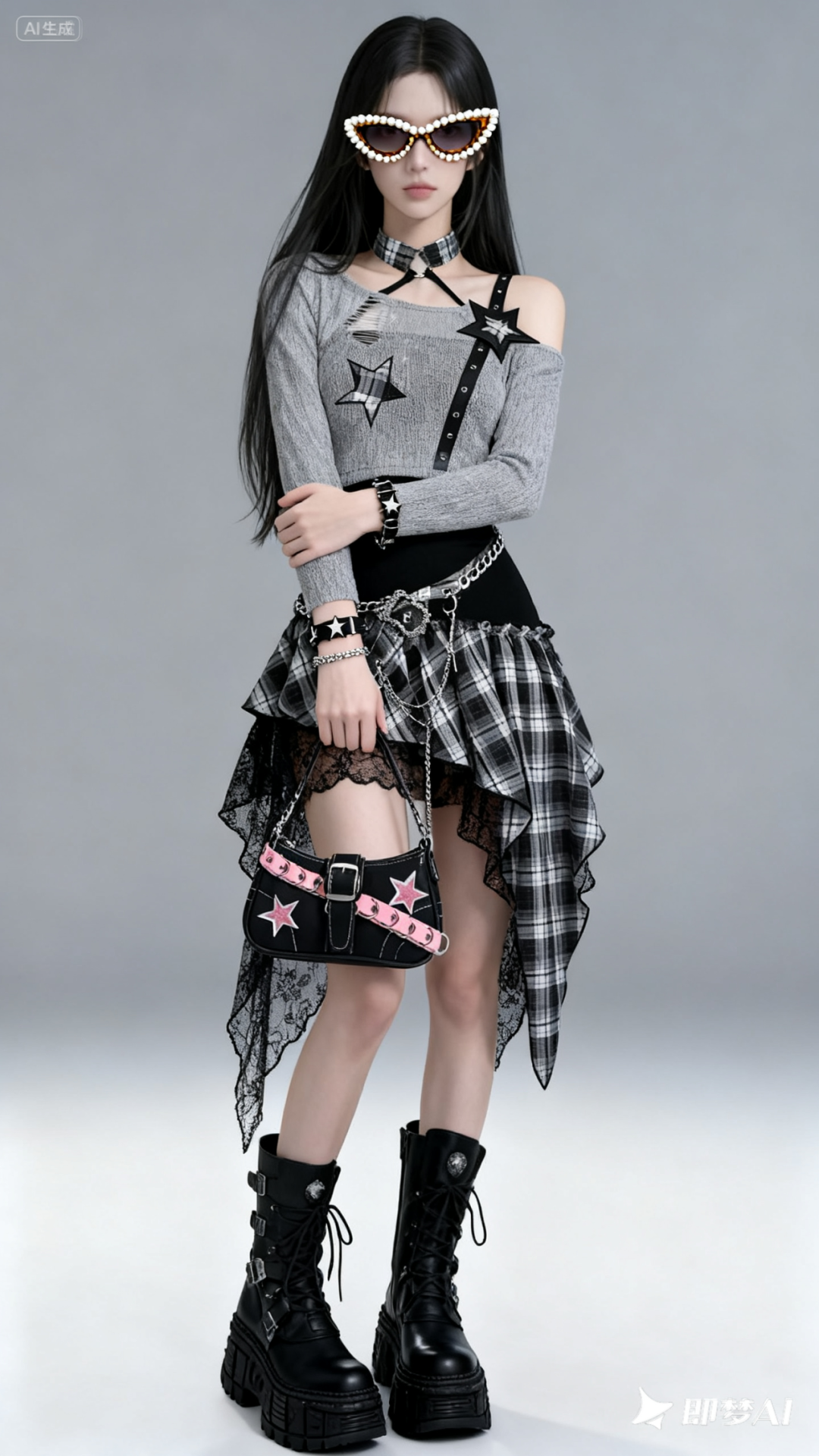
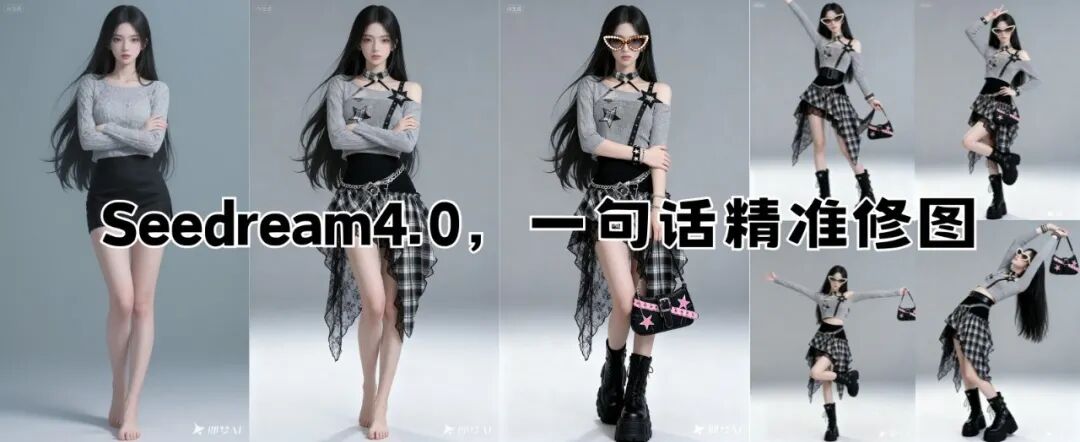
Making multiple modifications at once, Seedream 4.0 performs excellently, maintaining consistency for characters and products in most cases.
Details of bags and bracelets are well restored, even the buckle decorations on shoes are accurately represented, but the recognition of glasses is still not very precise.
We can also have the model reference various poses for photos.
Prompt: The character in image 1 poses for a photo referencing image 2.
Pose reference image:
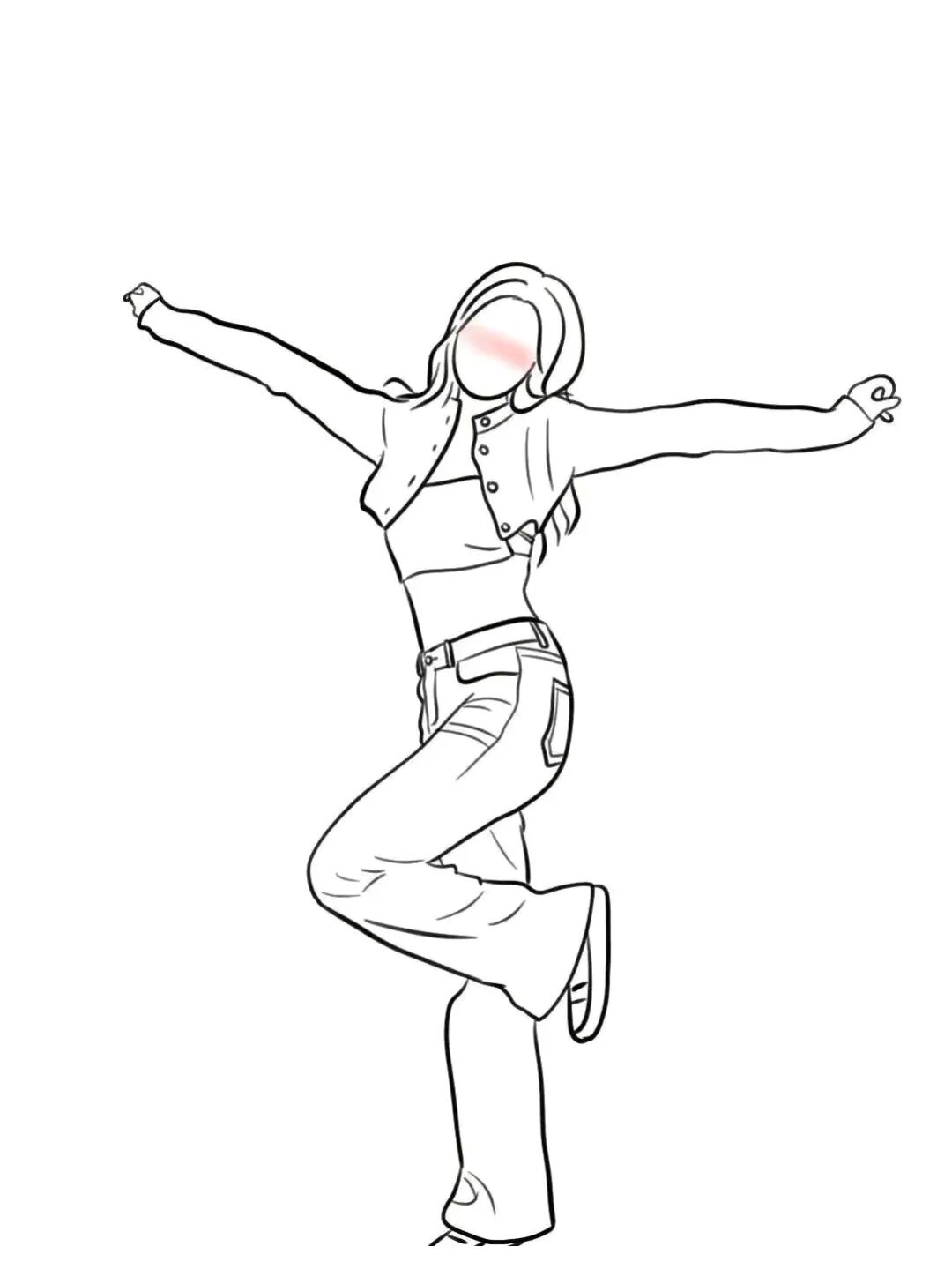
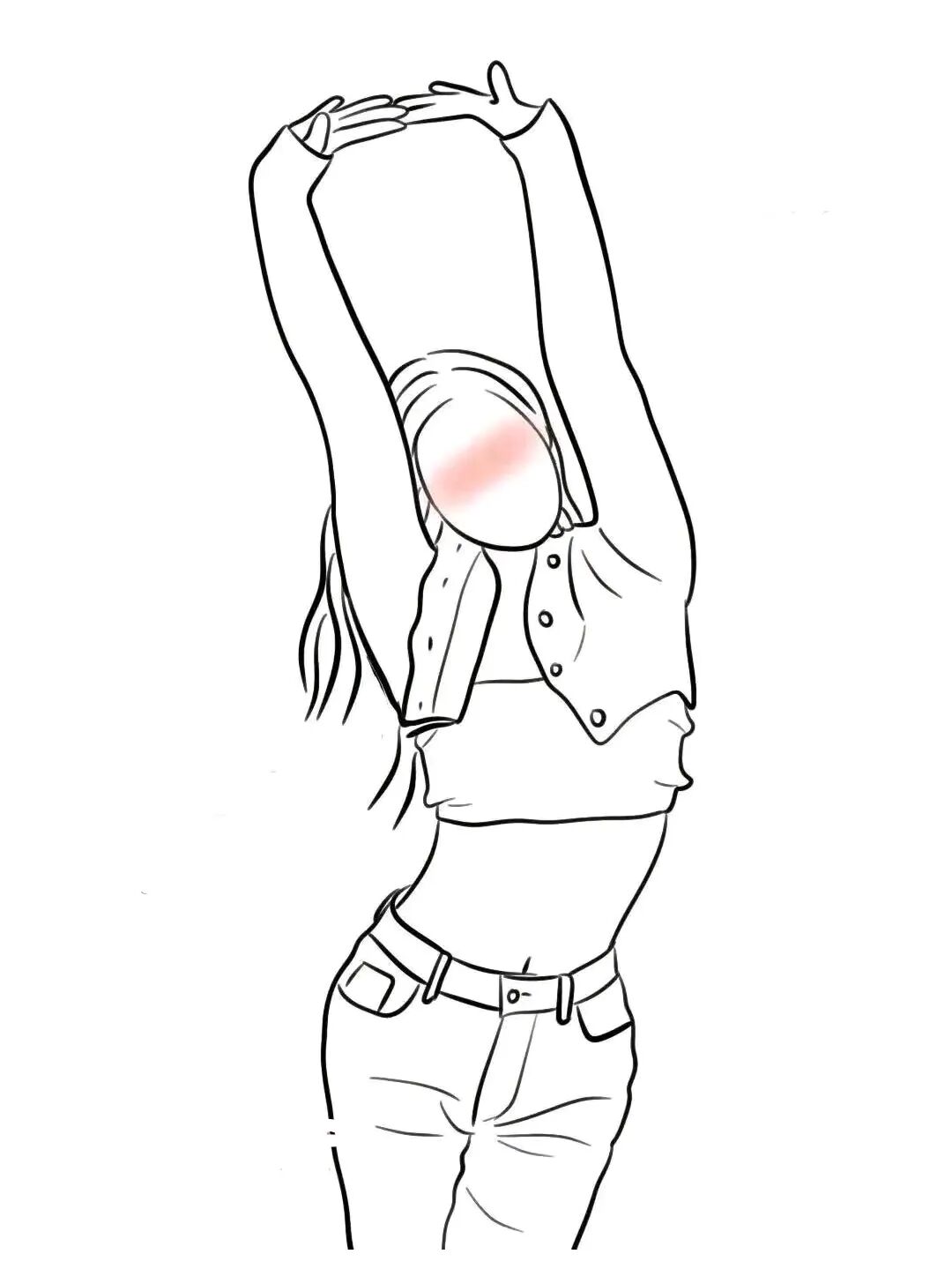
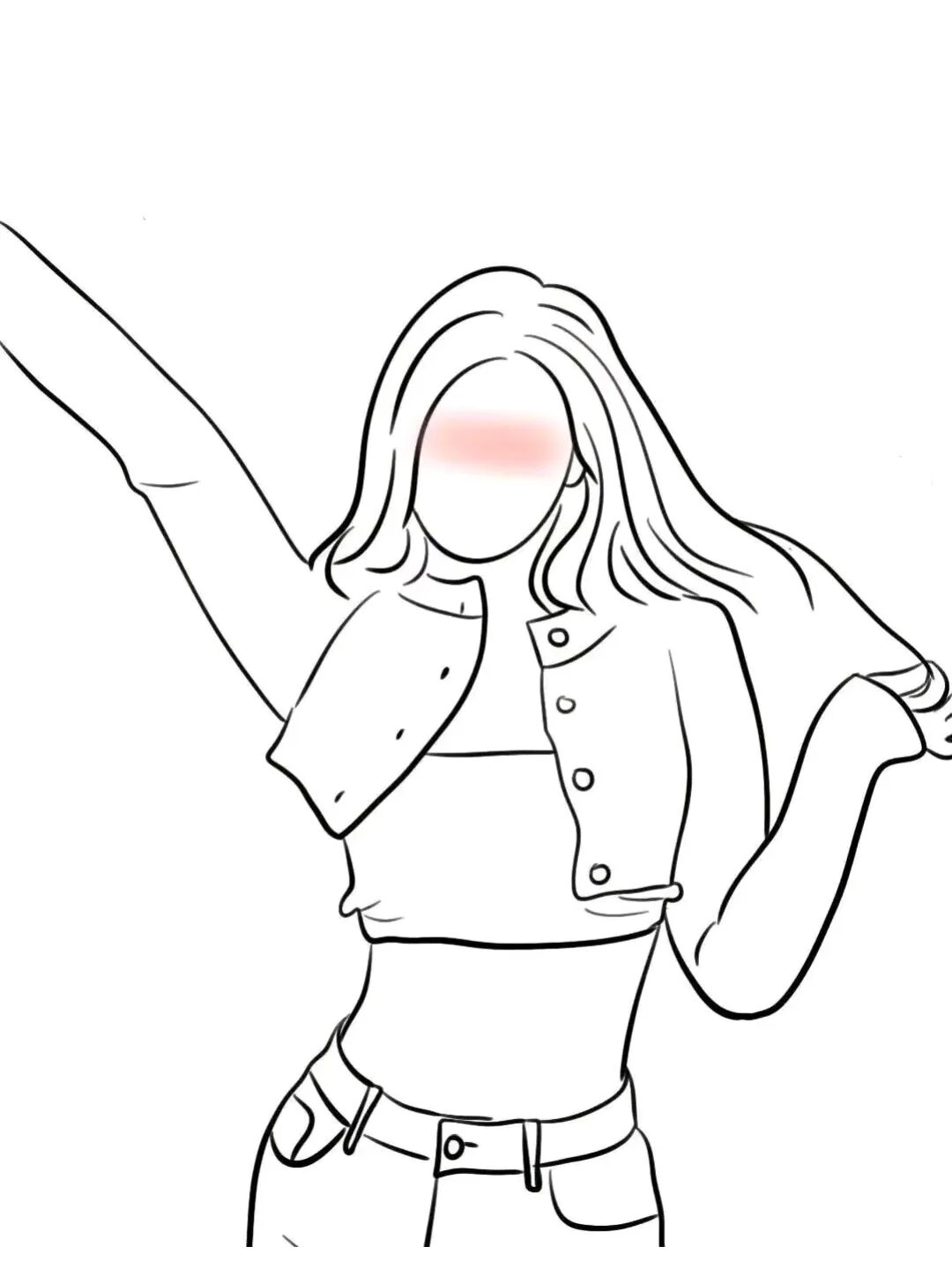
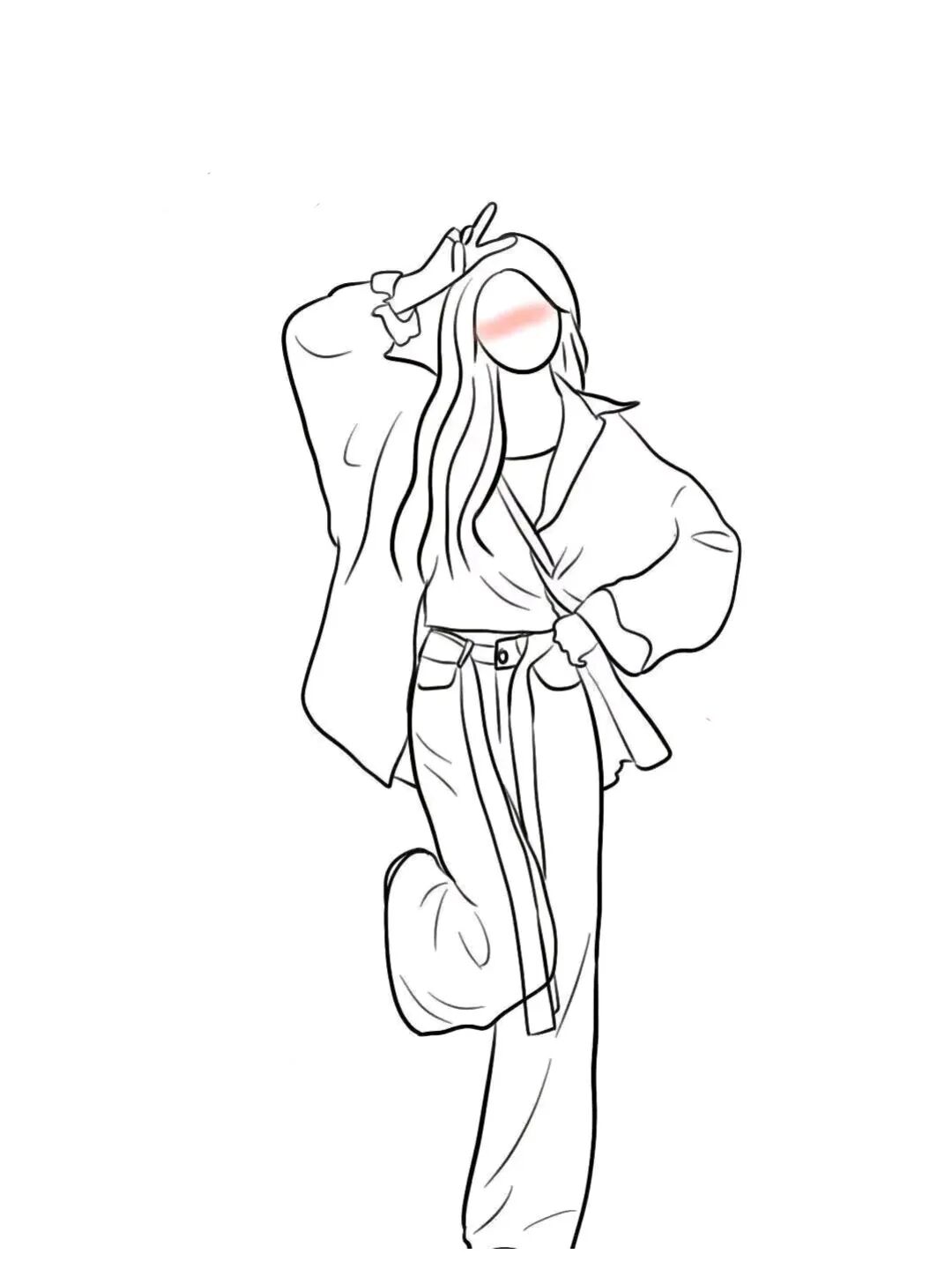
The generated effect:
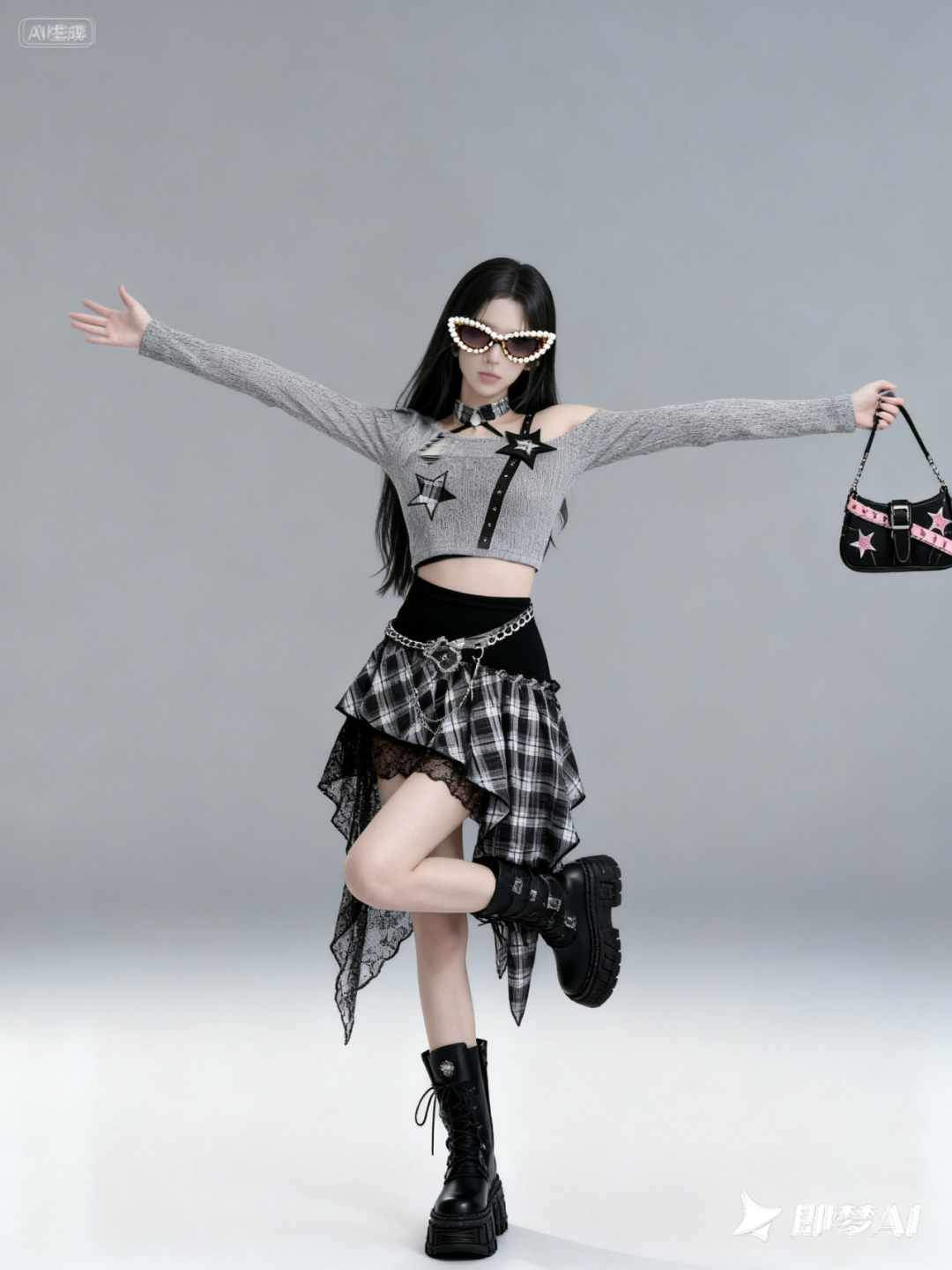
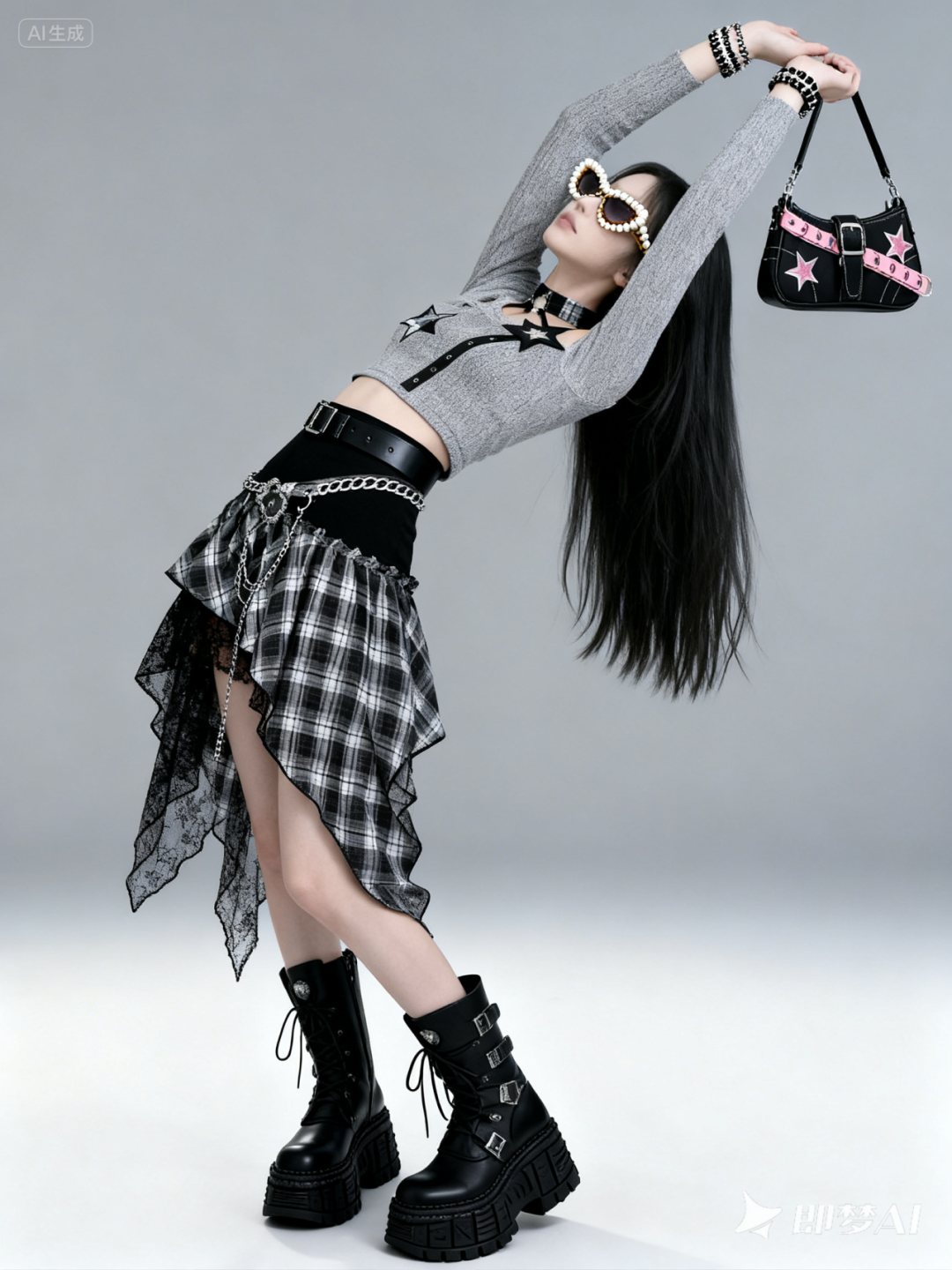
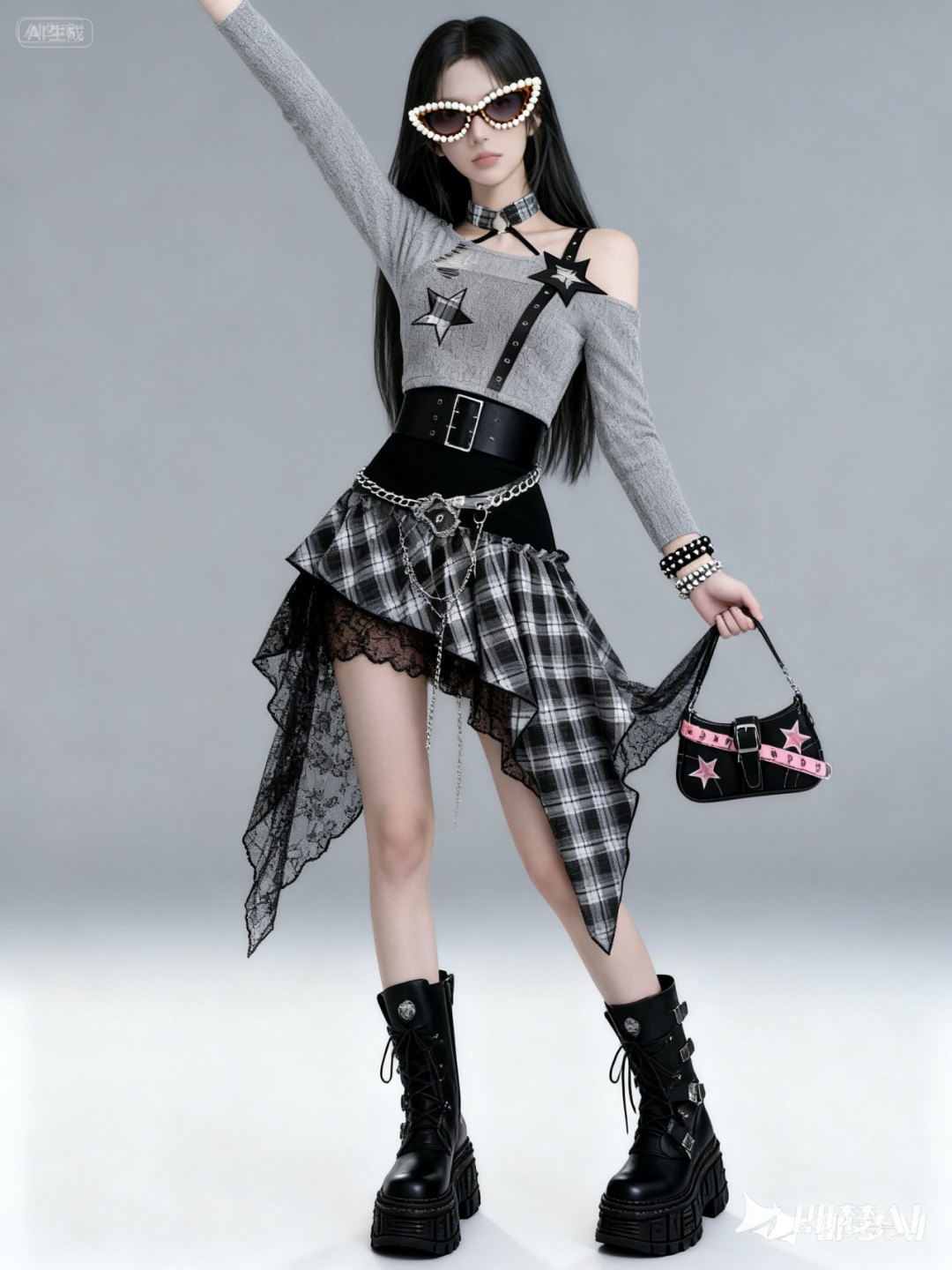
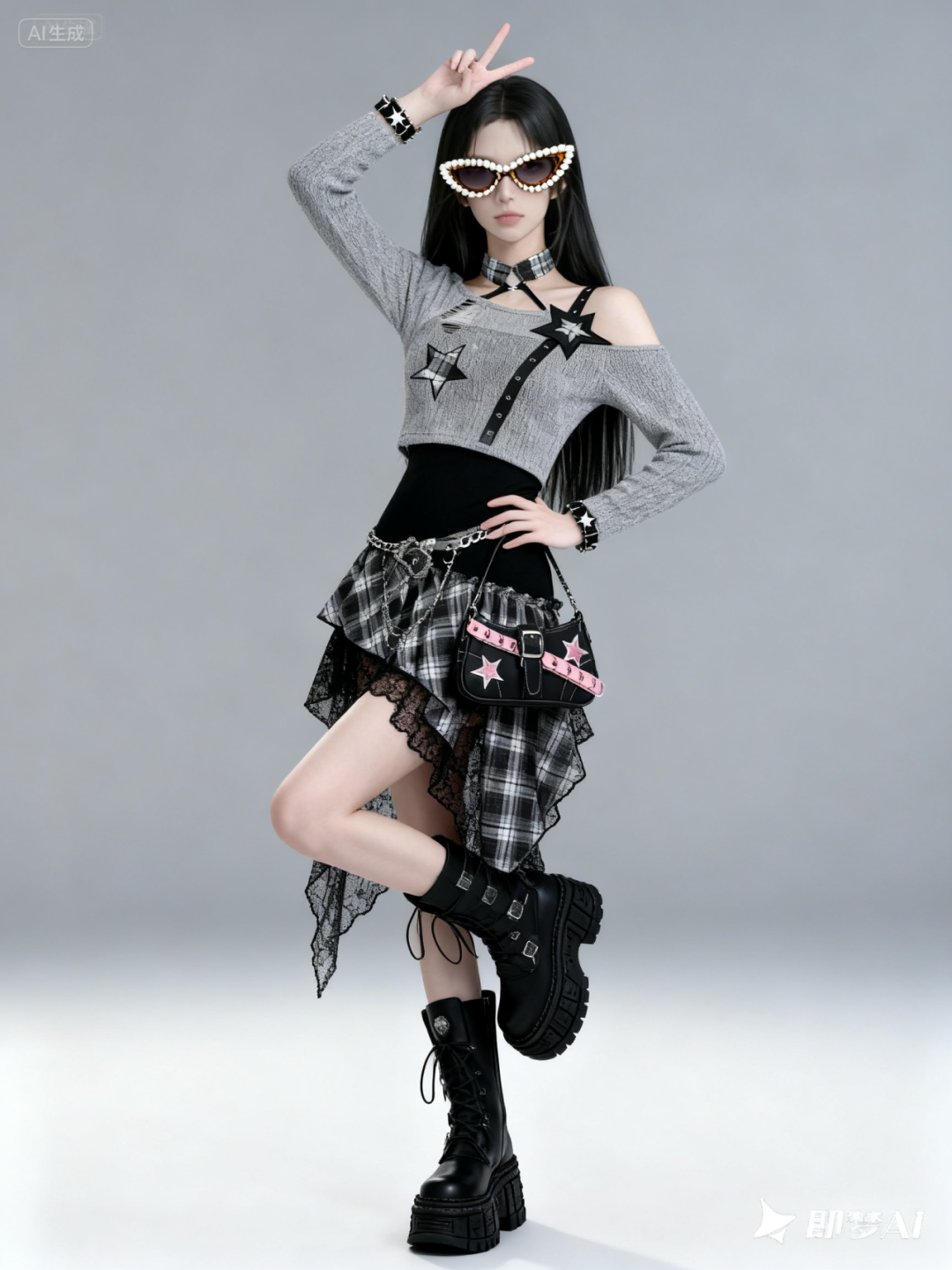
One model, any product, various poses for display… isn’t this a free AI model that saves both time and money?
From my testing, I found that using the same scene for the model and pose reference yields better results; for example, when I used a full-body photo of the model and a full-body pose reference, the effect was quite good. If the pose reference is a half-body shot, Seedream 4.0 will fill in the lower body movements on its own.
-
Makeup Simulation
Prompt: Apply the makeup from image 2 to the girl in image 1 without changing her facial features.
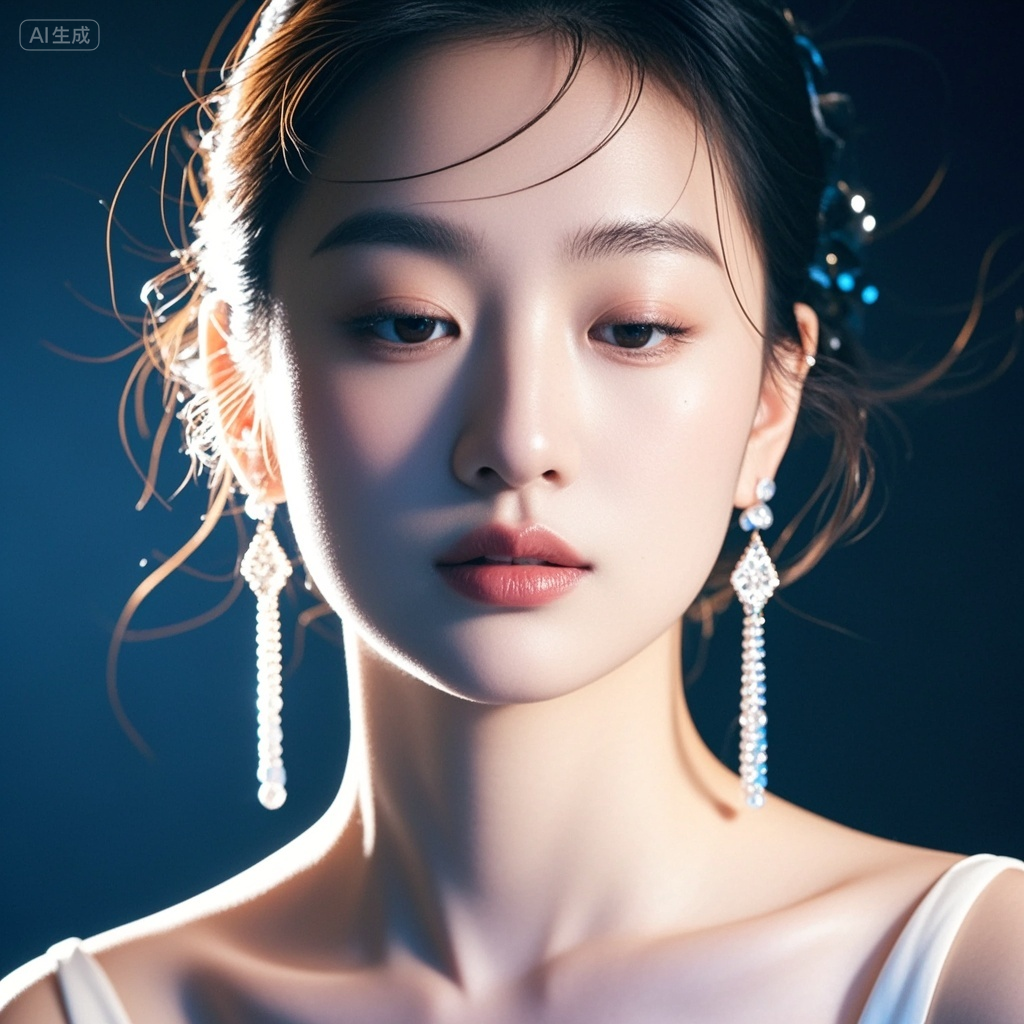
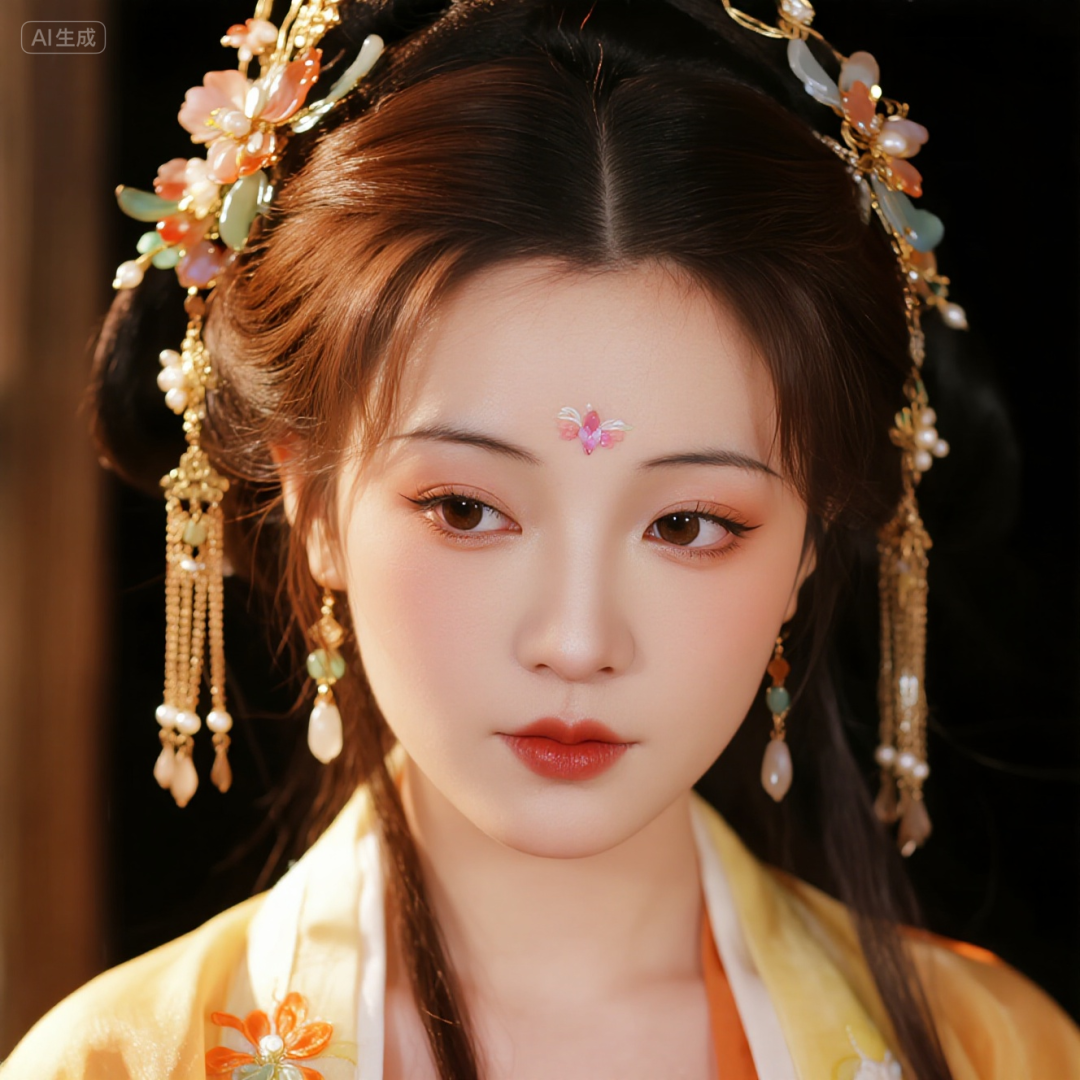
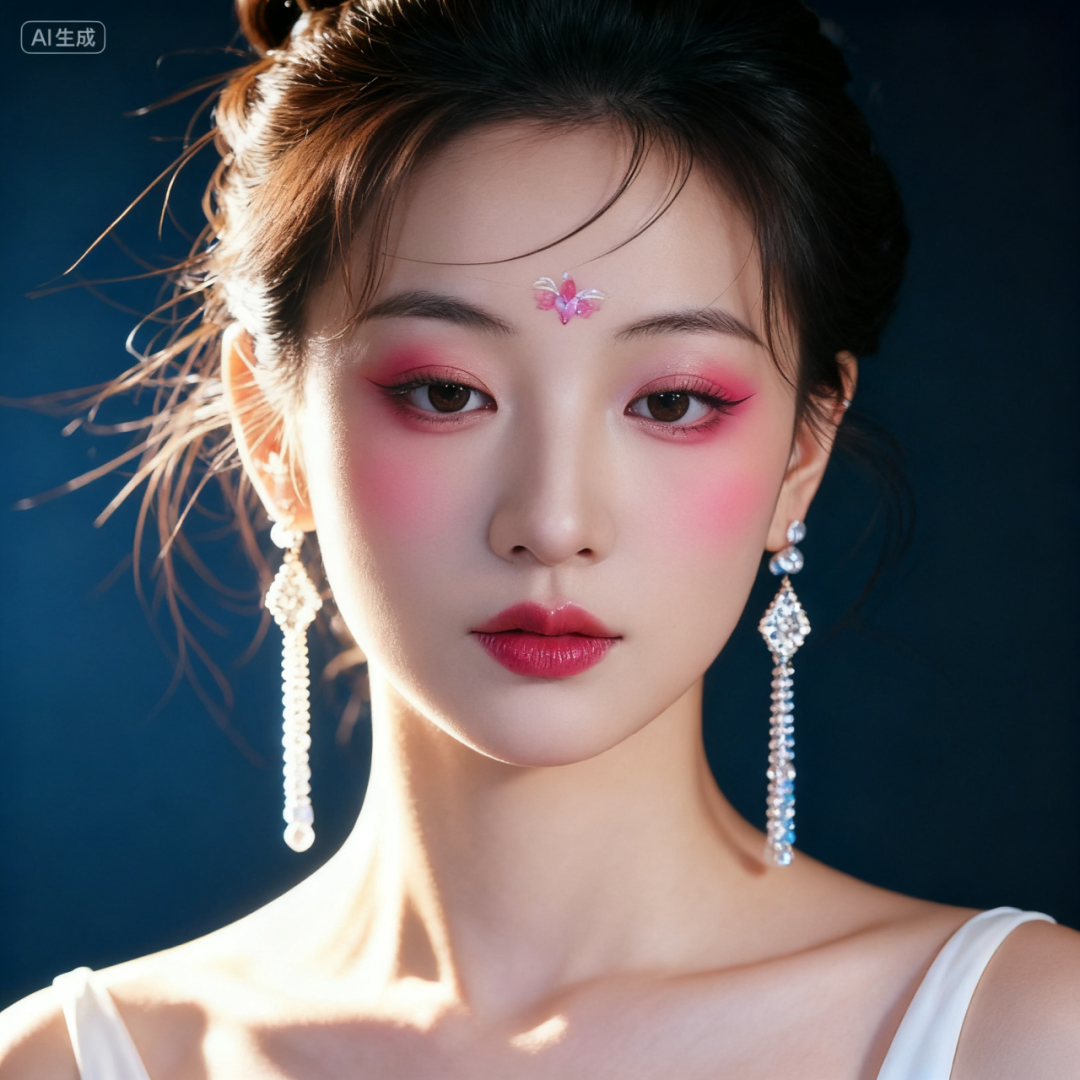
After replicating the makeup, the character’s posture and facial features remain the same as in the original image, and the forehead decoration is almost identical to the reference image, with the overall replication being quite good~ although the eyeshadow color is a bit heavy.
-
Nine-Grid Emoji Pack
Prompt: Generate an emoji pack with various emotions based on the reference image, without eye expressions, with the eyes replaced by simple lines from AR glasses.
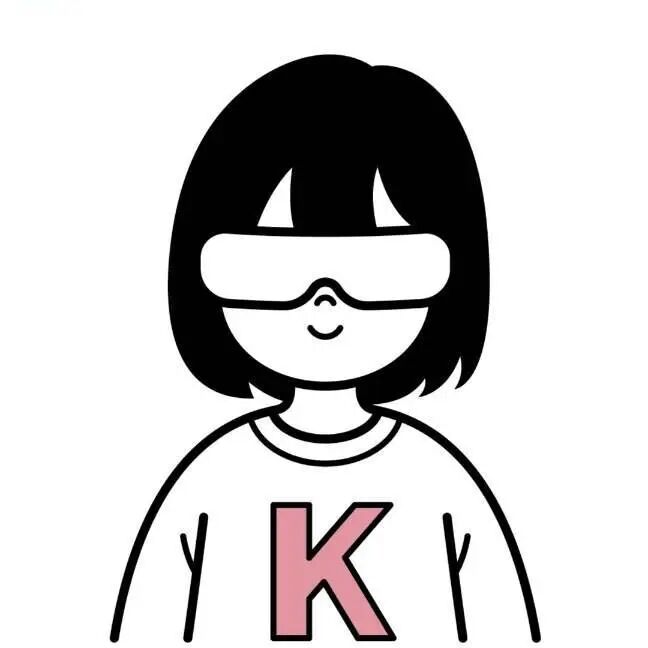
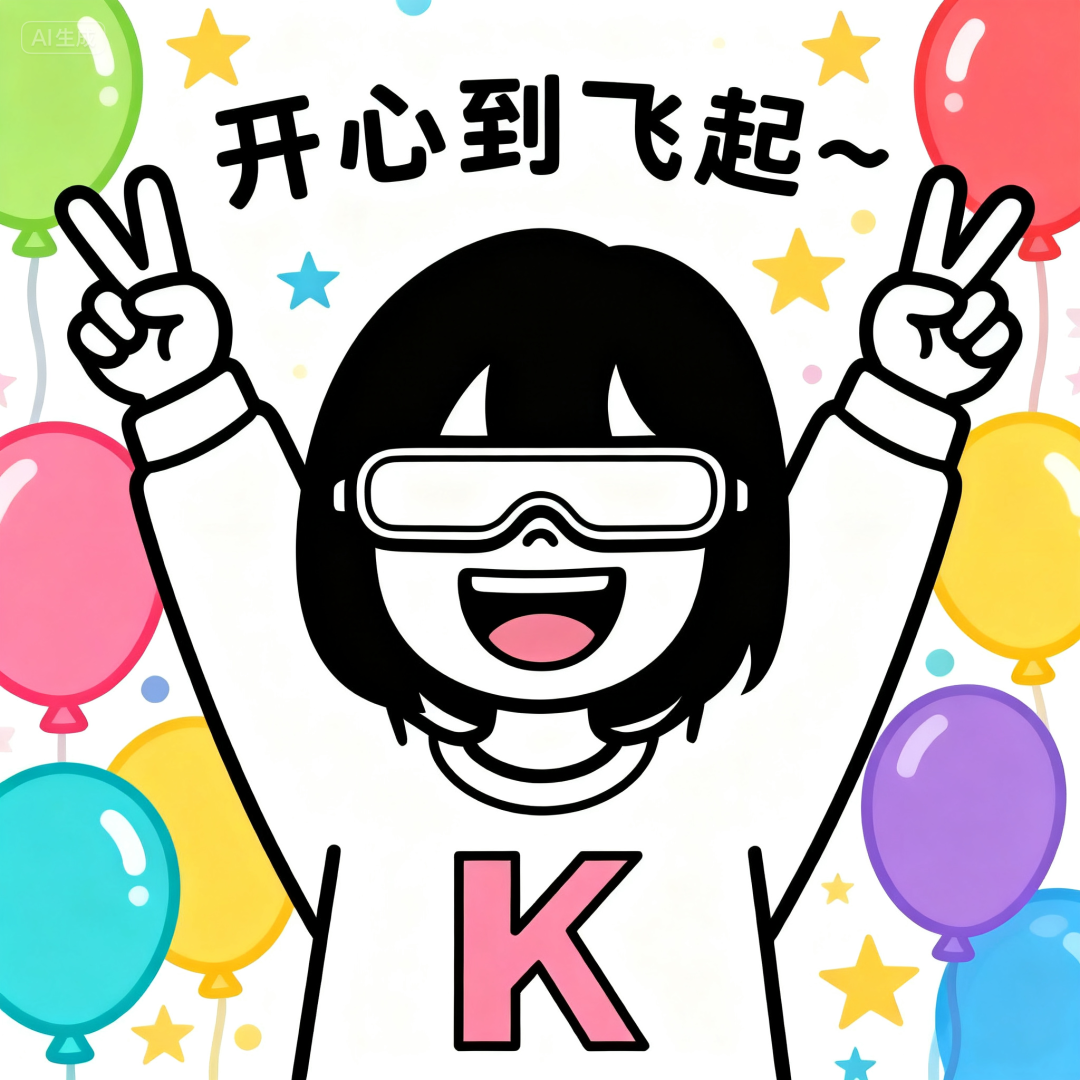
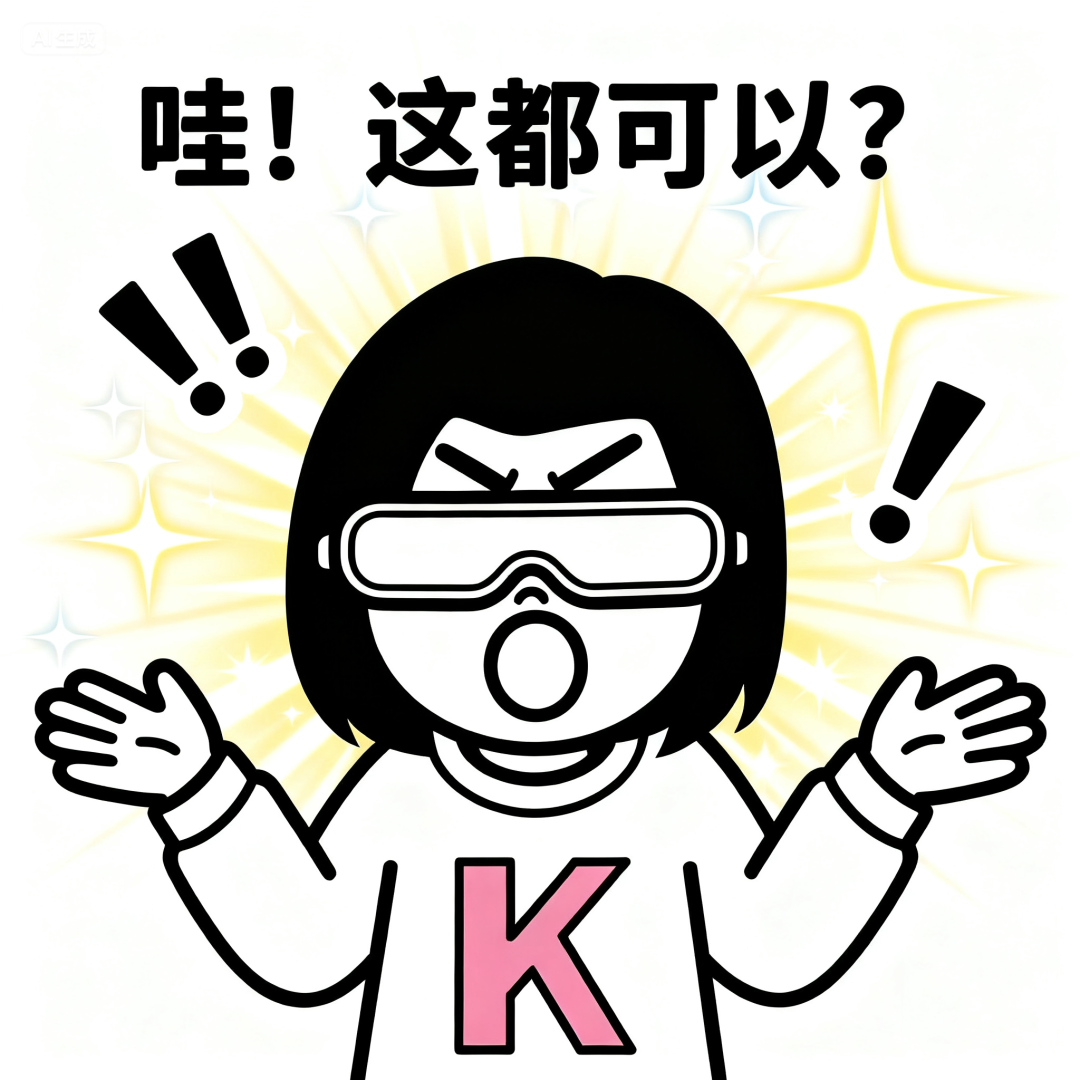
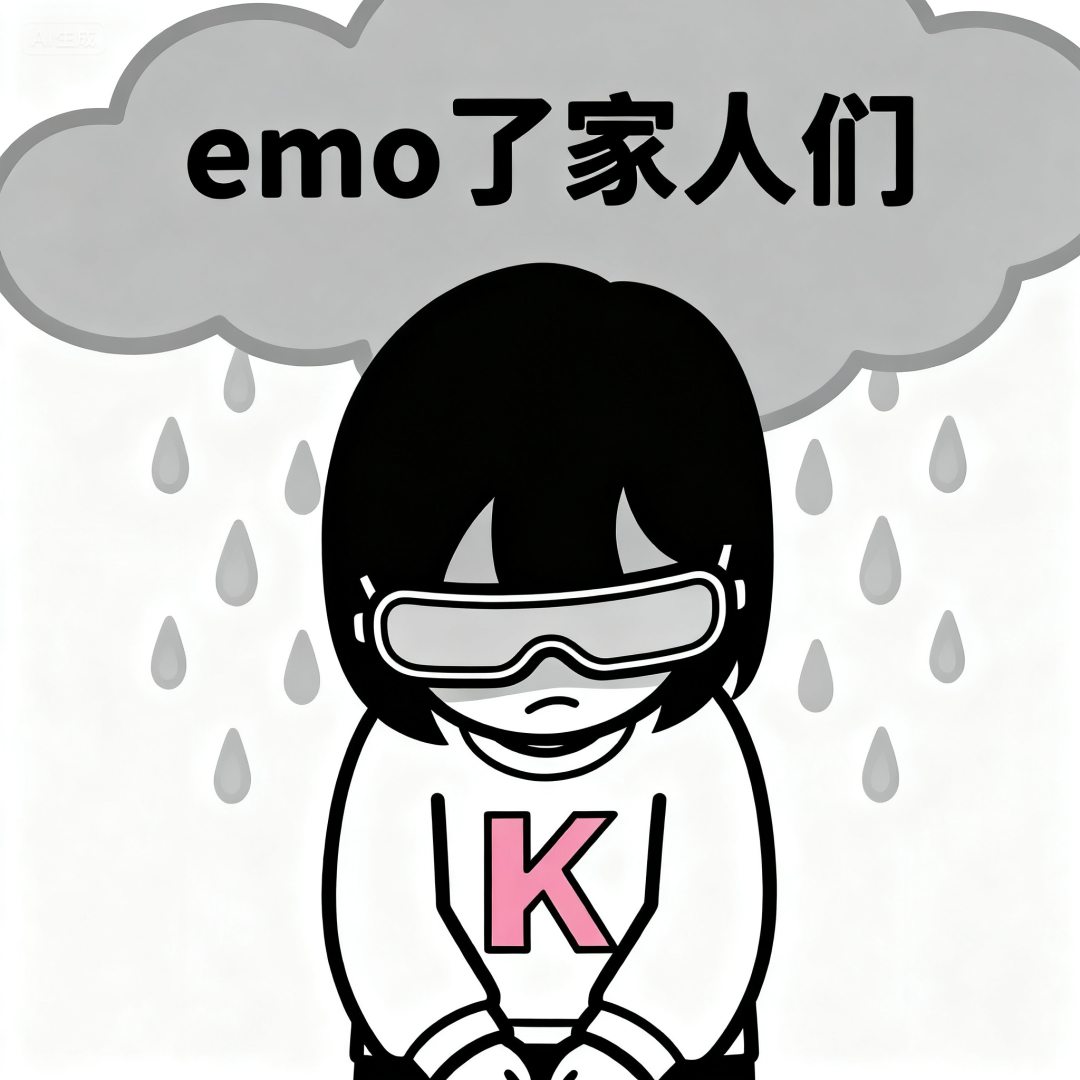
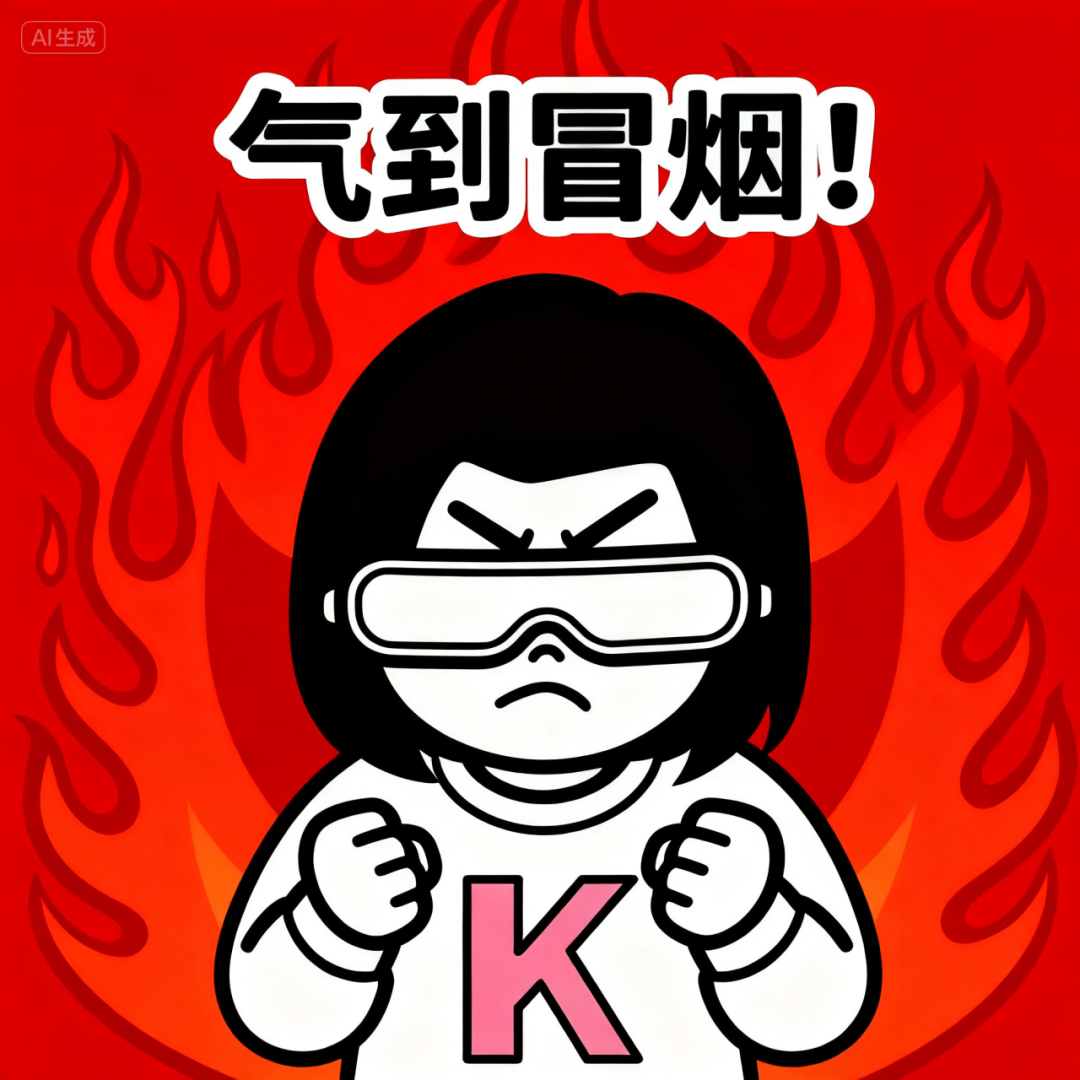
Prompt: Generate cute emojis in an exaggerated dynamic anime style based on the reference image, with each expression vividly conveying rich emotions, making them highly collectible, while maintaining a consistent overall style.


-
Brand Design
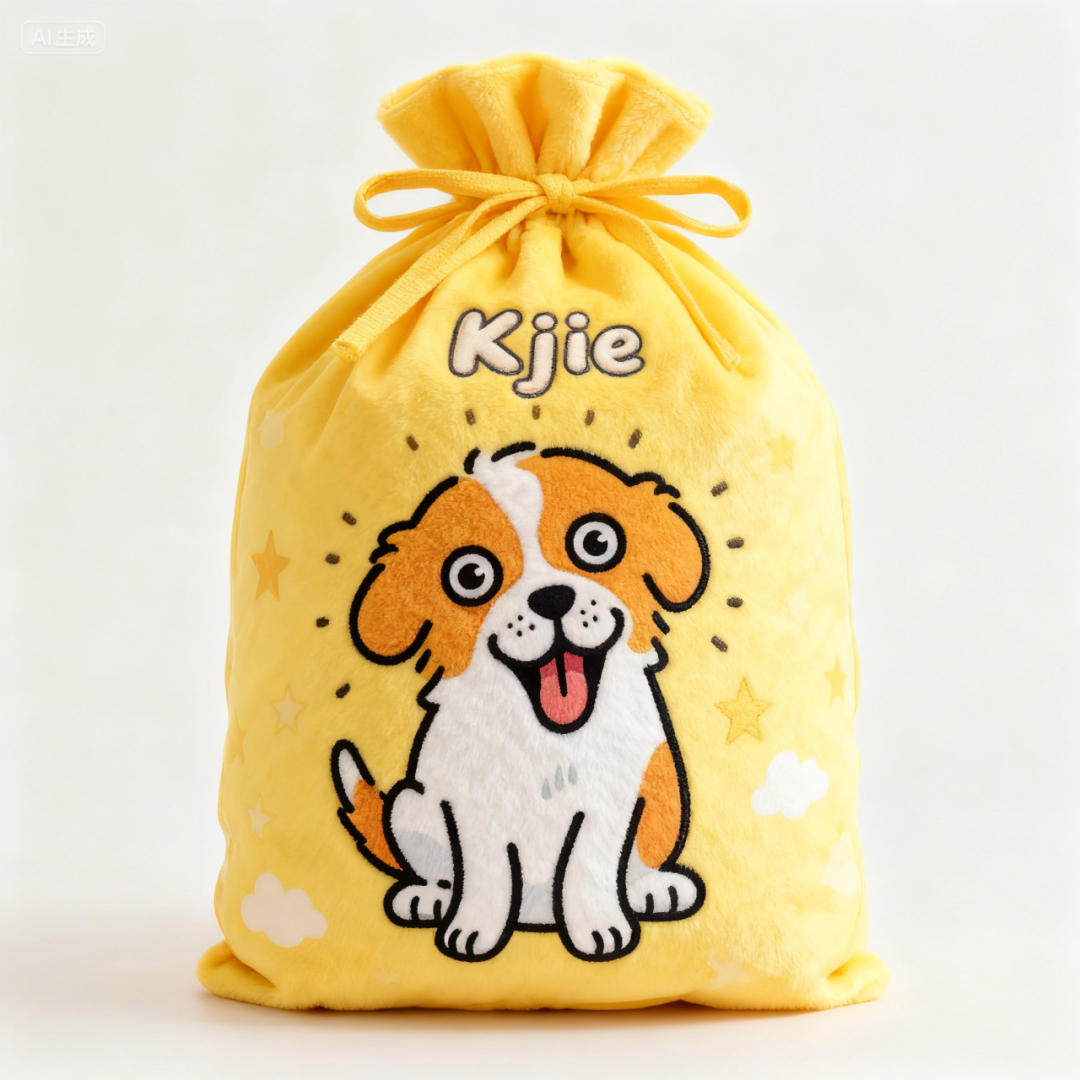
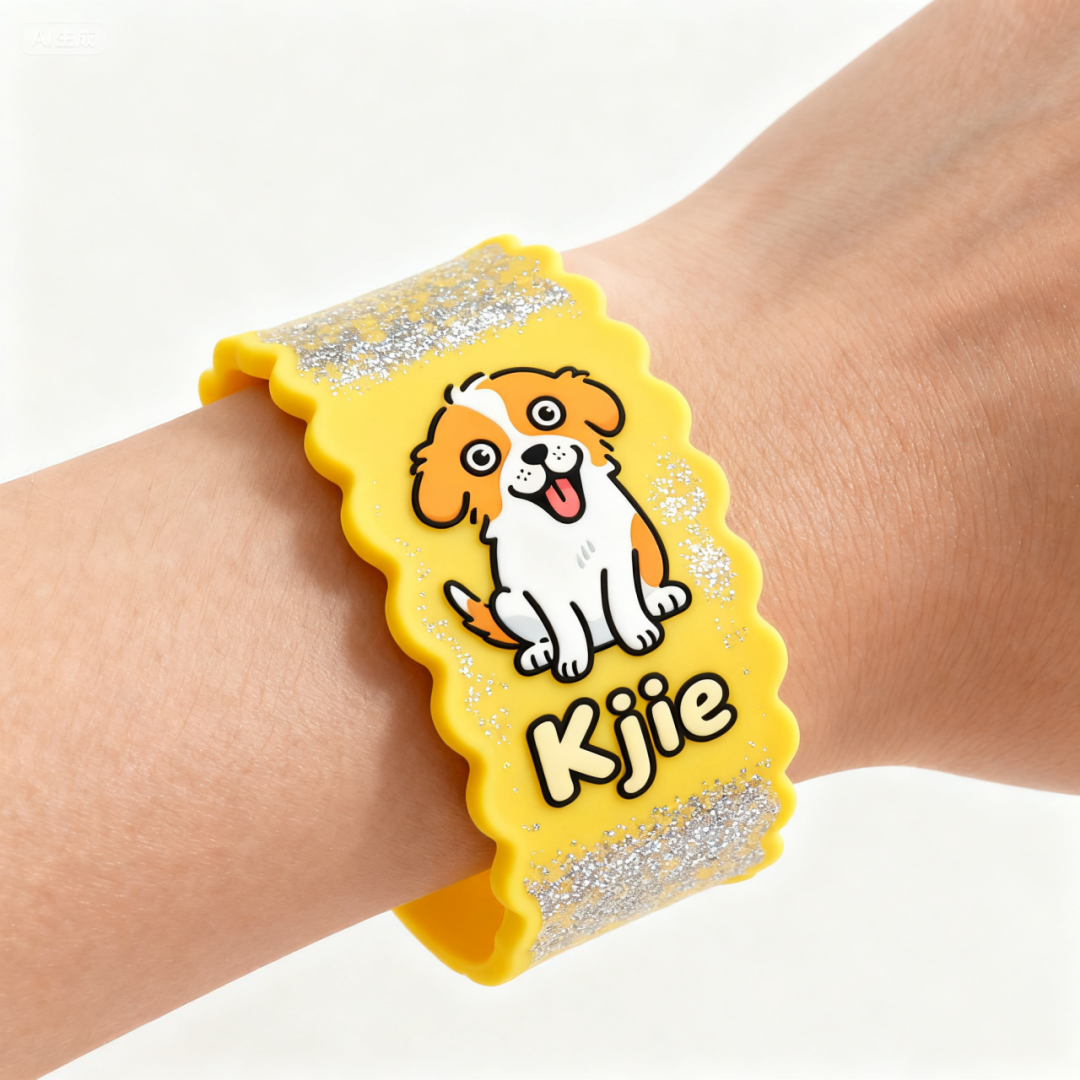
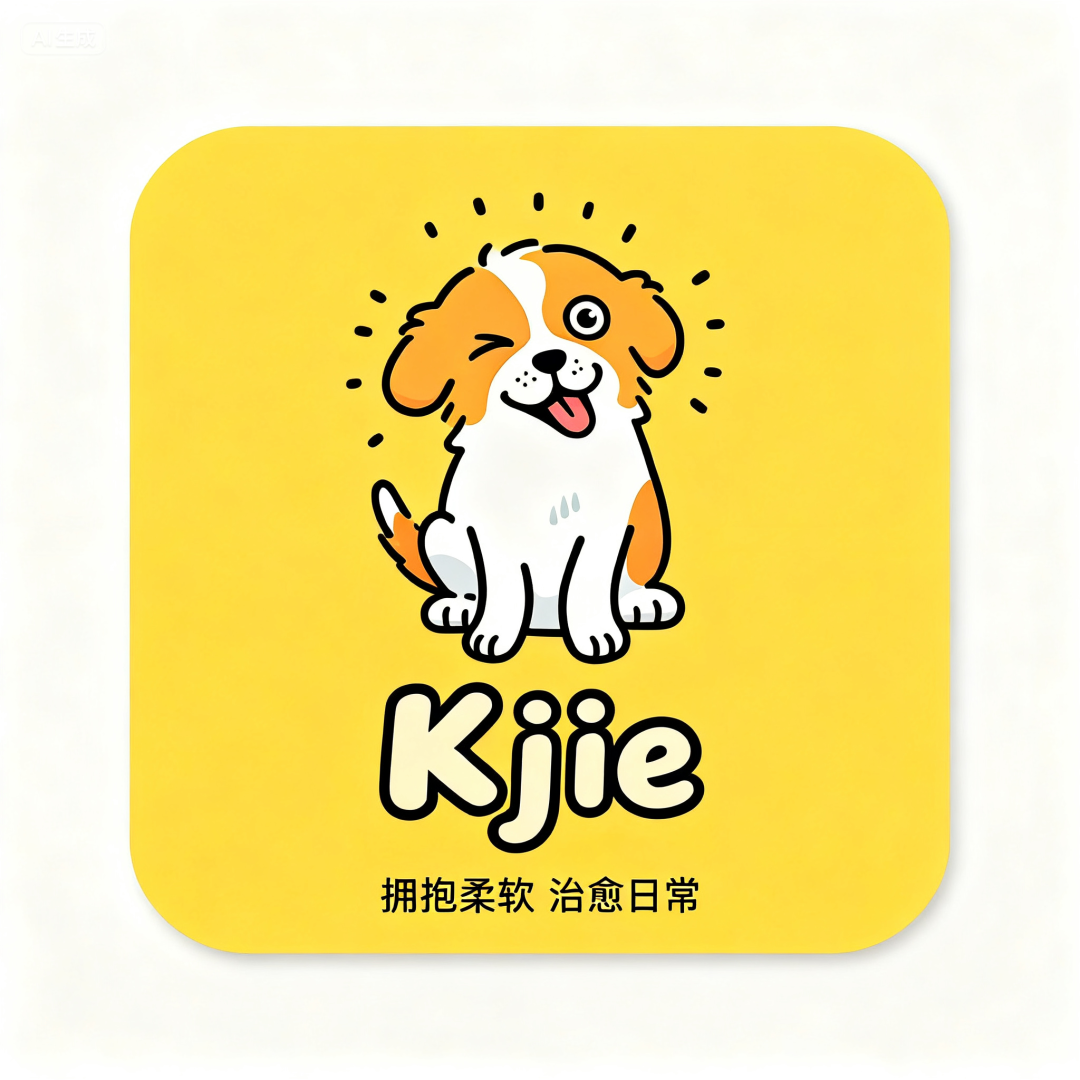
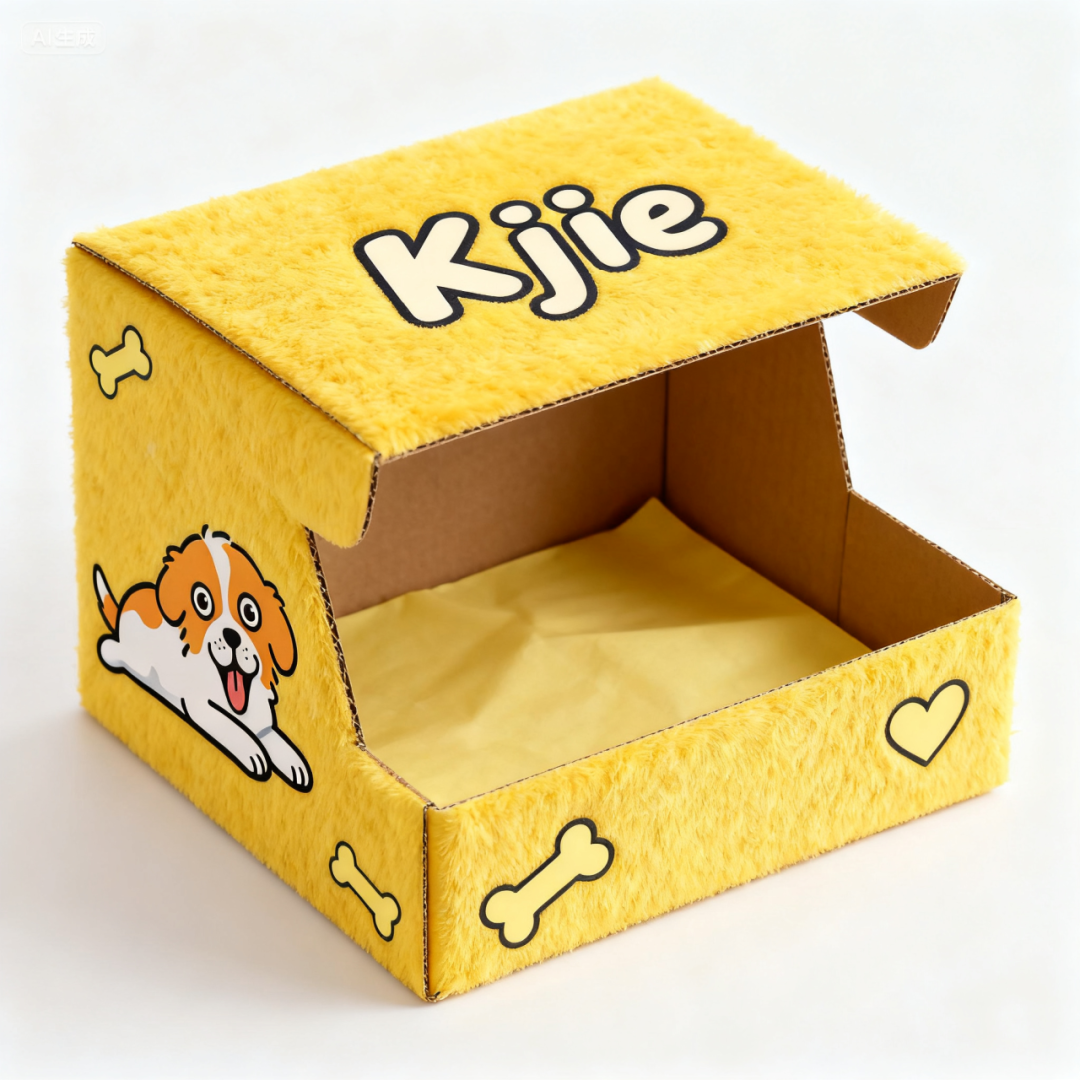
Prompt: Based on this logo, create a visual design for a healing plush toy brand named “Kjie”, including packaging bags, boxes, cards, wristbands, lanyards, etc. The main color scheme is yellow, with a cute aesthetic.

-
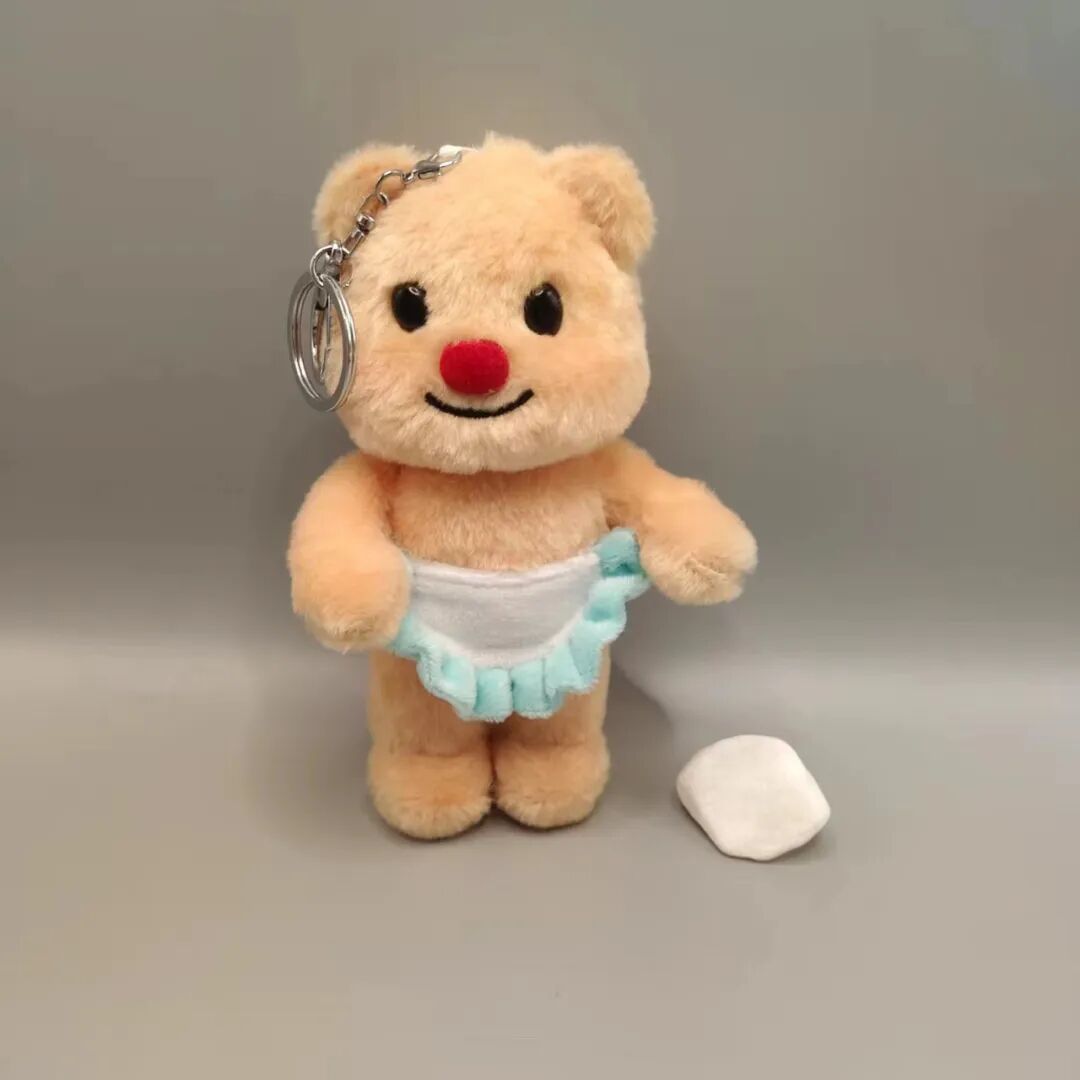
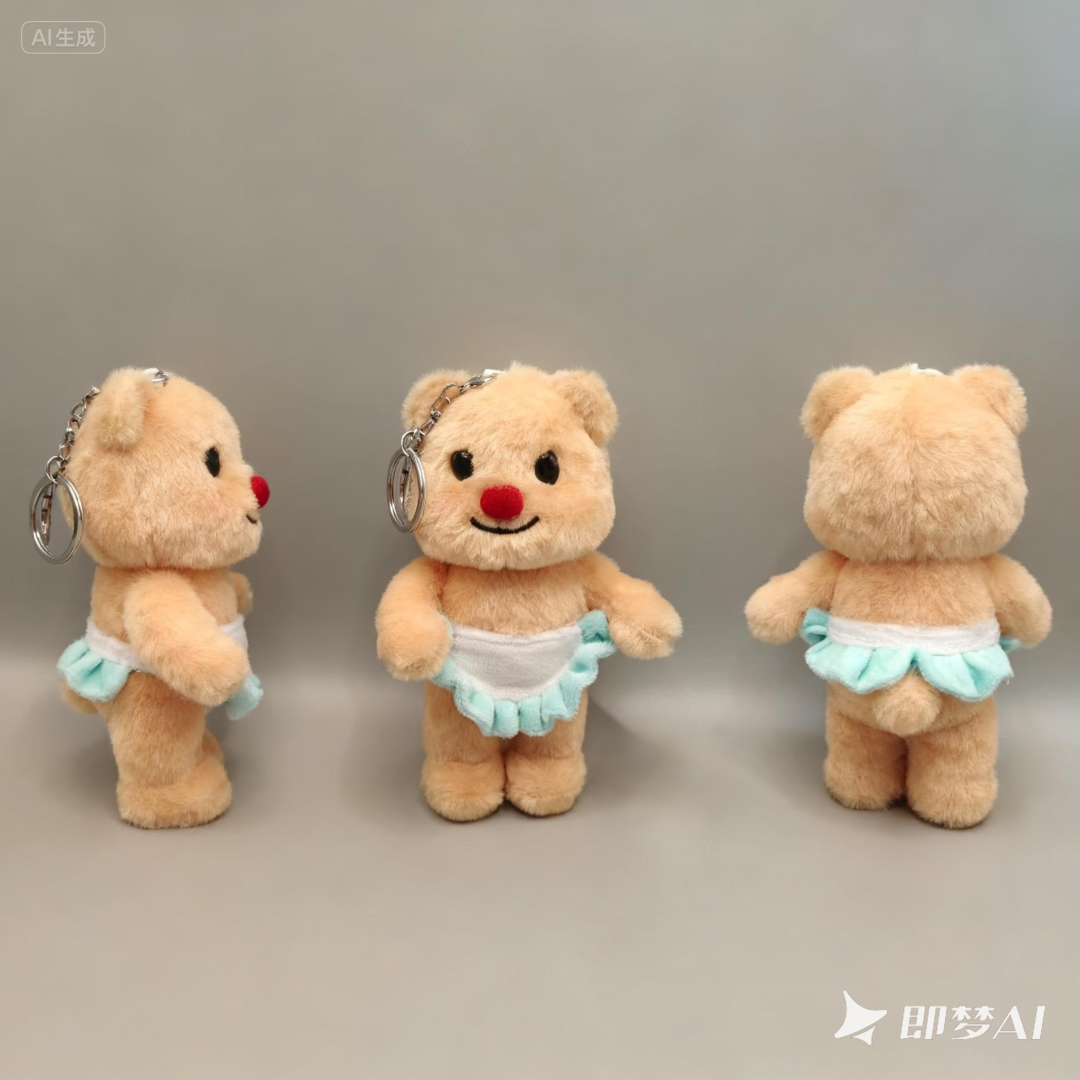
Multi-Angle Product Images
Prompt: Generate three views.
-
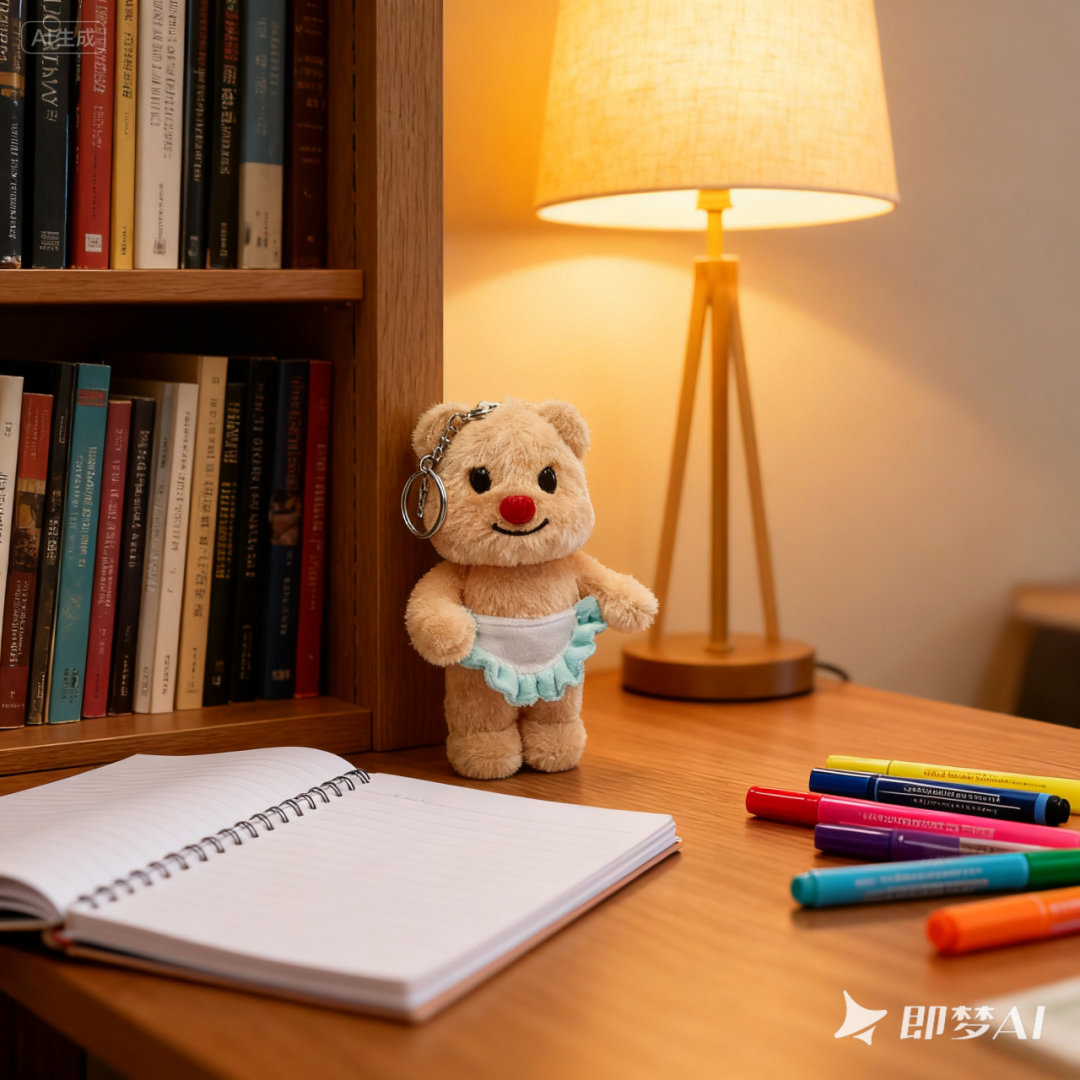
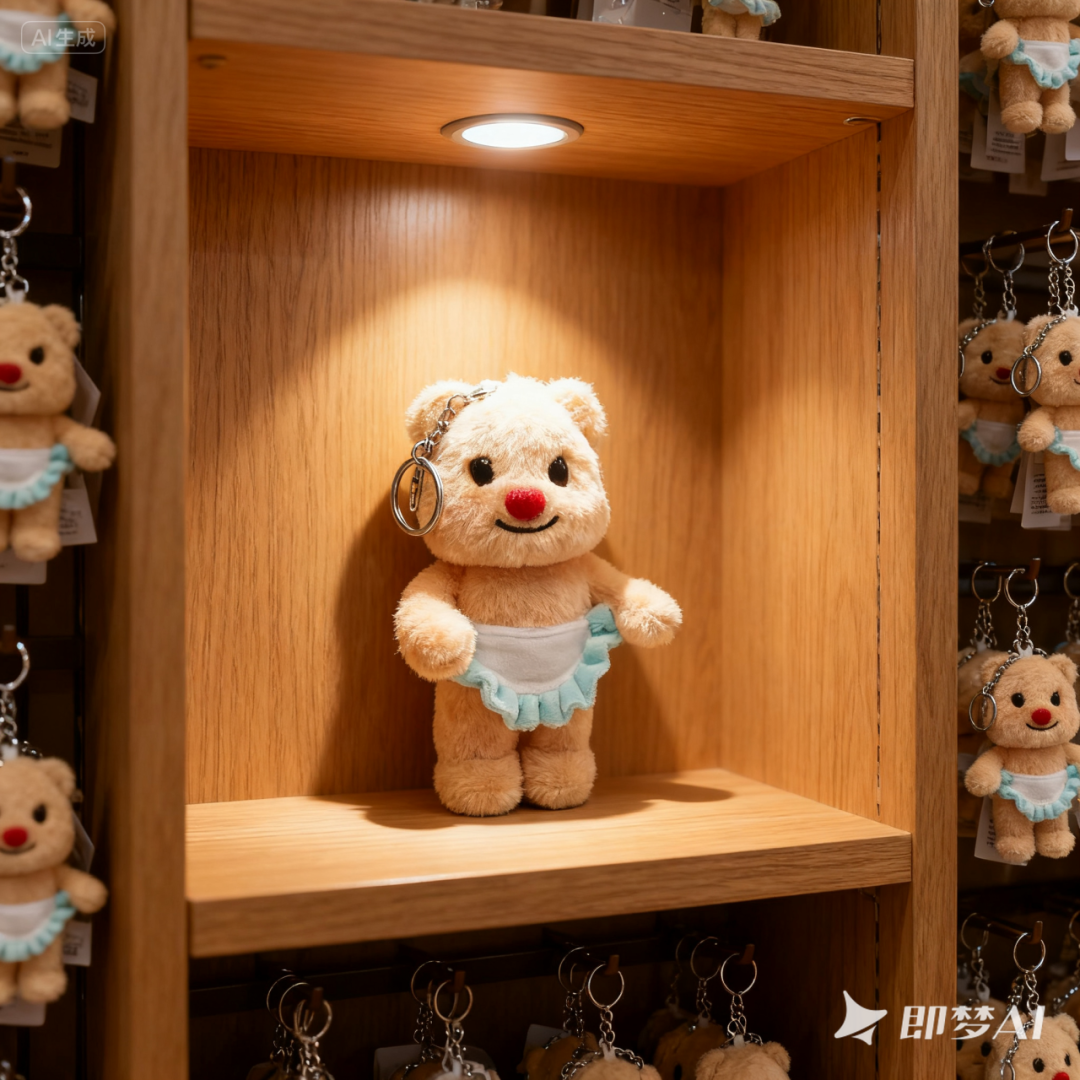
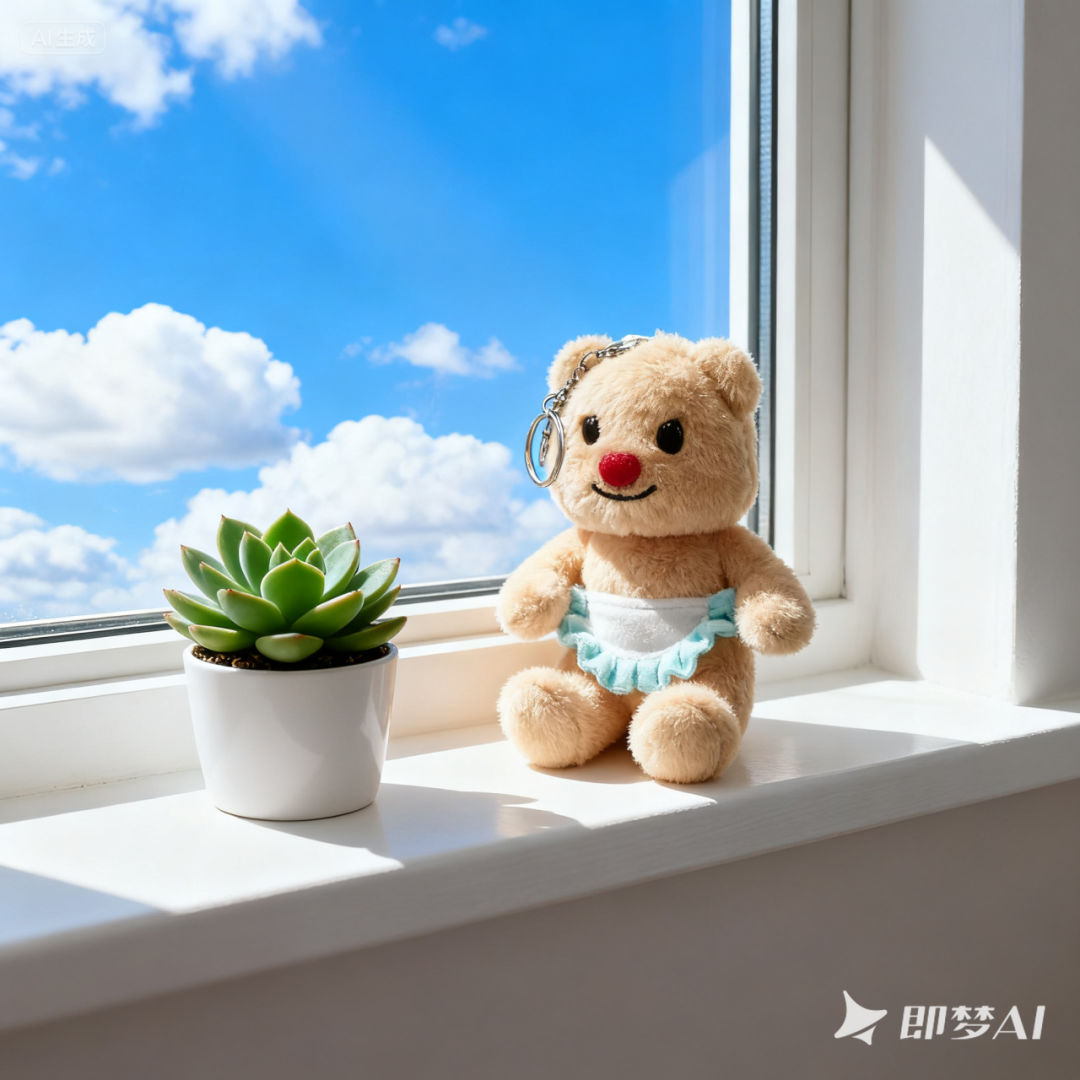
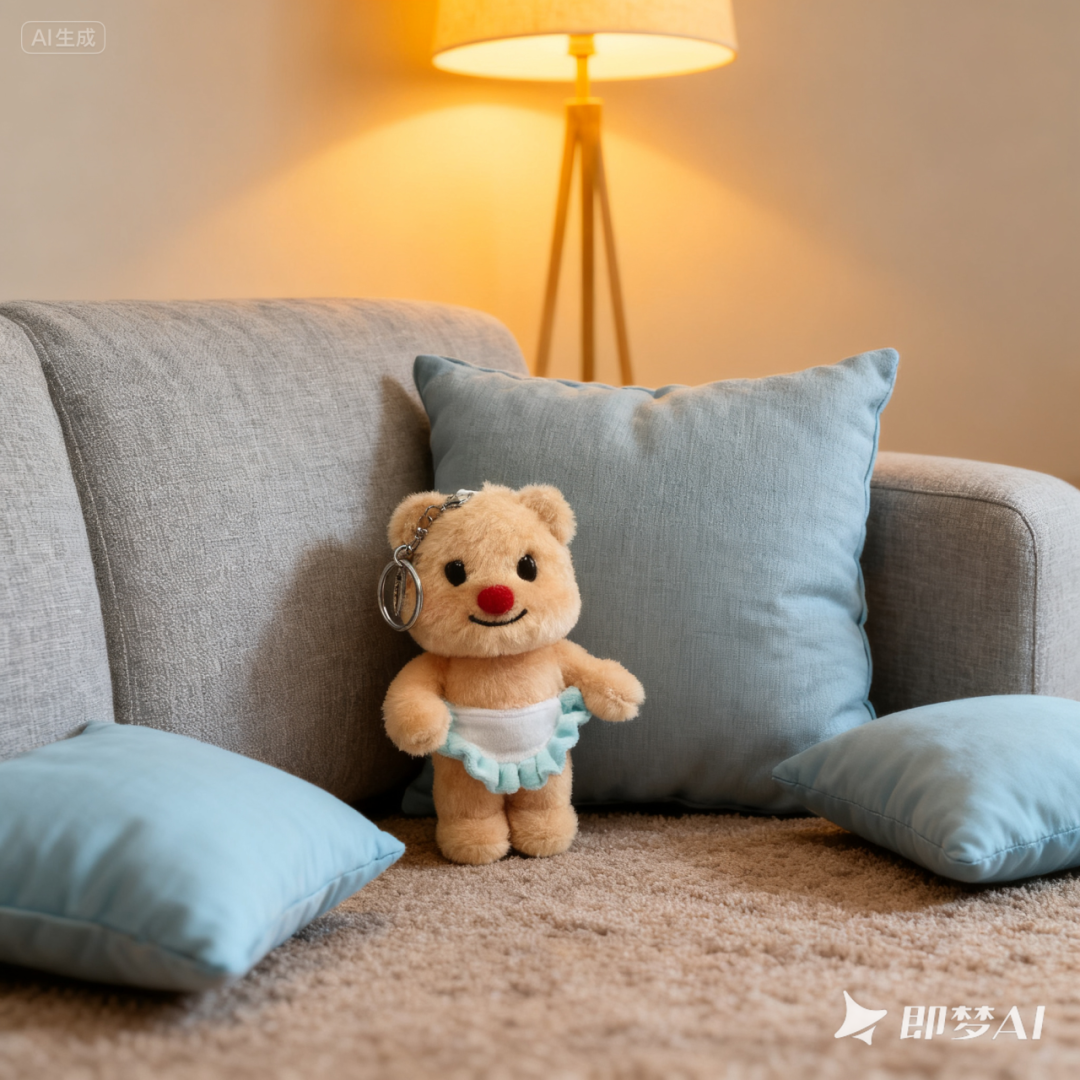
One-Click Generation of Multi-Scene Real Photos
Prompt: Generate multi-scene real photos, such as: sofa, display cabinet.
-
Replicate Poster Style
Prompt: Create a version of the spring poster based on this style.


Seedream 4.0 replaced the text content in the title and poster, and the ginkgo leaves in the background were changed to willow branches that fit the spring theme, showing strong semantic understanding.
-
Interior Decoration
Prompt: Decorate image 1 in the style of image 2.
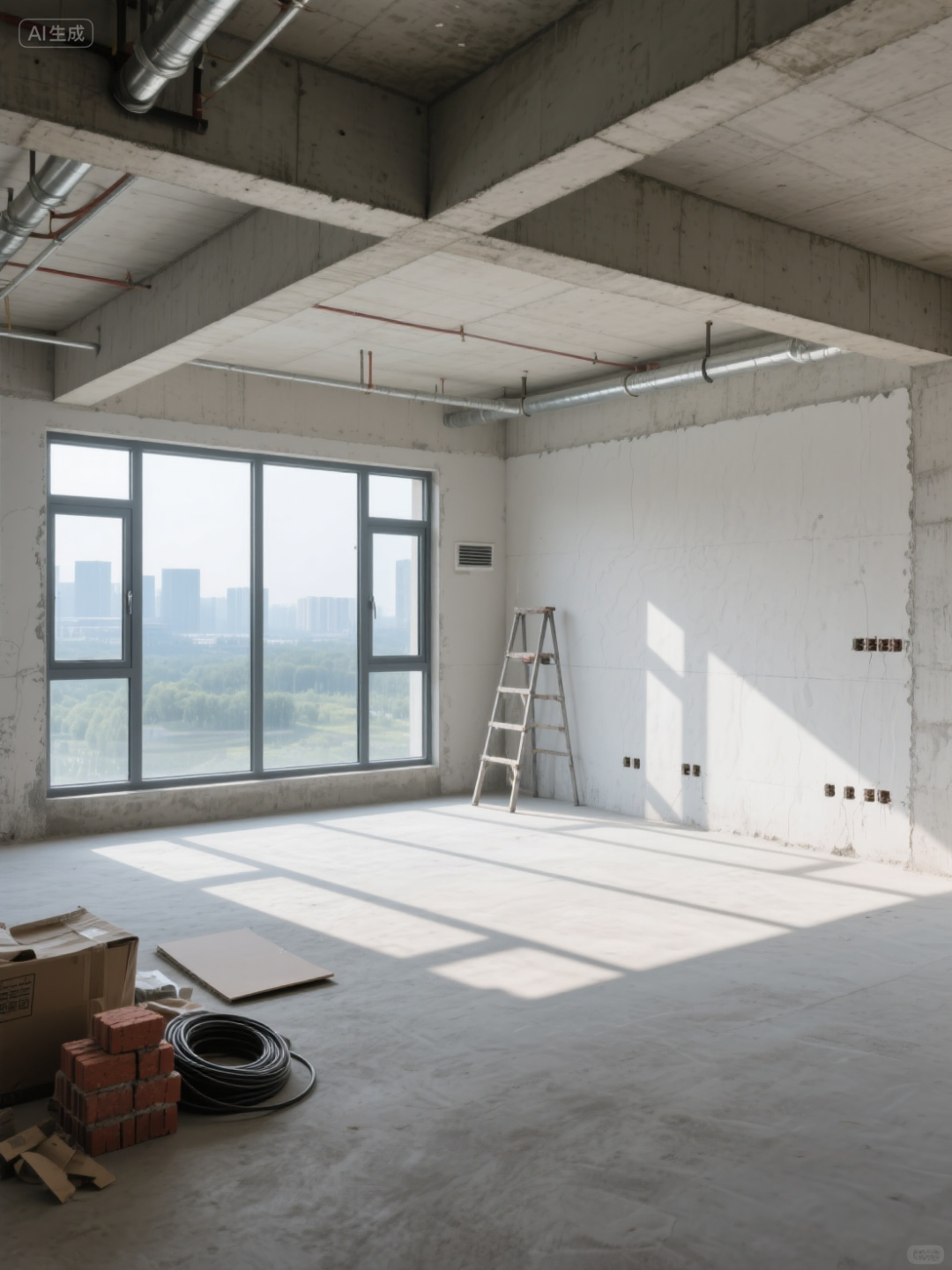
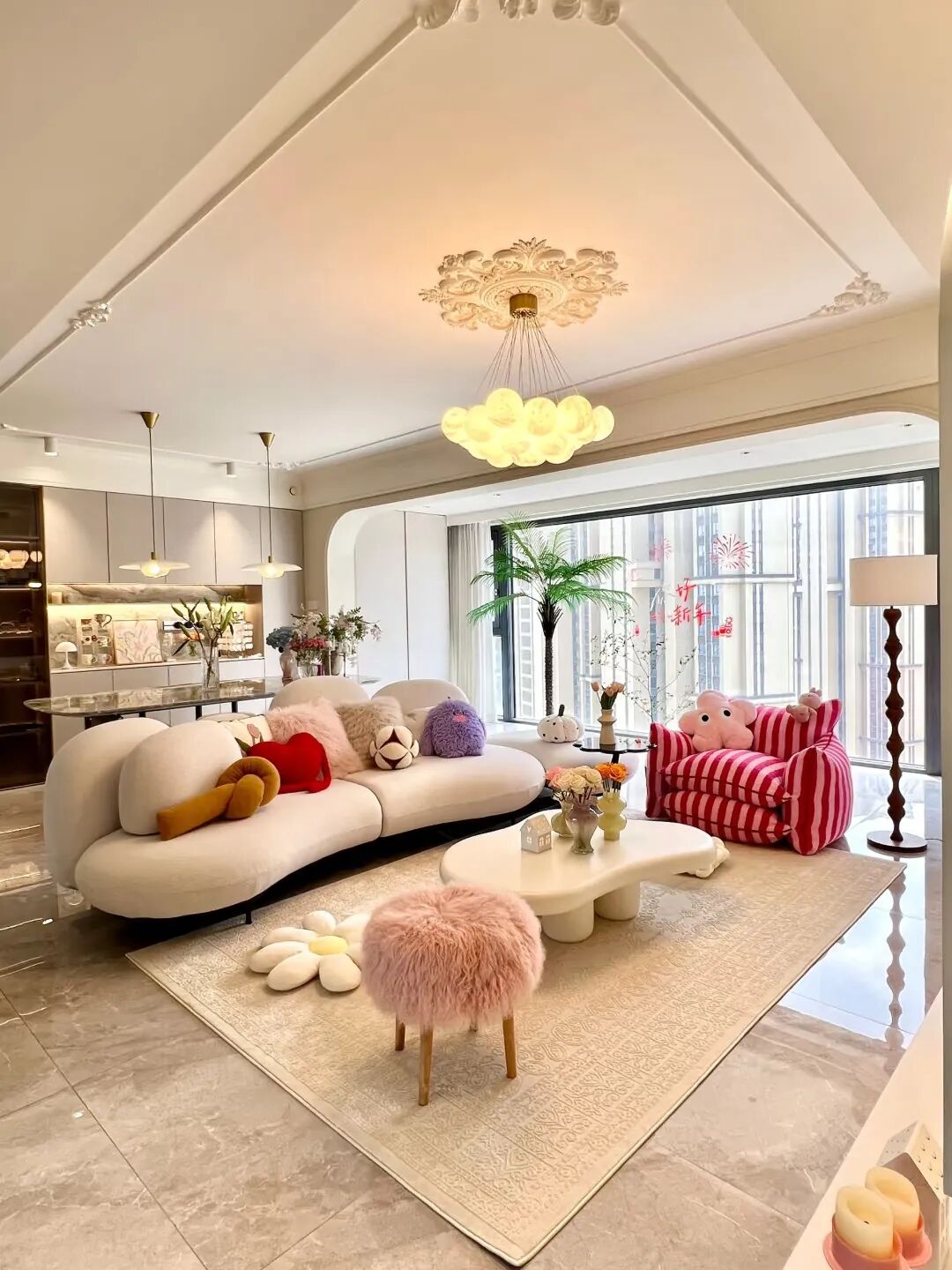
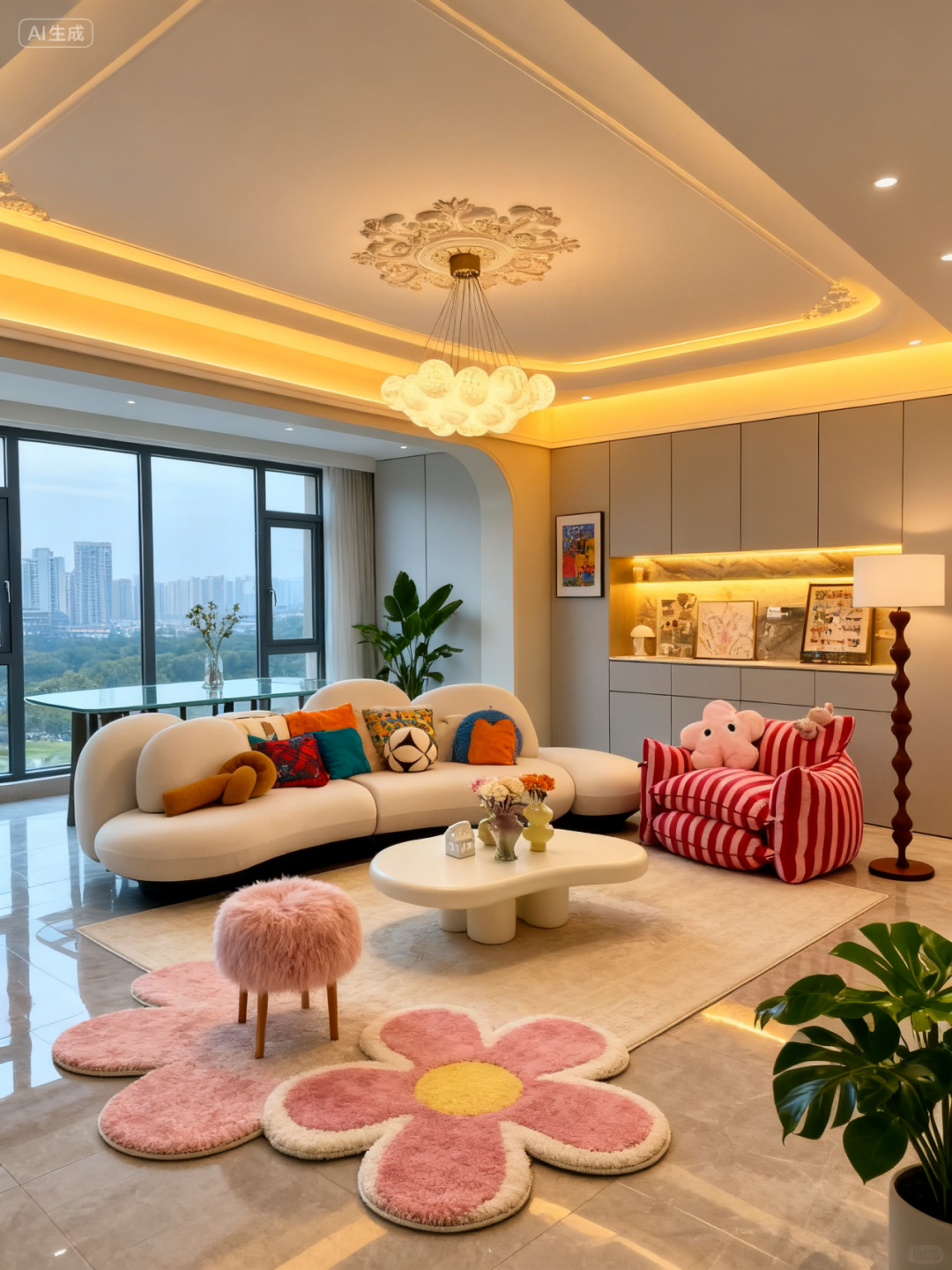
Seedream 4.0 has a strong understanding of space, generating decoration effect images where the positions and angles of windows and walls are completely consistent with the original image. Beautiful interior design images can be directly applied to one’s home to see if they fit, which is very convenient~
-
Comic Strip
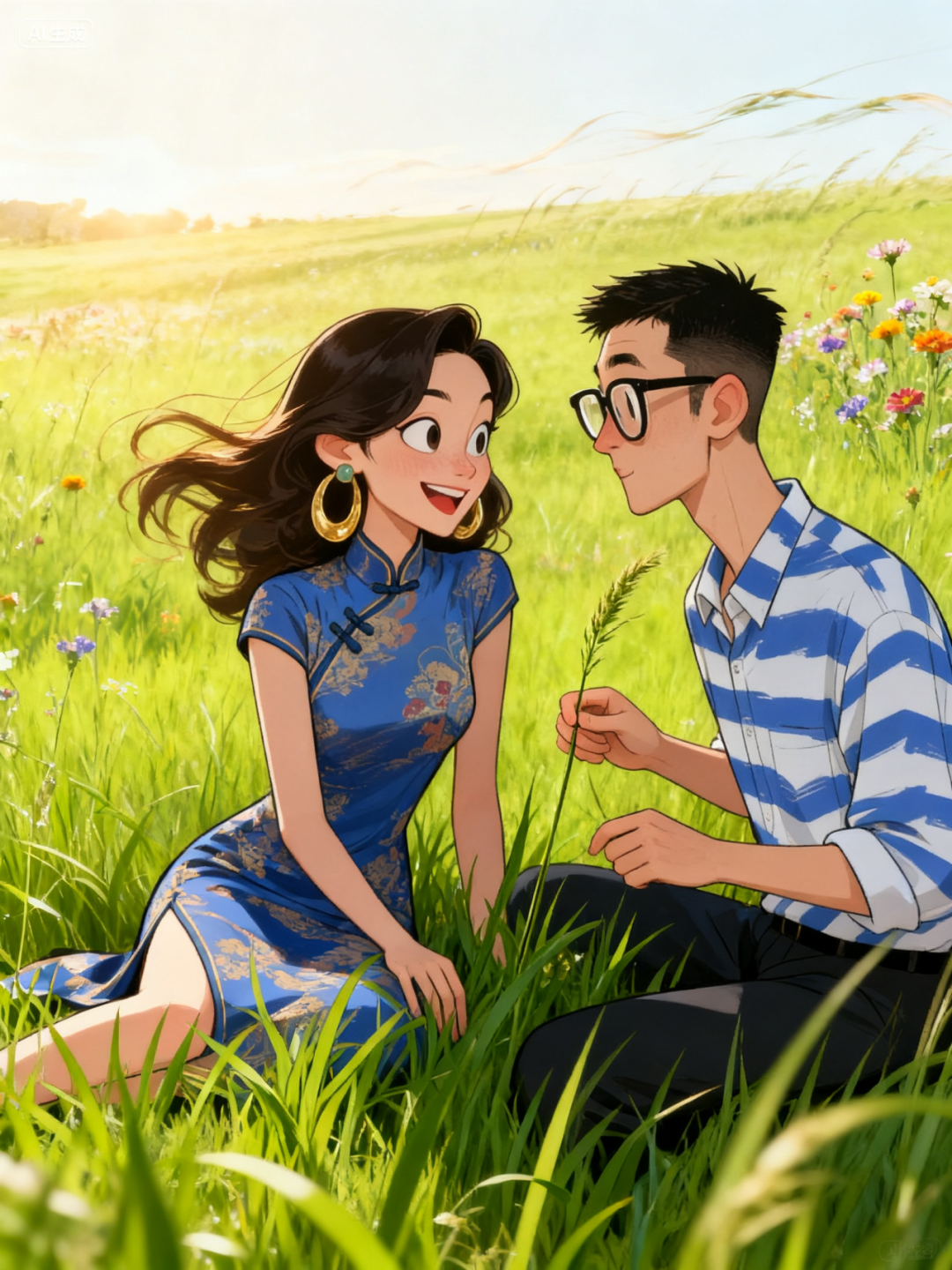
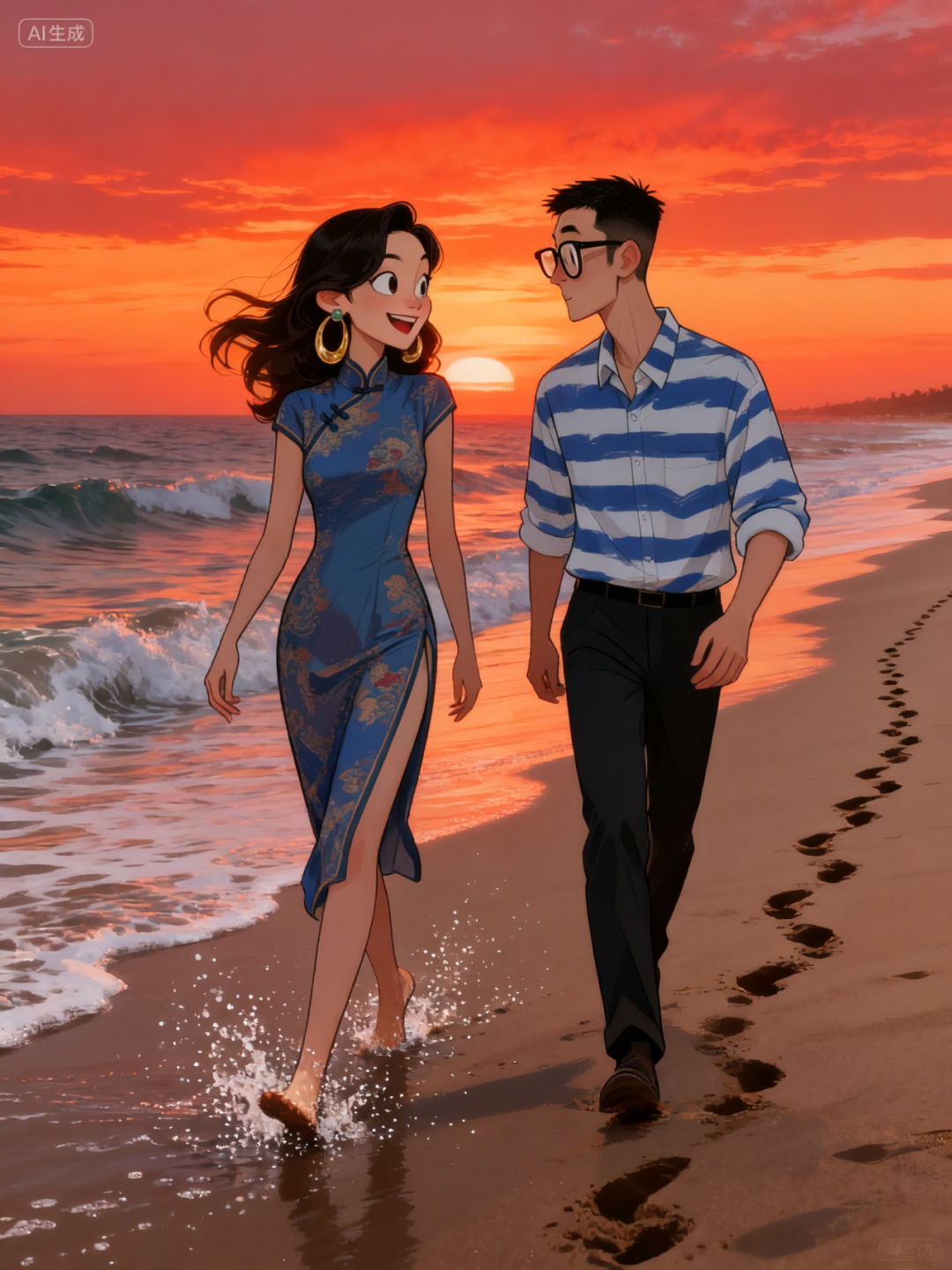
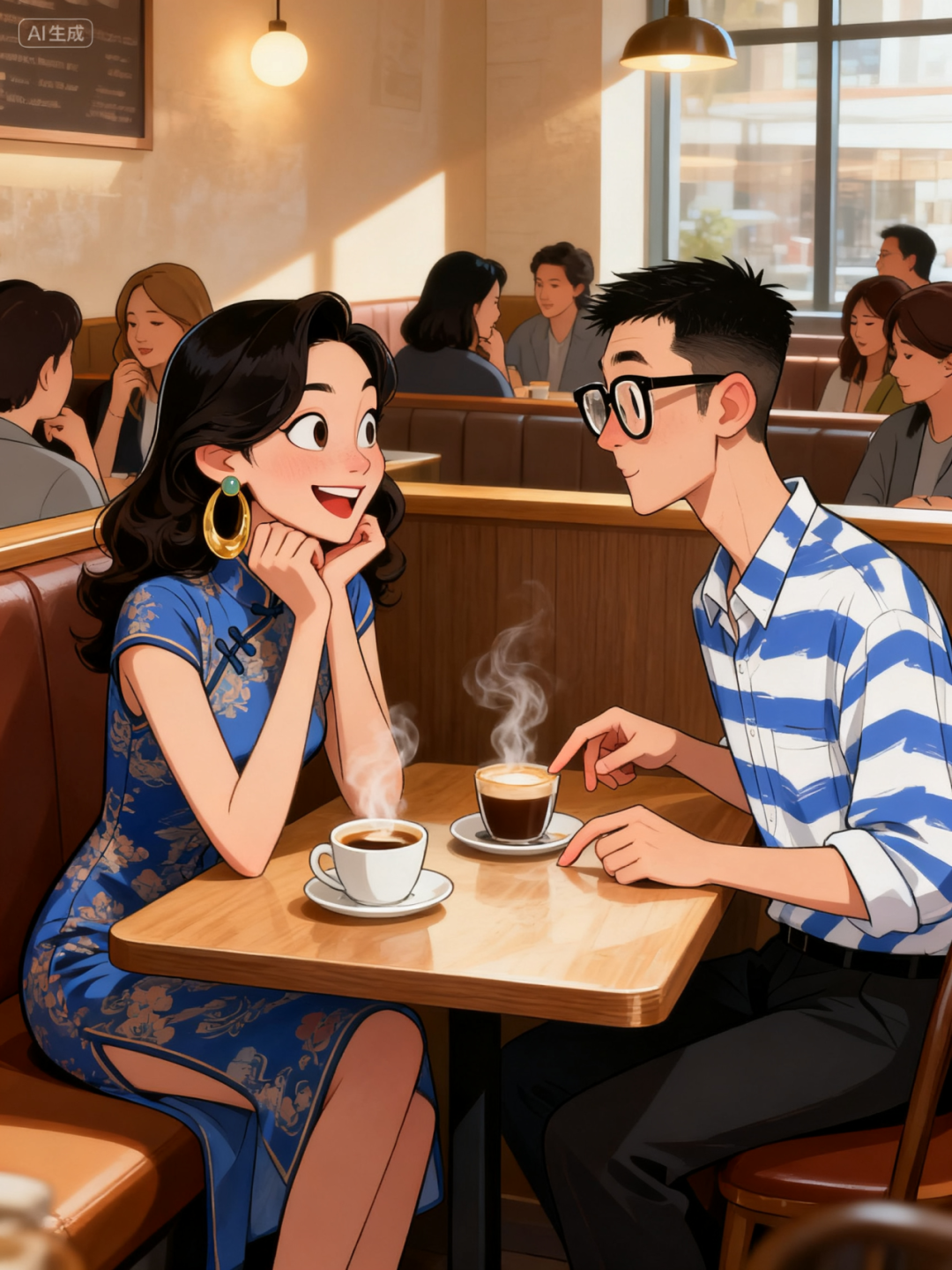
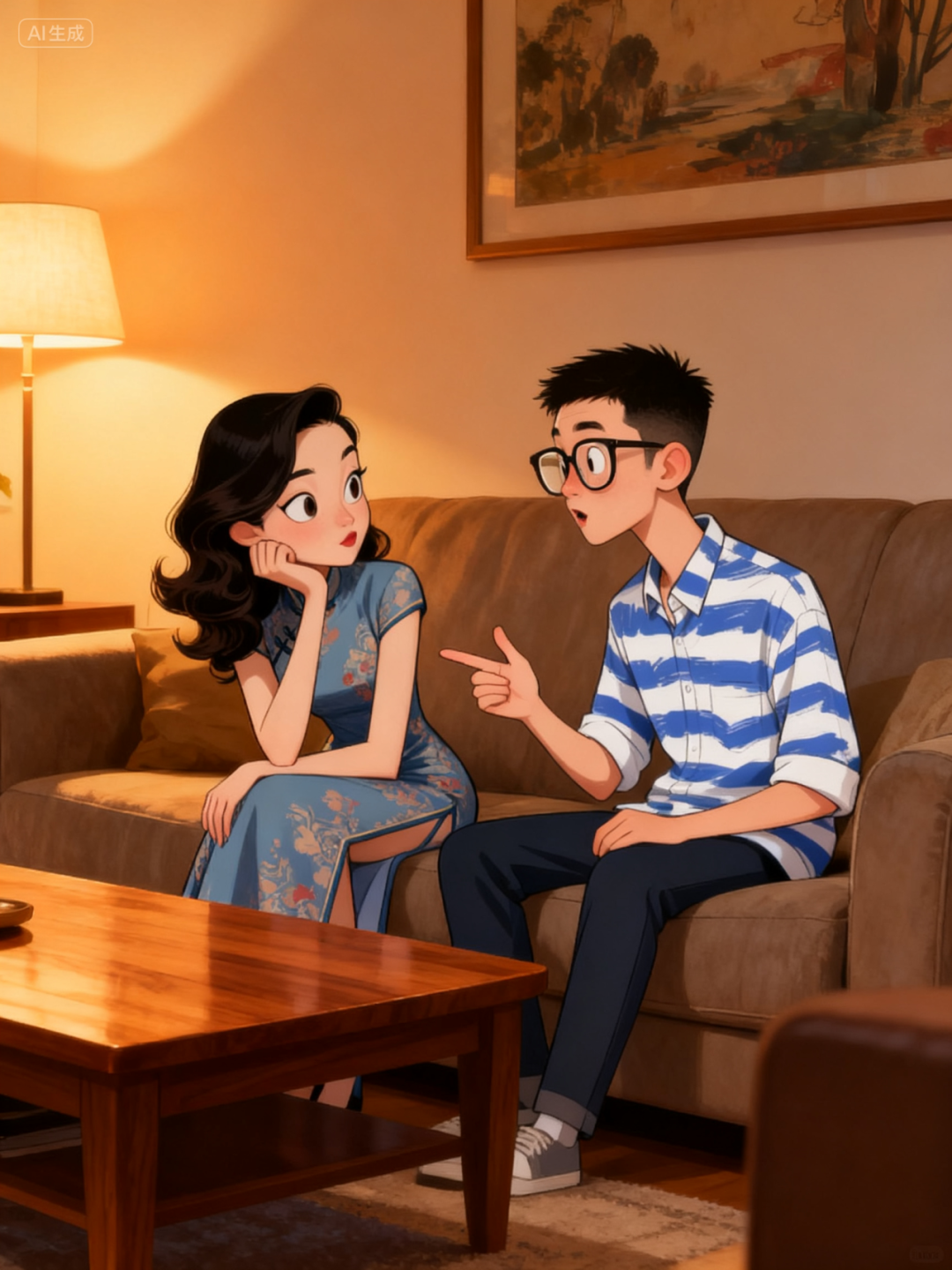
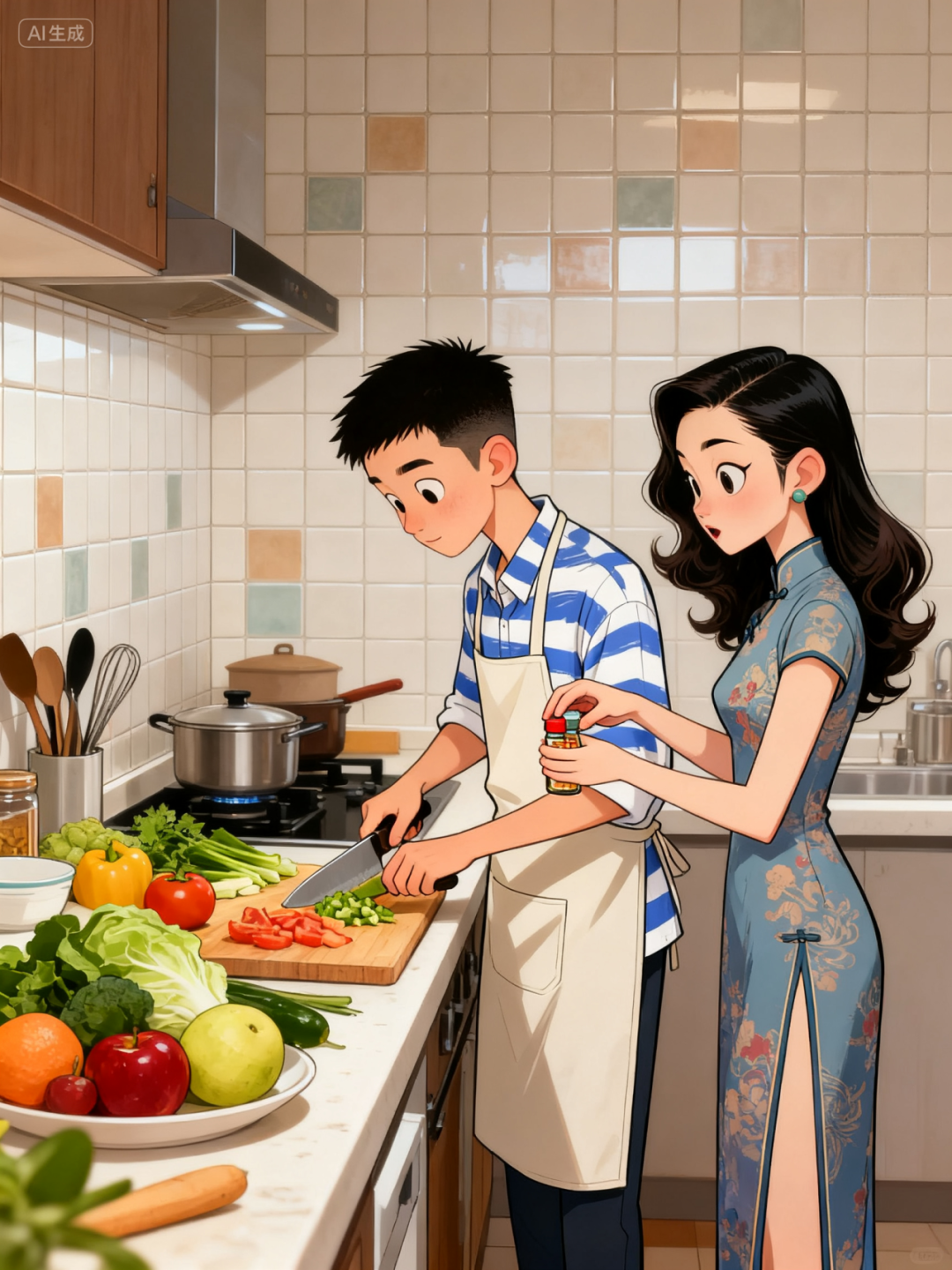
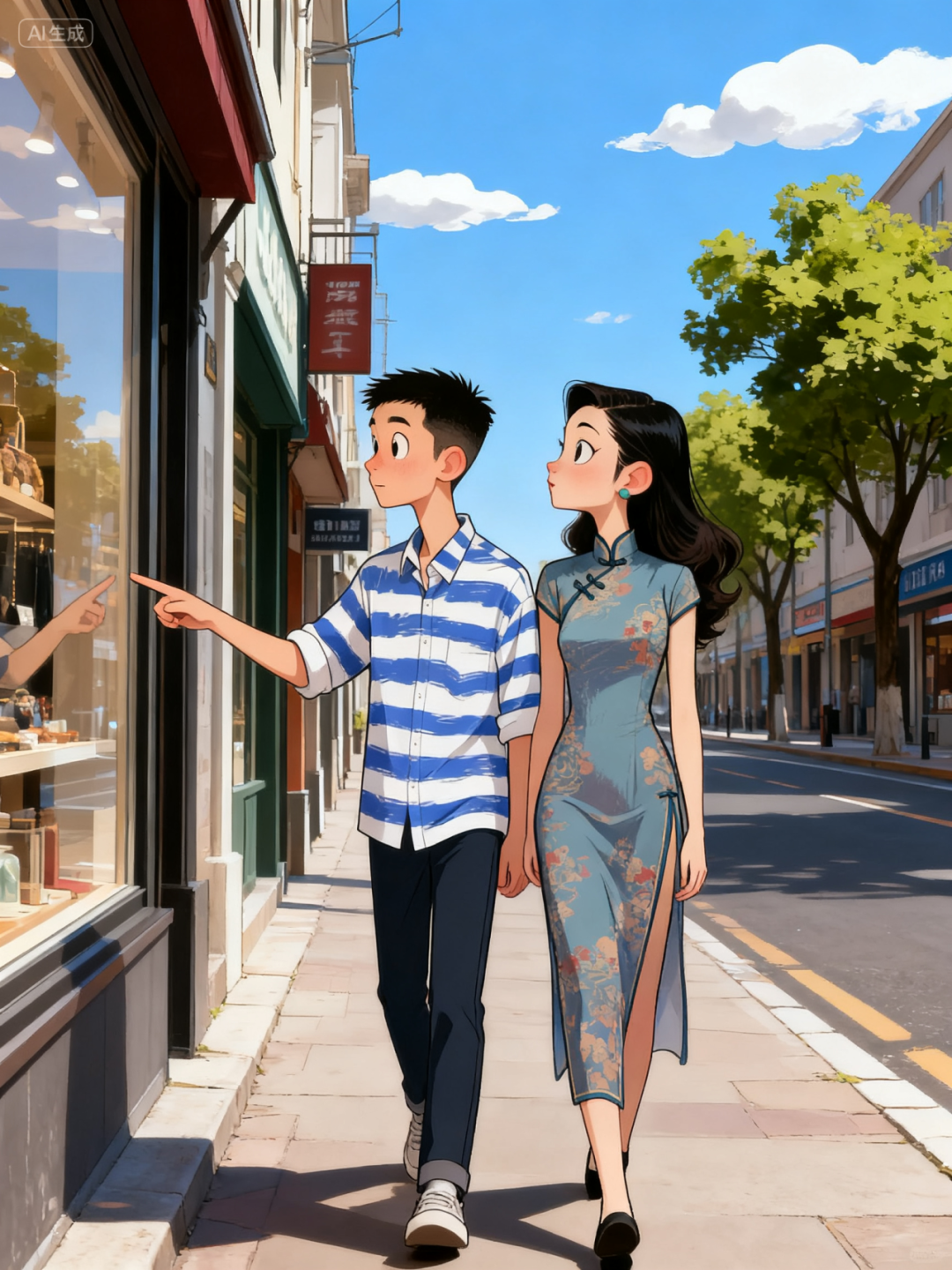
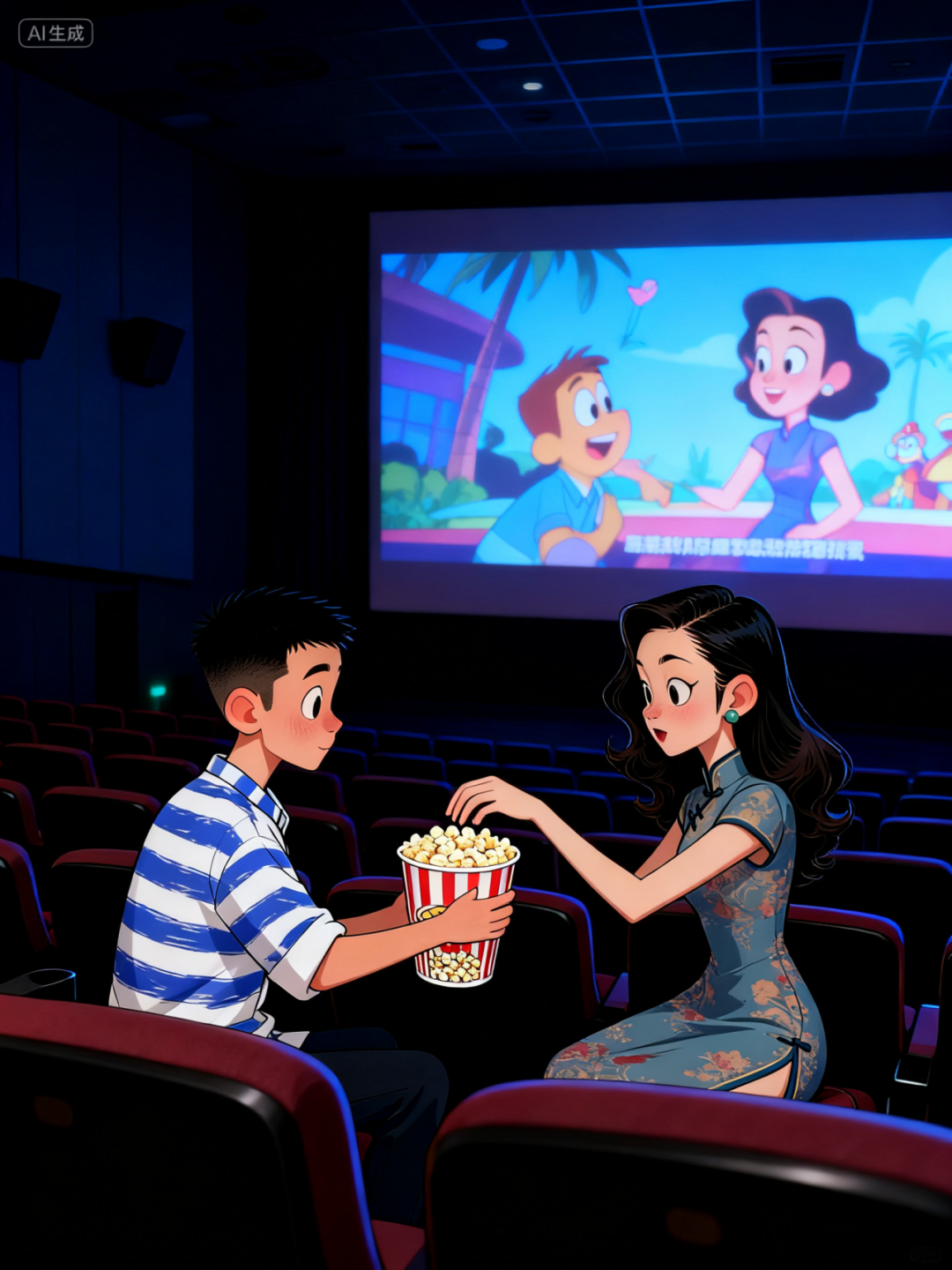
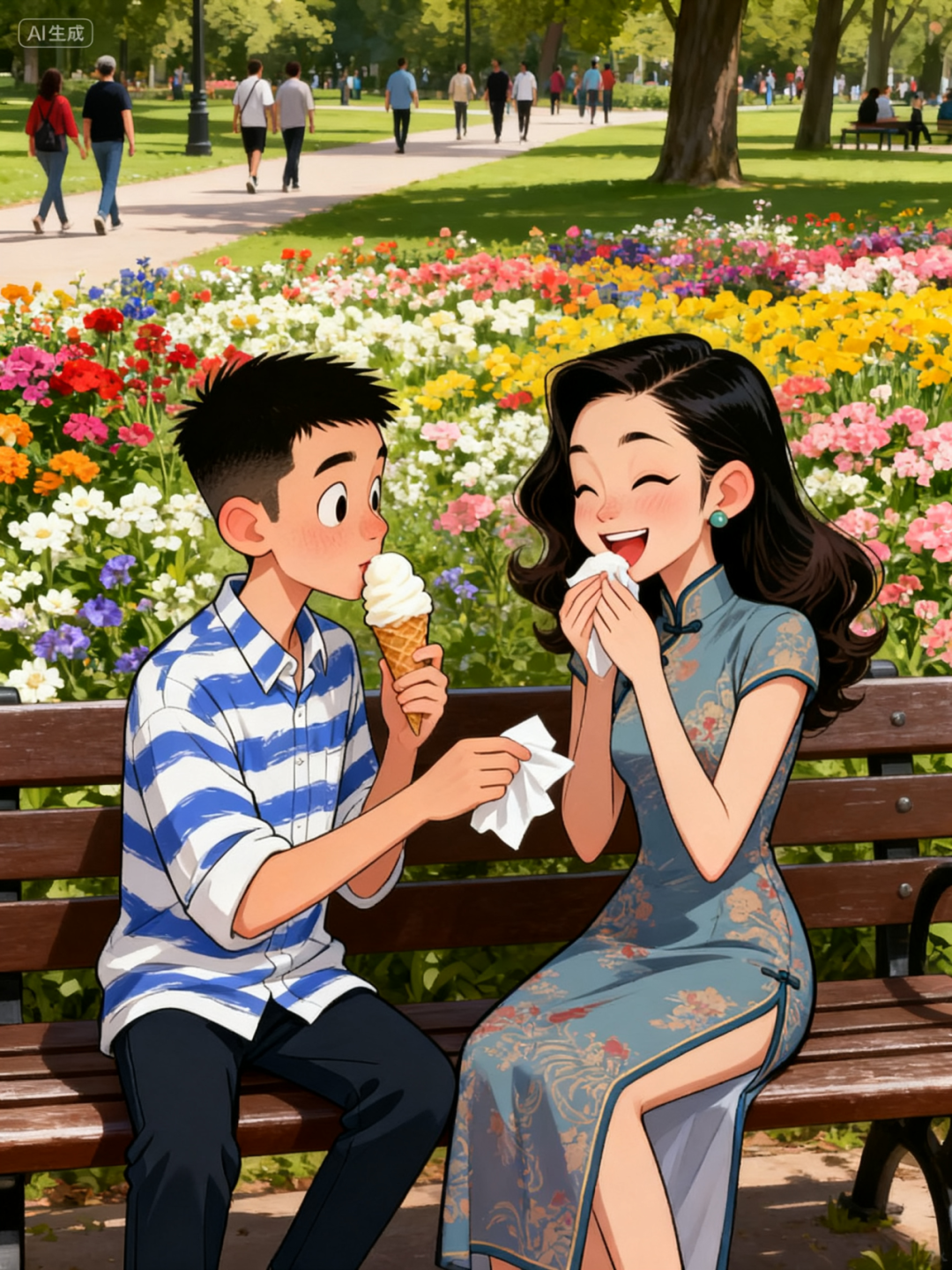
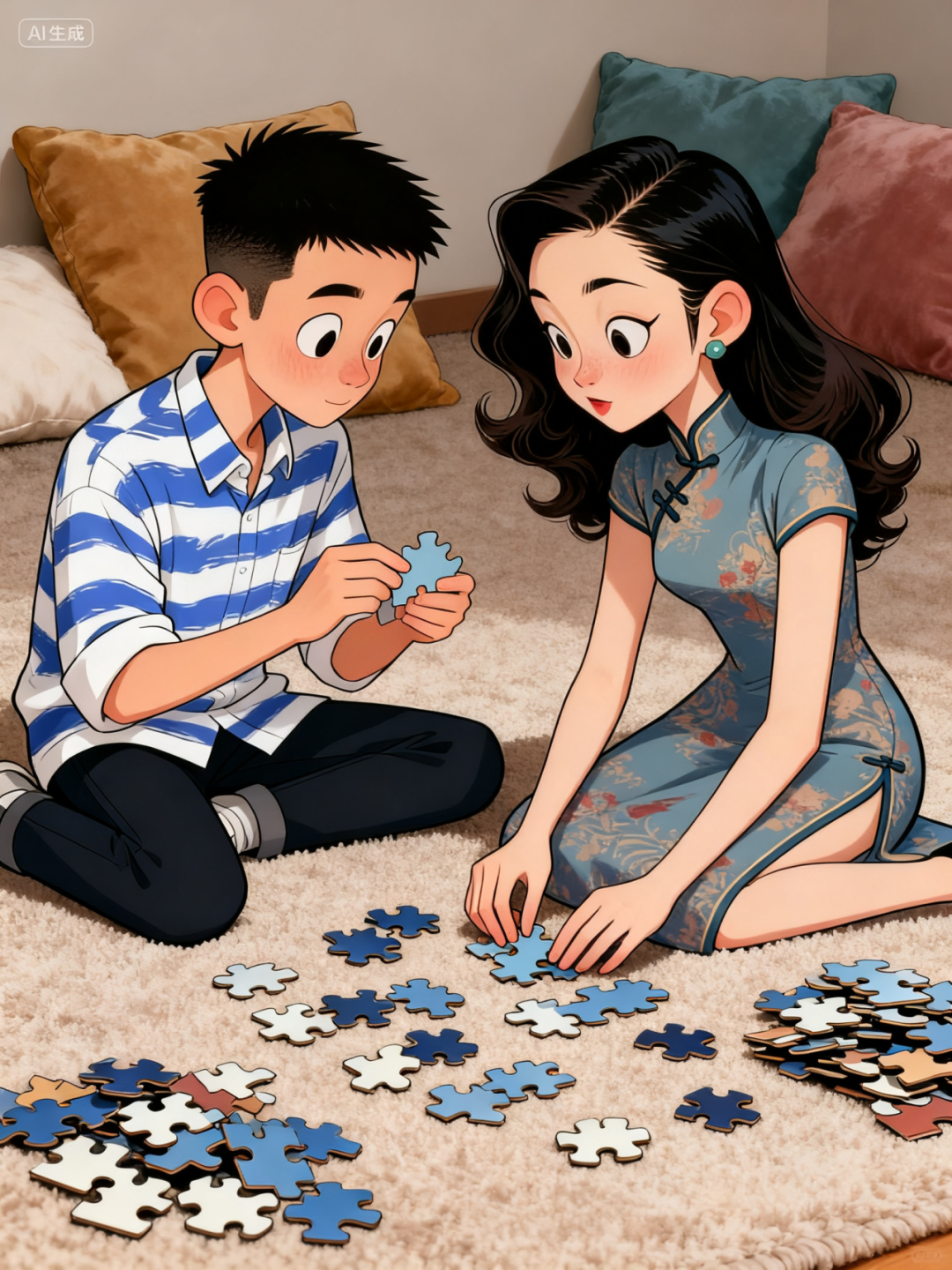
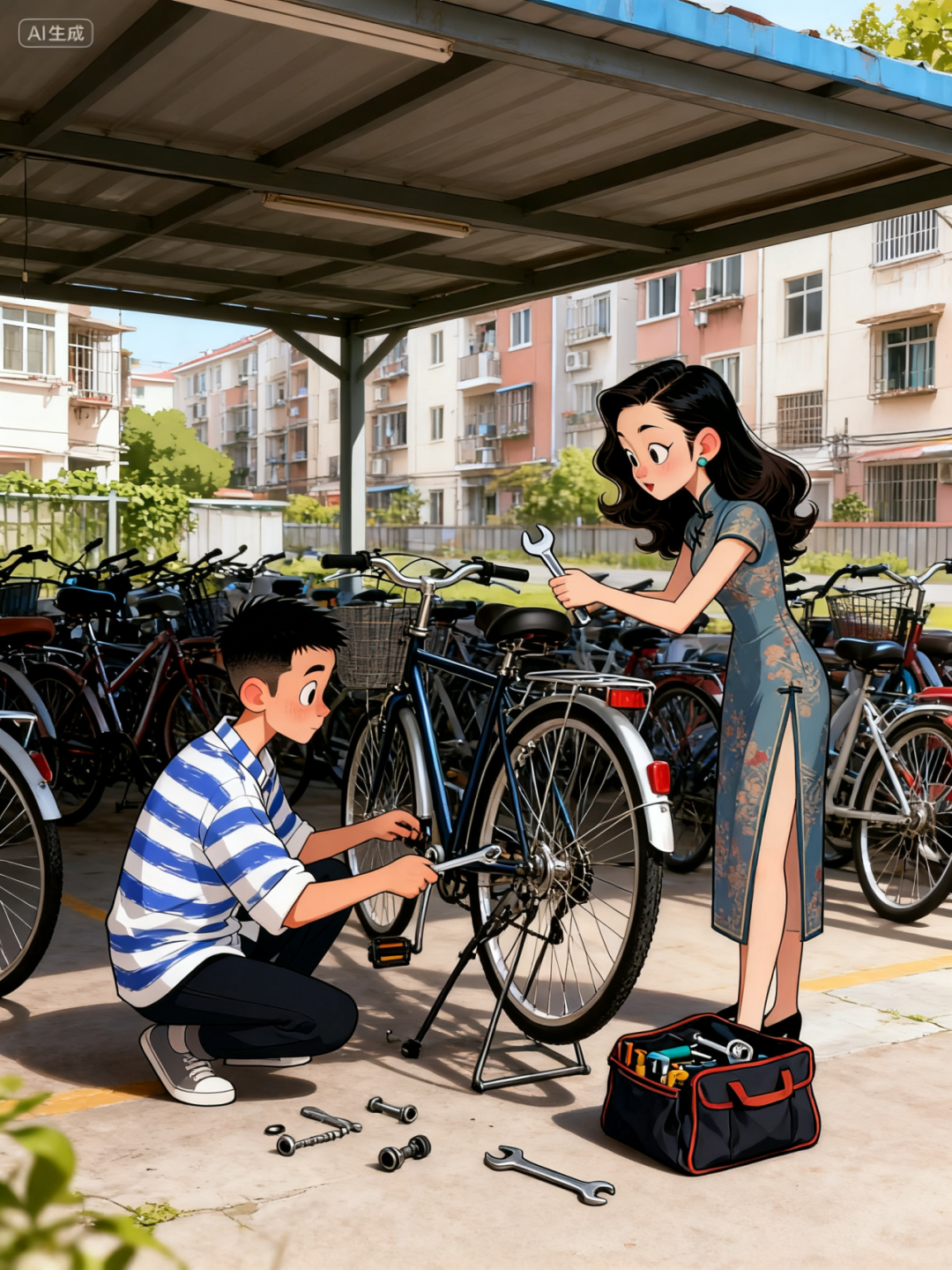
Prompt: Generate 20 comic images based on the reference image, such as: 1. A boy and a girl chatting in the living room 2. The boy cooking in the kitchen while the girl keeps him company 3. The boy and girl shopping.
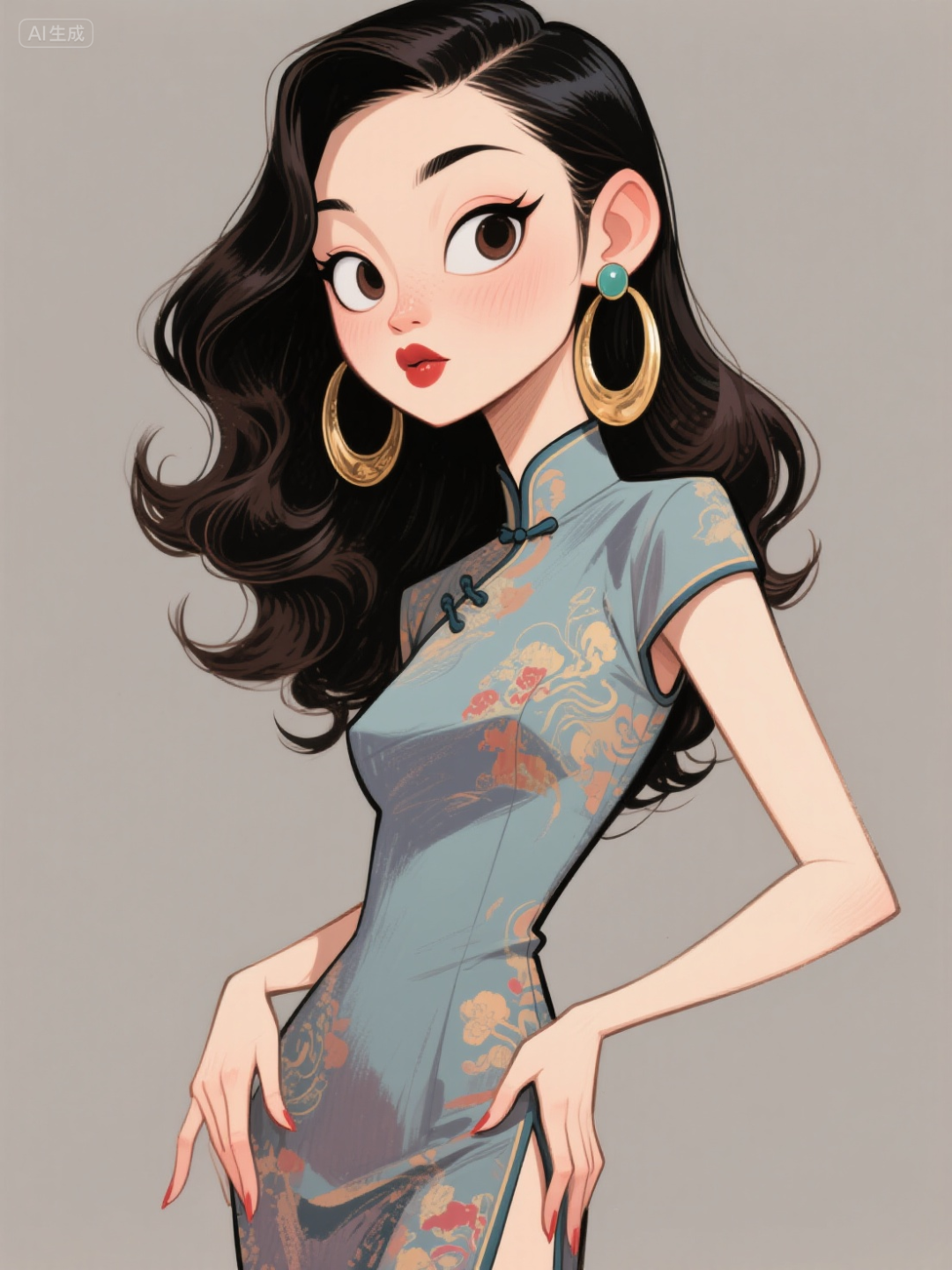
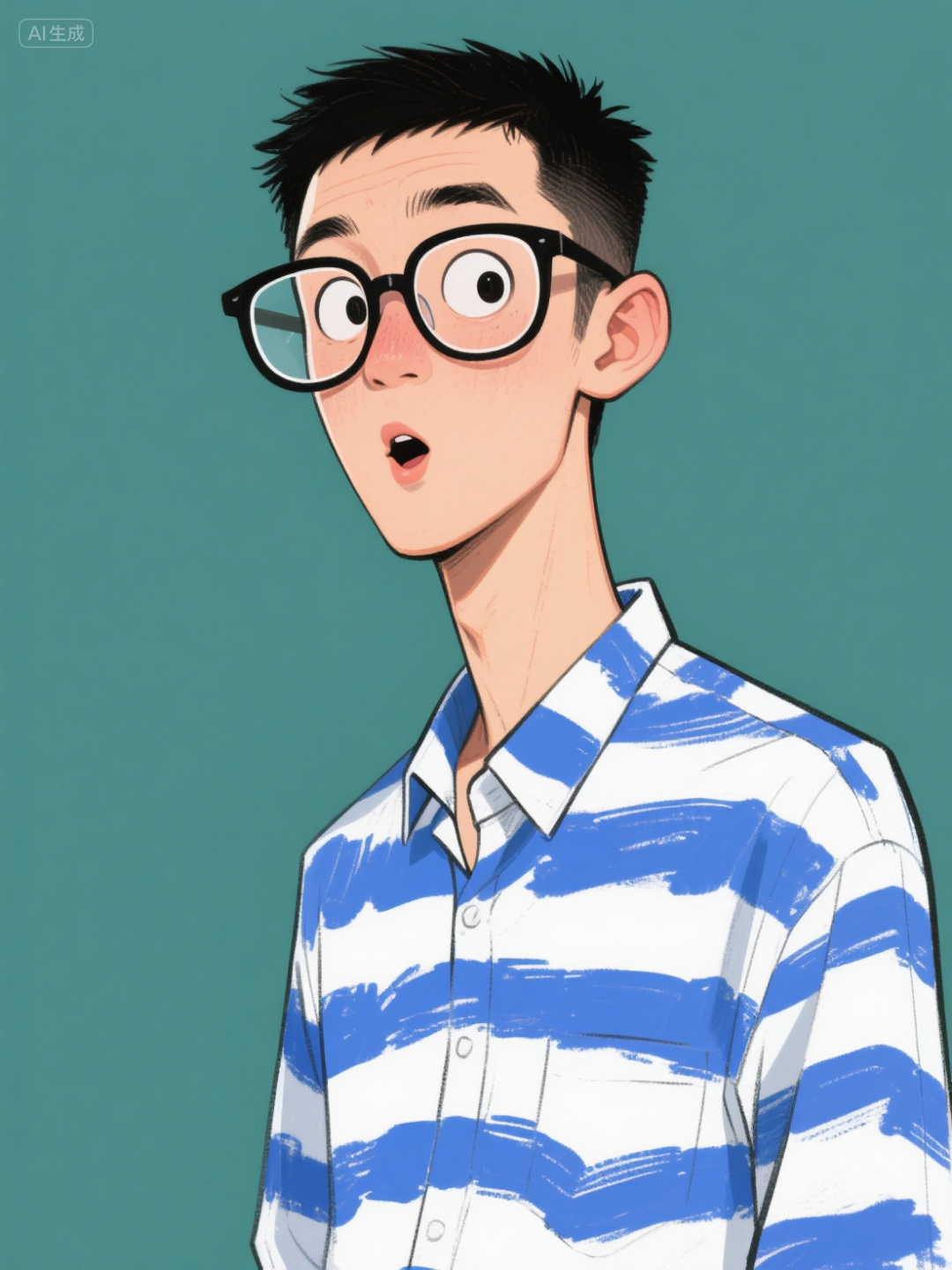
Jimeng can also generate multiple images at once, for example, when we input >4 images in the prompt, Jimeng will first generate 4 images and then ask below the images whether to continue generating the remaining images.
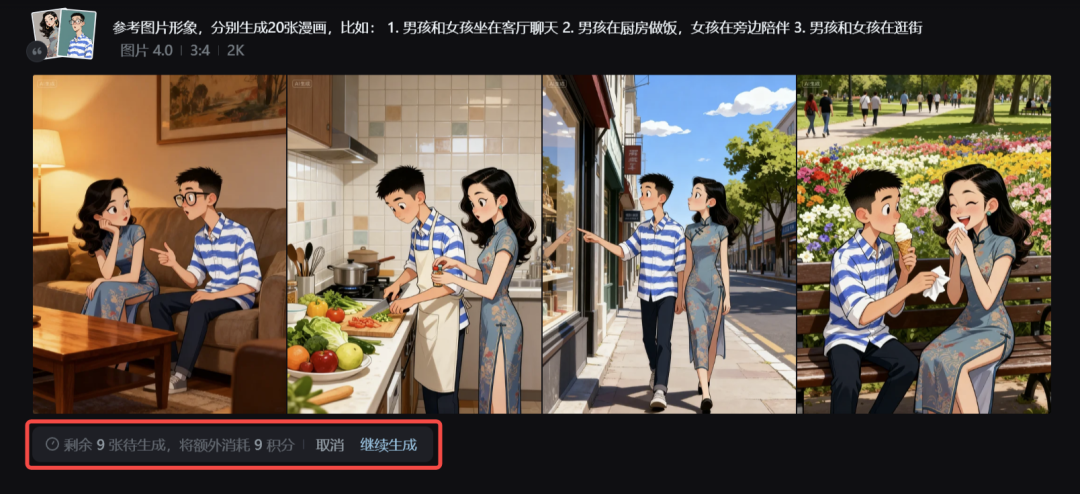
However, a maximum of 13 images can be generated at once, and we can click to continue generating.



Some Sharing
Overall, after using it, the generation quality of Seedream 4.0 is quite high, and its style control ability is also very good. Even slightly complex scenes can be handled without issues, although sometimes there are minor flaws in local details.
However, I believe it is already usable for designers and content creators, making it very convenient for creating posters and such.
Seedream 4.0 is positioned as a one-stop image creation model from generation to editing, integrating text-to-image (T2I) and image editing (SeedEdit) into a unified DiT architecture, and employing joint training during the SFT and RLHF phases, significantly enhancing instruction adherence and aesthetic performance.
By introducing a fine-tuned version of SeedVLM, the model is endowed with world knowledge and contextual understanding, enhancing its logical reasoning, physical constraints, and common sense judgment capabilities.
This series of operations has successfully pushed image generation towards productization, making AI image content generation no longer synonymous with low quality and inefficiency.