In the past few days, we have tested the applications reported by users in August and extracted feature codes. The feature library has been published on the official website.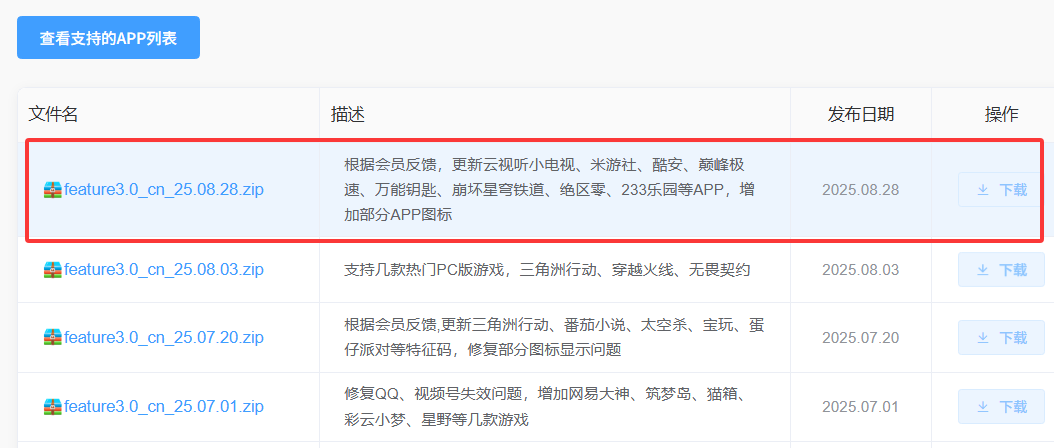 The main updates are as follows:1. Cloud View TV (fixed)2. Mi Game Center (new)3. Fan Hua Theater (new)4. 233 Paradise Game (new)5. Peak Speed (new)6. WiFi Master Key (new)7. Absolute Zone Zero (new)8. Cool App (new)9. Discord (new)10. Honkai: Star Rail
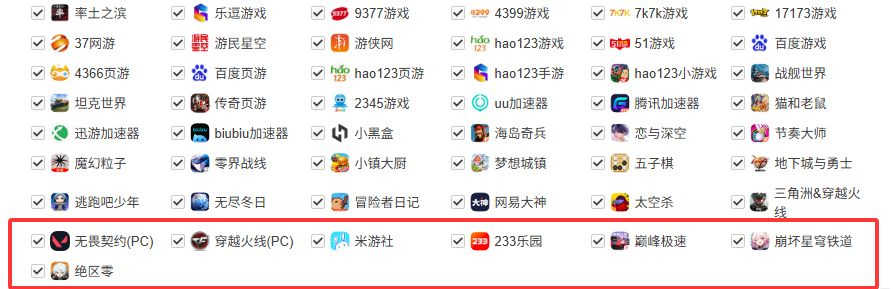 Of course, there are also some applications that received a lot of feedback but have not been fixed. The reasons and solutions will be provided on the official website later. Generally, these applications have protocol conflicts and cannot be included in the public feature library to prevent affecting other applications.When providing feedback on applications, please ensure the uniqueness of the application name; otherwise, the ranking popularity will be very low. The author mainly adapts popular applications.In the future, detailed methods for modifying the feature library files will also be provided, allowing users to add some less popular applications themselves.This update also adapted the icons for all applications. Typically, after adding dozens of applications, the icons will be uniformly adapted.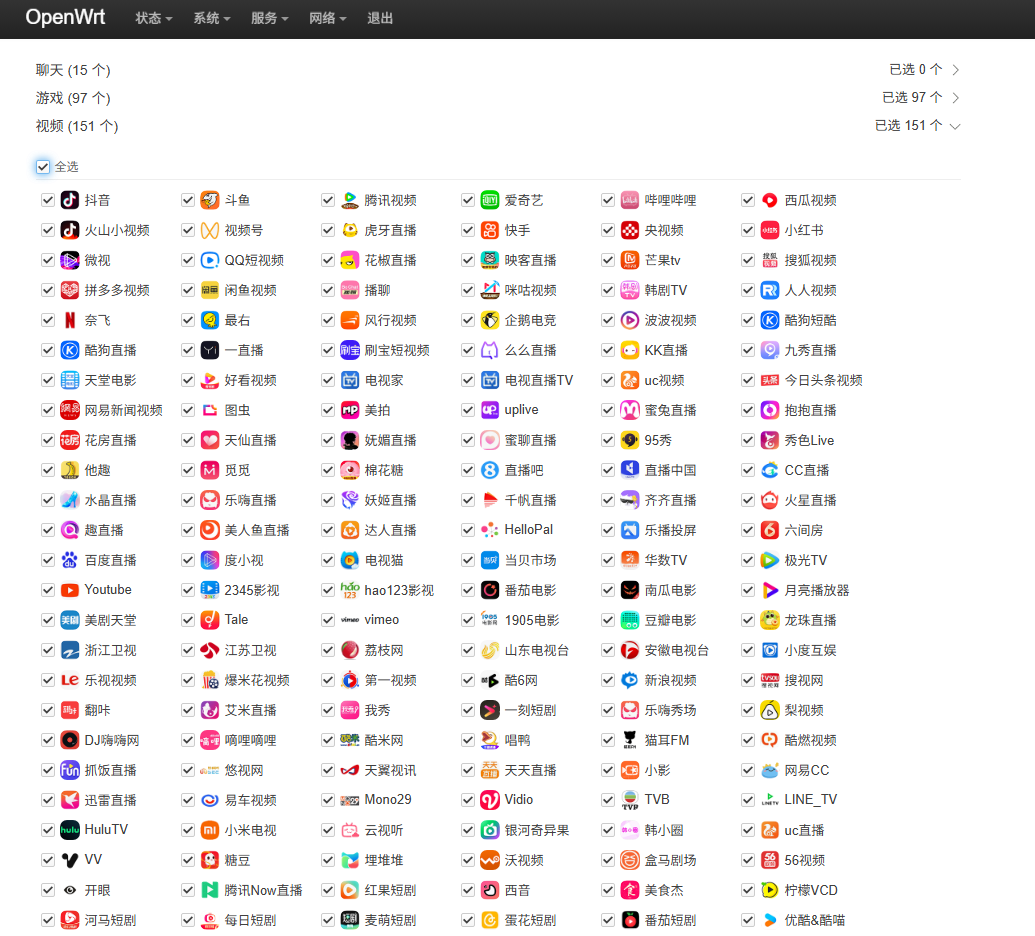
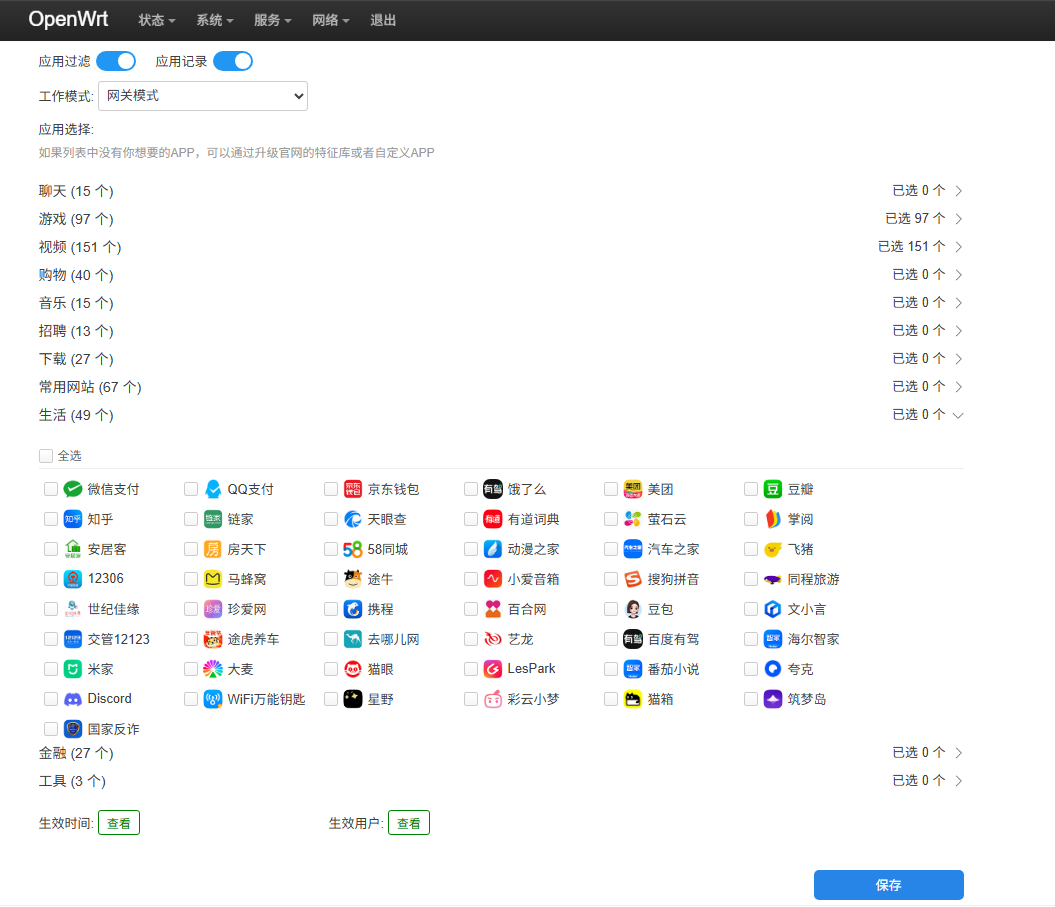
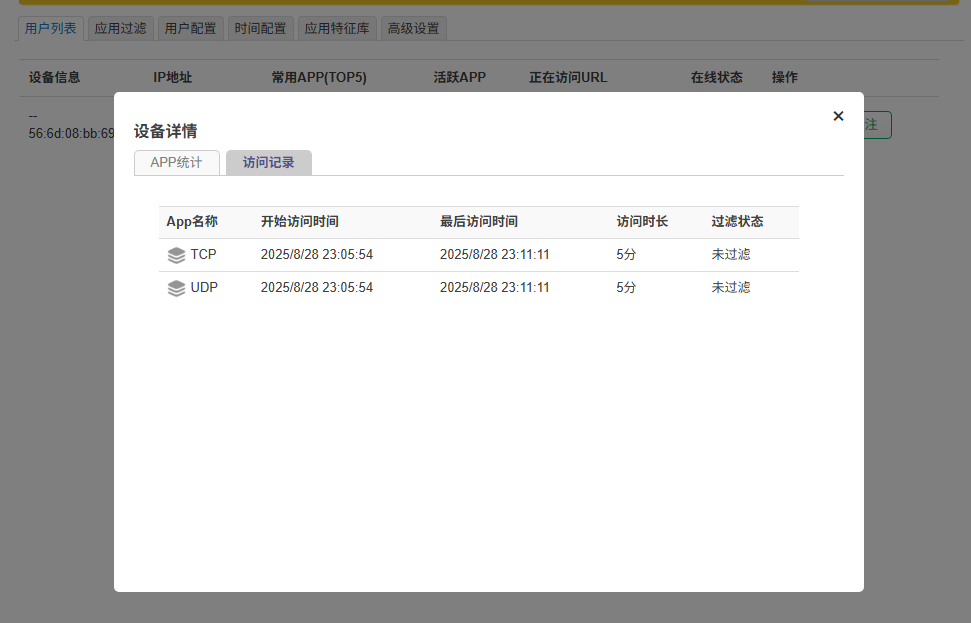
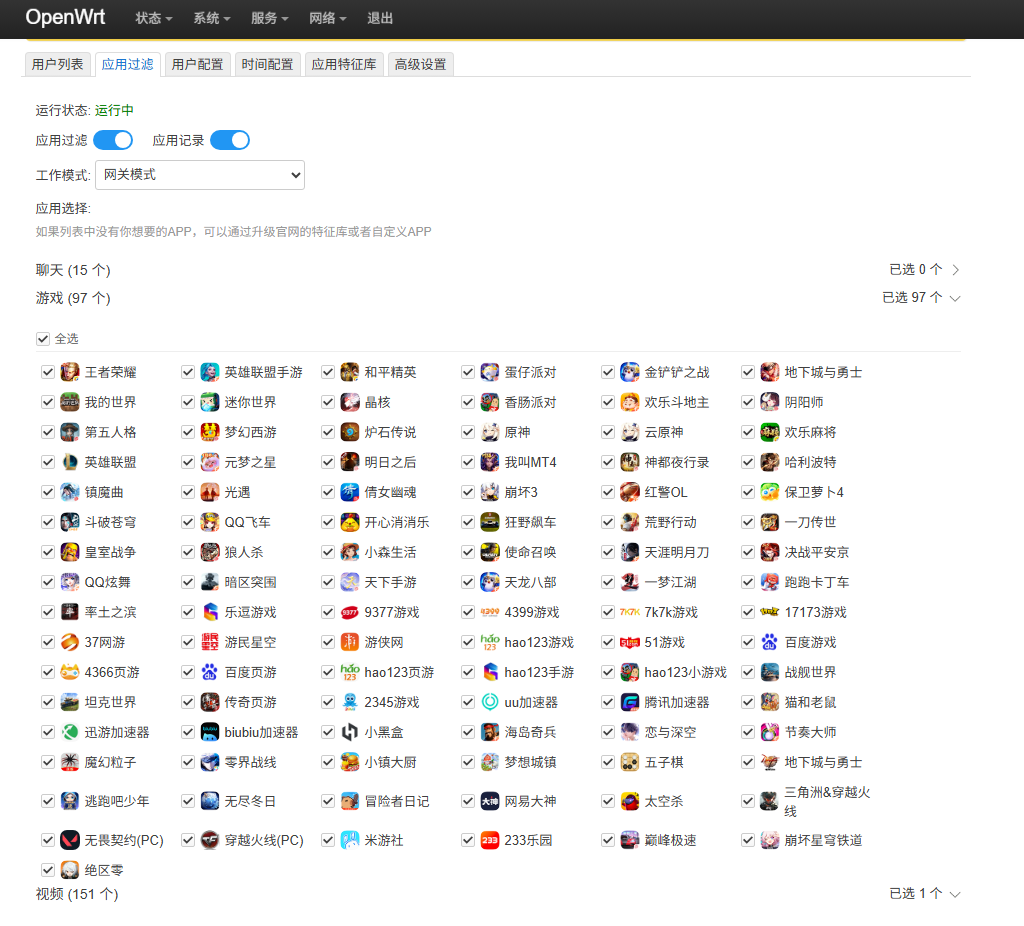 The application filtering rules are very flexible. If you know how to define your own features, you can achieve many fun functions, such as application filtering to implement a timed disconnection feature.In this update, a general protocol feature library has been added, which allows for timed disconnection through the general feature library.Currently, two general feature libraries are provided. The first one only includes TCP and UDP protocols, meaning you can control the access time of TCP and UDP protocols. Blocking TCP and UDP is equivalent to disconnecting from the internet. The other one further divides TCP and UDP protocols, including HTTP protocol, HTTPS protocol, and large UDP ports. The large UDP ports can fuzzy match most competitive games, thus achieving filtering for games not included in the feature library.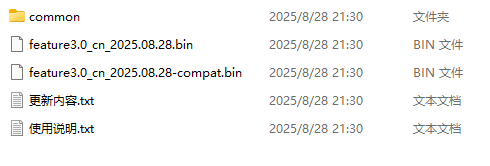

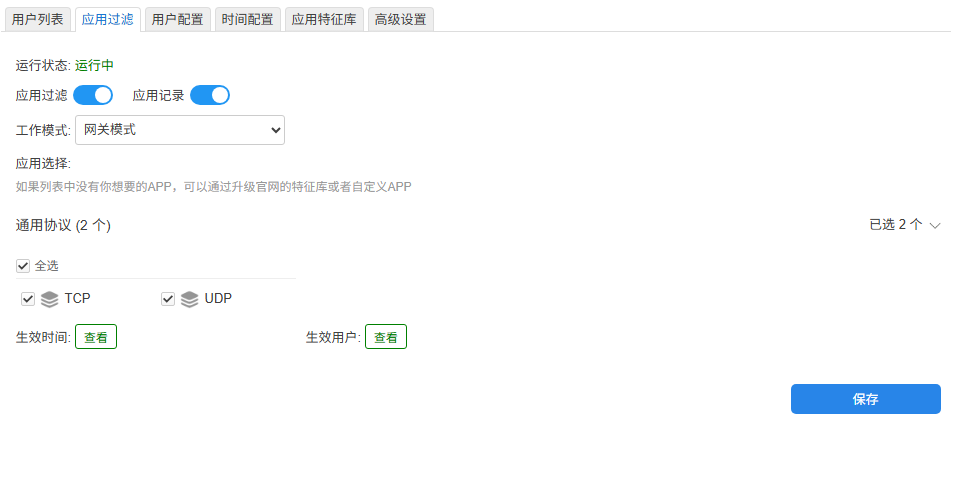
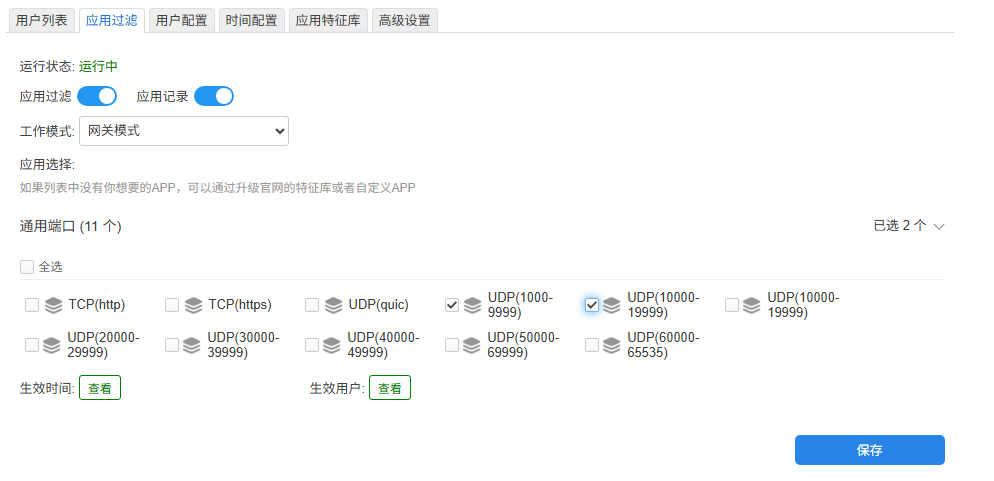
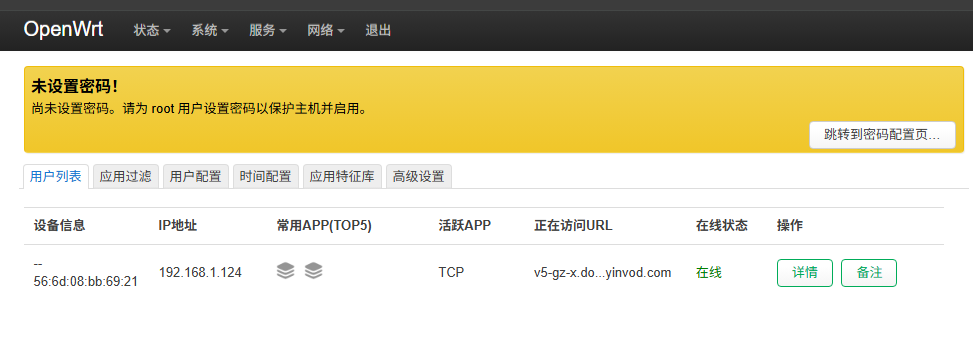 By configuring the settings below, you can specify times when the internet cannot be accessed, as TCP and UDP cover all application protocols.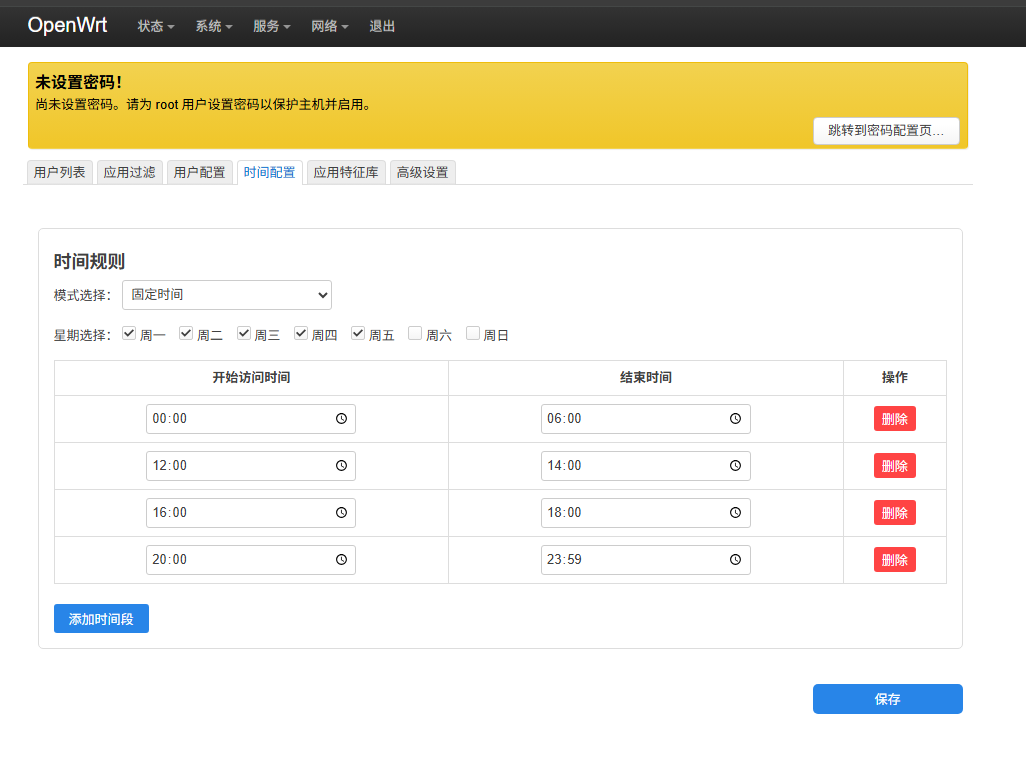
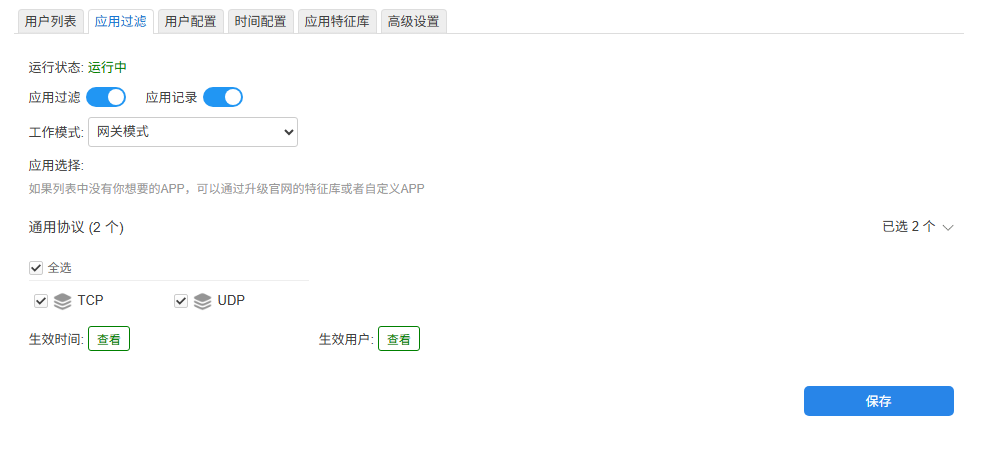 You can also view the access duration of TCP and UDP protocols.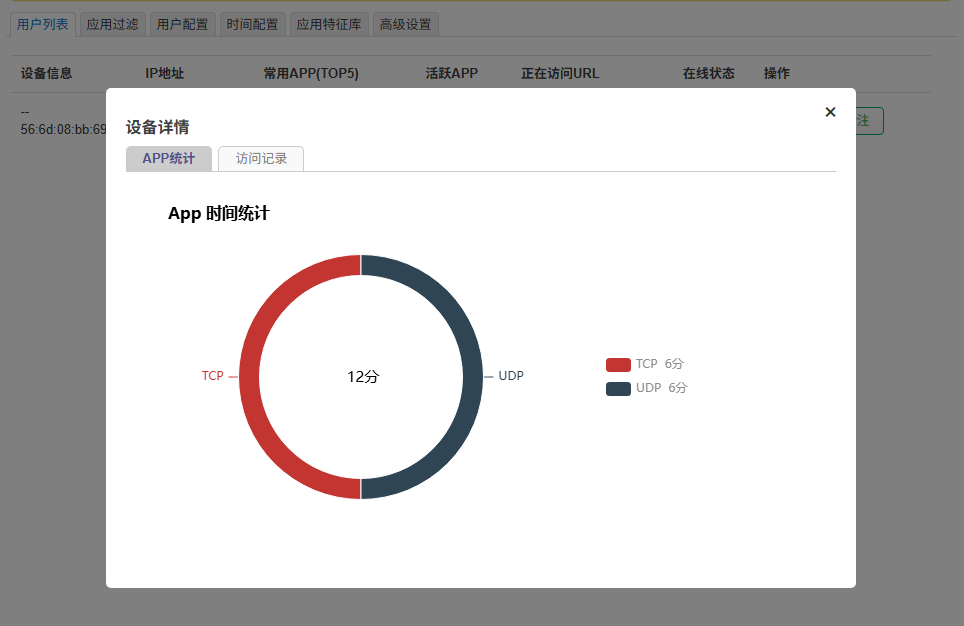
 Official website:www.openappfilter.com
 Historical articles:New version of OpenWrt Application Filtering Plugin (OAF) released, supporting IPv6 and real-time internet recordsComprehensive list of routers that support flashing (2025Q1)Cudy TR3000 router flashing tutorial, done in 5 minutesRecommended 10 routers that support flashing (2025Q1)
Welcome to follow our public account
Regularly share OpenWrt insights
OpenWrt OAF plugin author (2.2k stars)A router plugin that can block games and videos