Downloading and Installing the Python Interpreter

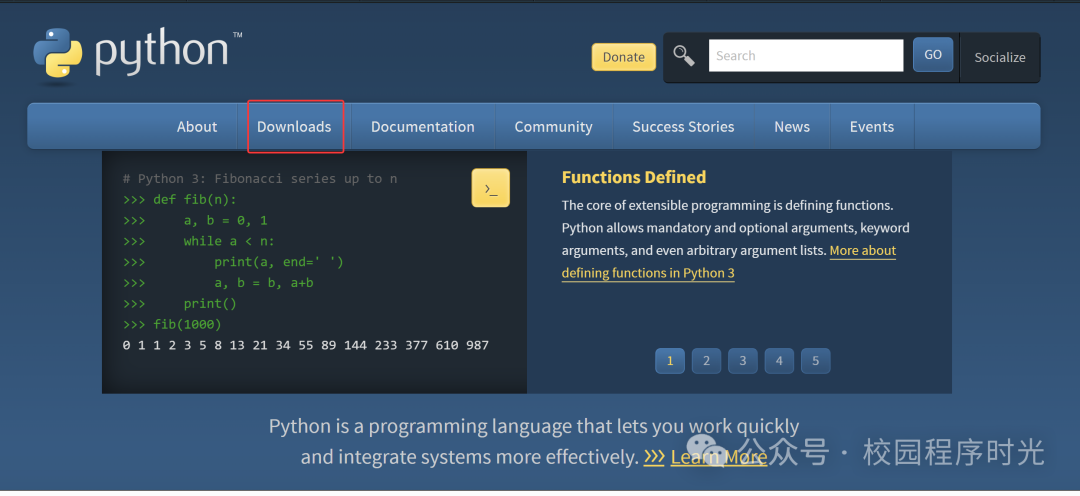
【1】Open the Python Official Website

https://www.python.org/
Downloading and Installing the Python Interpreter

【2】Download the Interpreter

Click on Windows in the downloads section
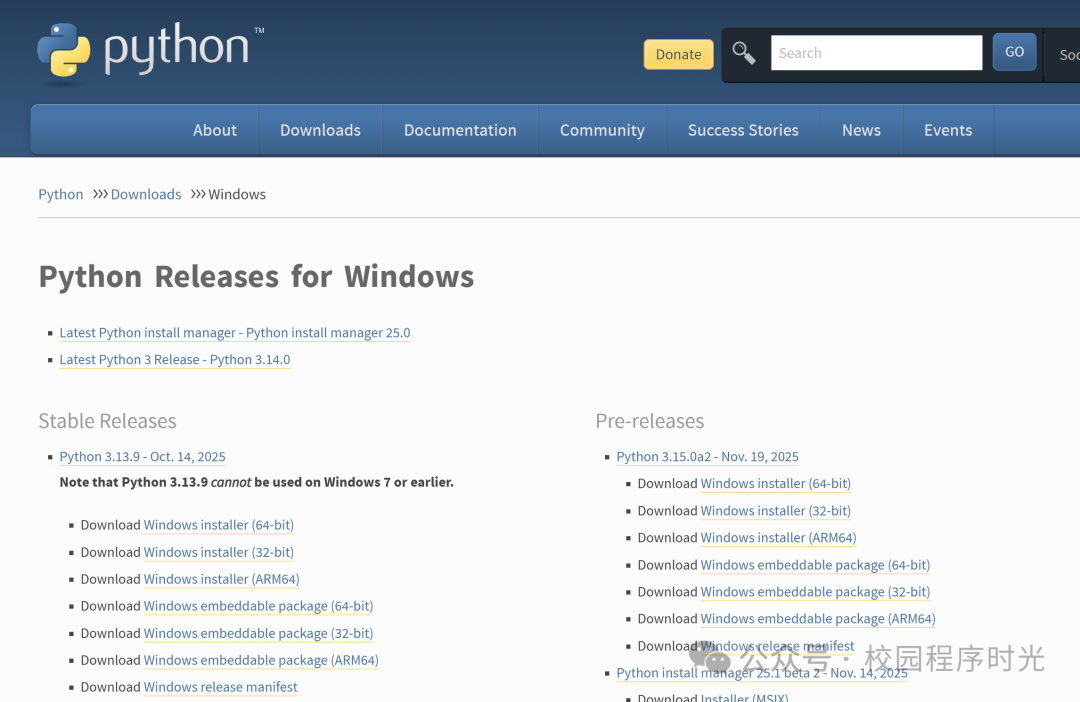
Downloading and Installing the Python Interpreter

Press Ctrl + f to search for 3.10

Download the installation package
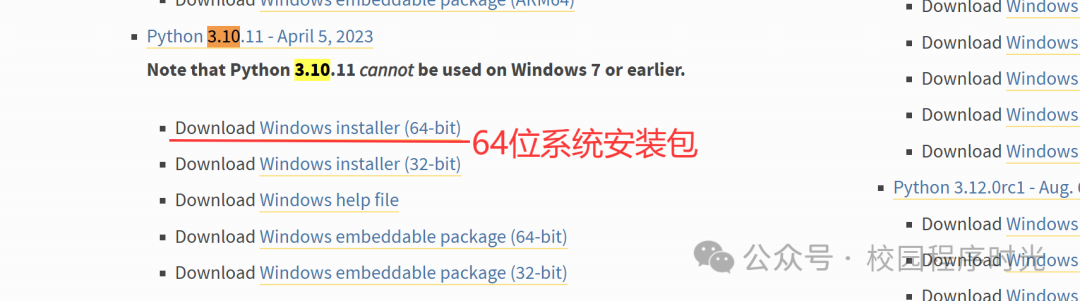
Downloading and Installing the Python Interpreter

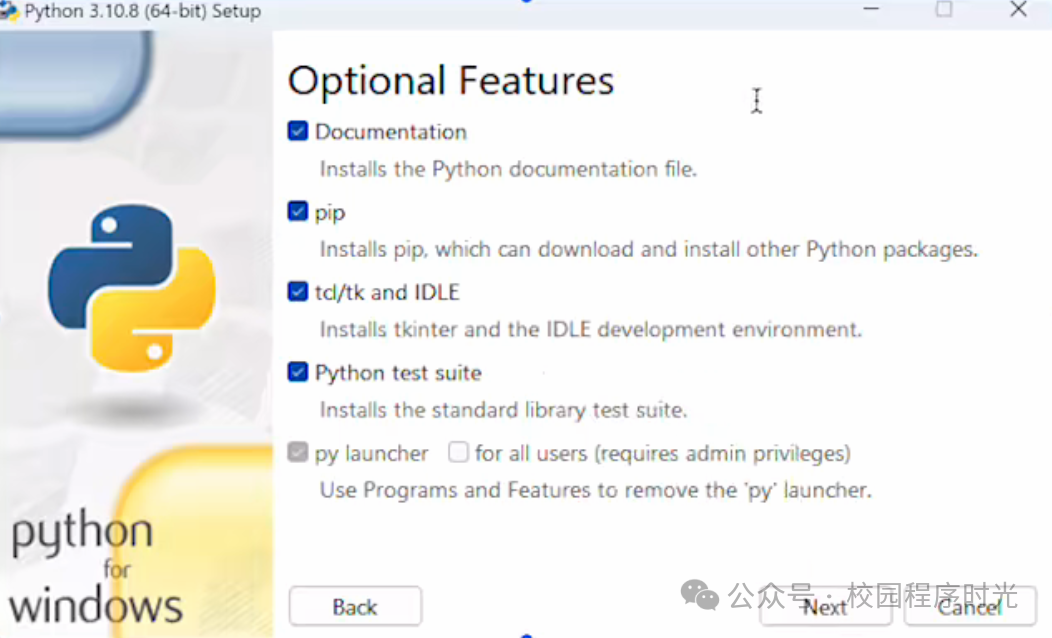
【3】Install the Python Interpreter

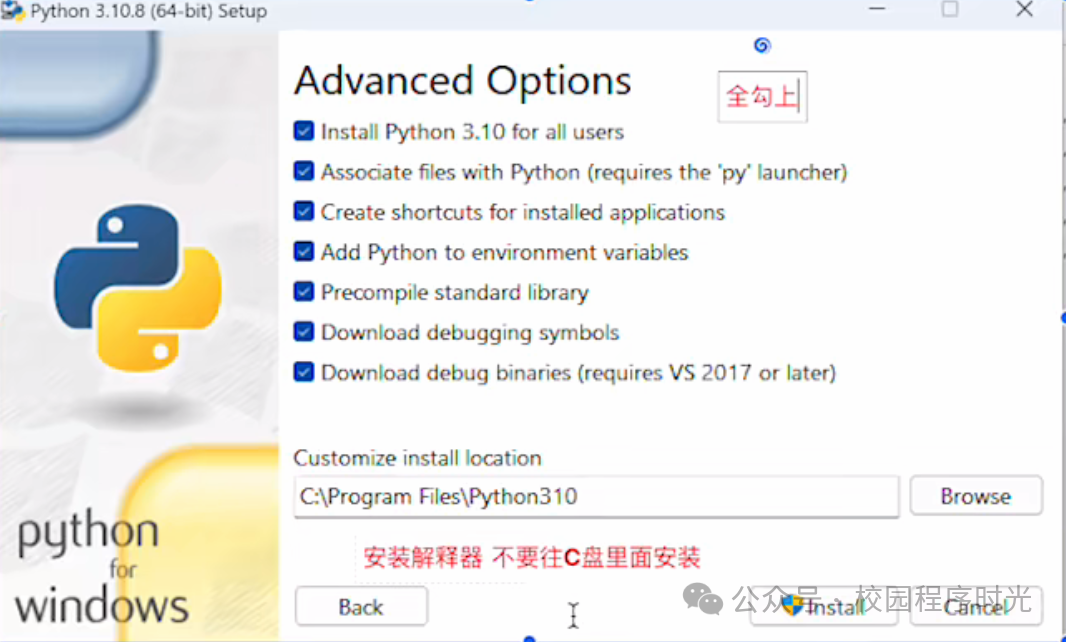
Select all options
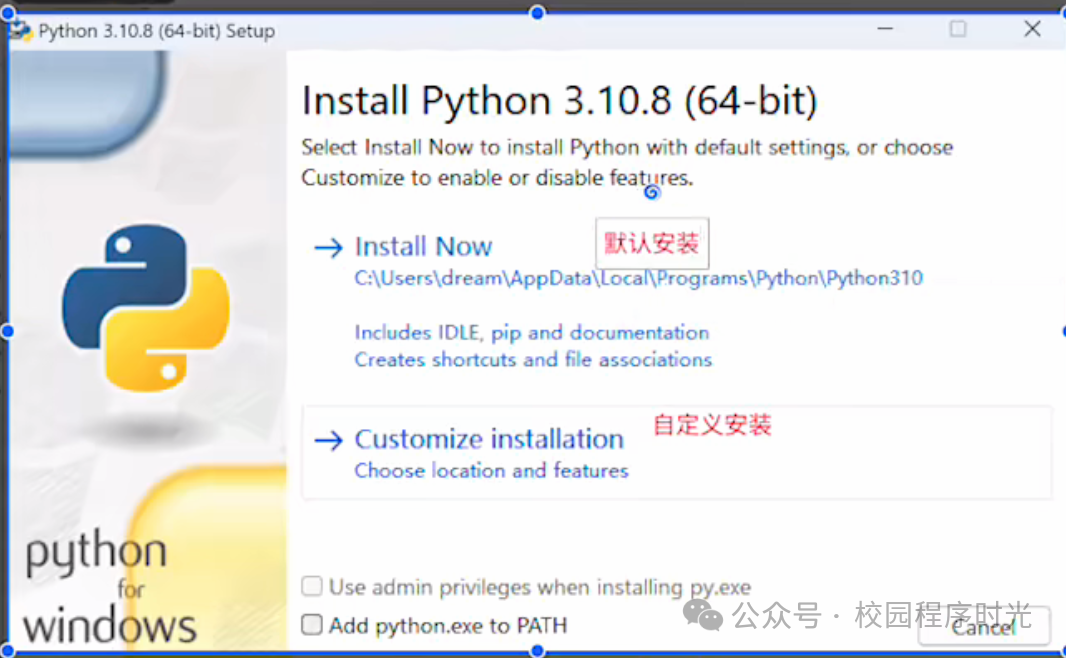
Downloading and Installing the Python InterpreterDownloading and Installing the Python Interpreter

Select the installation location

Downloading and Installing the Python Interpreter

【4】Start Installation

The installation may take a long time, which is normal
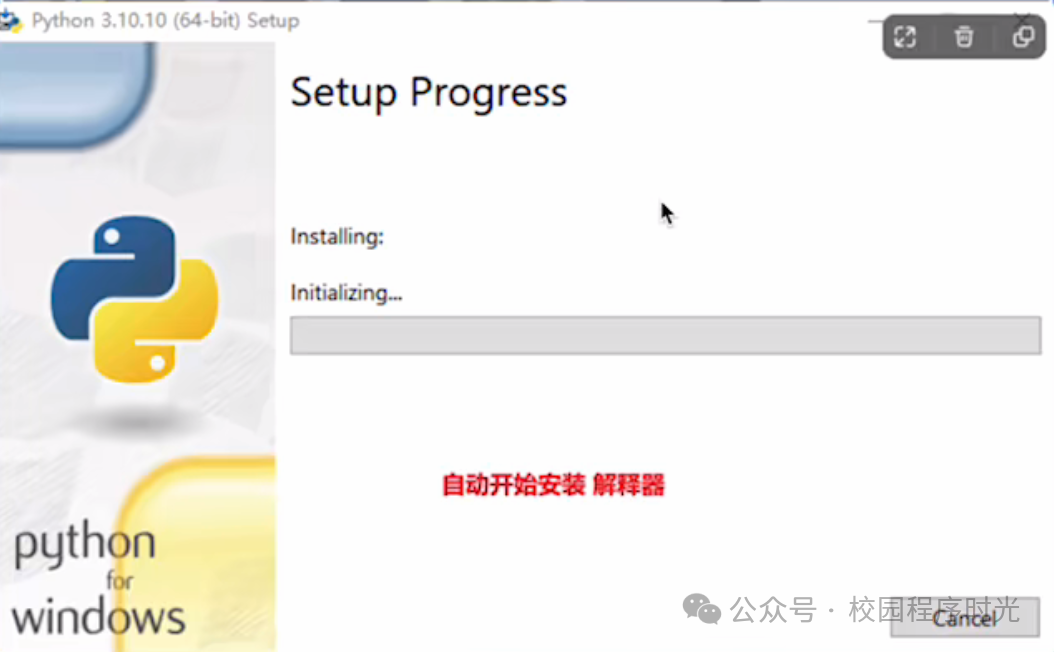
Downloading and Installing the Python Interpreter

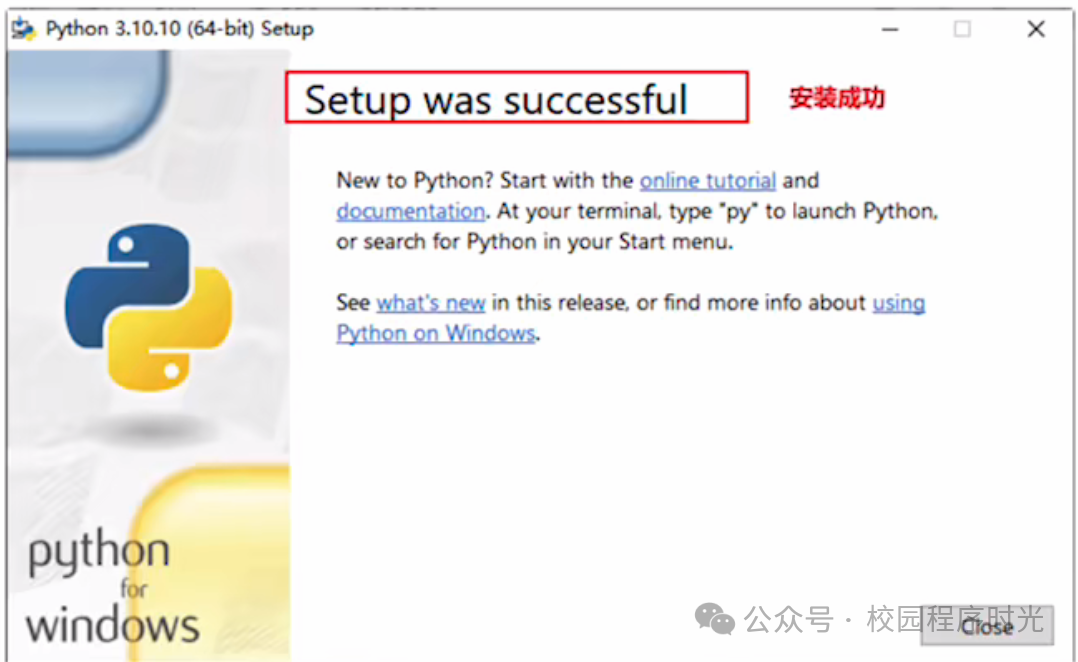
【5】Installation Successful

Downloading and Installing the Python Interpreter

Leave a Comment