Contact the editor at the end of the article to obtain the project source code.
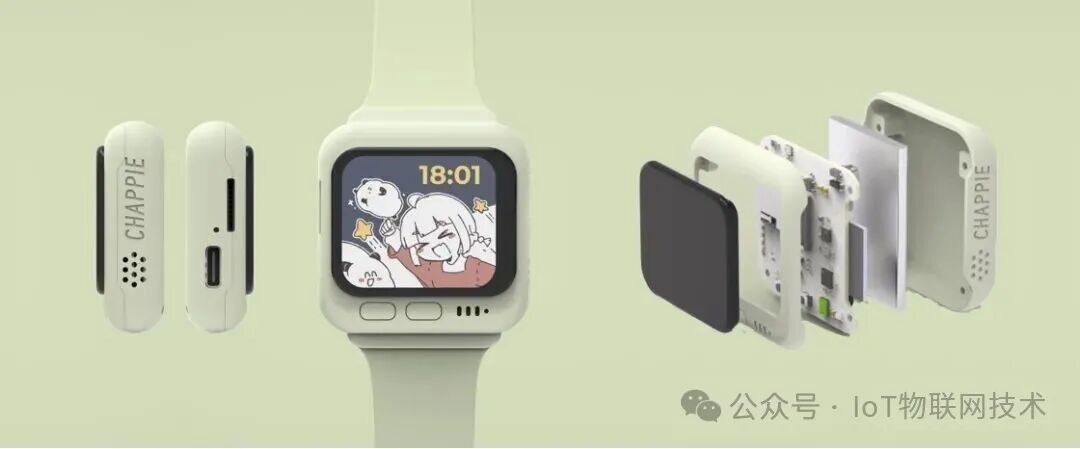
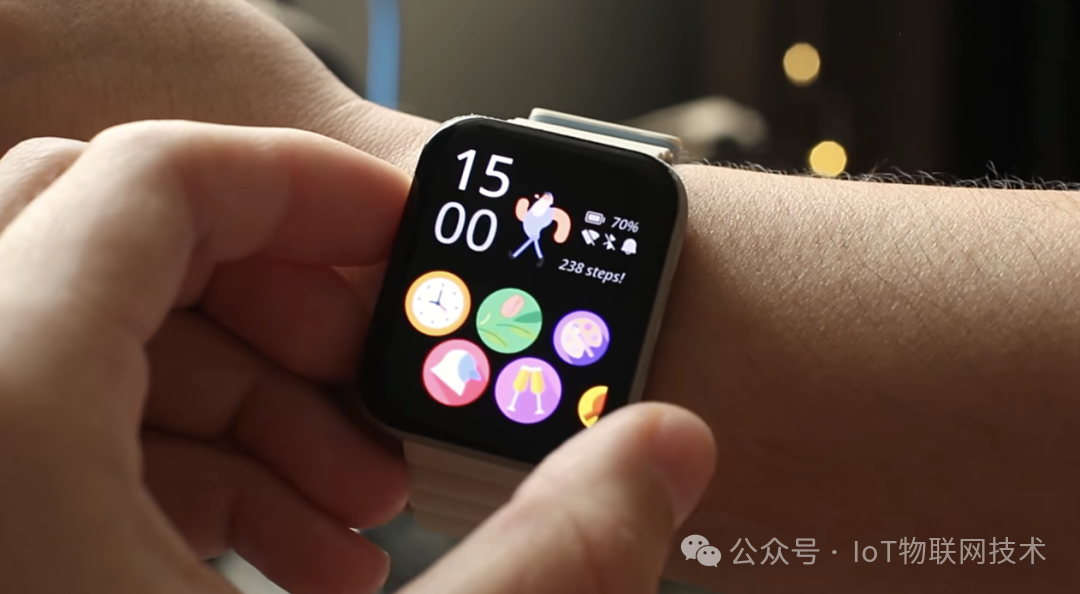
The Monica smart watch is based on the Espressif EPS32-S3 development board, equipped with a1.8-inch LED display, developed using the Mooncake UI framework, and includes a built-in pedometer, compass, and barometric sensor.
-
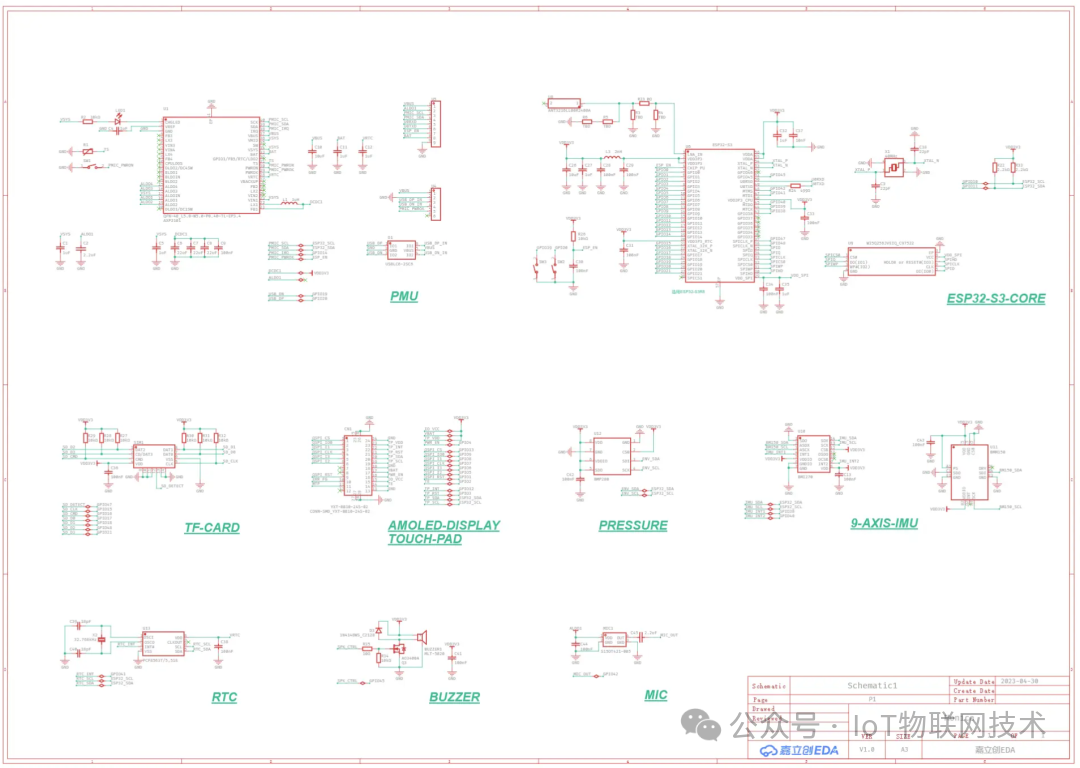
Microcontroller: ESP32-S3, 32M external Flash
-
IMU: BMI270 + BM150 (wrist raise wake-up, pedometer, compass)
-
Power Management: AXP2101
-
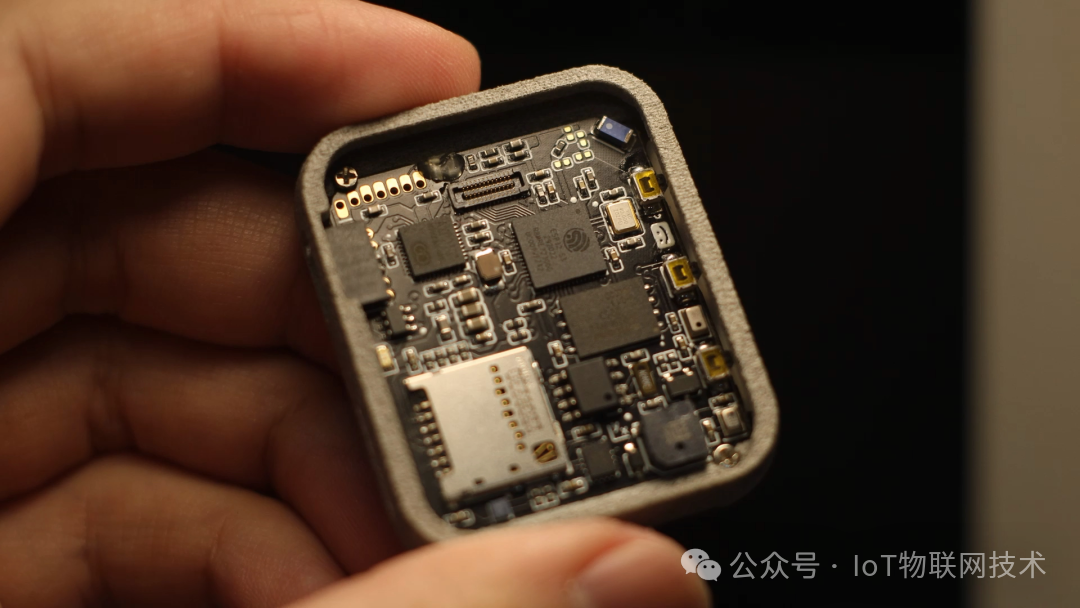
Others: SD card slot, RTC, buzzer, MIC, barometric sensor, buttons
-
Screen: 1.8-inch AMOLED 368*448
-
Battery: 402728 400mAh
The Mooncake UI framework decouples the application and driver layers:
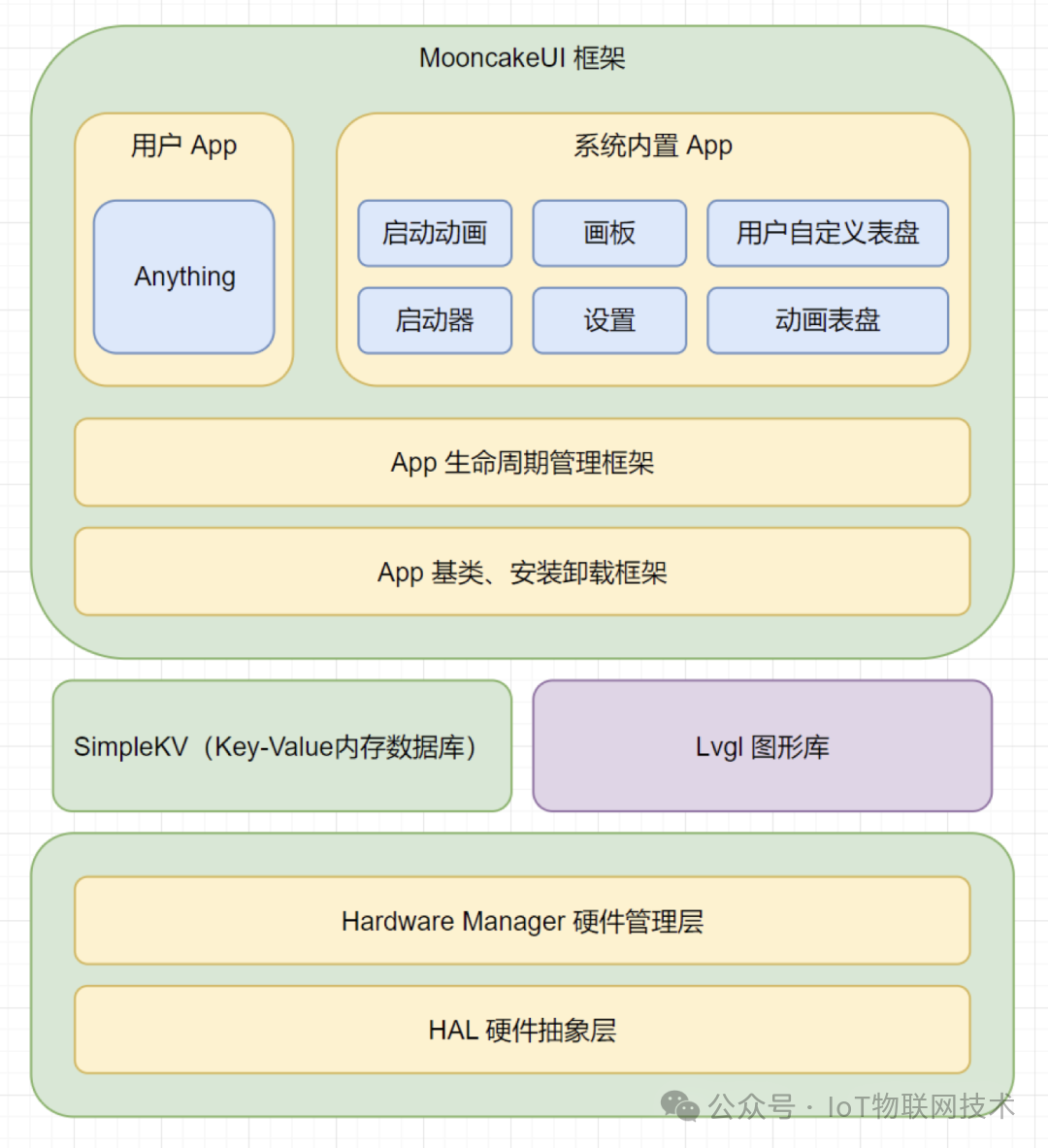
SimpleKV: A simple Key-Value memory database framework that implements two-layer data interaction. It uses keys to index data, breaking the data coupling between the application layer and the driver layer.
Lvgl: Uses Lvgl as the default graphics library for upper-layer applications and its file system interface.
Driver Layer
-
HAL: Object abstraction for peripheral drivers
-
Hardware Manager: Responsible for low-level hardware initialization and runtime state maintenance updates, such as automatic sleep, wrist raise wake-up, and pedometer updates.
-
USB MSC Mode: To facilitate reading and writing to the SD card, when the power and down buttons are pressed during startup, it enters USB MSC mode, and the SD card is mounted as a U disk, allowing direct read and write when connected via USB.
Application Layer
-
App Base Class, Installation and Uninstallation Framework: The base class for all App objects, describing the basic framework of the App. The installation and uninstallation framework implements simple App list management.
-
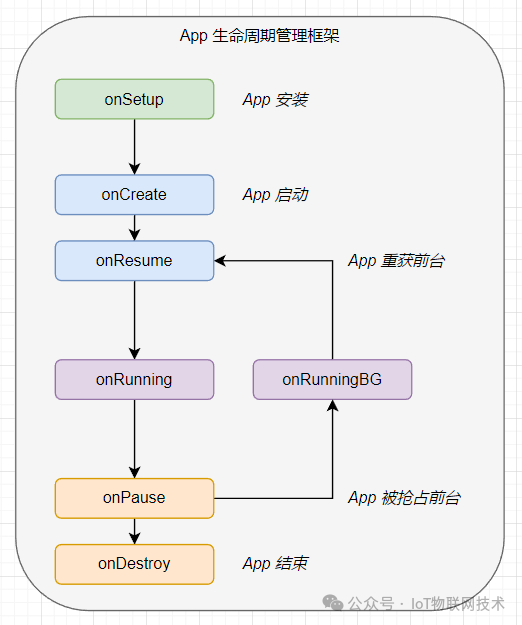
App Lifecycle Management: Supports the scheduling of the App running lifecycle in the foreground and background (single-threaded, single foreground, multiple backgrounds), implemented using a finite state machine (FSM).
-
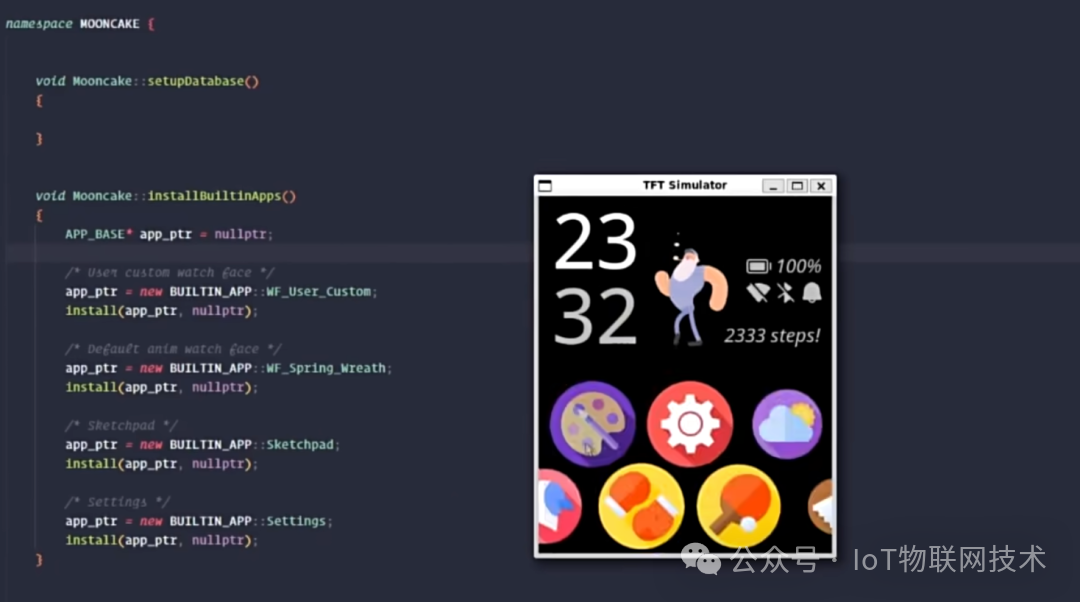
Built-in System Apps: All applications implemented above the App layer, but the startup animation and launcher are specially called by the Framework.
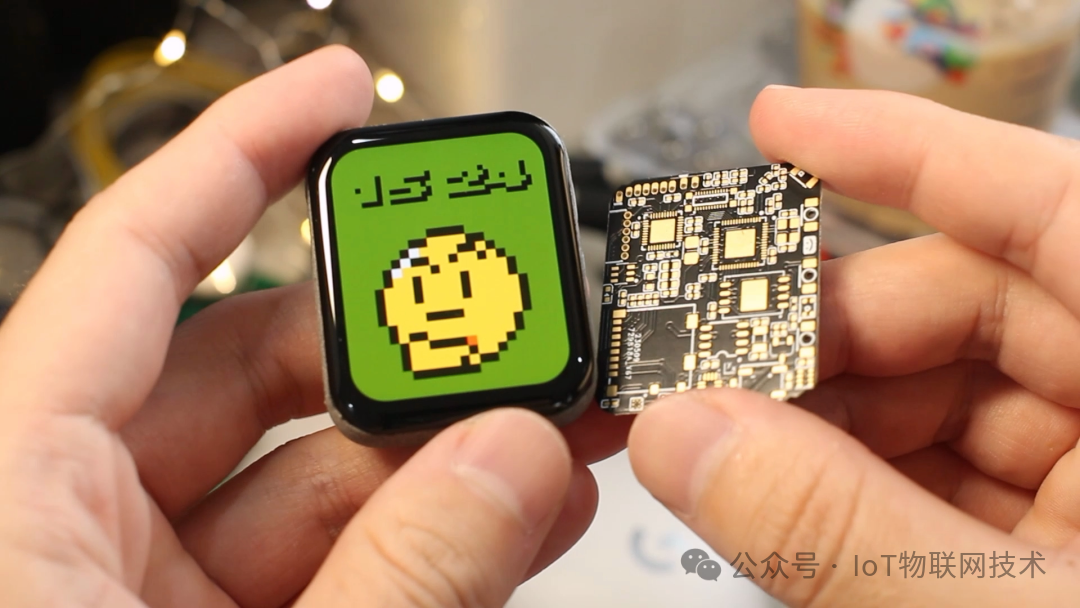
User-defined Watch Faces
Each folder under the watch_faces directory is treated as a watch face.
-
background directory: Stores watch face background resources (png, gif)
-
number directory: Stores time digit resources from 0 to 9 (png)
-
face.json: Resource description file, such as time digit coordinates, etc.
watch_faces/|├── AyanamiRei│ ├── background│ │ ├── background.png│ ├── face.json│ └── number│ ├── 0.png│ ├── ~│ └── 9.png|├── FloatingNum│ ├── background│ │ └── background.png│ ├── face.json│ └── number│ ├── 0.png│ ├── ~│ └── 9.png|└── PixelThinking ├── background │ ├── background.png ├── face.json └── number ├── 0.png ├── ~ └── 9.png
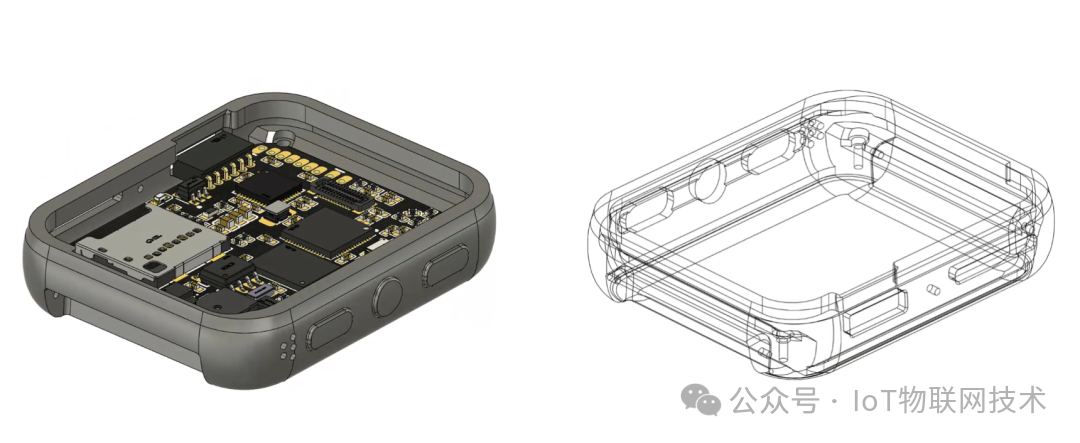
3D Shell Model
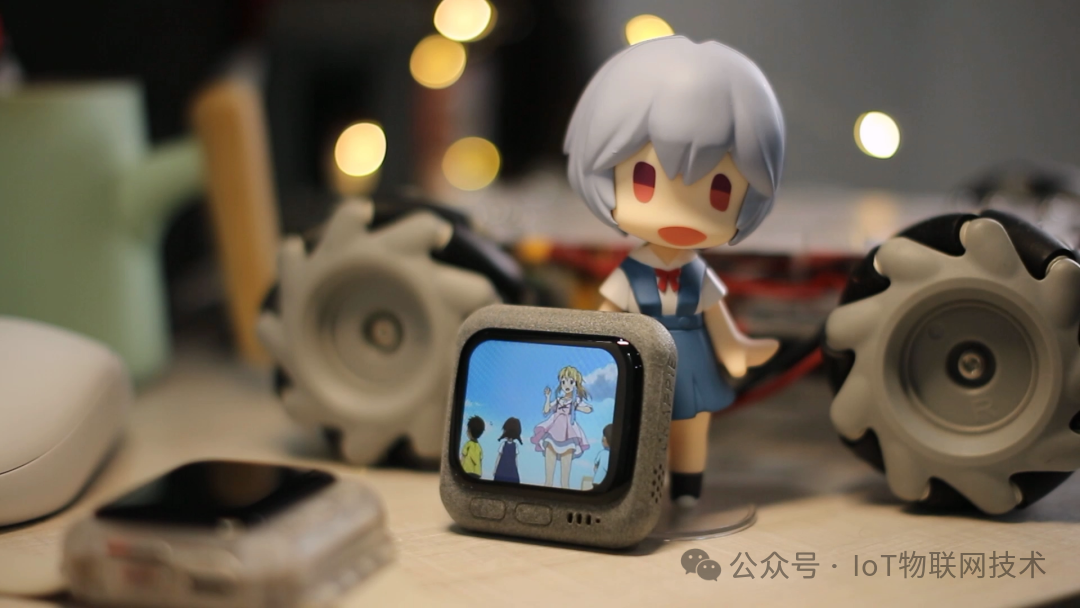
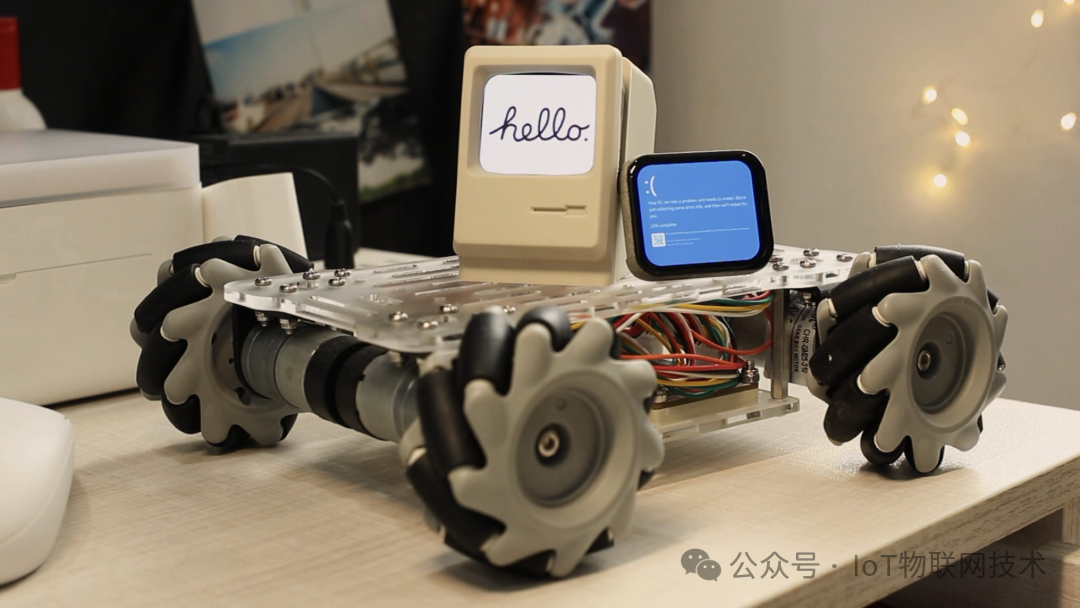 Schematic Diagram
 PCB Board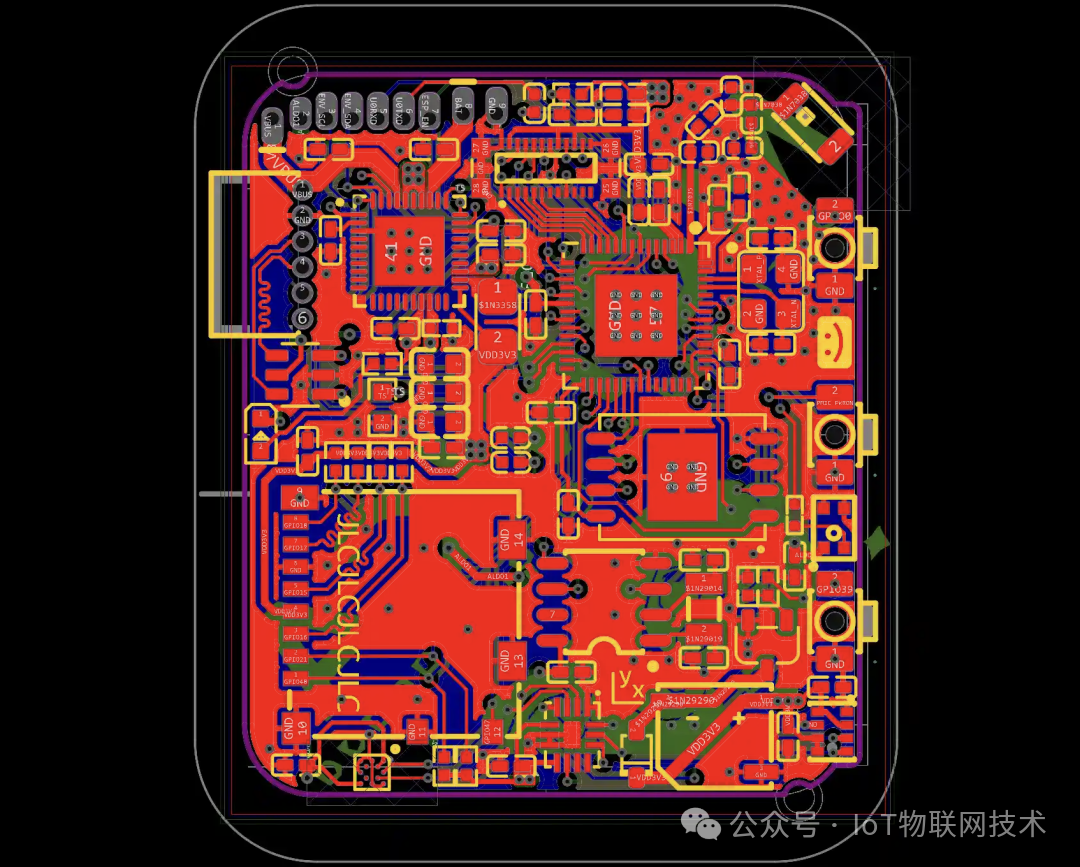
If you have needs for IoT source code procurement and project delivery, please scan the code to contact the editor, WeChat ID: beacon0418
 Previous Recommendations☞Espressif ESP32 + Doubao Smart AI Chatbot☞Earn 20,000 a week, complete smart agriculture project delivery☞Source code delivery for IoT smart water management and sewage treatment☞This is the IoT visualization big screen that the boss wants☞Work while slacking off, smart AI monitors the boss’s movements
Disclaimer:The content published by this public account comes from the internet, and we respect and protect the rights of the original authors. Due to the numerous sources of information, if there are copyright issues with the article content, or if the images, materials, download links, etc. used in the article involve infringement, please inform us, and we will handle it as soon as possible.