
Importing Data
The most important step in plotting data is importing it. I usually use .mat files, which are datasets generated in MATLAB. Although I am currently using CUDA to run data, the final file type is still a MAT file.
Usually, we import files using:
from scipy.io import loadmat  # Import .mat file
data = loadmat('phi_beta=0.30,c2=-2.00.mat')['phi1']  # Print data
print(data)
However, importing a MAT file may result in the following error:
NotImplementedError:Please use HDF reader for matlab v7.3 files, e.g. h5py
I asked ChatGPT about this, and the response was: The .mat file you are trying to load is in MATLAB v7.3 format, which is not supported by scipy.io.loadmat. Therefore, you need to use the h5py library instead.
import h5py
from scipy.io import loadmat
import numpy as np  # Import .mat file
with h5py.File('phi_beta=0.30,c2=-2.00.mat', 'r') as f:
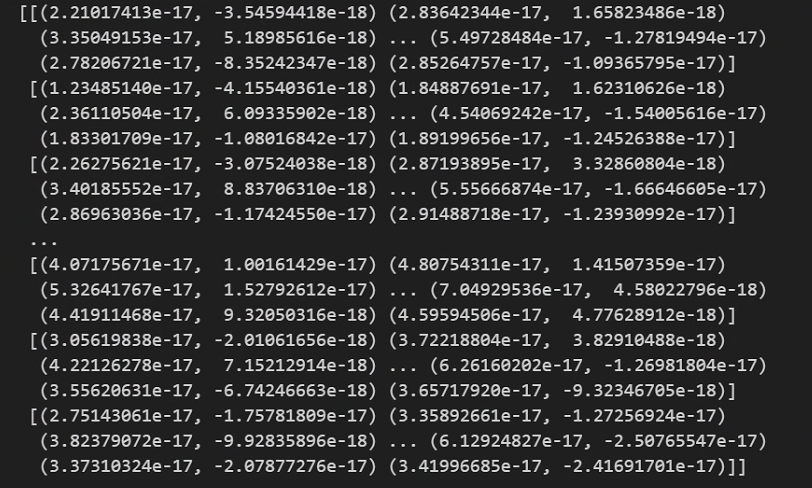
    psi1 = np.array(f['psi1'])  # Print data
print(psi1)
Here, ‘r’ indicates that the file is opened in “read” mode. This means you can only read the contents of the file and cannot modify it.
with: This is a context manager in Python that automatically handles some resource management tasks, such as opening and closing files, or connecting to databases. When using with, regardless of whether the code block executes normally, resource cleanup (like closing files) will automatically occur after exiting the block. This helps avoid forgetting to manually close files or release resources.
as f: as is a part of the with statement in Python used to specify a variable name. Here, f is a reference to the file object you opened. Within the with code block, you can access the file contents and read data using the variable f. For example: f[‘psi1’][:] reads the data named ‘psi1’ from file f.
This way, you can successfully print the variables in your MAT file for further use.
END


Monotonous Physical Little World