
In the world of Linux, Debian is known for its stability, but installation and configuration can be somewhat complex for beginners.SpiralLinux has emerged to lower the barrier: it is based on Debian Stable and provides a ready-to-use desktop experience, while retaining the stability and ecosystem of Debian.
📌 Official website: https://spirallinux.github.io📌 Latest version: SpiralLinux 12.231001 (released in October 2023, based on Debian 12 “Bookworm”)
🏞️ Interface Preview
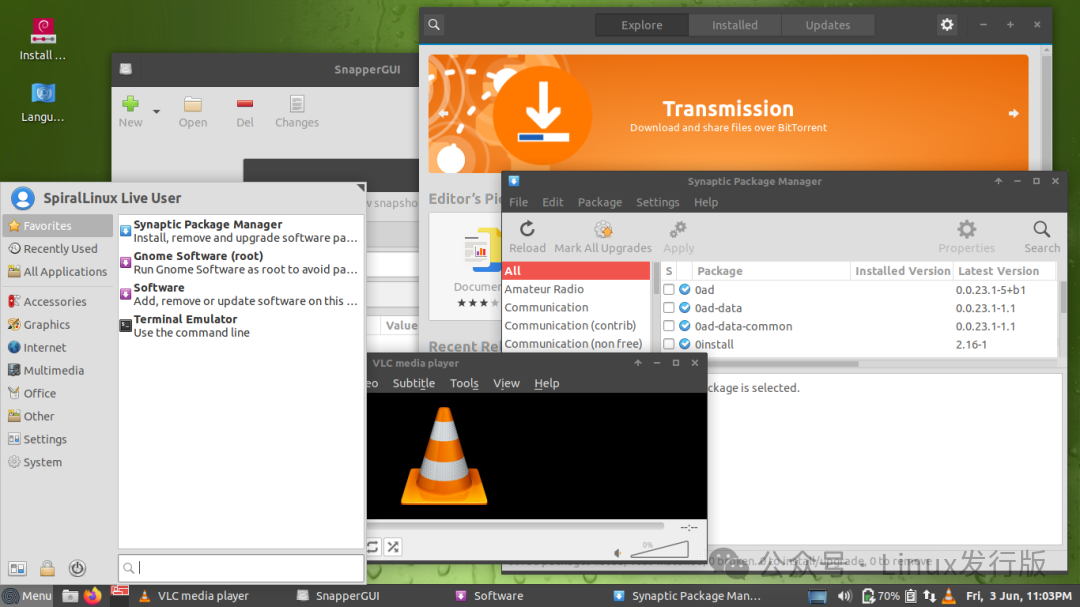
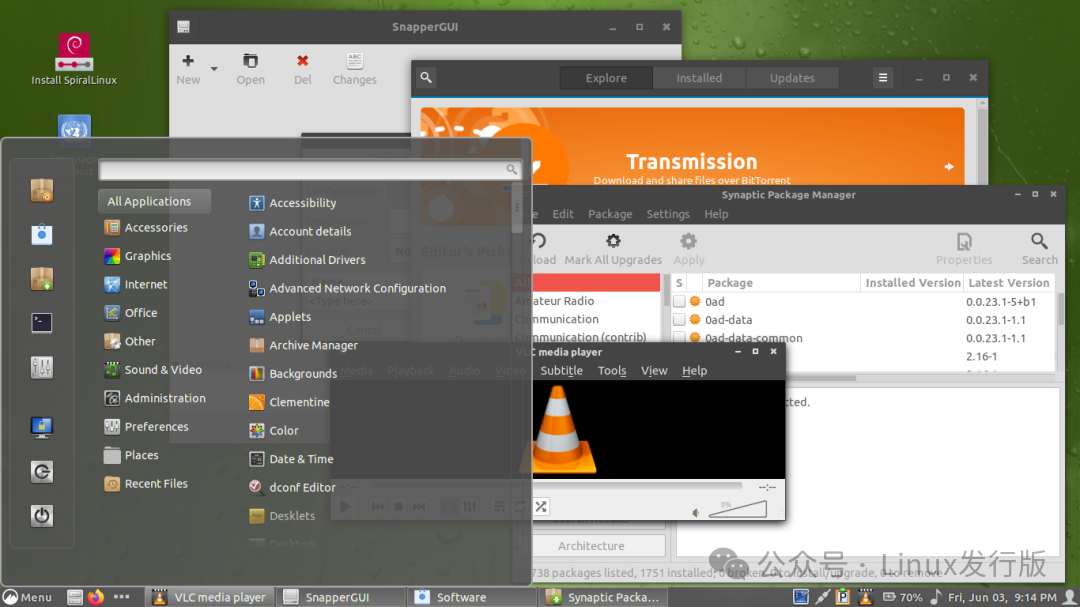
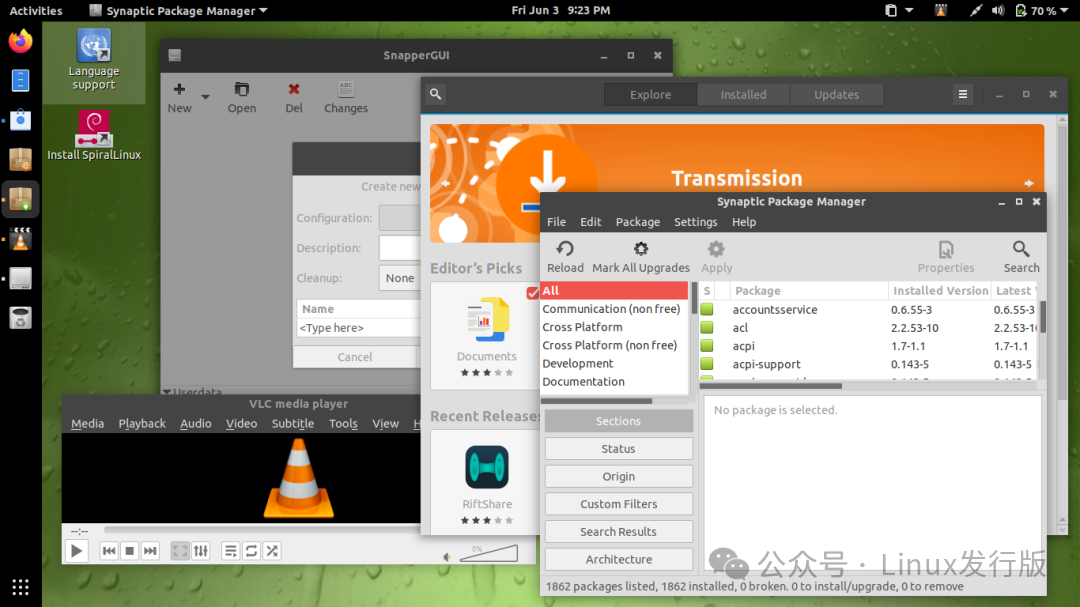
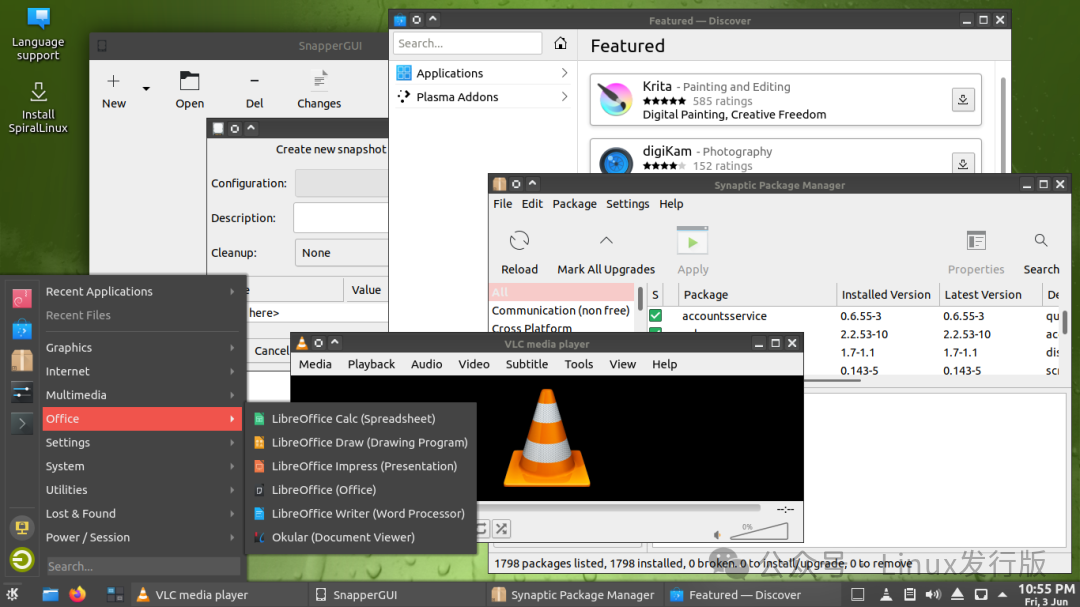
📜 Origin and Development
- • 🕰️ Developer Background: Created by the author of GeckoLinux, a derivative based on openSUSE.
- • 🔄 Design Philosophy: To make Debian more user-friendly, reducing cumbersome configurations and providing a ready-to-use desktop environment.
- • 🌍 Target Audience: Suitable for Linux beginners and users who want to quickly deploy a desktop environment.
🎯 Key Features
- • 🖥️ Multiple Desktop Environment Choices: Cinnamon, GNOME, KDE Plasma, Xfce, MATE, Budgie, LXQt.
- • ⚡ Optimized Hardware Support: Built-in Debian Backports kernel (6.4), compatible with new hardware.
- • 🎵 Audio Optimization: Fully utilizes PipeWire, with a default low latency (5.3ms), compatible with JACK, suitable for audio production.
- • 📦 Btrfs File System: Default enables transparent compression, automatic snapshots (Snapper), supports GRUB quick rollback.
- • 🔧 System Optimization: Improved font rendering, pre-installed multimedia codecs, TLP power management, VirtualBox integration.
- • 🌐 Convenient Software Installation: Supports Flatpak, with a graphical manager making application installation easier.
🧩 Technical Specifications
| Category | Configuration Details |
| Base System | Debian 12 “Bookworm” |
| Kernel | Linux 6.1 (Stable) / 6.4 (Backports) |
| Desktop Environment | Cinnamon / GNOME / KDE / Xfce / MATE / Budgie / LXQt |
| File System | Btrfs (default with snapshots and compression enabled) |
| Audio System | PipeWire + JACK low-latency configuration |
| Package Management | APT + Flatpak |
⚙️ Installation and Usage Guide
- 1. 💿 Download the Image: Official download page[1]
- 2. 🔧 Create a Bootable Drive: Recommended tools are Ventoy or BalenaEtcher.
- 3. 🖱️ Installation Process:
- • Boot the live system, experience it before installation
- • Supports automatic/manual partitioning, Btrfs is recommended
- • After installation, you can enter the desktop
# Update the system
sudo apt update && sudo apt full-upgrade

# Install Flatpak application
flatpak install flathub org.mozilla.firefox
👥 Target Audience and Typical Use Cases
- • 🧑💻 Linux Beginners: Want to experience Debian but prefer something more user-friendly.
- • 🖥️ Desktop Users: For daily office work, browsing, and entertainment.
- • 🎵 Audio Creators: Low-latency PipeWire + JACK, suitable for music production.
- • 🏫 Education/Laboratories: Quick deployment, stable and reliable.
✅ Advantages and ⚠️ Considerations
Advantages:
- • ⚡ Ready to use, reduces configuration time
- • 🎨 Diverse desktop environments, flexible choices
- • 📦 Fully compatible with the Debian ecosystem
- • 🔧 System optimizations for better performance and experience
Considerations:
- • 📚 Limited Chinese resources
- • 🧱 Update pace depends on Debian, software versions are relatively conservative
- • 🔧 Lacks a welcome interface, beginners may need some adjustment
📌 Summary
SpiralLinux is a Debian derivative focused on simplicity, ease of use, and ready-to-use. It not only inherits the stability of Debian but also offers a more modern and user-friendly experience through features like desktop optimizations, audio enhancements, and Btrfs snapshots.
In summary:SpiralLinux = Debian stability + ready-to-use desktop + audio and system optimizations.
📎 References:: Linux Enthusiast “SpiralLinux 12.231001 Released”: CSDN “Debian Derivative Desktop Project SpiralLinux Released”: Blog Garden “SpiralLinux 12.231001 Released”: GitCode Blog “Exploring SpiralLinux: A Faster, Easier Debian Experience”: Linux Enthusiast “Spiral Linux: Making Debian Easy for Everyone”
Reference Links
<span>[1]</span> Official download page: https://spirallinux.github.io