Dear Linux enthusiasts and open-source lovers, today I want to recommend a treasure-level application platform—Flathub Chinese Site! If you are still struggling to find software for your Linux system, this website will definitely solve your big problem.
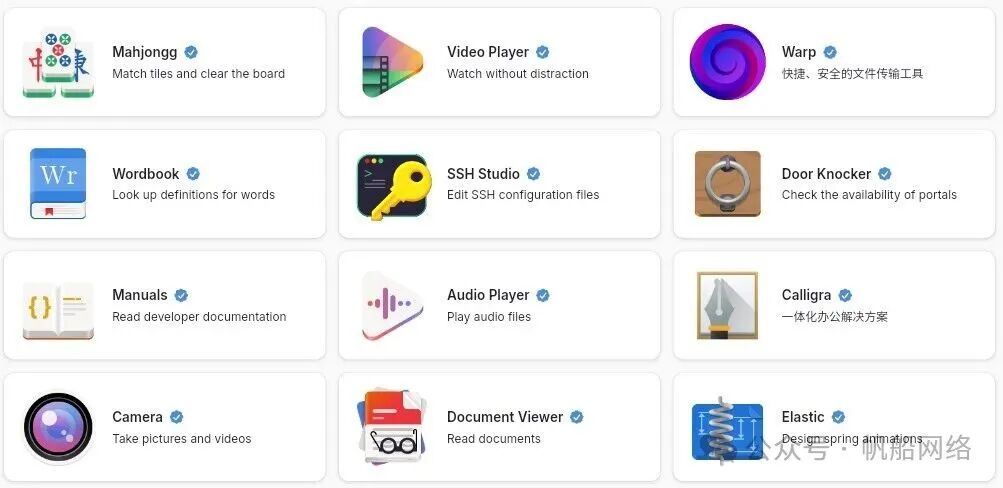
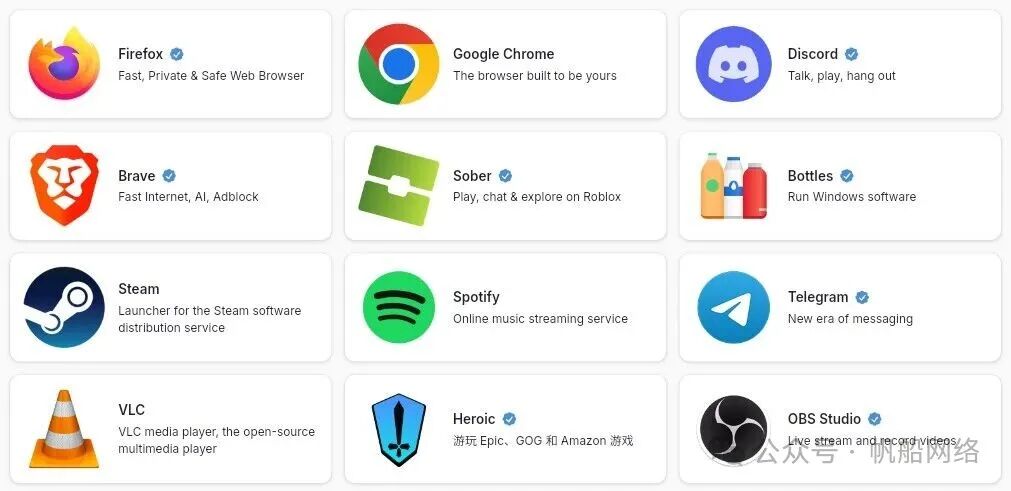
🌟 What is Flathub?
Flathub is one of the most mainstream application stores for Linux systems, similar to the app market on mobile phones. Its biggest advantage is its cross-distribution compatibility; whether you are using Ubuntu, Fedora, or Deepin, you can install high-quality applications here with just one click.
The Flathub Chinese Site is a version tailored for Chinese users, with a fully Chinese interface, making it more user-friendly and completely eliminating language barriers!
📱 Core Advantages of Flathub Chinese Site
| Advantage Highlights | Details |
|---|---|
| 🌐 Fully Chinese Interface | From the homepage to application details, everything is displayed in Chinese, making it stress-free for beginners. |
| 📦 Vast Application Library | Includes thousands of applications covering all categories such as office, design, entertainment, and development. |
| 🔄 Automatic Updates | Applications automatically update in the background after installation, requiring no manual operation. |
| 💻 Cross-System Compatibility | Supports almost all mainstream Linux distributions, allowing for one-time installation to use everywhere. |
| 🛡️ Secure Sandbox | Applications run in an isolated sandbox, ensuring system stability is not affected. |
🛠️ Getting Started with Flathub Chinese Site in Three Steps
- Preparation: First, you need to install the Flatpak framework on your Linux system (most mainstream systems come pre-installed; if not, you can refer to the official tutorial).
- Visit the Website: Open your browser and go to the Flathub Chinese Site, browsing applications just like you would on a shopping website.
- One-Click Installation: Find the application you want, click the “Install” button, and the system will automatically call Flatpak to complete the installation without any complex commands.
🎨 Recommended Popular Applications
- Office Productivity: LibreOffice (free office suite), OnlyOffice (collaborative office)
- Creative Design: GIMP (image editing), Inkscape (vector graphic design)
- Entertainment & Media: VLC media player, Spotify (music streaming)
- Development Tools: Visual Studio Code (code editor), GitKraken (Git management)
💡 Tips
If you are a Linux beginner, the Flathub Chinese Site is definitely your first choice for expanding applications; if you are an experienced user, it can also save you the trouble of finding software packages and resolving dependency issues, making Linux as easy to use as Windows/macOS!
Flathub Official Website:https://flathub.org/zh-Hans
Follow the public account Sailboat Network 🚢 for more practical Linux tips, open-source tool recommendations, and technical insights! Whether you are a beginner or looking for advanced tutorials, we have prepared everything for you, come and explore the exciting world of open source together~
THE END
Disclaimer: This resource comes from the internet and is for personal learning and communication purposes only. If there is any infringement, please contact us, and we will delete it immediately.

Share

Like

Recommend