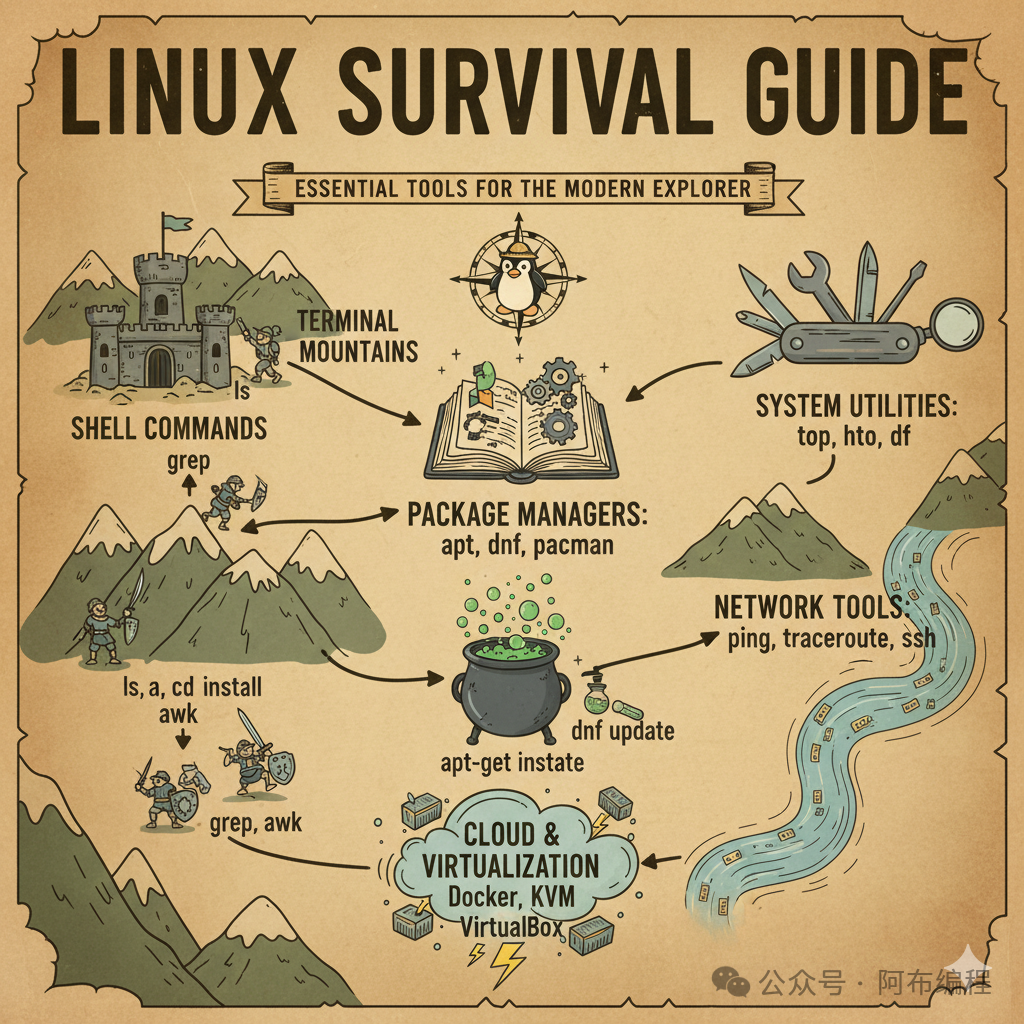
In the world of Linux, you can find a variety of powerful tools that are often open-source, free, stable, and occasionally give you the illusion of being a “hacker”. Especially when you open the terminal—at that moment, you feel like you have command of the universe. In contrast, on Windows, you often find yourself dealing with… “Updating, please do not turn off your computer”.
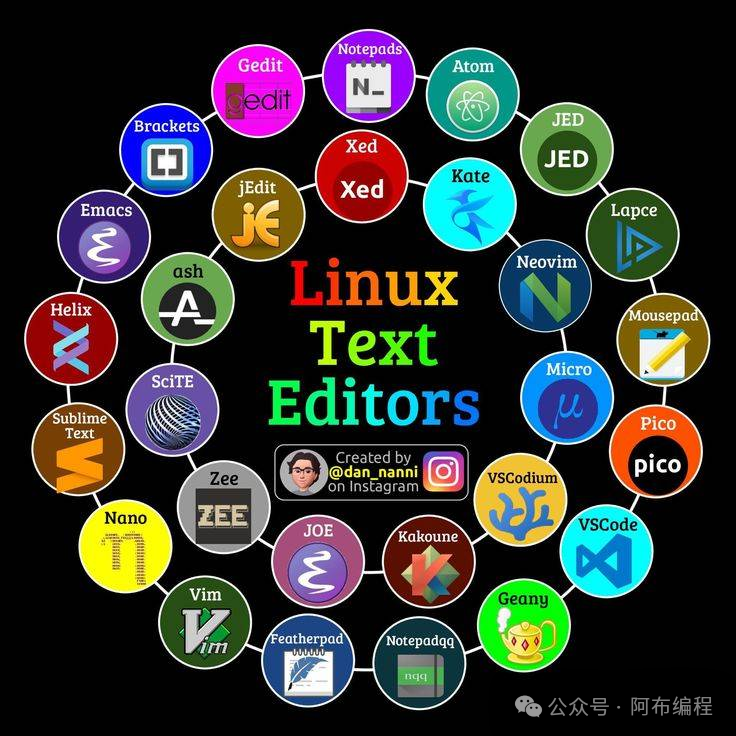
In terms of text editing, Linux offers gentle options like Nano and Gedit: simple interfaces, practical functions, and no fuss. There are also “martial arts masterpieces” like Vim and Emacs, with a learning curve comparable to cultivating immortality; once mastered, you may find other editors too mundane. In comparison, Windows Notepad is harmless, suitable for writing documents, but for coding, you might need some psychological counseling.
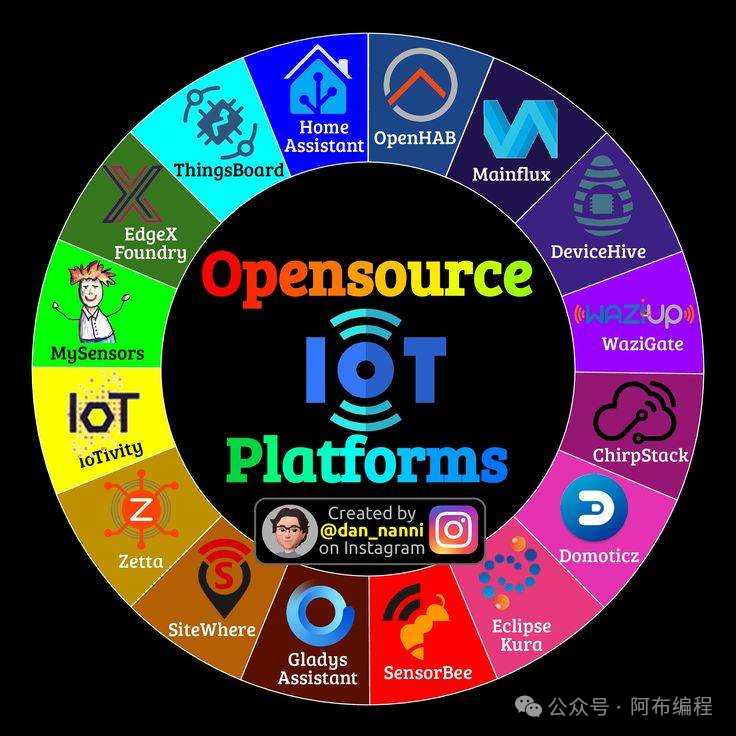
The IoT platform is where Linux truly shines. Platforms like Raspberry Pi OS and Ubuntu Core are great companions for small devices, especially when paired with the visually appealing and user-friendly Node-RED, allowing you to control sensors by dragging blocks, much like building with Lego. Windows has made efforts in the IoT world, but most developers ultimately nod towards Linux devices: yes, this one understands me better.
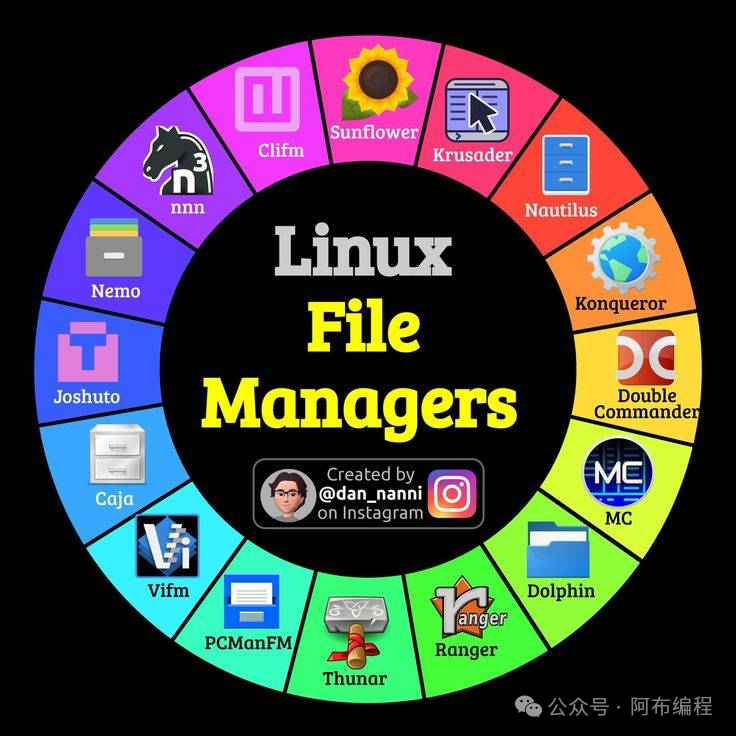
In file management, Linux offers a plethora of choices like Nautilus, Dolphin, and Thunar, as if asking you: “Do you want a blue theme? Minimalist style? Or lightweight?” Command-line tools like cp, mv, and rsync are efficiency powerhouses, where a single line of code can replace dozens of pop-ups in the Windows file manager. If you copy large files on Windows, you might see the progress bar jump to 90%, only to suddenly change to “43 minutes remaining”, as if it’s rethinking its life.
In terms of terminal tools, the Linux platform is equally impressive. The power and freedom of the terminal are key components of Linux’s charm. Choosing a suitable terminal environment is like selecting a trusty sword for a warrior; it can significantly enhance efficiency and bring greater coding satisfaction.
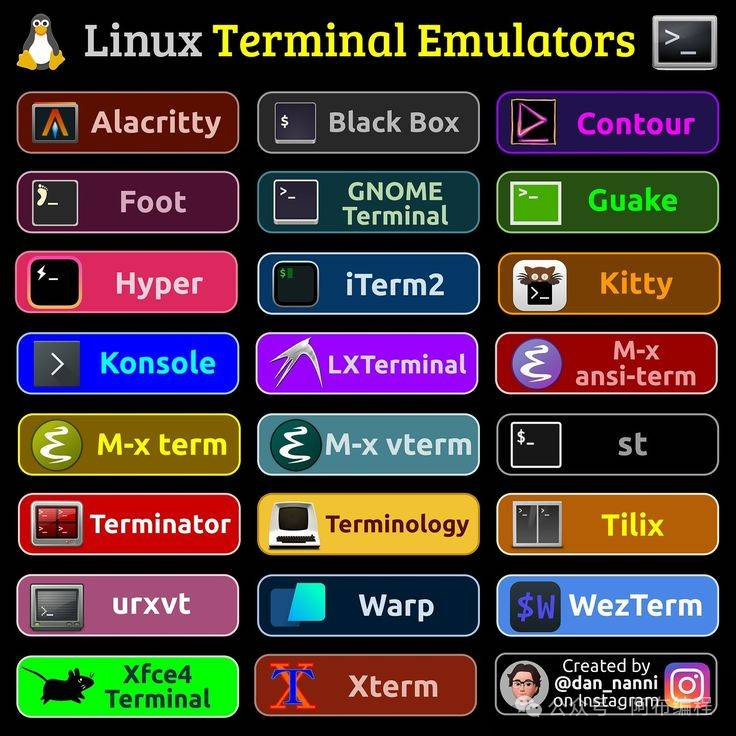
For example, users who prefer a minimal and fast experience can choose Alacritty paired with tmux to create an agile and smooth multi-window workflow; developers who favor powerful completion and aesthetically pleasing interfaces often use Zsh with Oh My Zsh to create a “talkative and capable” shell; while system administrators who need to maintain persistent sessions on servers rely heavily on tmux’s session persistence feature. It is this freedom of tool combination that allows each user to build the terminal experience that suits them best.
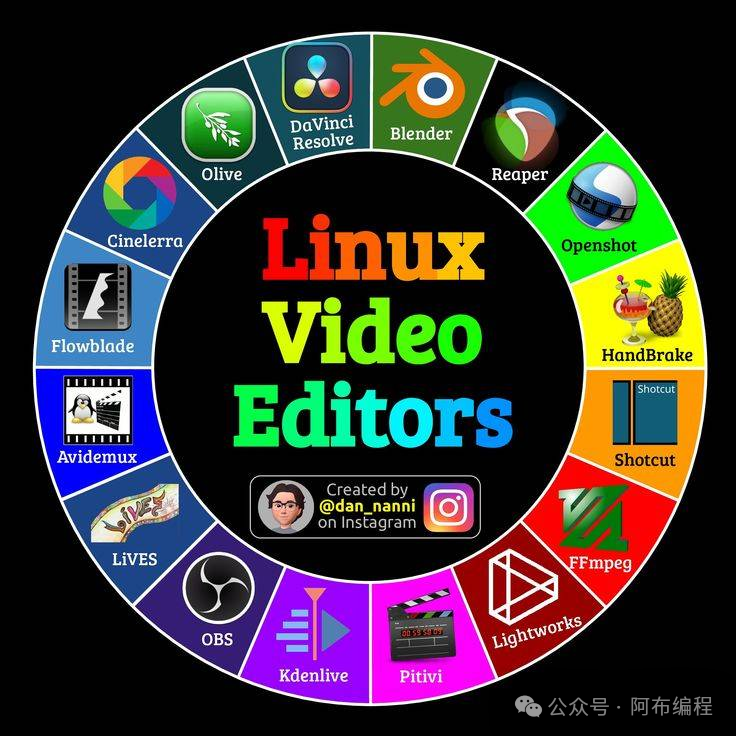
Finally, for video editing, Linux users can freely create with open-source software like Kdenlive, OpenShot, and Shotcut, without spending money, needing activation codes, or suddenly facing a “professional version subscription expired” pop-up. Kdenlive’s multi-track editing and rich effects make it suitable for medium to large projects. Although there are various excellent video tools on Windows, many are either paid or filled with ads, making it hard to tell if you’re editing a video or being edited by one.
Overall, the Linux platform is like a free, powerful friend with a bit of a geeky vibe; Windows is that roommate who helps you install software but occasionally restarts unexpectedly and insists on showing ads. Both have their pros and cons, but if you enjoy a sense of control, efficiency, and the romance of changing the world with a single command line—Linux will not disappoint you.
Finally, if you happen to be an operating system enthusiast, a programmer, or a student learning to code, you absolutely cannot miss this new book written by Abu, which has been highly recommended by many Microsoft bigwigs 👉 “C/C++ from the Perspective of the CPU”. This book reveals many secrets behind programming languages from the perspective of chips, helping you enhance your programming skills and embark on the path of efficient coding.