Overview
SQLREST is an open-source database RESTful API generation platform that quickly converts SQL queries into RESTful API interfaces. This article will detail the complete process of deploying SQLREST through source code compilation in a Linux environment.

System Requirements
Before starting the deployment, please ensure that your Linux server meets the following requirements:
1. System Requirements
| Component | Minimum Requirement | Recommended Configuration |
|---|---|---|
| CPU | Multi-core processor | Multi-core processor (e.g., Intel Xeon E5 series) to support high concurrency |
| Memory | 16GB RAM | 32GB or more recommended for complex query scenarios |
| Disk | 50GB of available space | – |
| Operating System | CentOS 7.6+ or Ubuntu 20.04 LTS | – |
| Java Environment | JDK 1.8 | OpenJDK 11 LTS recommended, need to configure<span><span>JAVA_HOME</span></span> environment variable |
| Build Tool | Maven 3.6.3+ | Configure<span><span>MAVEN_HOME</span></span>, recommended to switch to domestic mirror sources for acceleration |
| Database | MySQL 5.7+ | Used to store SQLREST system metadata |
Install Java
sudo yum install java-11-openjdk-devel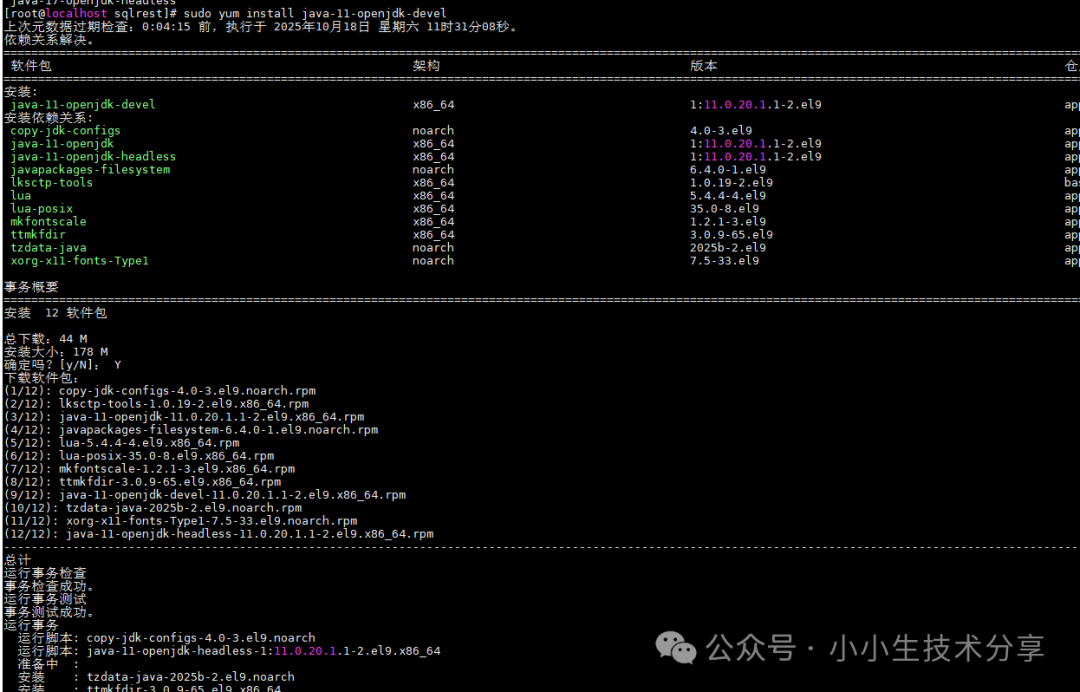
Install Maven
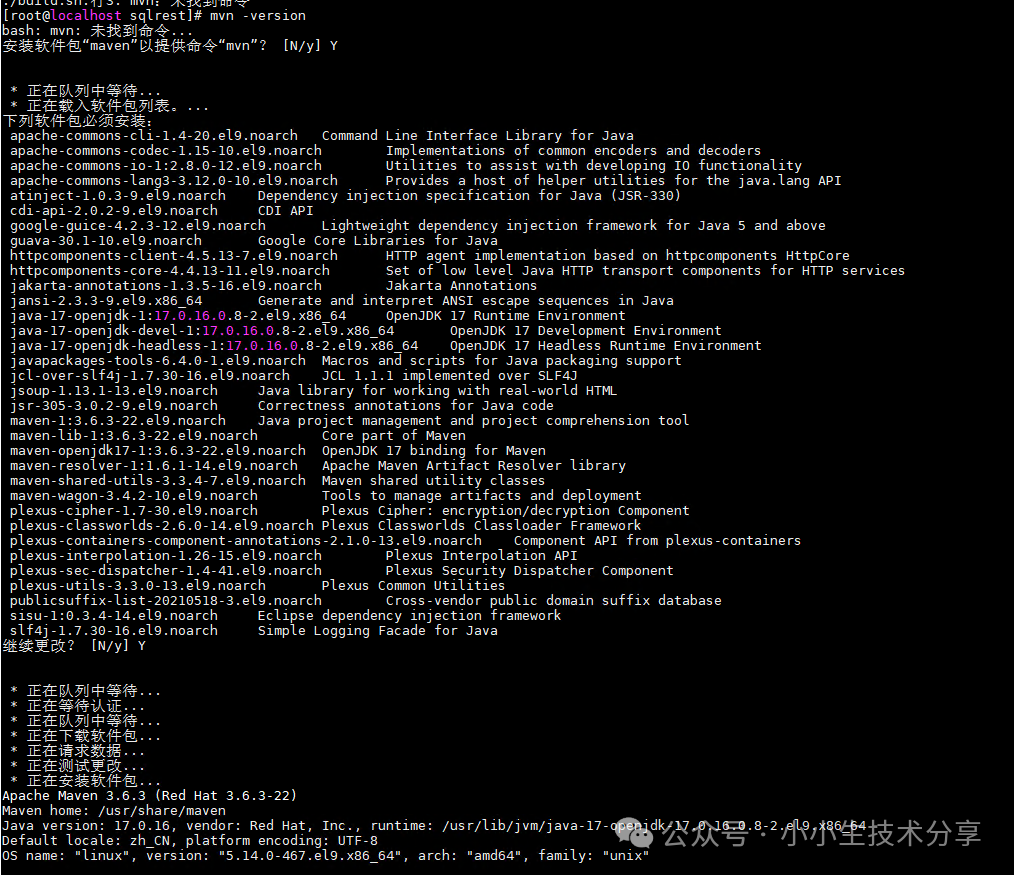
2. Obtain Source Code
Use Git to clone the SQLREST source code to your local machine. There are two project repository addresses, you can choose either one.
# Option 1: Clone from Gitee (recommended for domestic, faster speed)git clone https://gitee.com/inrgihc/sqlrest.git
# Option 2: Clone from Dromara organizationgit clone https://gitee.com/dromara/sqlrest.git
cd sqlrest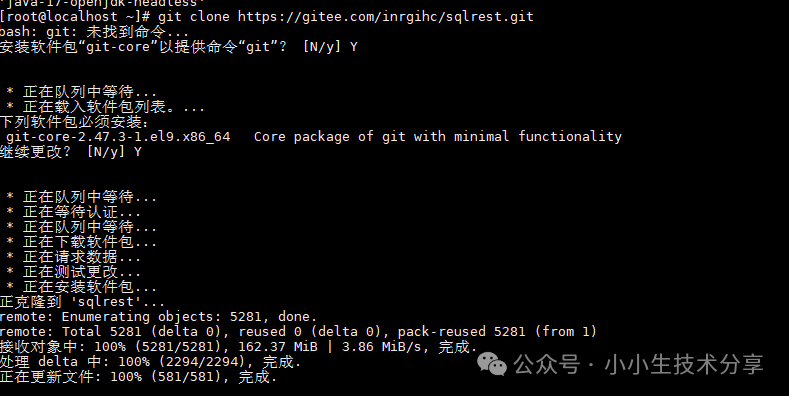
3. Source Code Compilation
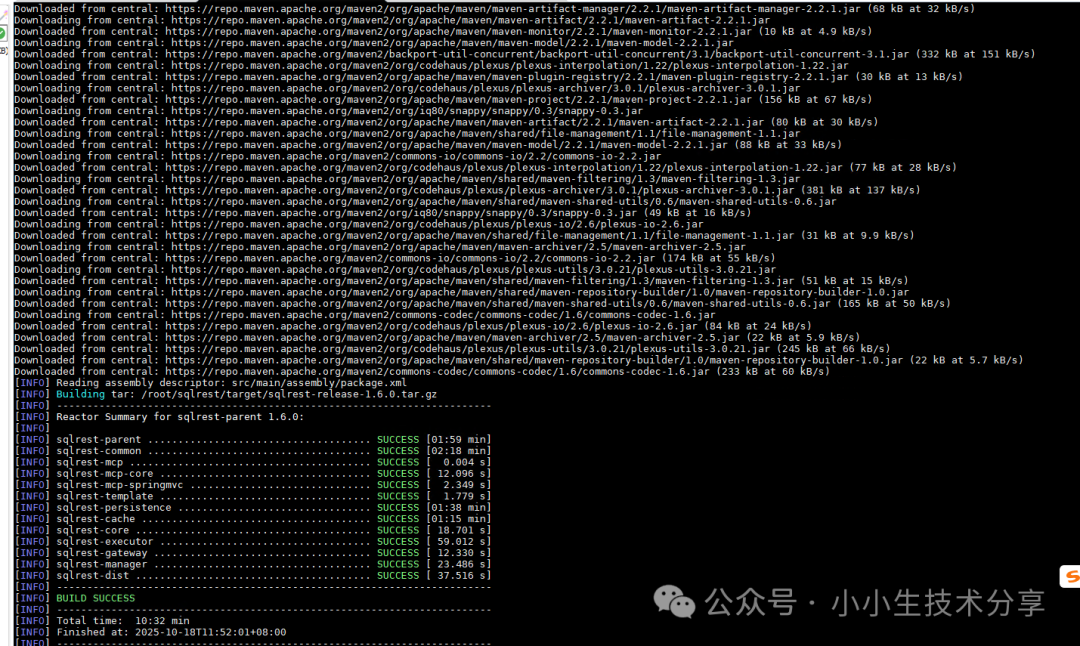
Navigate to the project root directory and execute the provided Linux compilation script. This script will use Maven to download all dependencies and package the project.
sh ./build.sh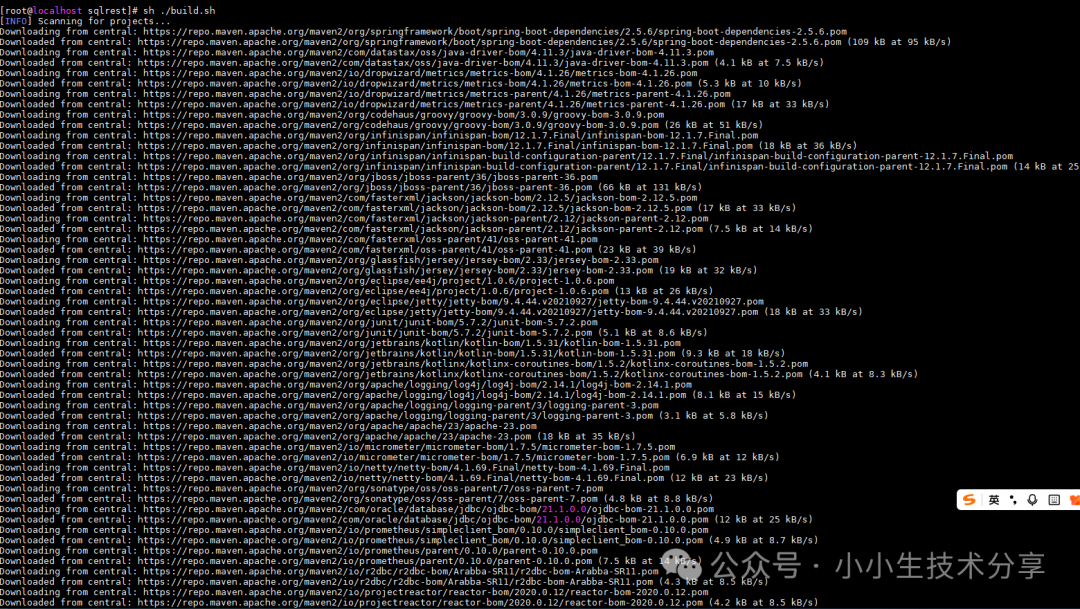
4. Deployment Configuration
Unzip the Installation Package
# Create target directory with sudo privileges (if needed)sudo mkdir -p /opt/sqlrest
# Unzip files to the specified directorysudo tar -xzf /home/px/sqlrest/target/sqlrest-release-1.6.0.tar.gz -C /opt/sqlrest
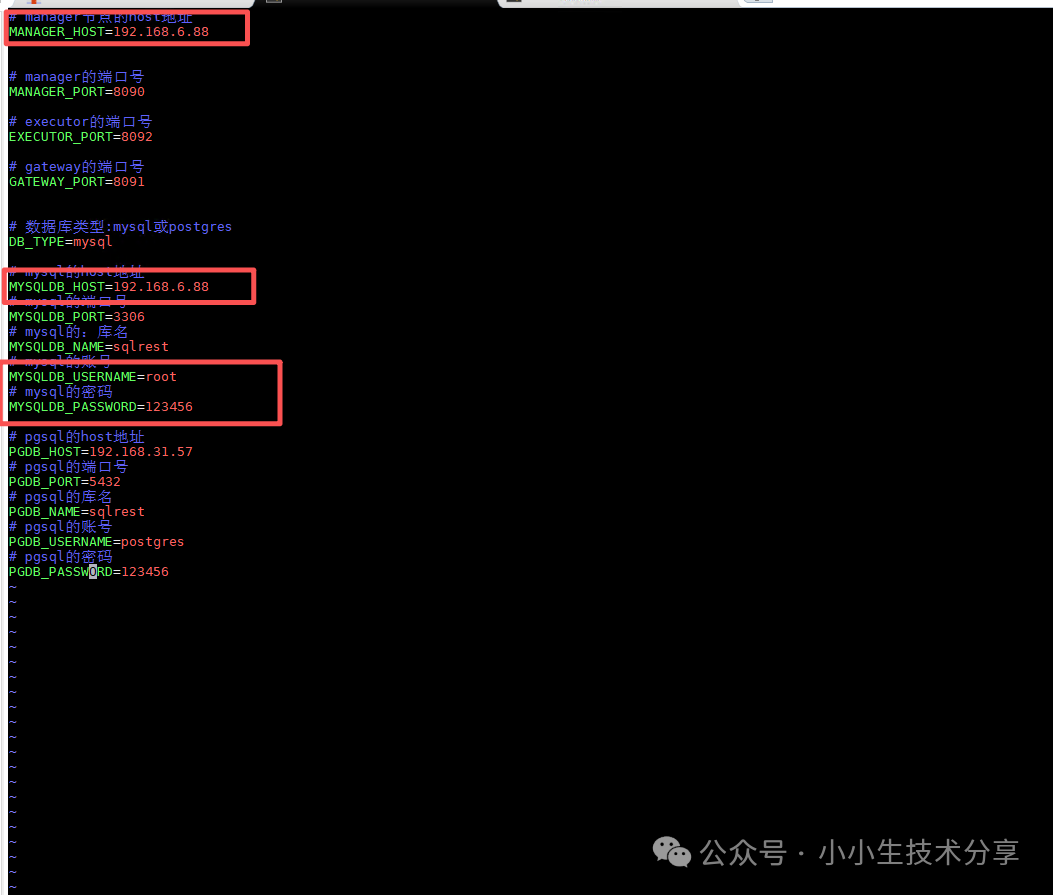
Configure Database Connection
Edit the configuration file <span><span>conf/config.ini</span></span>:
vim config.ini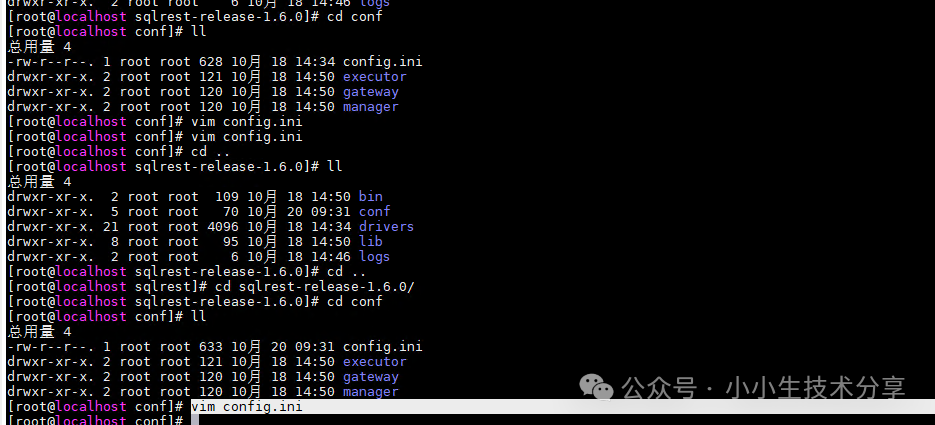
Start the Service
On a Linux system, use the control script provided by the project to start all services.Note: Services need to be started in the specified order
# Start manager service
sh bin/sqlrestctl.sh start manager
# Start executor service
sh bin/sqlrestctl.sh start executor
# Start gateway service
sh bin/sqlrestctl.sh start gateway
Access Verification
Once all services are successfully started, you can access the SQLREST management interface through your browser..
-
Access Address:
<span><span>http://<your server IP address>:8090</span></span> -
Default Username:
<span><span>admin</span></span> -
Default Password:
<span><span>123456</span></span>
Service Status Check
# Check status of all services
sh bin/sqlrestctl.sh status all
# Check status of individual services
sh bin/sqlrestctl.sh status manager
sh bin/sqlrestctl.sh status executor
sh bin/sqlrestctl.sh status gateway
<span><span><span>Example of normal status output:</span></span></span>
Service: manager is running (PID: 12345)
Service: executor is running (PID: 12346)
Service: gateway is running (PID: 12347)
Stop Services
# Stop all services
sh bin/sqlrestctl.sh stop all
# Or stop individual services in order
sh bin/sqlrestctl.sh stop gateway
sh bin/sqlrestctl.sh stop executor
sh bin/sqlrestctl.sh stop manager
Configure Firewall
# Check firewall status
sudo systemctl status firewalld
# Open ports 8090-8092
sudo firewall-cmd --add-port=8090/tcp --permanentsudo firewall-cmd --add-port=8091/tcp --permanentsudo firewall-cmd --add-port=8092/tcp --permanent
# Reload firewall configuration
sudo firewall-cmd --reload
# Verify open ports
sudo firewall-cmd --list-ports
Post-Deployment Steps
After successfully logging into the system, it is recommended that you:
-
Change the Default Password: For system security, please change the default password for the admin user in the management interface as soon as possible.
-
Configure Data Source: In “Connection Management”, add the business database you need to access via the API.
-
Generate API: In “Interface Configuration”, write SQL statements to publish your first RESTful API.
Previous Highlights:
C# Using IKVM.NET to Convert Java JAR Files to DLL Files
C# Quick Start with Redis
Building Modern WPF Applications with HandyControl: A Complete Guide
C# Using SpeechLib to Implement Voice Playback Functionality: A Complete Guide
C# HZHControls Control Library: Injecting Modern Web Vitality into Traditional WinForms Applications
C# SunnyUI: A Modern WinForms UI Control Library
C# Technical Implementation and Analysis of Calling Medical Insurance Electronic Certificate Interface
VB Calling Electronic Certificate QR Code Decoding Interface
C# Using ZXing.Net to Generate and Recognize Barcodes and QR Codes
C# Socket Communication Technology Explained: From Basics to Asynchronous Implementation
C# DevExpress ChartControl Weather Data Visualization Application
DevExpress Control Library: A Powerful UI Component Solution for C# Development
C# Efficiently Operating MySQL Database Using Dapper and MySQL.DataC# HTTP Client Showdown: HttpWebRequest vs HttpClient vs RestSharp, Which Should I Choose?C# RestSharp: The Ultimate REST API Client Tool in .NETC# HttpClient vs HttpWebRequest: Differences and Best PracticesC# Using HttpClient to Send POST and GET Requests to Call APIsC# Using HttpWebRequest to Send POST and GET Requests to Call APIsC# JSON Handling Solutions Deep Dive: System.Text.Json vs Newtonsoft.JsonC# Using Third-Party Library Newtonsoft.Json to Operate JSONC# Efficiently Operating JSON Data Using System.Text.JsonC# Logging Framework Deep Dive: Technical Selection Guide for Serilog, NLog, and log4netC# Using NLog for Efficient LoggingC# Using Serilog for Structured Logging: A Practical GuideC# Logging with log4netC# Logging with NotepadC# Two Ways to Operate XML: A Comprehensive Comparison of XDocument and XmlDocumentC# Using XDocument to Operate XML Format DataC# Operating XMLC# Creating WebService InterfacesC# Exporting DataTable Data to Excel in Windows Forms ApplicationsC# Sending SMS Using Alibaba Cloud SMS Package