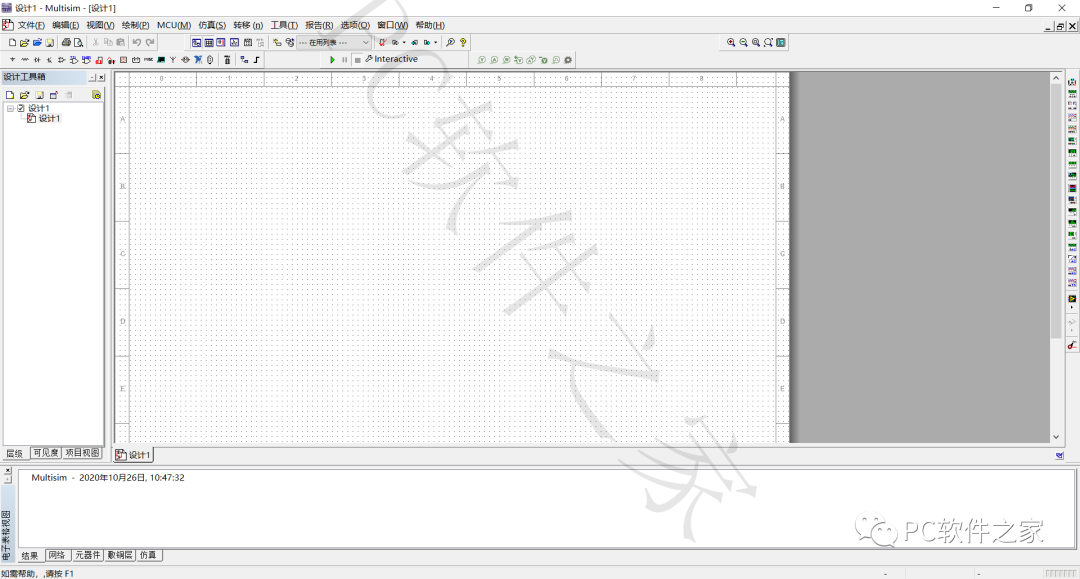
Software Introduction
Multisim 14 is a professional and highly practical circuit simulation tool based on Windows. Multisim 14 has comprehensive features, with the most intuitive capturing and simulation functions, allowing users to quickly create complete circuit diagrams with components. Additionally, Multisim 14 uses its built-in SPICE simulator to mimic circuit behavior, and its SPICE analysis and virtual instruments enable users to validate circuit designs in advance, thereby shortening the modeling cycle. It is suitable for the design work of board-level analog/digital circuits.
This software provided by this public account is for educational and communication purposes only. Please delete it quickly after downloading and do not use it for commercial purposes.
Software Download
Name: Multisim 14.0 【If the link is invalid, send: H6】Size: 685MBLink: https://pan.baidu.com/s/19YYX-88P2KBm81zOZ_b33A Extraction Code: 1mhy
Software Installation
1. Disconnect the internet and unzip the compressed file.
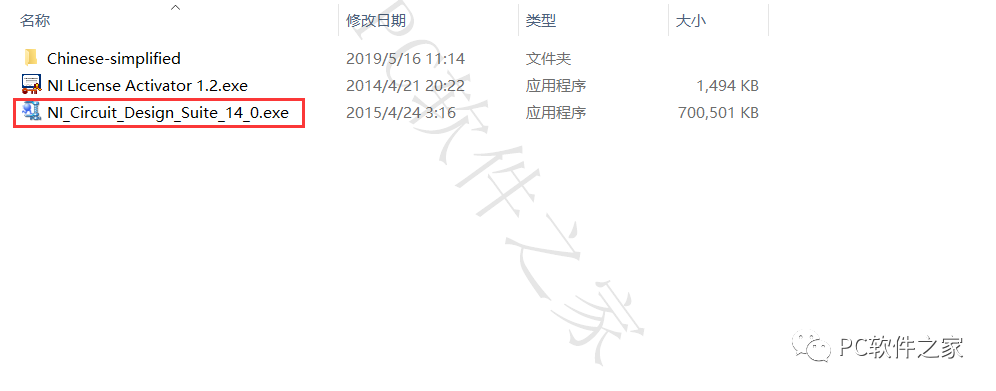
2. Double-click to open the program as shown in the image.
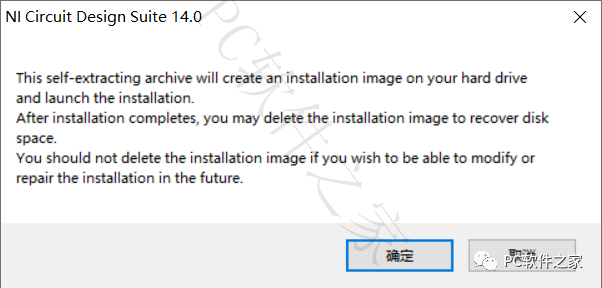
3. Click [OK]
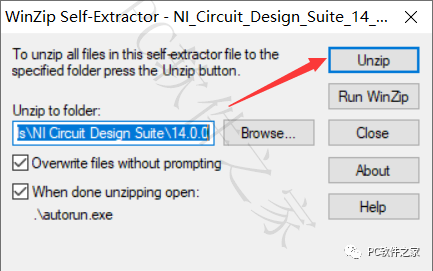
4. Click [Unzip]
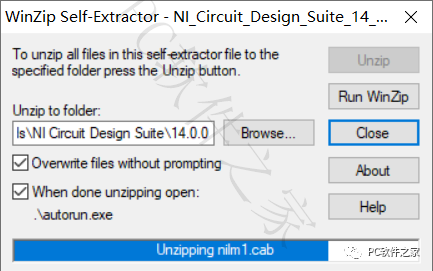
5. Unzipping…
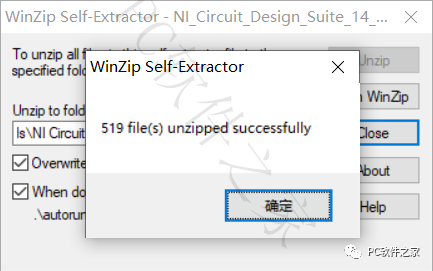
6. Click [OK]
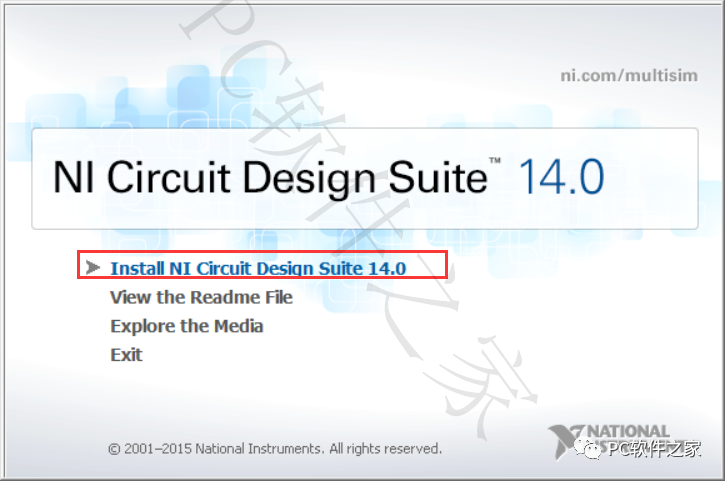
7. Click the options shown in the image to install.
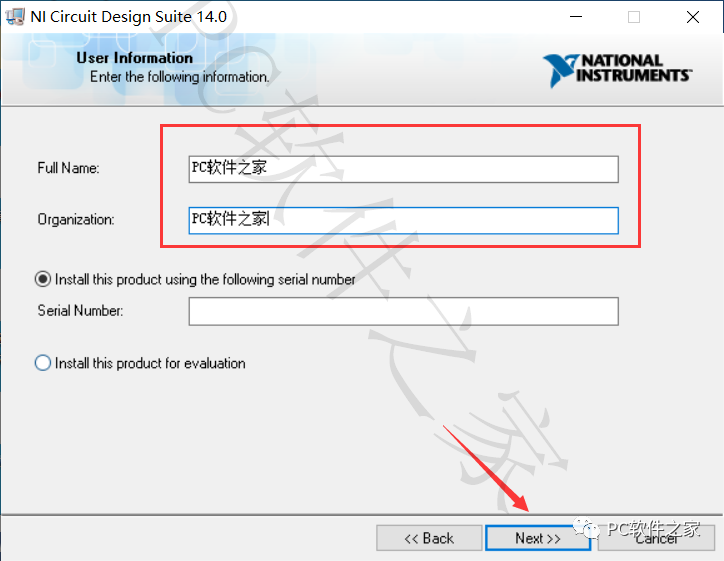
8. You can enter anything here; after successful installation, it will be displayed on the software startup page (visible at the end of this document), click [Next]
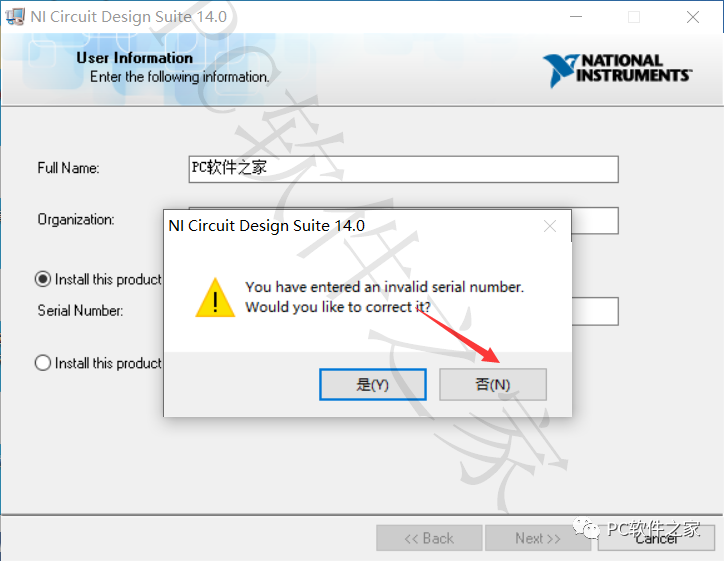
9. Click [No]
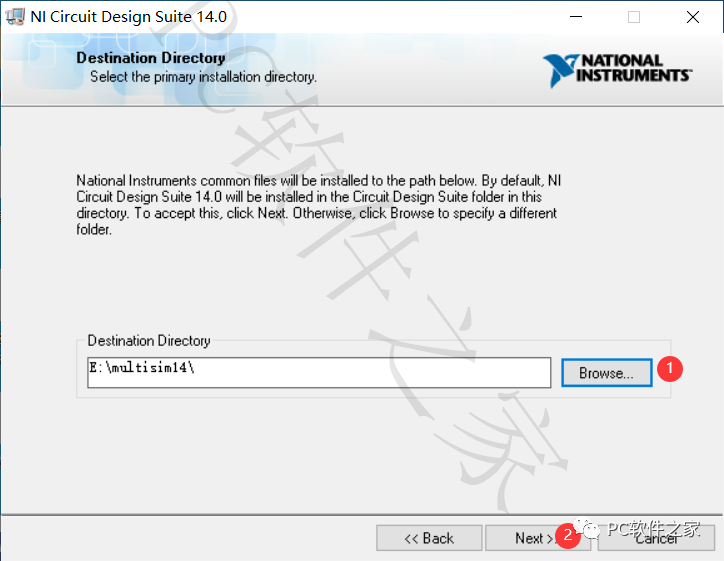
10. You can change the installation location by clicking Browse; here I created a Multisim14 folder on drive E, set it up and click [Next]
11. Click [Next]
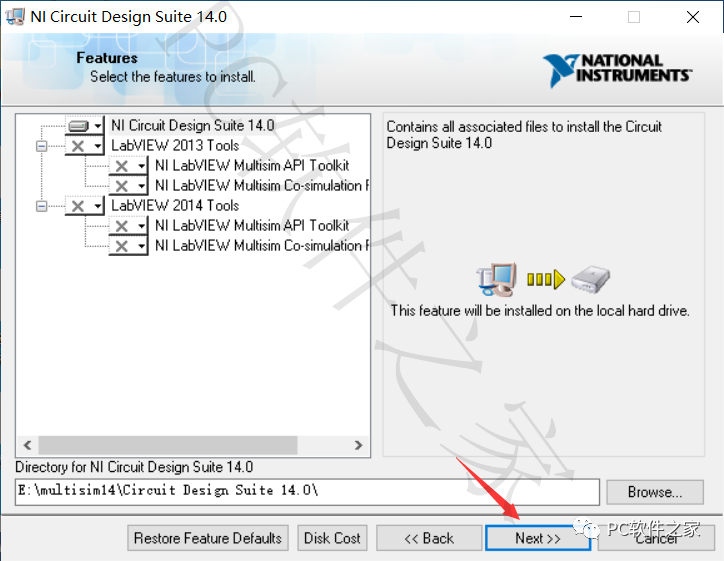
12.Click [Next]
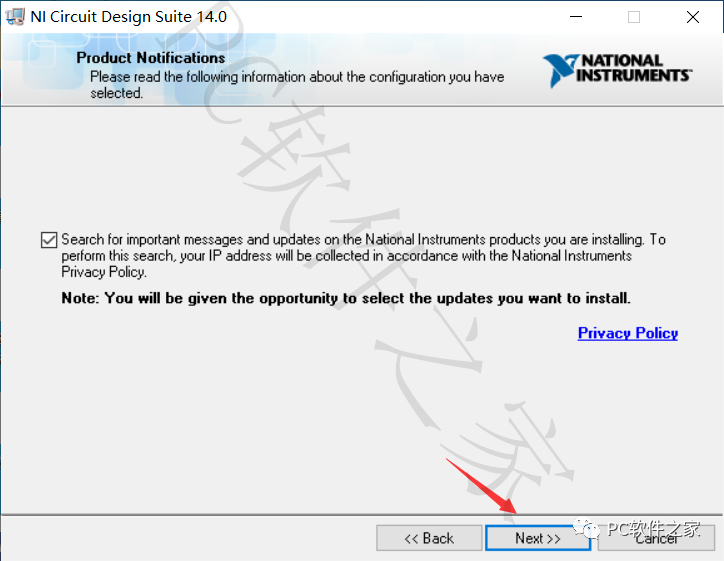
13.Click [Next]
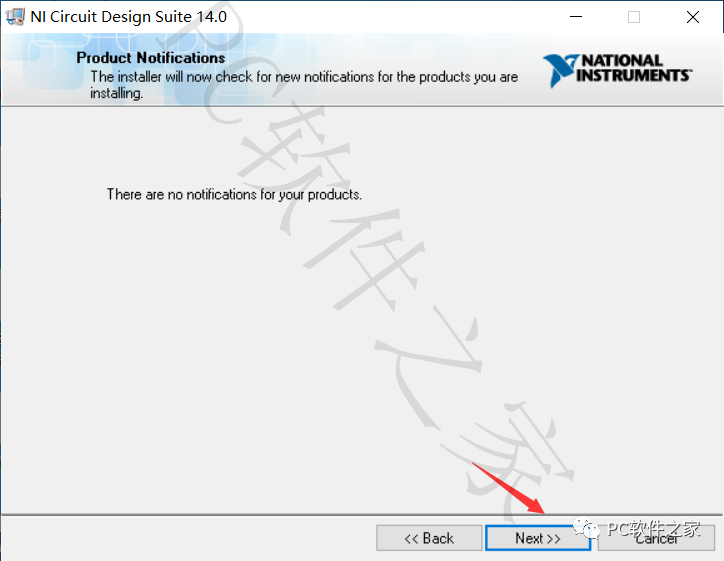
14. Agree and click [Next]
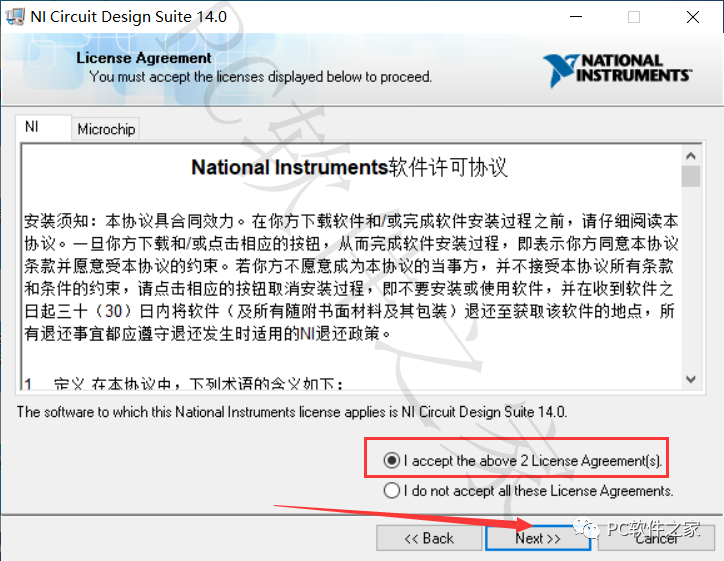
15.Click [Next]
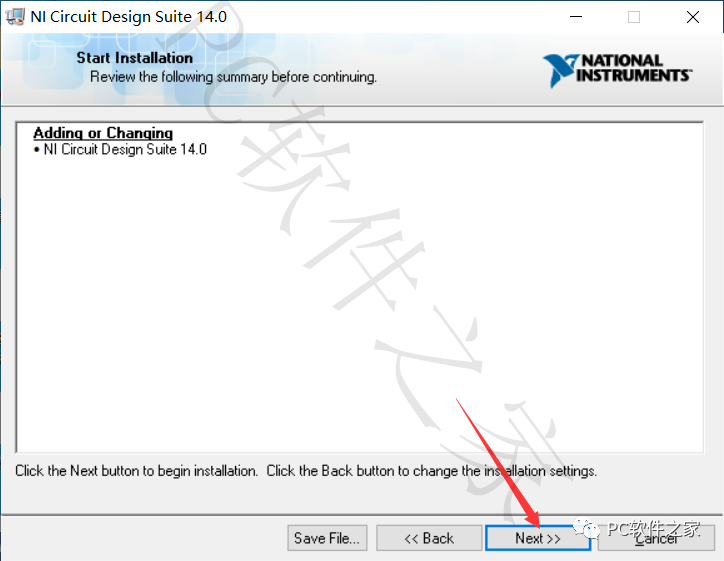
16. Installing…
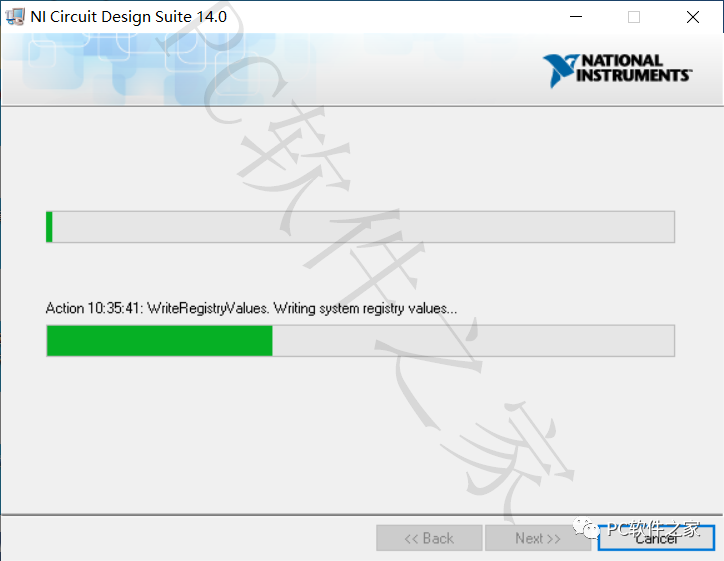
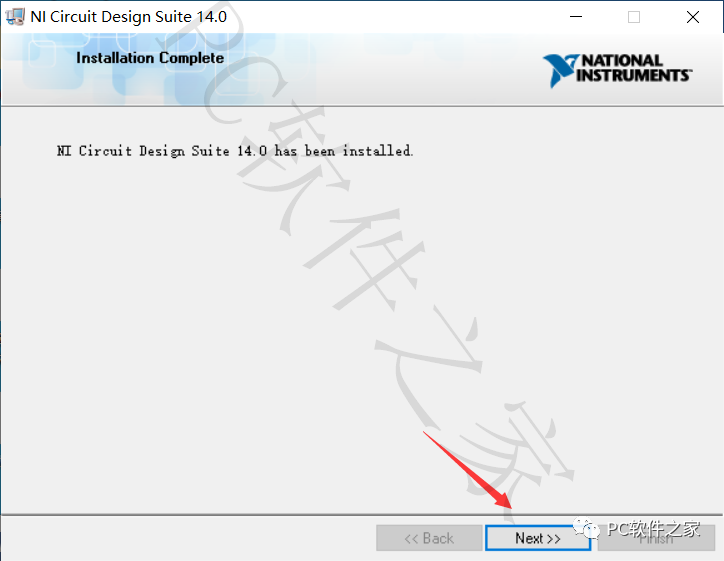
17.Click [Next]
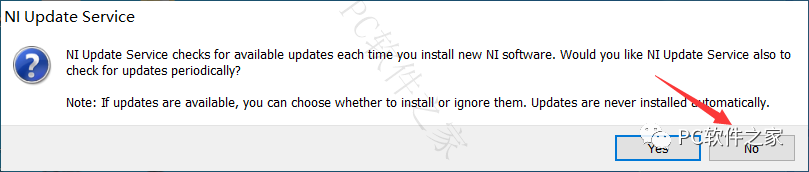
18. Click [No]; if this dialog does not appear, proceed to the next step.
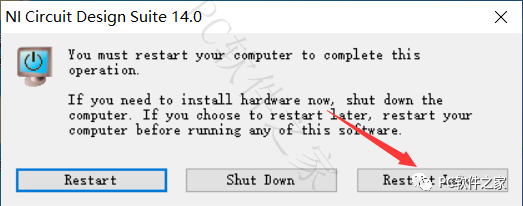
19. Click [Restart later]
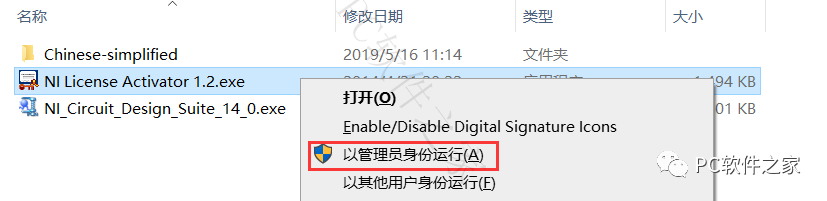
20. Return to the installation package, select the program shown in the image, right-click and choose [Run as administrator]
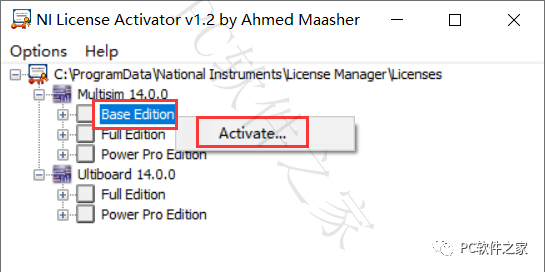
21. Select [Base Edition], right-click and click [Activate]
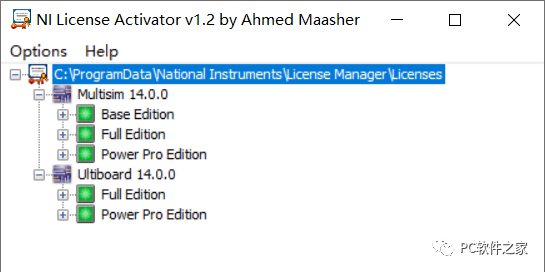
22. Perform the same operation for the other programs shown in the image; there are a total of 5 programs, and they should turn green.
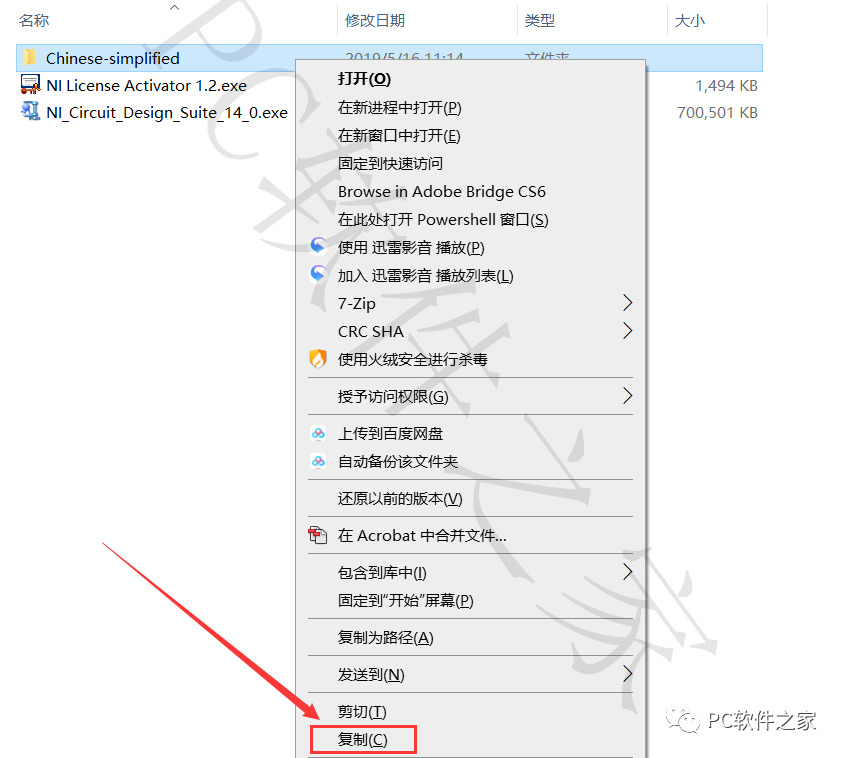
23. Copy the folder [Chinese-simplified] from the installation package; you can operate as shown in the image or use keyboard shortcuts.
24. Find the installation location from step 10 and open the folder as shown in the image.
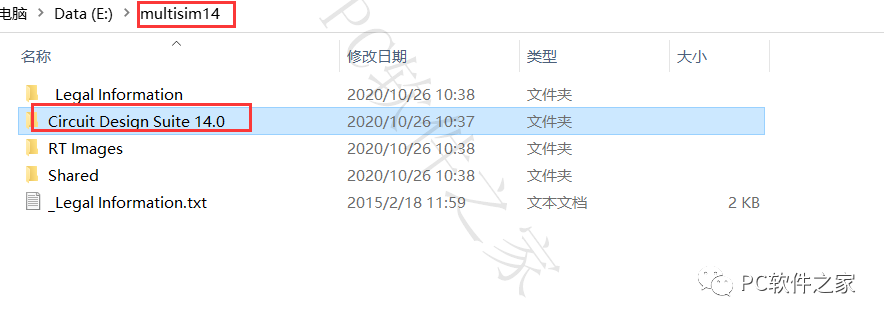
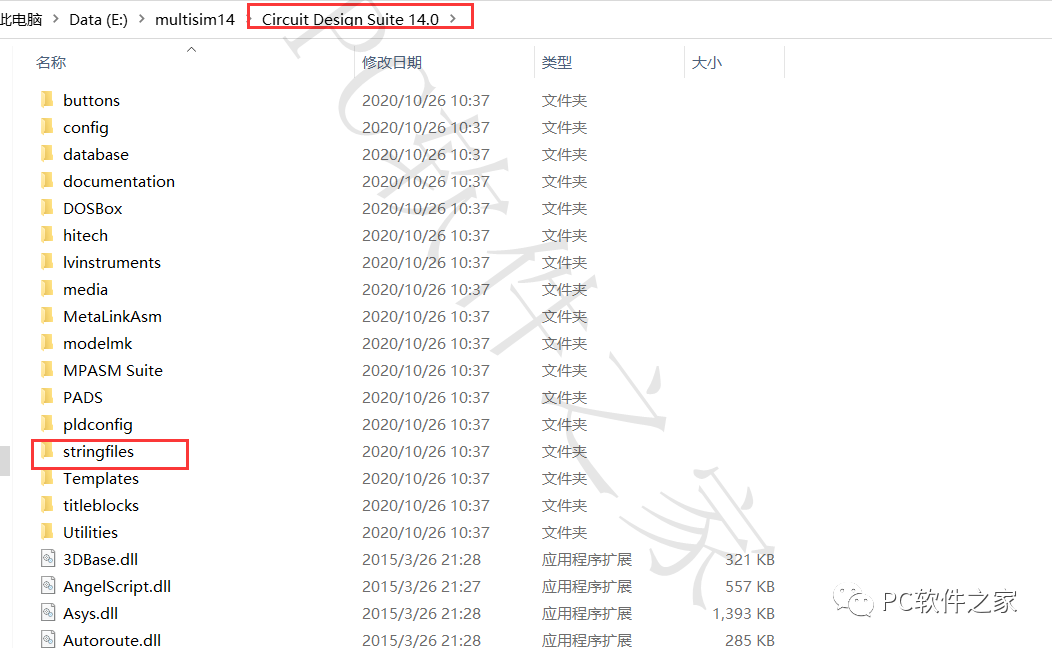
25. Open the [Stringfiles] folder.
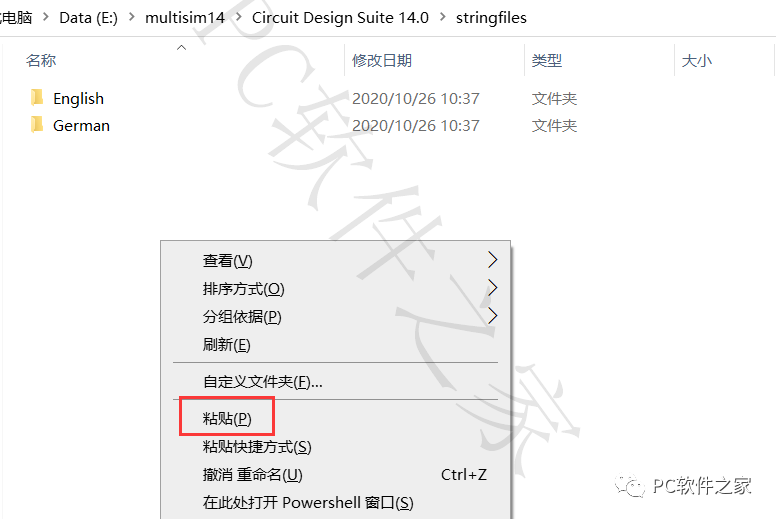
26. Click in the blank area to paste or use keyboard shortcuts.
27. Drag from the start menu to the desktop to create a shortcut.
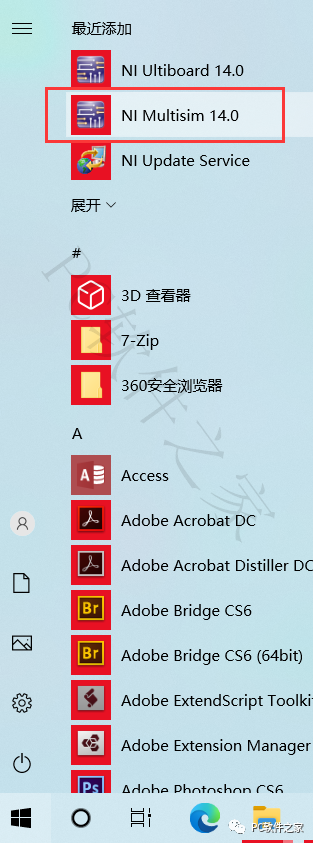
28. The software installation localization is complete.