THE STRAT
Update for the circuit design software Multisim version 14.2, which is one of the tools in the NI Circuit Design Suite, the other being NI Ultiboard.
NI’s Multisim software combines SPICE simulation and circuit design into an optimized environment to simplify common design tasks, thereby improving performance, reducing errors, and shortening prototype design time. With a library of 55,000 manufacturer-verified components and seamless integration with Ultiboard1 PCB layout tool, you can confidently make design decisions and annotate between layout and circuit schematics. Using Multisim with Ultiboard software allows for rapid prototyping, building interface circuits, and troubleshooting electronic systems. Multisim users with active Standard Service Program (SSP).
Tip: A summary of new content is added at the end for easier viewing!
1
Feature Overview
-
Allows users to utilize the same simulation techniques used in today’s academic institutions and industrial research, accessible anytime and anywhere on any device.
-
Familiar interface, component library, and interactive features ensure easy design capture. Schematics can be accessed on any computing or mobile device and shared from any supported browser.
-
Test circuit behavior, demonstrate design applications, or explain concepts to students.
-
Provides an industry-standard SPICE-driven teaching environment for visualizing circuit behavior.
-
Share designs within the Multisim Live community or explore circuits created by others.
-
NI circuit teaching solutions include software, hardware, and course materials covering analog, digital, and power electronics.
2
System Requirements
-
Supported Operating Systems: Windows 10 / Windows 8.1 / Windows 7 SP1 (x64)
-
Processor: Multi-core Intel series or higher, Xeon or AMD equivalent products
-
Memory: 4GB (8GB or more recommended)
-
Available Hard Disk Space: 4GB (8GB or more recommended)
-
Language: English
3
Download and Installation
Official free trial registration provided
Website: https://www.multisim.com/
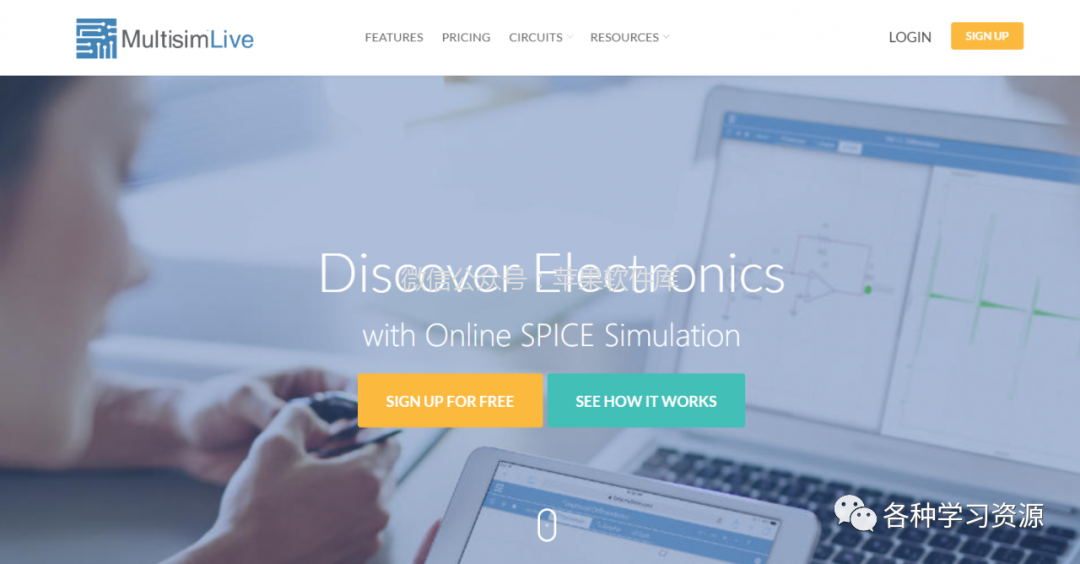
Personal Learning Edition
Tip: For installation steps, please check the installation package. If a decompression password is needed, send “decompression password” in the background to obtain it!
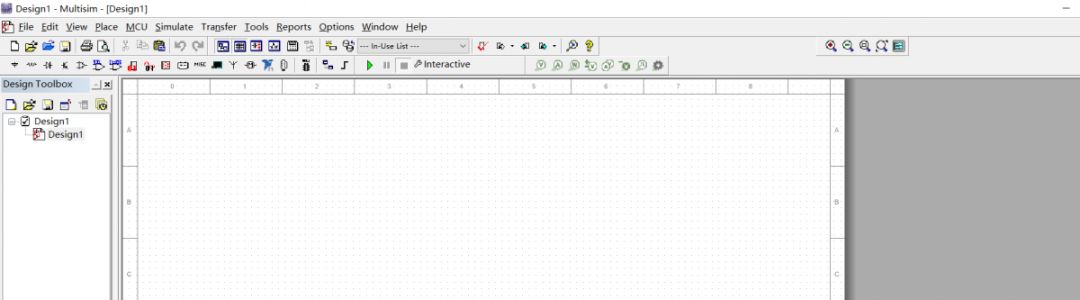
4
Content Summary
Tip: Click on the topic text below to jump to the corresponding collection!
| 1. System Office | 2. Mathematical Tools | 3. Graphic Design | 4. 3D Design |
| 5. Simulation | 6. Research Drawing | 7. Data Analysis | 8. Literature Study |
| 9. Mind Mapping | 10. Audio and Video Editing | 11. Industry Software | 12. Research Related |
| 13. Programming Development | 14. Useful Tools | 15. Software Assistance | 16. Important Notice |
5
Important Notice
-
This resource is for personal learning and communication only, do not use it for other purposes. More comprehensive services can be purchased through the official website.
-
If the download link is invalid, please contact us in the background promptly.
-
All our materials come from the internet and provided by netizens.
-
This public account does not own all rights to the materials, all rights belong to the copyright owner.
-
Please delete after downloading within 24 hours, do not use the downloaded materials or tutorials for commercial purposes. Any responsibility arising therefrom has nothing to do with this public account;
-
If we inadvertently infringe on your rights, please contact us promptly and we will delete it immediately.
6
Software Acquisition
Follow “Various Learning Resources” on WeChat and send “202012071” in the background