If you have any questions, please consult the WeChat administrator:E2271116330
Software Introduction:Multisim is a simulation tool developed by National Instruments that is based on Windows. It allows users to interactively build circuit schematics and simulate circuits. Multisim simplifies the complex content of SPICE simulation, enabling engineers to quickly capture, simulate, and analyze new designs without needing in-depth knowledge of SPICE technology, making it more suitable for electronics education.
Download Link for Multisim 14.0 Chinese Version:
Link: https://pan.baidu.com/s/1crxOW096N3V6t3N2MK7-ew
Extraction Code: 90×4
Copy this content and open the Baidu Netdisk mobile App for easier operation.
Installation Notes:
1. Disconnect your computer from the network before installation, otherwise the installation will fail;
2. Suitable for WIN7/8/10 (64-bit) systems;
Installation Steps
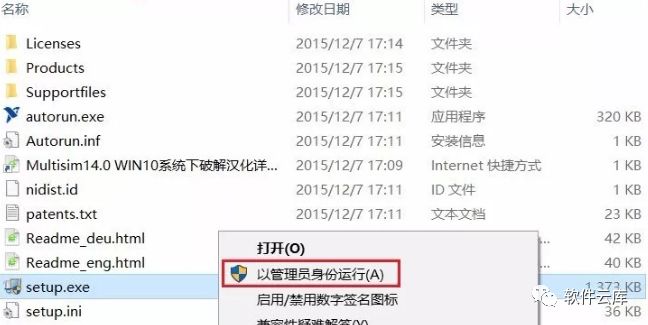
1. After downloading the file from Baidu Netdisk, unzip it, double-click to open, right-click on [setup], and select [Run as administrator].
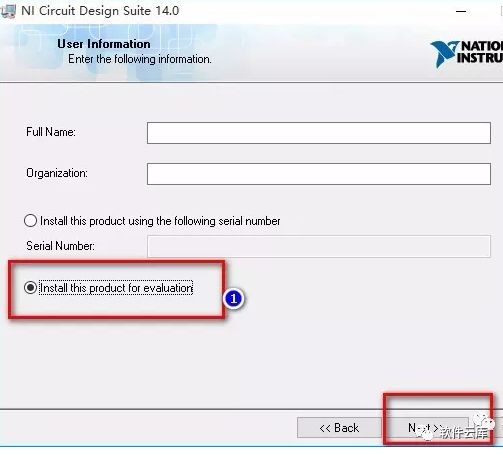
2. Customize Full Name and Organization, select [Install this product for evaluation], and click [Next].
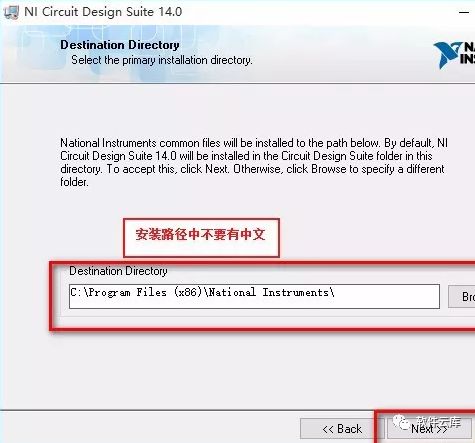
3. Click [Browse] to customize the installation path (note that the file name cannot contain Chinese characters); here we will directly install to the default path.
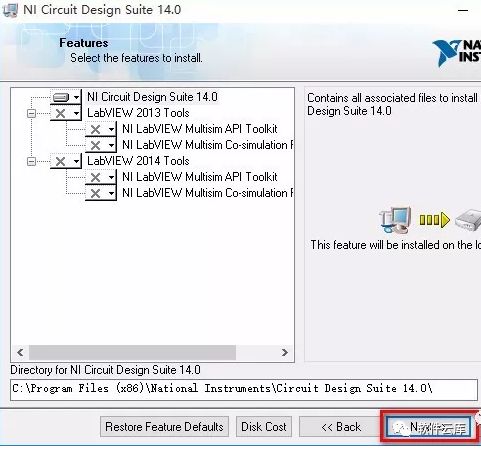
4. Click [Next] sequentially.
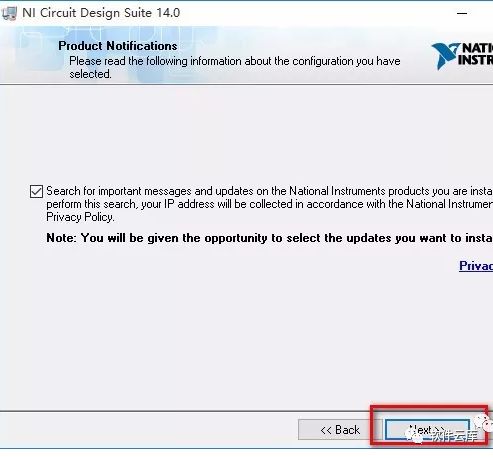
5. During detection, please be patient.
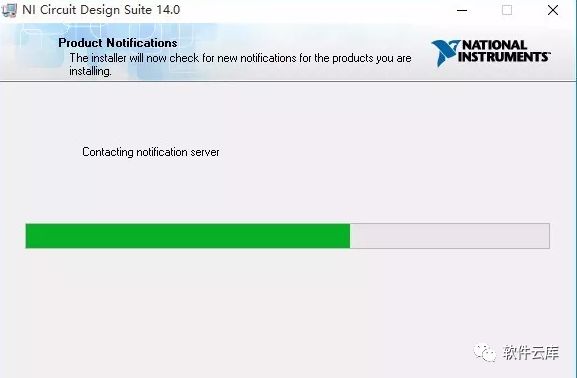
6. Click [Next].
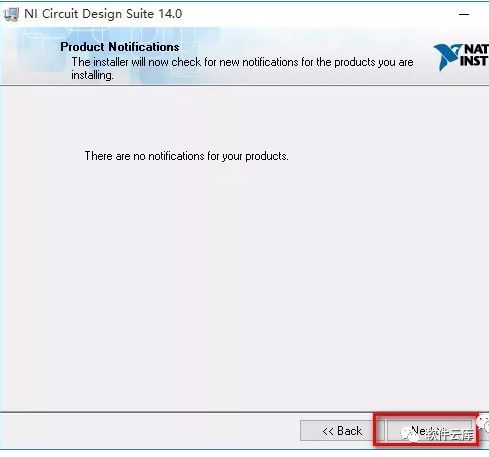
7. Select [I accept …], then click [Next].
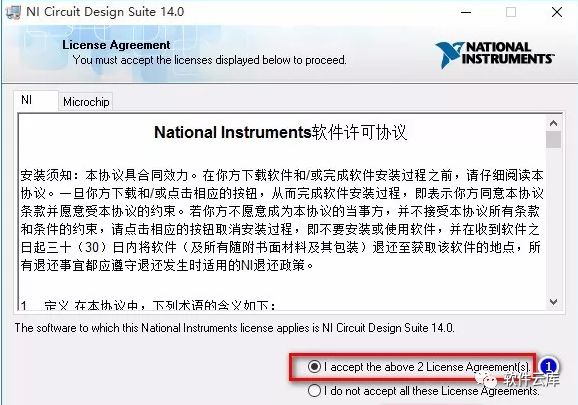
8. Click [Next].
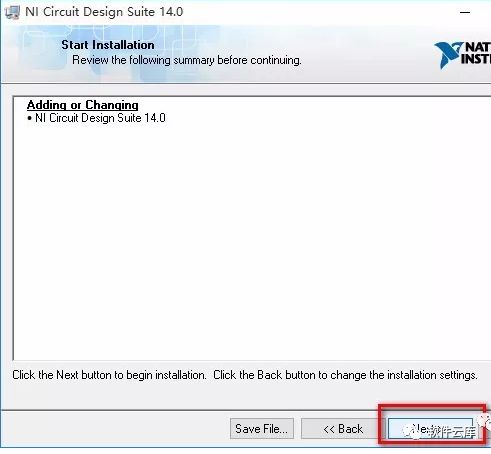
9. During the installation process, please be patient.
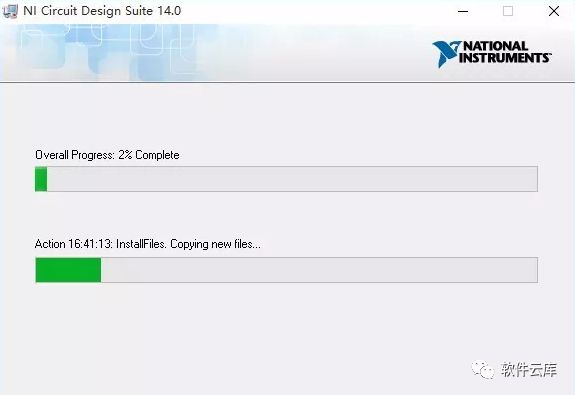
10. Click [Next].
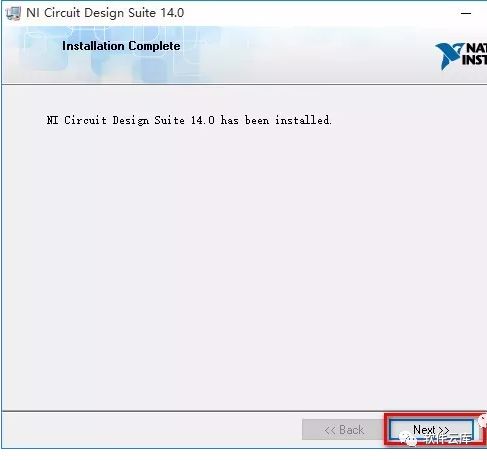
11. Click [Yes].
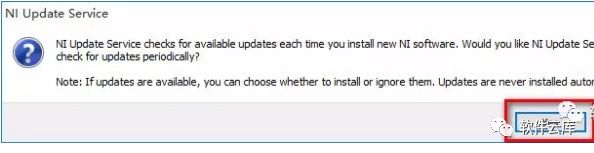
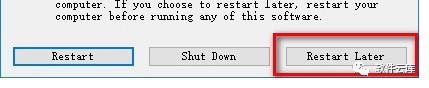
12. Click [Restart Later].
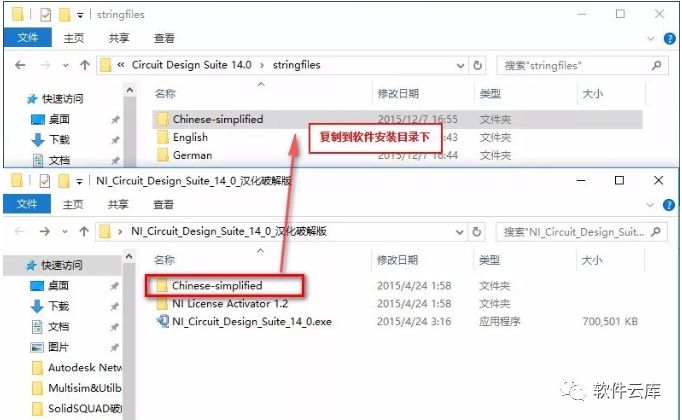
13. Proceed with the localization. Go back to the initial downloaded folder, open the localization folder, select [Chinese-simplified], and copy-paste it into the software installation directory’s [stringfiles] folder (location as seen in step 3 settings).
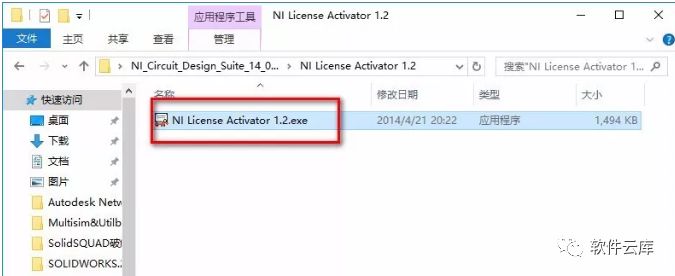
14. After localization is complete, crack the software by opening the crack folder, right-clicking [NILicense Activator 1.2.exe], and selecting [Run as administrator].
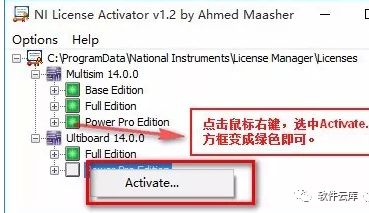
15. Sequentially right-click the boxes and click [Activate] until they turn green.
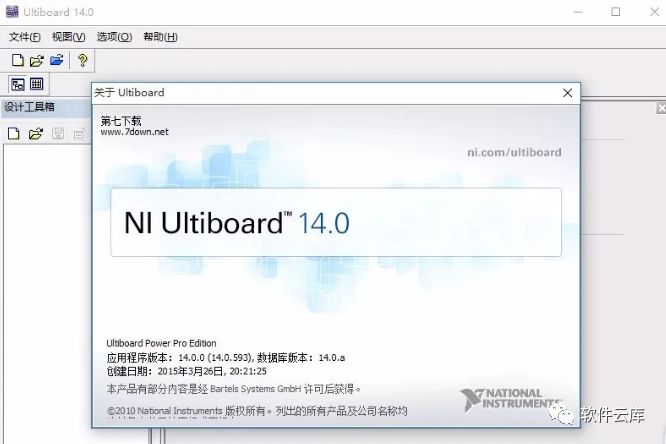
16. Installation complete, the interface is as follows:
Long press to recognize  More exciting content.