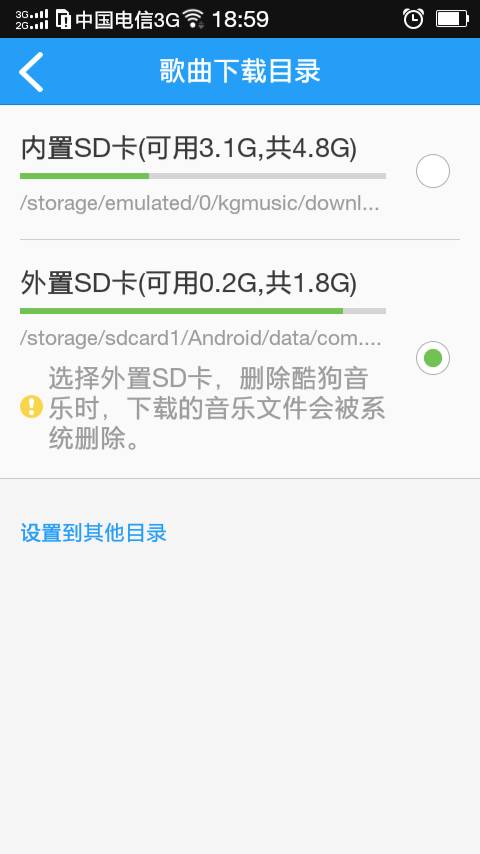
When your phone’s memory is full, you can’t download anything. Checking the file manager shows there’s still plenty of space, but the notification bar indicates your memory is full. This is actually because the storage space is not set correctly!
1. Change the Preferred Installation Location (this option may not be available on some models with merged memory)
First, find Storage in the settings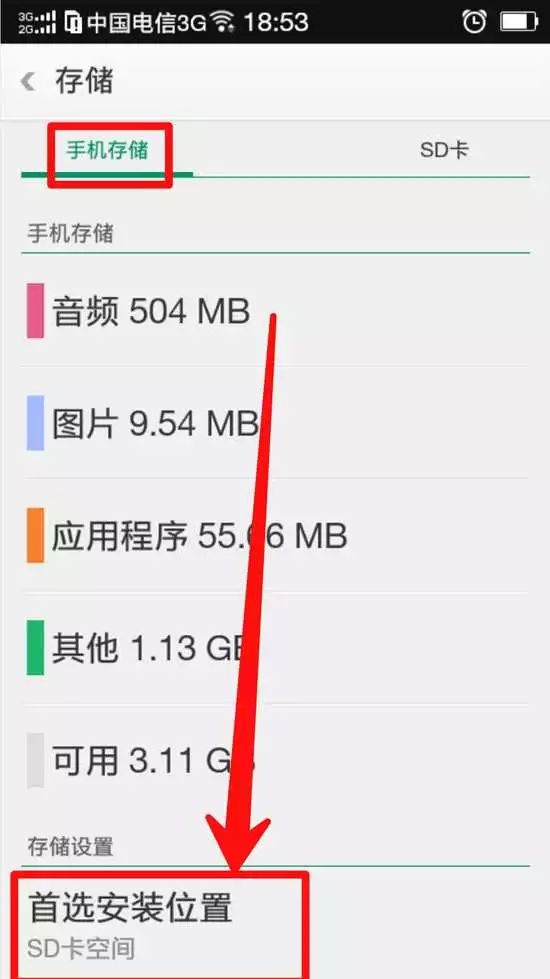
Then click on it and select SD card space.
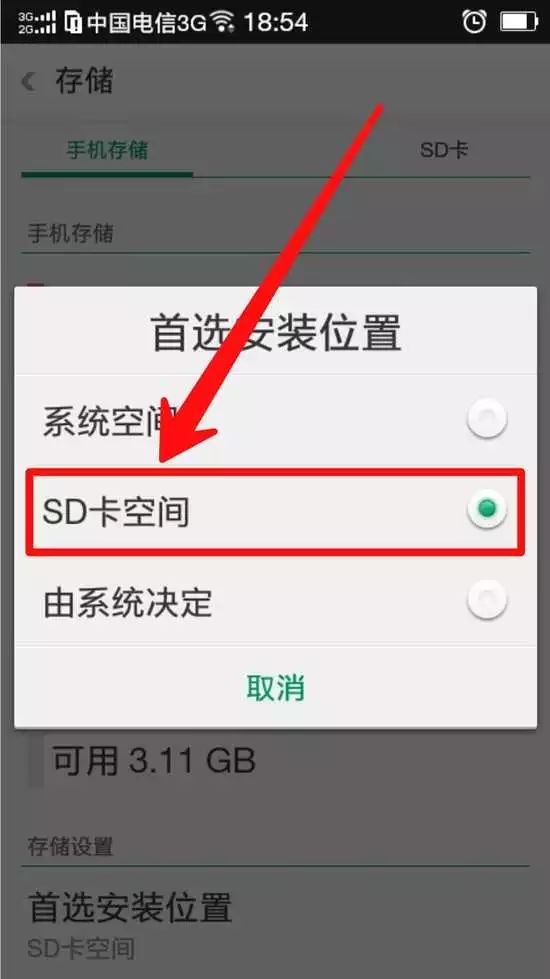
2. Set Download Location in the App Store (update to the latest version)
First, find My, then click on settings.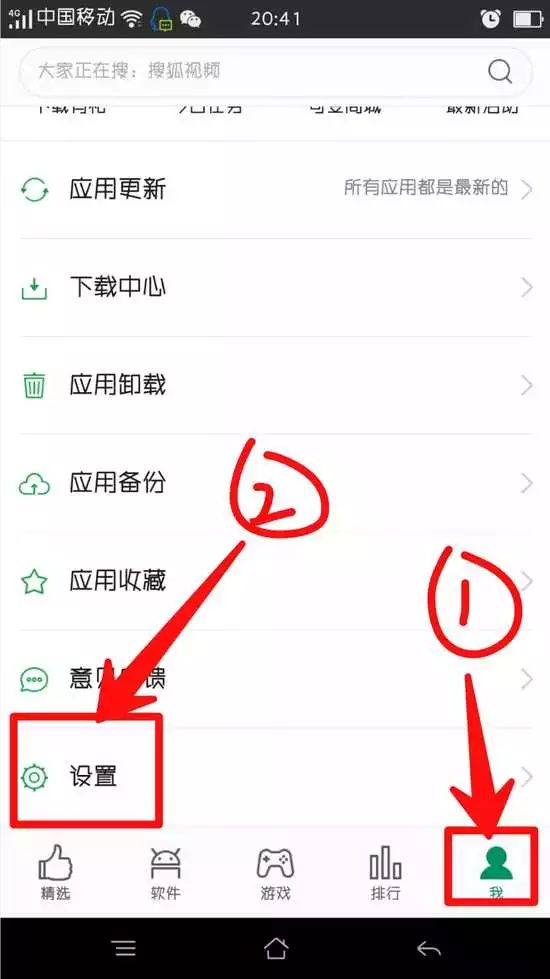 Then select SD card.
3. Move Apps
Go to the app store, find My, and locate Move Apps. Move apps from phone memory to SD card.
4. Store Music on SD Card
Change the download location of KuGou Music or iQIYI video player to the SD card. Open the application and find Settings. In the download location, select External SD Card