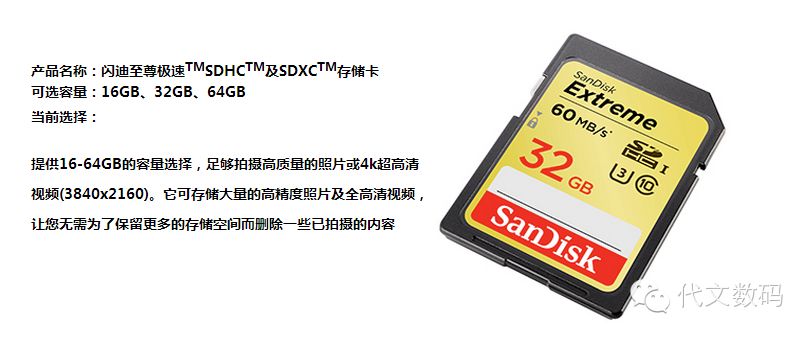
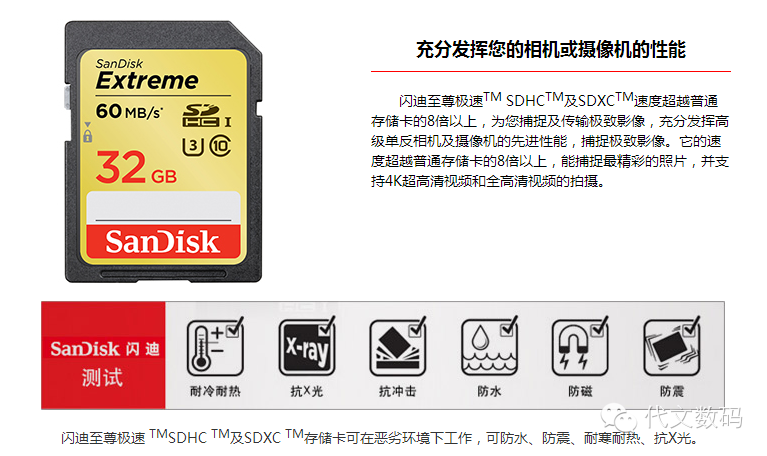
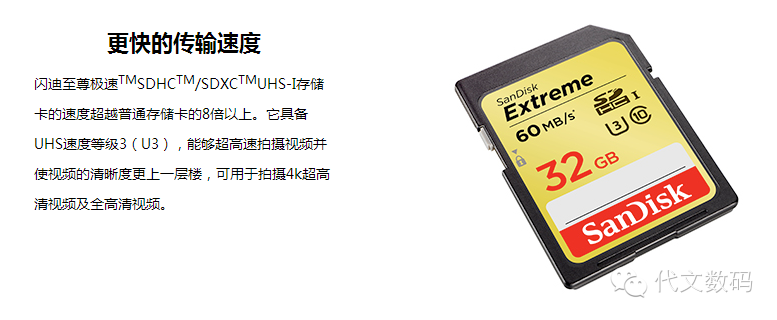
After receiving bonuses before the New Year, friends are eager to spend. Many have purchased digital cameras or DSLRs, and upon returning home, a common issue arises: why does the camera automatically stop recording when I turn on the video function? Don’t doubt the settings; the issue stems from your SD storage card!
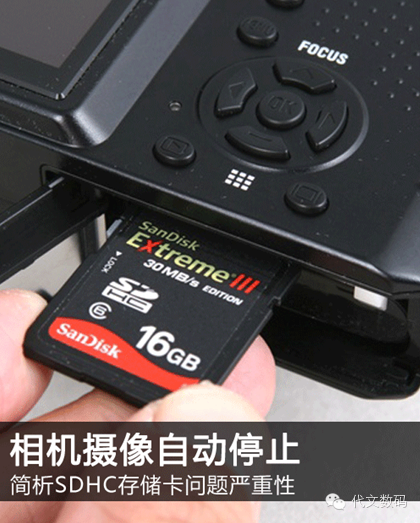
SD storage has long been a widely used quick storage medium in our lives. From the earliest MP3s and MP4s to today’s digital SLR cameras and other audio-visual products, they all rely on the high flexibility of SD cards as storage devices.
With continuous innovation in technology, the mainstream digital cameras on the market now demand higher storage speeds, and the video frame rates of DSLRs have generally reached a high of 1920×1080. So, why does the video automatically stop? It’s because the write speed of the storage card does not meet the writing standards required by the camera, leading the camera to shut down its operational state.
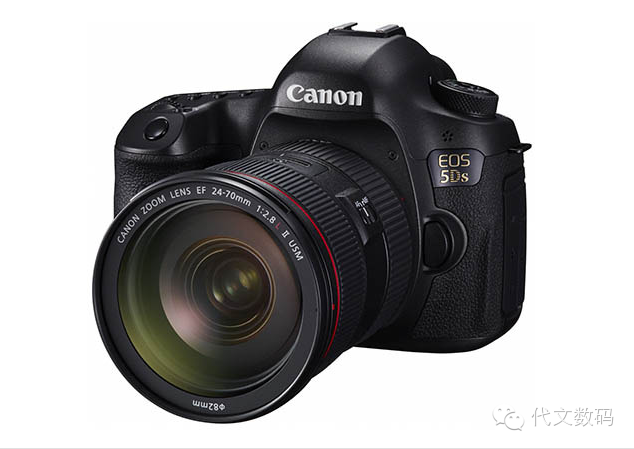
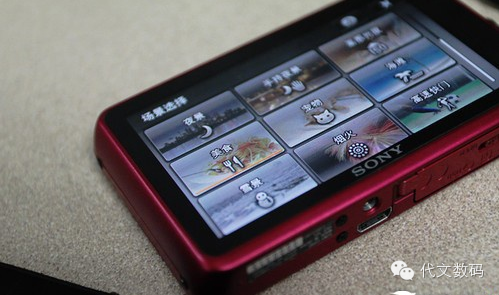
The mainstream cameras on the market have increasingly high requirements for storage cards.
What type of storage card is suitable for your camera? What are the adverse effects of using a low-speed storage card with high-speed storage products? What does SDHC mean? Today, I will help you understand more about your digital portable items.
SDHC Card Introduction: Class Speed Standard Classification
SDHC High Capacity Storage Card
High Capacity, abbreviated as HC, means that the SD Association has defined its standard for SD cards larger than 2GB and less than or equal to 32GB, collectively known as high-capacity storage cards. Since SDHC adopts the FAT32 file system, it has significantly improved capacity compared to the older FAT16 format used by traditional SD cards.
In terms of speed, SDHC has also established different specifications, defined as class 2, class 4, class 6, and class 10 speed levels. Influenced by the current market of high-speed digital products, SDHC has officially replaced the older SD cards, leading to its widespread adoption and ensuring strict reading standards.
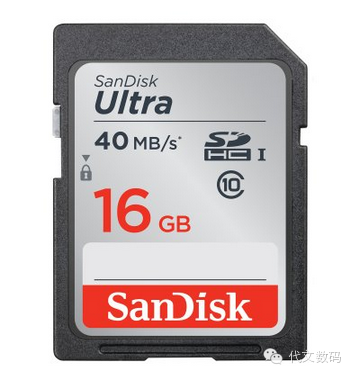
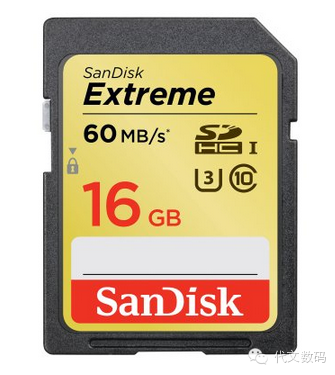
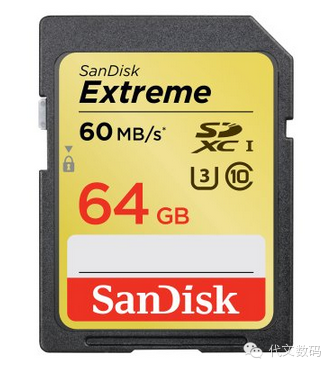
The mainstream SDHC products on the market
From the above images, we can see various speed standard SDHC storage cards, and the numbers in circles can distinguish their class generations. Therefore, based on these specifications, if you purchase an ordinary compact camera, class 2 and class 4 standards are sufficient to meet usage conditions. For DSLRs, due to higher image size and frame rate, the corresponding write requirements are also higher, so it is recommended to use class 6 and class 10 standard SDHC.
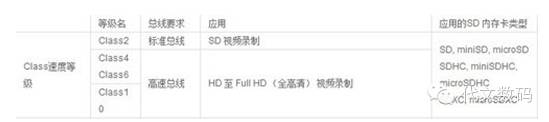
Speed level differentiation, different application modes
Class 0: Includes cases below Class 2 and those not marked with Speed Class. Class 2: Can meet the needs of watching ordinary MPEG4 and MPEG2 movies, SDTV, and digital camcorders. Class 4: Can smoothly play high-definition TV (HDTV), continuous shooting of digital cameras, etc. Class 6: Meets the requirements of continuous shooting for DSLRs and professional equipment. Class 10: Recording and playback of full HD television.
Selecting the Right Storage Card for Your Needs
Continuing on the topic of different SDHC speed standards. In our daily use, for ordinary shooting, storage cards above class 2 can function normally. The real difference brought by higher speeds lies in continuous high-definition image capture and HD video recording; only class 10 and above SD cards can work better.
If using two different SD cards for continuous shooting, higher-class SD cards have stronger continuous storage capabilities, faster image write speeds, and improved image quality. If you often use continuous shooting settings, a Class 10 or higher SDHC card is essential.
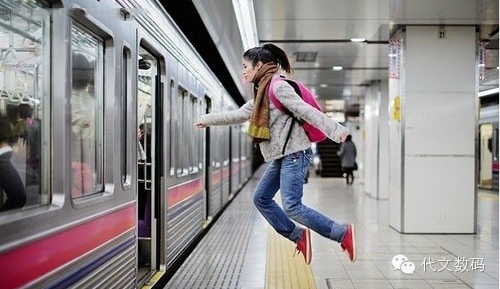
How could people refuse the continuous shooting method?
The camera’s video mode is also becoming more refined, and the popularity of the 1080P format is increasing. As mentioned at the beginning, many users find that the video function of their cameras always stops automatically after purchase, which is due to the SD card’s speed not keeping up.
So, are there any adverse effects of using low-speed storage cards on DSLRs or high-definition camcorders? This is something you don’t need to worry about since if the performance of the SDHC cannot meet the requirements during continuous shooting or photography, the camera will also automatically stop working, and continuous shooting may result in missed shots due to slow writing. While there may not be adverse reactions, this awkward situation is something no one would want to experience, so choose a suitable storage card for yourself.
Things to pay attention to when purchasing and using
1. Do not aim too high; a higher-capacity storage card may not necessarily meet your needs.
2. Currently, videos are automatically saved in AVI format after recording, as the camera does not convert formats. This format has details, deeper colors, higher resolution, and occupies more space, with a storage speed of about 3-5Mb/s. So, estimate your usage space in advance to avoid unexpected occurrences.
3. Even if both are Class 10 SDHC cards, there can be differences in speed. When purchasing, you need to choose based on price and your own needs.
4. When using digital products, try not to frequently change SD cards. The internal metal wires of the card slot can easily rust and age, potentially leading to bending and deformation.
5. If there is dust or oil on the SD card chip causing abnormal reading, you can use alcohol or a small amount of water to wipe it clean, and it can be reused after drying.
6. When removing the storage card from the camera to use a card reader for data transfer, even if hot-swapping is supported, frequently pulling out the card reader can seriously damage the flash memory card.
Recommended Memory Cards