If you have a smart TV at home, you must have encountered this frustration: while the features of smart TVs are becoming increasingly rich, the input method of traditional remote controls is becoming more and more cumbersome. Typing is slow, and operations are complicated, completely failing to keep up with the smart pace of the TV. Wouldn’t it be great if you could turn your phone into a TV remote control and switch to a mouse and keyboard at any time? That would significantly enhance the user experience!
Today, I want to recommend this perfect solution to your pain points — BT Remote, an app that can instantly turn your Android phone into a Bluetooth remote control, compatible with various Android TVs. The key is that it is open-source, free, ad-free, and does not require any software installation on the TV side, making it truly zero-threshold to use!
BT Remote (Android)
Bluetooth Direct Connection, Zero Installation on TV
Most smart TVs now come with Bluetooth functionality. As long as your TV supports Bluetooth, you can easily use this tool. After installing BT Remote on your phone, simply pair it with the TV via Bluetooth without any complicated settings, and you can immediately start your remote control journey without installing any plugins on the TV side, which is very friendly for beginners!
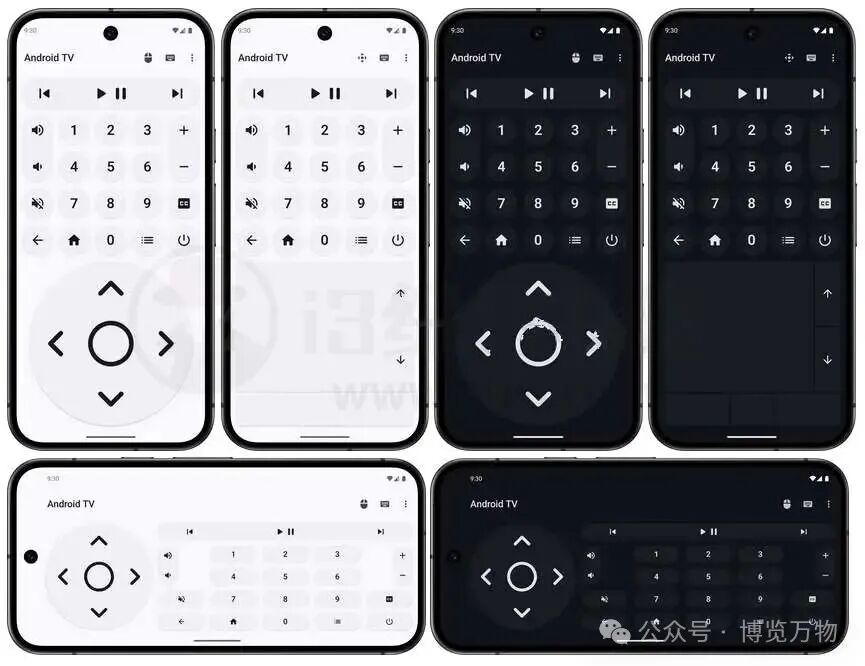
Mouse and Keyboard Switching, Enhanced Input Experience
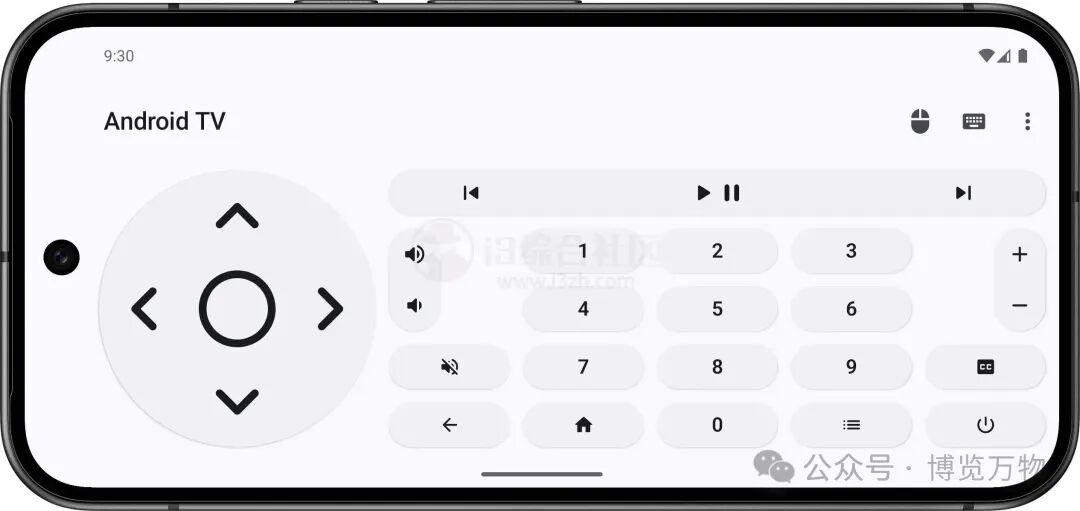
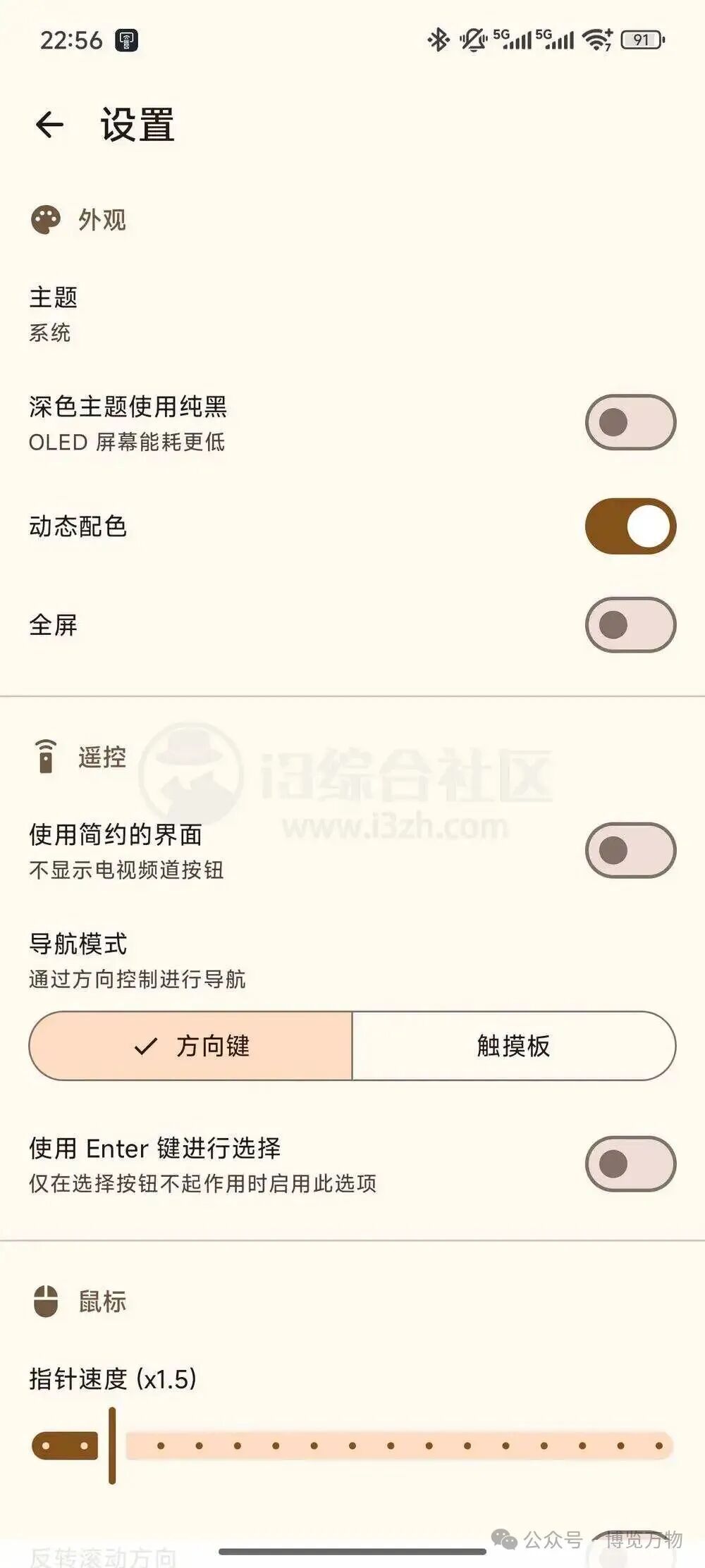
The interface design of BT Remote is particularly thoughtful, developed using Kotlin + Material 3 technology. The modern interface, combined with smooth animation effects, makes it very user-friendly and easy to operate.
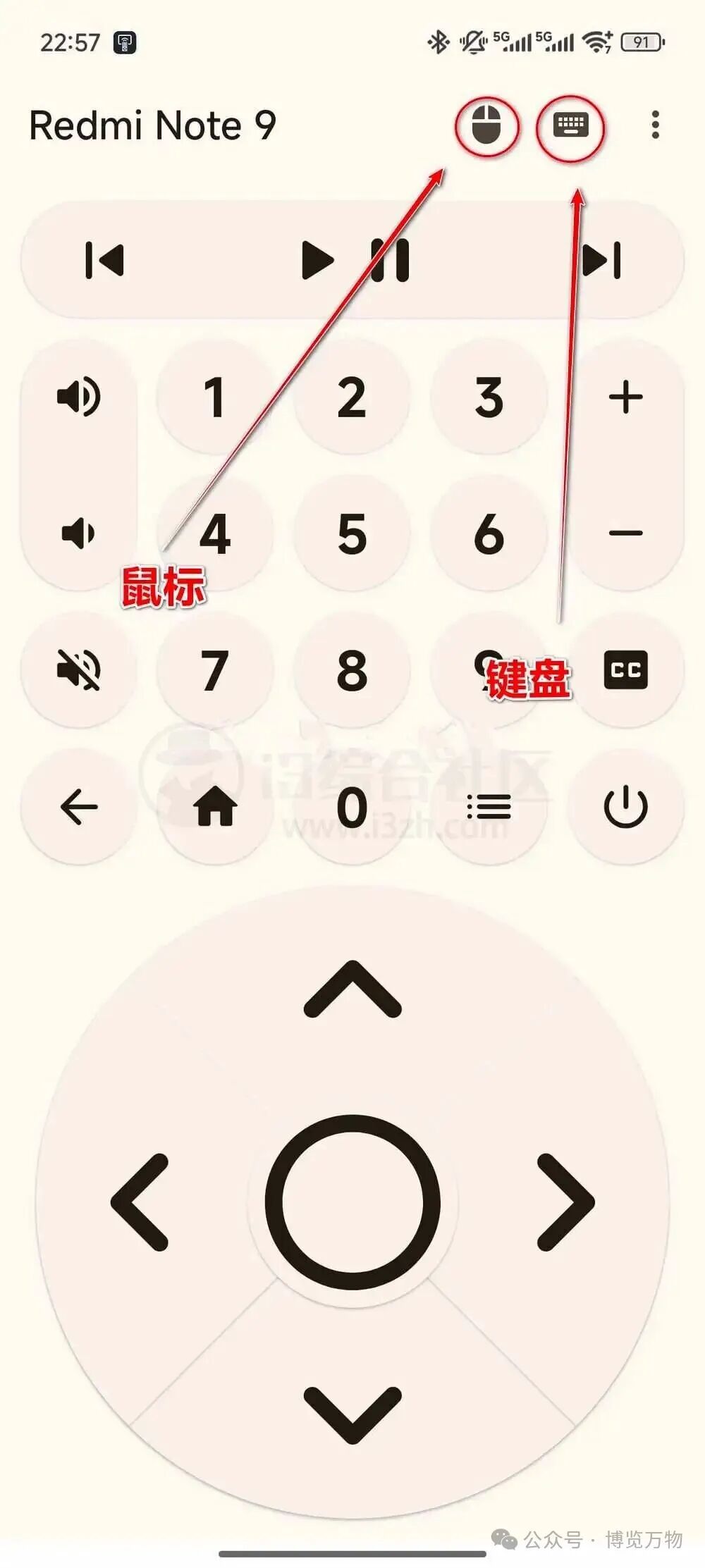
By clicking the “Mouse” and “Keyboard” icons in the upper right corner of the interface, you can switch modes with one click: in mouse mode, the phone screen becomes a touchpad, allowing you to control the TV cursor as flexibly as you would on a computer; in keyboard mode, you can unlock fast input, eliminating the need to select characters one by one using the directional keys on a traditional remote control, thus doubling the efficiency of searching for content or entering URLs!
Privacy First, Zero Data Collection for Peace of Mind
The most surprising aspect of this software is its extreme protection of privacy. The author has not only made the project code completely open-source but has also directly disabled the app’s network permissions, meaning it does not collect any user data and does not display annoying ads, allowing for offline use throughout, ensuring maximum privacy. Compared to other similar remote control apps that require internet access and are filled with ads, BT Remote is a breath of fresh air, focusing solely on making the “phone a TV input device” to perfection.
If you are also tired of the cumbersome traditional TV remote control, you might want to try BT Remote. Whether for daily TV control or for quickly entering content, it can perform perfectly. Be sure to save it and upgrade your smart TV experience!