Live well, have a good year, and a bright future!
We usually use mobile networks or WiFi.
These are used to transfer some images or files. But what if we don’t have internet access?
In that case, we can use our Bluetooth functionality. Today, let’s talk about the Bluetooth features of this phone.
First, let’s share the first Bluetooth function, which is file and image transfer. We turn on the Bluetooth on both phones and enable all Bluetooth functionalities. Then, we pair the Bluetooth connection between the two phones.
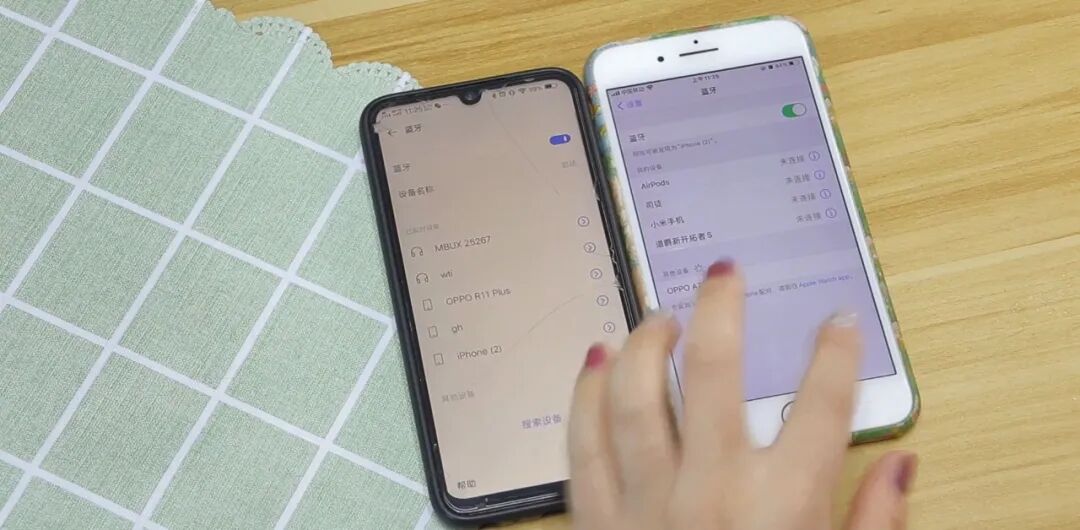
Now, after searching, the two
Bluetooth devices are connected to the phone, and we can use it to transfer files and images. Now let’s try to transfer an image via Bluetooth. We find an image and click on the share option below.
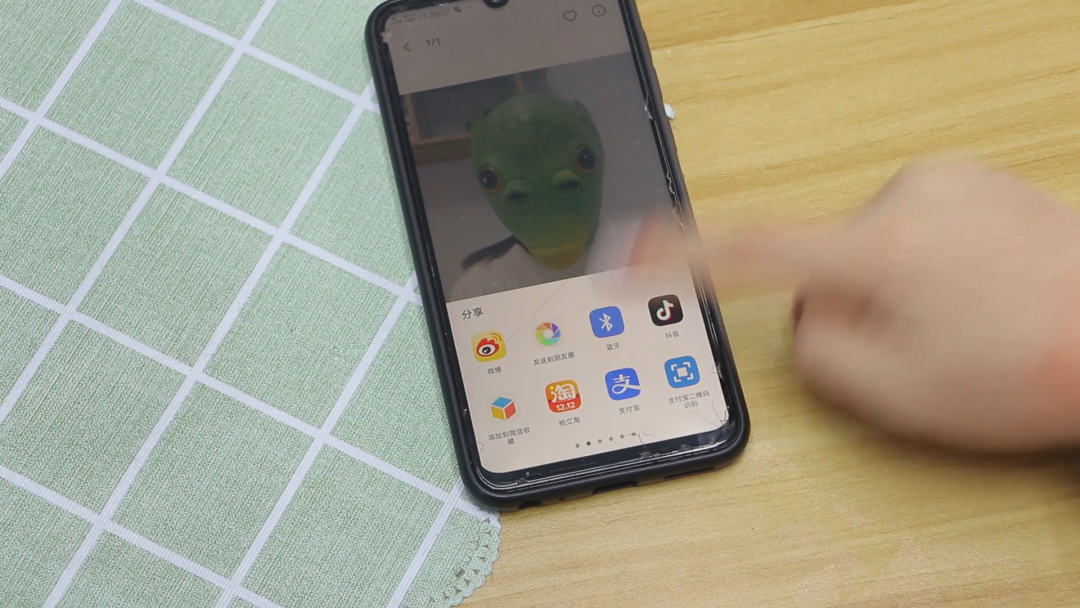
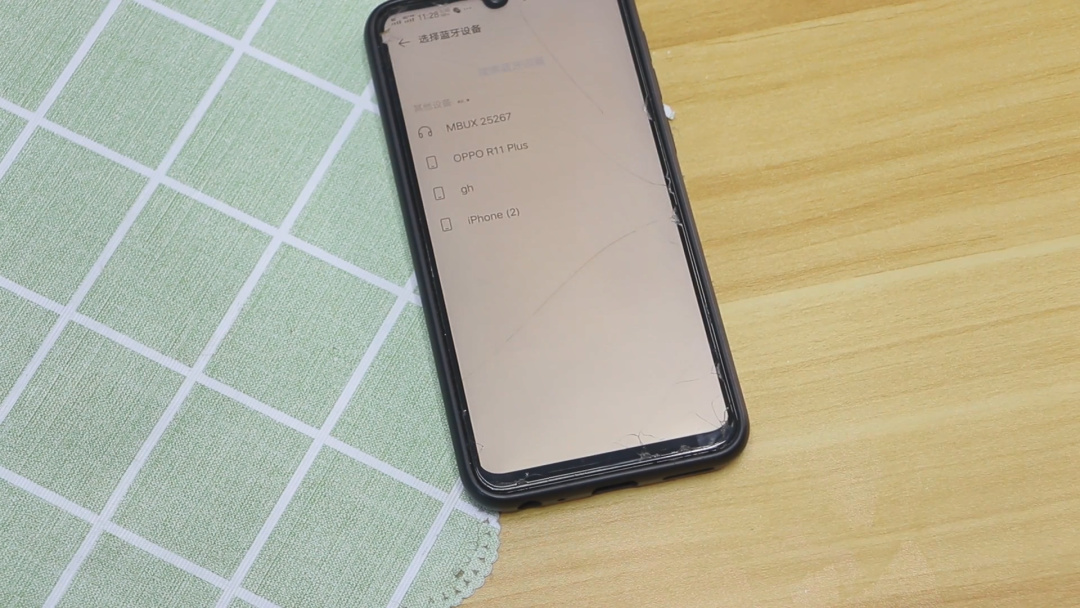
Then scroll down. You will see the Bluetooth icon. Let’s click on the album transfer. Select the device we need to transfer to. This way, we can transfer images and files without using the internet, which is very useful.
Next, let’s talk about the second Bluetooth function, which is network sharing. If our phone has no network or data, how can we use the internet? We can open the settings on another phone. After setting it up, we find other network connections and click on it. Then we discover the personal hotspot.
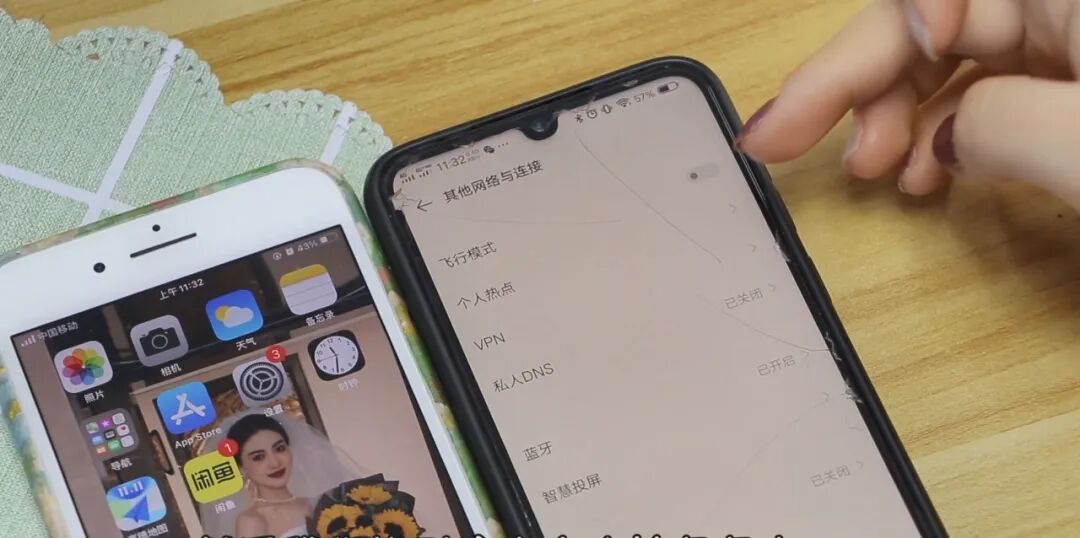
Tap on it, then select another sharing method at the bottom. Click on it. Here, we have a Bluetooth shared network. Let’s click on it. Now our shared network is open. You can see that this phone’s mobile data cannot be turned off. This WiFi
is not connected.
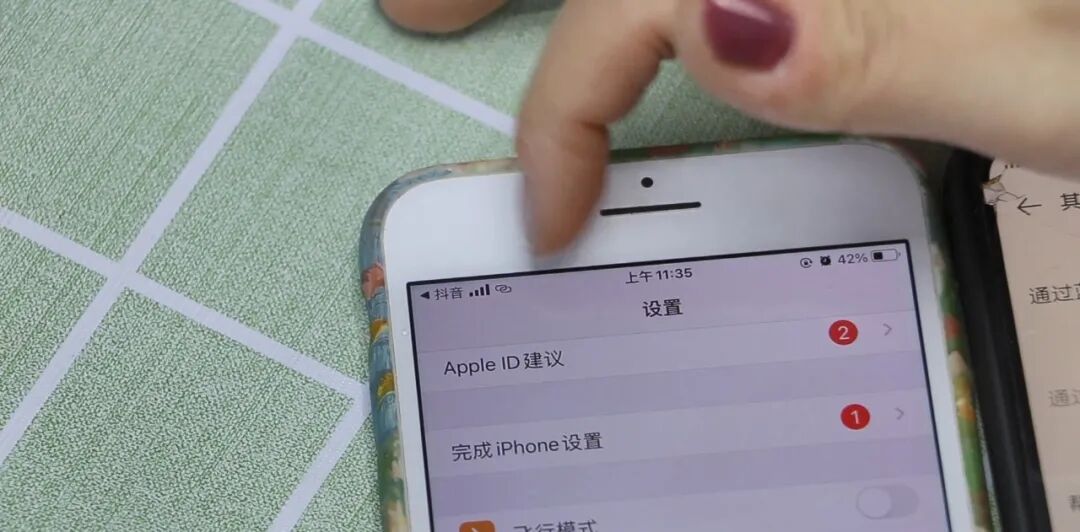
Then let’s take a look at the small icon next to the signal at the top of this phone, indicating that our phone is connected to this sharing hotspot. You can use the internet. Now let’s refresh this video and see. You can see that the network is very smooth. That’s all for today’s sharing on phone Bluetooth functionality.