 SoftwareDescription
[Name]:Android Studio 2024
[Language]: SimplifiedChinese
[Installation Environment]:Windows 7 and above
[Download LinkBaidu CloudDownload Link]:
https://pan.baidu.com/s/1u6HAZJ-NPO4kmGSIKoihgw?pwd=542m
SoftwareIntroduction
Android Studio is an integrated development environment (IDE) for Android development, launched by Google, based on IntelliJ IDEA. Similar to Eclipse ADT, Android Studio provides integrated Android development tools for development and debugging.
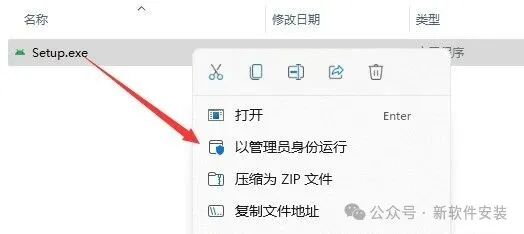
InstallationSteps1. Right-click the 【Android Studio 2024】 compressed package, select the extraction software installed on your computer, and click 【Extract to Android Studio 2024】.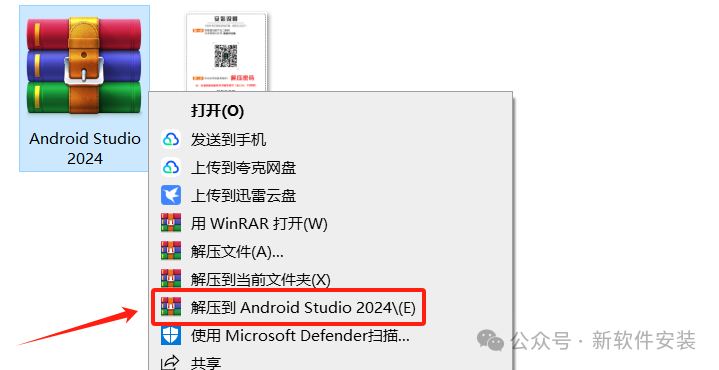 2. Open the extracted folder, right-click 【Setup】 and select 【Run as administrator】.
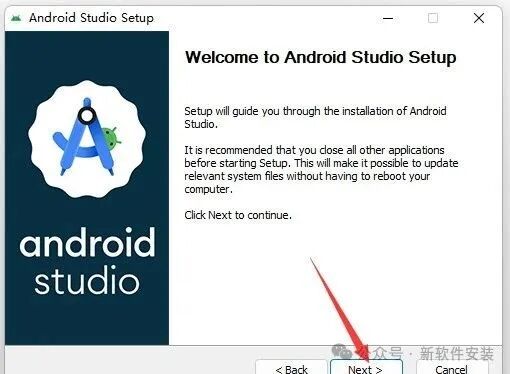
 3. Click 【Next】.
 4. Click 【Next】.
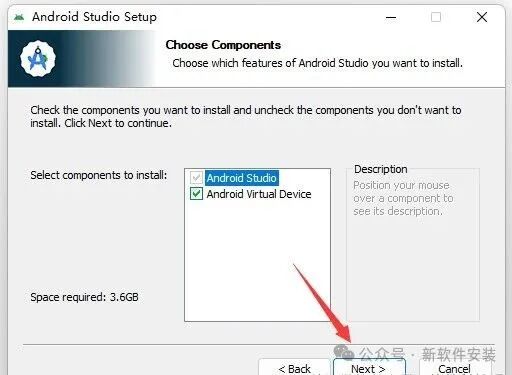 5. Modify the first character of the path address from C to change the installation location (e.g., change C to D to install the software on drive D), then click 【Next】.
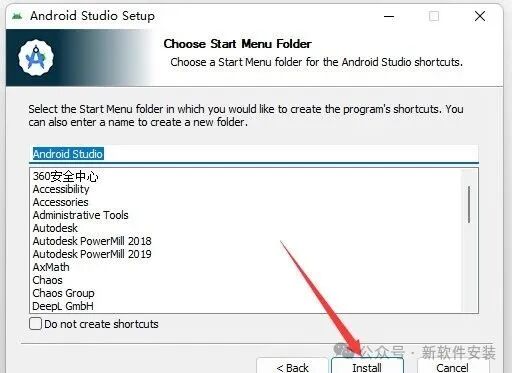
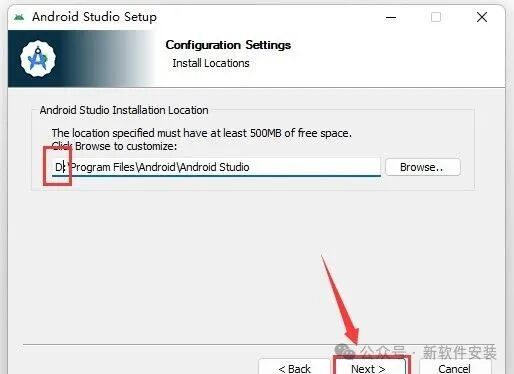 6. Click 【Install】.
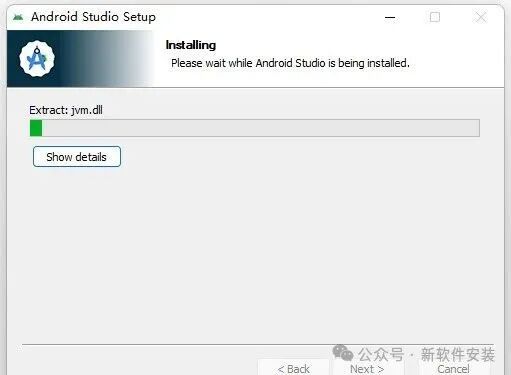
 7. Installing…
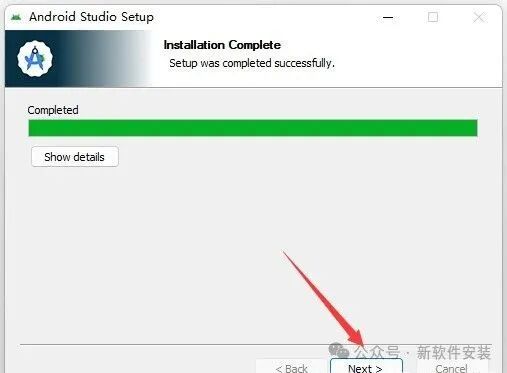
 8. Click 【Next】.
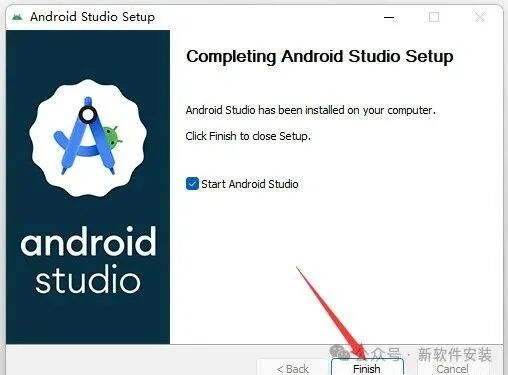
 9. Click 【Finish】.
 10. Click 【Don’t send】.
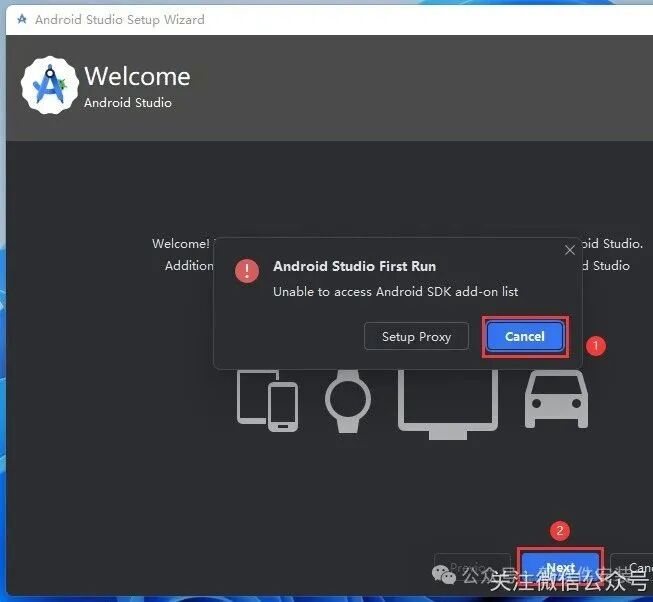
 11. Click 【Cancel】, then click 【Next】.
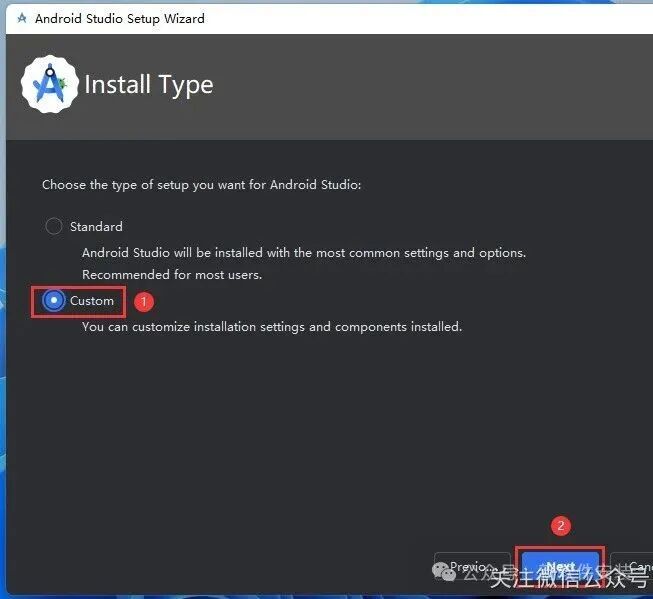
 12. Select 【Custom】, then click 【Next】.
 13. Modify the SDK location: ① Click the 【folder icon】 ② Select the disk where you want to install the software (e.g., drive D) and create a new 【SDK】 folder ③④ Click 【OK】 ④ Click 【OK】.
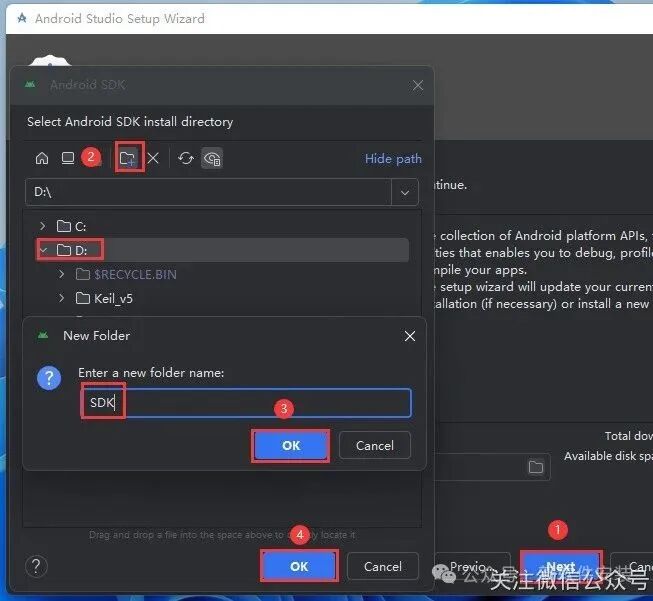 14. Click 【Next】.
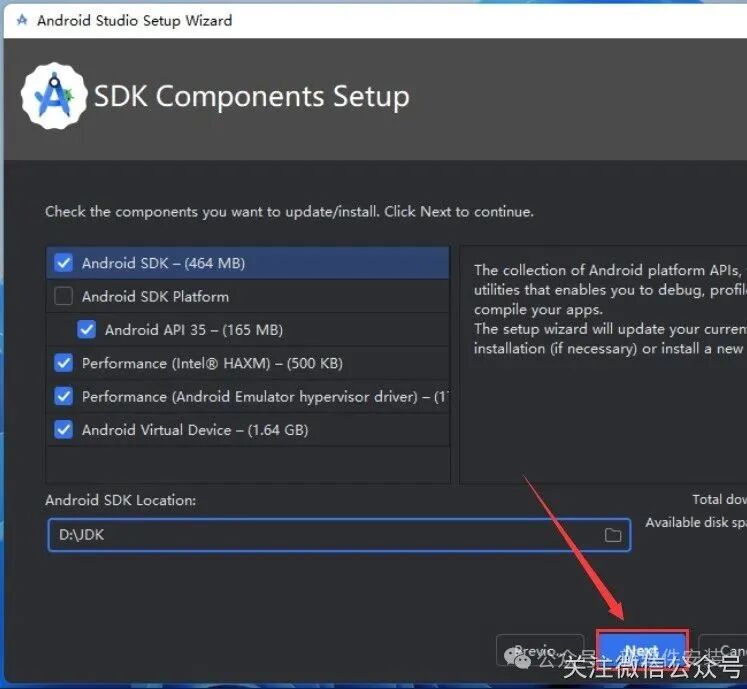 15. Click 【Next】.
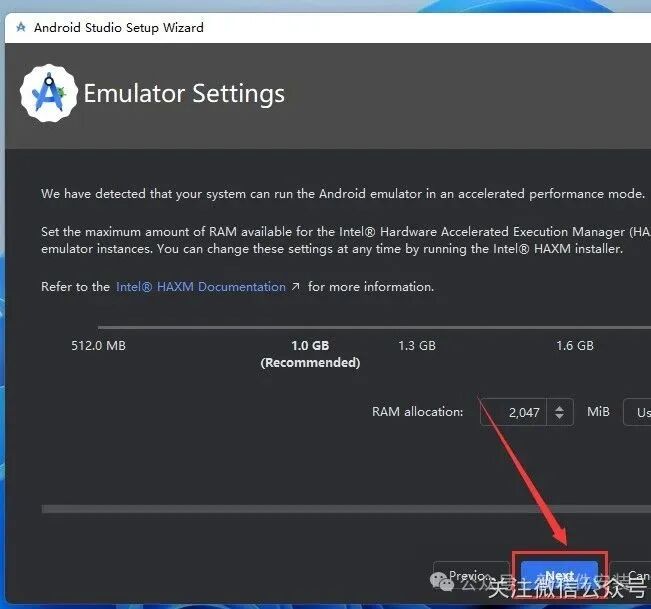 16. Click 【Next】.
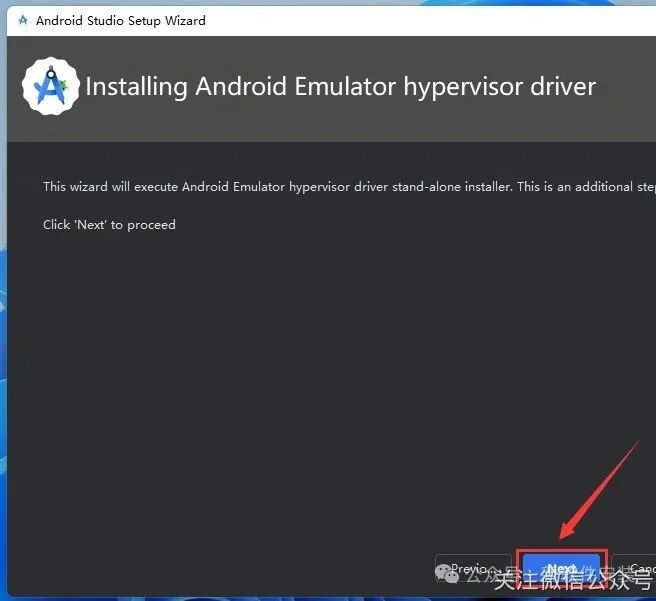 17. Click 【Next】.
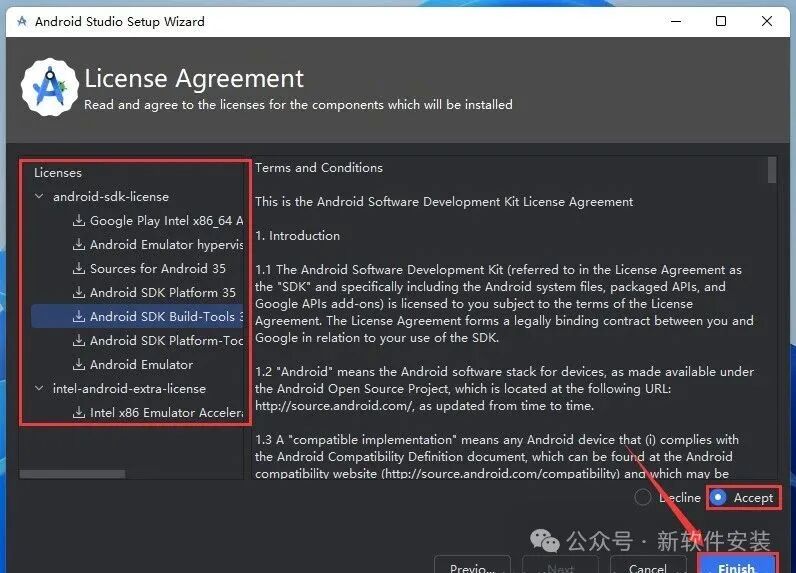
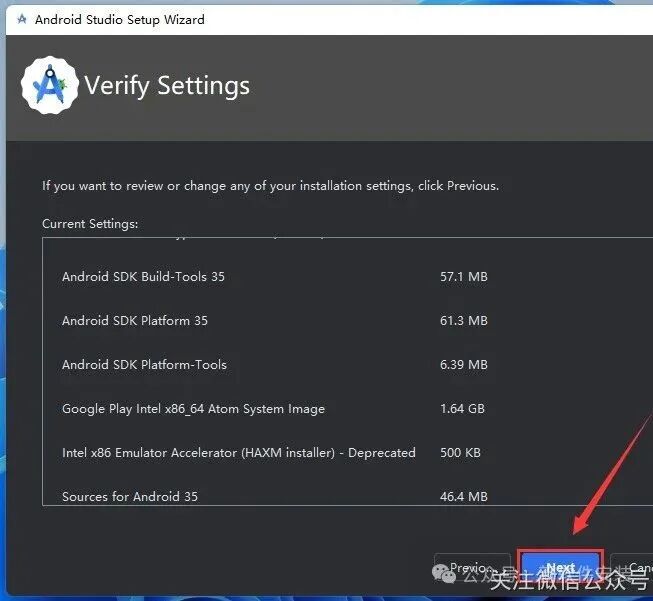 18. Choose the SDK License according to your needs, check 【Accept】, and click 【Finish】.
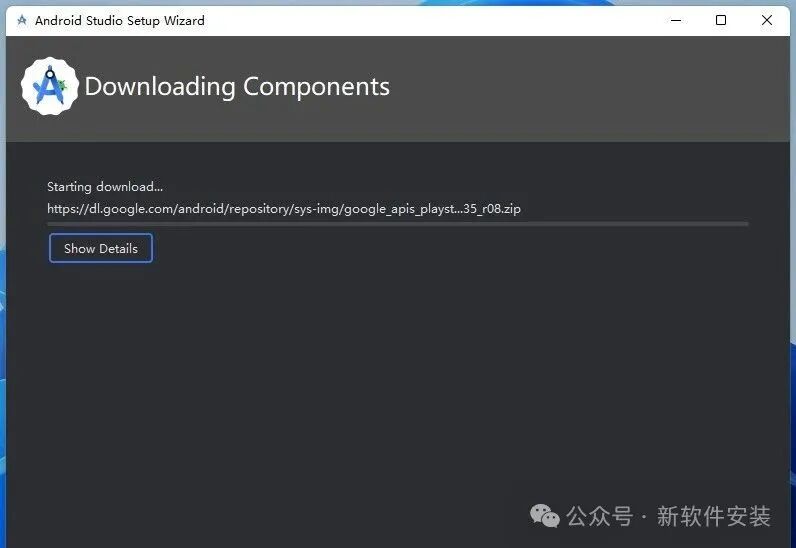
 19. Downloading and installing…
 20. Click 【Finish】.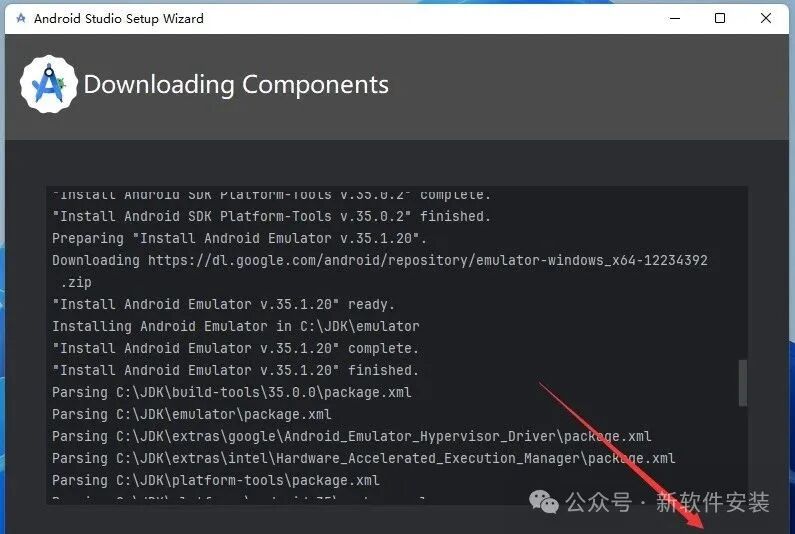
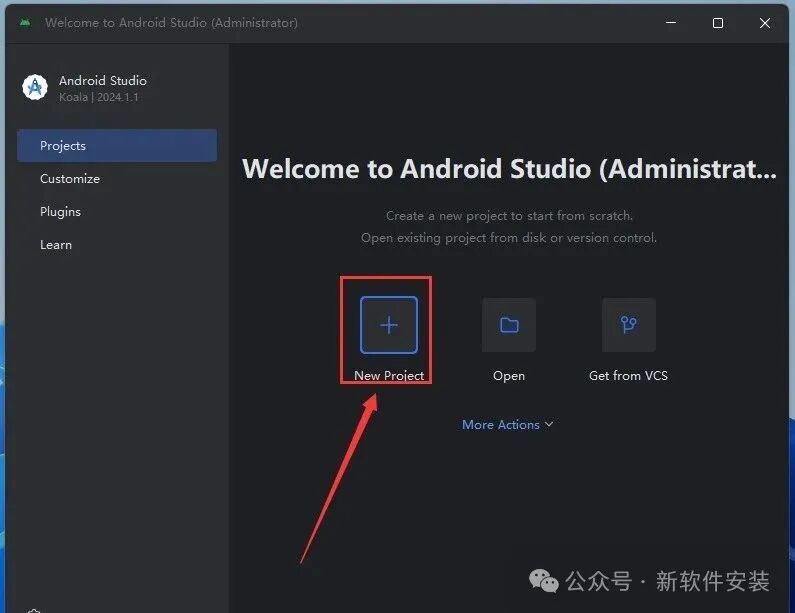
 21. Click 【New Project】.
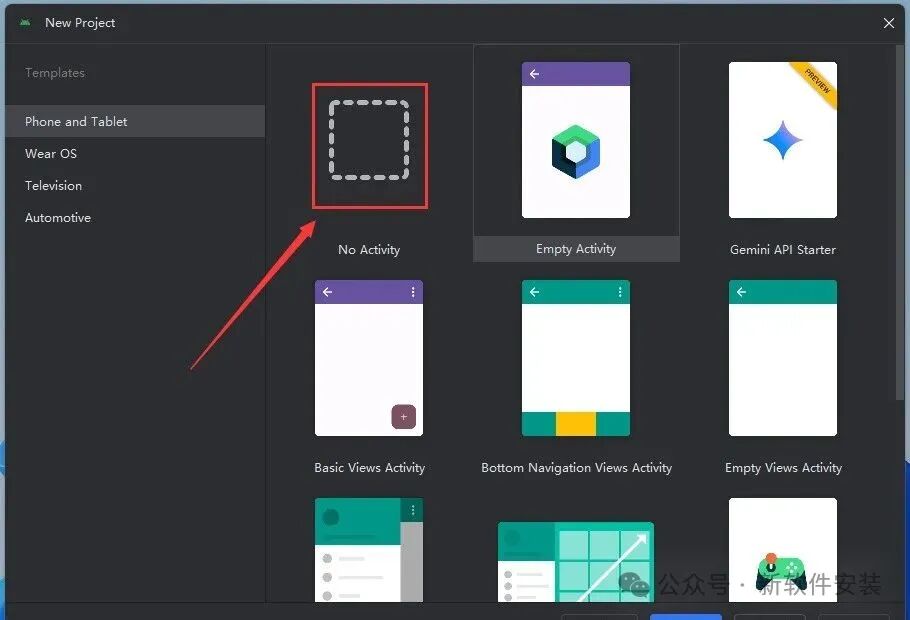
 22. Select a template, then click 【Next】.
 23. Choose the save location and select the programming language (e.g., Java), then click 【Finish】.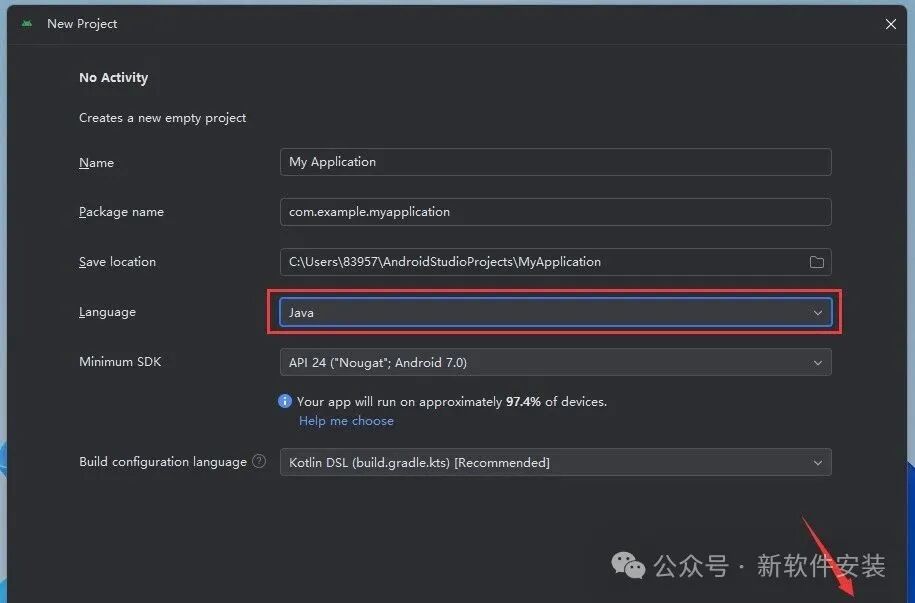
 24. Saving settings…
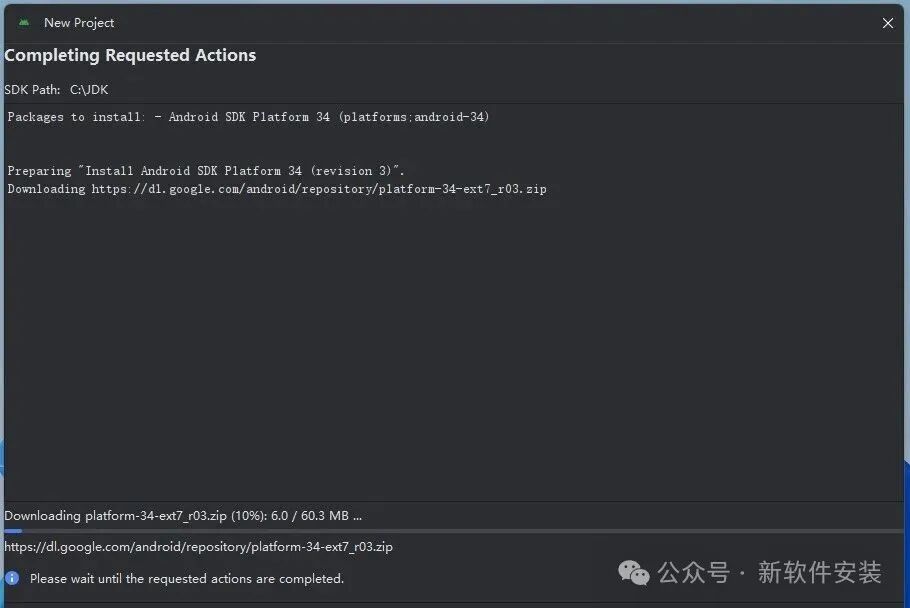 25. Click 【Finish】.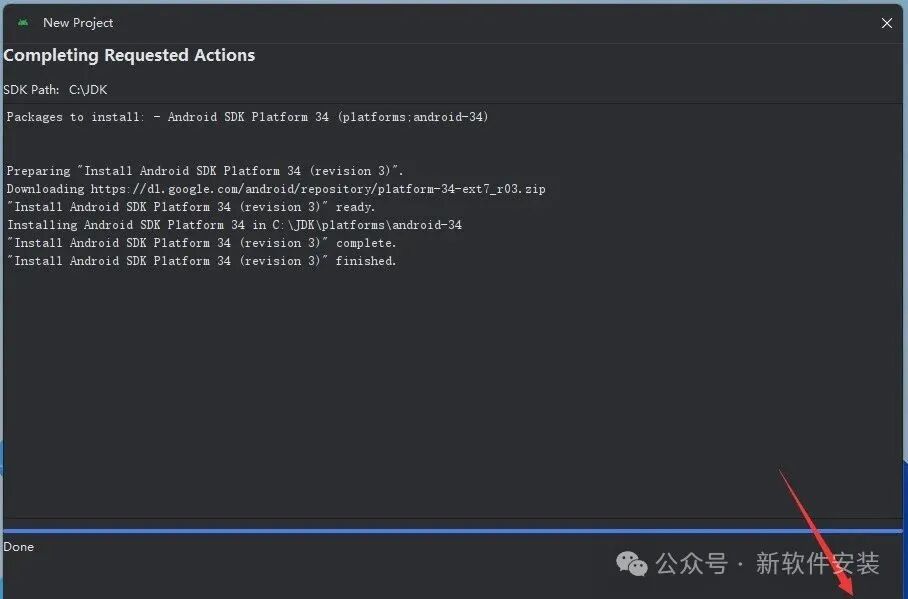
 26. Installation successful!
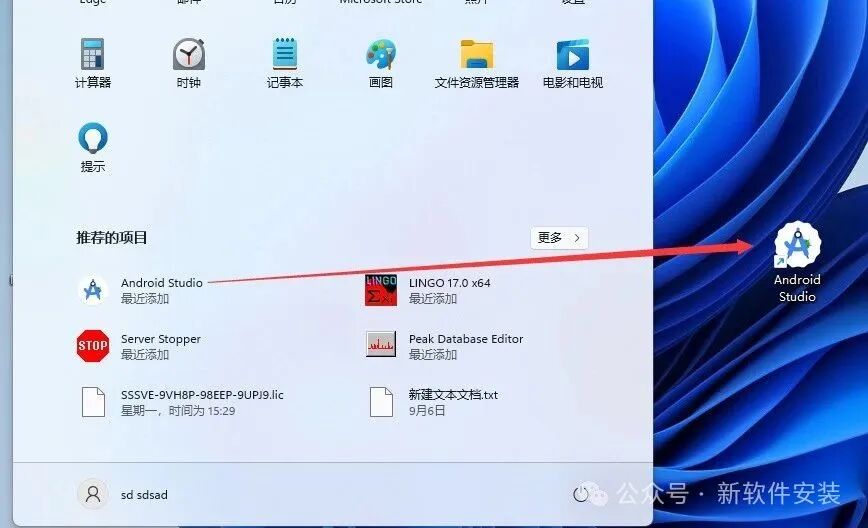
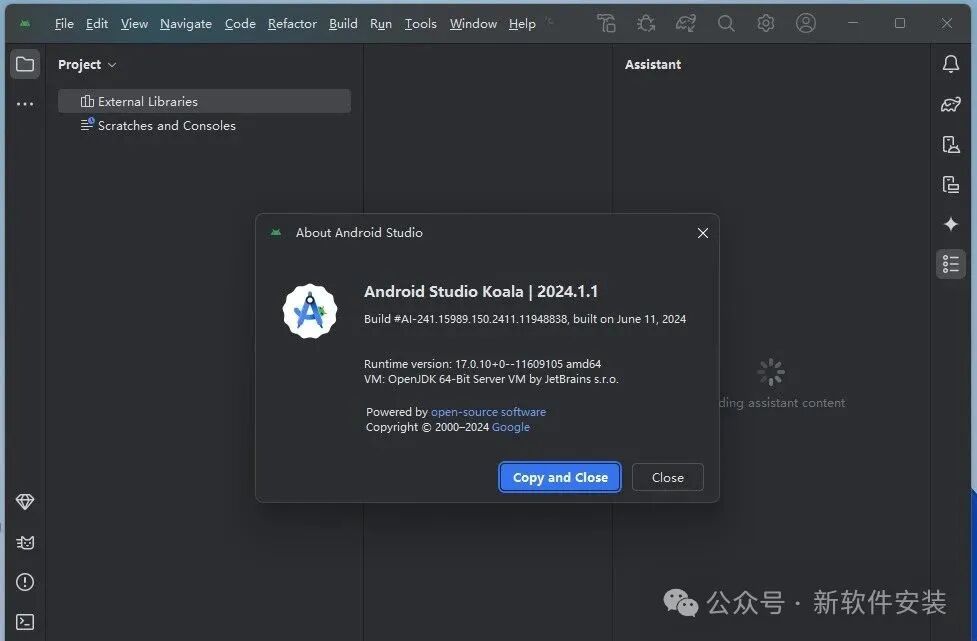 Appendix: Create a desktop shortcut: ① Click the 【Start icon】 in the desktop taskbar > Click 【All Apps】 ② Drag the 【Android Studio】 icon to the desktop.