Introduction
The currently popular MCUs mainly fall into two categories: ARM and DSP. Among the many manufacturers of DSP, TI (Texas Instruments) is one of the important leaders in the DSP chip field. CCS is an integrated development environment (IDE) software designed for Texas Instruments (TI) processors and microcontrollers. CCS provides developers with a complete set of tools and features for writing, debugging, and optimizing embedded applications. This article will introduce how to install and configure common libraries for preliminary preparation for subsequent development.
Overview
Code Composer Studio™ IDE is a complete integrated suite that enables developers to create and debug applications for all Texas Instruments embedded processors (Sitara, DSP, automotive, Keystone), microcontrollers (SimpleLink™, C2000 digital control, MSP430, TM4C, Hercules), as well as digital power (UCD) and programmable gain amplifier (PGA) devices.
Download
CCS can be downloaded directly from the official website. Currently, there are two software versions: CCSTUDIO-THEIA and CCSTUDIO. It is recommended to use CCSTUDIO as it is more mature. For convenience, you can also download my compressed package directly. (Public account: “IoT Knowledge”, reply with CCS).
Installation
Installing CCS
-
Unzip the installation package
 2. Right-click to run ccs_setup_12.3.0.00005.exe in administrator mode
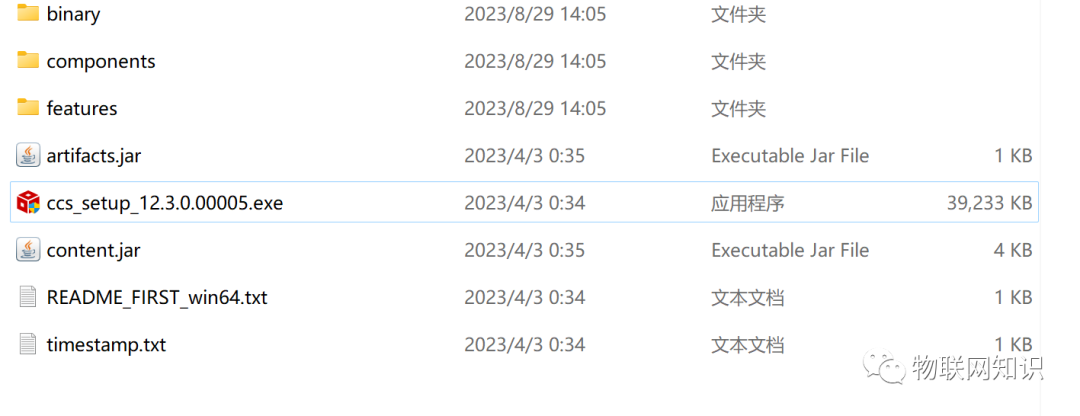 3. Click next continuously
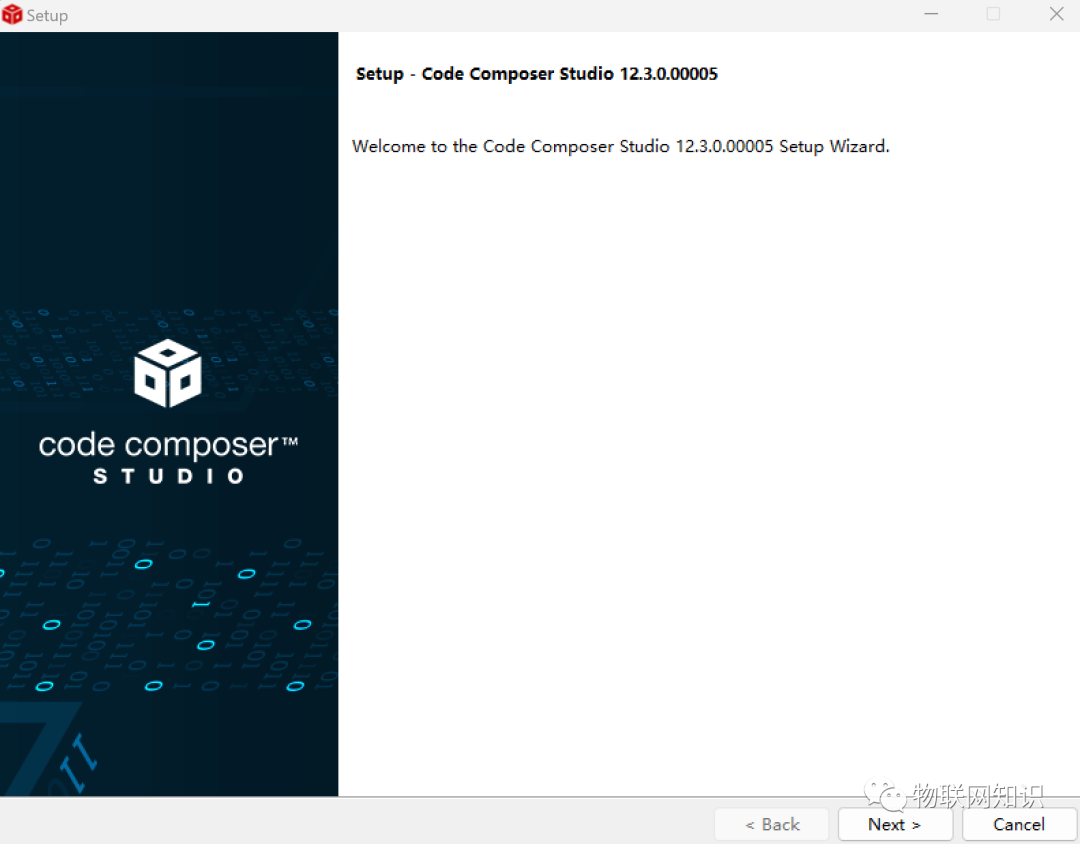 After downloading, restart the computer.
4. The appearance of the icon on the desktop indicates that the download is complete
Installing Libraries
For daily development, it is often unrealistic to rely entirely on our own written programs. We need to utilize many code libraries provided by the official (such as C2000Ware and C2000Ware_MotorControl). The CCS software has prepared many commonly used libraries for us; we just need to configure them.
-
First, we open CCS
-
Select the workspace
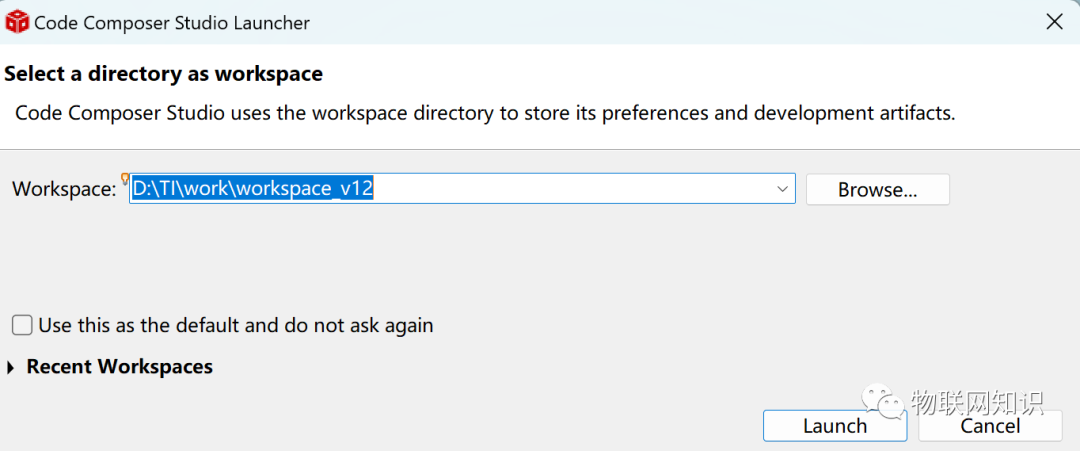
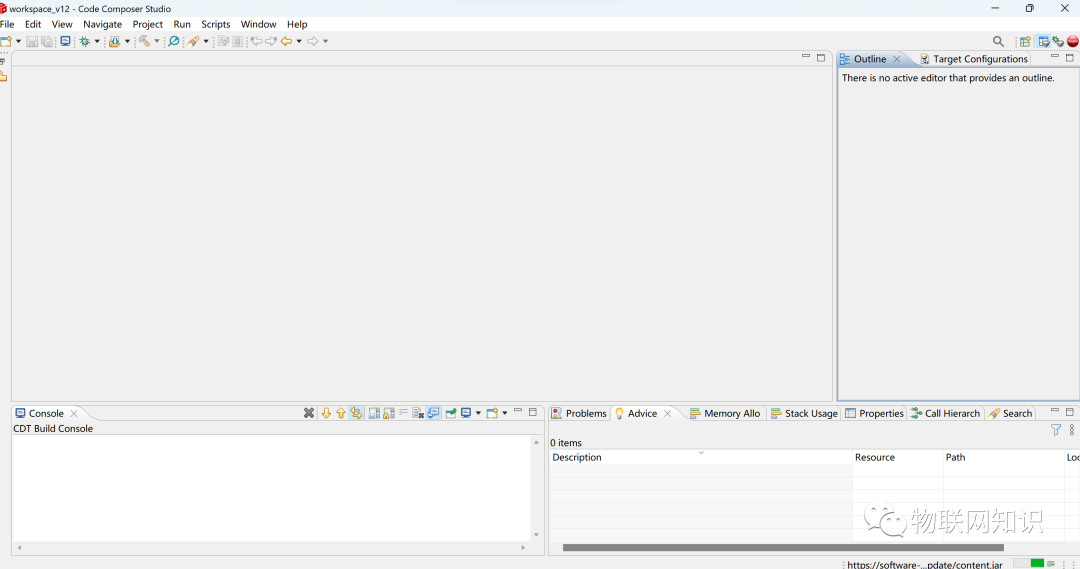
-
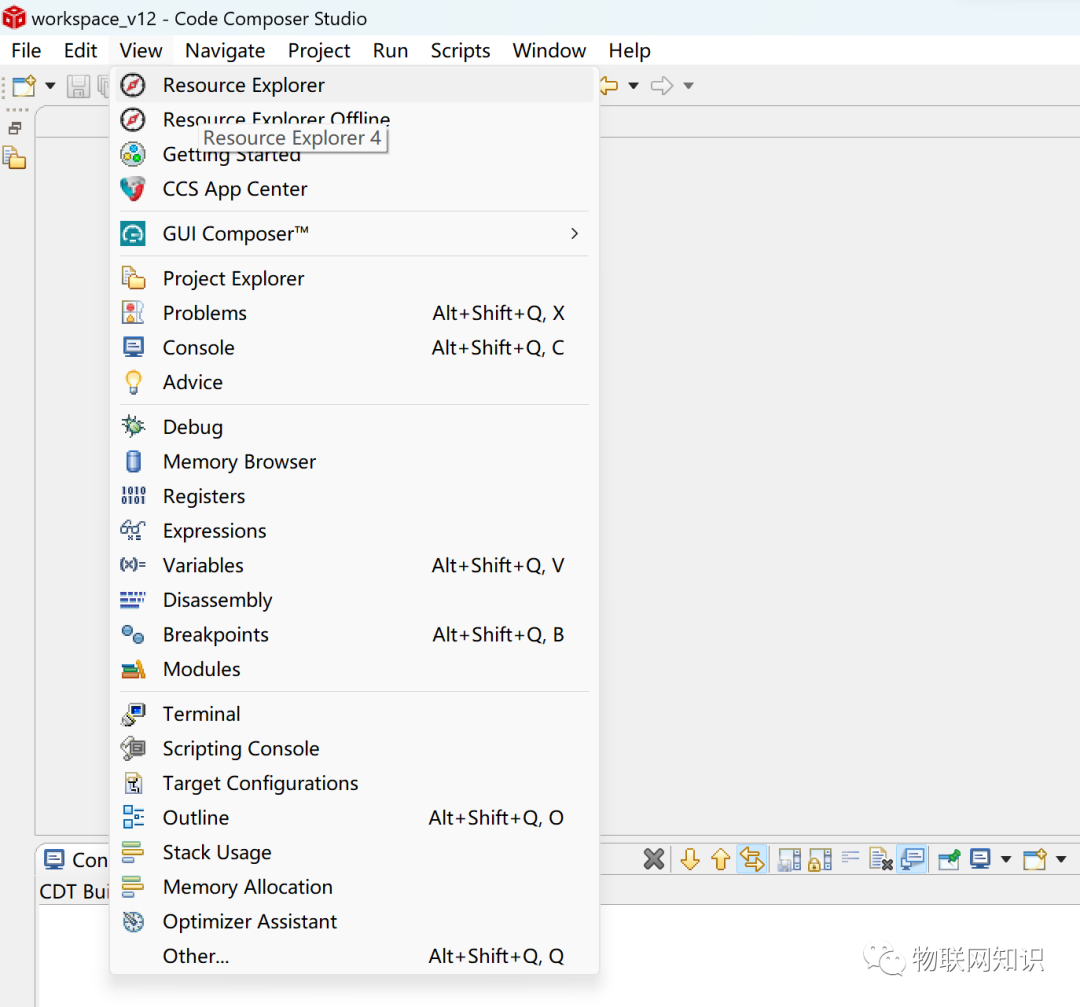
Click View
-
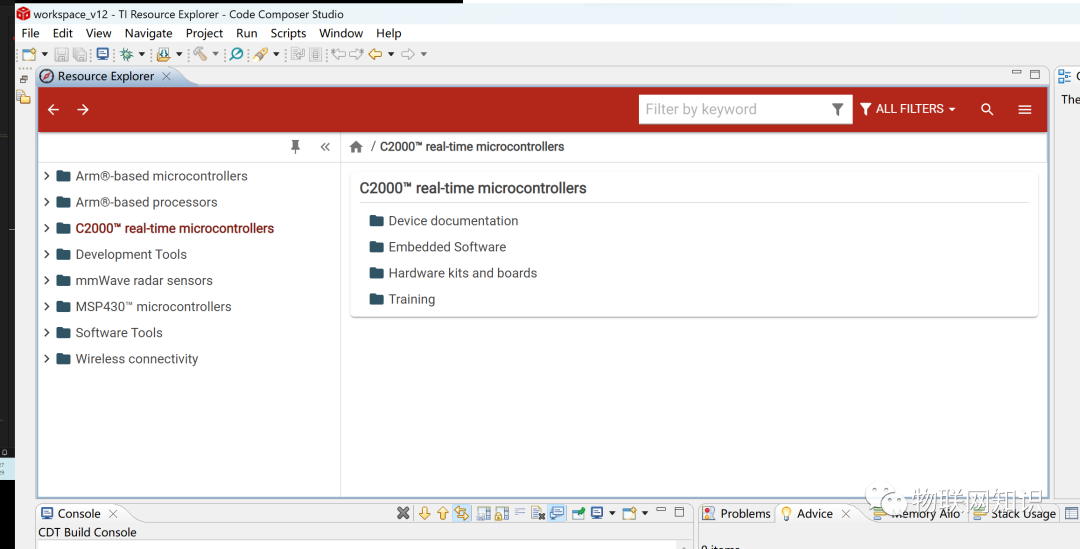
Select Resource Explorer
-
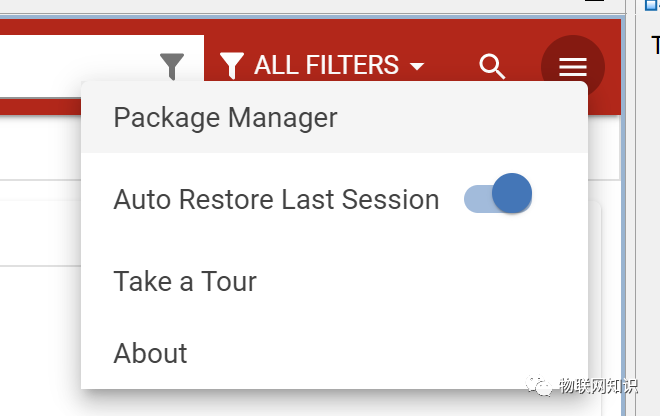
Click the menu icon
-
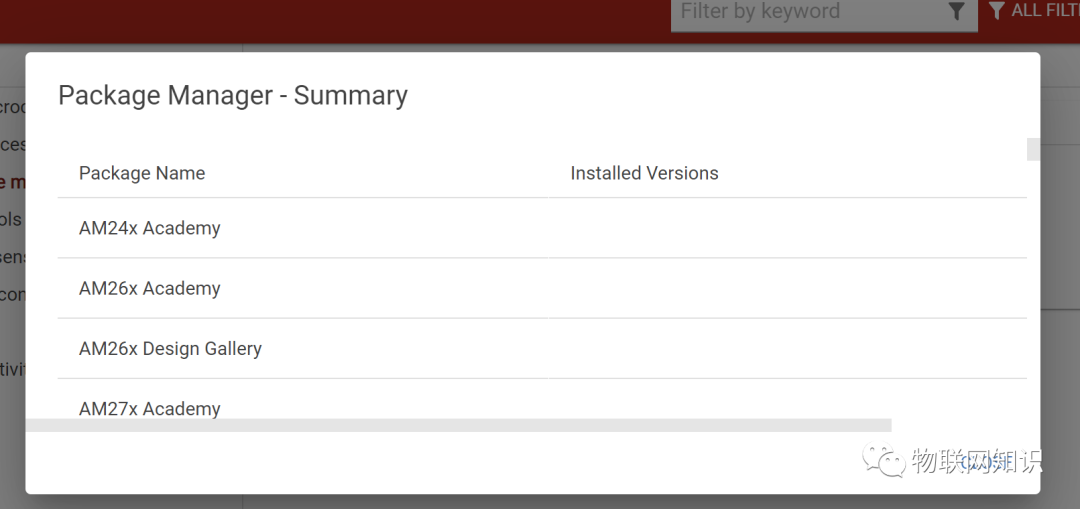
Click Package Manager
-
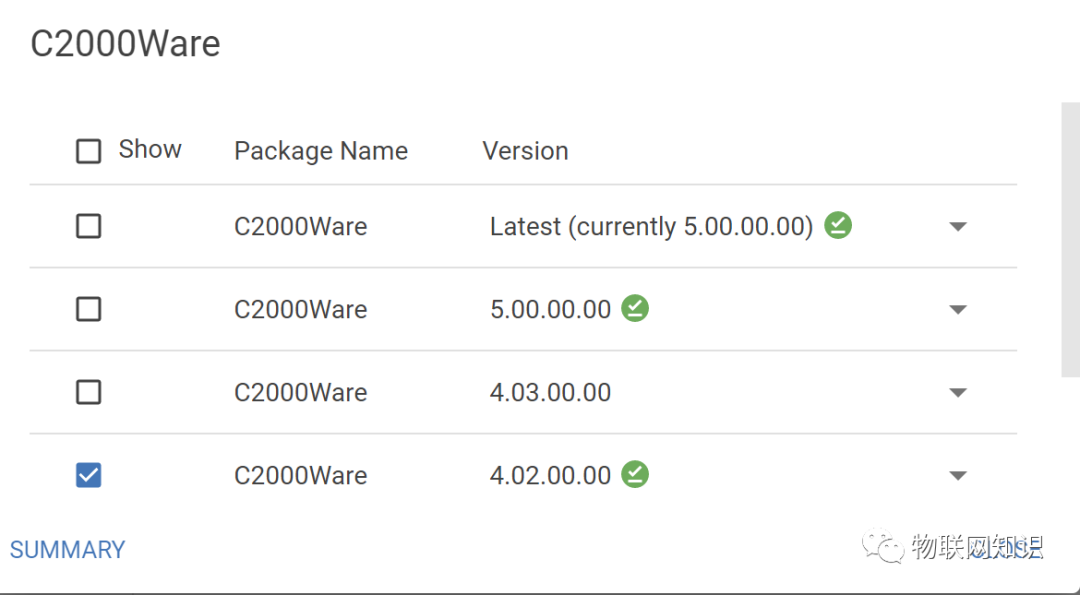
Select the libraries we need (usually C200Ware is required)

-
Select the corresponding version
-
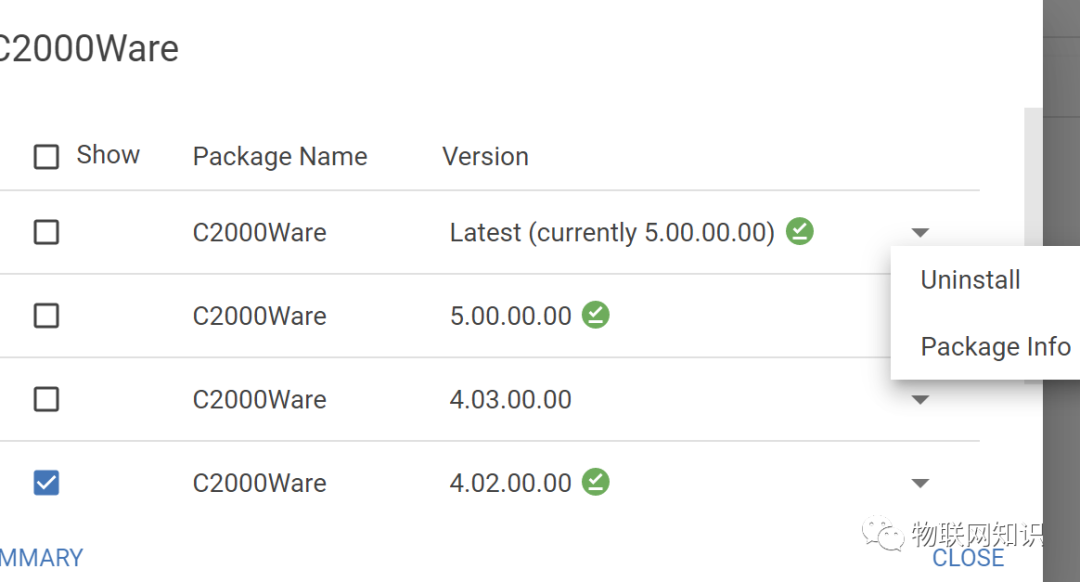
Download first
-
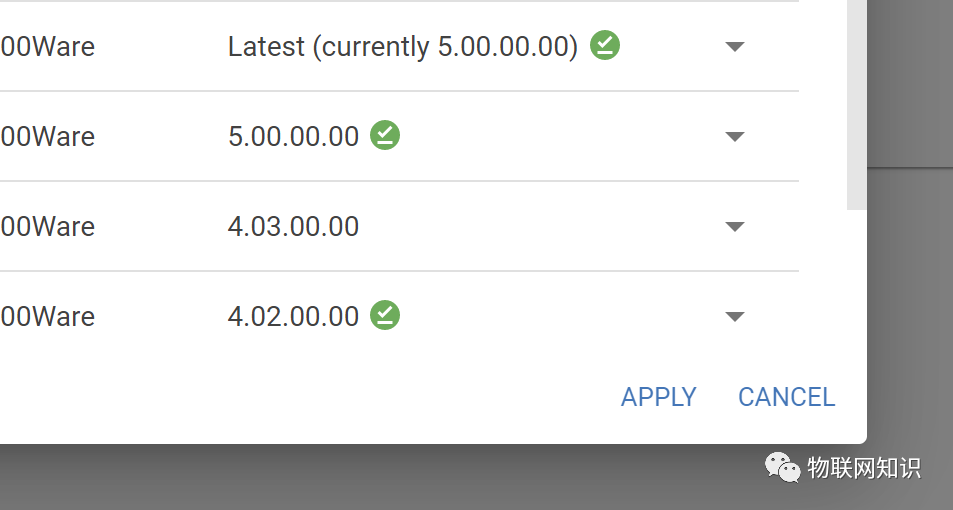
After downloading, apply (click APPLY)
-
At this point, our library files are installed!
Next Steps
The installation package can be obtained by replying “CCS” in the public account backend. Everyone can join the QQ group for discussion: 766566980.