In the previous section, we discussed the basic information about the motor and driver used in this case. In this section, we will explain the parameters that must be configured when using this driver correctly, as well as how to configure these parameters.Using and Programming the Leisai EtherCat Bus Closed-loop Stepper Motor (Part 1)First, we need to correctly wire all the ports of the driver and connect our motor to the driver properly, and use an external power supply to power the driver. The required ports and wiring were discussed in the previous section.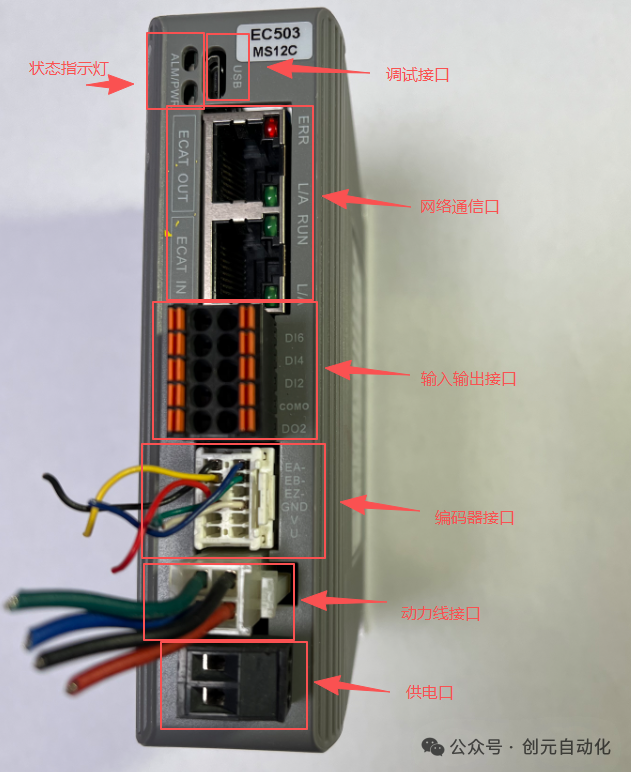 The parameter tuning software for the Leisai CL3C-EC503 driver is MotionStudio, which can be downloaded and installed from the official Leisai website.
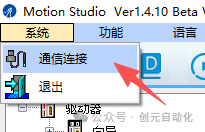
 We need a mini USB cable to connect the computer to the driver for debugging.Double-click to open the software, and it will generally automatically pop up the connection interface: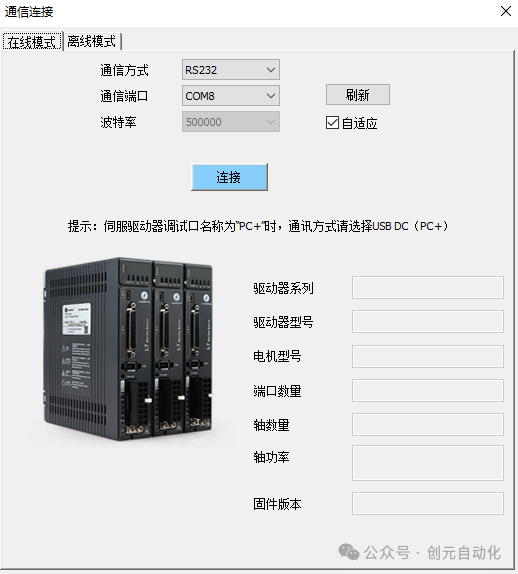
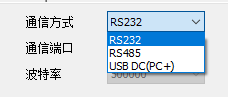 In the communication method, there are three options for us to choose from. Although we are using a USB cable, we need to select RS232 here and then correctly choose the COM port. My computer shows COM8, so everyone should select according to their own computer situation.Then, other parameters do not need to be set, just click connect directly.
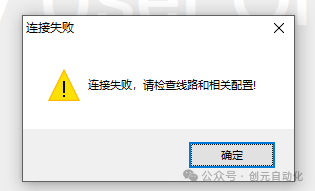 If the connection fails, we can reopen the connection interface and try again, which usually works.
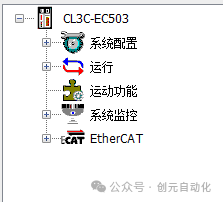
 After a successful connection, the model of our driver will appear on the left side of the interface, indicating that the connection has been established.
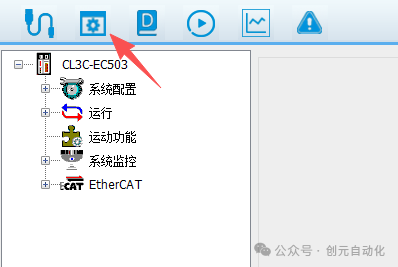
 If this is the first time we are using the driver, we can directly proceed with parameter configuration. If the driver already exists on the device, we can first back up the existing driver parameters and then configure the new parameters for easier recovery later.
 Parameter reading ↓:
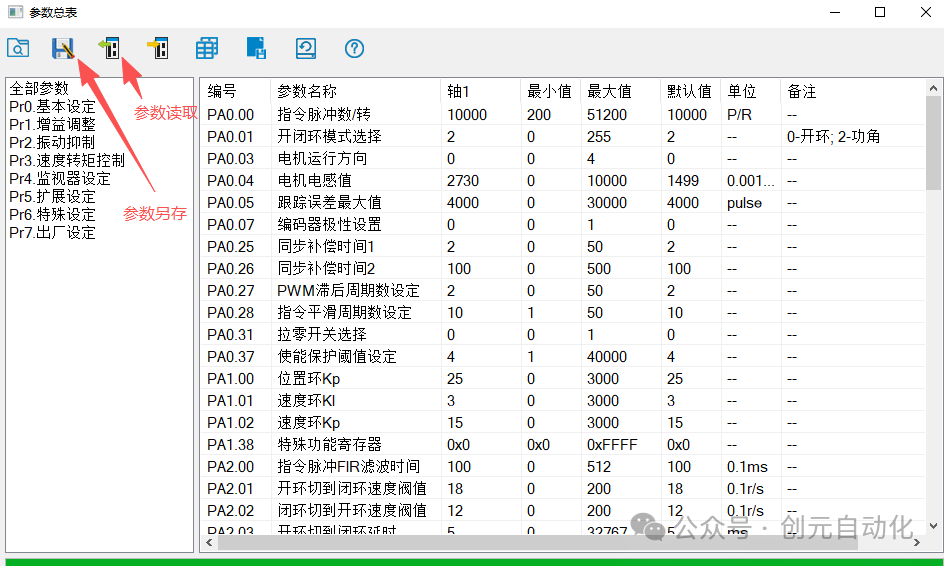 If we are not interested in the existing parameters of the driver, we can directly choose to restore factory settings and reconfigure the parameters.
 Next, we will officially start parameter configuration:First, the commonly used parameters include: current value, pulses per revolution, motor running direction, encoder resolution, and IO settings. These parameters are essential for configuring a closed-loop stepper motor.Current value:
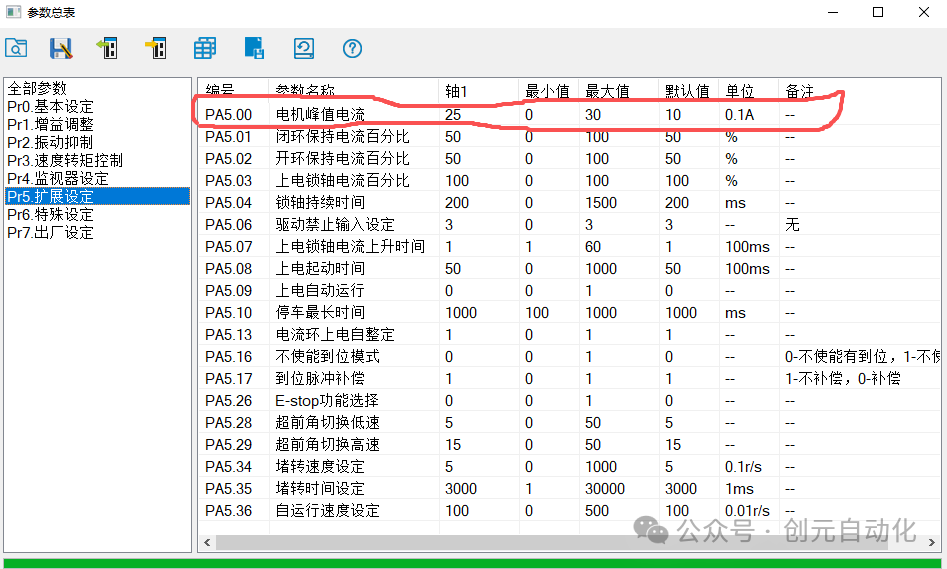 According to the official data, the rated current of the 42CME08 motor is 2.5A, so we need to set it to 2.5A here, but the actual number is 25, as the unit here is 0.1A.Pulses per revolution:
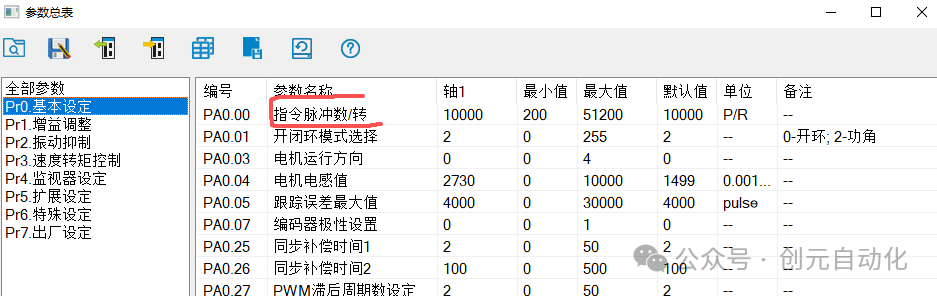 The maximum value is 51200, and the minimum value is 200. We can set it according to the actual effect; here we set it to 10000.Motor running direction:
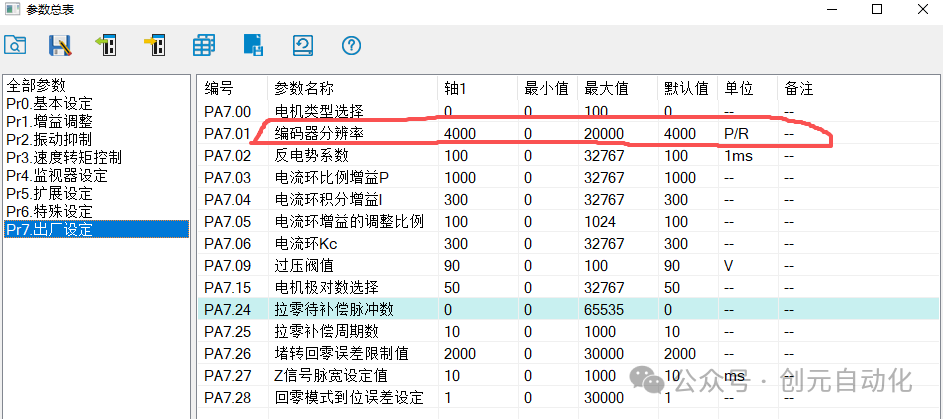
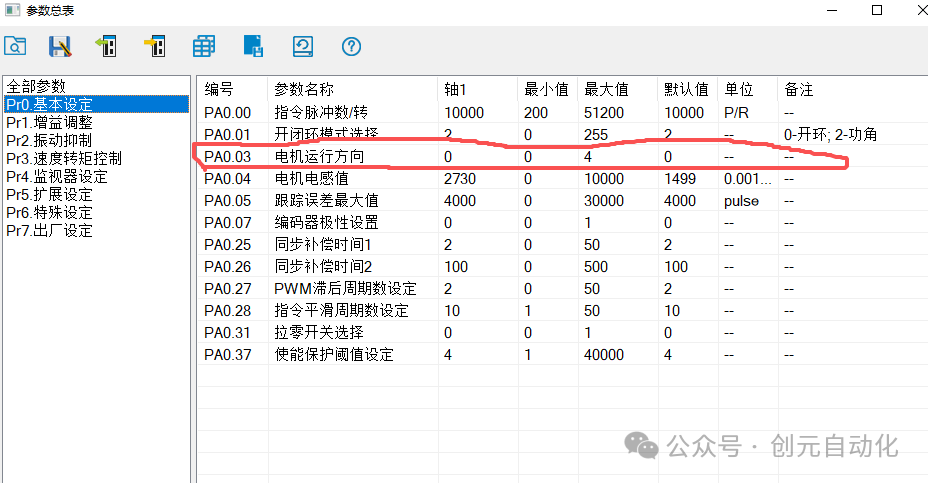 The motor running direction means that when we only click forward, changing this value will result in different rotation directions. The maximum value is 4, and the minimum value is 0. Actually, setting 0 has one effect, while setting 1-4 has another effect.Encoder resolution: represents the number of feedback pulses per revolution.
 IO settings: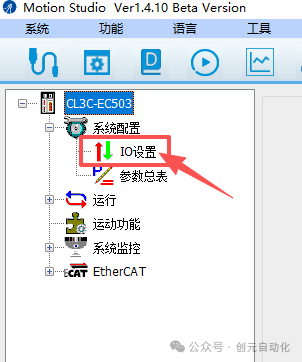
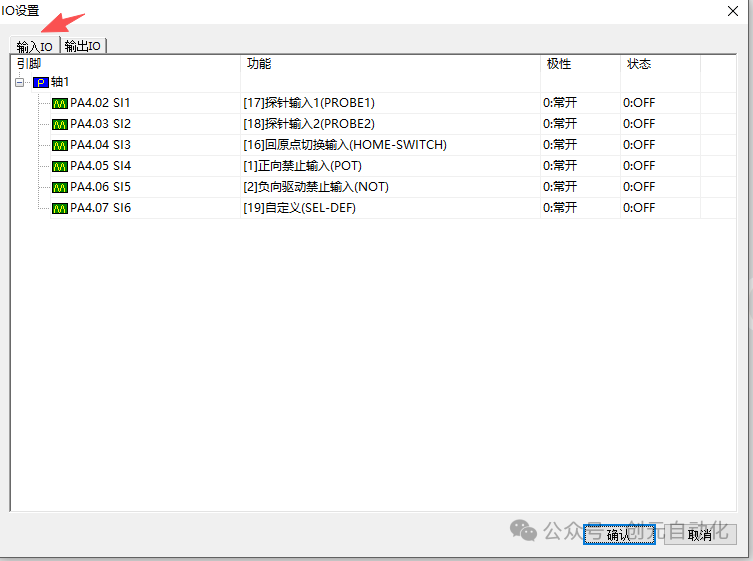
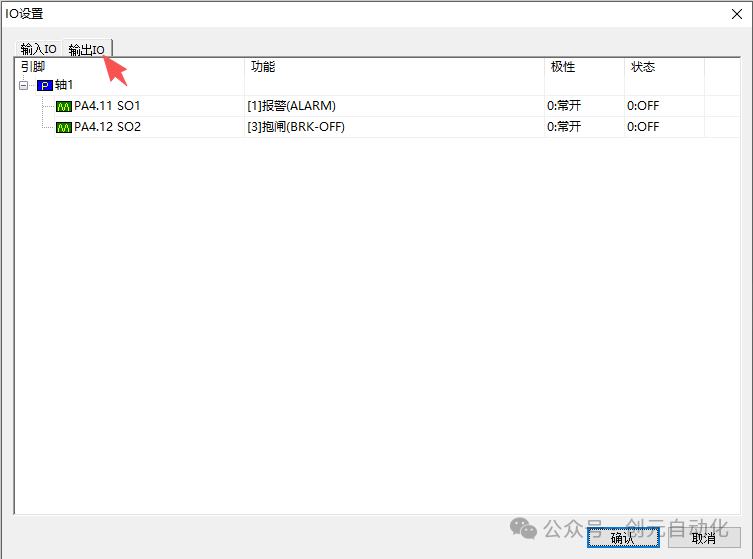 Here we configure the IO according to the actual situation. For example, the positive and negative limit defaults to normally closed. If we do not connect the positive and negative limit signals, we need to change the positive and negative limits to normally open.After completing the above parameters, we can first use this software for a jog test ↓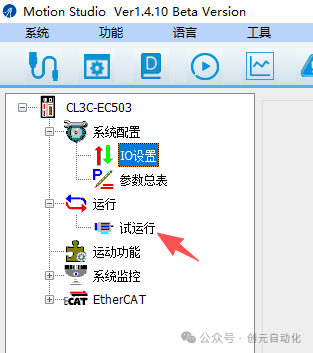
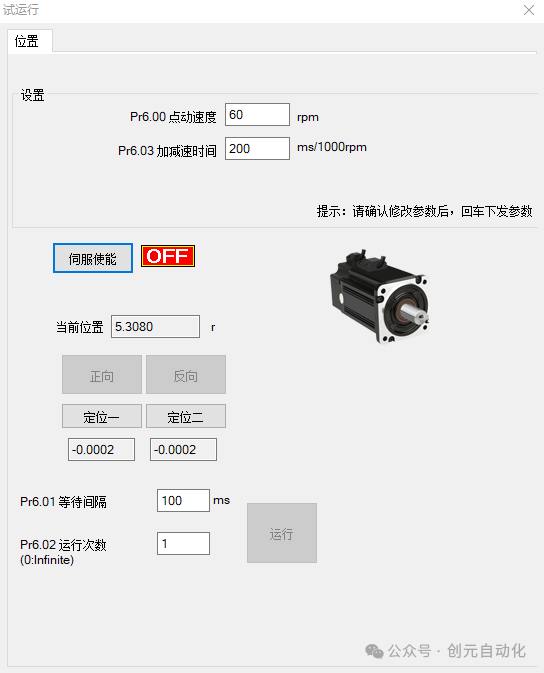 Click to enable the servo, give power to the motor, and then click forward or reverse ↓
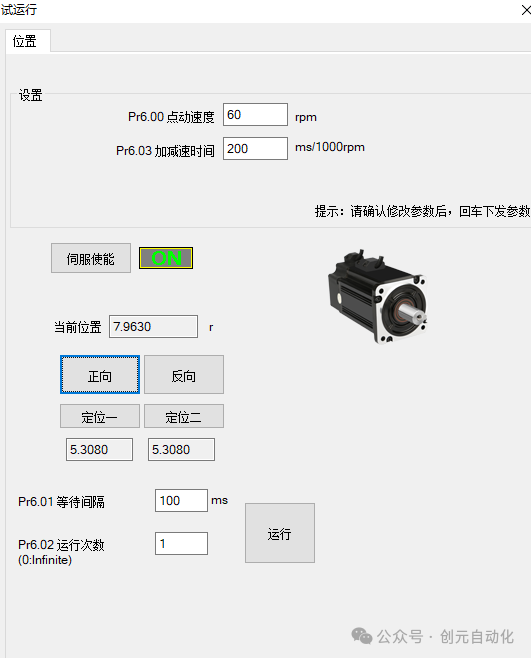 At this point, clicking will allow it to run. In this interface, we can set the jog speed. Initially, we can set a very small value and gradually increase the speed.This concludes the introduction and configuration method of the parameters for this section. In the next section, we will explain how to add this driver in the Huichuan Easy521 PLC and get it running.Previous popular articles:How to connect and configure the Huichuan Easy521 for the first timeTeaching how to use ST language to write programs for automatic processes in FX5UCreating a new EtherCat bus servo axis in the Huichuan H5U/Easy500 series (from creating a project to detailed parameter configuration for positioning motion)How to create a project containing S7-1200 PLC and WINCC touch screen using Siemens TIA PortalWhat is the working principle of a voice coil motor, and how is it related to electromagnetic theory (with derivation formulas)Classification of Hikvision industrial cameras and detailed explanation of commonly used parameters