Hello everyone, I am Immerse, an independent developer, content creator, and AGI practitioner.
-
• Follow the public account: #Immersive Fun Talks to get the latest articles (more content is updated only on the public account)
-
• Personal website:
<span>https://yaolifeng.com</span>is also updated simultaneously. -
• Please indicate the source and copyright information at the beginning of the article if you wish to reprint.
I will share content related to<span>programming</span>, <span>independent development</span>, <span>AI</span>, <span>going global</span>, and <span>personal reflections</span>.
If this article is helpful to you, feel free to give me some support and encouragement with a quick click (<span>like</span>, <span>comment</span>, <span>share</span>)! Thank you!
Recently, I have seen many people playing with Nano-banana, and the effects I’ve come across are quite interesting. Changing clothes, restoring old photos, turning drawings into figurines, etc., makes me want to try it out.
In the past couple of days, I’ve been tinkering with it, and surprisingly, it’s quite fun.
I tried many features and found a prompt repository, which I would like to share with everyone:
What is Nano-banana?
Nano-banana is an AI image generation tool launched by Google, and its biggest highlight is its ability to handle multiple reference images, performing exceptionally well in image editing.
You can use it to do various interesting things, such as changing clothes, modifying poses, generating images in different styles, and more.
Some Fun Features
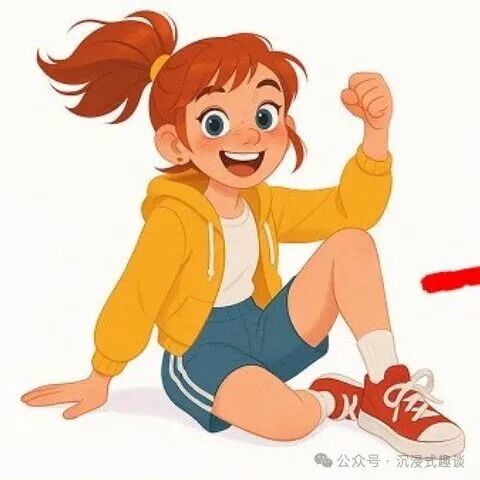
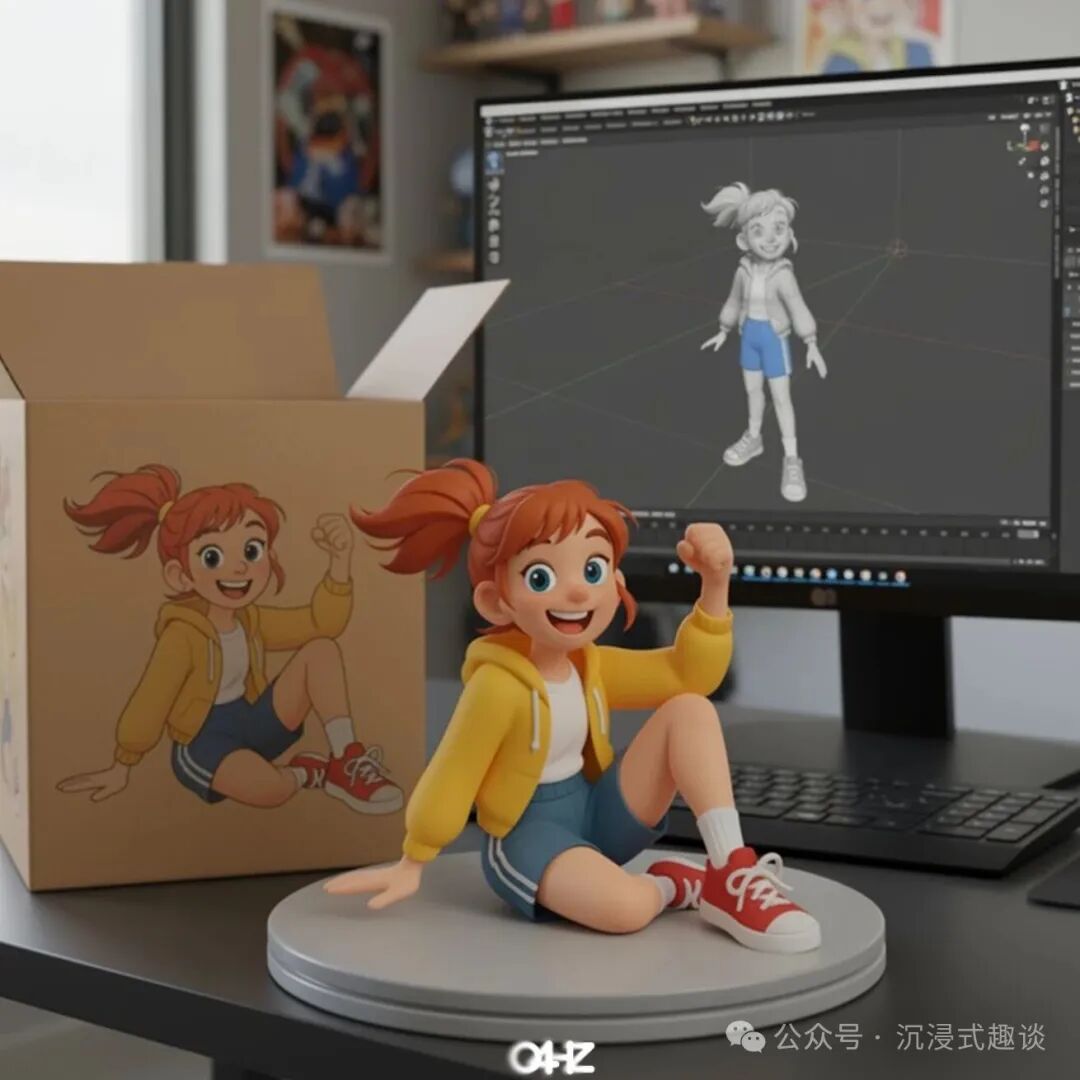
1. Turning Illustrations into Figurines
This feature is truly amazing! You just need to upload an illustration image and use the following prompt:
Transform this photo into a character figurine. Place a box with the character's image behind it, with a computer displaying the Blender modeling process on the box. Add a circular plastic base in front of the box, with the character figurine standing on it. If possible, set the scene indoors.The generated effect looks just like you bought a figurine, complete with packaging and a base, and the details are very well done.
| Input | Output |
|---|---|
 |
 |
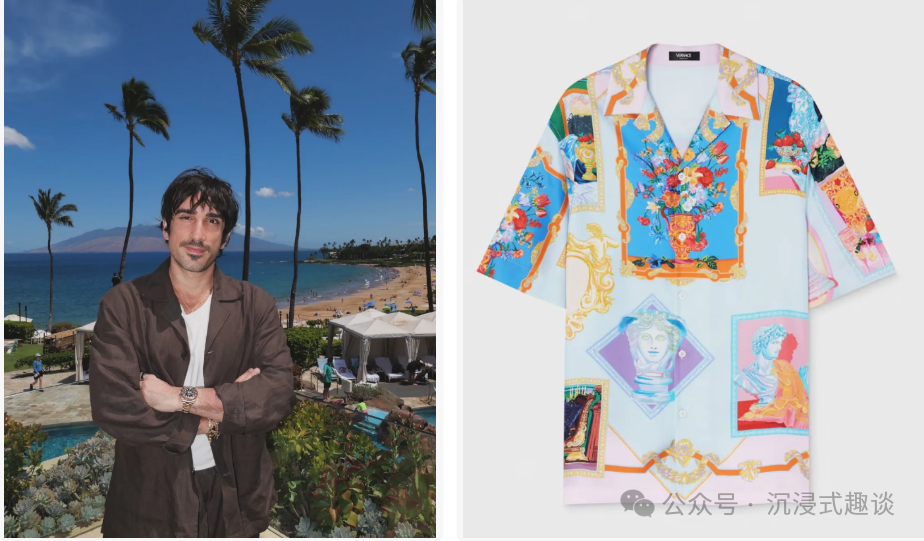
2. Clothing Change Feature
This feature is particularly useful for friends who want to try on clothes. You need to prepare two images: one of a person and one of the clothing, then use this prompt:
Replace the clothing of the person in the input image with the target clothing shown in the reference image. Keep the person's pose, facial expression, background, and overall realism unchanged. Make the new clothing look natural, fitting, and consistent with the lighting and shadows. Do not change the person's identity or environment—only change the clothing.| Input | Output |
|---|---|
 |
 |
The generated effect looks very natural, as if the person is really wearing new clothes.
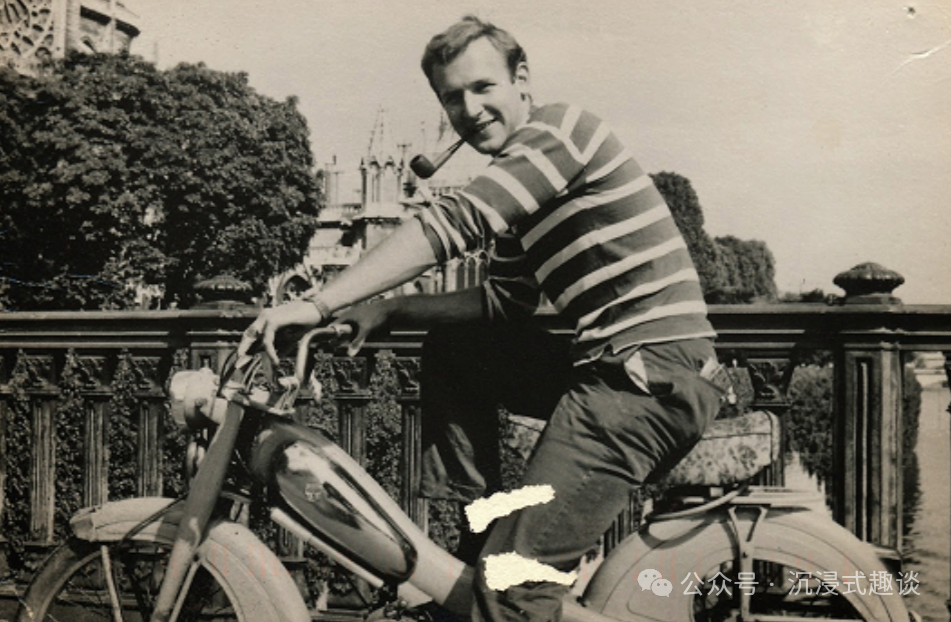
3. Restoring and Coloring Old Photos
This feature is great for friends with old photos; you just need a simple prompt:
Repair and color this photo.| Input | Output |
|---|---|
 |
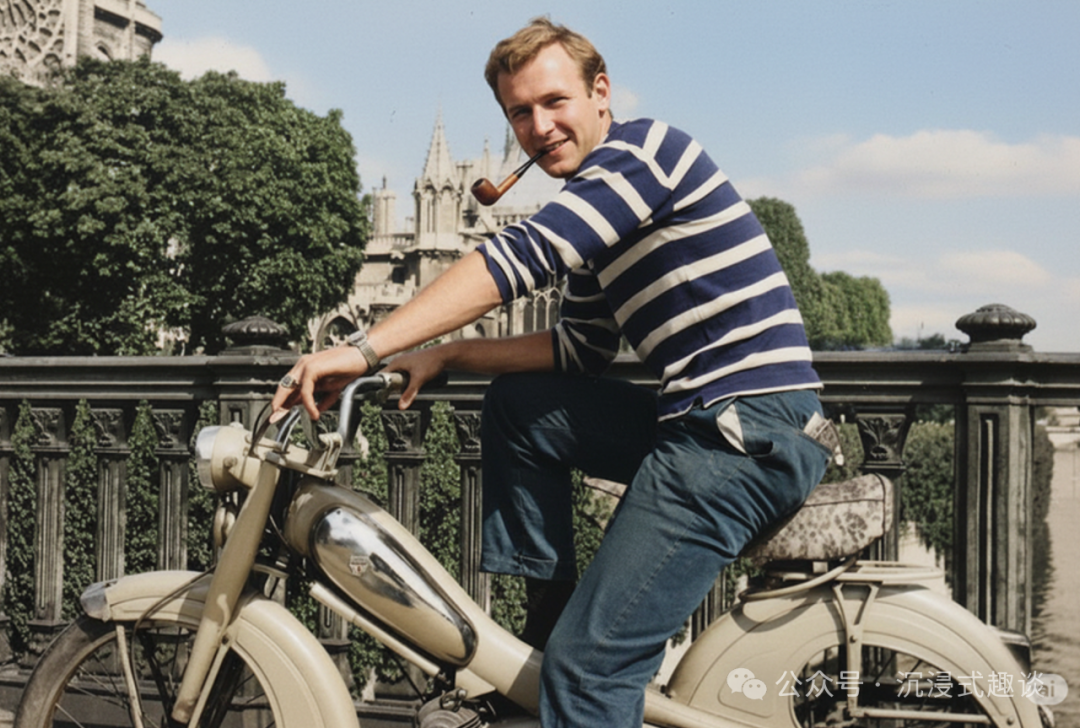 |
It can not only repair damaged parts of the photo but also colorize black and white photos, and the effect is quite good.
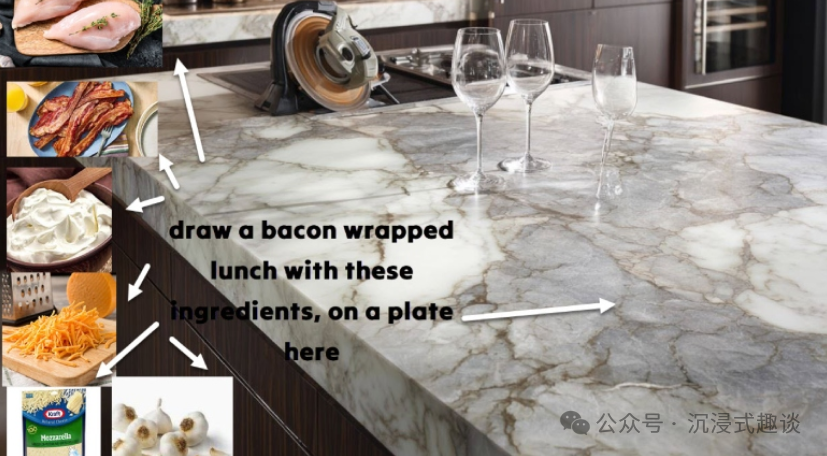
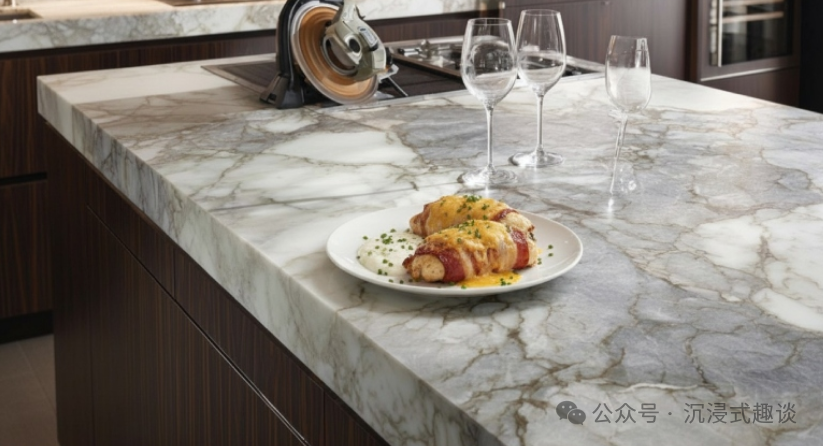
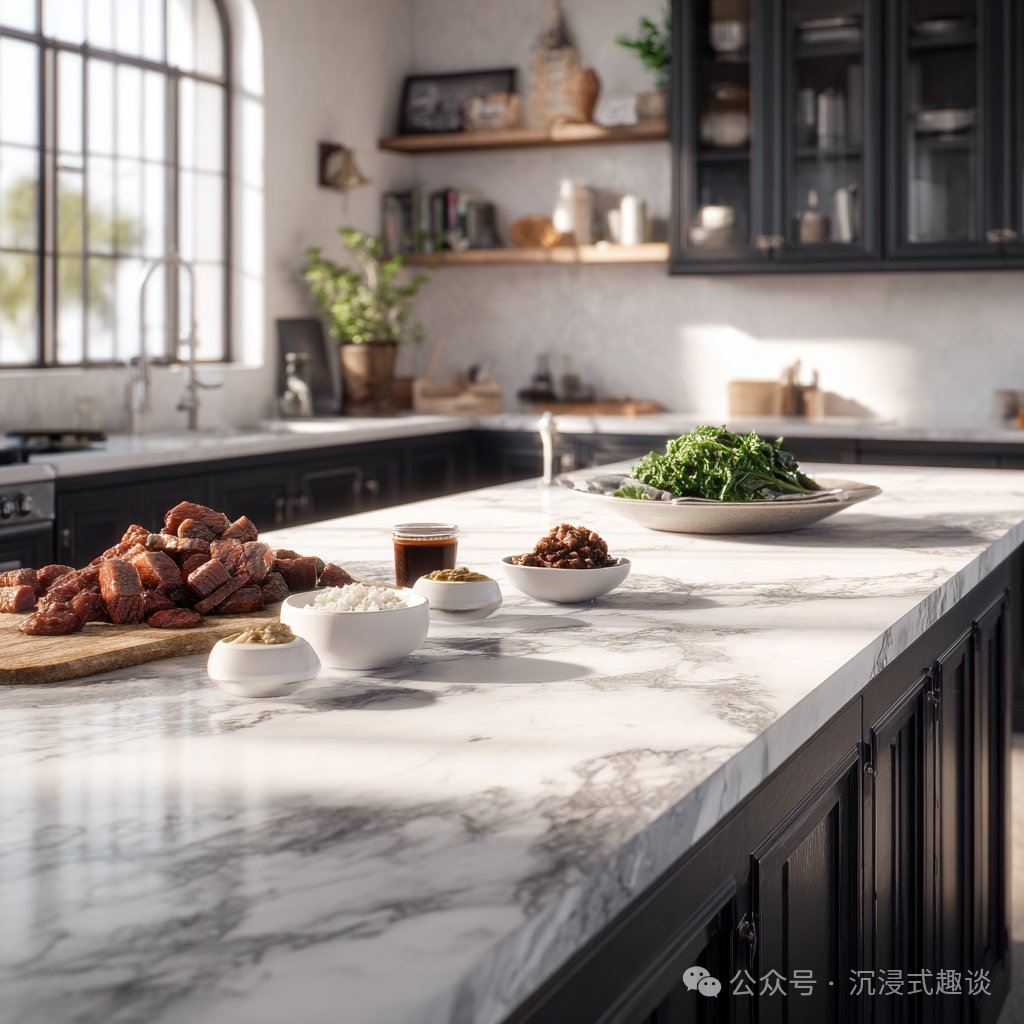
4. Cooking Based on Ingredients
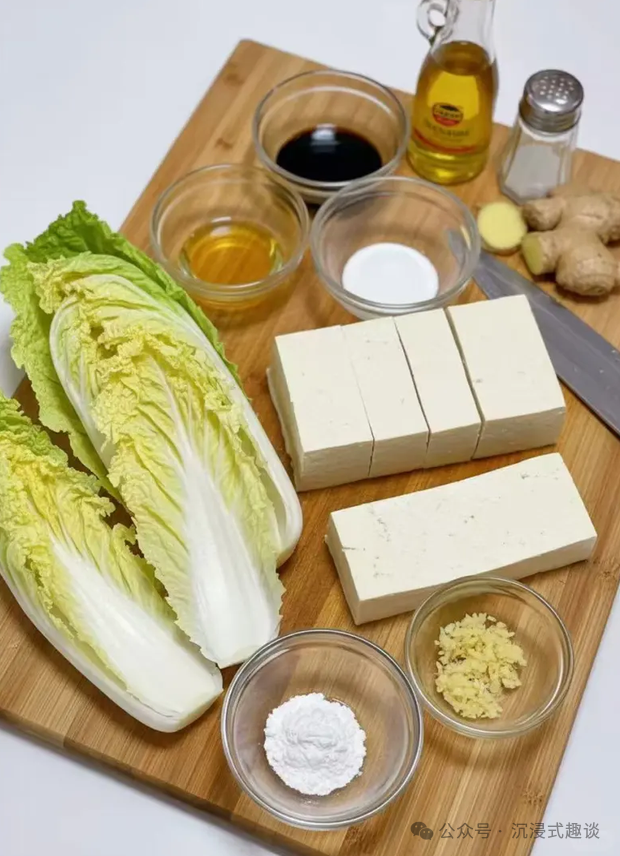
This feature is quite interesting; you take a photo of the ingredients in your fridge and use:
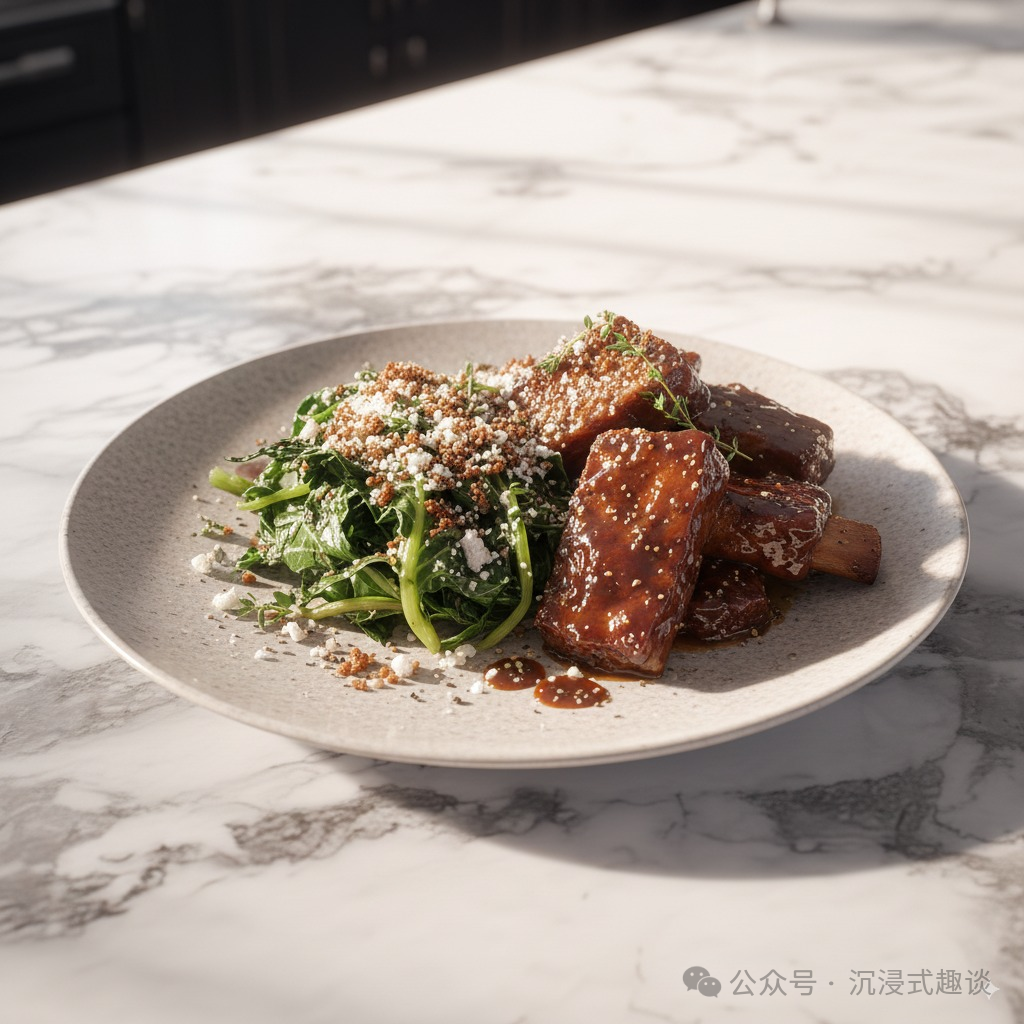
Make me a delicious lunch with these ingredients, served on a plate, with a close-up view of the plate, removing other plates and ingredients.| Input | Output |
|---|---|
 |
 |
 |
 |
 |
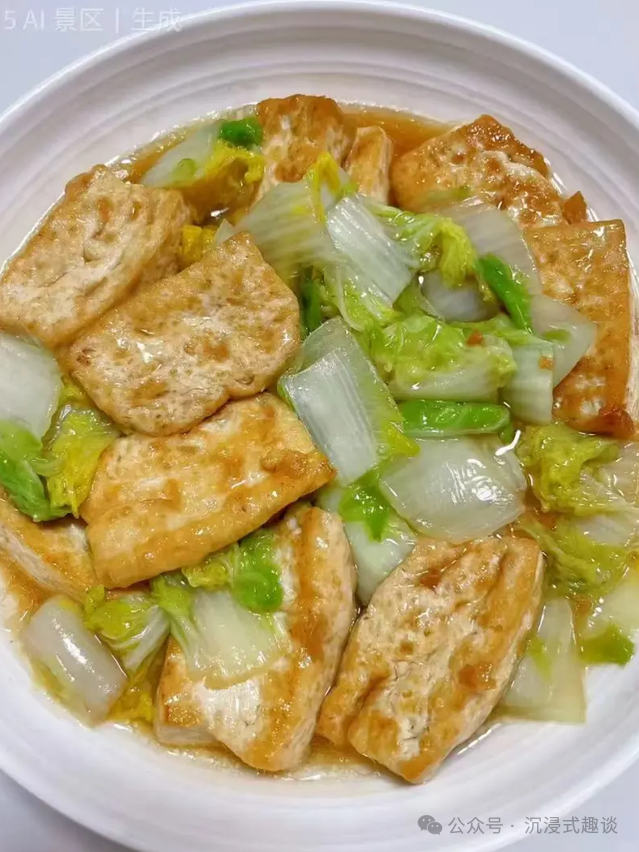 |
It will create a dish that looks very delicious based on your ingredients.
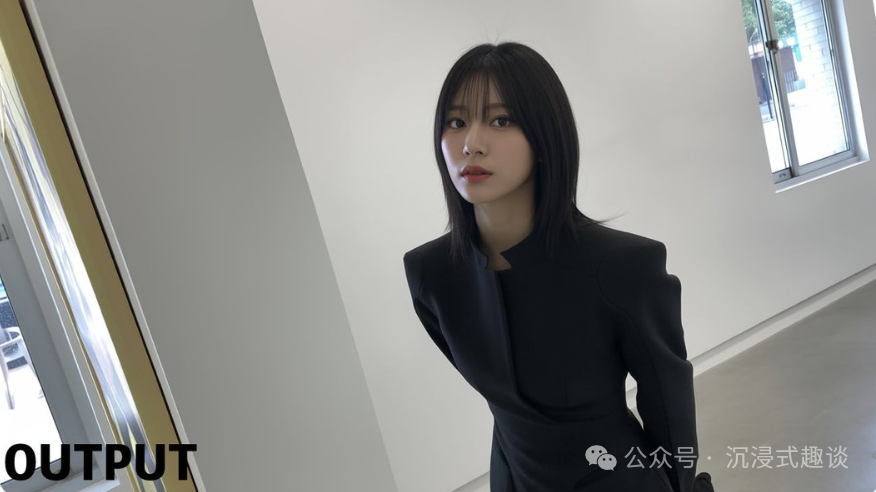
5. Modifying Character Poses
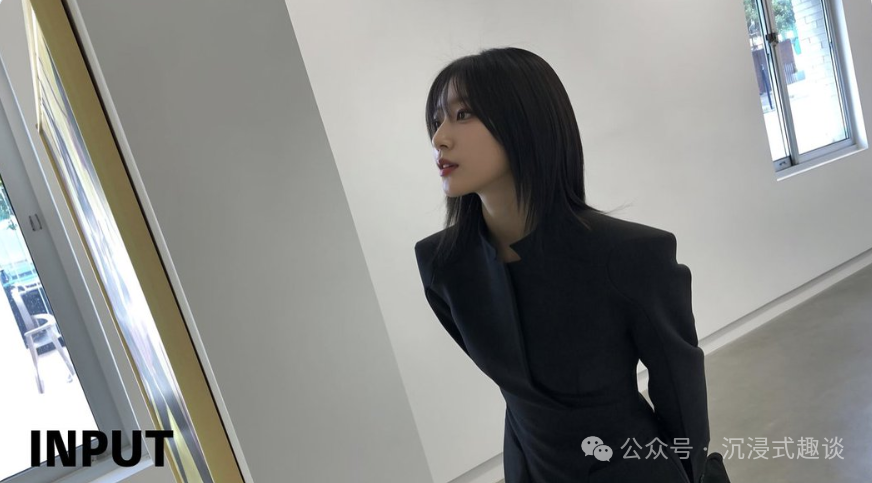
This feature is very useful for friends who want to adjust the poses of characters in photos. You just need to upload a character image and use the following prompt:
Make the person in the image look straight ahead.| Input | Output |
|---|---|
 |
 |
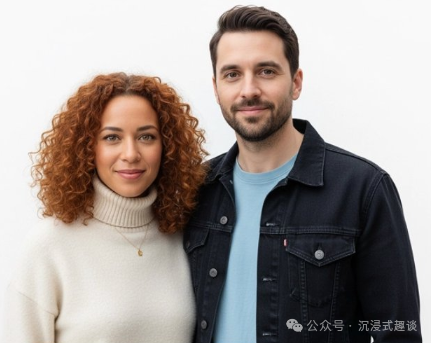
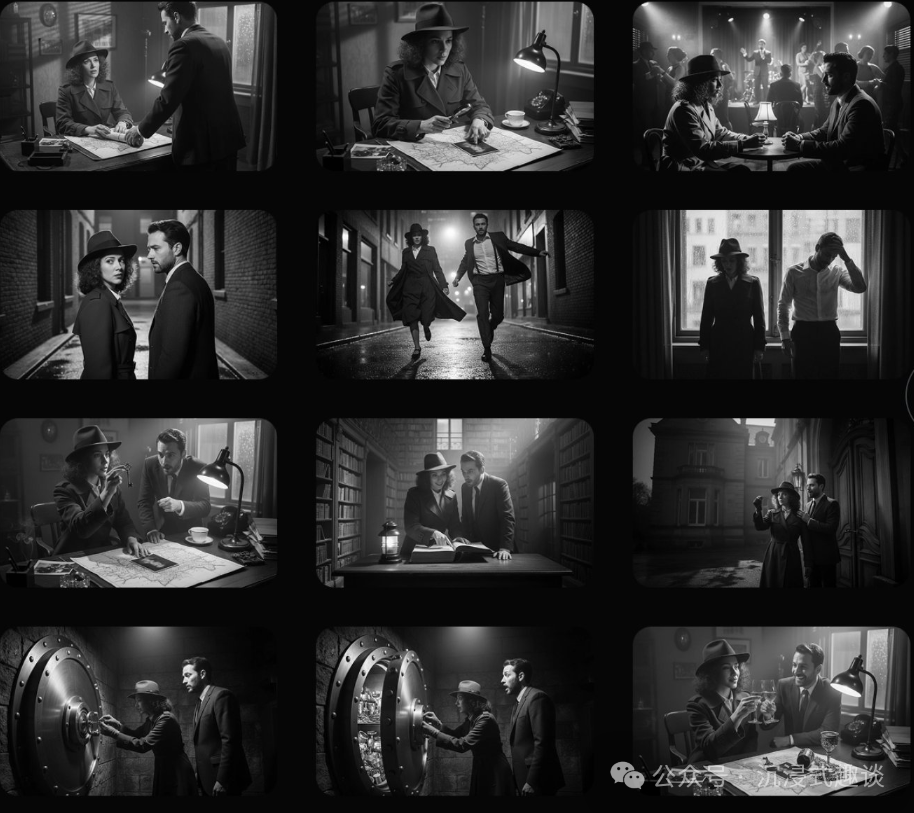
6. Movie Storyboarding
Create an addictive 12-part story with these two characters, including 12 images, telling a classic film noir detective story. The story is about their search for clues and the lost treasure they ultimately discover. The entire story is filled with excitement, emotional highs and lows, and ends with thrilling twists and climaxes. Do not include any text or words in the images; tell the story purely through the images themselves.| Input | Output |
|---|---|
 |
 |
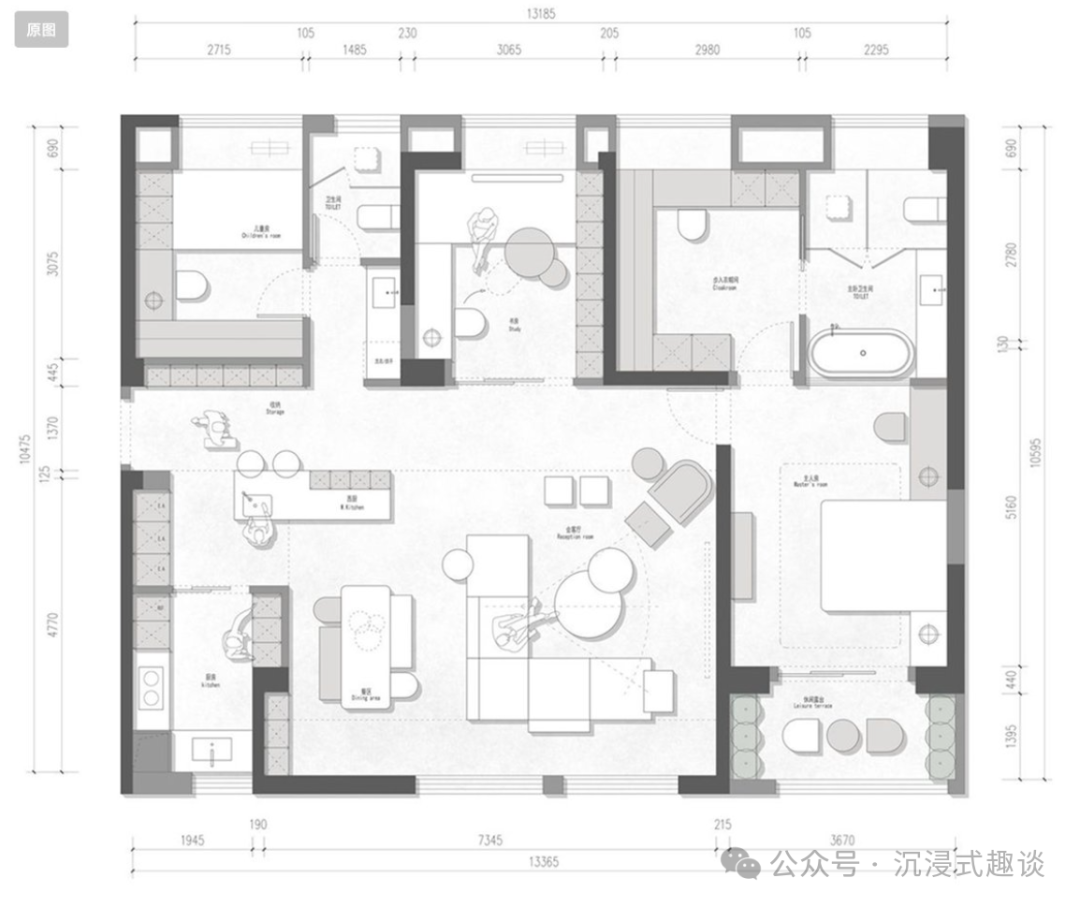
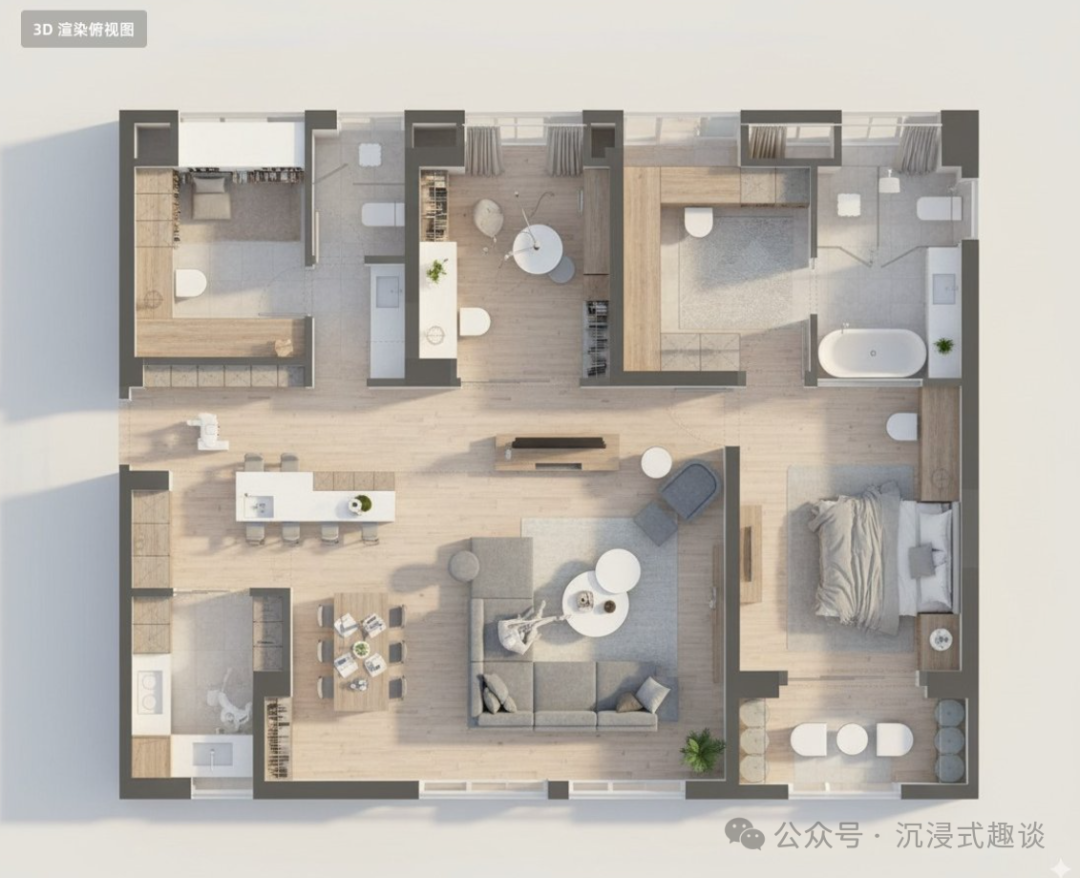
7. 2D Floor Plan to 3D Rendering
Help me convert this residential floor plan into an isometric photo-realistic 3D rendering of the house.| Input | Output |
|---|---|
 |
 |
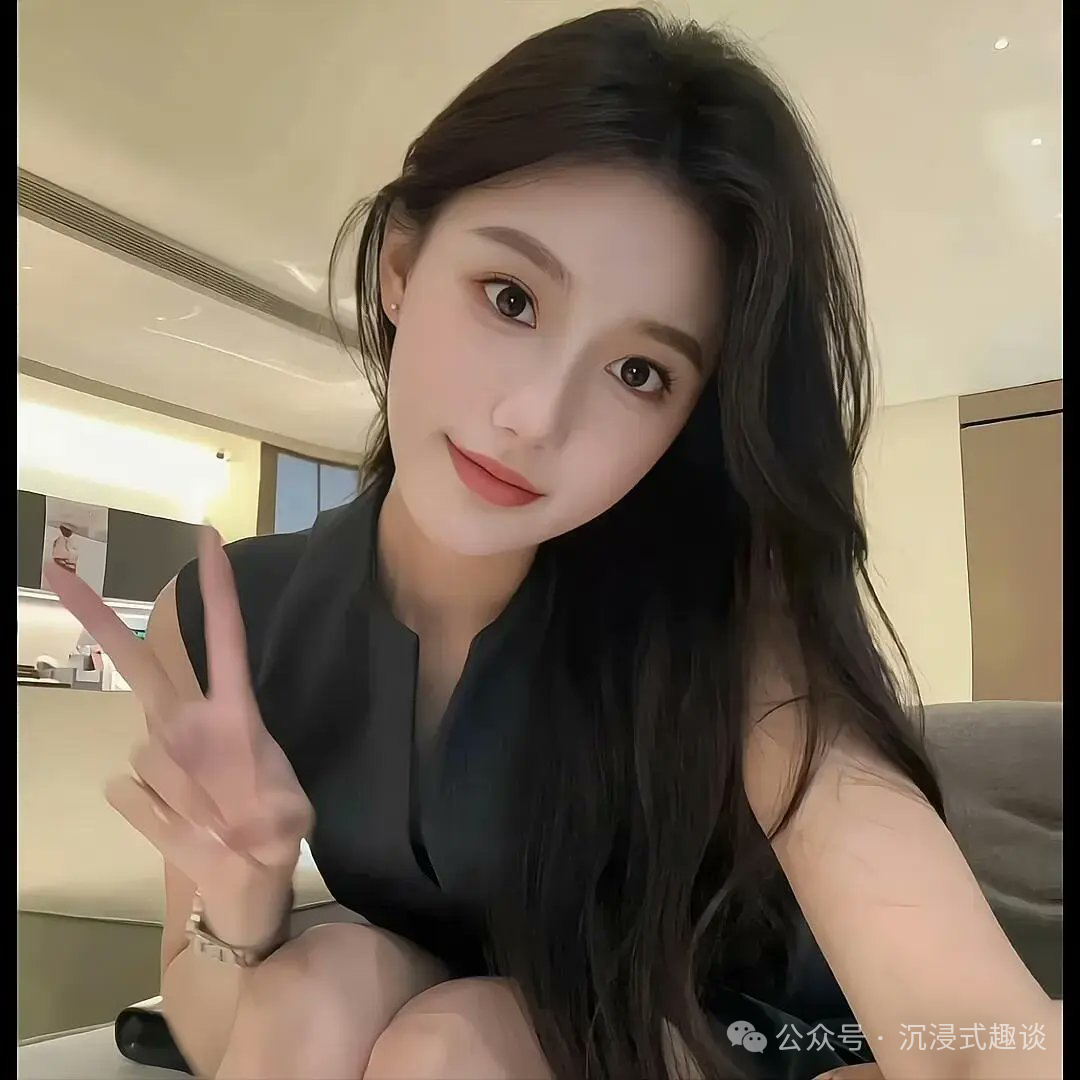
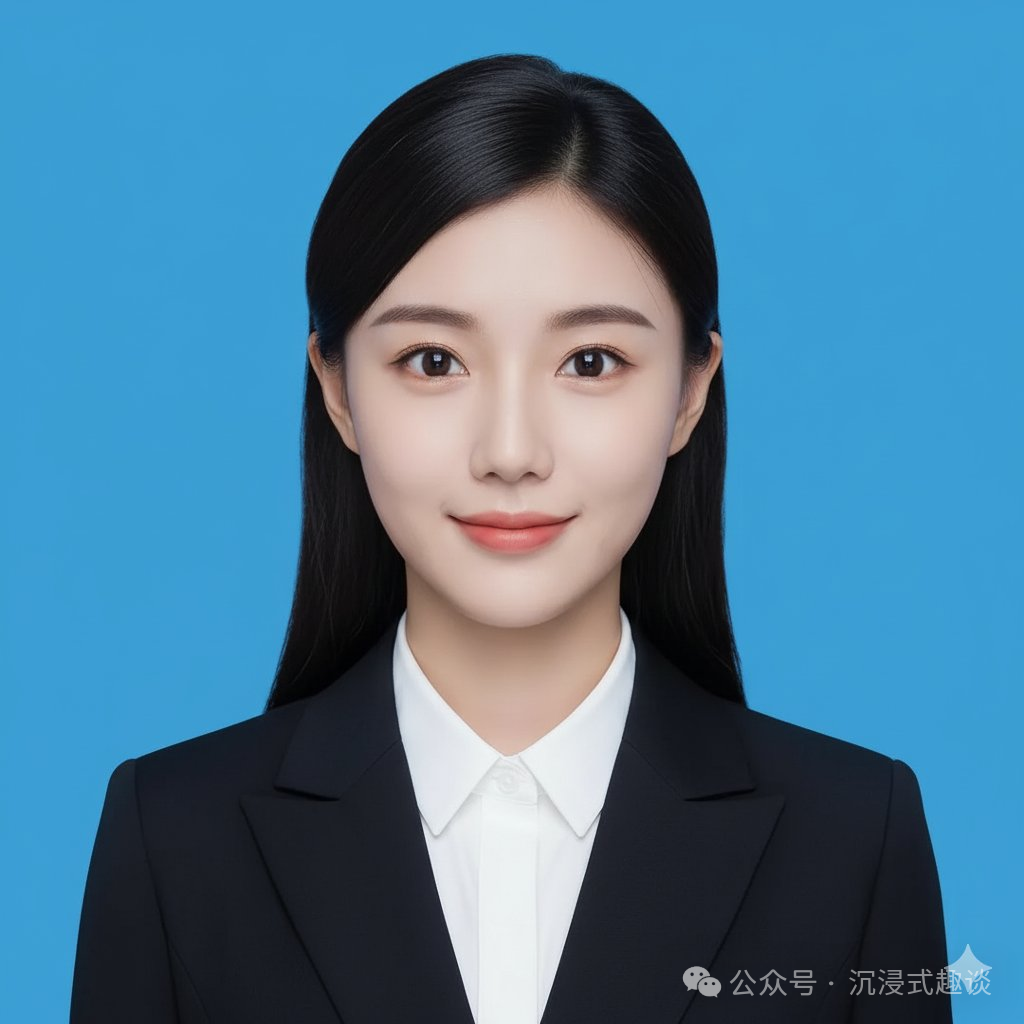
8. Creating ID Photos
Crop the head of the person in the image and make it into a 2-inch ID photo, with the following requirements: 1. Blue background 2. Professional attire 3. Frontal view 4. Smile.| Input | Output |
|---|---|
 |
 |
Related Resources
Github: https://github.com/PicoTrex/Awesome-Nano-Banana-images
Some Prompting Tips
Be Specific in Descriptions
Do not just say “make it look better” or “improve it”; be specific about what effect you want. For example:
- • “Enhance contrast, boost colors, and improve lighting to make it richer.”
- • “Add long curly hair, a long beard, and change the background to a scenic California summer landscape.”
Maintain Consistency Requirements
When you need to keep certain elements unchanged, remember to specify this in the prompts:
- • “Do not change the character’s face.”
- • “Keep the person’s pose, facial expression, background, and overall realism unchanged.”
Multi-Image Fusion Techniques
When using multiple reference images, clearly describe the role of each image:
- • “Image one is the character reference, image two is the clothing reference.”
- • “Accurately use the color palette from image two to color the character in image one.”
Style Specification
If you want a specific style, remember to add it in the prompts:
- • “Professional studio photography.”
- • “Anime style.”
- • “Isometric view.”
- • “Street photography style.”
In Summary
For those who want to try AI image generation, I think this tool is definitely worth a shot. It has a low learning curve but can produce many interesting effects.
I hope this sharing is useful to everyone! Feel free to share it!
Other Recommended Articles
Latest 2025! Independent Developer’s Budget Package.
New ways to install Claude Code on Windows, a beginner’s guide.
From beginner to expert in Claude Code: The most comprehensive configuration guide and tool recommendations.
The ultimate configuration guide for Claude Code: One command to handle various configurations.
One configuration file to rule them all! Claude Code multi-model intelligent switching.
This 361k Star project is a must-save!
Need to preview XLSX? Don’t look around, these libraries (especially the last one) are really good!
[Complete Summary] A complete overview of JavaScript new features in the past 5 years.
About Node, you must learn this 100k+ Star project!