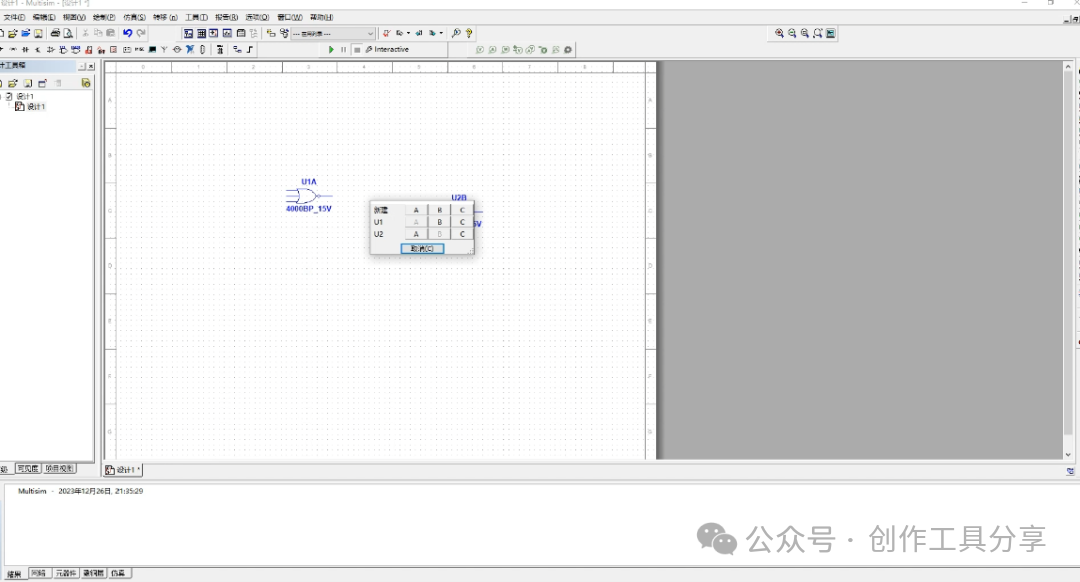
NI Multisim 14.3 is an electronic circuit simulation software developed by National Instruments, widely used in the fields of electronic engineering education and circuit design. The software provides an intuitive graphical interface and a rich library of components, allowing users to draw circuit diagrams, perform simulation analysis, and conduct virtual instrument testing. With Multisim 14.3, users can simulate the behavior of real circuits on their computers, enabling quick verification of circuit performance during the design phase, thus reducing the time and cost of actual construction and debugging. Its powerful simulation features include DC analysis, AC analysis, transient analysis, etc., making it an ideal tool for electronic engineers and students.
Operating System: Windows 7/8/10 (32-bit or 64-bit)Processor: 1.5 GHz or higher frequency processorMemory: 2 GB RAM (4 GB or higher recommended)
Software Acquisition: Follow the public account or send the number: 1 to automatically drop the software package address
Detailed Software Installation Steps:
1. After extracting, open the folder and click on the first file
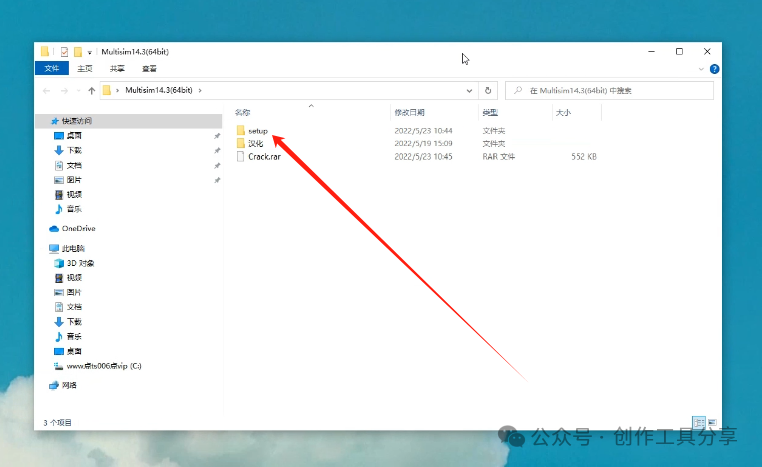
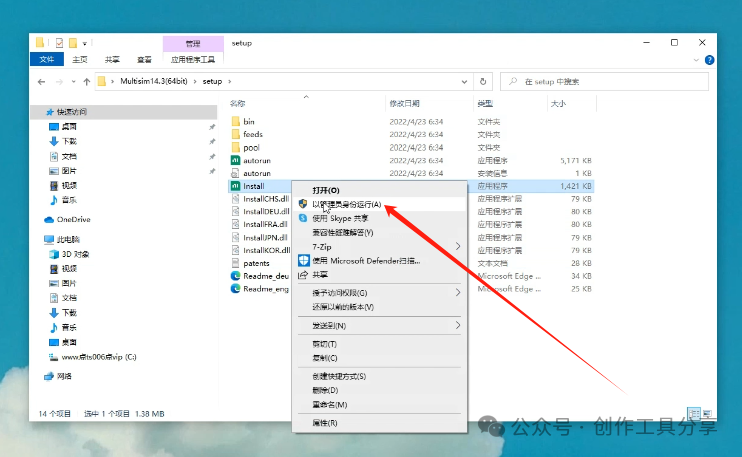
2. Right-click to run as administrator
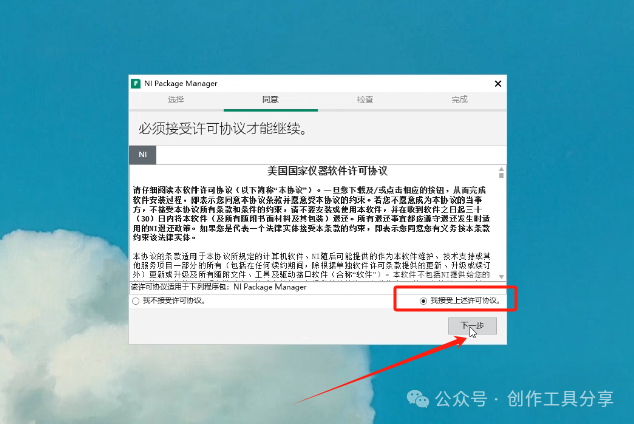
3. Check the agreement and click next
4. Click next
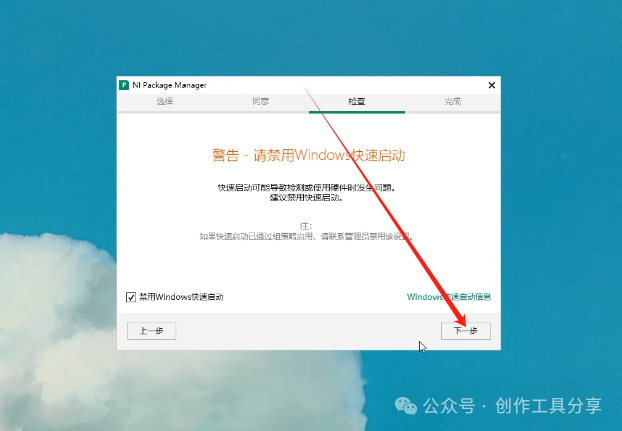
5. Click next
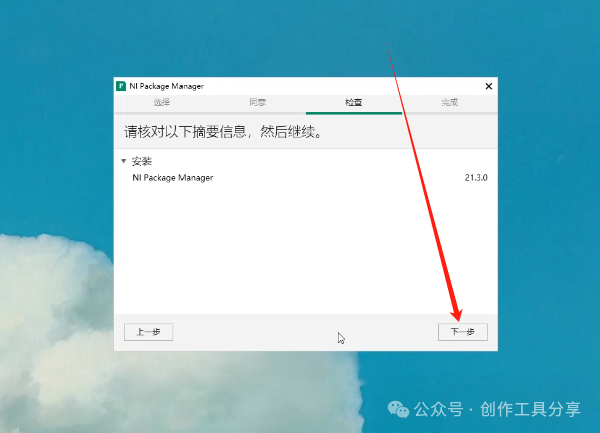
6. Keep default and click next, click no here
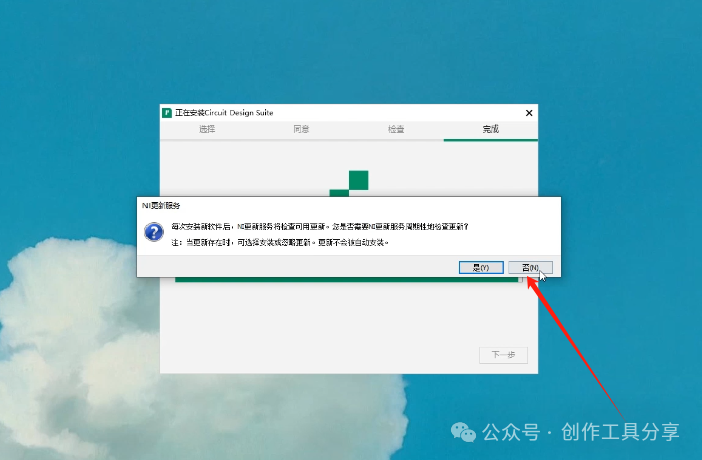
7. Click cancel
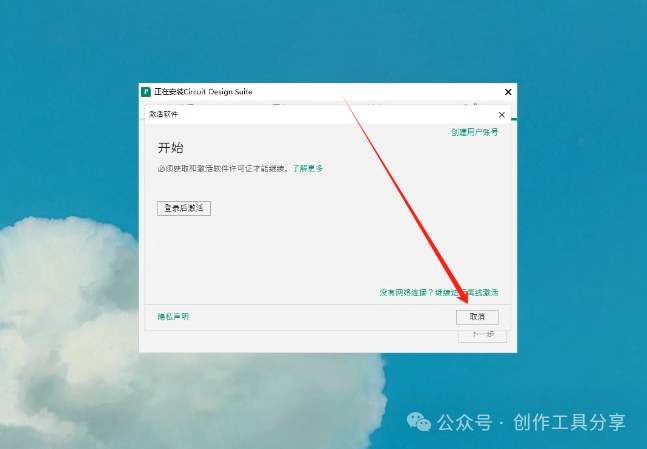
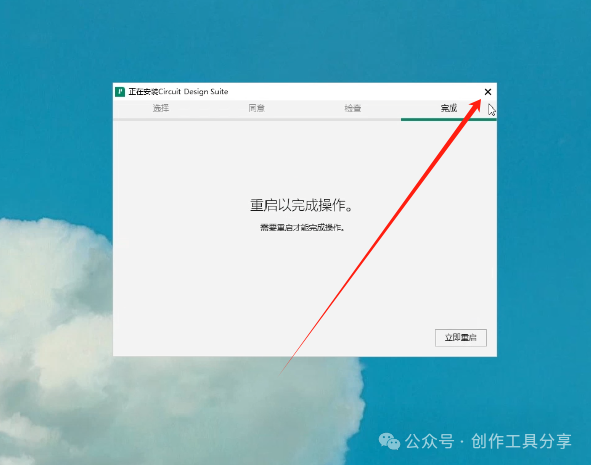
8. Close from the upper right corner
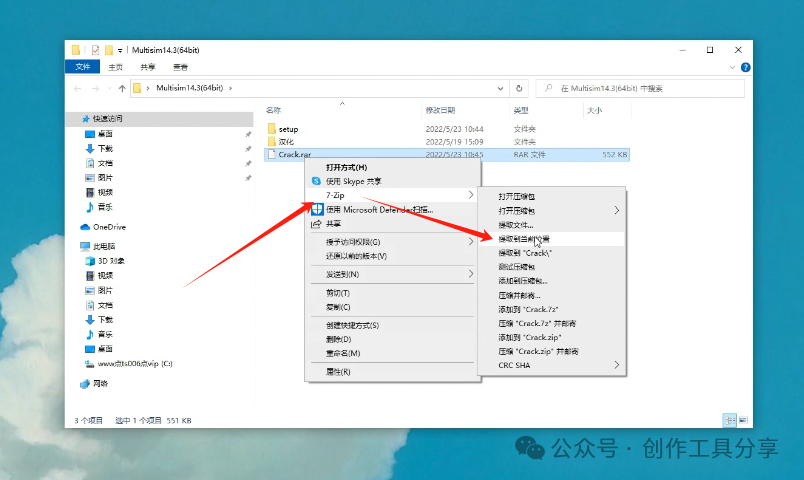
9. Extract this file
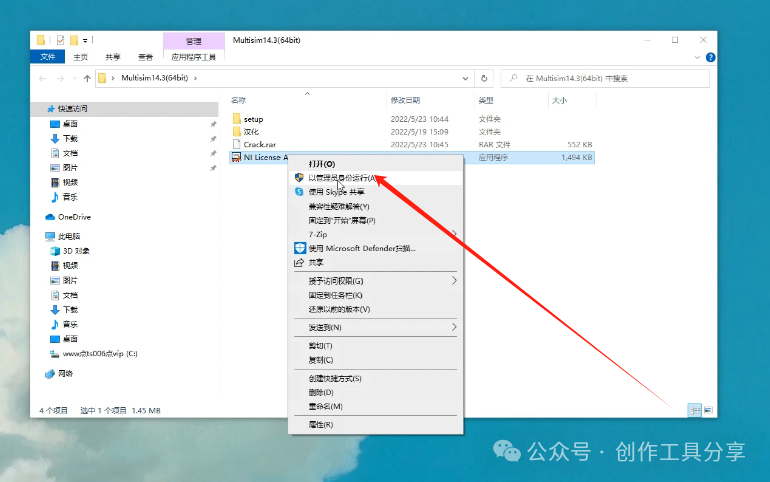
10. Run as administrator
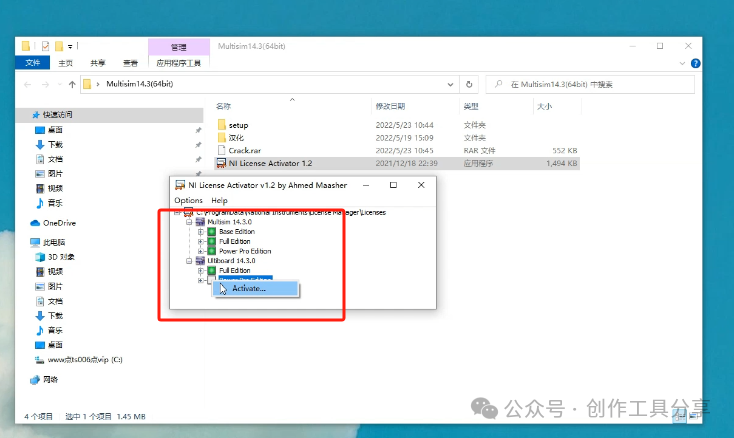
11. Right-click and check all options
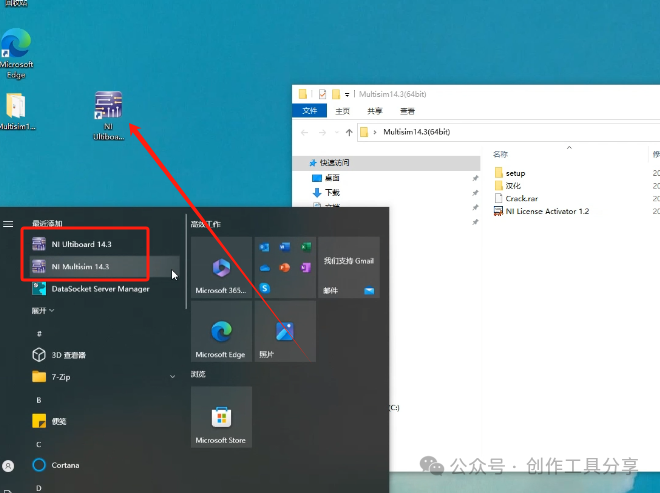
12. Drag these two from the start menu to the desktop
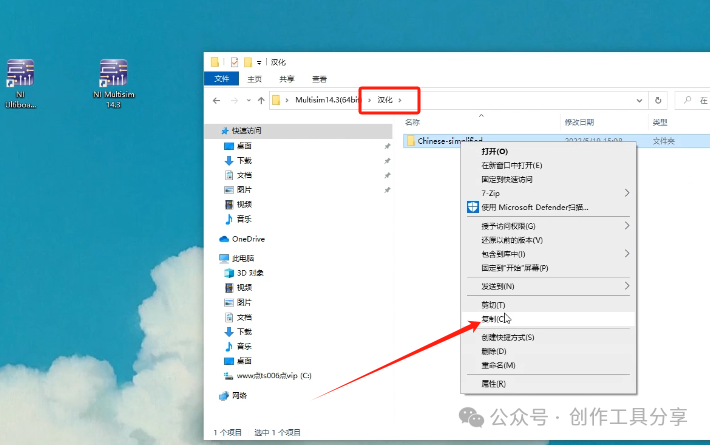
13. Then localize, copy this
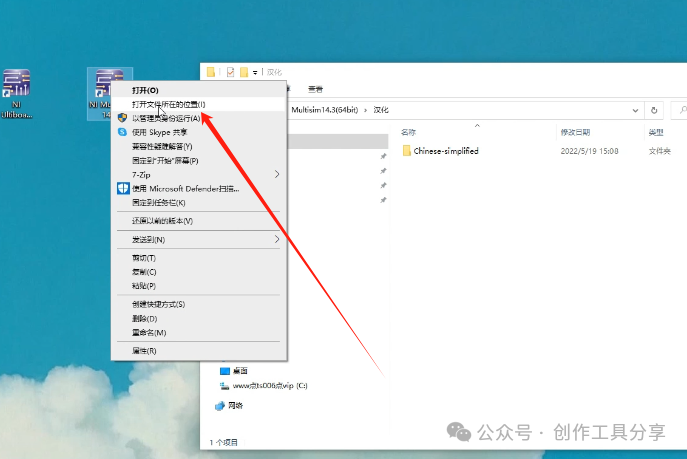
14. Open the file location
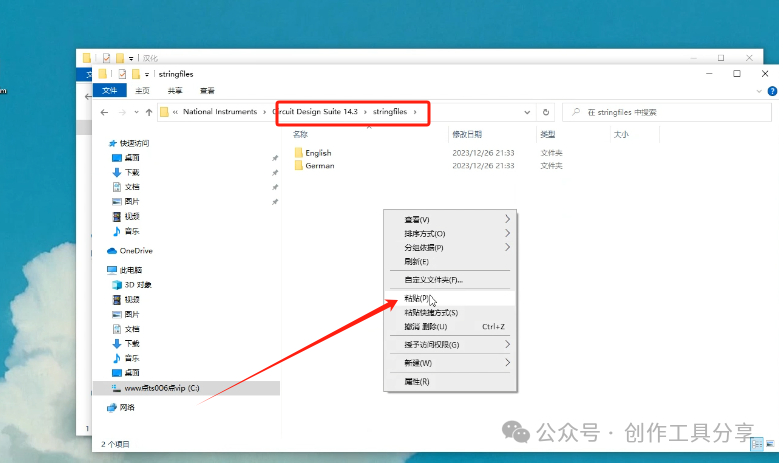
15. Find this folder and paste
16. Start immediately
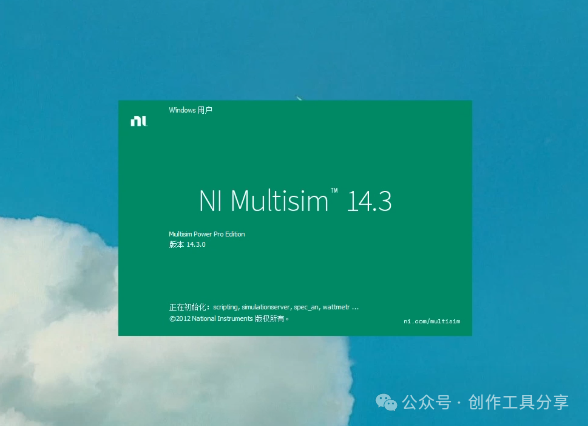
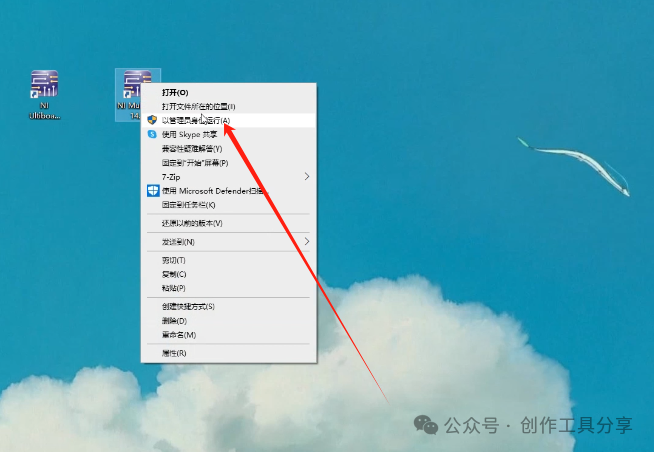
17. After opening, if there is no component library, do not double-click to open during runtime, right-click to run as administrator to access it
18. Installation successful