1. Add a network card to the virtual machine, bridging it to the physical network for external communication
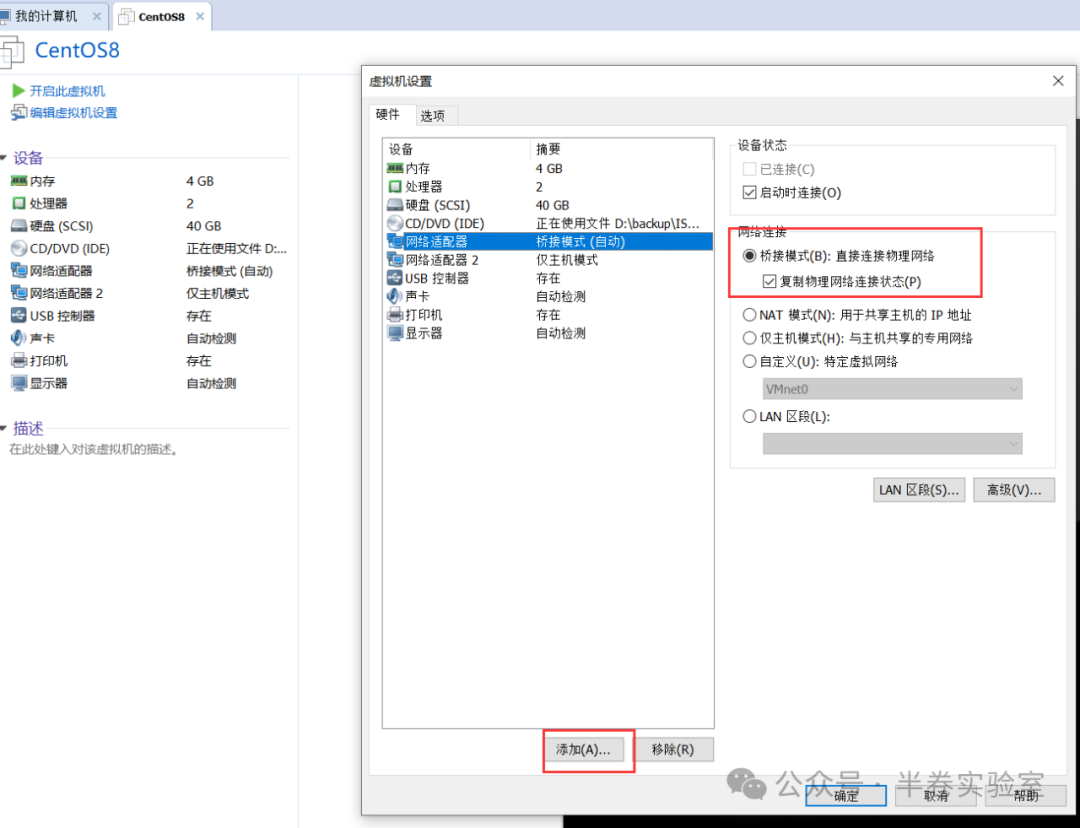
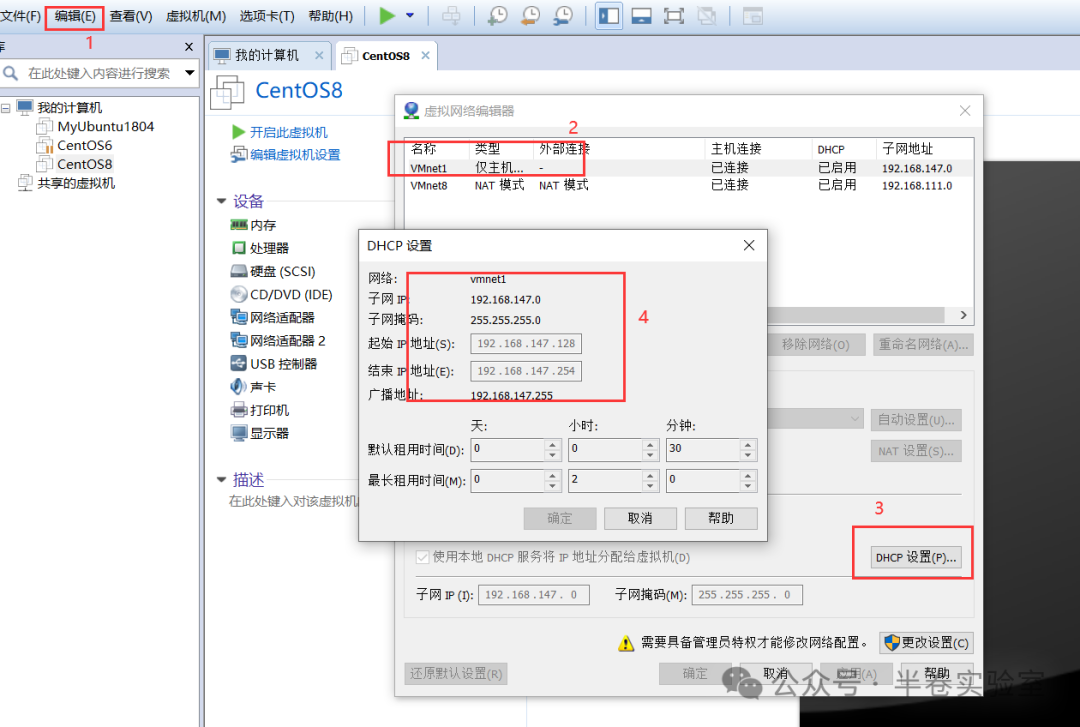
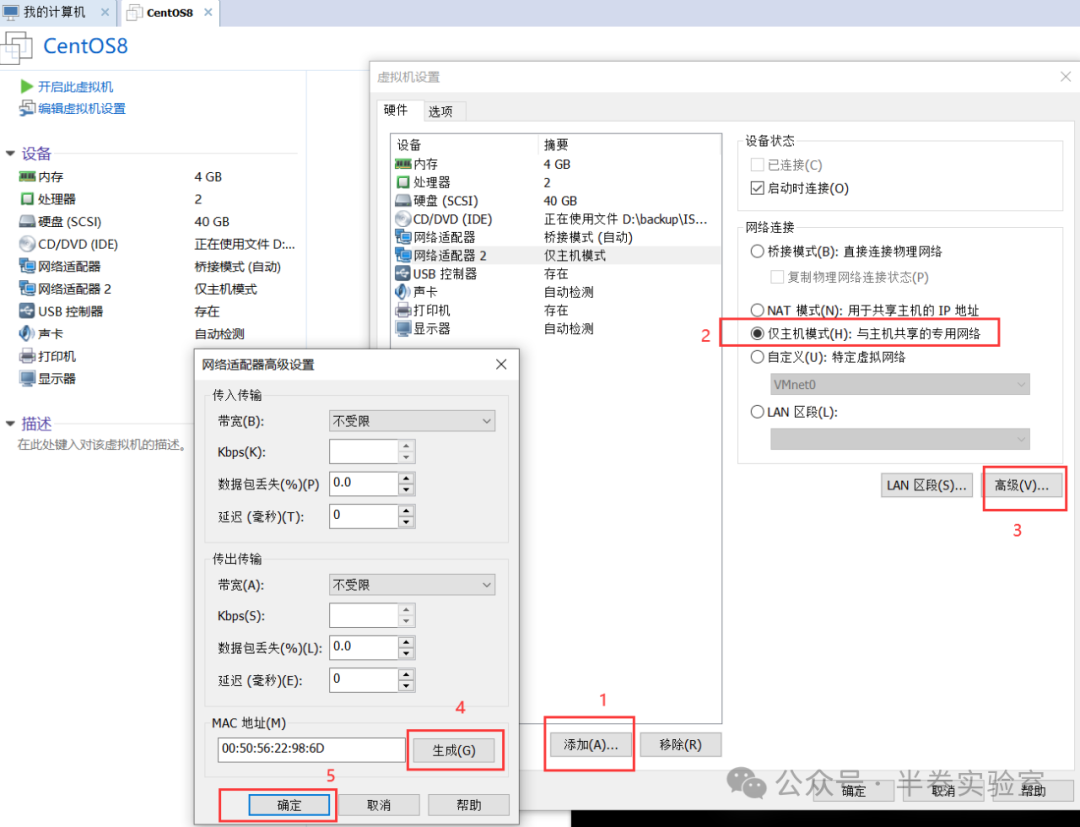
2. Add another network card for communication between the host and the virtual machine
3. Change the network card name to eth
cd /etc/sysconfig/network-sripts/
mv ifcfg-ens33 ifcfg-eth0
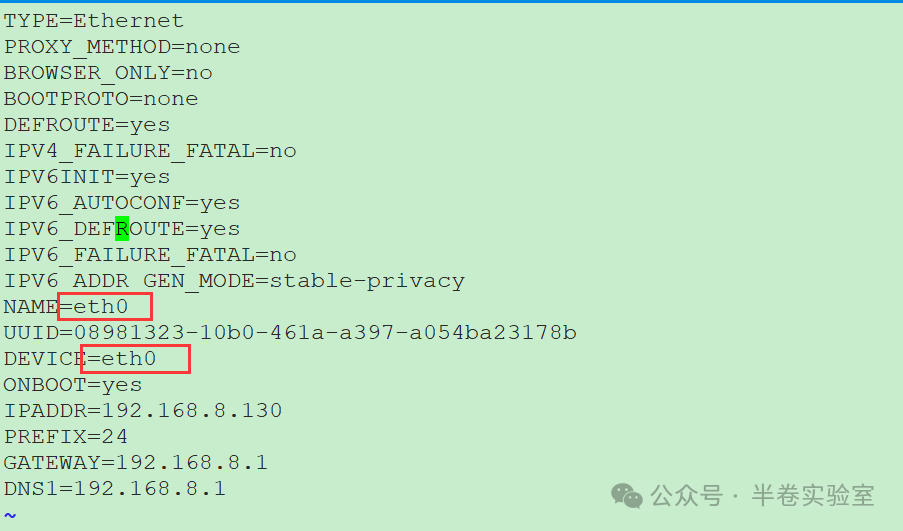
vim ifcfg-eth0, change both device and name to eth0, as shown in the figure

Modify the grub file
vim /etc/default/grub

Regenerate the grub configuration
grub2-mkconfig -o /boot/grub2/grub.cfg

reboot to take effect
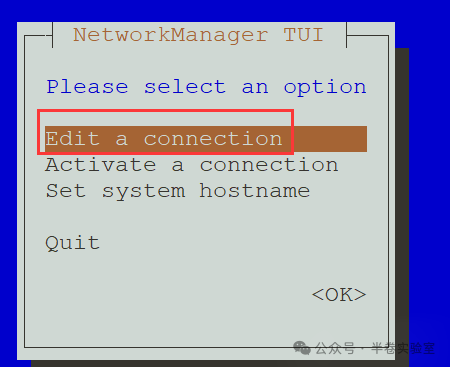
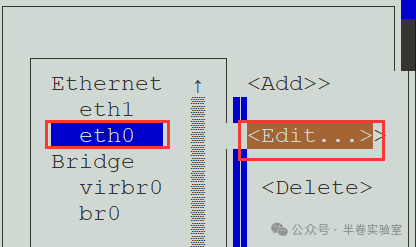
4. Configure static IPs for the two network cards
nmtui
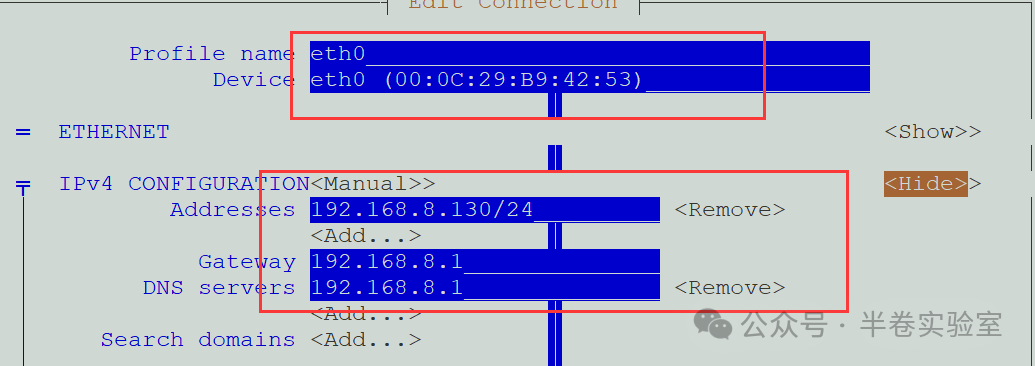
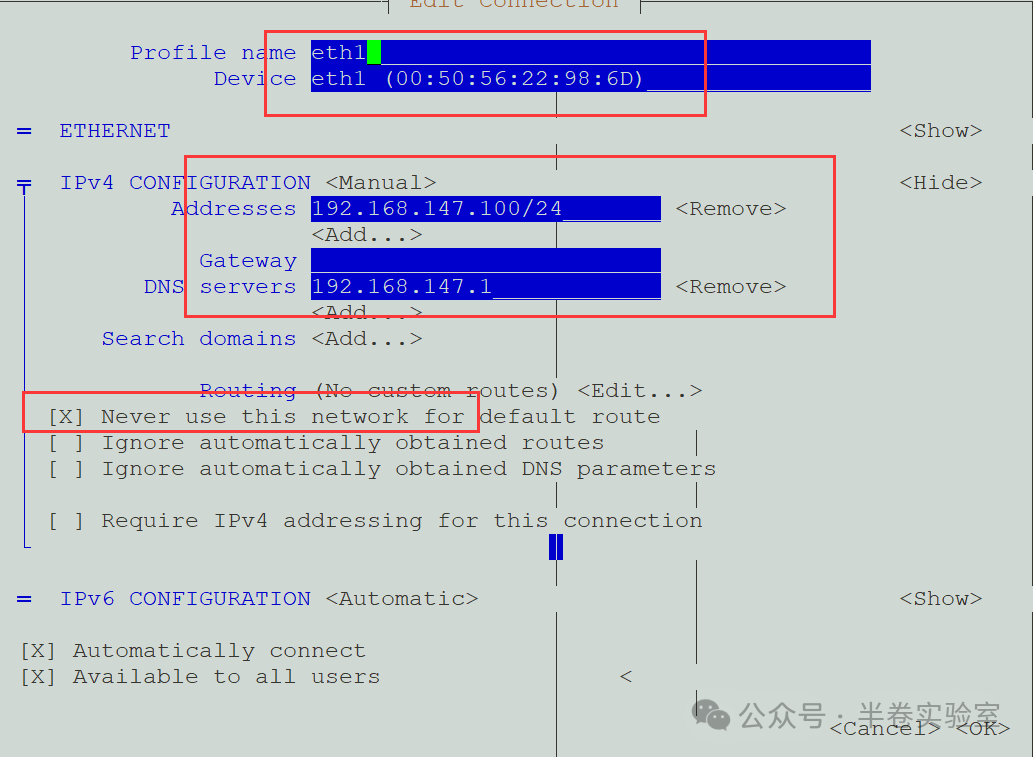
Configure for network card 2, which is in host-only mode and cannot access the internet, so do not enable the default route
5. Create a bridge
nmtui
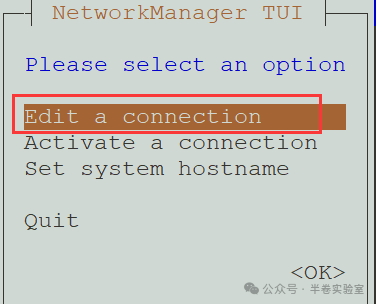
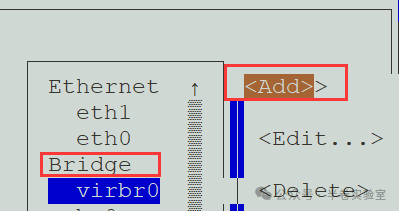
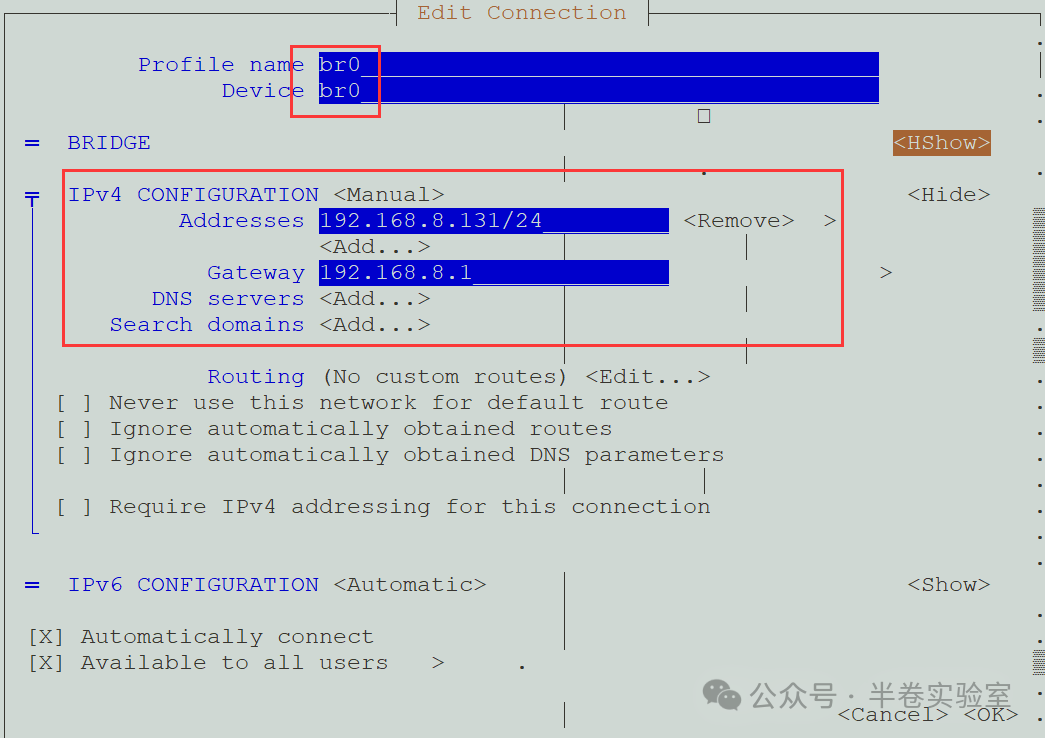
Activate
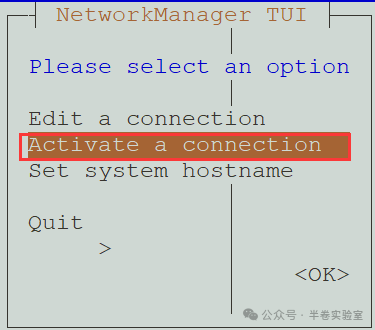
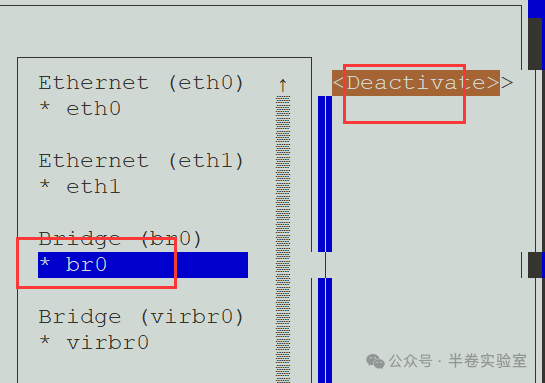
6. Connect eth0 to the bridge
Set eth0 to not connect on boot
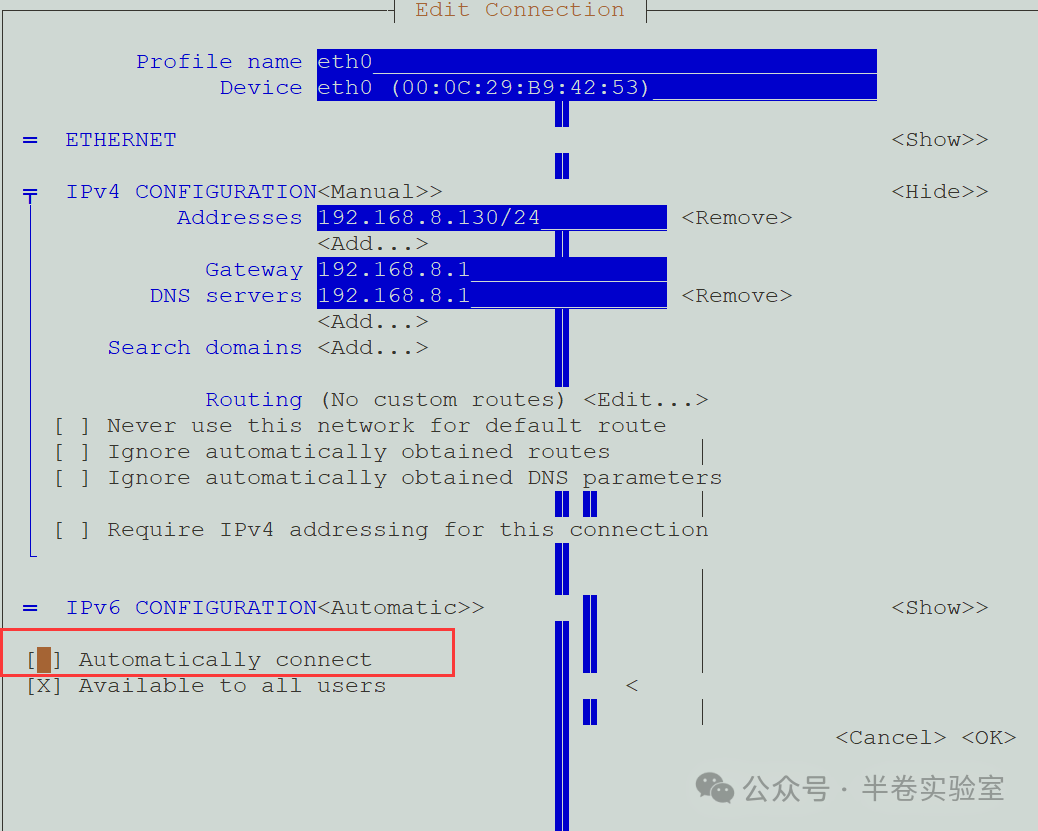
Do not activate this network card
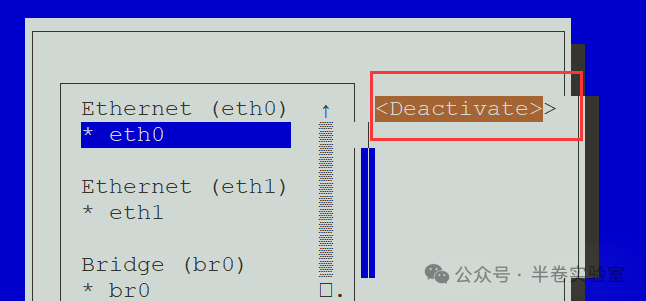
Add eth0 to the bridge
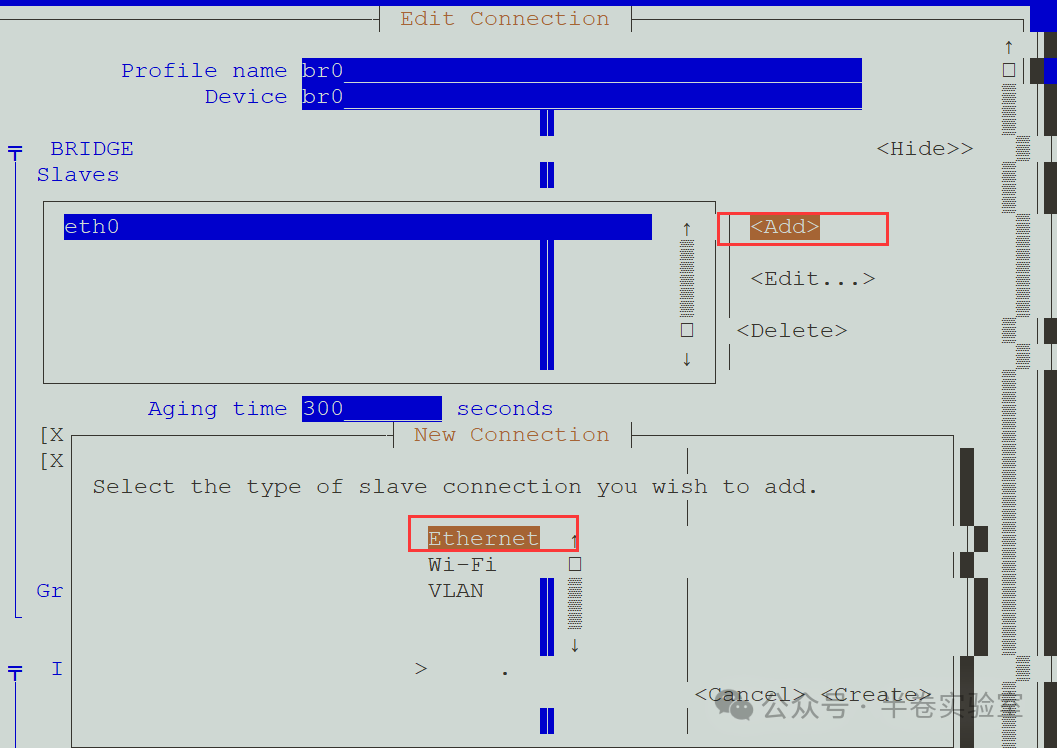
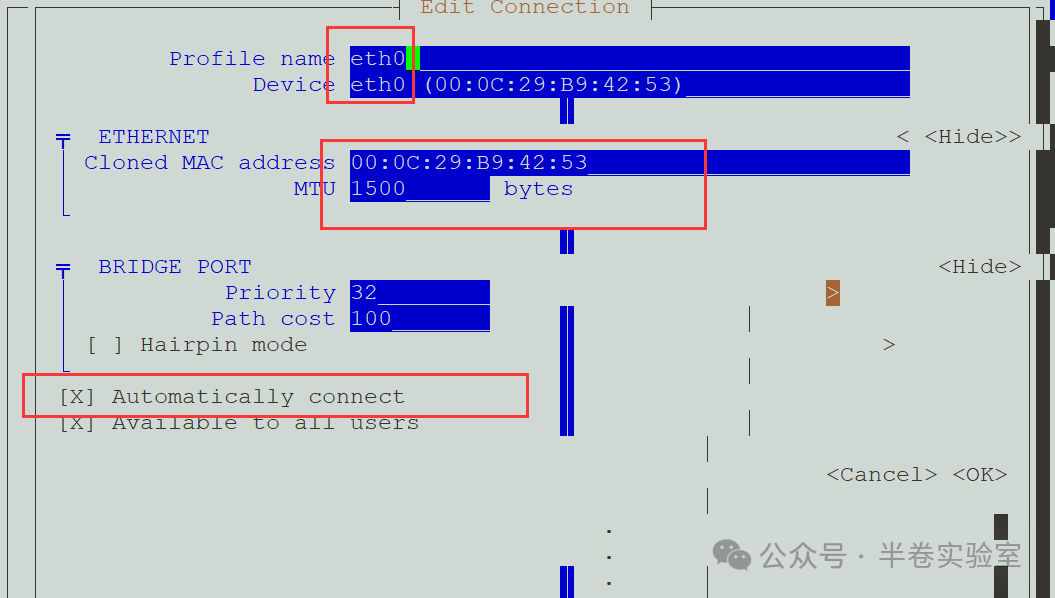
Activate br0
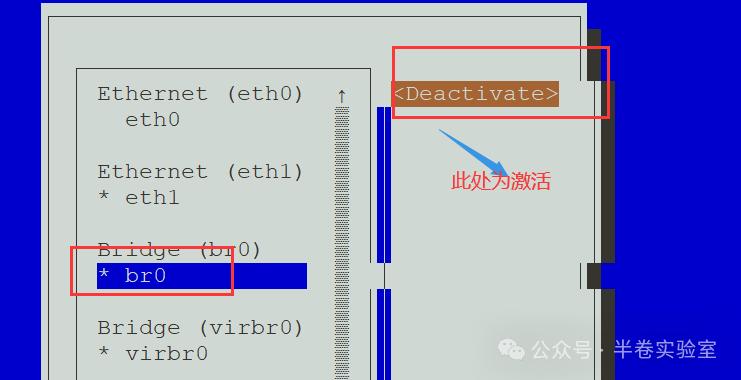
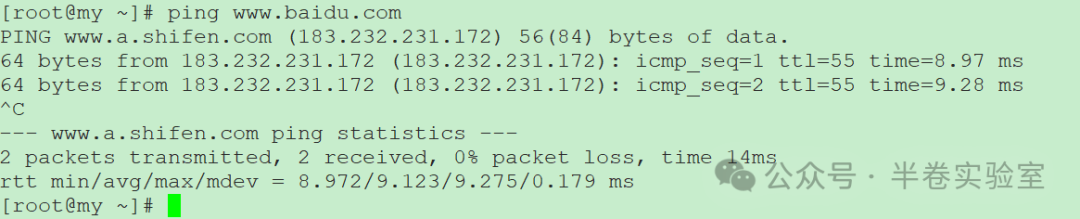
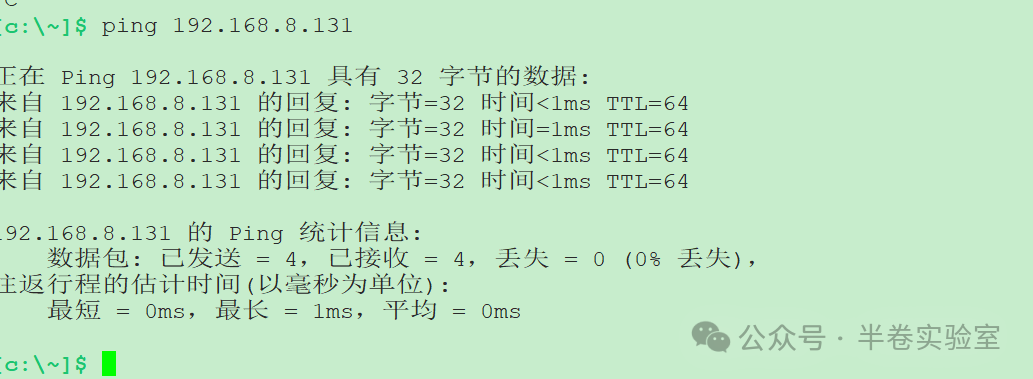
The effect is as follows:

7. Install the dockerd service
mkdir /home/DOCKER
yum install -y yum-utils device-mapper-persistent-data lvm2
yum-config-manager –add-repo http://mirrors.aliyun.com/docker-ce/linux/centos/docker-ce.repo
yum install docker-ce docker-ce-cli containerd.io
Change to Aliyun’s mirror repository address
vim /etc/docker/daemon.json

If there is a firewall, first disable it
firewall-cmd –state
systemctl stop firewalld
systemctl disable firewalld
Start the dockerd service