Background Summary
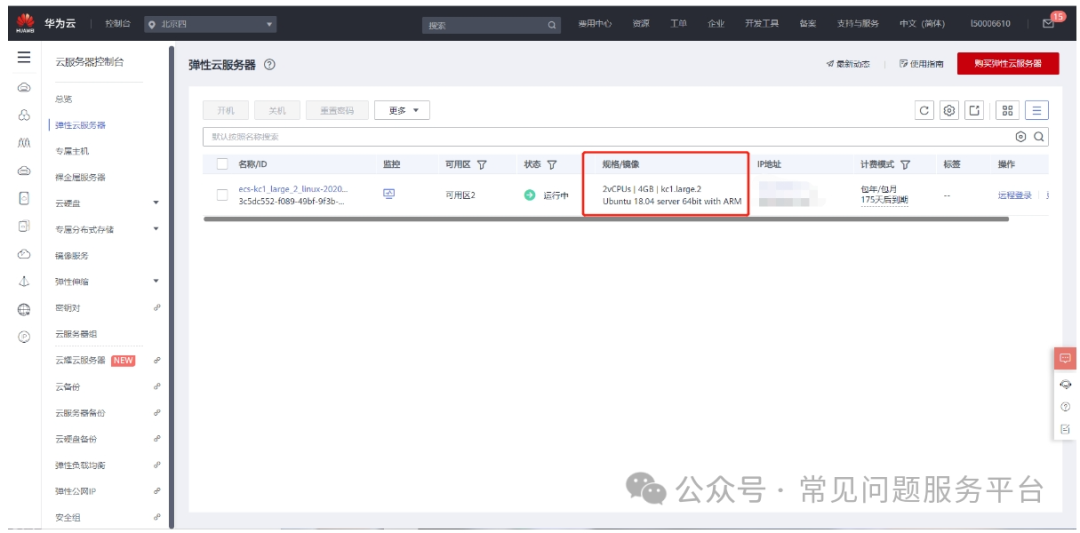
Operating System: Ubuntu. The goal is to allow my frp backend to start automatically without interfering with other tasks, especially since the server often undergoes maintenance and reboots.
Steps
1. Log into the server and enter sudo vim /lib/systemd/system/frps.service. This essentially creates a new file named frps.service in the /lib/systemd/system directory.
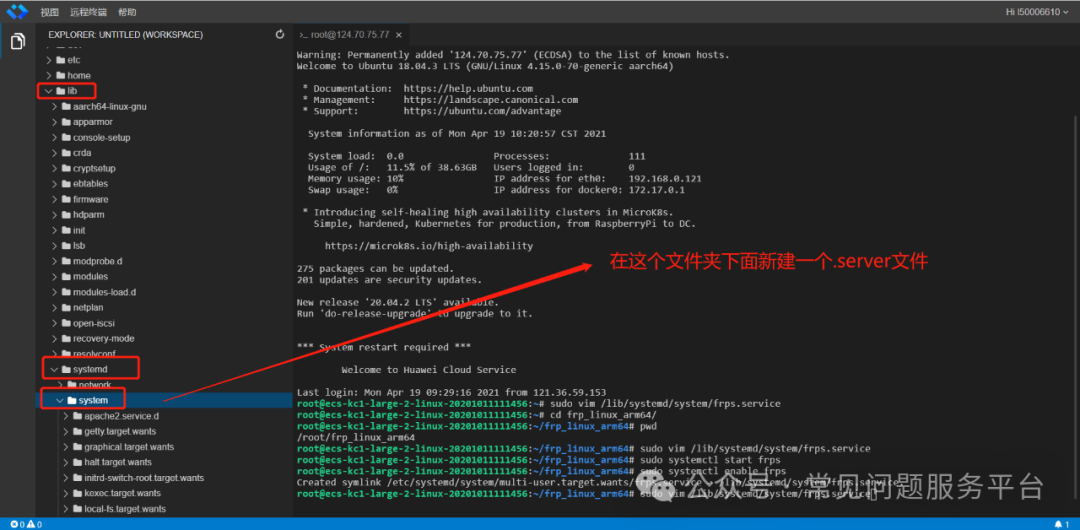
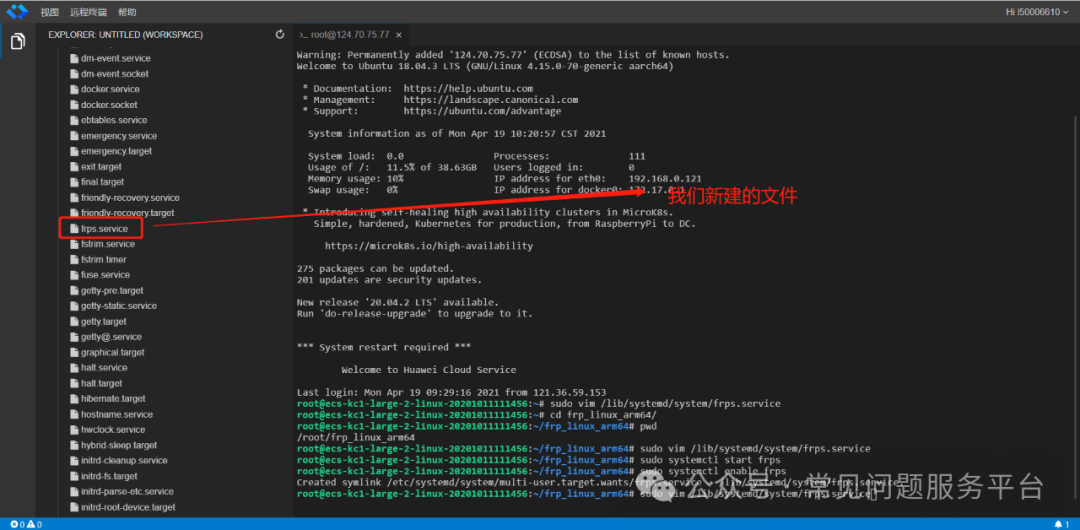
Write the following content in the file:
[Unit]
Description=frps daemon
[Service]
Type=simple
# Replace /root/frp_linux_arm64 with the actual installation directory of your frps
ExecStart=/root/frp_linux_arm64/frps -c /root/frp_linux_arm64/frps.ini
[Install]
WantedBy=multi-user.target
You can find your installation directory by navigating to the directory where you installed frps and entering pwd.
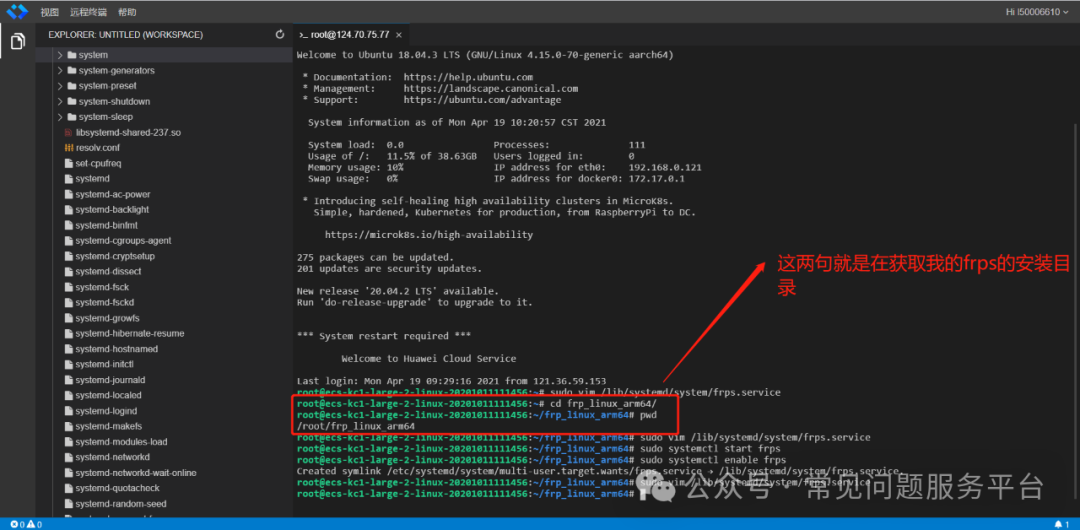
3. Then start frps with sudo systemctl start frps.
4. Enable it to start automatically with sudo systemctl enable frps.
Done!
5. Additional Commands
Restart the application: sudo systemctl restart frps
Stop the application: sudo systemctl stop frps
Check the logs: sudo systemctl status frps