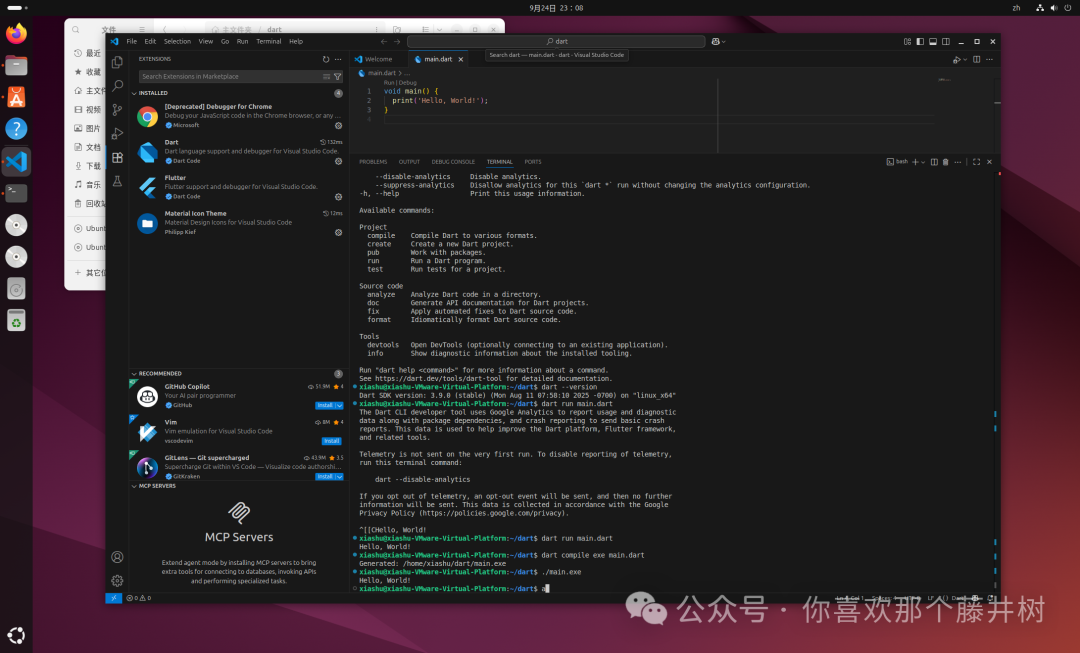
 Tonight, I will continue to try Dart on Ubuntu. I had forgotten the system password, but fortunately, after a few attempts, I was able to log back into the Linux system.In Ubuntu, I will try to compile Dart. After consulting some materials, I found that compiling Dart on Linux generates a Linux ELF executable file. This file will appear with an exe suffix. Isn’t that strange? It’s my first time seeing this, but it is not for Windows; the exe is just a naming convention.
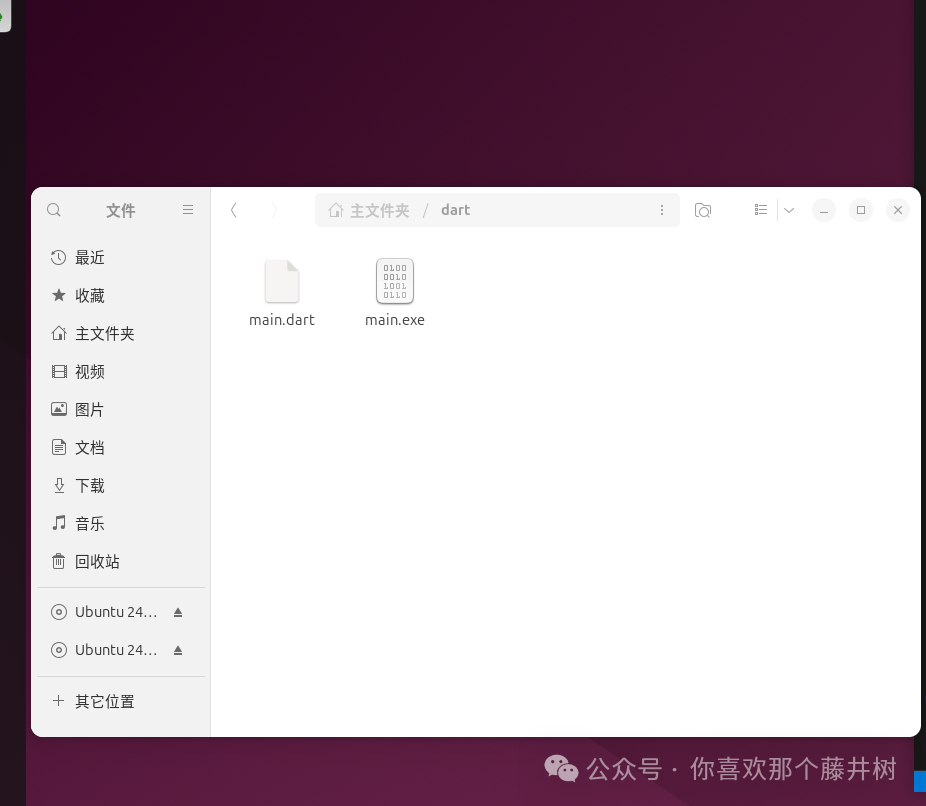 The test code for Dart is as follows.
void main() { print('Hello, World!');}The command line used for compilation is as follows:
dart compile exe main.dartAfter compilation, an exe file will appear. In the terminal, executing ./main.exe will produce the output result.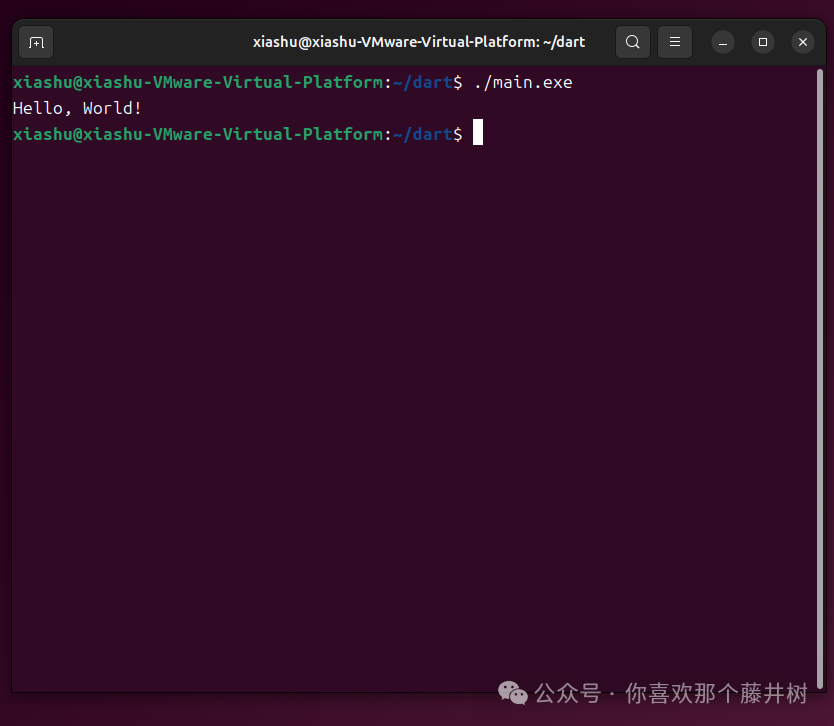 It is also very simple to use. It is quite similar to Rust and Go, which can package executable files for the corresponding platforms.Next, I will try to place the command in the /usr/local/bin directory, which can be used as a command line execution. I will compile and hide the exe naming. The command line is as follows.
dart compile exe main.dart -o hello # Compile hello executable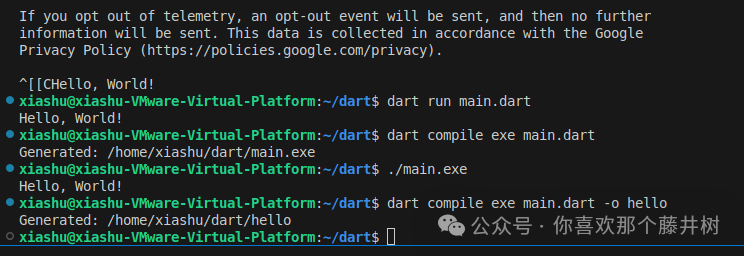 If you encounter permission issues when directly copying with ctrl+c/ctrl+v, you need to use administrator privileges to move it.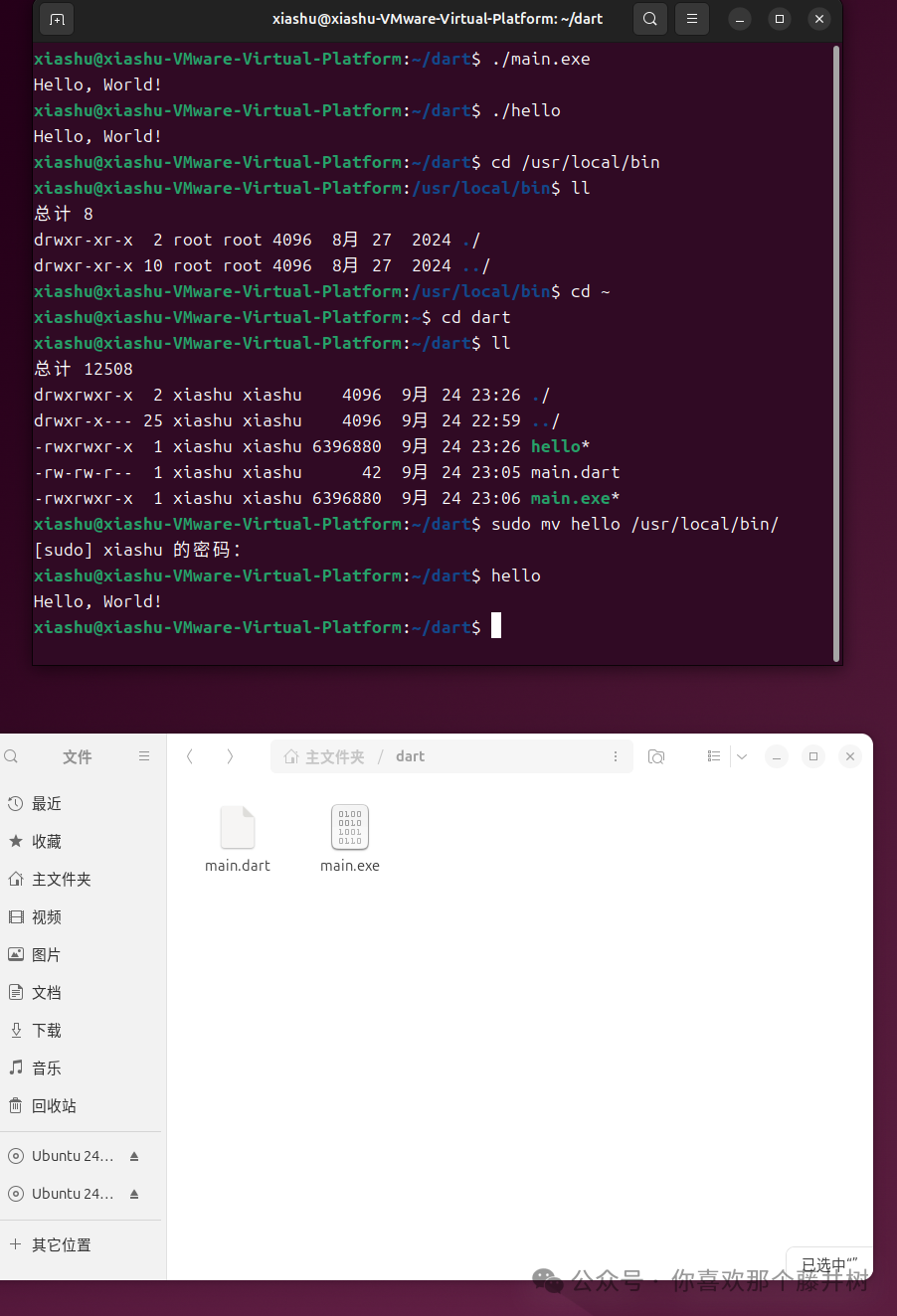
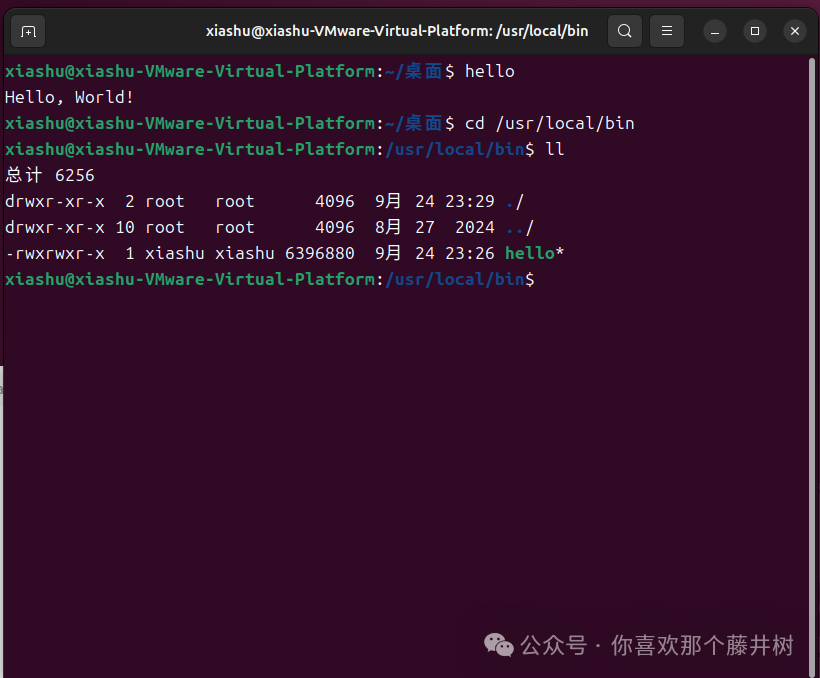
sudo mv hello /usr/local/bin/ # Move the file to the bin directoryAt this point, you can directly execute hello in the terminal to print the corresponding output.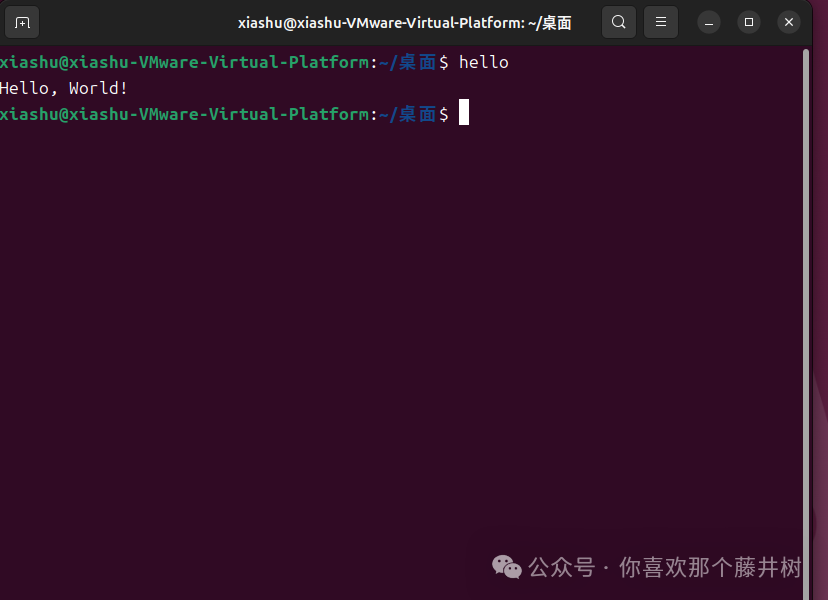 This is also similar to shell, where you can add corresponding commands for execution. By querying the corresponding directory /usr/local/bin, you can see the location of the command execution. You can also see the corresponding permissions.-rwxrwxr-x
  Summary:The above is tonight’s small experiment. Currently, AI is very convenient and can output the desired results according to one’s intentions, such as writing a CLI or scheduling corresponding service executions. However, it is also necessary to practice. At least after hands-on experience, you will encounter some situations that differ from AI descriptions or discover some issues, such as permissions, etc.Alright, that’s it for tonight’s small experiment. See you next time.