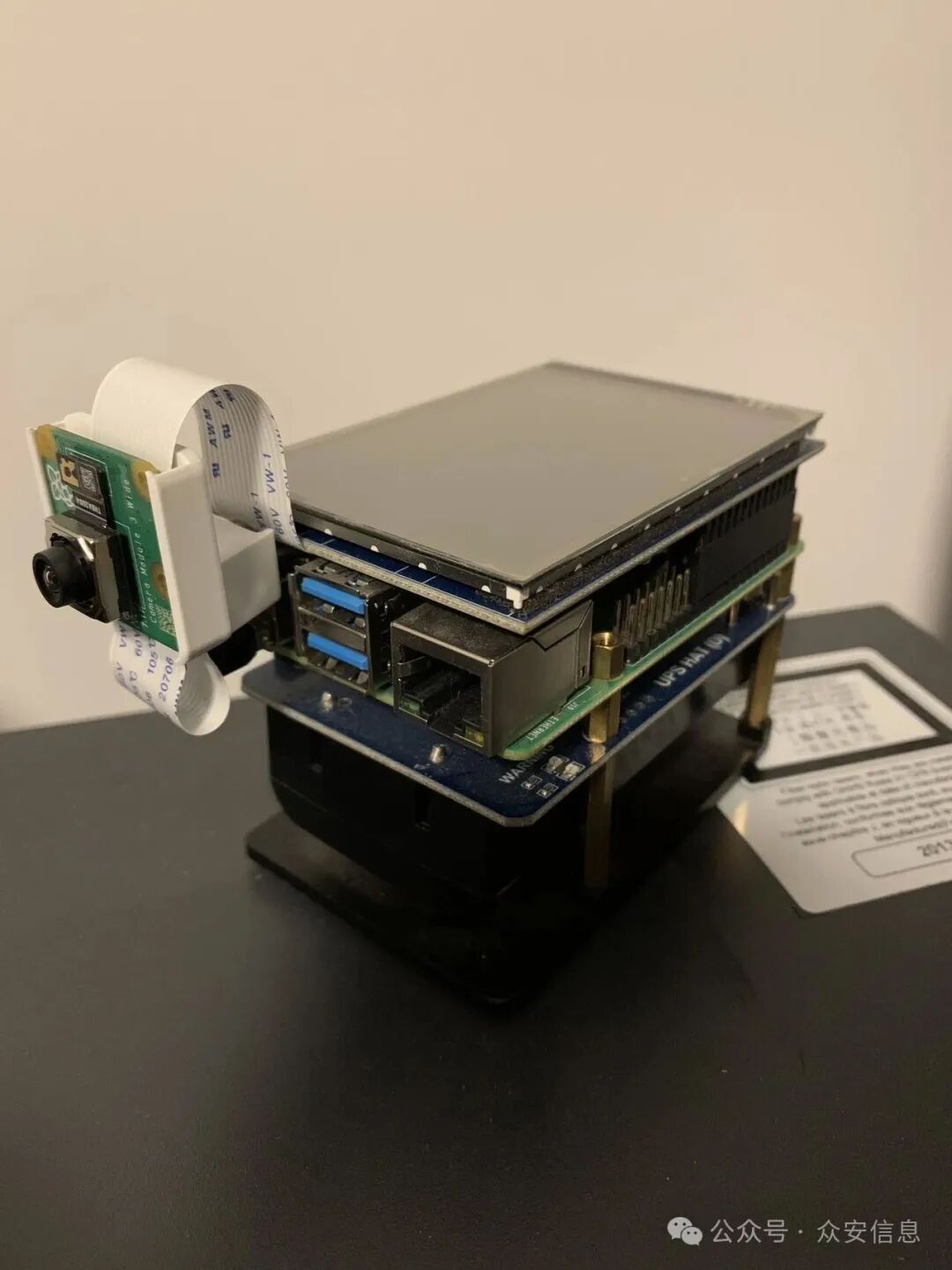
 Test Environment:1. Raspberry Pi 4B 8GB version2. Operating System:Raspberry Pi OS 64-bit Lite (Debian Bookworm)Steps:1. Update the system: sudo apt update -y && sudo apt upgrade -y2. Install required packages and import key to set permissions
sudo apt install ca-certificates curl
sudo install -m 0755 -d /etc/apt/keyrings
sudo curl -fsSL https://download.docker.com/linux/debian/gpg -o /etc/apt/keyrings/docker.asc
sudo chmod a+r /etc/apt/keyrings/docker.asc
3. Set up Docker’s source
sudo tee /etc/apt/sources.list.d/docker.sources <<EOF
Types: deb
URIs: https://download.docker.com/linux/debian
Suites: $(. /etc/os-release && echo “$VERSION_CODENAME”)
Components: stable
Signed-By: /etc/apt/keyrings/docker.asc
EOF
4. Install Docker
sudo apt update -y
sudo apt list –all-versions docker-ce
sudo apt install docker-ce docker-ce-cli containerd.io docker-buildx-plugin docker-compose-plugin
sudo systemctl status docker
5. Post-installation steps for Docker Engine on Linux
Manage Docker as a non-root user: The Docker daemon binds to a Unix socket instead of a TCP port. By default, the Unix socket is owned by the user, and other users can only access the Docker daemon by running it as the user.
Create the Docker user group: sudo groupadd docker
Add the current user to the Docker group: sudo usermod -aG docker $USER
Log out and back in, or you can activate the group changes immediately: newgrp docker
Verify: docker run hello-world
Run the Docker daemon as a non-root user (rootless mode): Rootless mode allows you to run the Docker daemon and containers as a non-root user to mitigate potential vulnerabilities during daemon and container runtime. Rootless mode does not require root privileges even when installing the Docker daemon, as long as prerequisites are met. Rootless mode executes the Docker daemon and containers within the user namespace. This is similar to userns-remap mode, but in that mode, the daemon itself runs with root privileges, while in rootless mode, neither the daemon nor the containers have root privileges. Rootless mode does not use binaries with capabilities or file capabilities, except for those that are necessary to allow multiple UID/GID to be used within the user namespace.
Disable the system-wide Docker daemon:
sudo systemctl disable –now docker.service docker.socket
sudo rm /var/run/docker.sock
Run as a non-root user to set up the daemon:
dockerd-rootless-setuptool.sh install
Add environment variables for the current user:
echo “export PATH=/usr/bin:$PATH” >> .bashrc
echo “export DOCKER_HOST=unix:///run/user/1000/docker.sock” >> .bashrc
sudo reboot
Test: docker info
Client: Docker Engine – Community
Version: 29.0.2
Context: default
Debug Mode: false
Plugins:
buildx: Docker Buildx (Docker Inc.)
Version: v0.30.0
Path: /usr/libexec/docker/cli-plugins/docker-buildx
compose: Docker Compose (Docker Inc.)
Version: v2.40.3
Path: /usr/libexec/docker/cli-plugins/docker-compose
……