
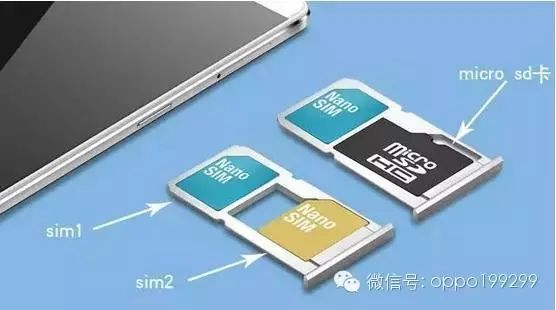
With the increasing demand for mobile communication, OPPO has continuously launched dual SIM dual standby smartphones based on user needs. However, many phones that support dual networks and dual standby also support external expansion cards. The problem is that in order to save space, phones generally integrate SD card and SIM card 2 together, allowing either SIM card 2 or the SD card to be installed, but not both. This article focuses on solving the coexistence issue of SIM card 2 and the SD card, truly achieving perfect coexistence of three cards.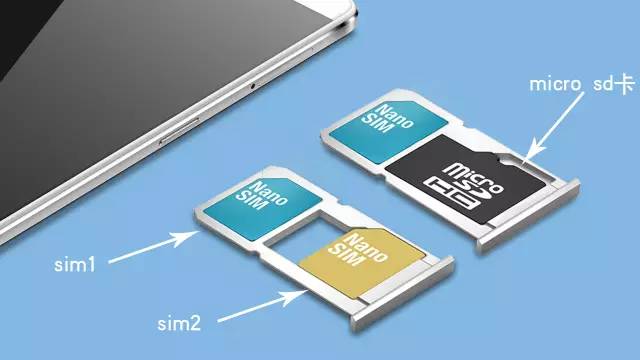 Note: Modification carries risks, proceed with caution!1 Principle Analysis
From the diagram, we can see that this dual SIM dual standby device has three slots labeled “Nano SIM 1”, “Nano SIM 2”, and “micro SD”. Under normal usage, the following relationships hold:
Method A = Nano SIM 1 + Empty
Method B = Nano SIM 2 + Empty
Method C = Nano SIM 1 + Nano SIM 2
Method D = Nano SIM 1 + micro SD
Today, our goal is to achieve: Method E = Nano SIM 1 + Nano SIM 2 + micro SD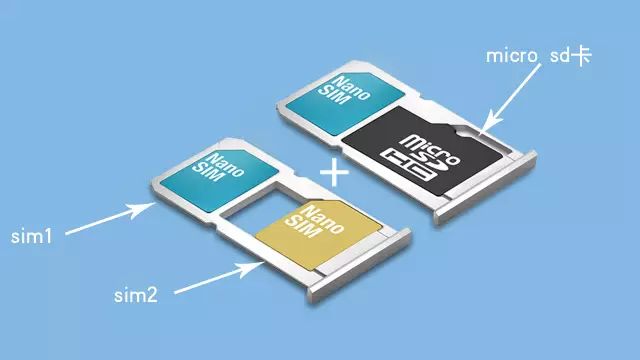 2 Modification Process
Materials Needed: Dual SIM dual standby phone (meeting the basic requirements for three cards), double-sided tape, glue, tweezers, file, SD card.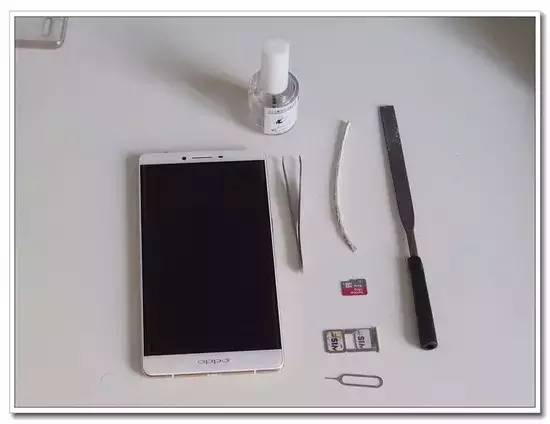 Goal: To integrate SIM card 2 and the SD card.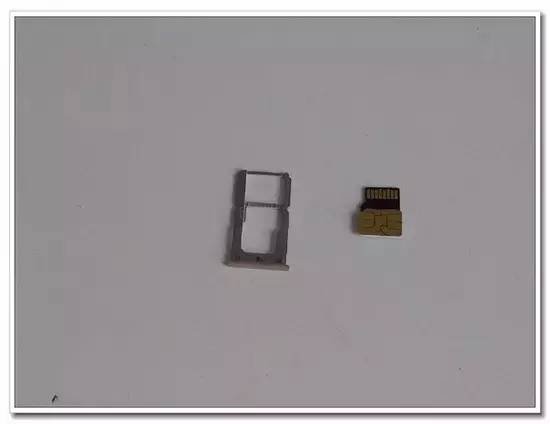
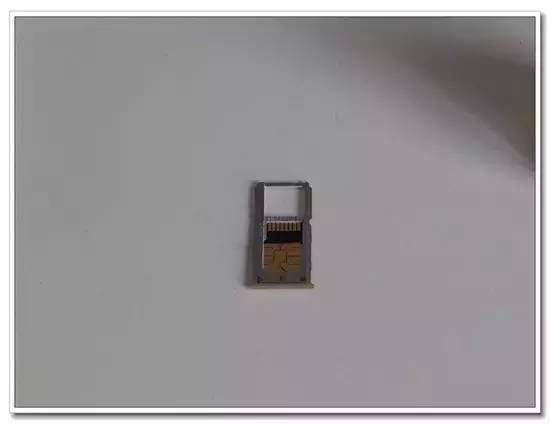 Step 1: Thinning the SD Card
Carefully file both sides of the SD card, ensuring to file just enough to expose the chip; do not over-file as it may damage the SD card.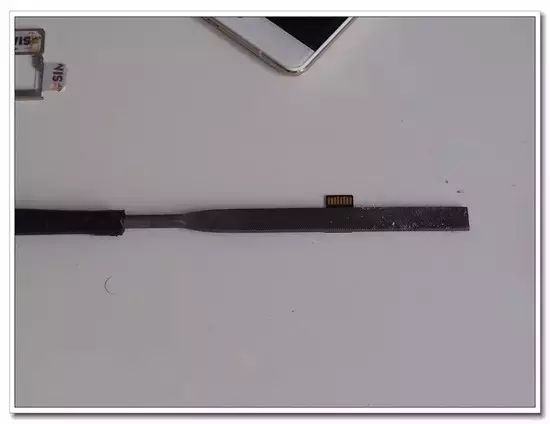
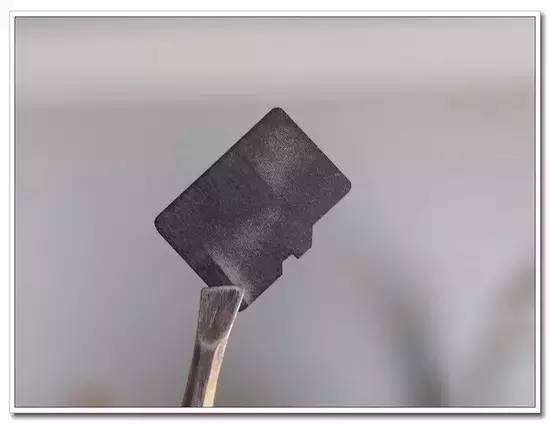
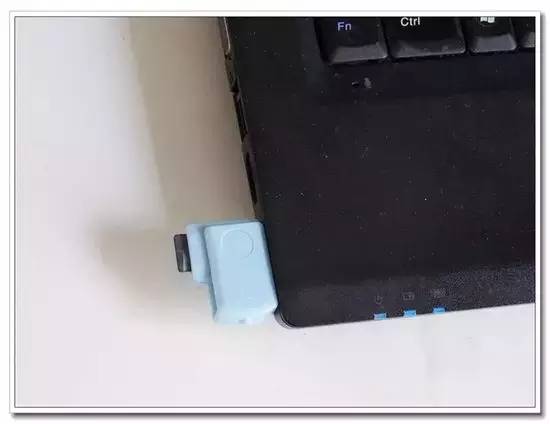
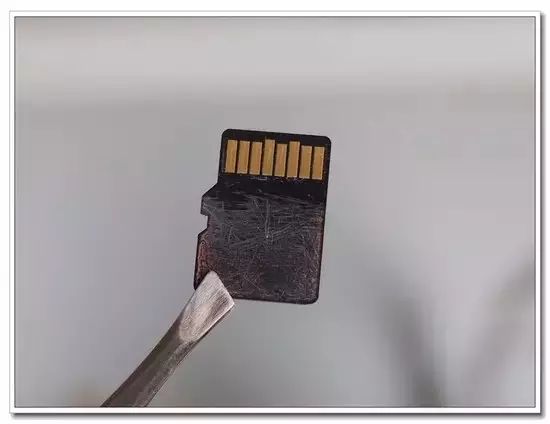 Note: After filing, be sure to connect the SD card to a computer to test if it works properly; otherwise, the subsequent work will be in vain.
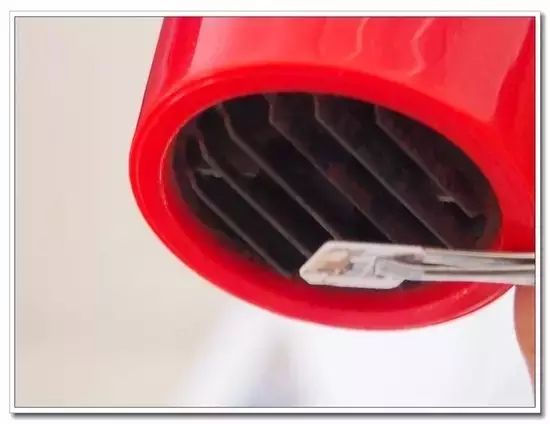
 Disassembling SIM card 2: First, use a hairdryer to blow on SIM card 2 for at least one minute, as the SIM chip is glued to the plastic base. We only need to soften the glue. After heating, gently cut along the edge of the SIM card with a craft knife, being careful not to apply too much force or cut too deep, as this could damage the SIM card, which would require a replacement at the service center.
 Once cut, separate the chip from the plastic base; at this point, the SIM card is quite thin but also very fragile. Apply double-sided tape around the SIM card chip, being careful not to stick anything on the chip itself. Tip: If you can avoid using glue, do so; otherwise, it will be hard to separate later. Double-sided tape is sufficient, and you can separate it later if needed. First, place the SIM card with double-sided tape into slot 2, then insert the SD card, and finally place SIM 1 into the main slot. At this point, all three cards are installed. Let’s test it in the phone!3 Testing
After powering on, we enter the file manager and can see the SD option appearing, and both SIM cards show strong signals at the top bar of the phone. Thus, the modification is perfectly finished. If you lack strong hands-on skills, please proceed with caution; we are not responsible for any damage to the cards or phone!~ For OPPO users who feel their phone memory is insufficient, don’t forget that OPPO phones also have a cloud service feature!